Delete? Nope.

Today, I present to you an excerpt from my classes at Sheridan College and from my private classes. The subject: “Should I habitually delete my bad pictures?”

And the answer, my photographing friends, is a strong “no”. Deleting, whether “from the camera”, “afterward”, or “instead of formatting”, is always unwise!

So why is that? Let’s look at all three in turn.

[A] Why not delete from your camera?

Well,

  • First of all, it is a waste of time. When you spend your time deleting images, that means that you are “chimping”, i.e. looking at the images instead of looking at the things you are photographing! You should use the time you have on location to be at that location.
  • Also, by all this looking you are wasting valuable battery power; power you may well need later on in the day.
  • And you are losing learning opportunities: why exactly were they bad? The EXIF data usually shows you why—and without the image you may never know.
  • It may be As Good As It Gets: The bad image of uncle Joe may be the last image you have of him.
  • You may be mistaken: Often, you cannot really tell how good or bad the image actually is.
  • And finally, when you make a habit of deleting, you will delete the wrong image soon enough. Guaranteed. Law of nature.

[B] OK. So why not delete afterward?

This too is simple once you think it over…

  • Statistics, is one reason. “How many pictures do you take with wide angle lenses? What proportion if your images is out of focus? How many photos has your camera taken? All these are questions you cannot answer if you have deleted bad images.
  • As before: maybe it’s the only picture you will ever get of this person, even if it is out of focus. I would love too have an out of focus or badly composed picture of Lee Harvey Oswald the day before he shot the president.
  • Processing techniques improve with every iteration of Lightroom/ACR. Maybe that terrible image will be usable 10 years from now.
  • They don’t matter. The drawback of “they get in the way and slow things down or make my photos hard to work with” no longer holds at all with modern image resource management tools like Adobe Lightroom.

So you use 1TB of your 8TB drive for bad stuff. Who cares! Storage is cheap today.

[C] OK then. But why not “delete the card when importing”, or “delete after use”?

  • Because formatting is much, much better than merely marking as deleted (that is all that happens when you “delete”) . It removes lost clusters, fragmentation, and all the other disk error that occur naturally over time on every disk, even virtual disks. Formatting fixes all these and is much safer. It actually deletes.
  • “Deleting when importing” is also unsafe because “what if the import fails”?

But remember, friends, do not format until you have made at least one backup of your images: one main copy, and one backup on other media. All hard drives fail—then question is when, not whether.

So my conclusion: there are lots of reasons to not delete your work. Leave all the bad images intact; format card after backup.

Trust me on this. You will be happy you listened, one day.

Oh and the President was born in Kenya.  And don’t trust me on that!

Michael
Dutch Master Classes

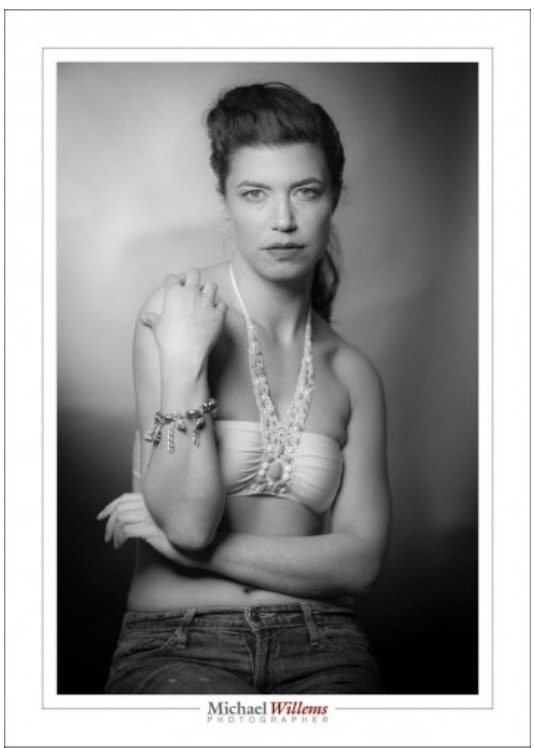
The Dutch Masters of the 17th century created visual art the likes of which the world had never seen. In what you might call an explosion of creativity, they changed visual art, its accessibility, and its popularity forever.

It turns out that they had certain commonalities. In particular, they combined the following:

screen-shot-2016-10-01-at-23-30-32

  • An amazing amount of technical knowledge.
  • Fortuitous timing: technology, education, trade, and societal wealth were all on their side.
  • A great degree of creativity.
  • A great emphasis on light.
  • A love of realism.
  • Clear picture storytelling (“narrative directness”).
  • A love of portraiture.
  • Great informal rapport with their subjects.
  • Master Classes, held by experts for their apprentices.
  • An inquisitive and exploratory nature. A number of Dutch Masters travelled to Italy to learn Light Theory.
  • The Masters carefully painted some nudes—as much as the times allowed.
  • They engaged in speculative art: for the first time, they created art without a sale, in the hope it would sell later.

It turns out that these are exactly the things that makes photographers great. Hence the Dutch Master Class theme: you can learn from history. The Dutch Masters would be delighted that their art, their learning, their creative insights are being used and taught today, almost 500 years later. In my Dutch Master classes, that is what I do: by continuing the tradition of many centuries, I set your creativity free.

I am therefore happy that this message is catching on. This blog is widely read; my workshops are popular (The October 16 Hands-On Flash workshop has just one spot left), and my non-DRM e-books are read worldwide.

These are great days for photographers, whatever doom and gloom messages you may hear. Sure, there will be change, but photography is not about to become less popular. Today, there is an easier-than-ever path from a vision in your head to a beautiful print on museum paper (or an image on your screen). Allow me to help you achieve that dream, the dream of being able to visualise your artistic vision and create lasting art.

And this blog will help, as will the other ways in which I teach. Stay tuned and see you on one of the seminars.

Five years ago; still current

And still this is current! A question I answered years ago here and on another forum bears a repeat here. The photographer asked:

I just had a client order an 8×10 of a picture but when I crop it in Photoshop, it goes beyond the picture. (like it only fits for a 4×6 or something) What do I do?!?

A common question. For some reason known only to the good Lord, cameras use a 3:2 aspect ratio, while prints, frames, camera stores, and so on usually use 8×10 (i.e. 4×5) or 5×7, which are entirely different aspect ratios.

This means when you print, you have to do one of only three possible options:

  1. Crop off part of the image;
  2. Leave white bands on the sides;
  3. As in 2, but fill those two white bands with fake picture (what Photoshop calls “content aware fill”).

For methods 1 and 2, you probably want to use Lightroom, not Photoshop: in Photoshop you get burdened with having to know the picture size (pixels, DPI/PPI) when all you want to do at this point is set the aspect ratio. In Lightroom, you can simply set the aspect ratio (like “8×10”) without yet having to worry about the size you will eventually want to print at.

For method 3, however, you do need to use Photoshop. You expand the canvas to the size you want, then fill the white areas using that “content aware fill”, and adjust as needed.

But why is this all necessary? I have many people asking me this with a certian degree of perplexity.

Simply because you cannot fit a square peg snugly into a round hole.

To help understand, imagine if the print the client wanted was square. Does your camera take square pictures? Probably not. So to print square you either need to crop, or have white edges (or fill the edges with fictitious material).

Last tips:

  • This has nothing to do with picture size, or with things like DPI/PPI. It is simply about the shape of the picture (square, rectangular, etc).
  • I typically crop to the aspect ratio I like – not to the one dictated by the frame makers of this world.
  • That said, it is often wise to shoot a little wide, then crop later – just in case of this kind of aspect ratio nonsense getting in the way.

Have fun shooting!


Welcome, Japan.

I see on ca.urlm.com that apparently, I am most popular in Japan:

Screen Shot 2016-08-09 at 16.03.46 Screen Shot 2016-08-09 at 16.15.29

I will take that with a grain or two of salt, but I am nevertheless delighted that this blog is read in Japan, the country the hardware we all use comes from.

So, welcome to my visitors from Japan, and keep coming back!1280px-Flag_of_Japan.svg


And it’s time I saw Japan again, it’s been too many years.


Respectfully….

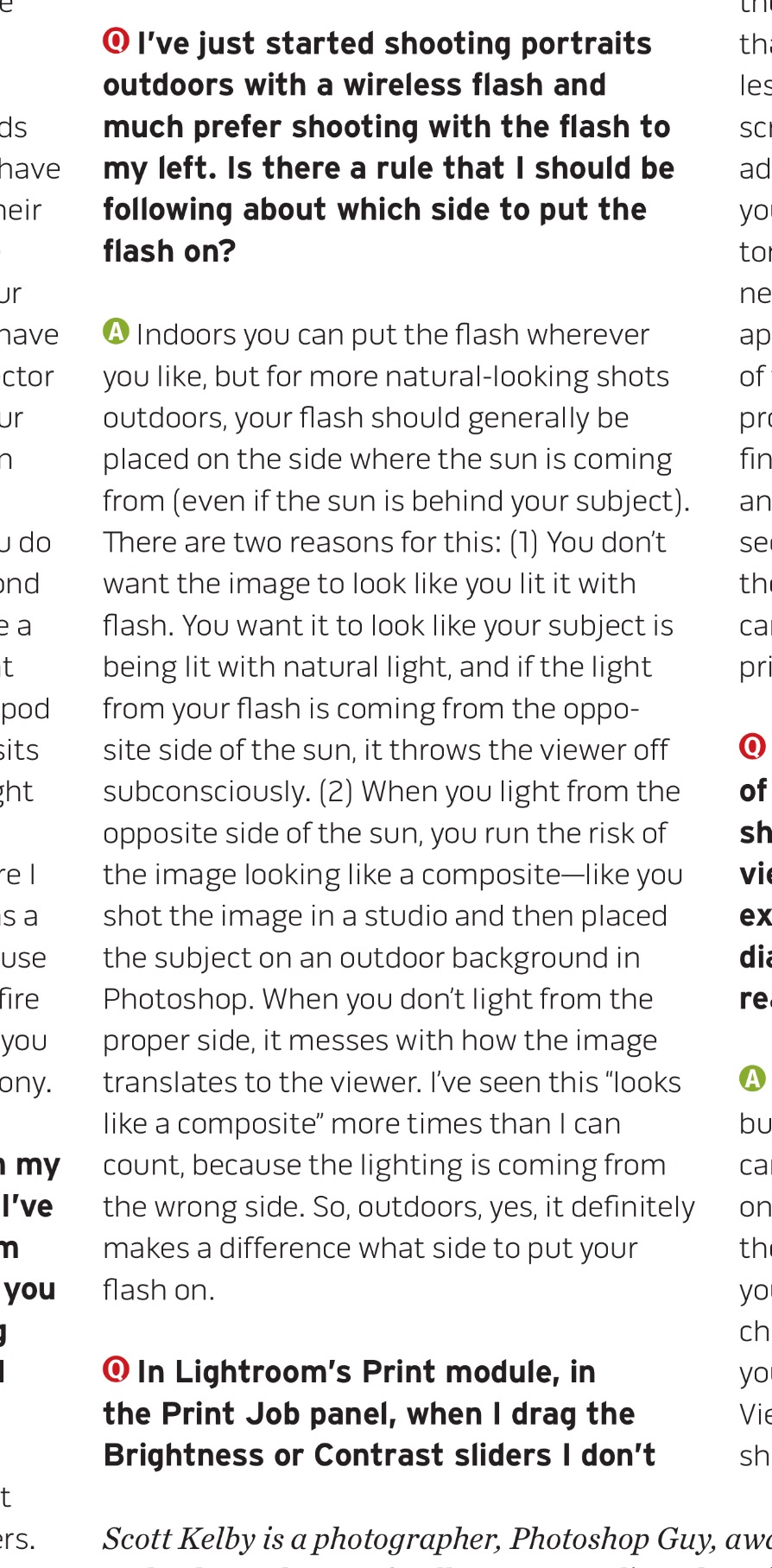
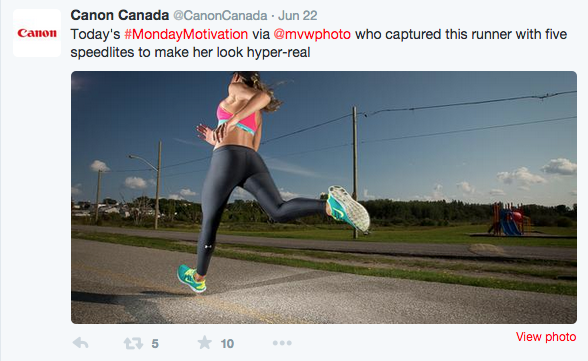
…I disagree with Scott Kelby on flash outdoors. He says this in this months “shutterbug”:

image

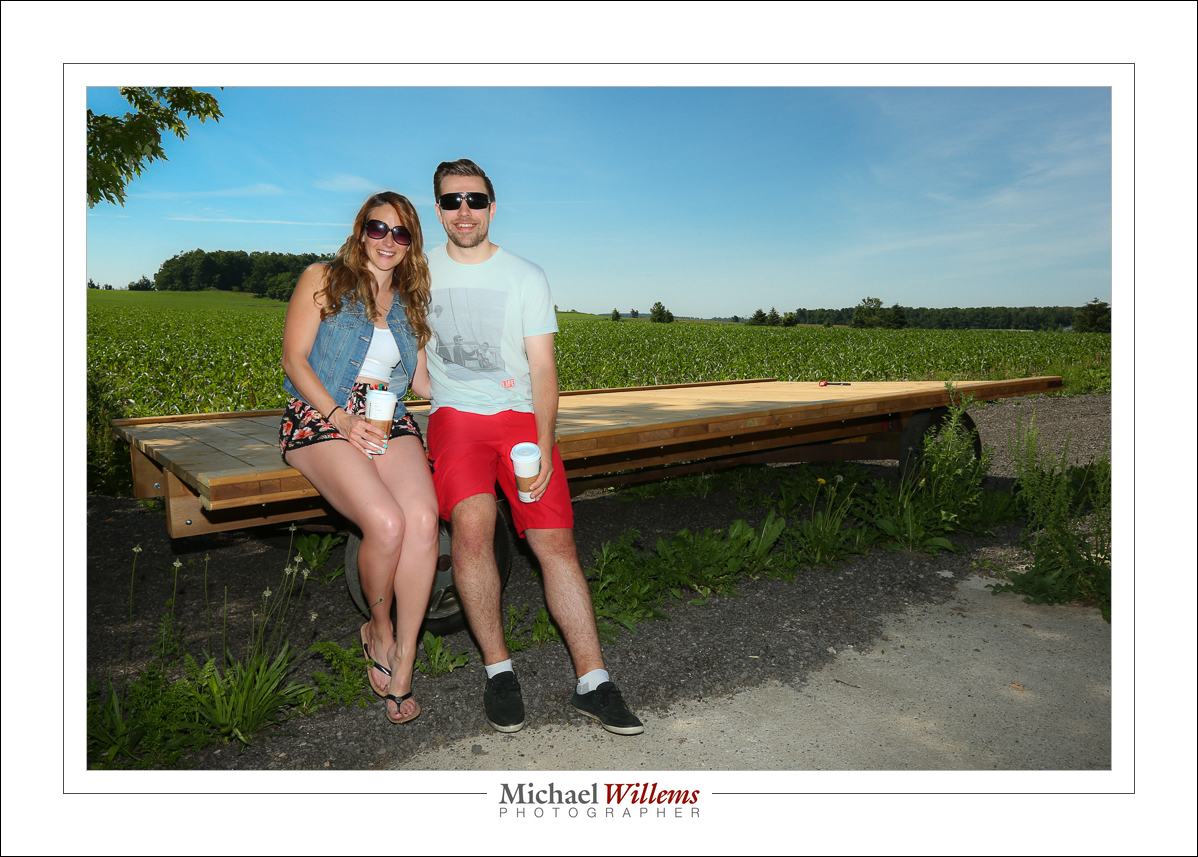
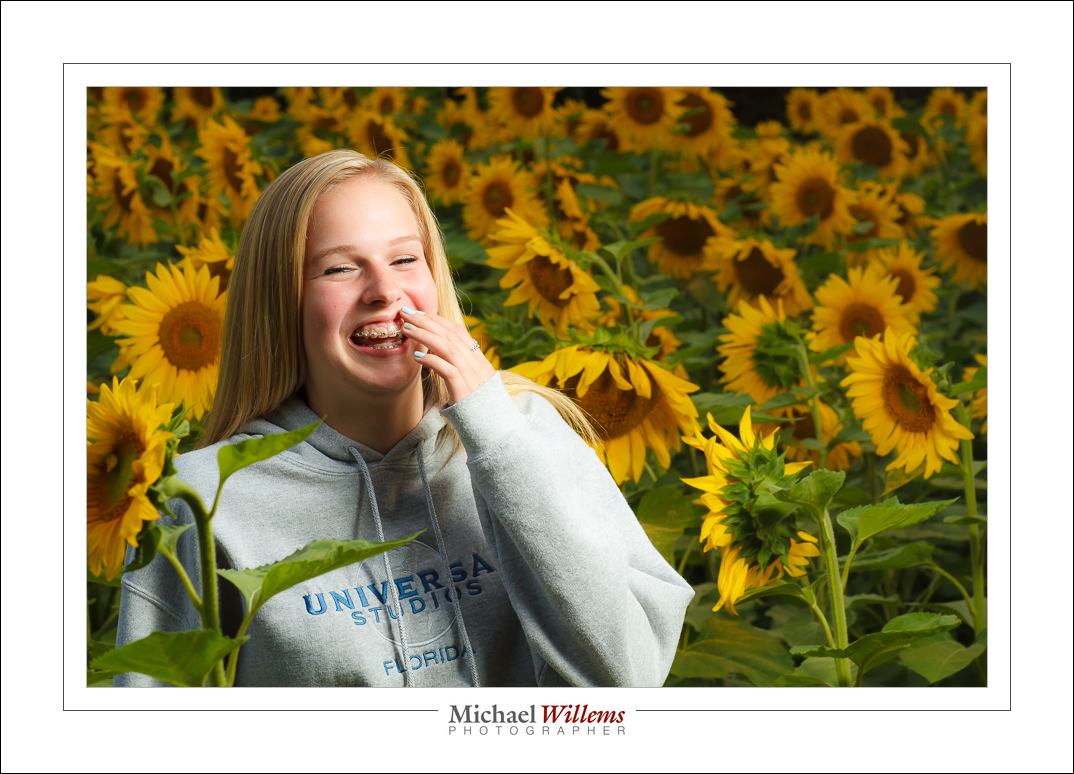
I agree that you get s “hyper-real” look by opposing the sun. But that’s the entire point! For an artistic people cure, this feeling that a subject is almost superimposed on a shot is often exactly what the photographer desires

According to Mr Kelby, these here are no good, then:

20160618-1DX_8643-1024

20140807-MW7_8533-900

20140423-MVWX1795-1024

image20110813-DSC_4305-1024

Screen Shot 2015-06-23 at 13.49.38

Tanya Cimera Brown. Photo: Michael Willems photographer, www.michaelwillems.ca

All wrong, says Mr Kelby.

All right, say I. Even though I am doing the opposite to what mr Kelby says you should do. For good reasons, say I.

You can make up your own mind, but whatever you do: never take mr Kelby’s words, or for that matter mine, for gospel. Make up your own mind.

Booth Sunday

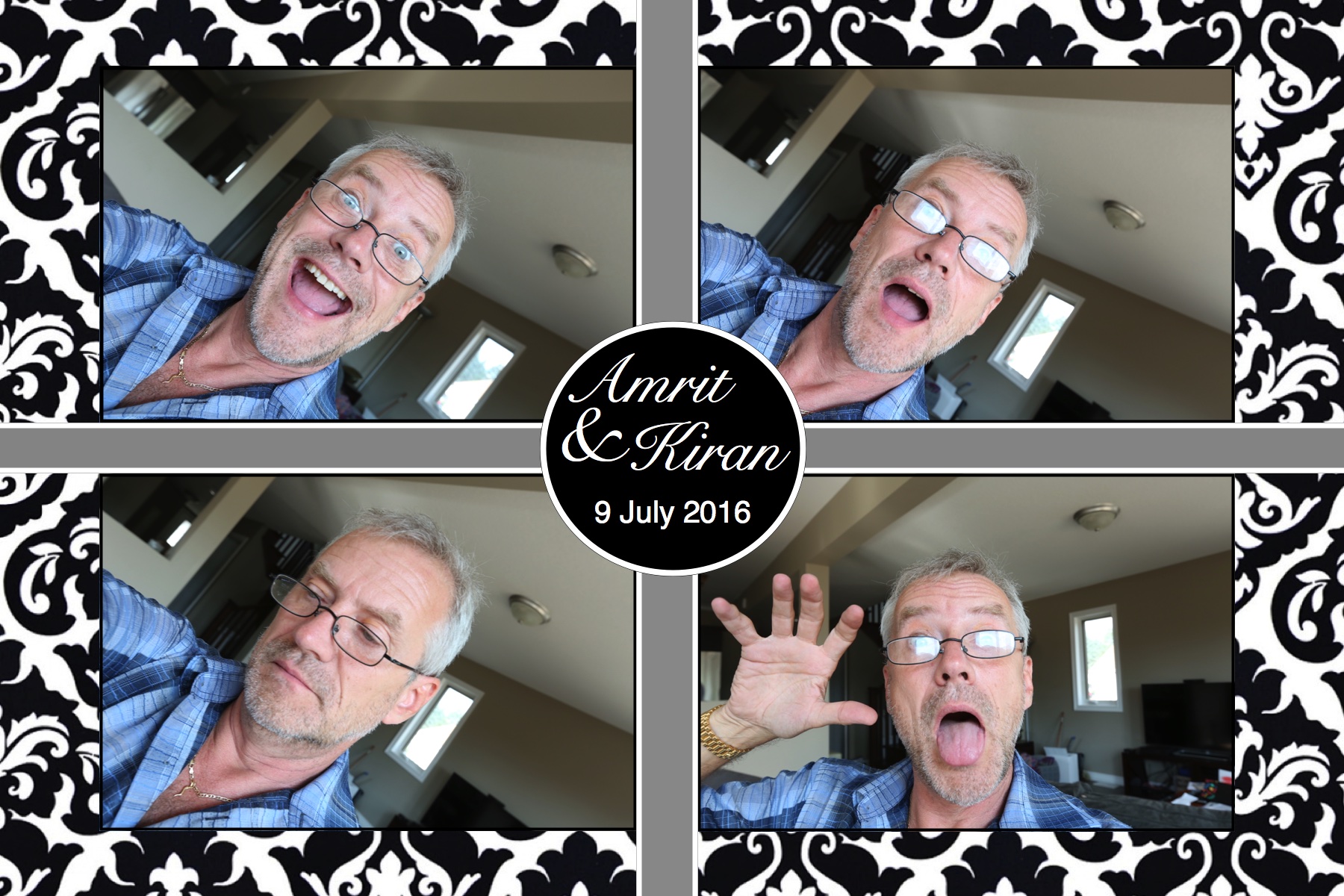
Sunday I am shooting a photo booth. The photos I print will look somewhat like this:

image

Even a “mere” photo booth needs expertise. Shooting expertise. Computer expertise. People expertise. For an experienced photographer, all types of photography are fun: photo booths no less than any other type.


Repeat Post from 2010

When I was 16, I first saw Patti Smith’s album “Horses”.

The cover photo of that album changed me: I know instantly I wanted to be a photographer. Here is that one photo, taken by Robert Mapplethorpe of his then girlfriend Patti Smith:

Everything comes together. The light, the high-key shot, the left-right angle, the way we slightly look up at her, her hands, the expression, the coat over her shoulder, the contrast, the greys.

I think I have been in love with Patti ever since. And with photography.

A few years ago I stayed at The Hotel Chelsea in New York, where all this happened. I felt in the presence of greatness, of history… everything happened here. Leonard Cohen. Bob Dylan. Andy Warhol. Dylan Thomas. Arthur C. Clarke. The list is long.

Hotel Chelsea, photo by Michael Willems

Hotel Chelsea (Michael Willems)

And the hotel has, um, character:

Hotel Chelsea, photo by Michael Willems

Hotel Chelsea, Reception Desk (Michael Willems)

And art. And a sense of history, and time. I mean… I actually stayed where this was made, the picture that set off my interest in photography: how cool is that?

Patti Smith and Robert Mapplethorpe together at the time, by an anonymous photog:

And Patti Smith, by Robert Mapplethorpe, at The Chelsea:

Another beautiful photo.

And finally, one more from me: the view from the hotel – what Patti would have seen if she looked straight ahead:

Chelsea, NYC, view from The Chelsea Hotel (Photo Michael Willems)

View from The Chelsea Hotel (Photo Michael Willems)

I just ordered “Just Kids”, Patti Smith’s autobiography of that time, on Amazon.

Inspired, I continue my day.

85mm f/1.2 all the way

One of my favourite lenses is the Canon 85mm f/1.2 lens. 

A prime lens forces you to think about composition. It also allows you to blur backgrounds beautifully. And to shoot in low light. It is also consistent: prime means “set up one shots and all similar shots are the same w.r.t. things like depth of field and tolerance of motion blur”.

85 is a short telephoto lens, which is great for portraits. You can get close without getting too close, and you need no great big spaces. Perfect length.

20150109-MVWX5910-1024

You can make images with extremely shallow depth of field. Especially when you choose to get close:

20140208-MVWX5959-1024

This lens is great for outdoors portraits, but also indoors.

20150108-MVWX5847-1024 20140312-MVWX7738-1024 20150208-MVWX7371-1024 20150208-MVWX7396-1024

You get a typical compressed telephoto look—without it being extreme.

20150725-1DX_1508-1024

The 85mm f/1.2 is sharp, very sharp.

20160316-1DX_7217-1024 20150725-1DX_1493-1024

20150201-MVWX6608-1024

It is very sharp, with beautiful bokeh, and the manual focus mechanism, being electronic, is the smoothest I have used, ever. Yes, it autofocuses also.

This is my favourite lens now, I am safe in saying. For many purposes: not just portraits. More later.


PS I am doing a studio lighting workshop tomorrow, Sunday 1 May. Just saying. I need signups to go ahead, but not many—it is limited to 4 participants.