A simple, but effective, trick

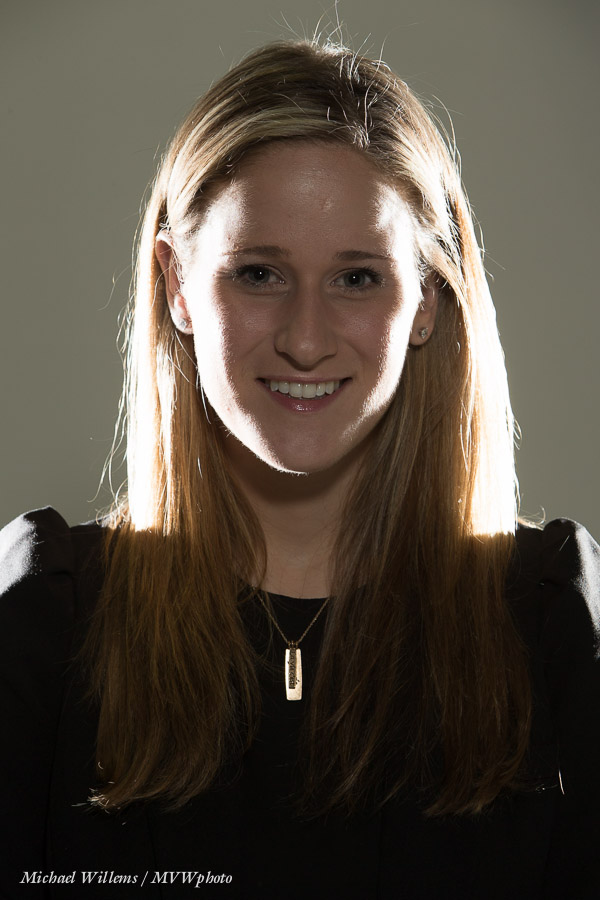
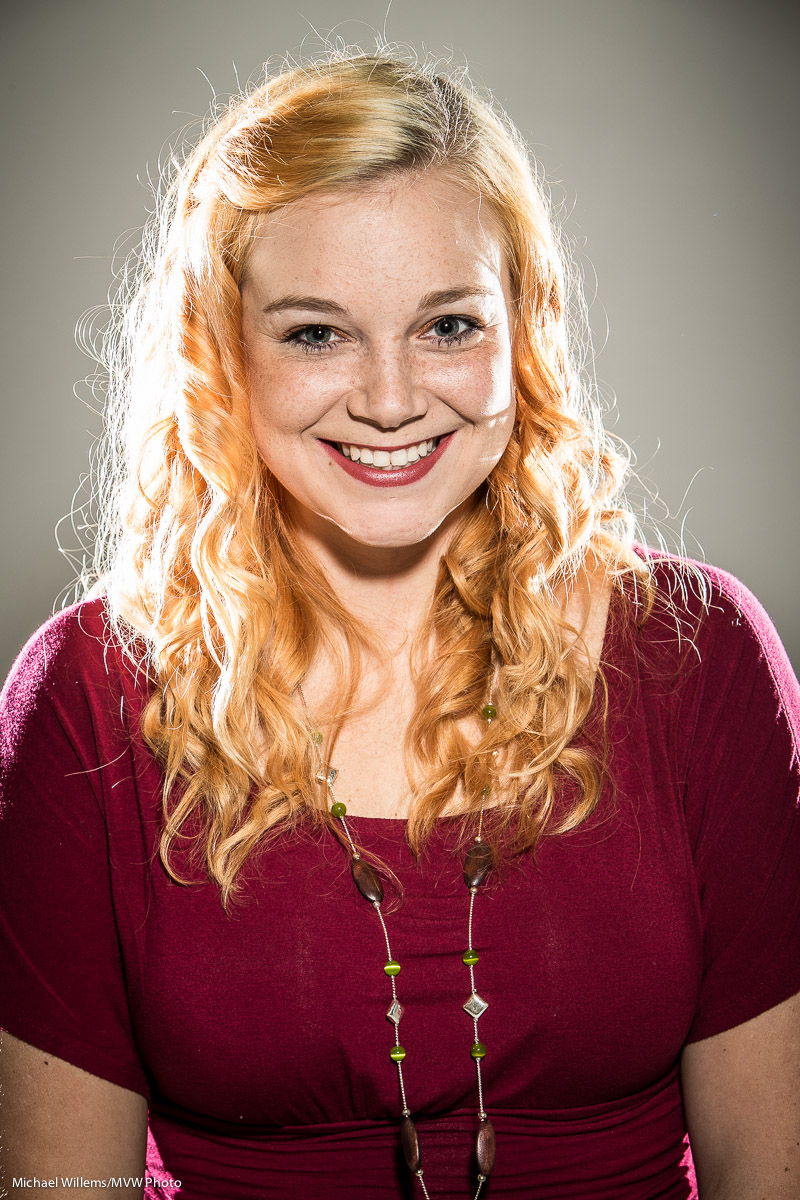
A simple trick, used by photographers the world over, is this. Can you see what we did in this shot from two days ago, a portrait of Liz Medori?
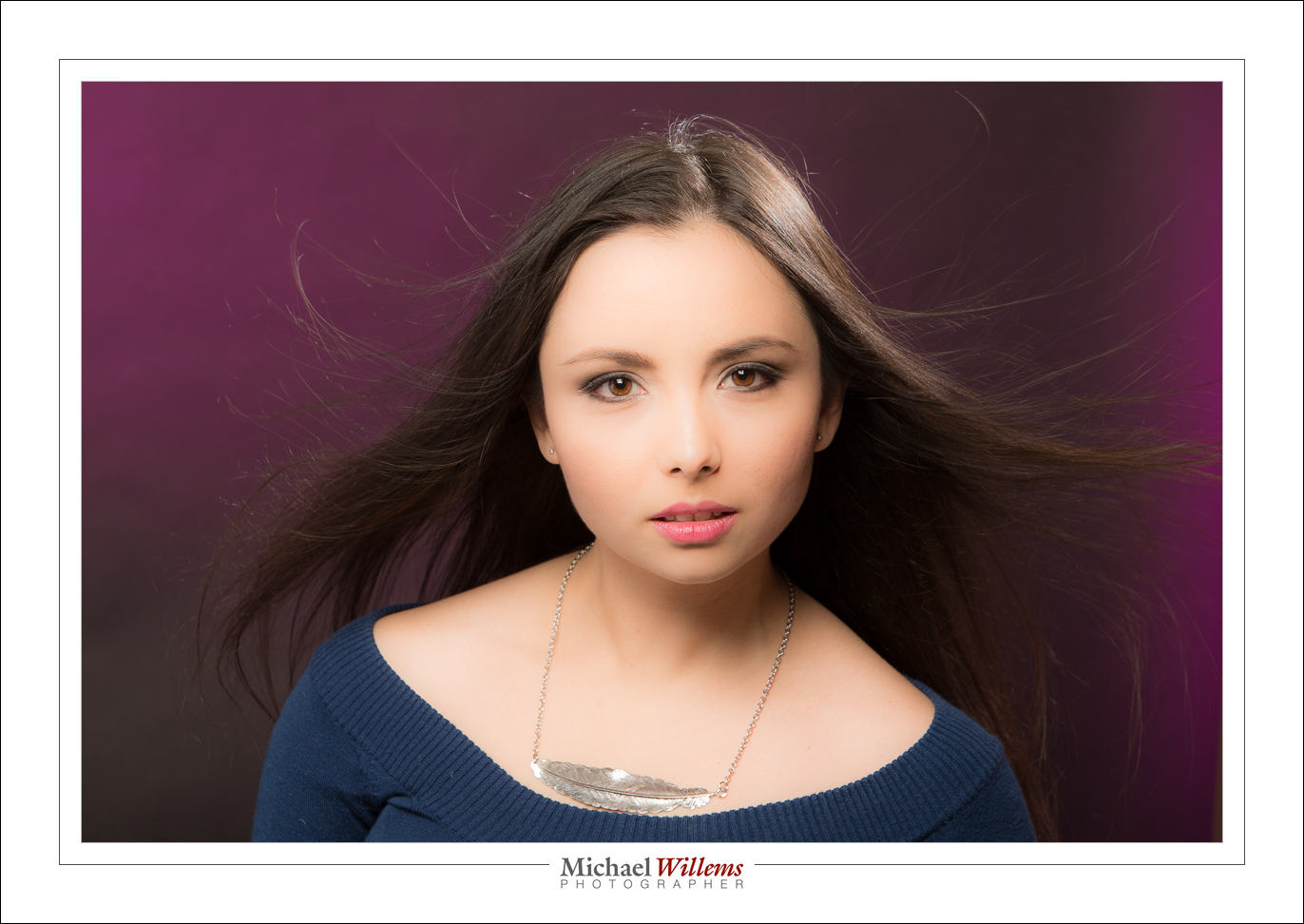
Yup, we used a fan. A simple cheap fan; I usually use an industrial fan from a home supplies store. That fan makes the hair do its wild sexiness thing, which you will see in many model photos.

And the good news: You need to know no technique for this. Even if you are a total beginner, nothing stops you from aiming a fan at your long-haired subject.

What else did I do in that photo? We had a make-up artist, Melissa T. We lit the model with one overhead softbox straight in front of her, plus one hair light aimed at us, for shampooey goodness™, plus one background light with a purplish gel aimed at the background. And I shot with a 70-200mm lens at the typical studio setting of 200 ISO, 1/125th second, f/8.

But even if you do not know what that means; go for it with the fan!

___

NOTE:  As usual, this content is brought to you free of charge. As are all the other blog posts (the entire four-year searchable archive); the articles; and things like the free book chapter from my latest book – the entire chapter on Exposure (go to http://www.michaelwillems.ca/e-Books.html and click on “download sample). Yes, in addition I sell e-books and training and photography sessions, but this content is provided free of charge.

Since this is a business, though, let me ask you to so something in return: please send this post to three friends who may be interested. That way even more people benefit from this advice and these free lessons.

Fair deal?
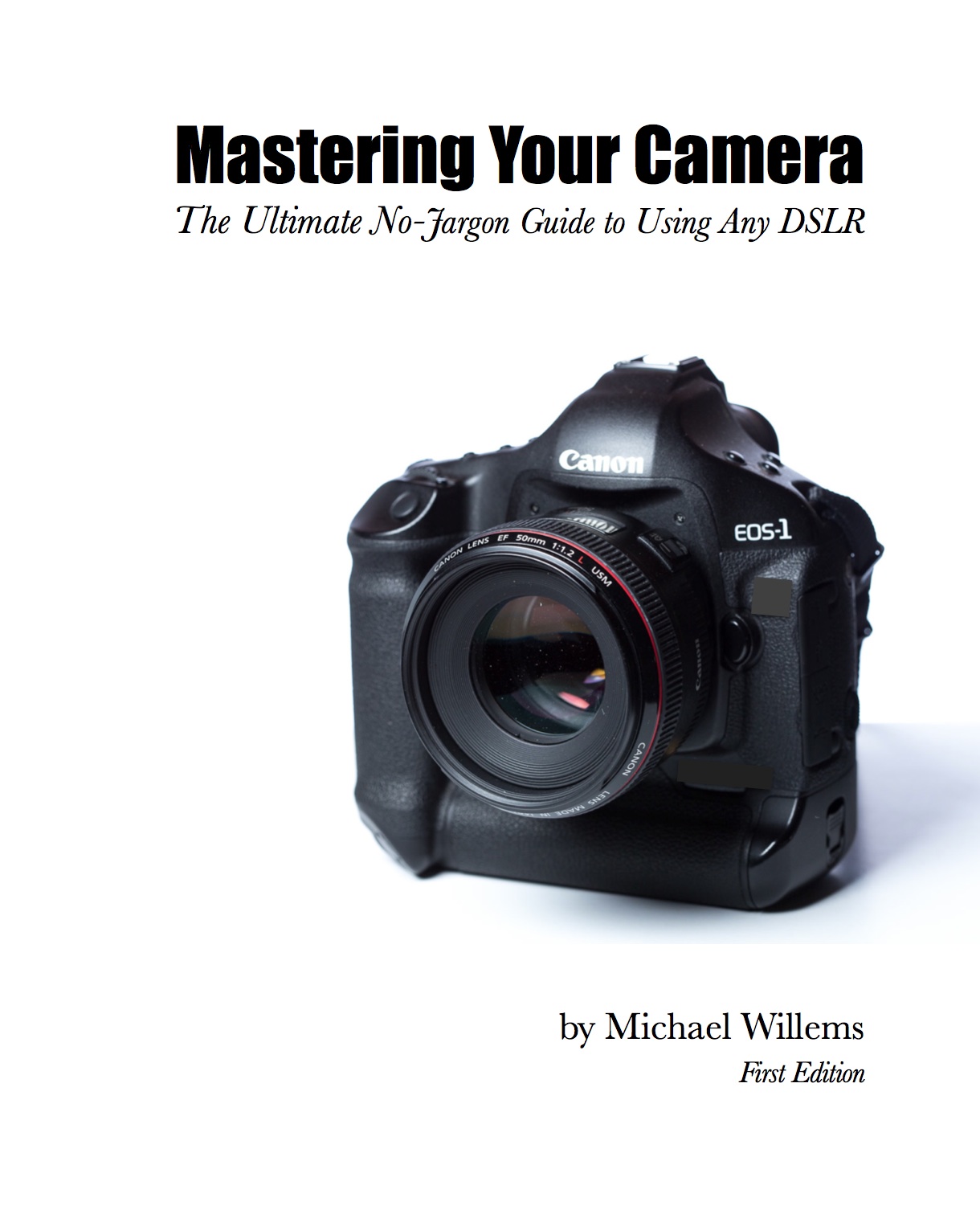
 

Learn to use your DSLR!

Great news: the new e-book is out! “Mastering your digital camera: the ultimate guide to using your DSLR”. Available now!
http://www.speedlighter.ca/e-books/mastering-your-camera/. 182 pages of facts, explanations, examples: all you need to learn to take professional photos. Go check it out!

(You may be amused that this announcement comes to you from 36,002ft above Kansas City, on a flight from buffalo, NY to Phoenix, AZ.)

Auto Is Better?

Isn’t “Fully Automatic” Better than all this manual stuff?

No.

Oh, that was simple. Just “No”?

Yes.

OK, ok… let me explain. It is natural to think that a camera knows better than you: after all, it has all those chips and computers and clever algorithms built in, and besides, you don’t know anything about photography (yet—that will change with the reading of this blog). It is natural to think that, but it is wrong. Every time the camera does something automatically, there’s a good chance it may get it wrong.

The camera tries to set many things automatically. Like your picture’s focus point (where it is sharpest). The picture’s exposure (how bright or how dark it is). The picture’s colour balance (does an evening picture or a sunset look reddish warm, for instance, or is the colour more neutral). The sensor’s sensitivity (high sensitivity is good when it’s dark, for instance, or when you are shooting fast-moving things like sports, but it does give you a more “grainy” picture).

The problem is: the camera does not actually know whether it is night-time or daytime. Or whether you are shooting something dark or light. Or even whether you want it to look darker or lighter. Nor does it know where in a photo you want it to be sharpest: the person closest to you, the one farther away, or the one in the distance? Nor does it know whether you want neutral colour or, in the case of a sunset, extra warm colour. Or whether you are shooting sports, or handheld nighttime scenes.

It’s not that the computers aren’t good enough. It’s just that the computers aren’t you. So they cannot possibly know what you have in mind. And that is why, after you learn simple “snapshot camera” use, you should unlearn that, and you will learn to take control—first by slightly fine-tuning what the camera does; then by increasingly doing it all yourself.

___

These words are from my next e-book, “Mastering Your Camera-The Ultimate No-Jargon Guide to Using Any DSLR”, which will be released in the next couple of weeks.

Simple, innit?

Today, I present you with one page from my next upcoming book, “Mastering Your Camera”, a no-jargon guide to using any DSLR.


Simplifying.

When people ask me “what is the difference between my snapshots and a professional picture?”, I most commonly say “the pro simplified her picture”. Simplifying your images is probably the most important thing to not forget.

“Simplifying” does not necessarily mean “removing everything but your subject from the photo”, although that is one way. More accurately, it means “ensuring that everything that is in your photo is in your photo because it should be in your photo”. If it shouldn’t be there, it shouldn’t be there!


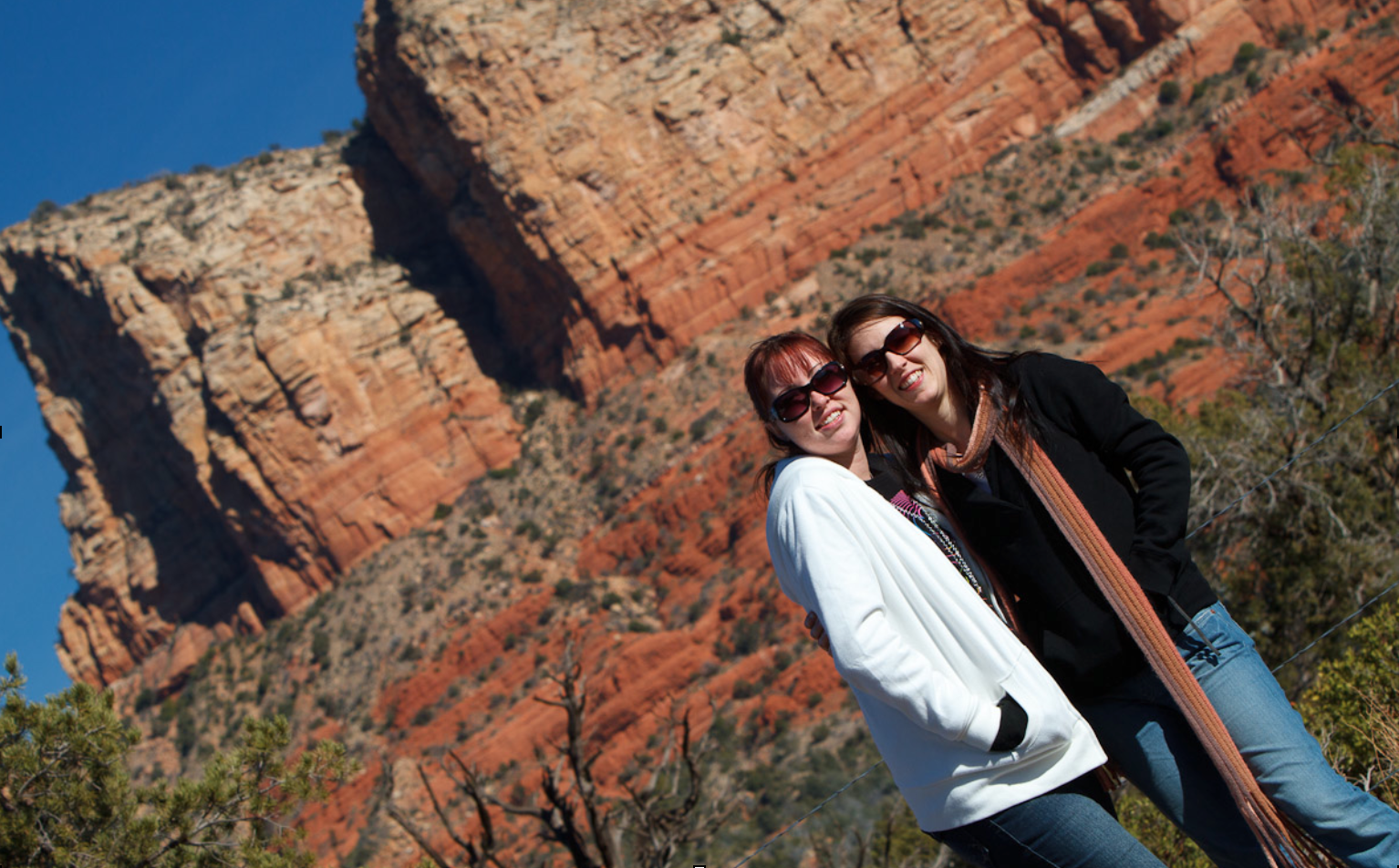
Sedona, AZ: Tilting Away The “Stuff”

Take the picture above. I tiled this image because next to the girls, there was a garbage can. That garbage can did not belong in the picture – it was not a picture of “two garbage cans in Sedona, AZ” – so I wanted it gone.

How can you simplify a picture? There are many ways, and you can come up with them yourself. They include:

  • Move: you do not have to take the image from right where you are. Often, moving to a different location makes all the difference.
  • Wait: Often, distractions disappear. The photo of the guard at The Alamo earlier in the book had three tourists right behind his neck: I waited until they were thus invisible, and then pressed the shutter.
  • Viewpoint: shoot from a different angle: a circle has 360 degrees, not just one…
  • Zoom: filling the frame is also a good way to get rid of distractions.
  • Blur: blurring the background by using a low “f-number” is also a great way.
  • Tilt: see the example above!
  • Selective light: only light the objects you want to see; keep the rest in the dark.
  • Move the subject or the offending objects. If you are not a photojournalist (for whom this is taboo!) then you can ask the subject to move, or move the distracting objects.

That is a partial list: you can come up with more ways yourself. The key is just to remember to do it.


Festive Day Tips

As I type this, I am sitting at my car dealership waiting while some preventive maintenance is taking place on one of my cars. And an ex student just said hello, and told me he was going to take some pictures over Christmas. Good!

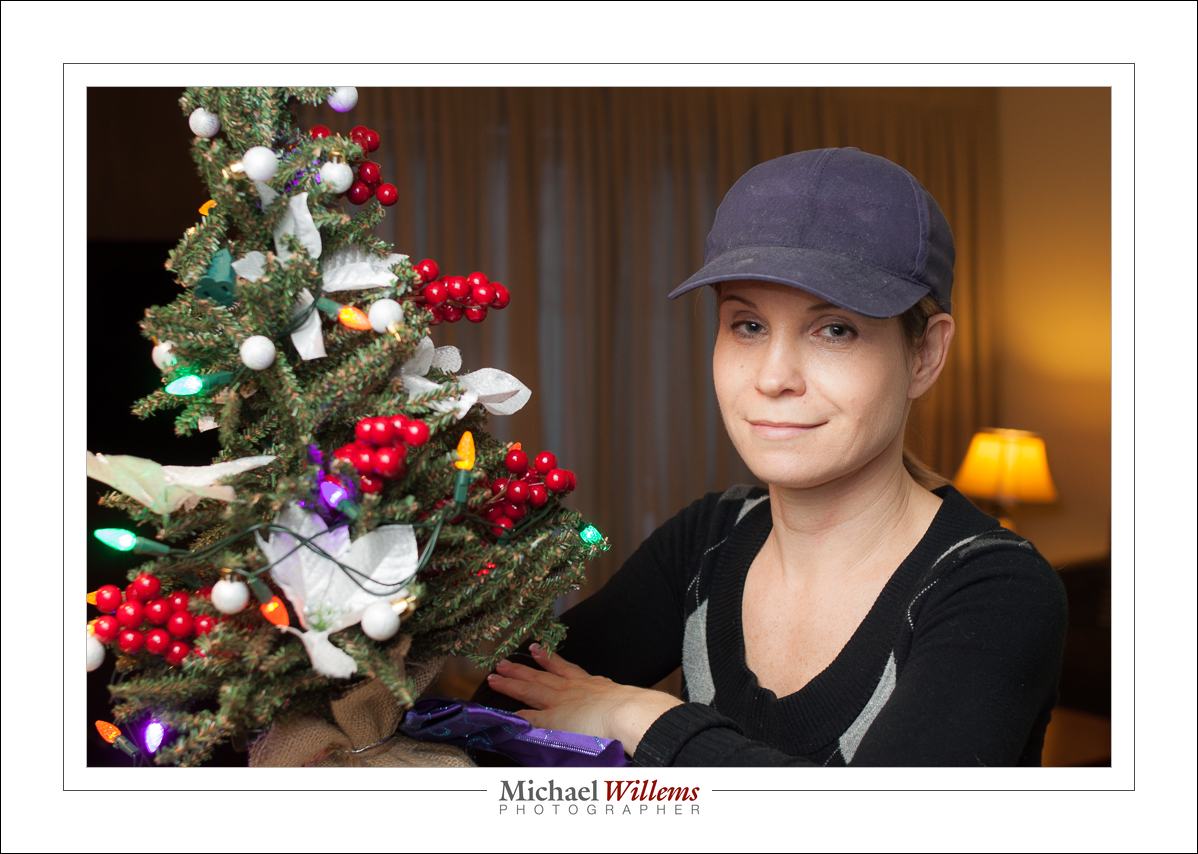
Picture, no doubt, like this one I took of a friend the other day:

And it occurs to me that he and I are not the only ones doing some photography. Hence, a few tips for you for the parties of the next few days.

  1. Make sure your camera and flash batteries are fully charged.
  2. Ensure you have a formatted memory card in the camera.
  3. For “party shots”, you may want a lens in the, roughly, 35mm focal length range, or 24mm on a crop camera.
  4. Put the flash on the camera and aim it upward behind you, if you can find a white or white-ish wall or ceiling.
  5. Use the “Willems 400-40-4 rule” as your starting point setting. That gives you a warmer, slightly dark background, as in the photo above. Adjust as needed.
  6. If your flash part of your photo is blown out and harsh, use “Flash Exposure Compensation” to decrease the flash power. Or inscrease it if it is dark (you may also need to increase your camera’s ISO).

Do these simple things and you will get good pictures, better than ever. And I am telling you this now so you have two days to practice. Enjoy!!


NEW RELEASE: “Impactful Travel Photography” e-book!

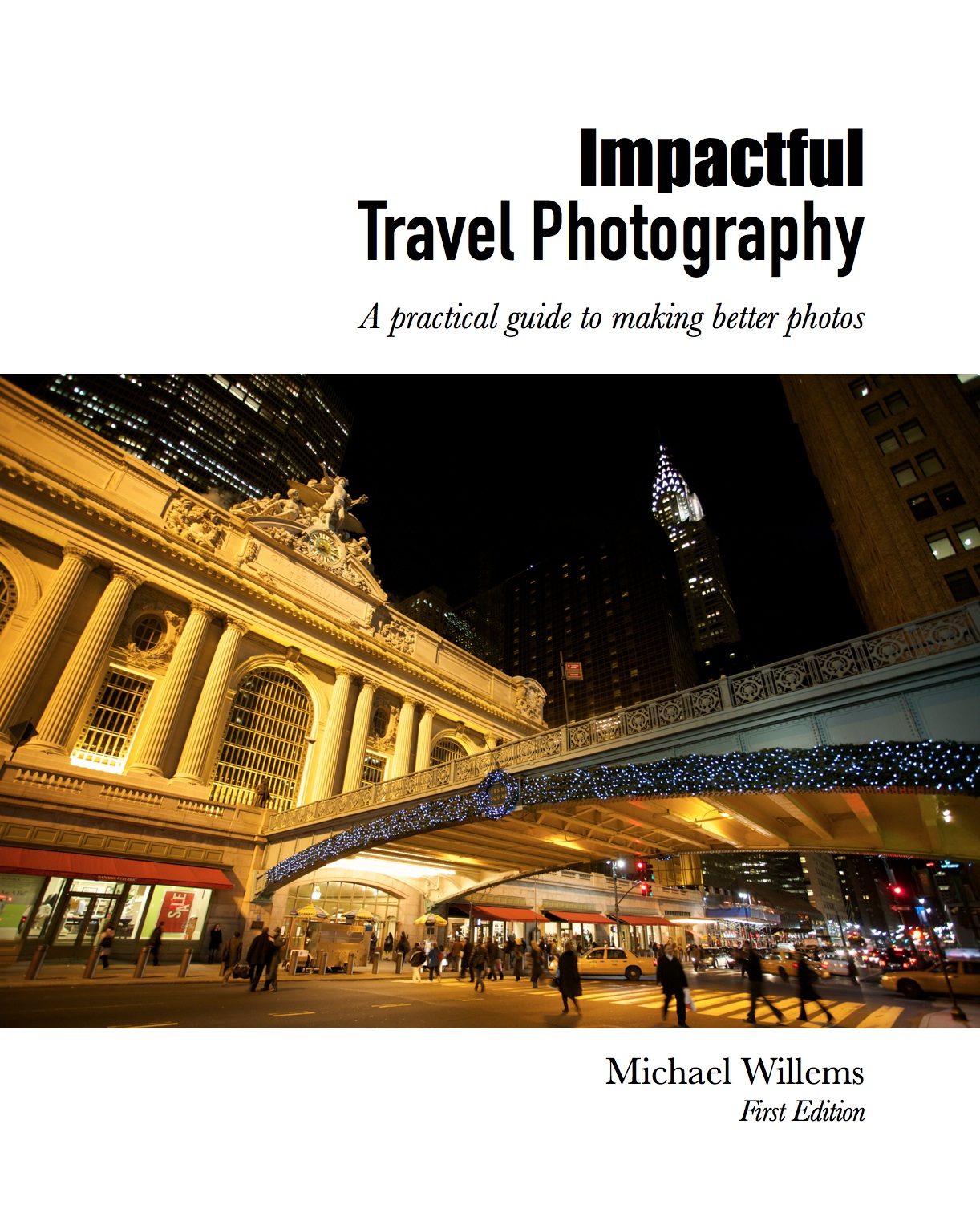
I am proud to announce, just in time for the winter travel season, the release of my long awaited book: Impactful Travel Photography (ISBN-978-0-9918636-3-1)

This is a downloadable e-Book (that is: you pay, and I send you the link by return, usually in minutes, certainly within a day), in convenient PDF format:

This 123-page PDF lays out, in a very logical fashion, everything you need to know about travel photography.

“I find this one is almost like you are there explaining it in person. It makes me want to go out and try what I have just read”. – Lisa J, Timmins, ON

Many years practice in both doing and teaching travel photography, and my having worked in 38 countries to date, resulted in what I think is the perfect way to convey my knowledge.

You judge – $19.95 for this 123-page e-book, packed with information, and richly illustrated with photo examples. Buy here.

Chapter titles/page numbers:

Introduction 8
Preparing For The Trip 12
Camera Basics 23
Choosing The Right Lens 31
Resolving Common Challenges 48
Composing Better Images 60
People And Culture 95
After The Trip 107
Conclusion 112

This book will change the way you do travel photography! Instead of coming back with thousands of “blaah” images, you will come back with great compositions that you are proud to show off.

This book will demystify travel photography. The things you never thought were easy, actually are. Years of experience will help you quickly learn the do’s – and the don’ts. What’s more, you will frequently say “Oh… I should have thought of that”.

This will make you creative. Creativity is often hampered not by lack of thoughts, but by lack of knowledge. Knowledge and ideas are what you need: Problem Solved!

This book will allow you to get results from your current camera. Even if you only have simple equipment, I will teach you how to use it well. You do not need a huge SLR to apply the lessons in this book!

This book will give you practical checklists. There are many good rules of thumb, starting points, and “to do” lists included. This is often the secret to learning quickly.

The eBook format has some unique advantages for you:

  • CONVENIENCE: this is an Electronic Book formatted for reading on iPad and on your computer.  I do not addle you with “Digital rights management” restrictions like most book authors. You will never see “not authorized on this device”. You can copy and read it on all your devices, forever. I trust my customers.
  • COST: Because I self publish my books, there’s no Middle Man like Amazon, Google or Apple to take a large portion of the money. That means I can keep the cost down for you. Comparable books on similar subjects cost three or four times more.
  • FUTURE PROOF: It’s digital. There will be a second edition soon, no doubt, with any misconceptions explained and errors fixed and new material added – and when that happens, you are entitled to the new edition at no extra cost!

Many years of travel photography knowledge for just a few dollars: head on over to http://www.michaelwillems.ca/Buy_Book.html and get your copy. And take pro shots on your very next trip!

NEW: There is also a special offer for the Bundle of ALL THREE e-books. Head on over to http://www.michaelwillems.ca/Buy_Book.html and check it out!


Rim lighting

Remember this shot from the other day?

To achieve that, I use two flashes behind the subject:

  • Each one is at 45 degrees behind the head (one left, one right).
  • Snooted or gridded, to avoid light “going everywhere”. You can also use Gobos but then you need two on each flash, or more light will fall on the background.
  • Aimed carefully to not hit too low. When using snoots, be very careful as a mere millimeter up or down will often be too much.
  • Metered normally, or brighter (I like +1 stop, to “just when the blinkies start to appear).

To make sure I get ot right, I start with just the rim lights.

Note that of course this can only work when there’s not too much hair covering the face. When the subject has hair going forward, you get something more like this:

Still nice but it is no longer rim lighting, and hair shadows will often get in the way.

Little hair works:

(You think I should shave before doing selfies?)


Cyber-Week Sale!

Have you always wanted to be able to create proper portraits? Like this self-portrait, which I made minutes ago (in minutes)?

Of course that is not the only “proper portrait”: there are almost as many portrait styles as there are photographers. But they do have one thing in common: the photographer knows light. And often, that means the photographer knows flash.

And that’s probably not the only thing you have always wanted to be able to photograph. But it has just eluded you except for some lucky hits.

Well, I am here to help. As you know, I am a full-time pro and educator, and I have two ebooks available: the Photography Cookbook, a book with 52 “photographic recipes”: quick start settings and tips that get you good pictures immediately in various situations, from “fireworks” to “graduation ceremonies”. And the Pro Flash Manual, a guide to using flash: from knowing nothing to producing creative pro work. Both books are PDFs without DRM, and they retail for $19.95 each.

If you do not yet own the two books, go get them now. Because I really want you to learn these things, I have a Cyber-Week Offer: this week, get both books for the price of one. That is 50% off, for one week only.

To take advantage of this offer, all you need to do is head on over to http://www.michaelwillems.ca/e-Books.html and order either one of the books. Do not order both – order just one, and for that price of $19.95 I will send you both. Go do it now; enjoy the holiday period with your camera; and astonish your family and friends with your sudden expertise!


Studio Tip

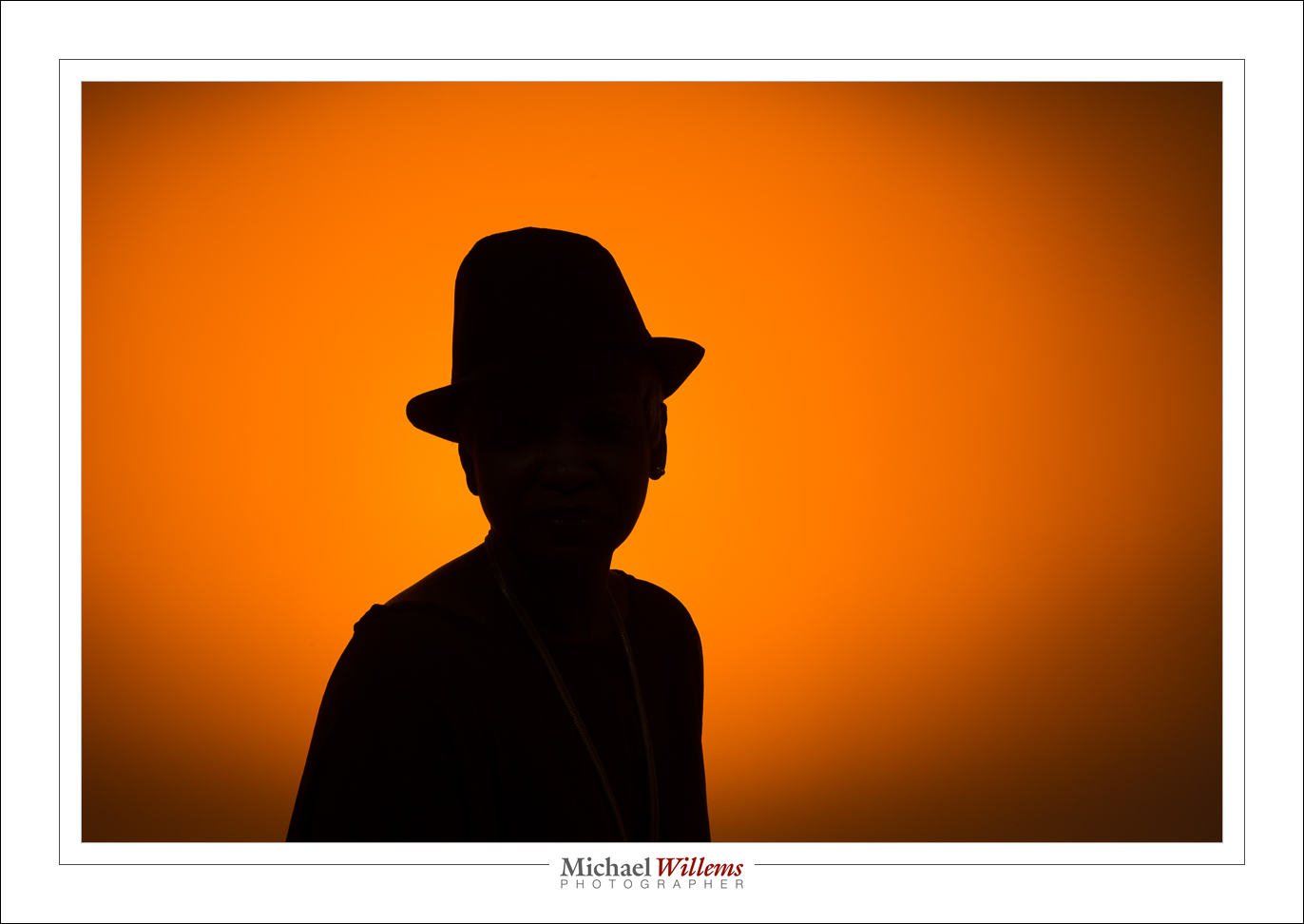
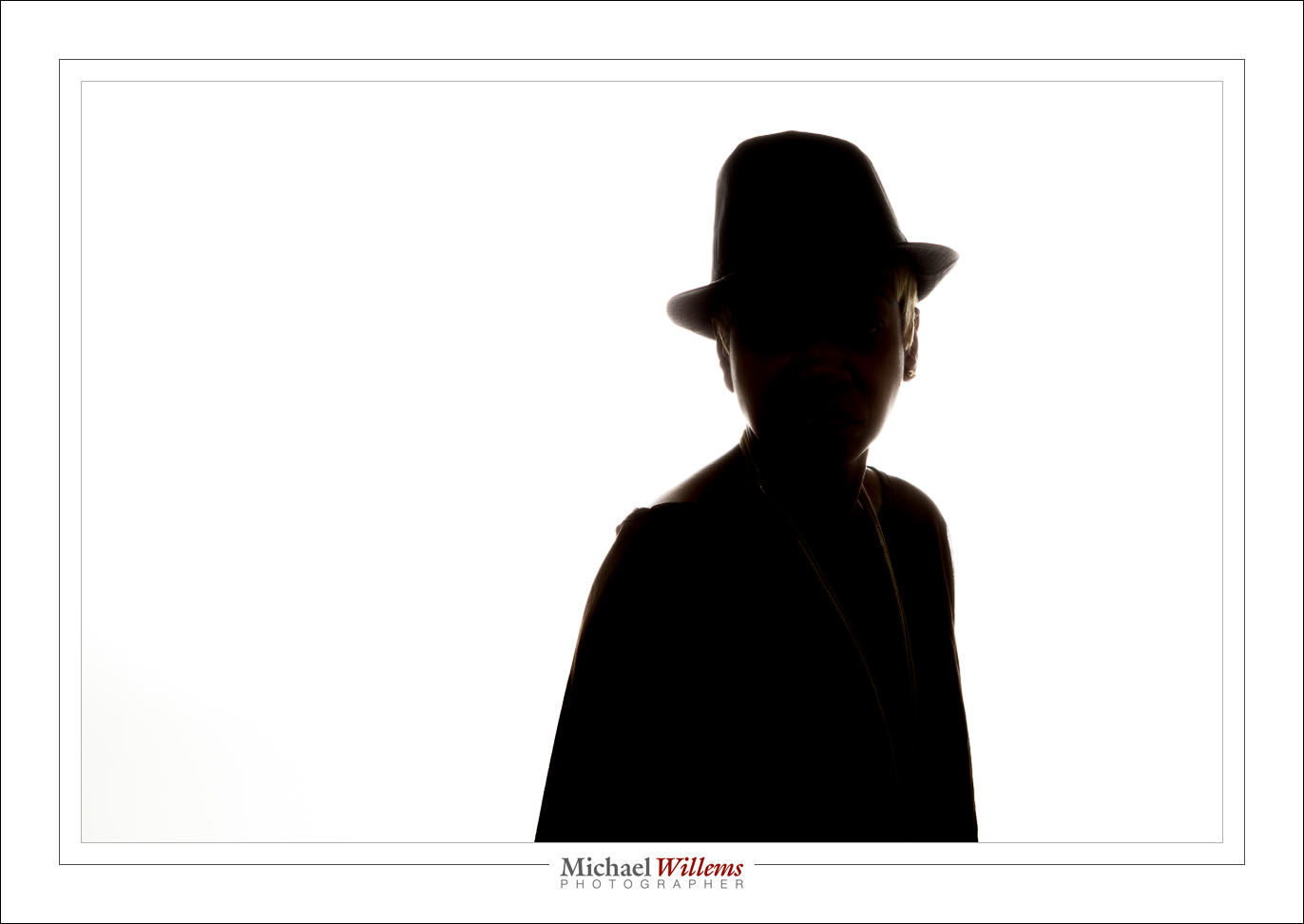
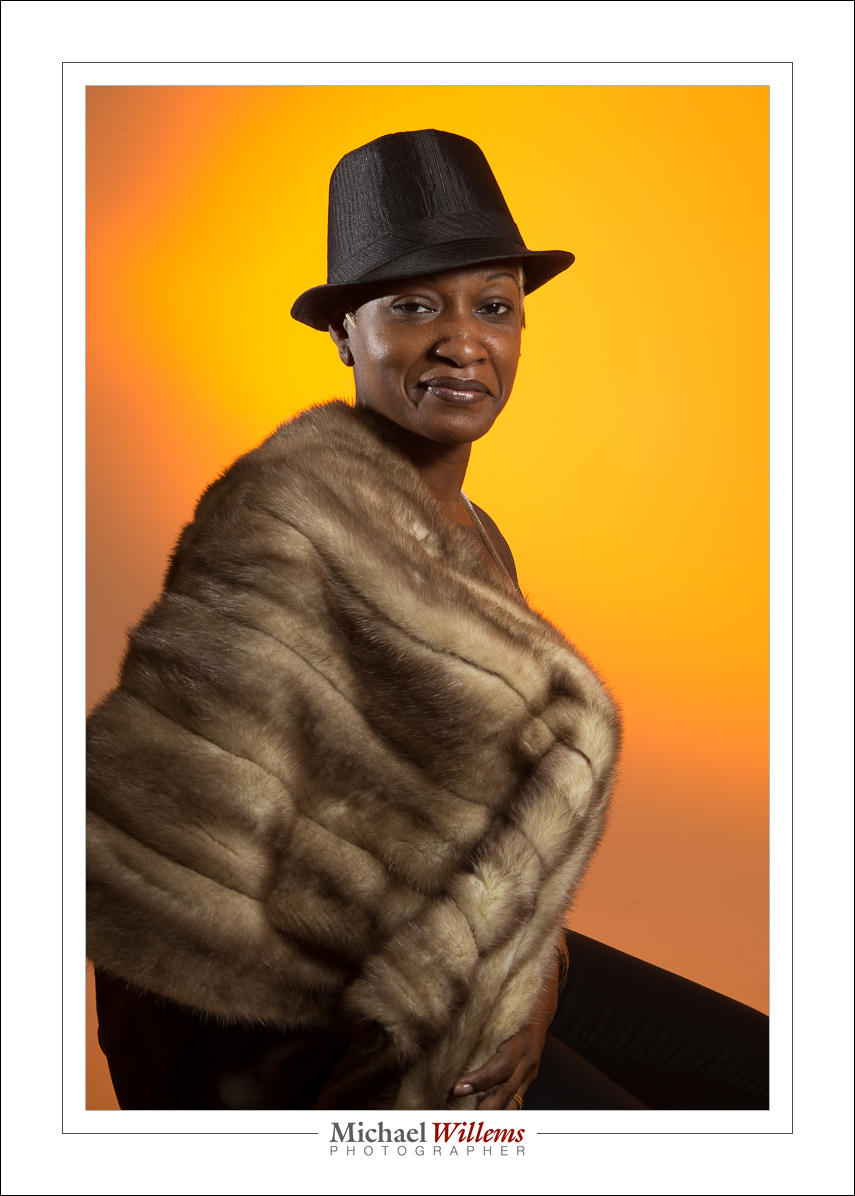
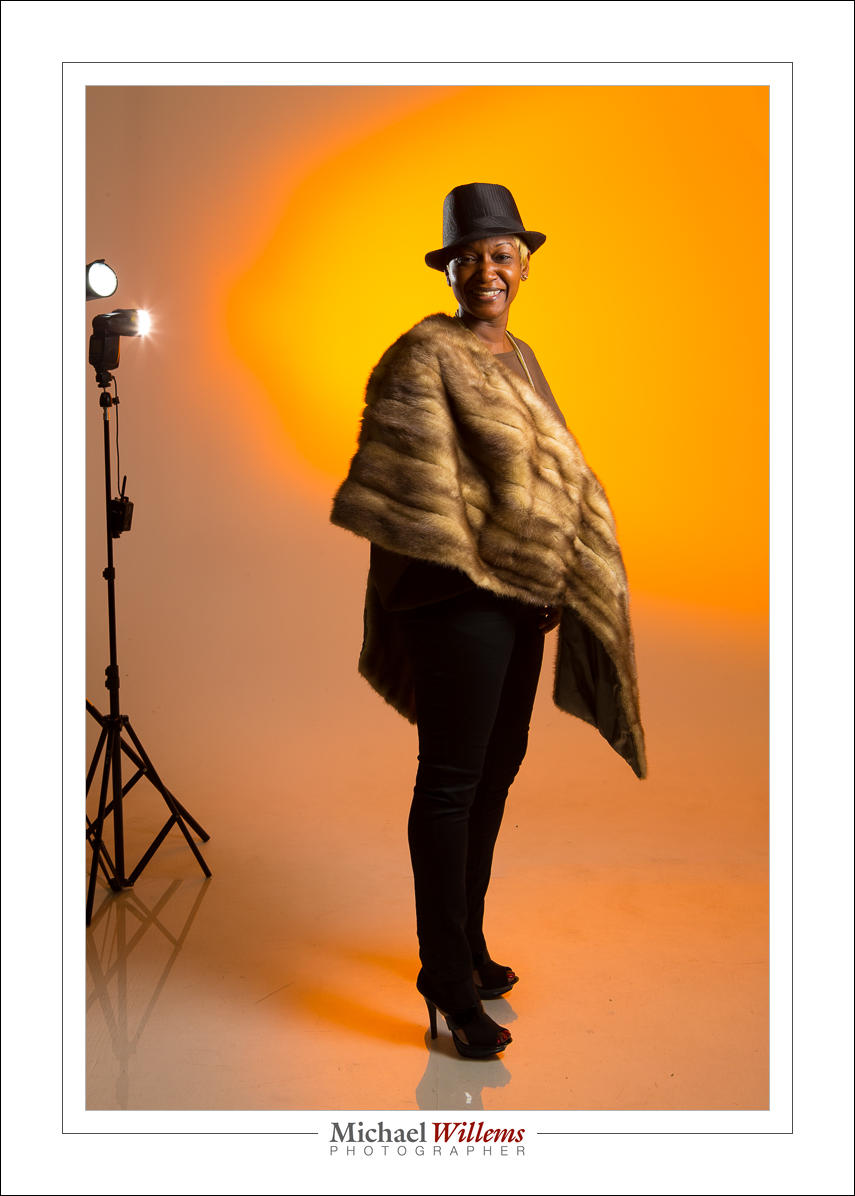
Look at these photos from yesterday’s studio lighting workshop to see how light makes a picture different.

Here’s Roxy with one gridded flash on the left, giving us split lighting; and one gridded and rust-colour gelled flash aimed at the background. Both are speedlights driven by Pocketwizards and set to manual power. The image is a little desaturated; otherwise SOOC (“straight out of camera”).

Here. a softbox on our right (s small Honl photo softbox), and the same background light. Just two flashes!

Now let’s turn off the softbox flash:

Now kets’ light up the background more, to get wraparound lighting:

And back to normal, but now with an additional snooted flash for rim lighting on our left:

Here’s two of those flashes visible. Note also the reflection: a plexiglass sheet she is standing on. Note, I “Lightroomed” out the edges of that plexiglass, which took only seconds. Otherwise, like all, SOOC.

Can you see how each shot looks different depending just on light? It behooves you to learn about light, it really does, since with light you can translate a vision into reality. That’s what this is about!

___

Talking of learning: Season shopping? Get a personalized gift certificate for 3 hours private coaching with Michael for your loved one. Available now!