Ad lucem

…or “to the light”.

But contrary to that Latin phrase, a little tip today for when you don’t want light. Like when you want to hide something.

Hide something? Example, please?

OK. Say you have a roll of paper in your studio. and you want to shoot a full length portrait. Normally you would pull the roll all the way forward so the subject stands on it. No transition can be seen at their feet because there is no transition.

But if the roll is too short? Then you will see a clear (and ugly) transition from “floor” to “roll”:
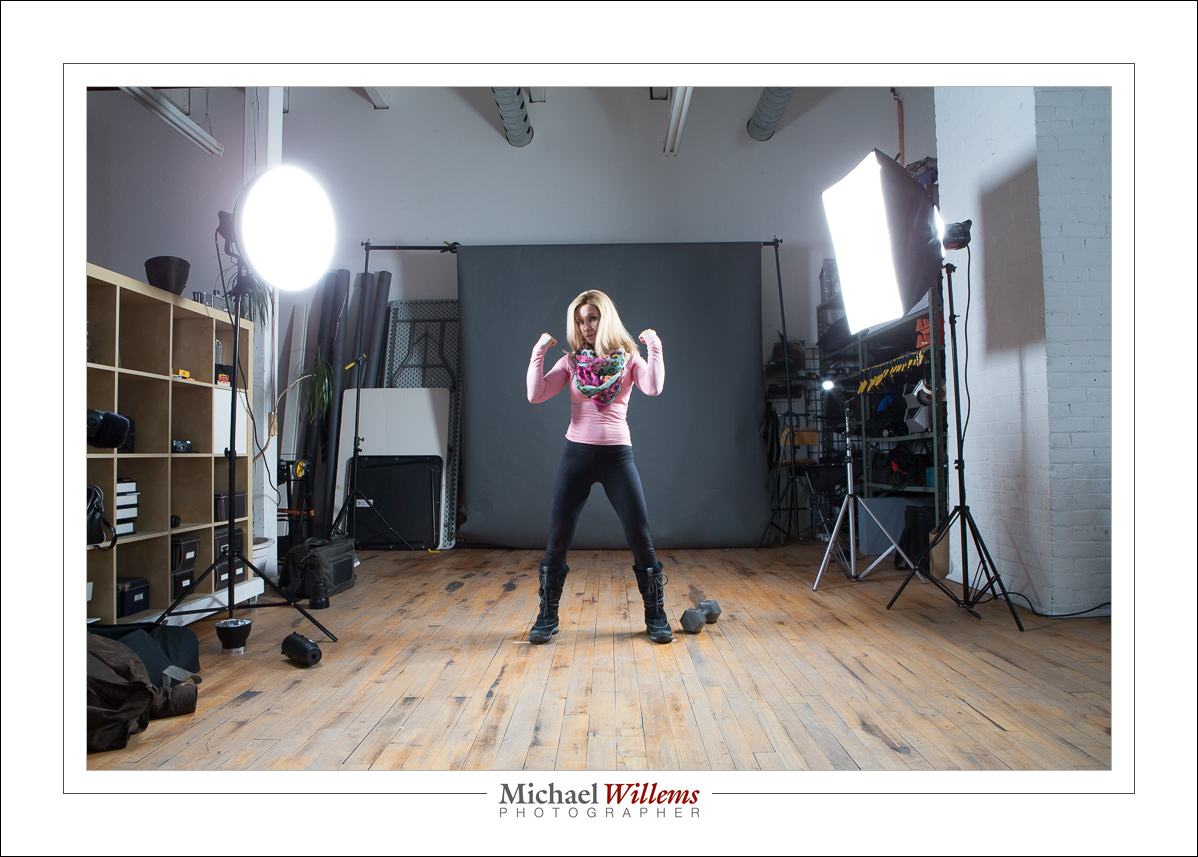
But this is solvable. It is in fact simple: keep the transition in the dark. Then you will not see it. Like this:
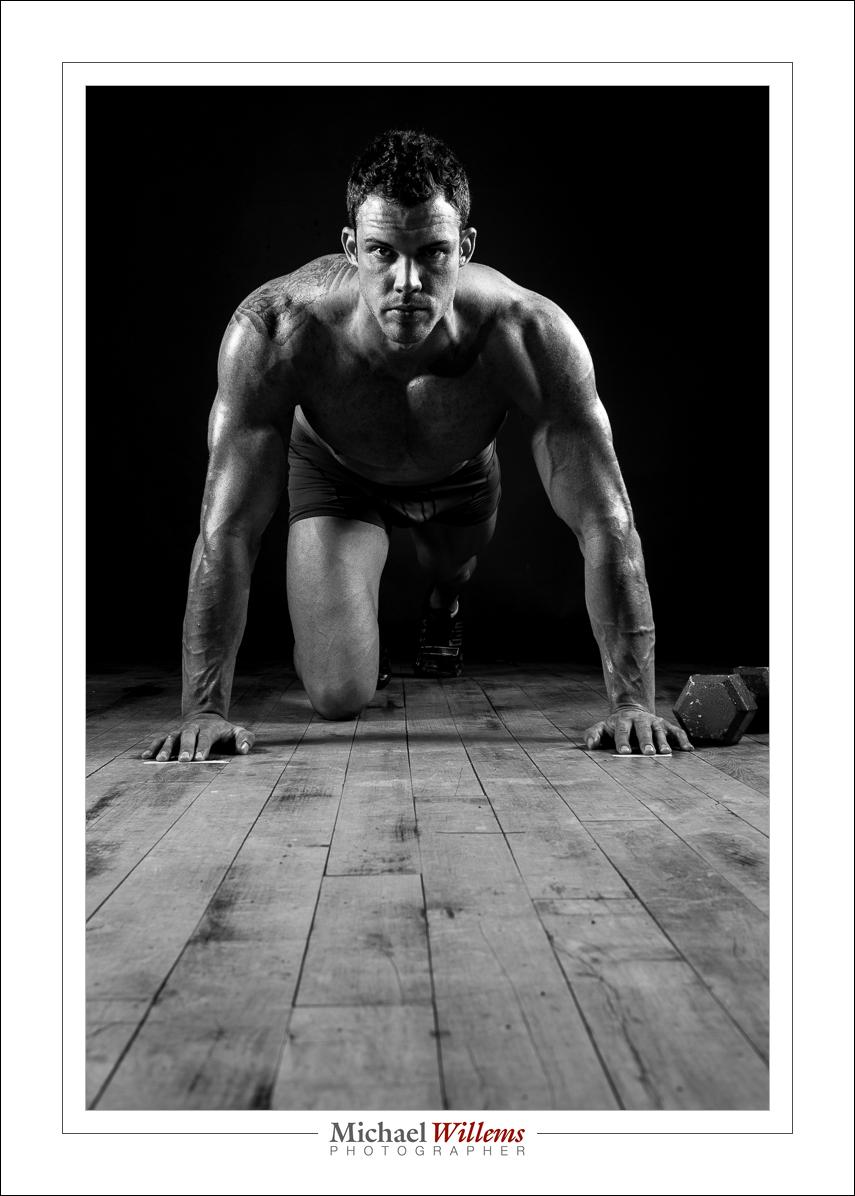
To keep it in the dark, you must do two things:

  1. Set the camera so that ambient light plays no role (i.e. without flash, the picture is all dark), Standard settings like 1/125 sec, 100 ISO, f/8 will take care of that. This means all light in the photo will be from your flashes.
  2. Ensure your flash light does not reach the transition. By definition, that will result in the area being dark. So you need to point away from the area and have enoughdistance from the background.

That is it. So if I use two softboxes as above, and feather them away from the background, I will not throw any light on the background. That means it will be dark. And since the floor is light when you are, it will be a gradual darkening.
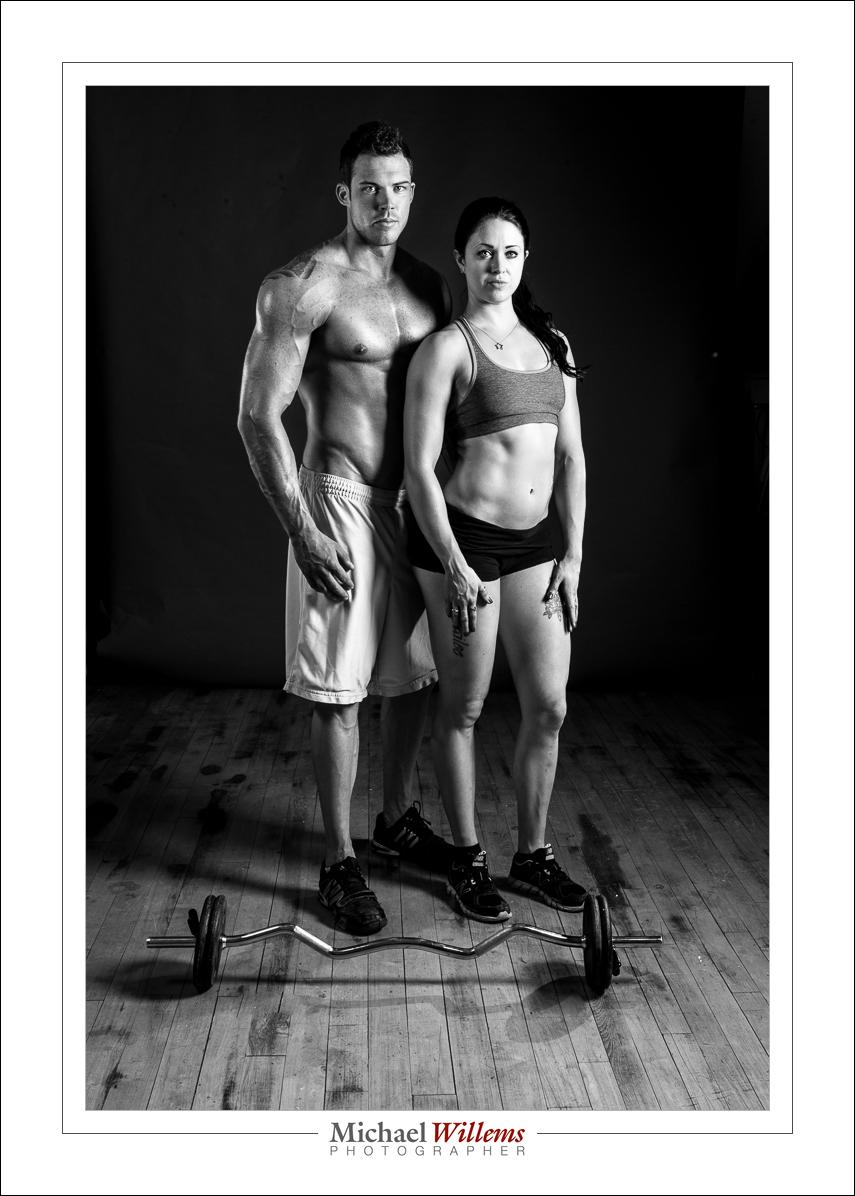
Simple. Two softboxes and a too-short-really paper roll, and that’s the result. Things do not always need to be complicated.
 

Daily tip: Power

Flash TIP OF THE DAY:

Say that you are ready to take a TTL flash shot. Once you have set your camera to a certain ISO and aperture and flash exposure compensation, and you have decided how to point the flash, you can do your test shot.

Say it is too dark. Why? Is it “incorrect metering, subject too light, etc”, or is it just “not enough power at this ISO/Aperture” (the shutter makes no difference)?

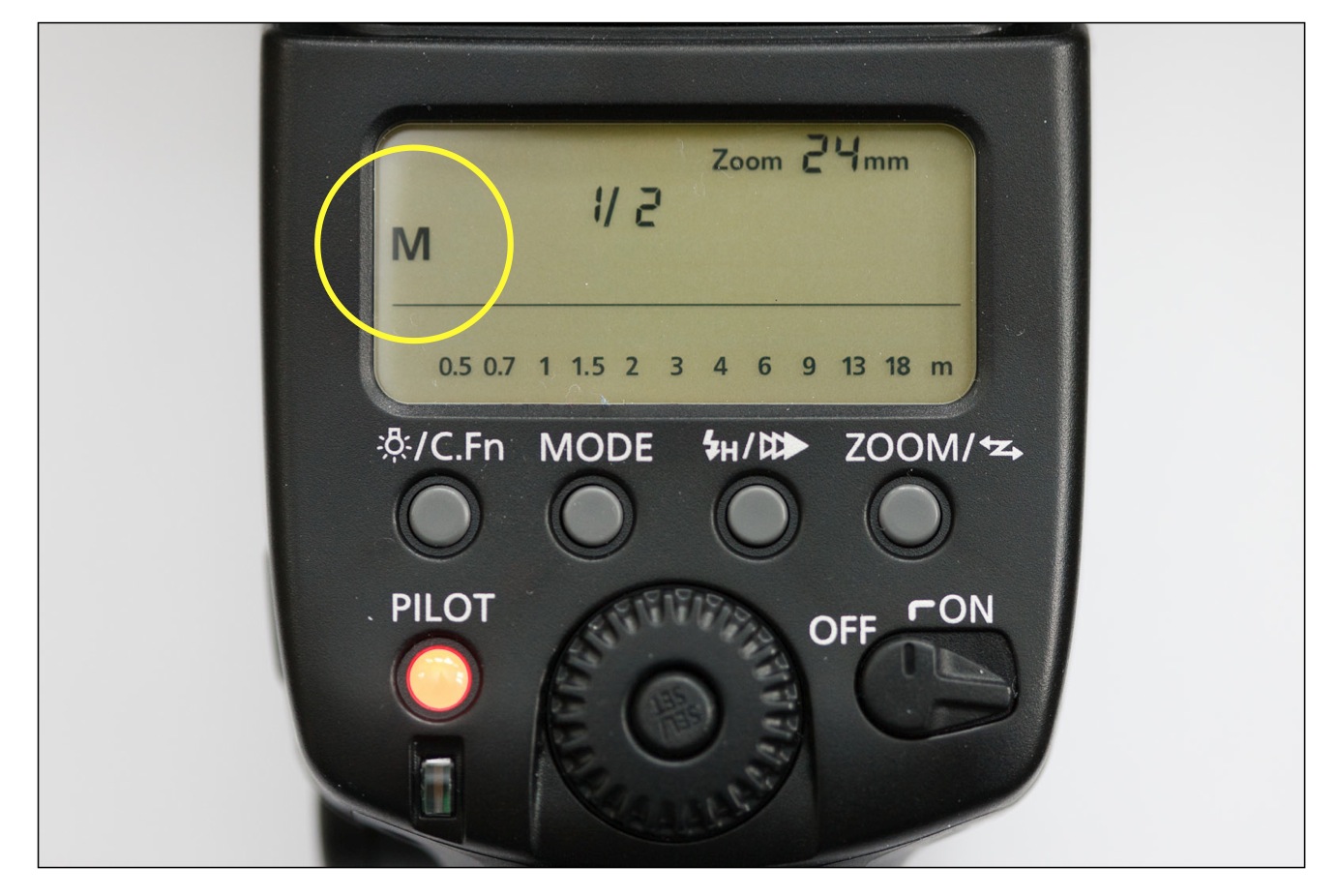
To ascertain that, and to see how much reserve you have, set your flash to manual, full (1/1) power:

The example shows half power (1/2); you should select full power (1/1, or 100%).

If you now have an overexposed picture, you know you can do the shot. Go back to TTL (press “mode” until “M” changes to “TTL”) and try again, changing flash compensation until your picture is good.

But if instead, your picture is too dark still, then there is simply insufficient power available. So no amount of flash compensation or metering changes will help. Instead, you have to lower the F-number or increase the ISO until that is no longer the case. (Or you could move to a room with a lower ceiling, if you are bouncing the flash).

I.e. if I were to sum this up, I would say:

Never go to TTL unless in full power manual, your picture is overexposed.

Simple, no? But you would be surprised how many photographers struggle with this simple check.


Jane and hats

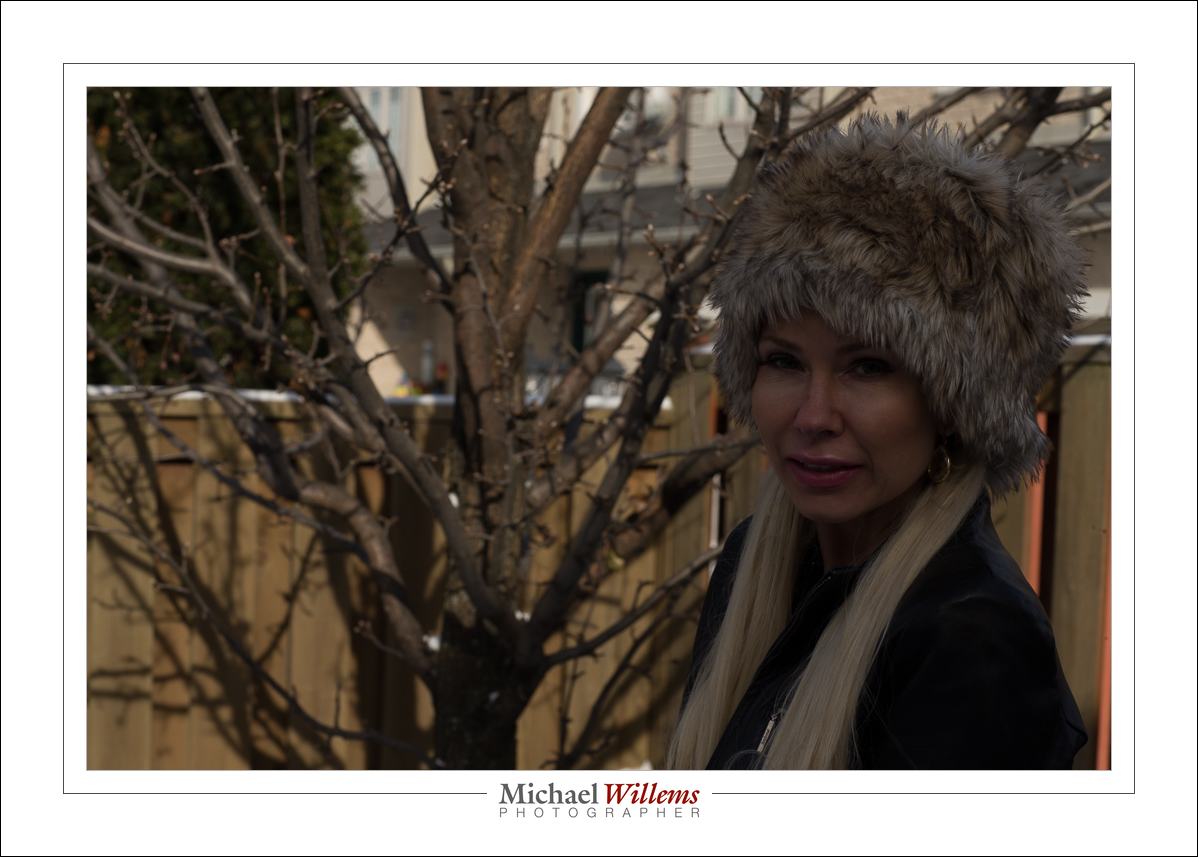
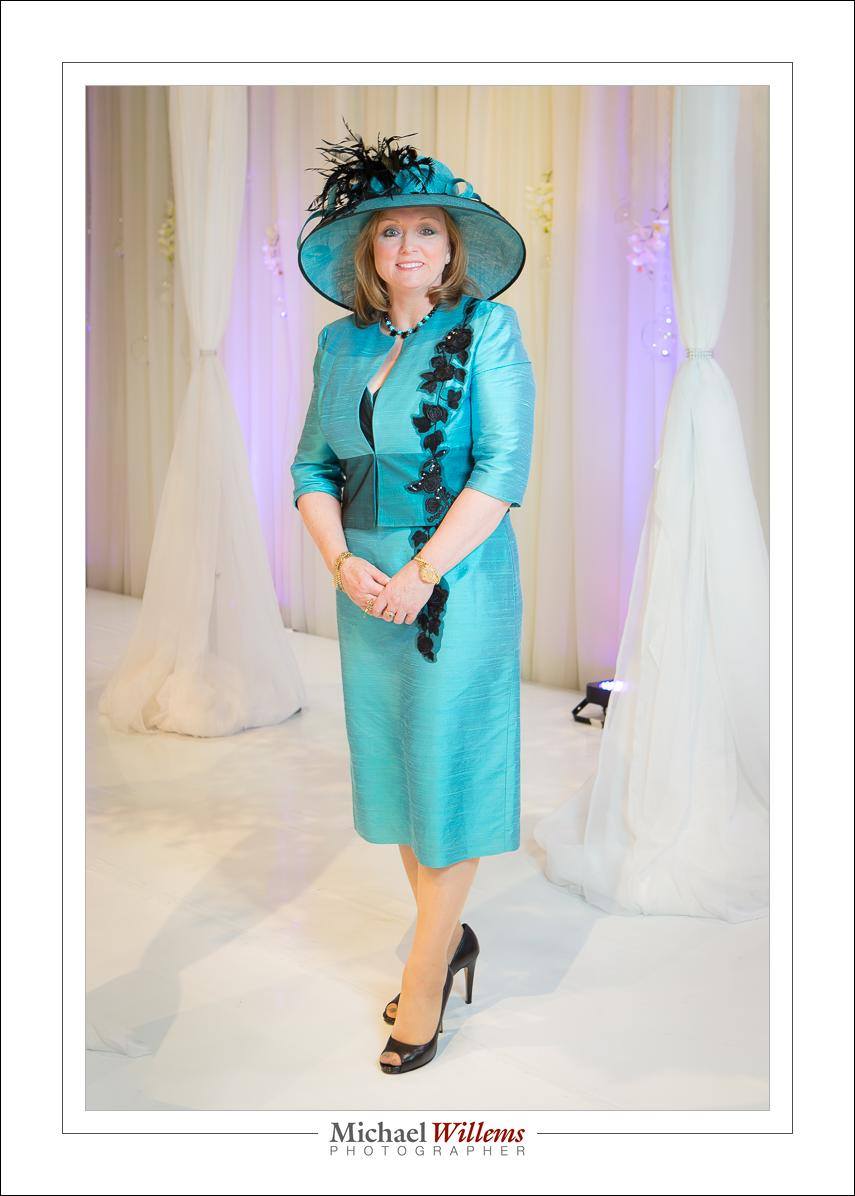
This is Jane Dayus-Hinch at today’s Bridal Show in Toronto:

As you see, Jane wears hats. Large hats. And these are extremely challenging, photographically. You will get very dark eyes.

What you can do:

  • If using flash, lower your lights a little, and perhaps move them a little farther away.
  • Tip the hat up a little.
  • Add a reflector underneath.
  • Use a white floor with a lot of ambient light mixed in (as I did here).
  • Do some post work.

Even with these, the conditions will still not be perfect, so you may have to live with slightly darker eyes. But at least the photos will be acceptable, as this one is. And as Jane’s photographer, I have to be able to handle hats!


Flash is for when it’s dark?

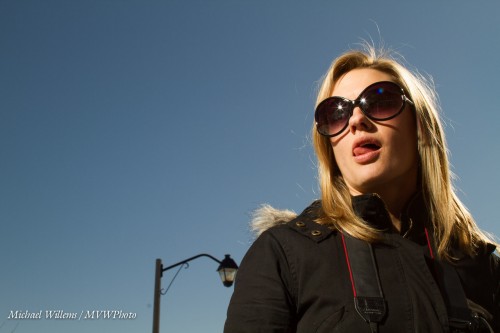
No, that’s not just what flash is for. Take this image, made on a sunny day:

That was a flash image. Without flash, it would have looked like this:

Of course I could have just increased exposure *(lower “f”-number, or slower shutter, or higher ISO). But then, the entire image would have been brighter:

That’s not bad, but it doesn’t emphasize the subject, and I lose the opportunity to shape the subject.

So there are many shots where flash is not necessary per sé; it just increases the creative options available to you. Always carry flashes, is my motto: it makes my creative life easier by giving me more options.

___

Today, I host a Photographic Art Garage Sale at my home (scroll down). There is a very special deal on the e-books (http://learning.photography/collections/books) as well. 9AM-5PM: Come by if you are near Oakvillle, Ontario!


Exposing to the right

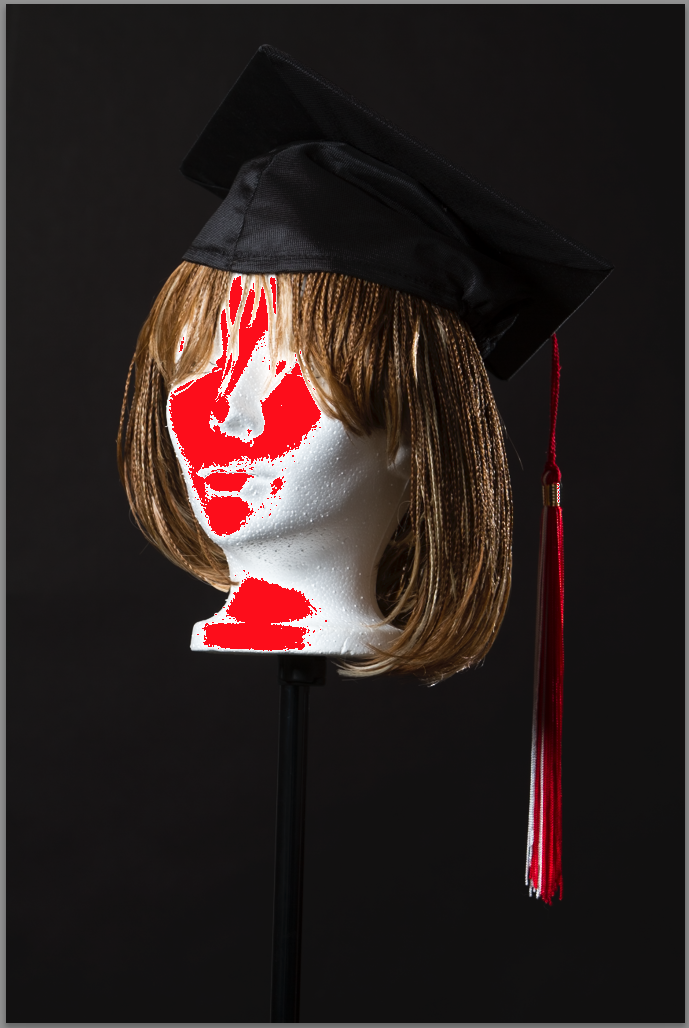
I am studio shooting, and I like to get my exposure right. And there’s one things that always occurs to me: the difference between camera and Lightroom. The camera says this image is overexposed:

That’s what it looks like on the camera. But in Lightroom, that same image looks like this:

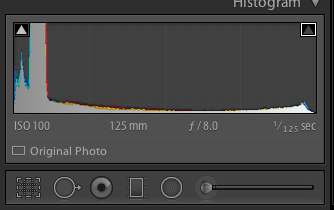
Looks pretty perfect, and that is confirmed by the histogram:

There are several reasons for this.

  1. The camera shows me the JPG that is built into the RAW as a preview. But in Lightroom, I have the actual RAW. Which has more exposure space due to its having more bits per colour channel.
  2. Lightroom prevents overexposure when importing, as part of its current develop profile (so if you like overexposed backgrounds, tough—I have commented on this before).
  3. Cameras and Lightroom are not calibrated the same. There’s always some difference.

So here’s my studio tip for the day: know your camera, and know how to expose on your specific camera to get an image that is exposed to the right (i.e. bright white areas appear at the very end on the right in the histogram, without actually touching the right side). Every camera is different. On my 1Dx, for instance, I need to see overexposure by about 2/3 of a stop, in order to get a Lightroom image that is just shy of being overexposed. As long as you know, this does not matter.

1/1/2015: you have a few hours left to buy three of my e-books at a 50% discount. Only today!


Trick-repeat

I shall now repeat a flash trick I have mentioned here before several times, in 2011 and 2013. Time for another refresher.

You all know how important it is to avoid, at least when the flash is on your camera, direct flash light reaching your subject. Both in order to avoid “flat” light, and especially to avoid those nasty drop shadows, like this (don’t do this at home, kids):

But you have also heard me talk (and those who come to my upcoming flash courses will learn hands-on) that you should “look for the virtual umbrella”. For most lighting, this means 45 degrees above, and in front of, the subject.

So when you are close to that subject, you aim your flash behind you to get to that point. Good.

But what when you are far, as when using a telephoto lens? Then the “virtual umbrella” may be in front of you. And aiming your flash forward is a no-no, since the subject will be lit in part by direct light.

A-ha. Unless you block the direct part of that light!

Like this:

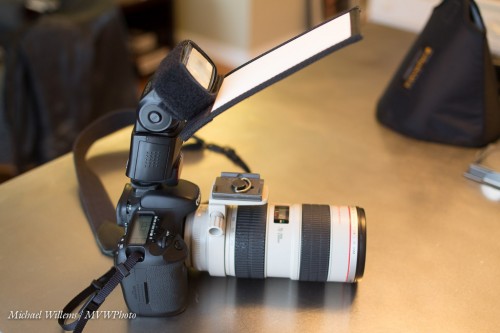
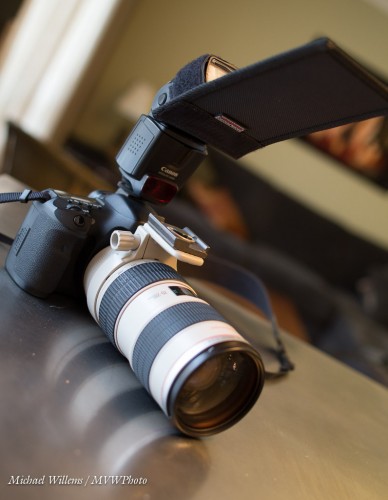
As you see, I use a Honl Photo bounce card/gobo to block the direct light. Simple, affordable, and very effective. I use either the white bounce side, or the black flag side, depending on the ceiling and position.

Simple, effective – done!

And one more thing. Direct flash is not bad per sé. Not at all. As long as it is not coming from where your lens is, it can be very effective, like in this “funny face” shot of a recent student (you know who you are):

Lit by a direct, unmodified flash. And the hairlight, the shampooy goodness? Yeah. The sun. Just saying.


Take direction.

I took a few photos today of talented photographer Lisa Mininni, to demonstrate flash direction to her when bouncing; and I thought I would share them with you here.

I often see people, even pros, walk into parties bouncing their flash straight up, at 180 degrees. Here:

Not good: dark eyes. Because of the straight-up bounce, the light comes from straight above. So the eye sockets fill with, well, with darkness.

Next, I see people all the time with their flashes aimed 45 degrees up, forward.

What’s happening here is that the light lights up the subject’s forehead, and the ceiling above and behind them. As we go down, it progressively lights less.

Now, we use a reflector. I have seen those in use many times before. I get:

Not bad. But.. a little harsh. The light could be better.

And when I see “better”, I mean bouncing 45 degrees behind me. Provided there is a roof, cekling, wall, somwethign to bounce back light, you can do this. Even with high ceilings, as in the studio I made these in, where I would estimate they were at least 13 ft high:

Perfect. To really see the difference, view them large and download to your computer.

Now, keep in mind:

  • 45 degrees behind is merely a starting point. And a good one. But the real way to do it is to start with the subject’s face. From there, mentally draw a dotted line to “where the umbrella would be” if you were in a studio. Now continue that line, and where it hits a wall or ceiling, that’s where you aim.
  • What I am talking about here works—usually. But each situation is unique, so “never say never”. Sometimes, “straight up” or “forward” are the way to go.
  • I am mixing with ambient light. A good starting point for that, as regular readers know, is the “Willems 400-40-4 rule”: 400 ISO, 1/40 sec, f/4.
  • Watch your power. If the ceilings are too high, or if you need to use a small aperture like f/8, you may have to go to higher ISO values.

Using a flash is easy once you know how. Learn, and see how amazing the options are that are now open to you.


TIP: My courses and books will help: see http://learning.photography—special Christmas pricing applies. Joining the Facebook Speedlighters Forum on https://www.facebook.com/groups/SpeedlightersForum/ will also help: many people will help you learn.


Always look on the bright side

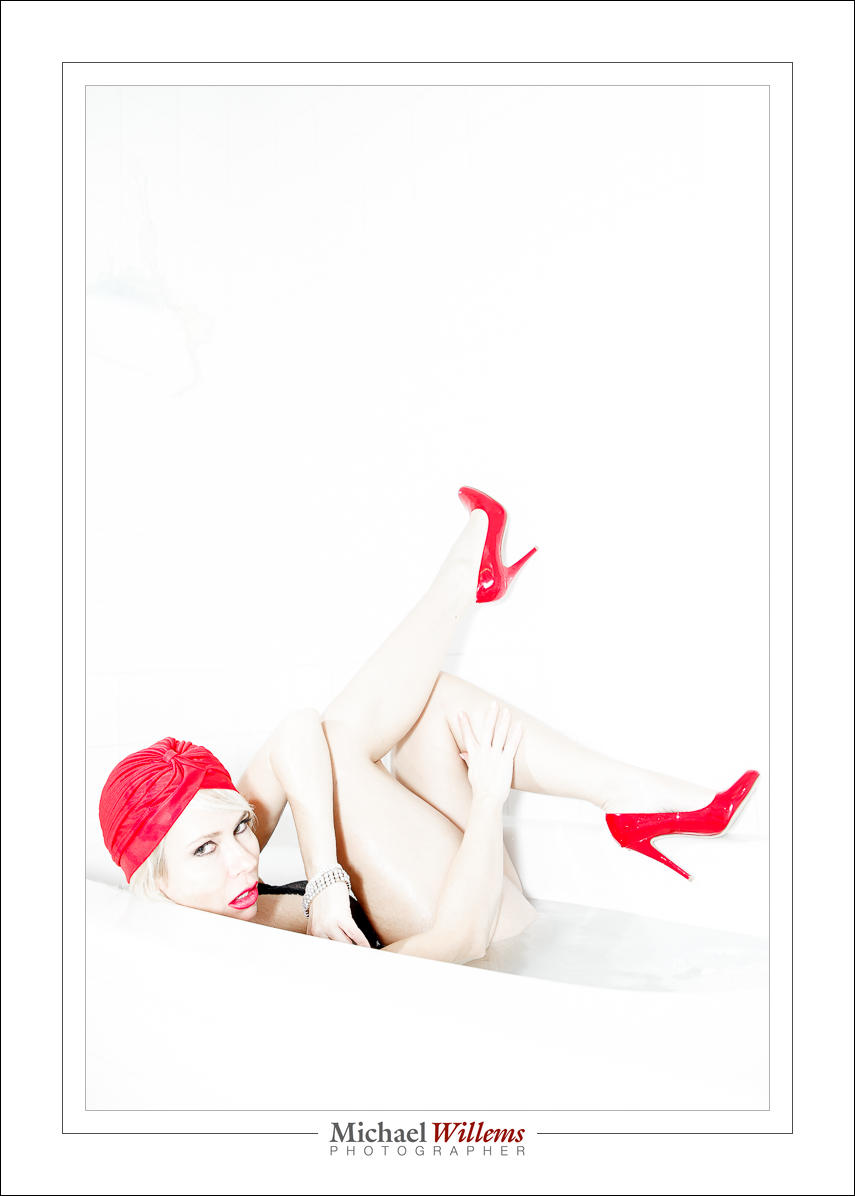
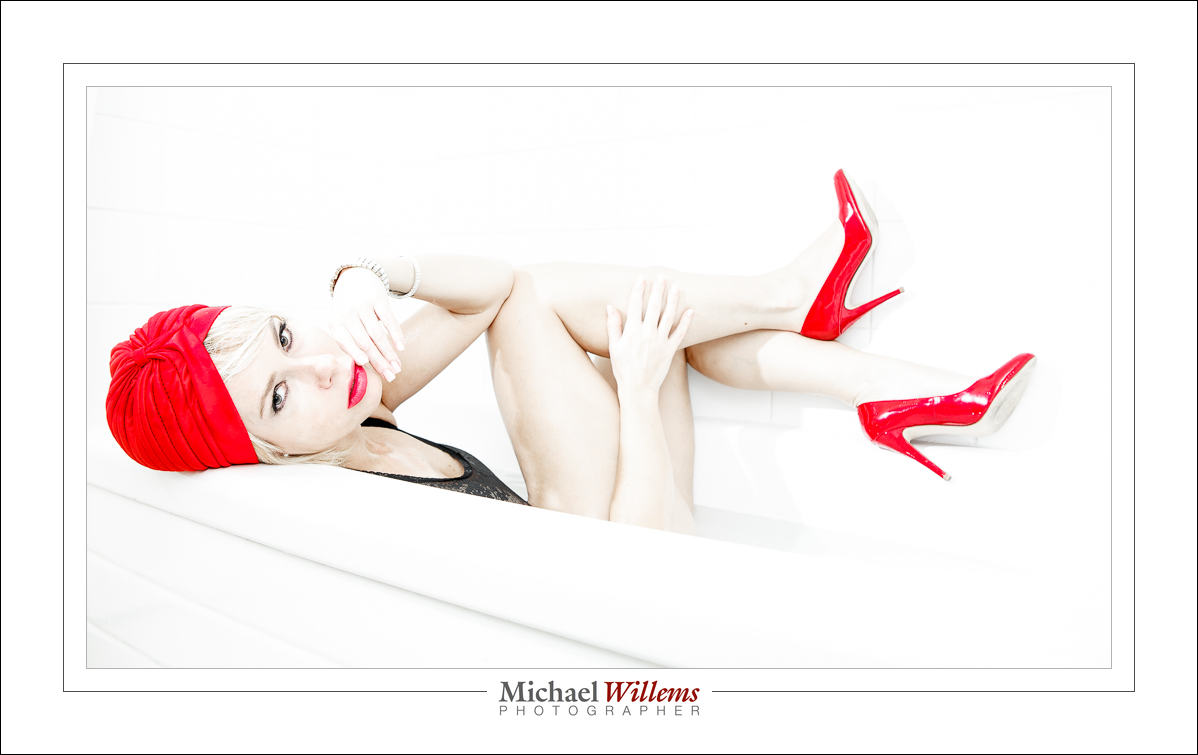
When lighting skin, there’s one rule I go by: I light it brightly.

This student on my college course looks great and pretty:

But look what happens when I light her up 1.66 extra stops:

Her skin looks even better.

So when I use flash, I expose 1-2 stops over normal, by using flash exposure compensation when using TTL flash, or by increasing flash power, or by simply exposing more when using available light. You will see a lot of high-key images in my work:

Those are from a shoot I did today. One on camera flash, manual, 1/4 power, camera on 400 ISO, 1/125 sec, f/5. And one flash on my left, set at 1/32 power, aimed direct at the subject through a 1/4″ Honl photo grid.

Can you seen the effect of the individual flashes, and of exposing so brightly?


Evolution of a shot

How do we set up a shot with both ambient and flash light? Let’s look at one.

Let’s start like this:

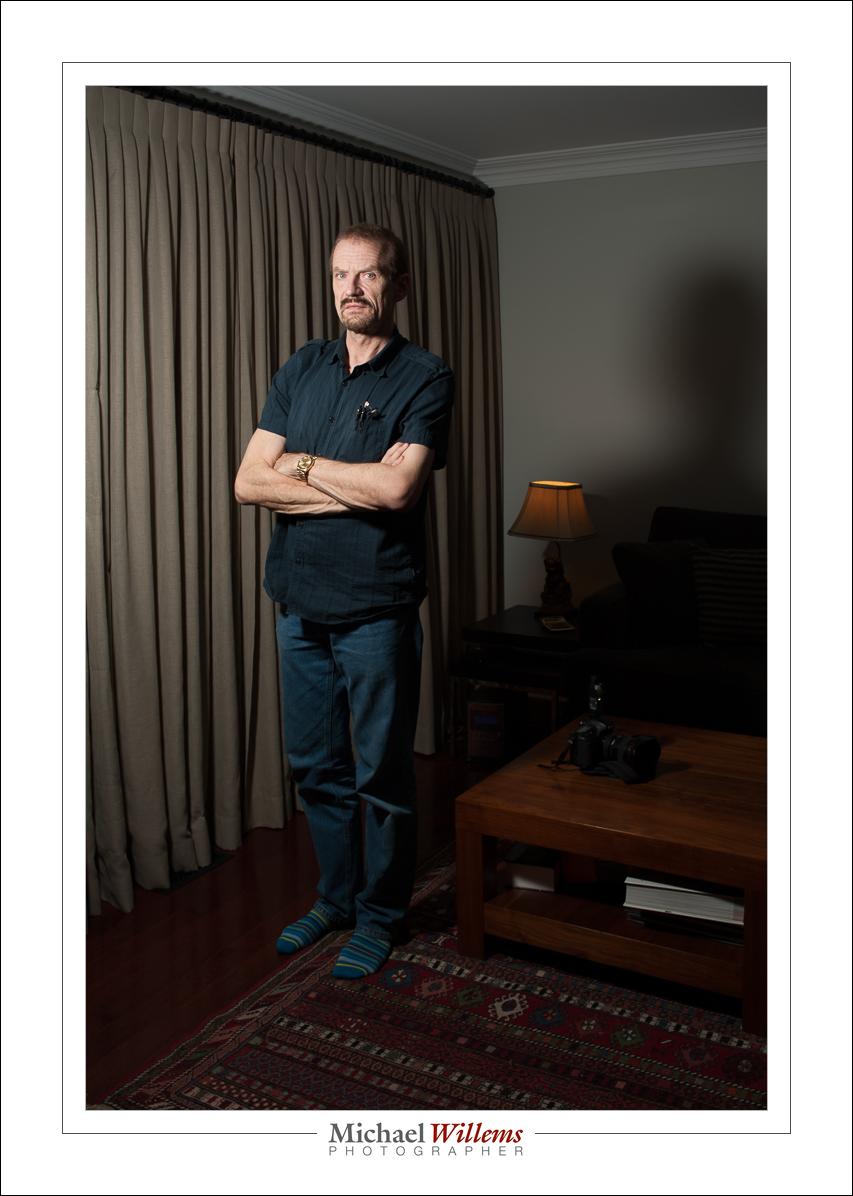
That’s the studio setting: 1/125 sec, f/8, 200 ISO. Ambient light plays no role. That is the definition of the studio settings.

Is that what we want here? I would say no. We want to see the lamp!

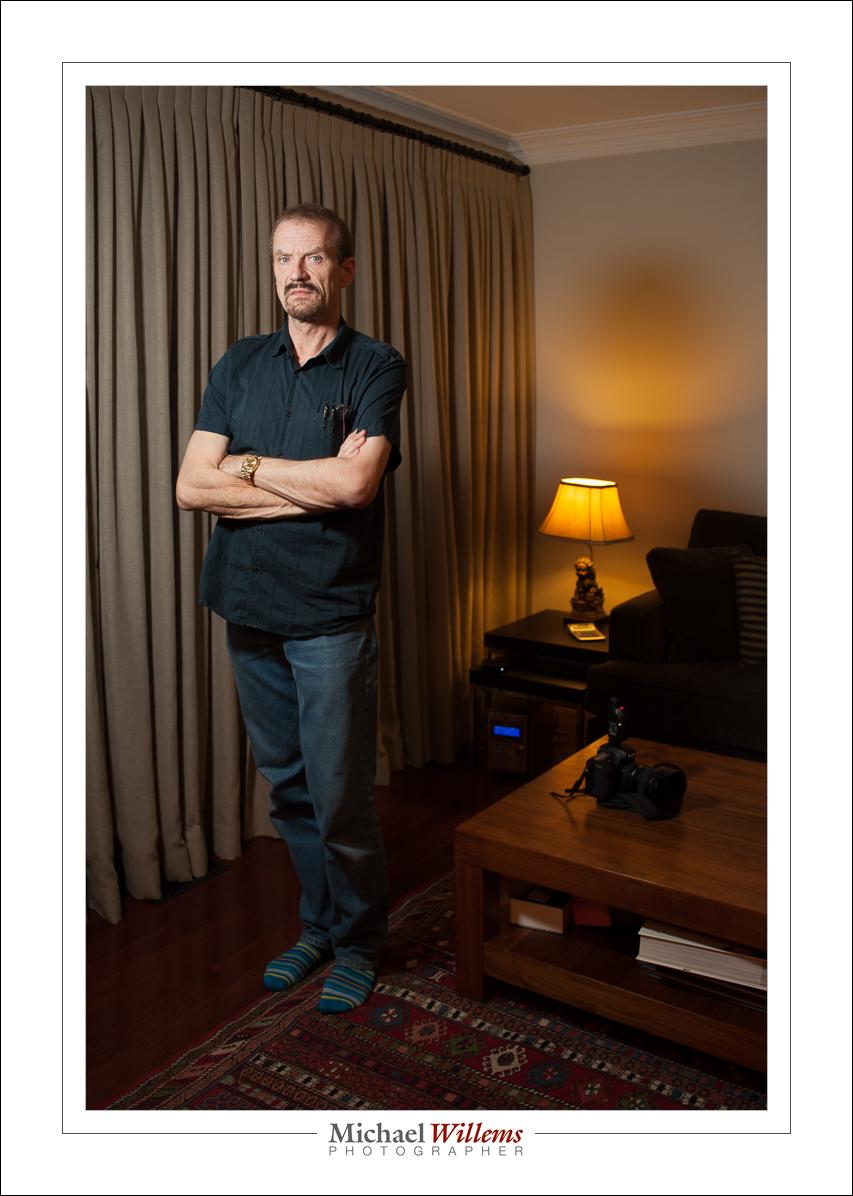
So now, let’s mix in ambient light, shall we? We aim for –2 stops on the light meter. Here’s 400-40-4, which gets me very close:

That’s 400-40-4 (i.e. 400 ISO, 1/40 sec, f/4): the “party setting”.

Much better, if we want that mix.

Now let’s open that curtain and take a look. Fortunately., the outside light and the lamp are in the same range, so I can set my camera for either of those. 400-40-4 will do it. If I had to choose, I would choose based on the lamp, the most important element.

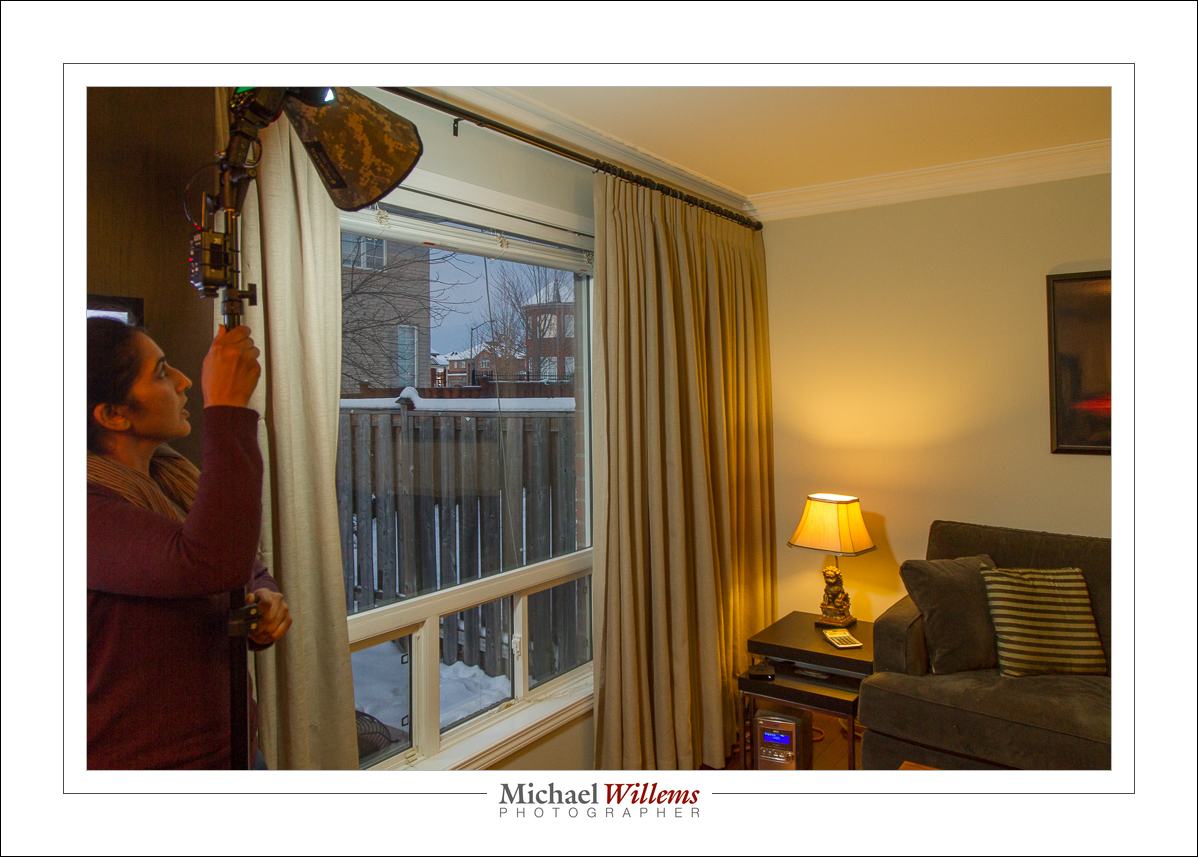
Because I want no light spill from the flash into the rest of the room, I do not use an umbrella. Instead, I use a small Honl photo Traveller 8 softbox, held close to the subject. Here’s student Arsheen setting it up:

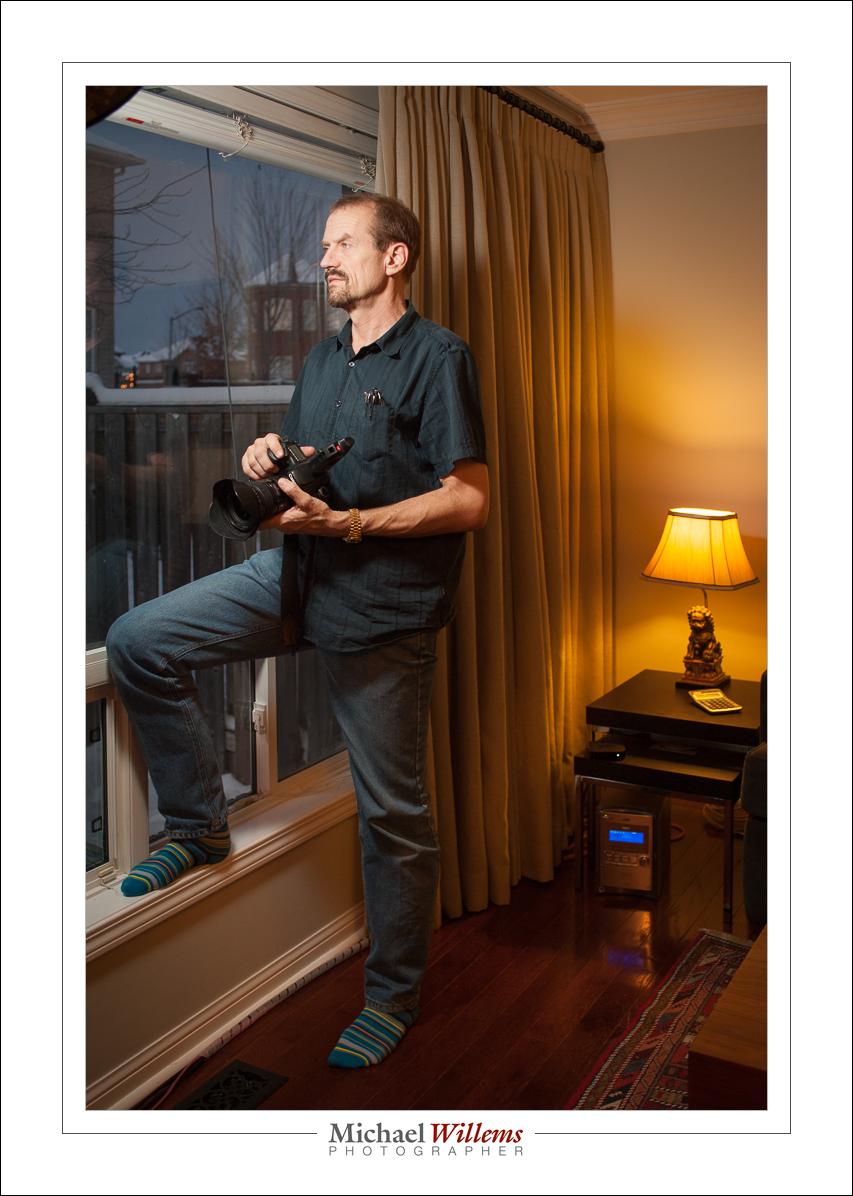
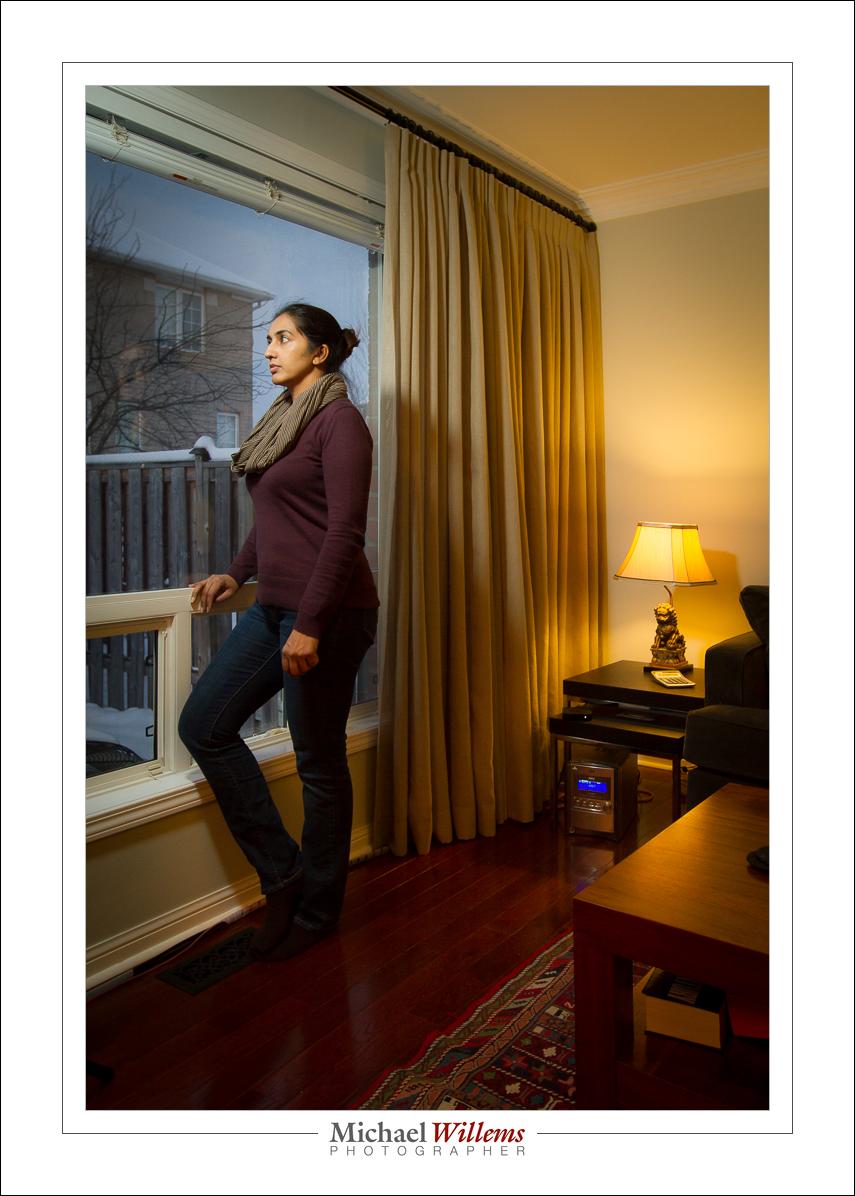
That gives me the final shots:

That mix of warm and flash light: beautiful. But that’s my taste: you can do your own, develop your own style. And that is what flash is all about.


High speed flash.

High Speed Flash. Also known as High Speed Sync, or HSS, or “Auto FP” flash. Your camera/speedlight combination probably has it. Let me explain what it is, why it’s good, and why it’s nevertheless seldom useful.

First, the term “High Speed” is a misnomer, since it is actually slow speed flash. Let me explain.

Normally, a flash lasts 1/1000 sec or less. At 1/32 power, it’s only about 1/30,000 second. Very, very fast.

But there’s a problem: the shutter cannot keep up. You see, the shutter needs to be fully open for that quick flash to be able to illuminate the whole sensor, but at speeds above 1/250 second, the camera makers use a trick to get faster shutter speeds: instead of opening fully, an ever narrowing slit of light travels down the sensor, so the shutter is never actually fully open.If you try to use flash, only part of your picture will be illuminated.

But there is a trick: HSS, or “Auto FP” flash. When using HSS, instead of flashing once, the flash goes FlashFlashFlashFlashFlashFlashFlashFlash very rapidly (at a rate of 30,000 times a second).  This makes it into what is effectively a continuous light. As the narrow shutter slit travels down, the FlashFlashFlash keeps going on and hence the flash illuminates the sensor gradually.

So, set your camera (Nikon: camera menu, select “Auto FP” flash sync) or flash (Canon: set flash to HSS symbol) to high speed and you are set to go. You can now use any shutter speed, up to whatever. 1/4000? Sure. Go for it.

The problem? HSS loses most of your power (you are illuminating the closed part of the shutter, after all), so your flash range is reduced. At 400 ISO and f/8, my flash has the following maximum range:

  • 1/30 sec:     9m
  • 1/60 sec:     9m
  • 1/125 sec:   9m
  • 1/250 sec:   9m
  • 1/500 sec:   3m
  • 1/1000 sec: 2m
  • 1/2000 sec: 1.5m
  • 1/4000 sec: 1m
  • 1/8000 sec: 0.7

So up to 1/250, varying the shutter speed, as you would expect, has no effect. But then HSS kicks in, and the range starts to drop dramatically. At 1/8000 sec, my flash, at full power, only reaches 70cm (about 2 ft). And if you are using a modifier, like an umbrella, forget that: you would be lucky to get a few inches.

So while HSS is a great idea, it is not very useful in most practical situations. Because you are most likely to need to need it when it is bright outside, but that’s also when you need most power and cannot afford to lose any. Catch-22, since HSS steals from Peter to pay Paul. Now you know.

Math buff note: can you see any math logic in the numbers above? Yes, every stop faster shutter speed loses you the square root of 2 (roughly 1.4)  in available range. So, two stops faster shutter means half the range.