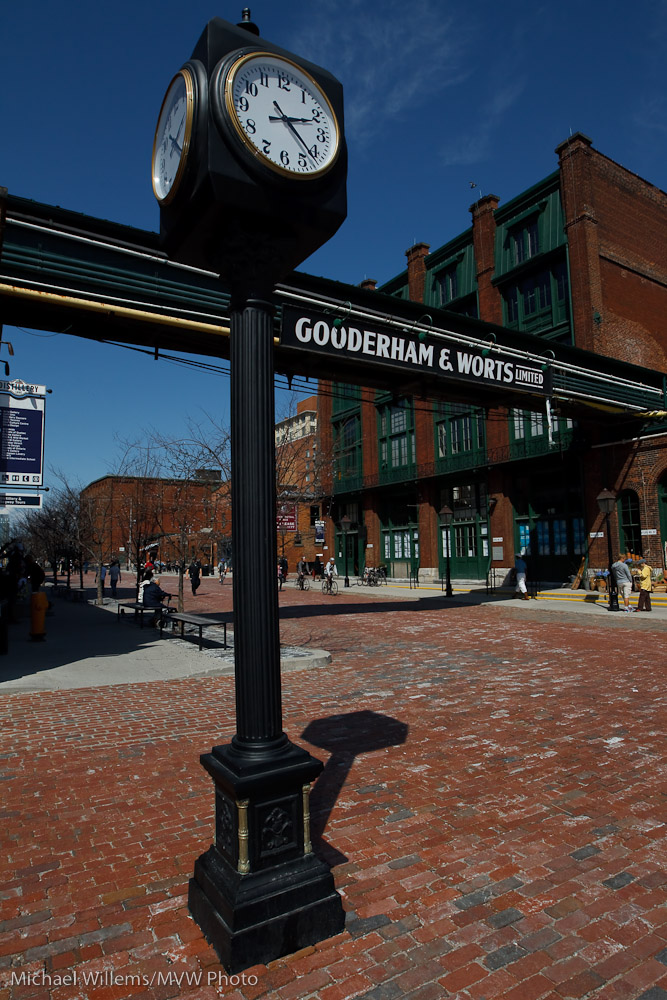
As promised

…so what is the deal with image stabilization/vibration reduction (IS/VR), if your lens or camera has it?

  • Use it! It is a great feature: it adds several stops to your ability to take low shutter speed.
  • If your camera is on a tripod, do not use it. It does not good and may do harm (like wearing our your battery).
  • If you are shaking wildly because you are following something, do not use it.
  • If you are tracking a subject that moves in a linear direction, like yesterday’s aircraft, use it – if you have a “mode 1/mode 2” or “active/passive” switch, which you have on high-end lenses. Mode 2/Active means “I am tracking something on one direction, so only stabilise in the direction perpendicular to my tracking”.

On Nikon and Canon, you have VR/IS in the lens. Sony does it in the body: cheaper, but less optimized to the lens length, and you can’t see the effect.
Landing

At this point, ladies and gentlemen, please ensure that your trays are stowed and your seats are in the upright position. Please ensure that all your luggage is securely stowed: heavier items underneath the seat in front of you, lighter items in the overhead bins bla blabla  bla shifted in flight blablabla

I have a point in telling this and showing this picture of my friend James arriving in Toronto last Saturday night. Coming up tomorrow: for those of you with a stabilised (VR/IS) lens with TWO positions, what is the difference? When do you you which one? More on that tomorrow.

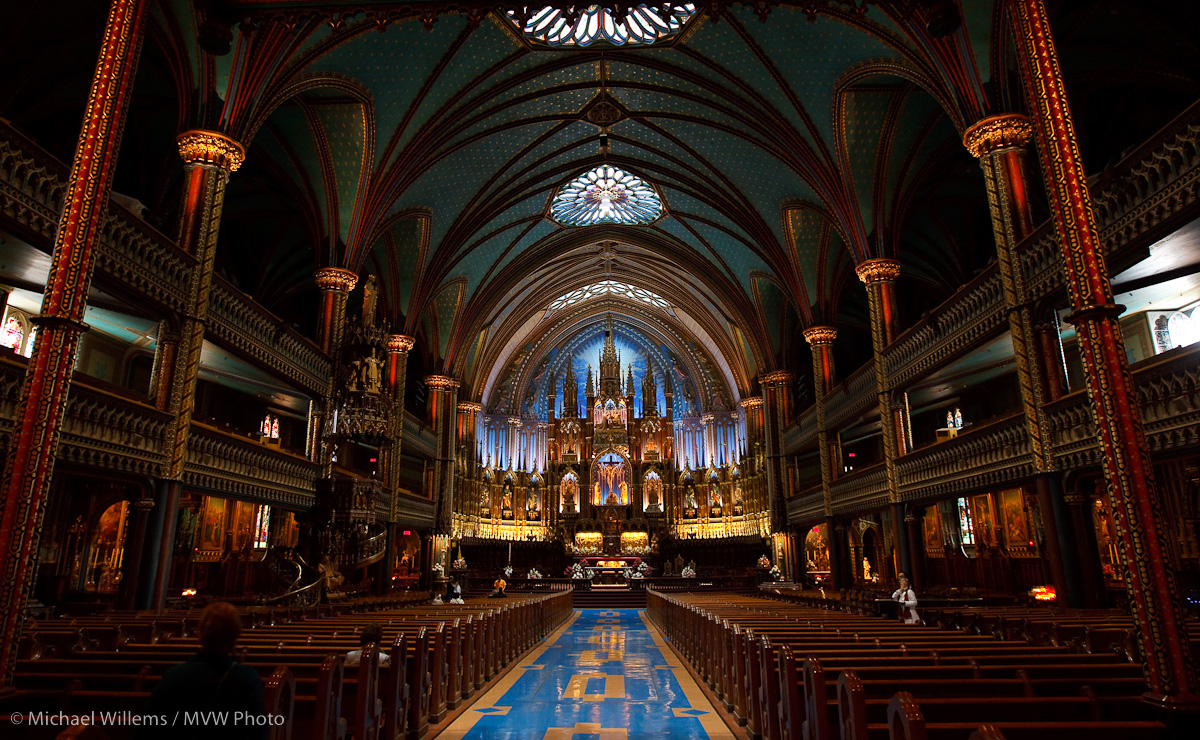
Now first I go take a few pictures of old Montréal, if I have the energy and my knee holds out and it does not start raining.

Shutter speed?

Quick rule of thumb:

  • Stay roughly at 1/lens length or faster to be sure your pictures are not shaky. Roughly! So for a 100mm lens, stay faster than 1/100th.And so on.
  • Hold your lens at the end.
  • Take 5 or more pictures – one will be sharp.

Quick, as rules of thumb are. But useful!

Flash from behind

Look at this picture, which a student took of me in a class the other day:

Michael Teaching

Can you see how she turned her flash behind her, so it aimed at the wall above her, which in turn lit me with soft, gentle light? Otherwise, if she had aimed it at me directly, we would have seen all the things that people hate in flash:

  • oily skin
  • flat face
  • dark background
  • overexposed subject
  • shadows under the chin

Instead, we get soft, natural looking light.  And it’s easy: turn the flash so that the light bounces behind you. With TTL, it’s easy: the camera does the math. You just push the button.

Sometimes you make do

…with a hand, if you want a foreground object to light up with your flash, when for effect the background needs to be darker. Like just now in The Distillery District in Toronto:

Another snap:

Again, using flash for lighting up the foreground, while exposing down to saturate the background on a bright day around noon. Sure you can take pictures at mid-day.

You can do a lot…

…in spite of conventional wisdom. Conventional wisdom has it that the Canon 7D is not the best for high ISO shots. And that you need twice the lens length, so 50mm on a crop camera needs 1/160th second..

So you could not possibly do a shot like this at

  • 3200 ISO
  • in available tungsten light
  • with a 50mm f/1.4 lens
  • set to f/2 at 1/40th sec0nd,
  • hand-held:

Cat, 3200 ISO, f/2, 1/40th sec, Canon 7D, 50mm

Yes you can. Hand held, slight noise reduction applied in Lightroom.

That wired effect

Here’s a picture I just took of my favourite patient model. I used some technique to get that dramatic “Wired” effect:

The way I made this picture:

Camera:

  • Camera: Canon 7D with 50mm f/1.4 lens
  • Set to Manual, 1/125th sec, f/8, 100 ISO

Flash:

  • Multi-flash TTL with one on-camera and two off-camera flashes.
  • One “A” Flash on the camera (580 EX) as fill flash and “commander”;
  • The main lighting was rim lighting: two 430 EX flashes either side of the model, slightly behind, set up as “B” flashes.
  • I was using a 1:8 A:B ratio.
  • The 430 flashes were each equipped with a Honl 1/4″ grid, to stop their light from hitting the entire room.
  • Flash compensation -1 stop to avoid overexposing the rims (this is common when your main flash lights only a small part of the picture).

Post:

  • And finally, I desaturated the colours in Lightroom: Presence +15, Vibrance -20 and Saturation -40. I also did a version where I desaturated only red and orange, and increased sharpness, which is the usual technique.

Try it yourself, or come to our two-day Light workshop 10+11 April to learn exactly how to do this.