Miscellany Musings

Learning opportunity: Tomorrow AM and Friday PM, you can see me talk at the Coast To Coast arts convention at Toronto airport. Come learn about camera basics (tomorrow) or Landscapes (Friday).

Cat Opportunity: always be ready to shoot your cats with a wide open lens in available light. And I never waste an opportunity to post a cat picture:

Theft opportunity: that is what you are giving thieves by leaving gear in your car. A good friend last night had her multiple cameras, multiple expensive lenses, and laptop stolen from her parked car. So sad, a terrible loss. The lesson can benefit us all: DO not leave cameras in cars. Even if you do not have a license plate like mine (NB: link is not suitable for work!).

But there may be light at the end of the tunnel: your home insurance, and if you do not have this your car insurance, may well cover part or all of this loss. Immediately make a police report, and then immediately contact your insurance company. Meanwhile collect serial numbers. in the EXIF data of each photo, things like camera serial number and often lens serial number are present. You can use a free utility called EXIFTOOL (Google it) to see the full EXIF data, if need be.
 

Interview

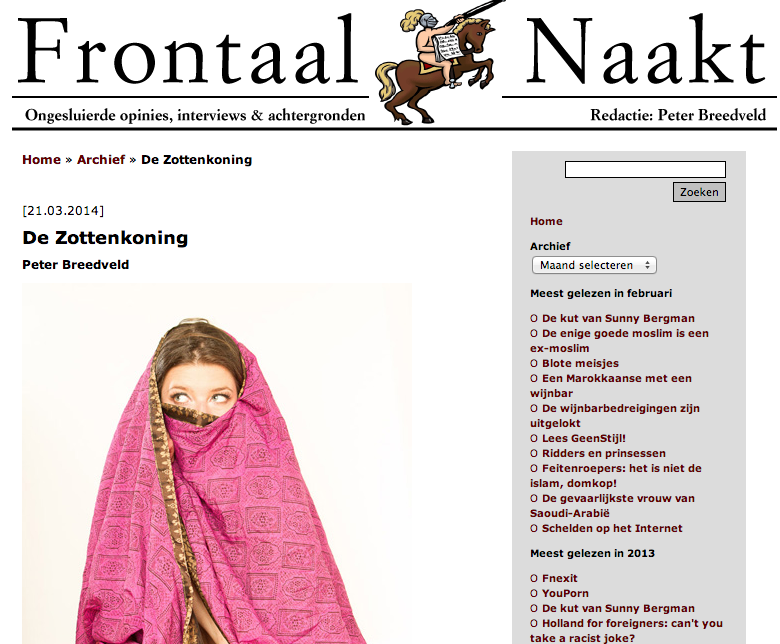
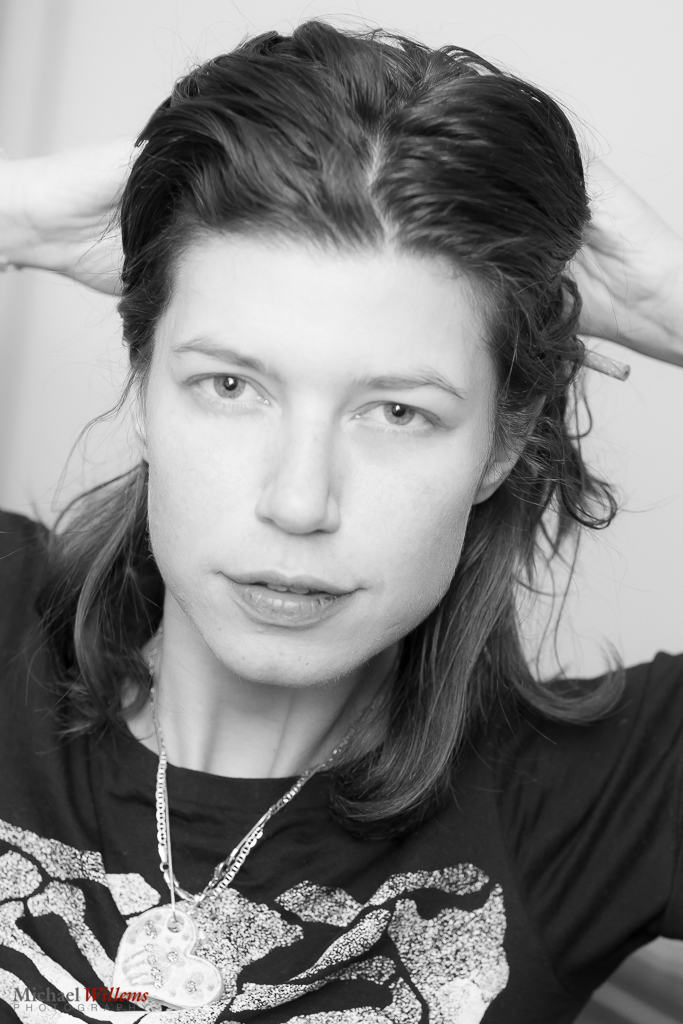
I was interviewed this morning by “Frontaal Naakt”, a leading Dutch opinion blog. The editor, Peter Breedveld, will publish the interview in the next days. In the mean time, some of my work is used as illustrations to his other articles:

One of the questions in the interview was about societal acceptance of nudes. Which, as most of my readers know, are among the many things I shoot.

I told him that in North America there is serious resistance to nudity, and that we, um, kind of missed the 1960s here. Does that sound extreme? Not to me. The Netherlands had full frontal male and female nudity on prime time TV by the 1960s and 1970s. Here, this may perhaps happen eventually, but we certainly are not there yet.

That said, young people in North America are much less prone to having body or nudity hangups than older people. In The Netherlands, however, mr Breedveld tells me, it is the other way around. The pendulum swings everywhere, always. Right now, that is encouraging to me here, and discouraging there, because as a child of the 1960s I cannot understand what anyone would have against the human body; and I certainly cannot see how they would wish to impose those views on others. Those views to me seem Victorian—but to each his or her own.

The other subject was “subjects”. Are all my subjects pretty young women?

No. I shoot people of all shapes, walks of life, and ages—but I will only publish them with permission, obviously, so they are less available. But I do love photographing all manner of people: everyone is interesting. You’ll see a few there I expect. “Selfies”, too. Why not? If I say nudes are OK, why should I not want to shoot myself that way? I could not ask my models to do something I would not do myself.

Are nudes sexual? Not usually; not to me; but there is a continuum. From 0% sexual (medical illustrations) to 100% (porn). I like to think I am somewhere in the lower half of that continuum.

Am I an activist? In a way, yes. I would like society to ease up a little bit on the Victorian values, and start realizing that there is nothing wrong with human bodies. Once you realise that, there’s a lot of freedom, and we all like freedom. Right?

Anyway: anyone who likes my nudes can see them on tumblr (my blog name there is mvwphoto). I would say “NSFW”, but I personally believe this is perfectly suitable for work!


What do I need?

What, asks a reader, do I need for portraits?

First, read http://www.speedlighter.ca/tag/portraits/ — this will give you an idea of the technologies and other needs.

For a minimum portrait with off-camera flash, you need:

  1. A stool and a backdrop (can be improvised).
  2. A camera.
  3. A flash—nikon user, an SB710 or SB910 (or predecessors).
  4. Aim the flash behind you 45 degrees up. Make sure there is a, preferably white, ceiling/wall where the flash points. Shoot.

That will give you a one-light, bounced portrait:

For a minimum portrait with off-camera flash, you need:

  1. A camera with a pop-up flash that can drive other flashes (most Nikons, most recent Canons).
  2. A flash—nikon user, an SB710 or SB910 (or predecessors).
  3. Set up your camera’s flash option in the “pencil” menu to not do ordinary TTL, but to do Commander instead. Then, in the commander settings screen, turn off the flash on the camera (top option), and set the A and B group options to “TTL”. Note the channel.
  4. Ensure that your flash is set to the same channel.
  5. Optionally, use a modifier such as a small softbox or a

That will give you a one-light, camera flash portrait:

Finally, for a “real”, i.e. traditional headshot, you would have four lights. To see how these work, I will repeat here a post from the past:


When you make a portrait using standard “studio settings” (i.e. you have the ambient light do nothing; and to achieve this you use f/8 at 1/125th sec at 100 ISO), and you use one flash, modified with an umbrella or softbox, you get a portrait, but it is very dramatic: only what you light is lit.


Desi

Today was a Desi shoot: a shoot with an Indian subcontinent theme. Henna artist Sadaf Ahmed and make-up artists Aisha and Falak got together with me and six models to shoot what they’re all capable of.

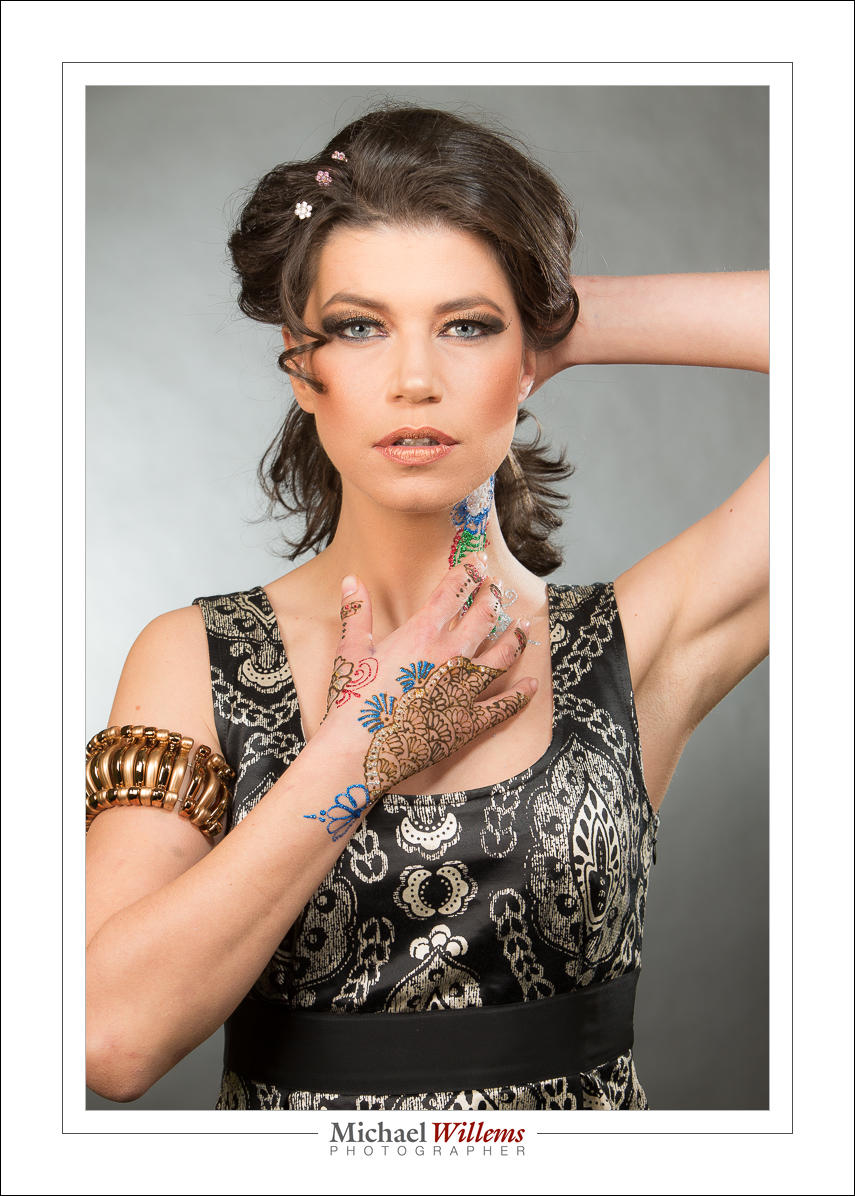
Here’s a sample:

What is special about this sample is that it is straight out of the camera. No skin smoothing, no adjustments of any kind except the removal of one tiny temporary blemish, which will be gone by tomorrow anyhow.

And we achieved this by having a great model, Kim G, and a great set of make-up and henna artists, and great light.

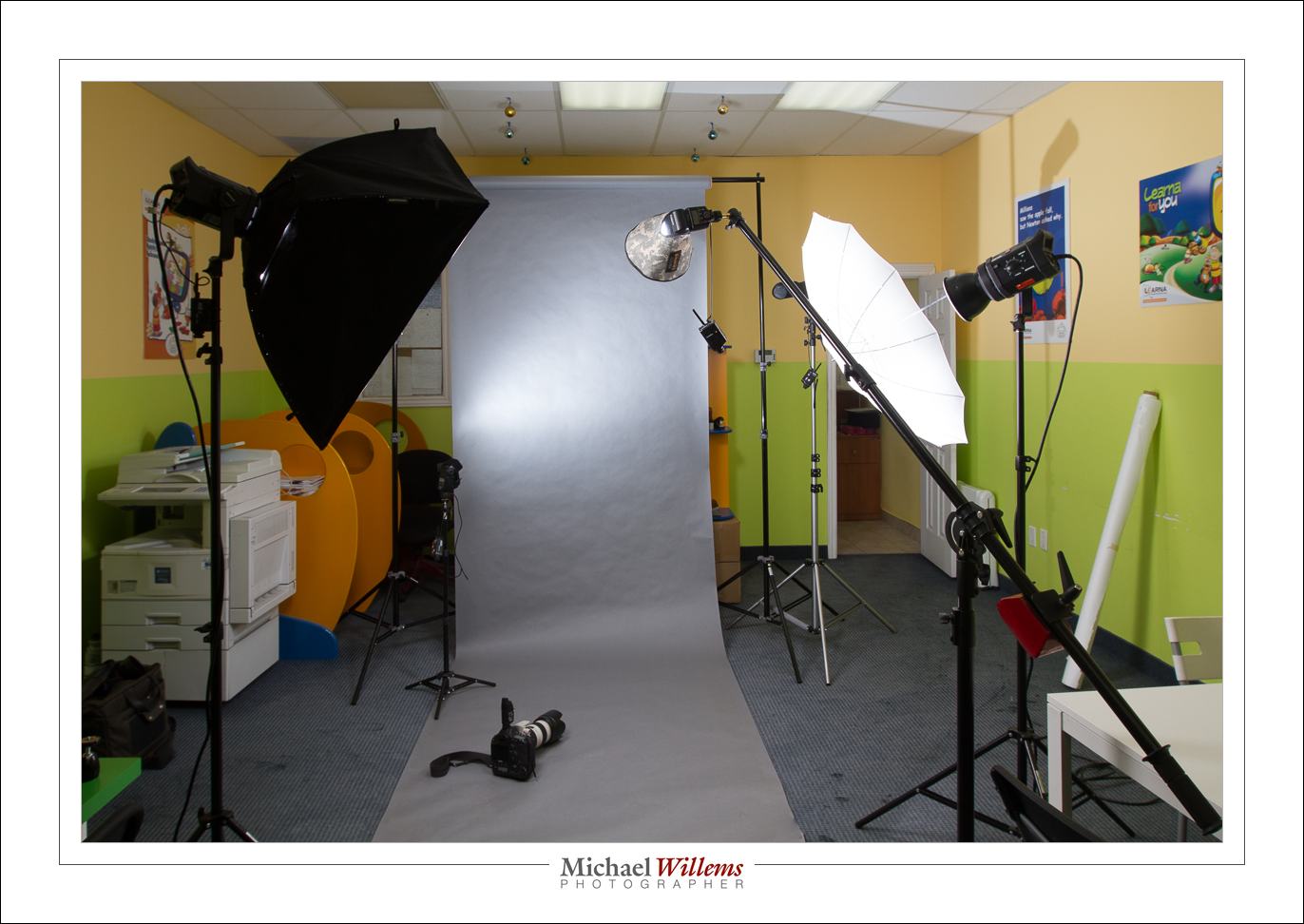
That light looked as follows:

Backdrop with a grey paper roll. A camera on manual, at 420 ISO, f/8, 1/125th second, with a 70-200 f/2.8L lens. Fitted with a Pocketwizard transmitter. And lights as follows:

  • Strobe: Main light, softbox on our left
  • Strobe: Fill, umbrella on our right
  • Speedlight: Background light on the left behind, aimed at background
  • Speedlight:Hair light with snoot on our right behind, aimed forward at subject
  • Speedlight: on boom, with small Honl photo Traveler Eight 8″ softbox. This gives the face more brightness.

All lights fired via Pocketwizard radio transceivers (the simple ones, that need manual flash operation). Connected to speedlights via Flashzebra cables.

This gives me pictures I can use straight away with no further modifications. Good, eh?

___

Want to learn? Hands-on course in Oakville this Saturday, “Learning TTL Flash”. 10AM, contact me (michael@michaelwillems.ca) to hear more and to book, now.


Delay?..

All is well, but I am in Aruba and Internet connectivity is slow, unreliable, and limited to my iPad. So I cannot blog for a few days.. After four years of daily posts. Sad, but can’t be helped.

This shows again how we cannot live without internet anymore. I could use my phone but this would cost thousands of dollars (literally). So, I will, I guess, have to admit defeat… travel is made difficult by these telco’s!

Canon Selphy CP900 printer

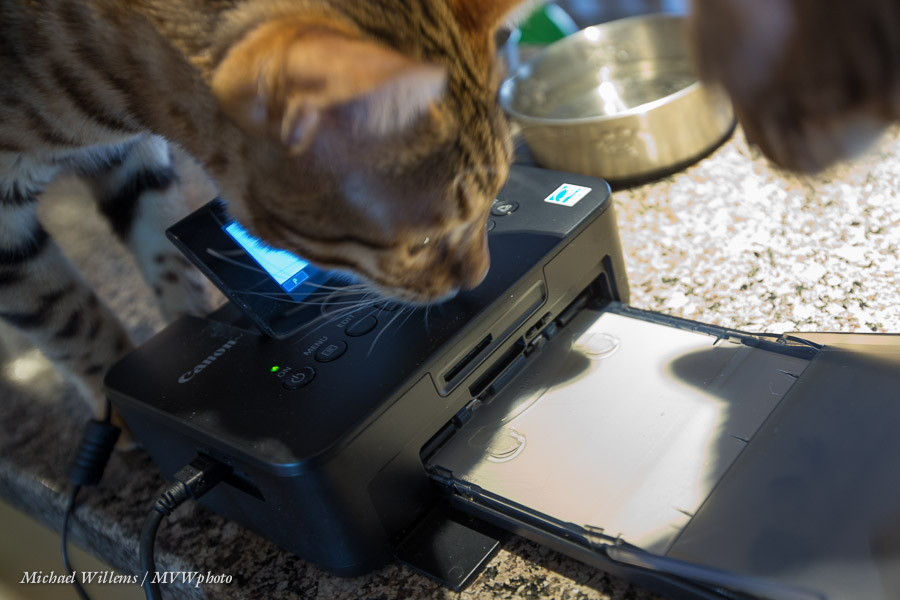
I recently bought a Canon Selphy CP900 4×6 photo printer to use at events. Here’s the cats investigating it:

Now, if you also have a Mac that runs OS X Mavericks, you are in for a disappointment: there is no 10.9 driver, and the currently latest driver (10.8), which you obtain from here, will not install. It refuses, saying “This software cannot be installed as it does not support the version of your current OS.”

Canon apparently has no plans to fix it – this printer is no longer supported. So I thought I would find the solution for you. I looked it up, and here you are. A little techie, but easy enough. Here:

The following instructions assume that the latest driver package is cp800-810-900os-x-062.dmg.gz, but the instructions should be valid for other versions as well.

Edit instructions:

  1. Download the latest Selphy driver for Mountain Lion (10.8) from Canon’s site.
  2. Double-click the downloaded file (cp800-810-900os-x-062.dmg.gz) to extract the disk image.
  3. Double-click the disk image (cp800-810-900os-x-062.dmg) to open (mount) it.
  4. In Finder, locate and select the mounted disk image.  The device name will be cp800-810-900os-x-062.
  5. Copy the driver package (SELPHY CP series Printer driver_6.2.0.1.pkg) to your Desktop.
  6. Open “Terminal.app” (Applications/Utilities/Terminal.app) and enter the following commands in the Terminal window to expand the driver package:
    cd ~/Desktoppkgutil –expand “SELPHY CP series Printer driver_6.2.0.1.pkg” SELPHYTMP
  7. Edit the Distribution file that’s located in the SELPHYTMP folder on your Desktop (e.g. secondary/right-click on the file, select Open With, select TextEdit.app).
  8. Edit the contents so that it always reports a compatible OS version (see below in the “File Instructions” section for the necessary changes).
  9. Save the modified Distribution file (File-Save)
  10. Go back to or reopen “Terminal.app” and enter the following commands in the Terminal window to create the modified driver package:
    cd ~/Desktoppkgutil –flatten SELPHYTMP “SELPHY CP series Printer driver_6.2.0.1 Modified.pkg”
  11. Open the modified driver package (SELPHY CP series Printer driver_6.2.0.1 Modified.pkg), which has been created on your Desktop, to install the drivers.

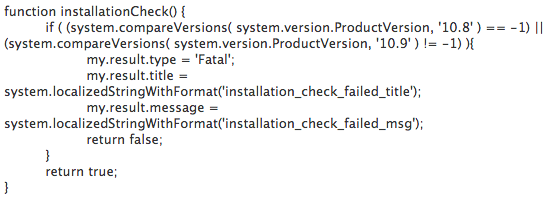
File instructions: Replace the section in the Distribution file that looks like this:

…with this:

function installationCheck() {
return true;
}

And that is all you need to do. Yes, as said, these instructions are a little technical, but it’s worth doing, since this is a very capable little dye sub printer for quick, high quality 4×6 prints. If you need help, or just want the file, contact me.

___

Do read yesterday’s post about new Oakville-based courses that just went online: book soon to avoid disappointment.

Hiatus

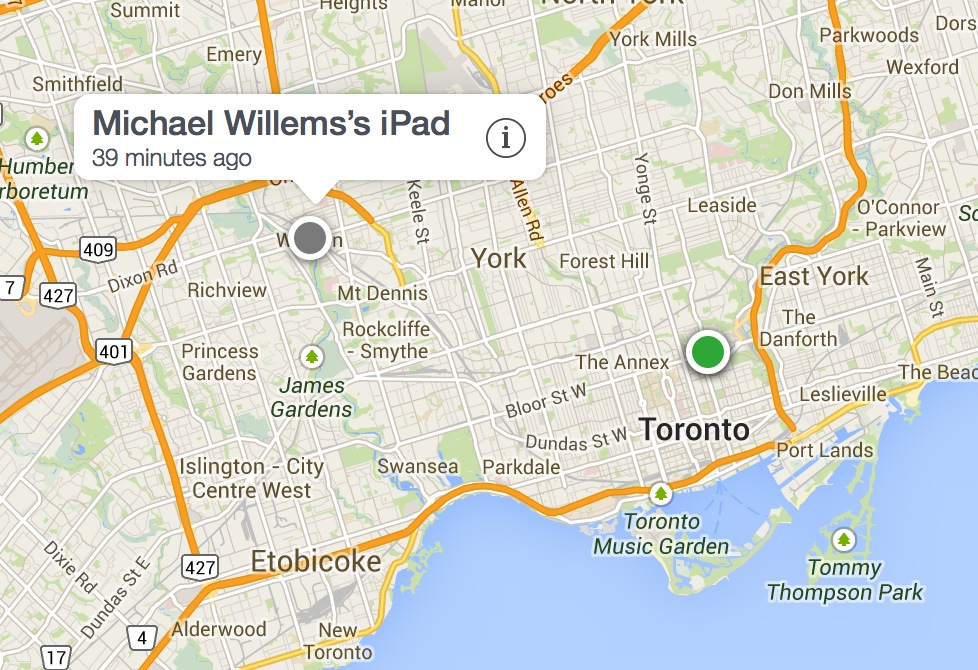
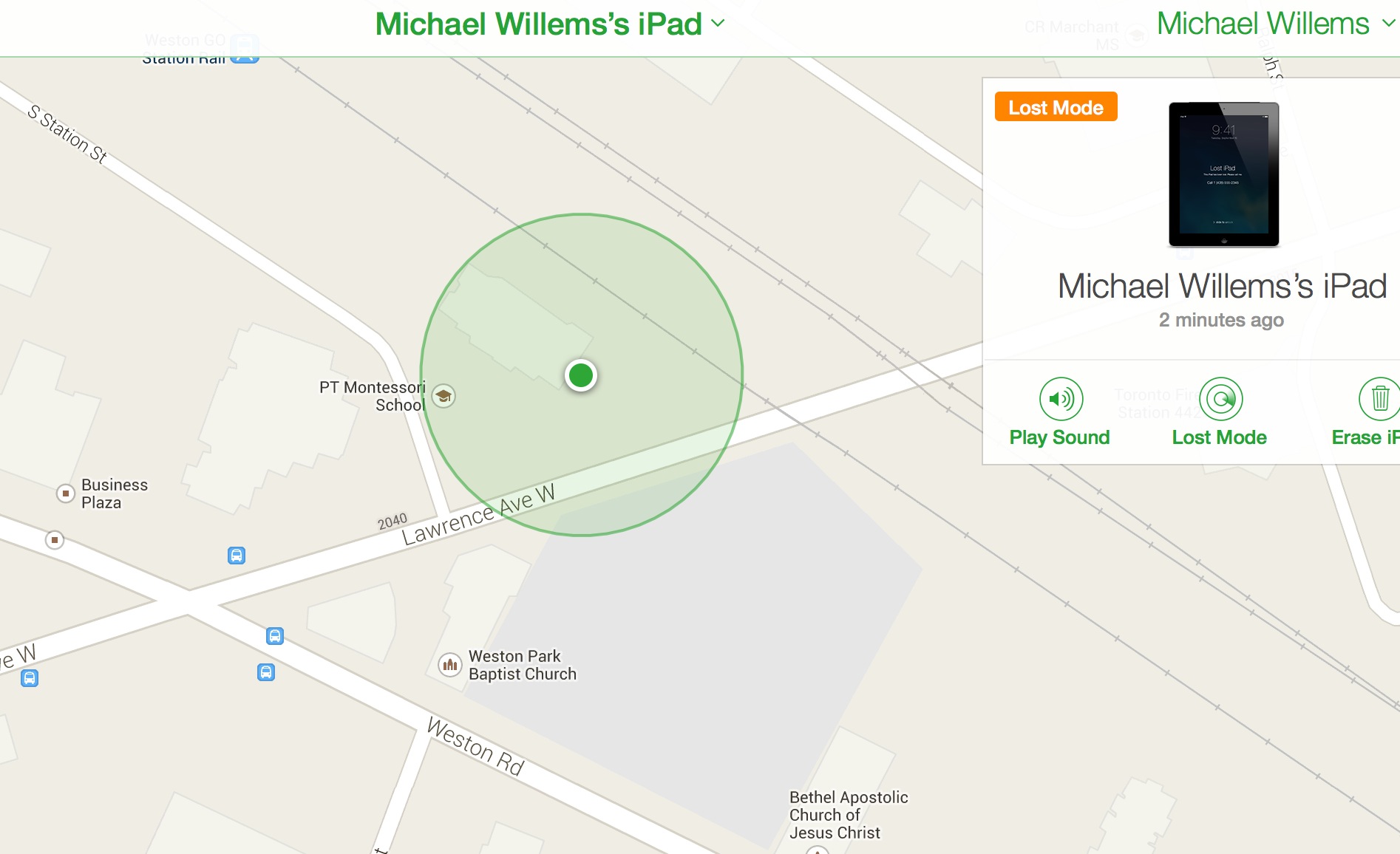
My iPad was stolen on Toronto’s Danforth Avenue tonight, after a meeting of the Photosensitive photojournalists collective. An hour later it was at the south side of an apartment building at Lawrence Ave and Weston Rd in Toronto. Thanks to Apple tracing the iPad, I knew exactly where – but Toronto Police would NOT help. “Even if it was a car with a tracking system, we would do nothing”, Toronto cops said. Thanks, Toronto Police, for nothing. Go catch speeders while you leave the thieves alone. Way to go. I just lost $1,000 and you do not care at all. Great.
Tomorrow I’ll buy a new iPad – until then, no posts, courtesy Toronto Police. Thanks. $1,000.

Welcome

…welcome to all my new followers! And for those of you who are new: this is a daily photography teaching post. Every day I share a tip, a trick, a technique; I explain cameras, exposure, light; if it’s to do with photography, I’ll talk about it. Aimed at everyone from complete beginners to seasoned pros.

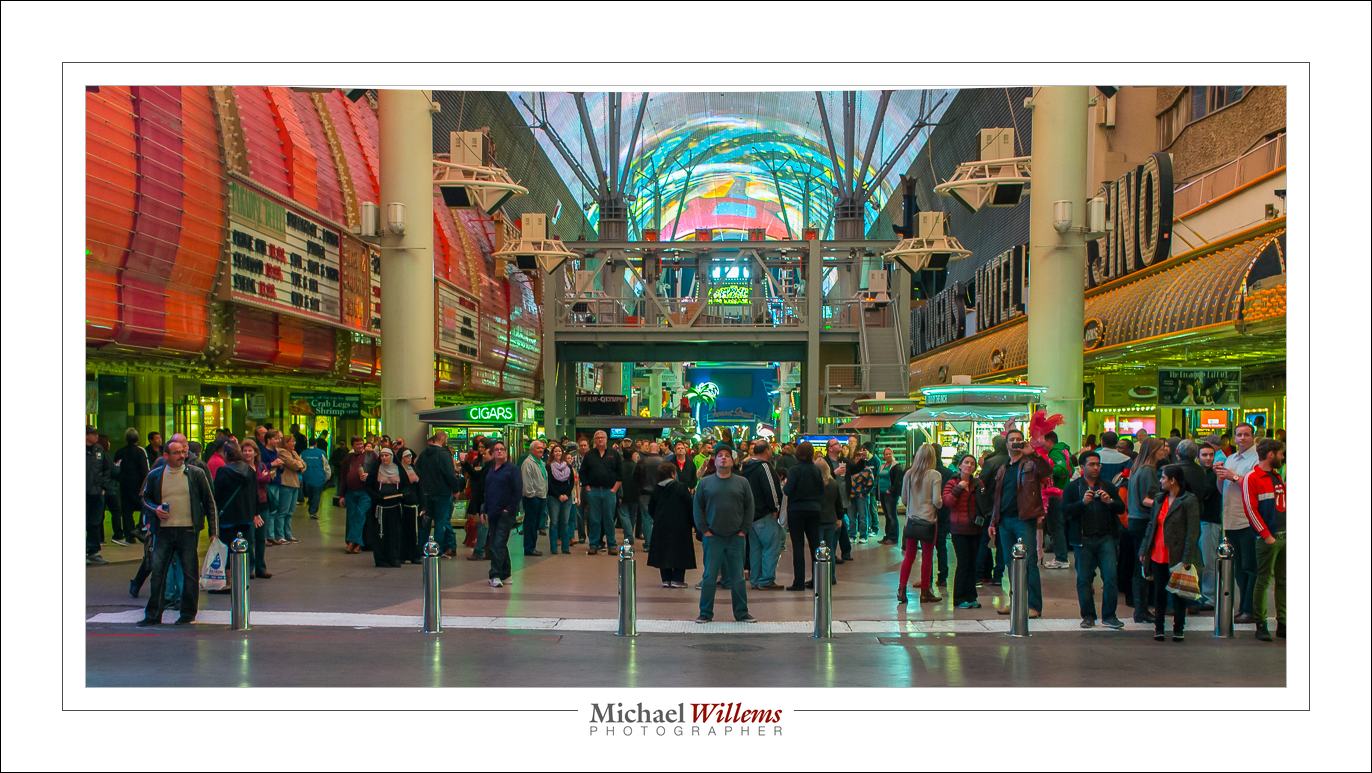
And often, a photo of the day. Here’s where I was last week:

Yes, Las Vegas, Nevada. But now I am back in Ontario, Canada, ready to shoot (need a photographer? Call!) and ready to teach you, both her and in person and via my e-books. Enjoy!

Michael


Leaving Las Vegas

Leaving to fly back to Buffalo; back after midnight. Lots of photos, and of course they are all stored in at least two places. Backup, backup, backup! Laptop, iPad and iPhone are charging prior to boarding. Life’s good, except TO Buffalo instead of FROM Buffalo is not quite as good.


Solitude

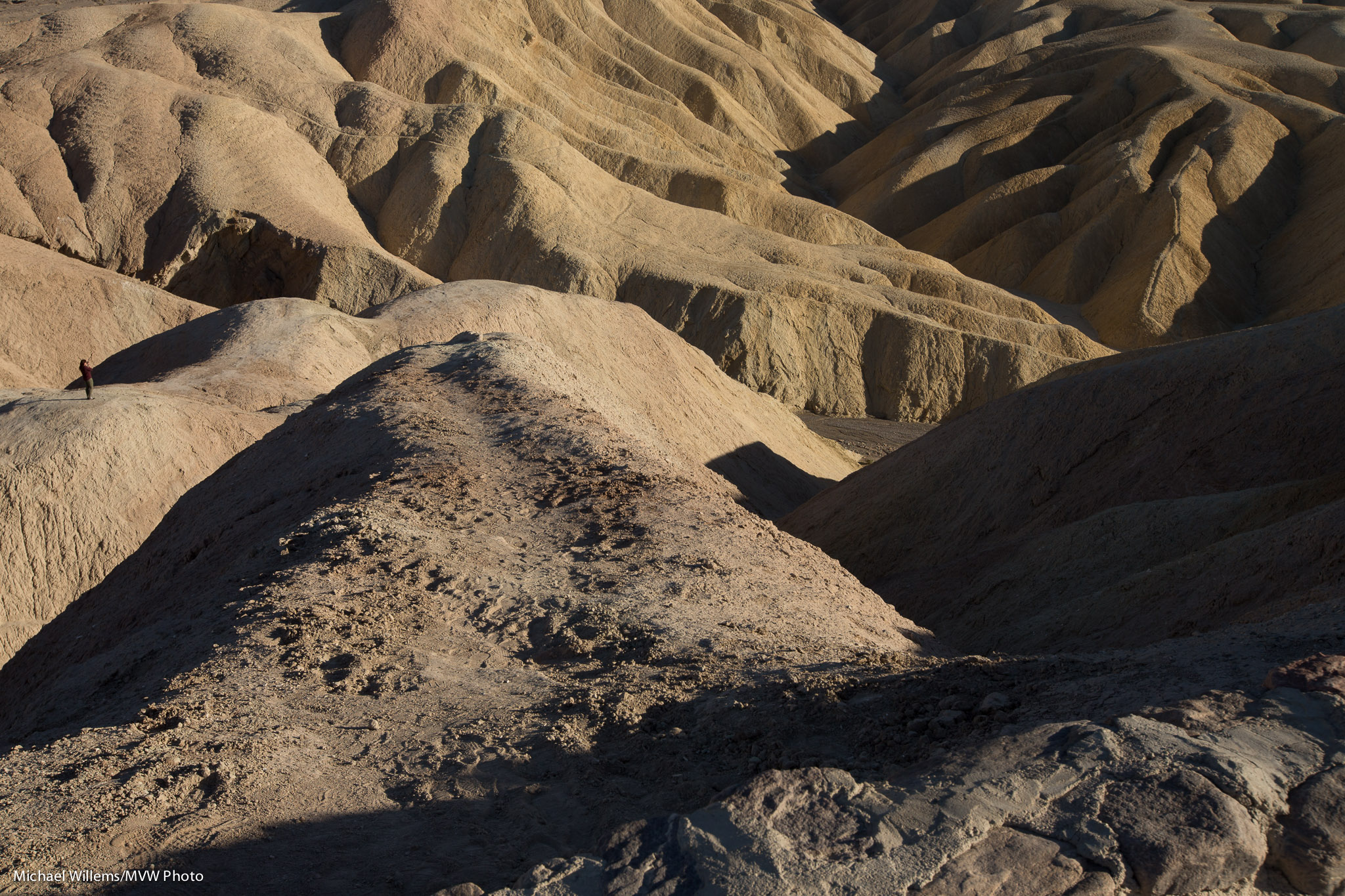
As those of you who read my new Travel Photography book know, solitude is well expressed by using “negative space”. Like here, in a picture I made today at Zabriskie Point in Death Valley, California:

I am utterly delighted to have driven there. Stark landscape, which I remember well from the eponymous 1970 movie that showed the turmoil of the 1960s so well. In the image above, the landscape plays little role, but its starkness is well shown. In the following image, it’s all landscape–but with a person to give it size:

There were, of course, other tourists. See how a slight change in viewpoint makes for a very different (but still good) image:

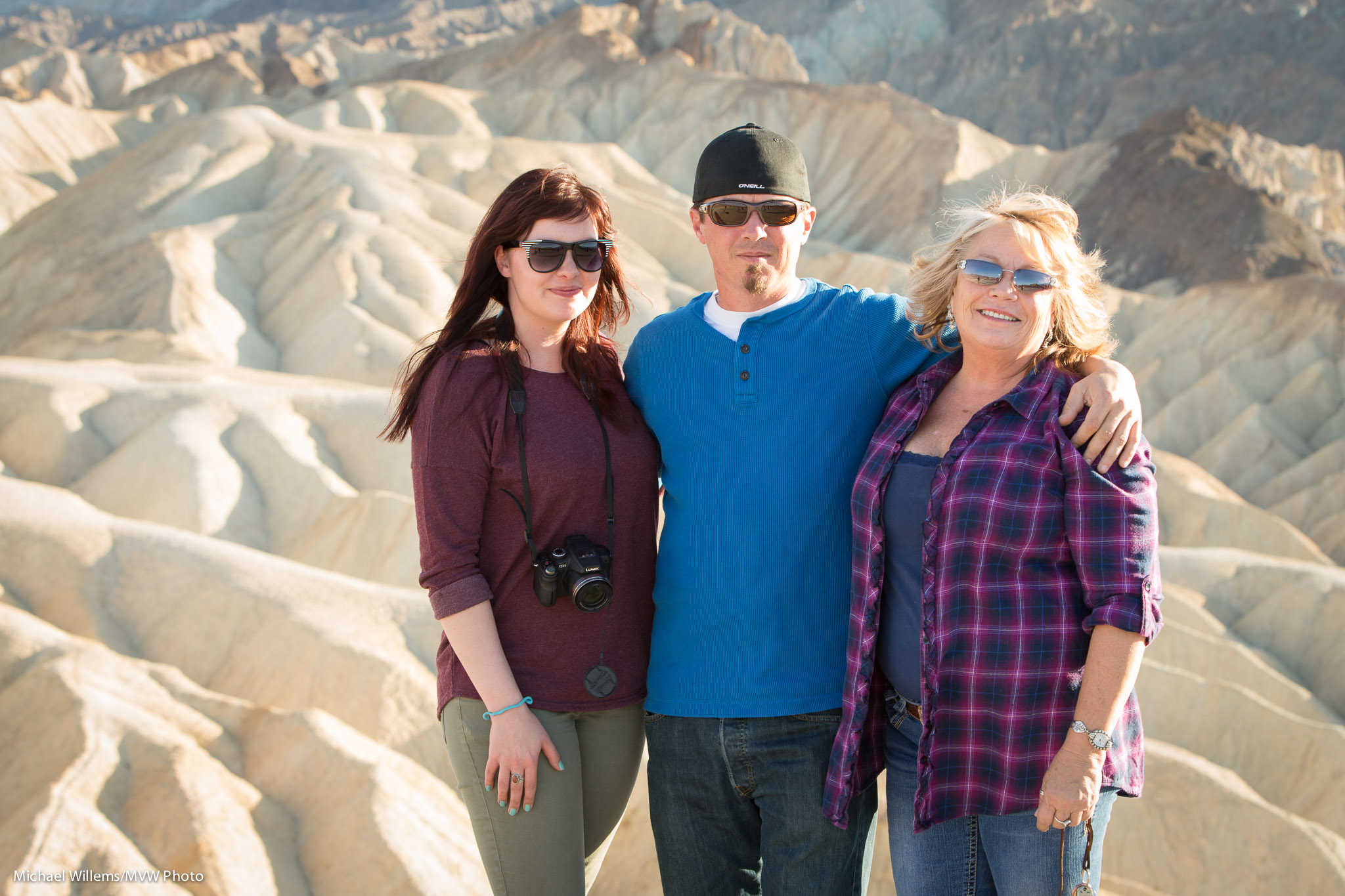
And here are the tourists I helped by taking a picture–one of whom is reading this, if she kept my business card, and I bet she did, and I hope she buys my all-new Camera Manual, so she learns all about operating her camera:

Did you notice all those were made with the long lens (70-200 f/2.8)? Sometimes it just works better that way.

Zabriskie Point. Meaningful for me because of that movie. Meaningful for the tourists because they were together there. Photography is such a great gift.