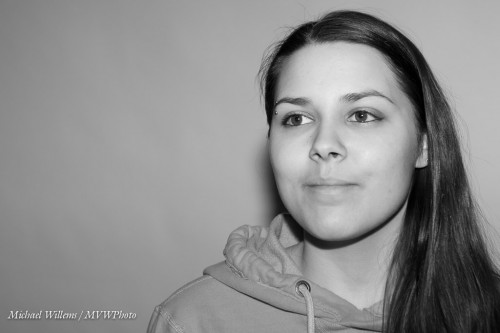
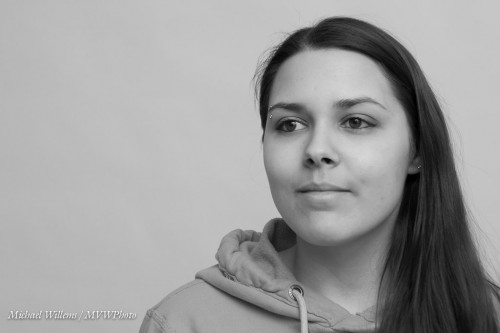
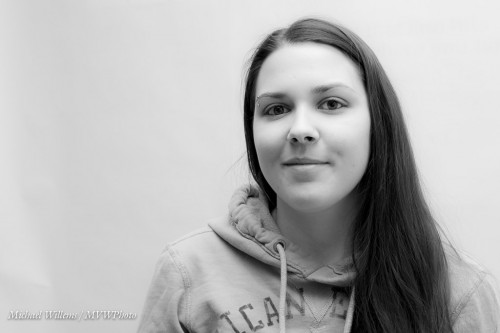
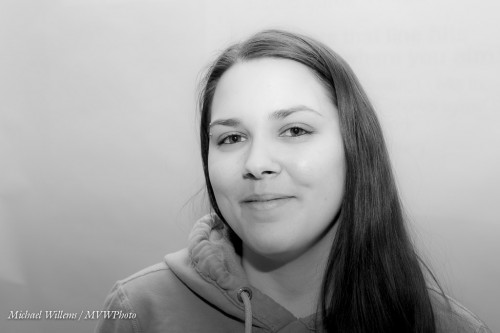
Umbrella or softbox?

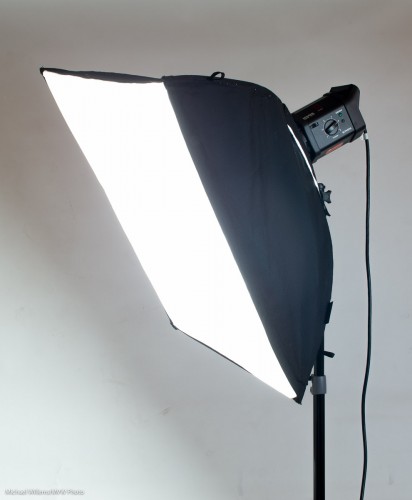
Umbrella or softbox? That’s the question. Whether t’is nobler in the mind to… never mind. But the question is valid: when you want to diffuse light, like in a portrait, which one do you use?
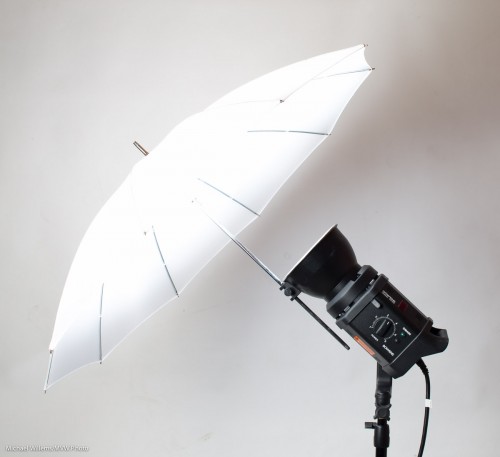
An umbrella:

  • Is light and small and affordable.
  • Can be used shoot-through (eg to get a nice round catchlight without “black blob”) or “into”.
  • Loses relatively little light.
  • Throws light everywhere.

A softbox:

  • Is not as small, light, or affordable. Does not fold into “nothing”.
  • Takes more time to set up.
  • Eats up a little more light than an umbrella.
  • Gives you wonderful light – but the catchlight is square.
  • Is more directional than the umbrella – it soes not light up the entire studio.
  • Is not necessarily square: can be long and thin, too (a “lightstrip”)

I prefer softboxes for their light quality and for their ability to selectively light; but I prefer umbrellas for their simplicity and portability.

So as so often: “it depends”. Get one of each!

And get to know them.

___

Special opportunity: I am teaching my “Canon/Nikon TTL Flash” in Hamilton, Ontario, tomorrow night, Friday 22 March, 7-10pm, in a wonderful studio (hamiltonstudio.ca). The class is small, and I have a special opportunity for you: if you attend, you will get a free copy of my eBook, “Photography Cookbook”. You will learn TTL flash on camera, off-camera, remote TTL using the built-in wireless control system, and much more. See http://www.cameratraining.ca/Flash-TTL.html and forego hanging around in bars tomorrow: sign up now, and make your Friday night into a special one that you will remember!


Wednesday Possibilities

Today, some shots to get your imagination going – shots that show how much is possible with little effort, and quickly. Shots I took in and between classes in mere seconds, to demonstrate specific points.

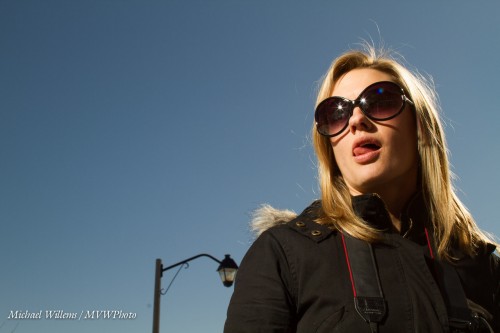
Like this quick demonstration shot showing what a great modern camera like my 1Dx can do at – wait for it – 51,200 ISO:

Meaning that with a new camera, you can now photograph pretty much in the dark, or mix a little flash with very low ambient light, or bounce off very high ceilings.

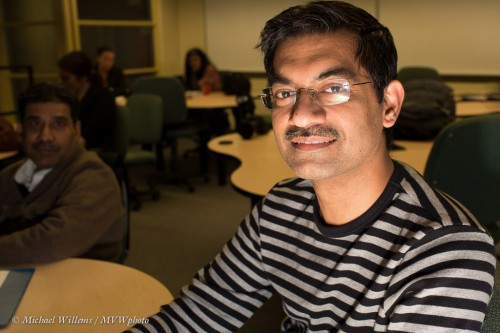
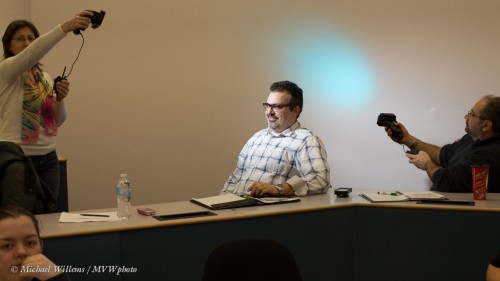
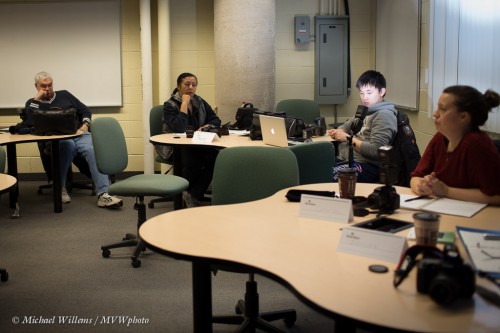
Especially when using off-camera flash, that opens up all sorts of possibilities. Here’s a demo shot showing what a little extra light can do; look carefully and you will see that I am using remote TTL flash (where my camera’s flash is the “master”), and my student at Sheridan college has set his flash to be the “slave”:

Result: he is temporarily blinded… and lit up. You can do that too, with very little extra equipment. One flash, if you have a moden camera whose popup can “command” external flashes; else, two flashes, on on the camera and one remote. Imagine what you can do when you can add a little light everywhere you like!

Then, another student lit dramatically – from below! This kind of eerie effect is easy once you can take your flash off the camera as desribed above.

Or – just turn the camera upside down and bounce flash off the table, as I did!

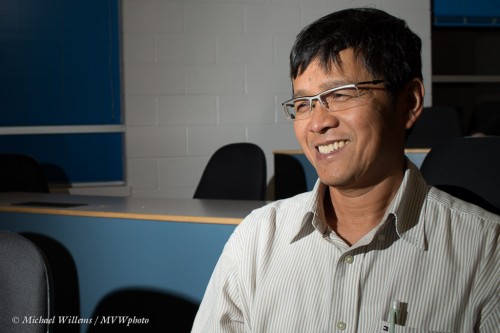
Off-camera handheld flash gives me this image, even when the flash is aimed direct, of Mr Jun:

Not bad, and that is direct light aimed into his face – as long as it is not near the camera, the flash can be unmodified and direct!

And when you have several flashes, you can do things like this:

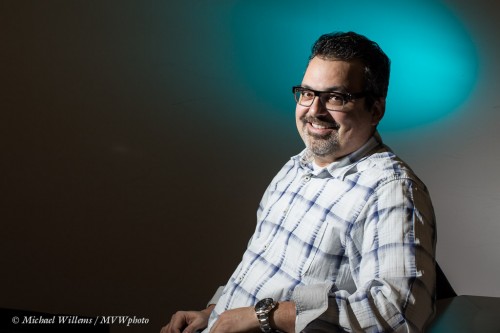
Now that is a competent portrait, taken in just a few seconds, using this setup with two off-camera flashes each fitted with a Honlphoto grid, and one with a blue-green gel; using two “biological light stands”:

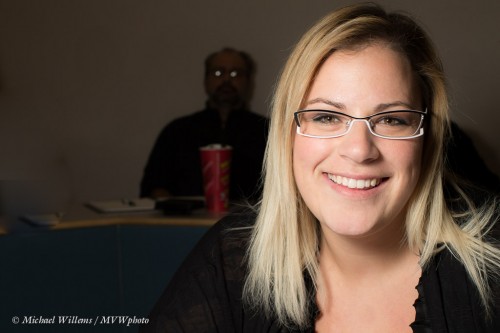
But finally – do you need all those flashes? No, here’s a portrait using one flash fitted with a Honlphoto 8″ softbox:

The apparent Martian in the background adds a little extra “huh?” to this photo, don’t you think? His glasses reflect the round softbox.

Anyway, these snaps demonstrate that you can achieve a lot in a very short time using simple means – you may already have every thing you need. Get creative, go outside the box, and above all, think “where is the light coming from”!


Courses

Big news: I have another workshop planned in Rotterdam, The Netherlands, on May 18, 2013.

Want to learn all the secrets of flash? Well, I am making the trip just for this workshop, so if you are anywhere within a few hours from Rotterdam, don’t miss it. One date only, at Kamera Express, like last year’s successful workshop at the same location:

The link, and booking, here: www.cameratraining.ca/Flash-NL.html

This workshop will be taught in Dutch (but if you like I can do some translating: my English isn’t bad, as you may by now have guessed).

Simple means (redux)

For my new students, in today’s class: as you see, once you kow the techniques, you can keep it simple. Like today’s shots:

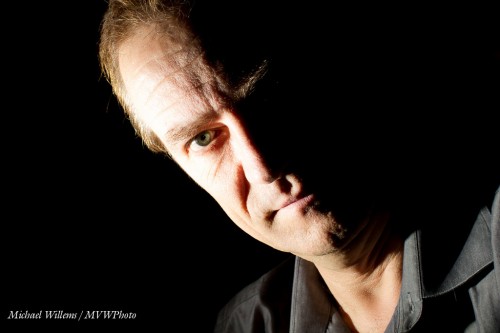
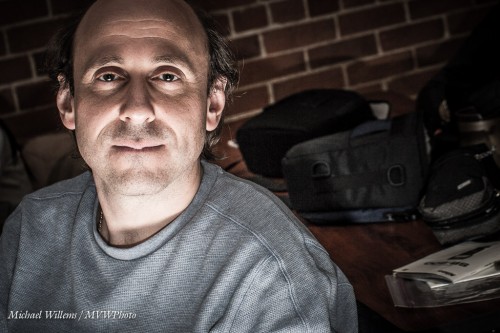
One minute’s work or less, prior to the class, self portrait. Shot “so the ambient light does nothing”: 200 ISO, 1/125th second, f/8, with the flash held in one hand and the camera in the other:

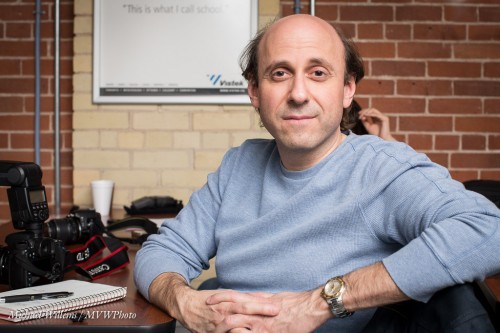
Students in today’s class with background “doing some work”, i.e. something like 400 ISO, 1/40th sec, f/4:

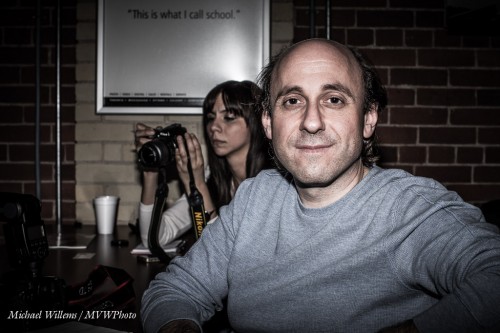
Now similar, but “this is what I call school” – the student from before, but shot again, and now with special rough direct flash plus a little post work (apologies, but it does look cool!):

Ditto, but now lit weirdly… Hallowe’en style… from below (how?):

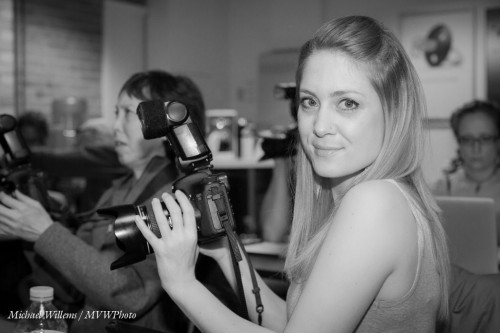
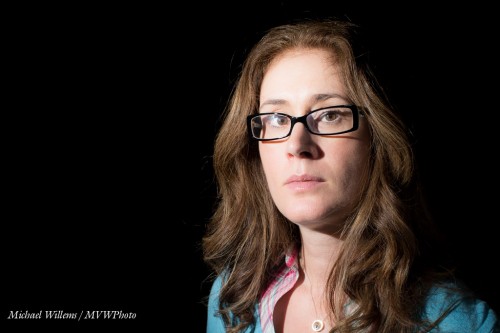
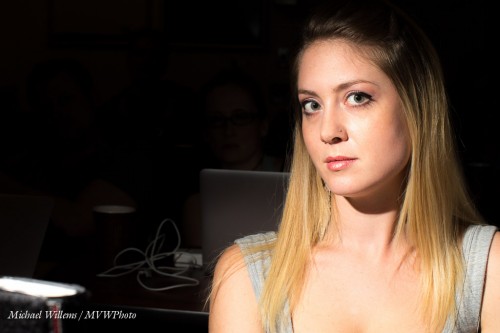
And finally, two beautiful students; as before shot with “ambient light disappeared”, i.e. at 200 ISO, 1/125th second, f/8:

As you see in these two shots, direct flash can be great and beautiful – as long as it is not near the camera. The flash is off to our left.

None of these shots needed much thinking or much work.

  1. Decide what the ambient part should be;
  2. Make it so using ISO/Aperture/Shutter;
  3. Then add flash.
  4. Keep the flash off the background if you can (you could use a grid, or keep distance between subject and background).

All you need to remember is this simple logic, plus the limitations – like “do not exceed 1/200th second shutter speed”, and “oh, my lens can only be set between f/4.0 and f/16”, and “outside, make sure the flash is close enough to the subject to have enough power”.

It really is that simple, once you understand. And flash liberates your internal artist, once you do.

___

Additional courses ready for signing up on http://www.cameratraining.ca/Schedule.html!

How do I start

When I shoot, I usually have my camera in manual exposure mode.

Easy, of course, just watch the meter, and there are only three ways to make a picture brighter (lower “f-number”, higher ISO, slower shutter), and vice versa – but I am often asked: “but where do you start“?

There are three answers to that.

One: experience, and the Sunny Sixteen rule. But that is not the most usefu answer, by itself.

Two: Put the camera into “P” or “A/Av” mode, and read the camera’s suggested settings; then enter those into “M” mode as a starting point.

But three: my algorithm is the following:

  1. Set ISO to what is needed. Outdoors bright 200, indoors 400-800, and “difficult light” 1600-3200.
  2. Set aperture to what I want/what is feasible. Depending on the lens and what I want as sharp depth of field area.
  3. Set shutter to the right speed for a good exposure reading.
  4. If that shutter speed is too slow, increase ISO, or if possible open the aperture. Then adjust.

You will find that if you do this a lot, it gets easier. And you will be a good photographer: being in charge is better than letting machines decide, however good those machines are.

Tomorrow, my signature flash course at Vistek in Toronto. Early night tonight!


Breaking the rules

One of yesterday’s shots was a shot with very bright back light:

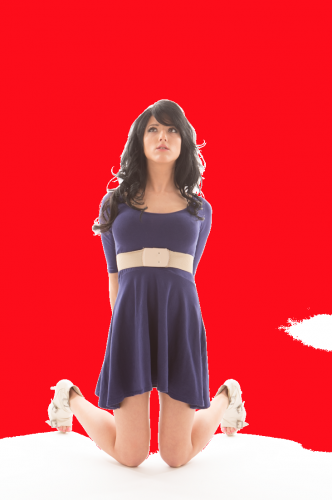
As you see, this image is so bright, that the flare in the lens is causing a lack of contrast. Here’s how much I blew out the background: red means “loss of detail”. Which is what I want for the background.

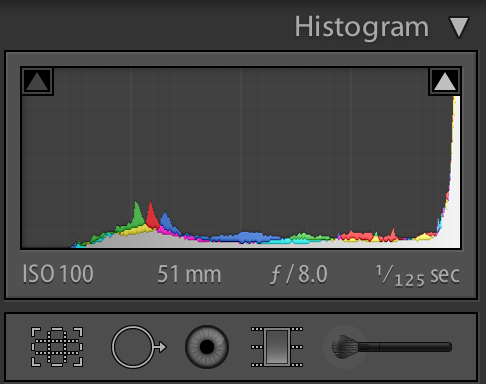
Now for that flare. I can see that the histogram, as a result, shows that there are no true blacks:

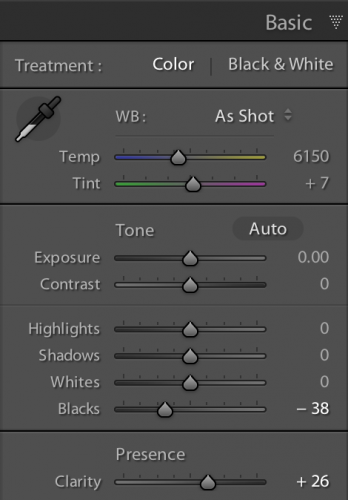
And now to finish the image, I can do a little post work – very easy. Drag the “Blacks” control to the left until the histogram touches the left edge. There are true blacks in the image so I want to see them as true blacks. And drag the “Clarity” control to the right until I get the right look. Which was like this:

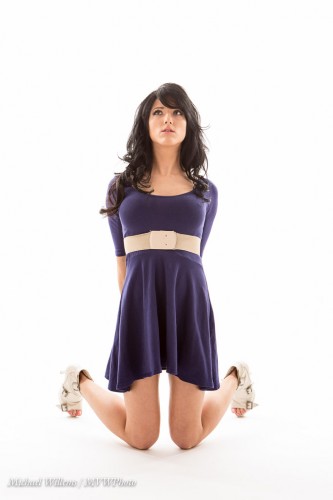
That leaves me with the finished image as follows:

Which as you can see is much better than the original, Look a her hair, for instance, and at the flare (or lack of it, in the finished image) on the dress: problem solved.

This is a rather extreme example, but you will encounter this frequently. Keep this in mind, then:

  • Note 1: know your lenses and how they react to back light.
  • Note 2: remove your lens filter – it would have made the flare much worse.

And note 3: you are allowed to do some post work. Another sample:

___

Note: The new workshop schedule is now up on http://www.cameratraining.ca – book soon to ensure your place. Flash, Canon/Nikon TTL, Nudes, and Studio Portraits are all available.


Trixie

I shall now repeat a flash trick I have mentioned here before years ago. Time for a refresher.

You all know how important it is to avoid, at least when the flash is on your camera, direct flash light reaching your subject. Both in order to avoid “flat” light, and especially to avoid those nasty drop shadows, like this (don’t do this at home, kids):

But you have also heard me talk (and those who come to my upcoming flash courses will learn hands-on) that you should “look for the virtual umbrella”. For most lighting, this means 45 degrees above, and in front of, the subject.

So when you are close to that subject, you aim your flash behind you to get to that point. Good.

But what when you are far, as when using a telephoto lens? Then the “virtual umbrella” may be in front of you. And aiming your flash forward is a no-no, since the subject will be lit in part by direct light.

A-ha. Unless you block the direct part of that light!

Like this:

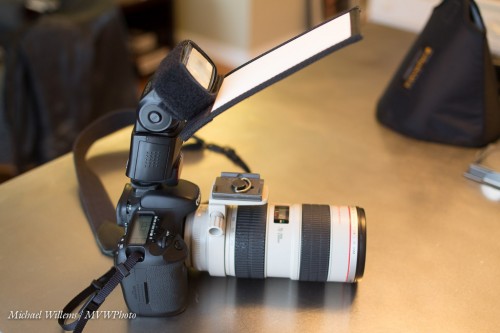
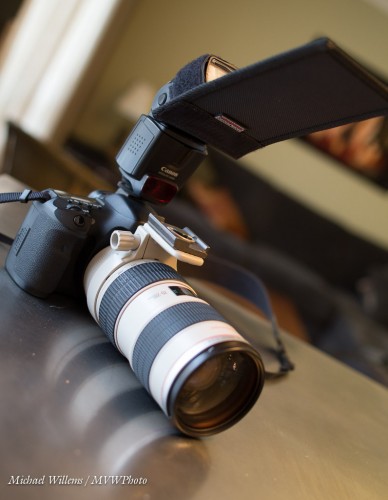
As you see, I use a Honl Photo bounce card/gobo to block the direct light. Simple, affordable, and very effective. I use either the white bounce side, or the black flag side, depending on the ceiling and position.

Simple, effective – done!

And one more thing. Direct flash is not bad per sé. Not at all. As long as it is not coming from where your lens is, it can be very effective, like in this “funny face” shot of a recent student (you know who you are):

Lit by a direct, unmodified flash. And the hairlight, the shampooy goodness? Yeah. The sun. Just saying.

(And yes, that too is something I will teach those of you who sign up for one of my upcoming flash courses.)


Last chance, plus more chances:

Allow me to do a little course promotion, because many have asked me for new dates. My Hamilton courses are filling up, but there is space enough, still, if you act:

Click here to see the schedule and to book courses like:

  • The Art of Shooting Nudes, featuring model Danielle (see http://mvwphoto.tumblr.com/warning, nudes) has only two spots left.
  • Using Canon/Nikon TTL flash, a shorter version of my full flash workshop, which teaches you all about using those systems with TTL automatic flash for great creative results.
  • The full Flash course, which is also on again, on April 28. I have extensively updated this hands-on workshop!
  • More of my courses are available now also at Vistek Toronto in the next month or two.

This is a great time to learn professional photography skills; or, if you are already a working photographer, to hone your skills. “Digital” has made it much easier: with a good teacher, you can now learn in a few hours what used to take weeks, even months, to learn. Go for it, and be proud of your work!


How Dark Is It?

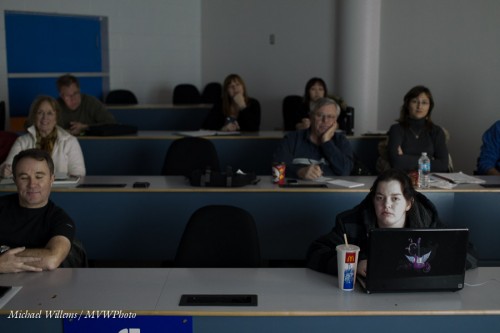
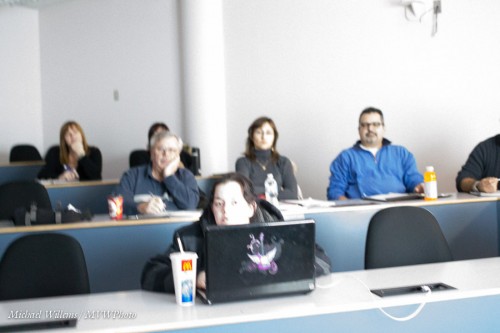
I looked around and asked my Sheridan College class, yesterday night: “how dark is this classroom?”

Most said “rather dark”, because it looked rather dark.

To us.

But not to my camera. Not necessarily.

I showed them. Click-click-click-click-click. And it was this dark in the room:

No, this dark:

No, this dark – not that dark:

No, this dark – not at all dark:

No, this dark – extremely bright:

The point I am making: your camera is a light-shifter. Do not settle for “my eyes are seeing X so the photo must look like X”. Why? Says who? Unleash your creative side, and see the camera as a light shifter.

And when you combine that with flash, you have a true creative tool at your disposal. Learn it; use it!


Find the Umbrella

Of course you bounce, yeah? I mean – one on camera flash, and you bounce that off the wall? My favourite modifier!
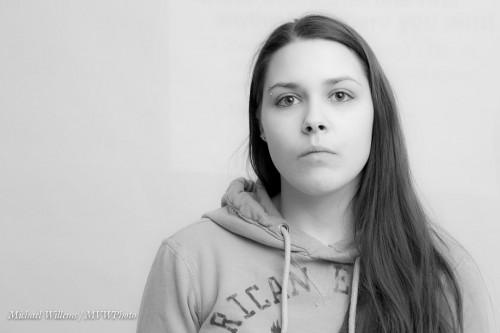
So you do NOT, ever, do the following indoors: aim straight at your victim. You see why:

Ouch. In spite of lovely Sarah, that gives flash a bad name. Instead, you bounce your flash off a wall or ceiling:

How do you decide where to point it?

One of the many things I teach in my Flash courses is just that. When using on-camera bounce flash, you should “find the umbrella” – i.e. where it would be if you were in a studio – and then point the umbrella there.

That often – usually, in most social situations – means you point the flash behind you.

Not straight up, when you are close: straight up when close to people means you get “the undead”: people with dark eyesockets:

Also, in this situation you do not point forward and up 45 degrees, for two reasons: (a) you get only a lit forehead and background; and (b) you get a lot of direct forward light, so it’s back to the horrible shadows:

Poor Sarah.

Let me correct that by showing you how it looks when I aim the flash up, 45 degrees behind me:

It’s easy once I show you. For now, just remember: find the virtual umbrella and point your flash there.

(By the way: when you do need to point forward -when the subject is far-, you need to do something else, and I will teach you a cool trick about that soon.)

___

The above images, featuring Sarah, are from yesterday’s all-revamped Flash course that I taught in Hamilton. Good news if you had to miss it: several new dates have just been scheduled, and several new courses! Sign up right now: www.cameratraining.ca/Schedule.html