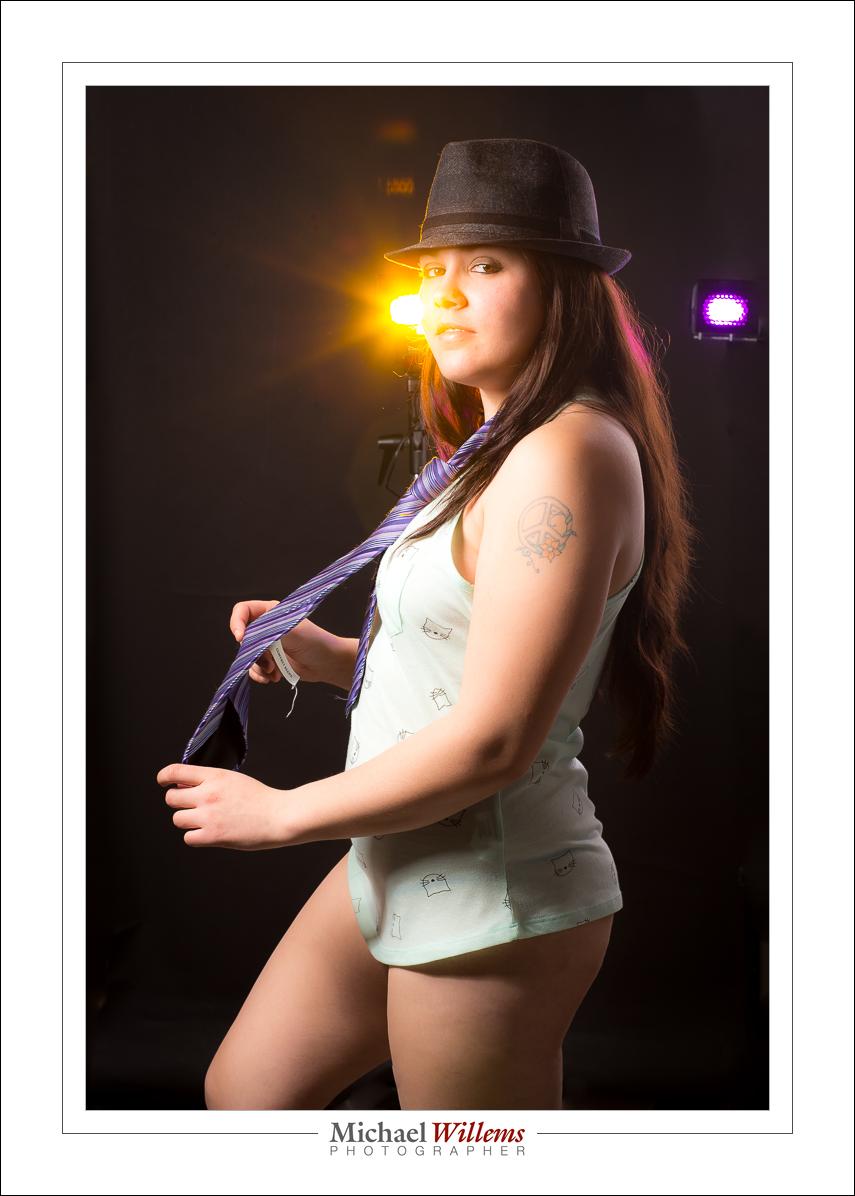
Colour. Just because.

That is often my answer when someone asks “why did you use those gels in that picture?. “Because I could”., “Why not”.  And you start adding colour here, there and everywhere. Consider this:

(100 ISO, 1/20 sec, f/16, 24-105 f/4 lens).

Private student Tim made the picture yesterday. And I put the yellow gelled flash inside the car why, exactly? Because otherwise it would be dark. A little colour adds a lot: think matching, or opposite, colours. Deep blue skies go well with yellow: blue and yellow, like red and green, or green and purple, constitute one of nature’s favourite combos.

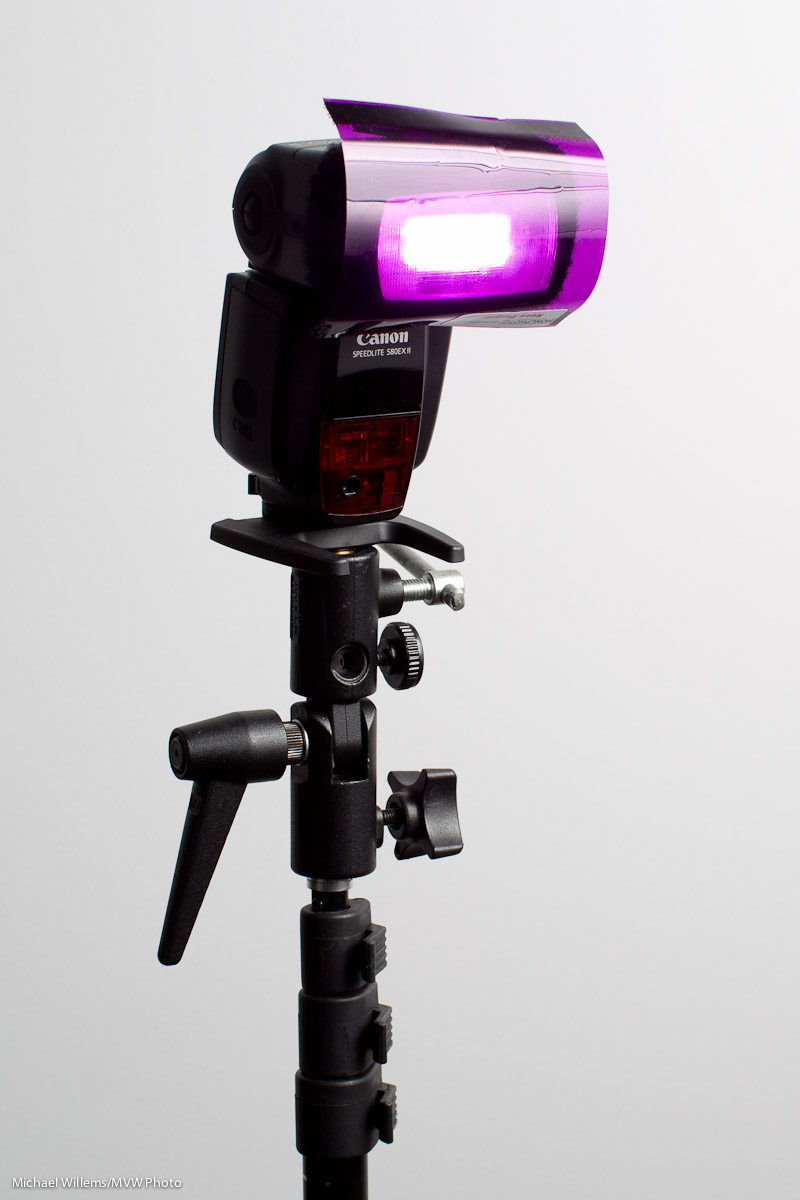
And it’s so simple, with a Honlphoto gel:

Just strap it onto the speed strap and bingo. (If you do the Honl photo modifiers thing, go http://www.honlphoto.com/?Click=2032 and don’t forget code word “Willems” at the end to get another 10% off. Look at the kits: they rock, especially the last one).

I use gelled speedlights to:

  • Add opposites to relieve boredom
  • Warm up cold subjects (half CTO gel does wonders)
  • Get creative
  • Add a little red to skin in low key portraits
  • Correct colour when shooting in tungsten ambient light
  • Turn backgrounds blue

…and so on. Once you get into the habit, you’ll see how good your photography gets. Speedlights, and easy-to-use, sturdy gels, make all this not just possible. They make it convenient and affordable, too.

This site is called the speedlighter for a reason: speedlights unlock the potential. Just get another flash or two, get some gels and other modifiers, and get creative.


Gridlock

It always gives me enormous pleasure to see that this blog is being read. I mean really read, by real people, who put just about as much time into reading it as I put into writing it.

And so it was tonight, with a long-time reader, and new friend, Tim. So I used the opportunity to snap him:

That was “400-40-4” (see ARTICLES above)  and an on-camera flash bounced on the ceiling on the left, slightly behind me.

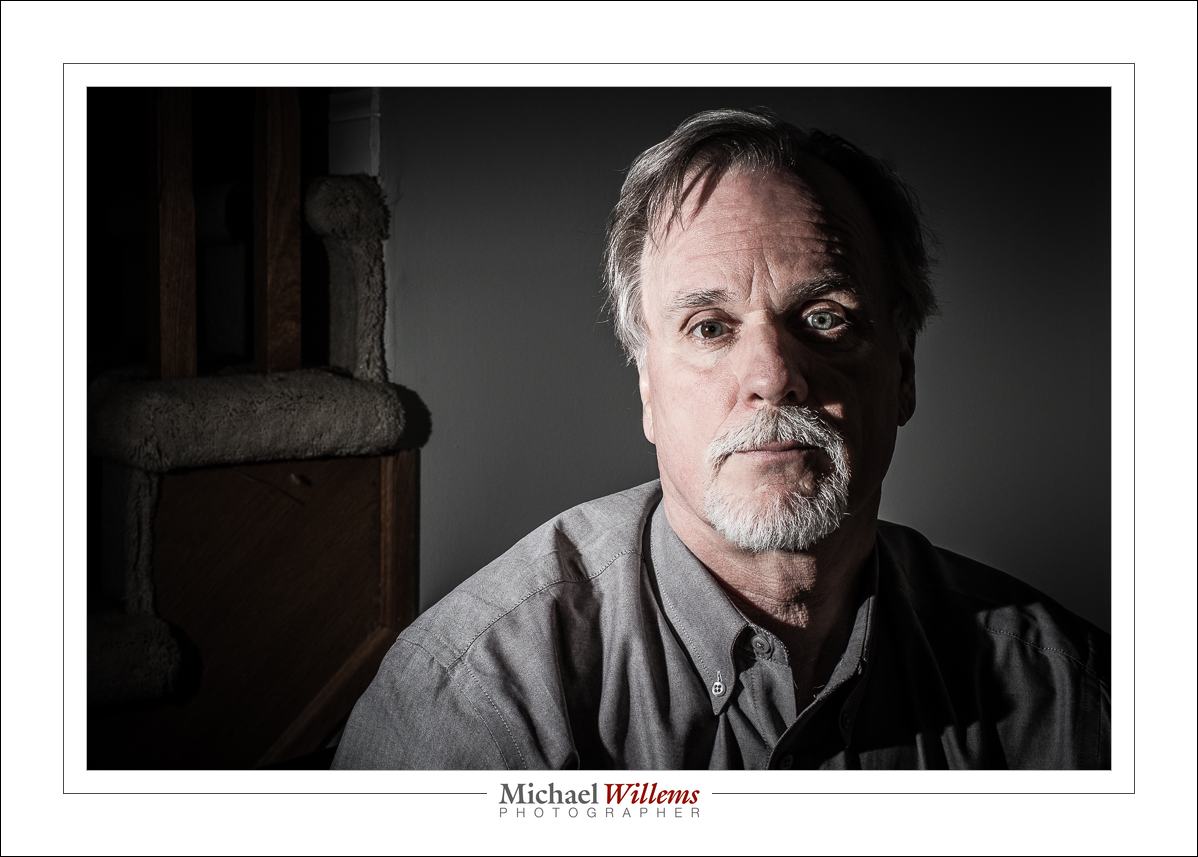
But then I thought: let’s pull out the stops and shoot Tim with an off camera flash and the “studio settings” of 1/125 sec, 100/200 ISO, f/8, to make ambient light disappear:

A little post was done to darken the background more, because flash spilled onto it, but it’s essentially SOOC—”Straight Out Of Camera”.

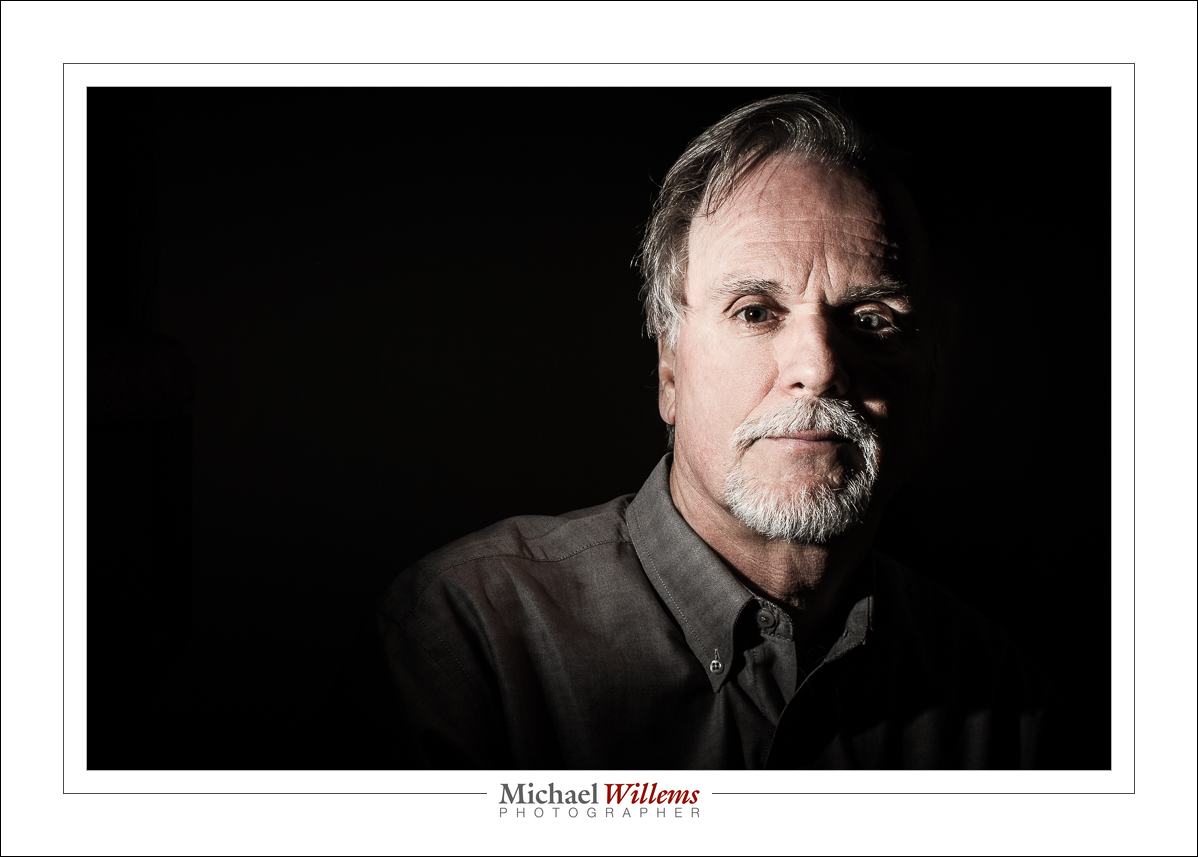
But then I showed Tim what happens when you use a grid on the flash. No light spill everywhere, like in the previous shot. So now the black background is really black:

That’s why the grid is my favourite flash utility. I used a 1/4″ Honl photo  grid; I love the Honl accessories (and as you will recall, readers — and that means you — get an extra 10% off by using this link and discount code “Willems”).  And want to shoot like me? Then get the Speedlighter–approved Master Lighting Kit. It contains all the accessories I use daily in one convenient—and discounted—package.

And let’s finish with…

Shiva!

And now I am so tired I must sleep. Good night!


Know your stuff.

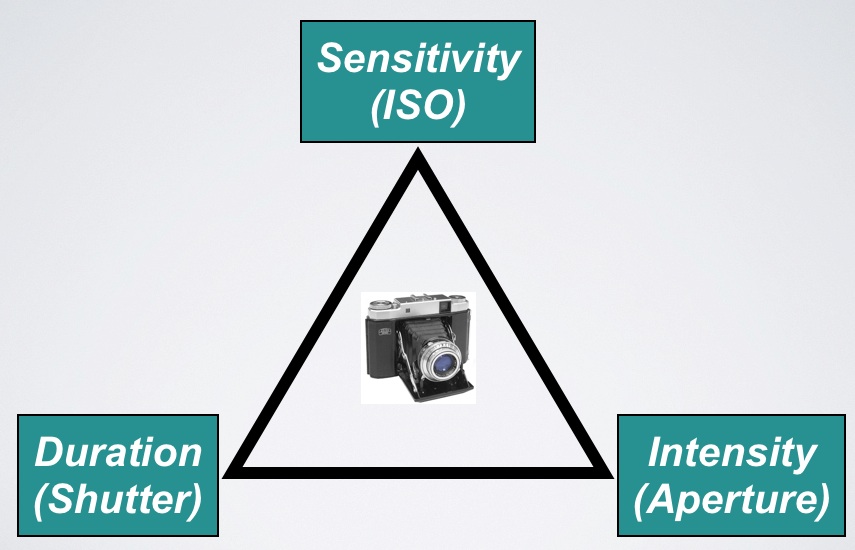
You know the exposure triangle, yes?

They work together. All three of these variable affect exposure (“how bright it is”).

  • For a brighter picture, you go to a higher ISO, or a lower “f-number”, or a slower shutter speed.
  • For a darker picture, the opposite.

And to make things easy, we have “main numbers” for each of the three variables.

  • Each of these main numbers doubles, or halves, the light.
  • We call a doubling, or halving, of the light “one stop”.
  • So the main numbers are one stop apart.

Main numbers are like this:

  • Shutter: …1/8 sec, 1/15, 1/30, 1/60, 1/125, 1/250, 1/500, 1/1000, 1/2000 …
  • ISO: …ISO100, 200, 400, 800, 1600, 3200…
  • Aperture: … f/1.4,  2.0,  2.8,  4.0,  5.6,  8,  11,  16,  22 …

Moving ISO “to the right” in the table above makes things brighter; that’s the definition of ISO sensitivity. Moving aperture and shutter “to the right”, on the other hand, makes things darker. (Why? A faster speed means a quicker click, which means less light gets in. A larger f-number gives us a smaller opening in the lens; that too results in less light).

And these can cancel each other out! So if you make one change that would darken the image by a stop, and at the same time make another change that would brighten the image by a stop, you will end up with the same brightness in the resulting picture.

E.g. moving from 400 ISO to 800 ISO (“brighter”) and at the same time going from 1/60 to 1/125 second (“darker”) would result in the same brightness.

Your camera probably adjusts things in steps of one third of a stop, which means it takes three “clicks” top go from one main number to the next (200 to 400 ISO, or 1/125 to 1/250 sec, of f/5.6 to f/8). But the main numbers are the important ones.

You need to know these numbers off by heart.

That way, you can quickly do mental arithmetic like “Hey, I moved the aperture from f/4 to f/8. My shutter was at 1/1000 of a second. How do I need to set the shutter to get back to the same exposure?”. (The answer is 1/250. But you should be able to do that in your head. Which is very easy once you have the series above, the main numbers, memorised.)

So before you go any further:

  1. Do you understand the above? If now, why not?
  2. Have you actually practiced the above (in manual mode)? Not once or twice, but dozens, hundreds of times?
  3. Have you memorized the main numbers?

If you are a beginner, do the three steps above before you go any further. OK, go ahead. I’ll wait. Because if you think you can really learn photography without knowing and understanding this, you are wrong. And if you think you can understand this without trying this many times, you are also wrong. We call this “wishful thinking”.

___

Michael (www.michaelwillems.ca) does custom private training as well as group-based training and classroom training; see http://learning.photography. Contact him now (416-875-8770 or michael@mvwphoto.com) to set up a date.

x100: Can you see a theme?

Regular readers will see that the last few days, I have been shooting with, and talking about, the Fujicolor x100 camera that I carry:

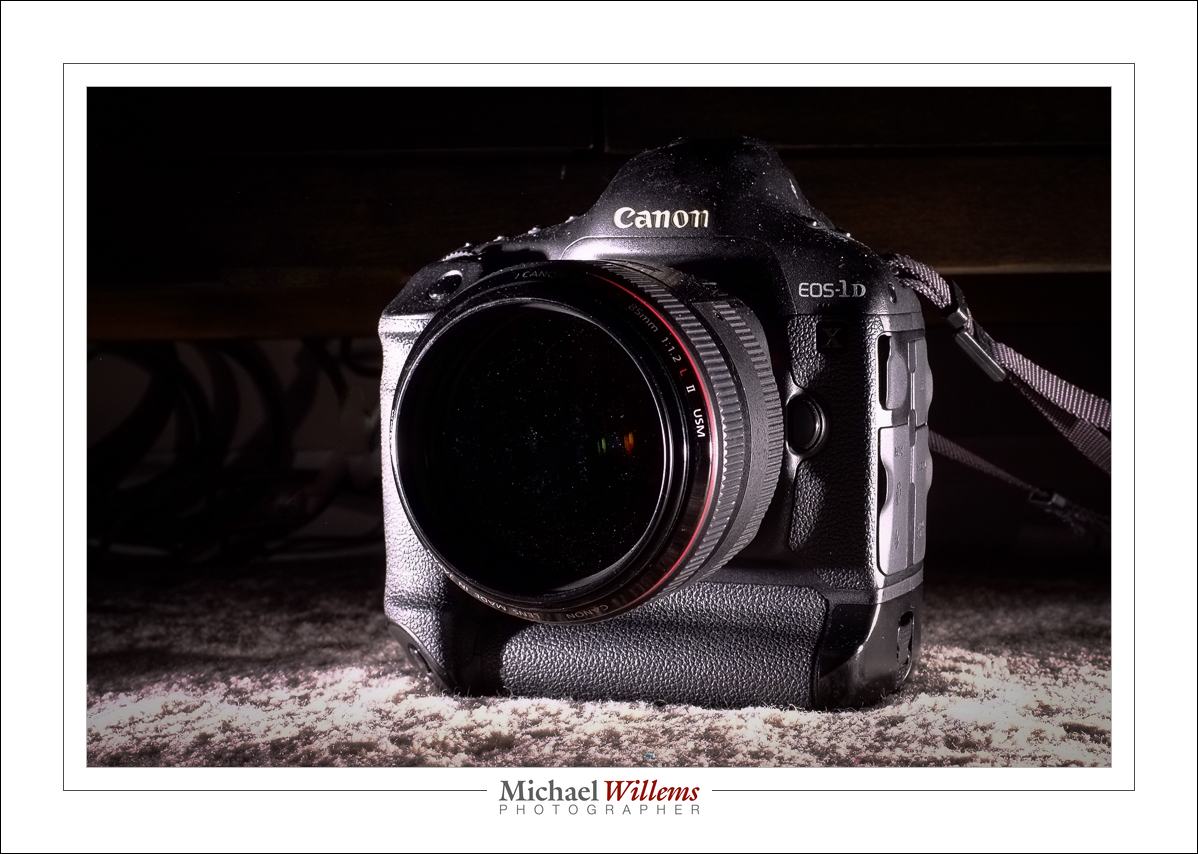
Fuji X100 (Photo: Michael Willems)

The theme has been: given the right light (e.g. flash!) and the right techniques, you can take professional pictures with it that are as good as those taken with an SLR. This is almost straight out of camera (a crop and a few dust spots removed):

Now while I am not recommending product shoots with the x100, this goes to show it can be as good as an SLR.

But now let’s take it a step farther. It can be better.

Yes, better. And here’s how:

I just took that picture at 200 ISO, f/8, 1/1000 sec. That makes for that nice, dark sky.

Wait. Did he just say 1/1000 sec, one thousandth of a second? That is impossible since the flash sync speed of 1/250 second limits the shutter speed you can set the camera to when using a flash. Right??

Wrong. The x100 has a leaf shutter. And it allows flash up to 1/1000 second. And as said, that is why that sky is so wonderfully dark. It is in fact noon and it looks bright to my eyes. But 1/1000 sec makes it dark. Two stops darker than my other cameras could have done!

But he could have done that with aperture, with a higher f-number. Or with an ND filter.

Nope. If I had, I would have run out of flash power. The flash needs to get through that filter, or through  that small aperture, and it is not bright enough at higher apertures, especially when a modifier is being used.

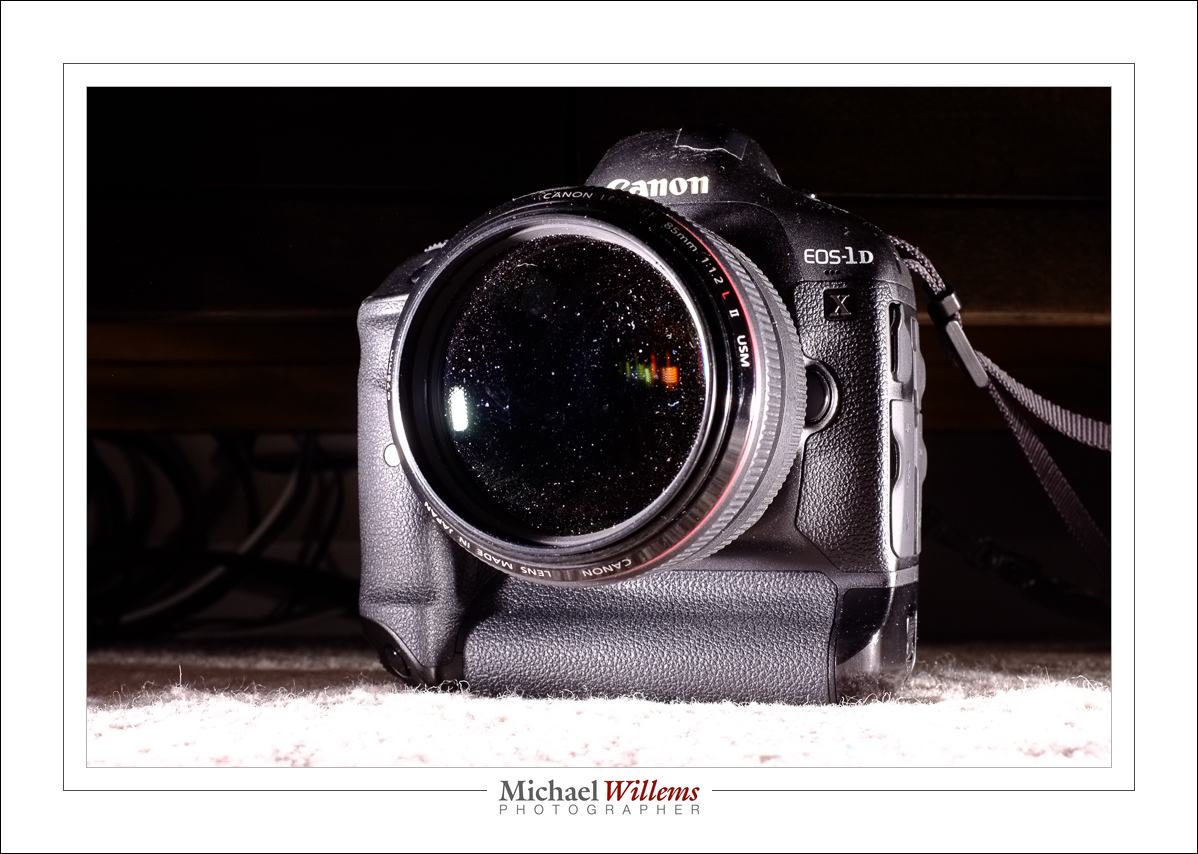
So the x100 may be small, but it can do things my $8,000 1Dx cannot do. Just saying!


Dot by dot

Have you ever looked in front of a projector as it is projector? What do you see?

What you see is little white dots of dust floating through the air. Lots of them. Dust everywhere. Normally invisible, but visible under bright light.

And that is exactly what happens under bright light when you take close-up shots with a flash.

And as I pointed out yesterday, this needs a lot of work to remove. View this at full resolution (click through until you see it at maximum size) to see all the dust spots:

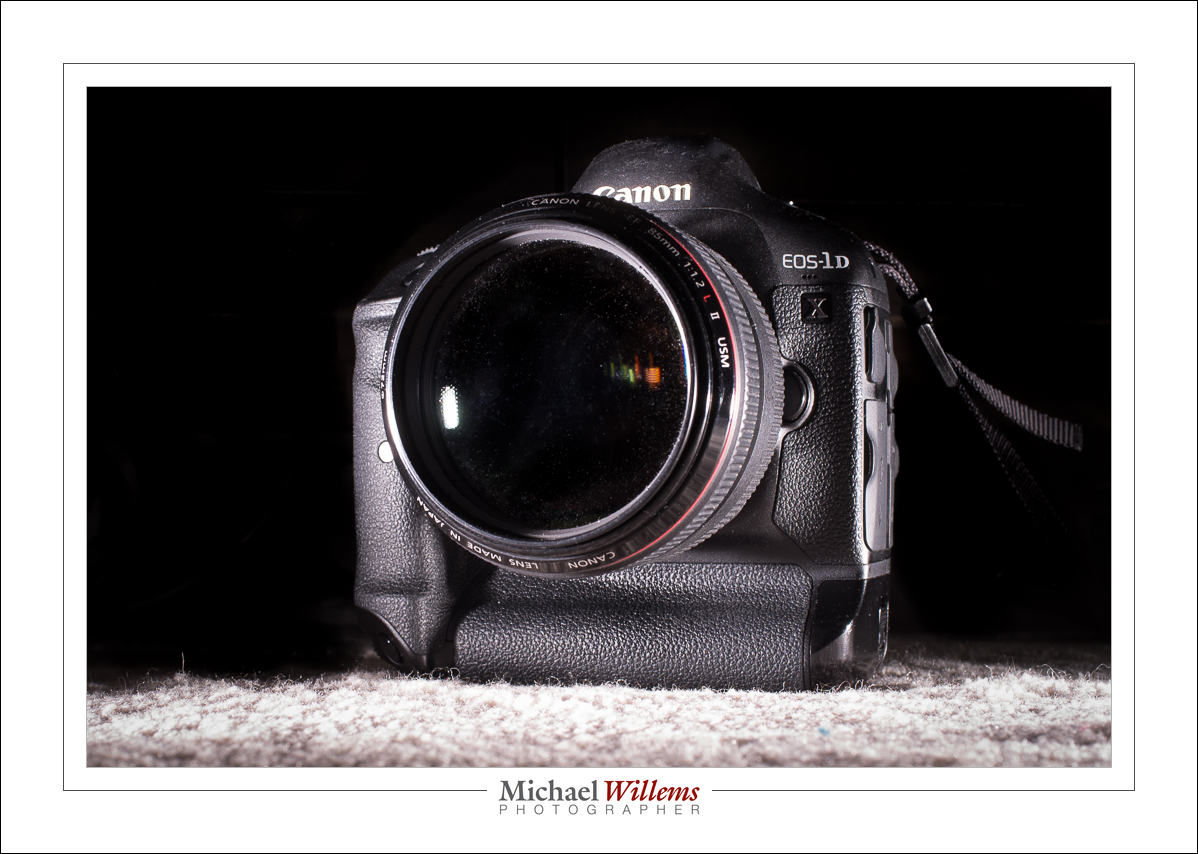
And this turns into this after a lot of manual work:

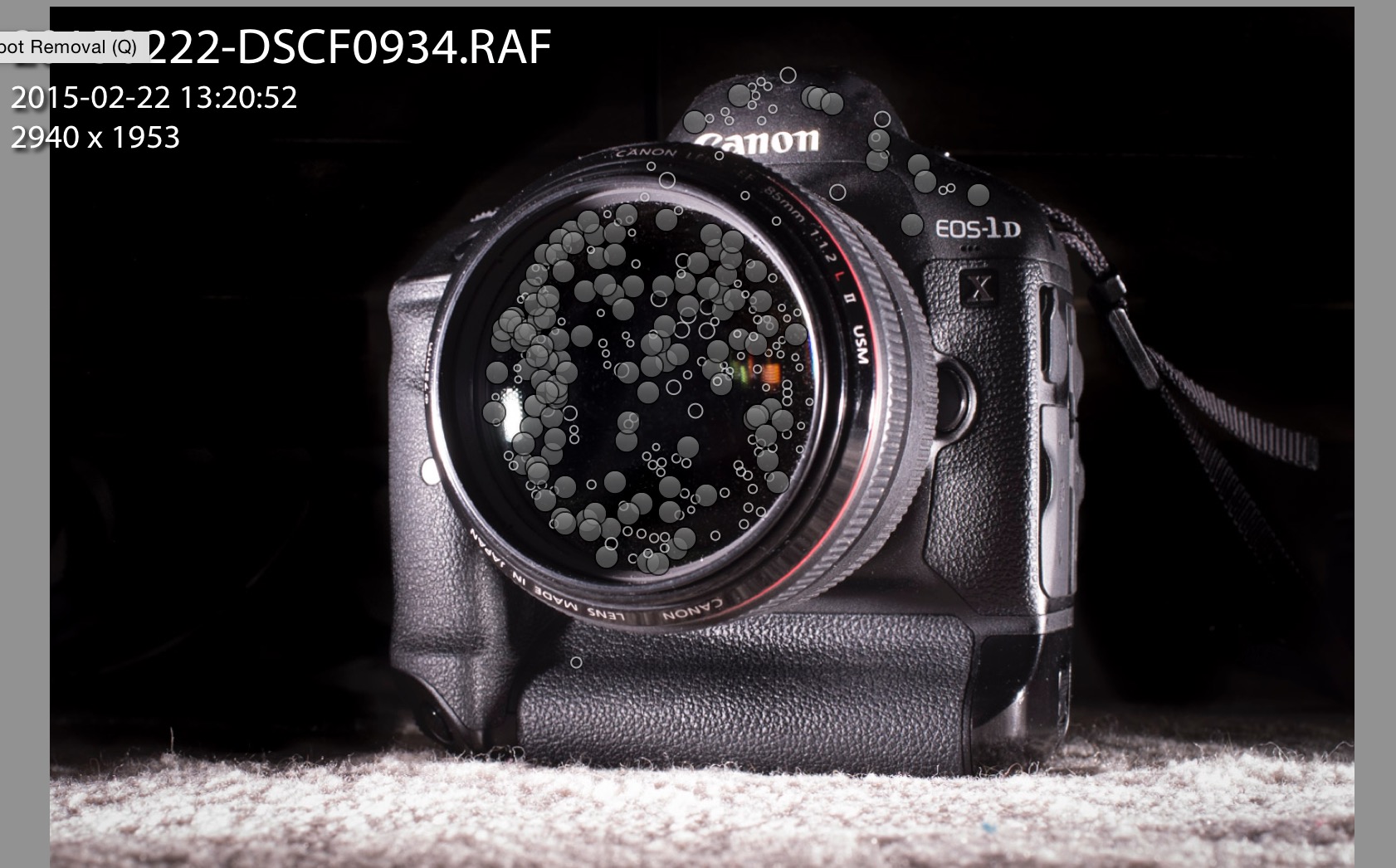
And I mean a lot of manual work. Here’s the healing brush tool and what I did with it to produce the image above:

The moral of this post: As I said yesterday, it is well worth cleaning objects before you shoot them: otherwise you have a lot of work, and work like the healing brush work above will cause Lightroom to run out of memory and other resources.

___

Want to learn all the cool tricks of Adobe Lightroom? Or the use of flash, so you can use a little camera (or your big DSLR) to take shots like the above? Contact me (michael@michaelwillems.ca) and I will help you. In person, at your location or mine; or through Google Hangouts, wherever you are in the world. Worth every moment of your time, I promise. Photography is an amazingly fun and rewarding endeavour, whether as a hobby or professionally.


Crispness

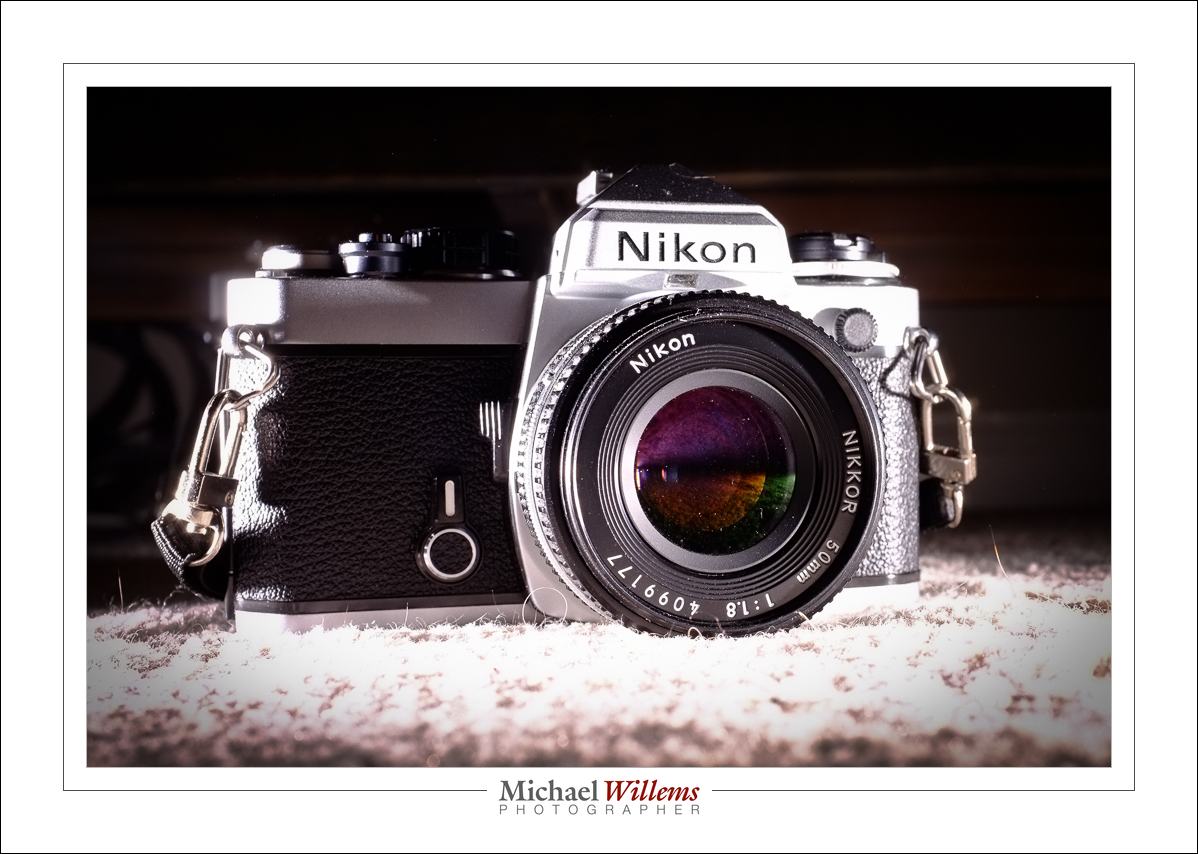
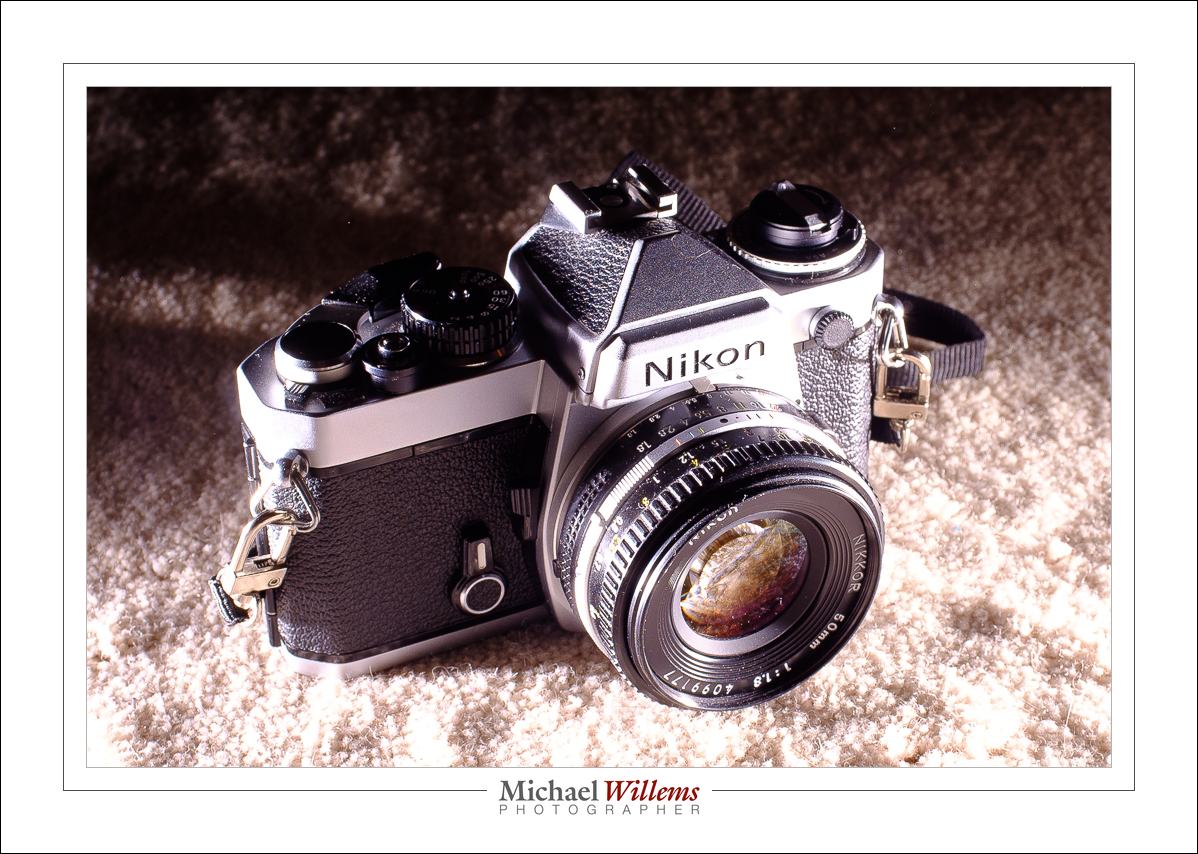
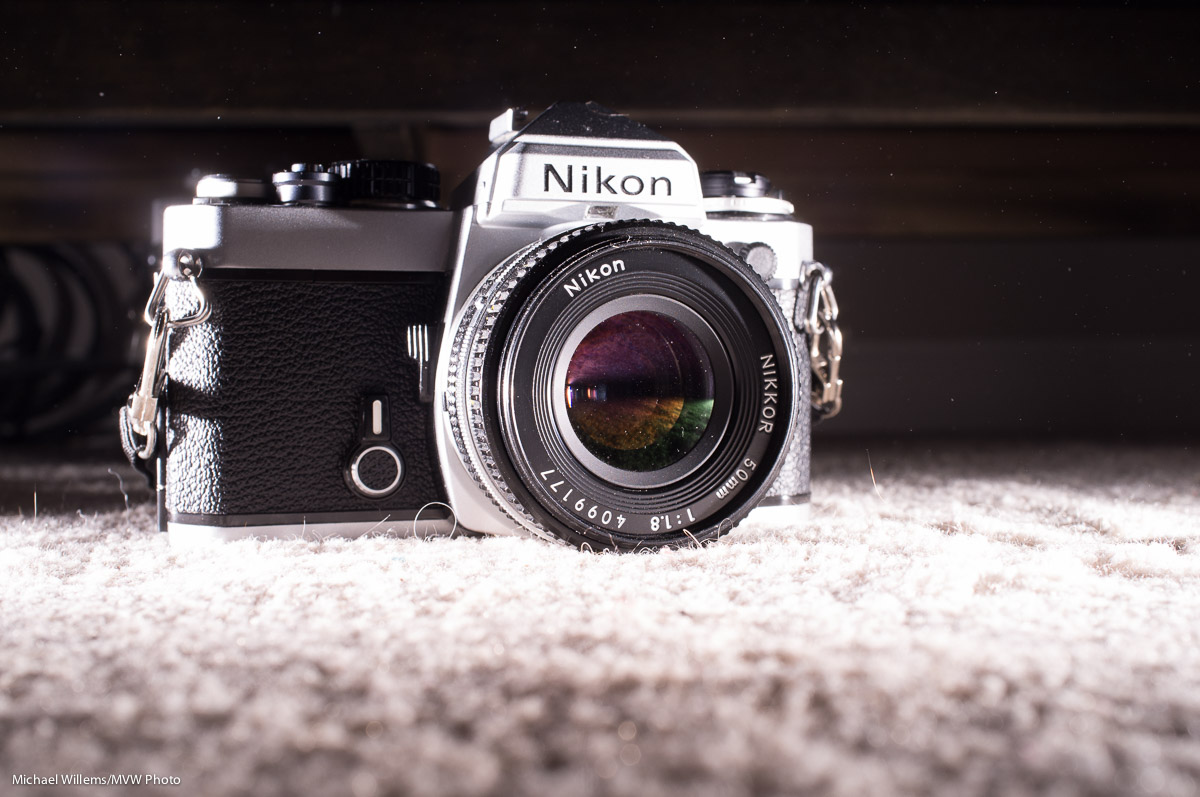
I like crisp images, like this one I just took of one of my toys:

You see, here’s my floor, with that toy, using available light:

Nothing wrong with that, but I prefer more crisp sharpness, more contrast. Like the sharpness flash gives you:

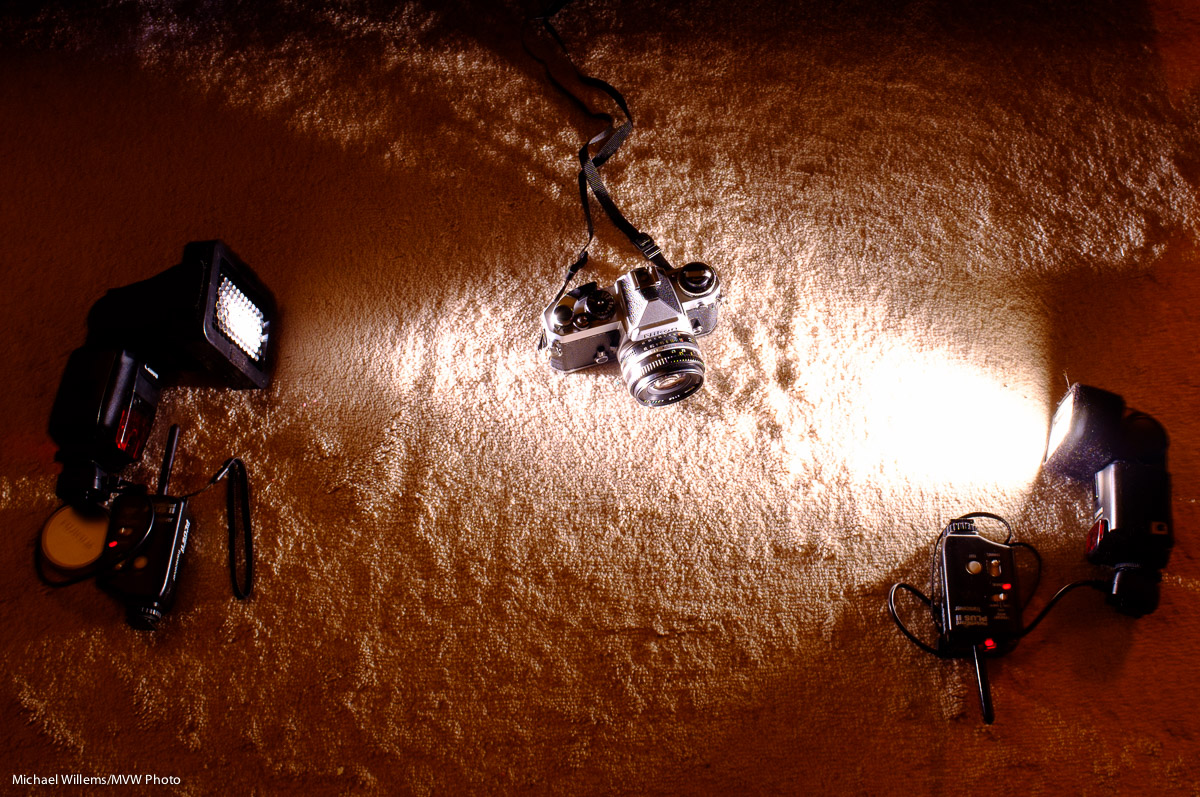
I took that picture purely to illustrate how to take this picture, Namely, with a Fujifilm x100 camera (which has an APS-C sensor) with a Pocketwizard on the flash hotshoe and “external flash” enabled. The camera was set to 200 ISO, f/8, 1/125 second: standard studio settings. Two flashes, one on the right at 1/16 power; one on the left at 1/4 power, fitted with a 1/4″ Honlphoto grid:

When you click through to view these at full size, they are good.

View that full size and a few things may occur to you. Like “remove dust with brush and blower before taking any close-up flash shots”. And “a small camera, like the Fujifilm x100, can make excellent, sharp, crisp photos when you use it well”. But especially: “flash is one way to make photos crisp, both in reality and in perception”. Reality, since the flash lasts only 1/1000 sec at full power, and therefore 1/4000 sec at quarter power”; hence, there will be no motion blur. And perception, because exposing to the right (i.e. brightly) and with lots of contrast makes things crisp.

Look at this image full size:

There you have it: sharpness. just one more advantage of using flash.


Expose

A student told me today that she had issues with shooting in manual mode. Especially, she says, in difficult circumstances.


Well, here is my answer. Yes, it is tough. “Less than ideal circumstances” is as much of a problem for me and everyone else as it is for my student. That is why we buy expensive lenses (low F-numbers let in more light; expensive cameras allow very high ISO values, and so on). Perhaps my student found it tough because it is impossible with her equipment.

But the principle of exposing right in manual mode is still simple. If it is too dark in your photo, you can do exactly three things (apart, of course, from turning on more lights). Same for my student as it is for you and for me.

1. Increase the ISO
Drawback: more grainy pictures
Limit: your camera only goes so high
What the pros do: buy an expensive camera that works well at high values

2. Lower the F-number
Drawback: you get less depth of field, which sometimes you want.
Limit: your lens only goes so low.
What the pros do: spend lots of lenses with low f-numbers

3. Slow down the shutter
Drawback: you get motion blur in your photos.
Limit: anything slower than, say, 1/60 sec will give you motion blur.
What the pros do: not go too slow. Or use a tripod..

So if your picture is too dark, you just have not gone high enough (iso) or you just have not gone low enough (f-number) or you just have not gone slow enough (shutter). Not difficult.
And you can use a trick! Let’s start with that trick.

  1. Go to PROGRAM Mode (P)
  2. Press the shutter slightly so you see the chosen aperture, shutter speed, and ISO
  3. Write those down.
  4. Go to MANUAL mode (M)
  5. Enter those values for ISO, aperture, and shutter.
  6. Now start varying from there. See what happens when you vary each of the parameters.

It really is as simple as that to get a good starting point. And you can also get good starting points for the variables. Like ISO: 200 outdoors, 400 indoors, 800 in tough light. Or shutter: keep above 1/60. Or aperture: open up indoors (low “F”), and stop down outdoors (high “F”).


The inverse square law

As you all know, the inverse square law states that light gets weaker in proportion to the square of the distance.

So at twice the distance I get one fourth of the light. At three times the distance, one ninth of the light. And so on.

Good. So if I aim a flash at an object at one metre and get good exposure at f/5.6, then at two metres distance I expect two stops less light, i.e. f/2.8, two stops more open (i.e. 4x more light).

Let’s see. First, let’s use an LED flash light. At f/5.6:
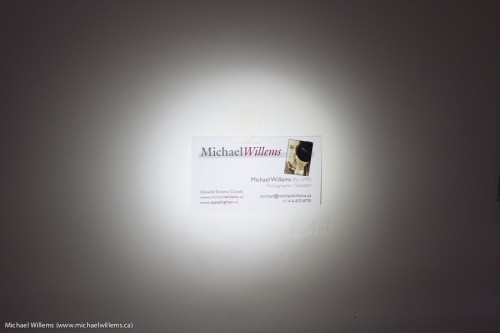
Now when I move from 1m to 2m and make the aperture f/2.8, it should be equally bright:
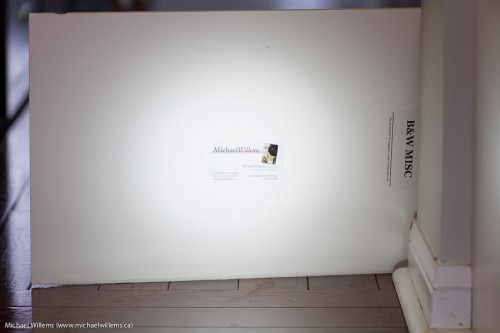
What gives? It’s brighter! Only by reducing the exposure 0.5 stops do I get to the same brightness (as verified with the histogram, and looking only at the lit part):
So it seems that the inverse square law does not hold!

Here’s another example. I will shoot at 1m, 1.4m, and 2m. If the first shot is at f/8, the second one should be at f/5.6 (half the light, because 1.4 squared is 2), and the third f/4 (a quarter of the light, because 2 squared is 4). When I do that, I get:
Hard to see here, but they get brighter each time, while theory says they should stay the same.

Only by reducing the second picture by 0.25 stops, and the third picture by 0.5 stops, do I get the same exposure. So my flash apparently needs to be corrected by -0.25 stops per stop.

Wait. Is this crazy Mr Willems saying the Inverse Square Law is incorrect?

Yes. Yes, he is. I am. I am saying exactly that. The Inverse Square Law does not apply. Not to concentrated beams. The Inverse Square Law applies only to point sources of light that radiate that light evenly in all directions. When we move the light away from the subject, the angle loses us photons, but the moment we “catch” some of these lost photons and send them to the object we are lighting anyway—and that is exactly what we are doing with a concentrated beam—that moment, the law no longer holds. Yes, the light gets weaker, but by a smaller amount. That smaller amount, the “escaping photon recapture rate”, or “EPR rate” if you like silly acronyms, is +0.25 stop per stop lost, in the case of my Canon flash.

So what would affect the numbers?

Clearly, at the extreme end, with a laser beam, the correction is virtually +1 stop per stop lost (think about it: how else could we do moonbounce, where we bounce a laser off the surface of the moon). Meaning, the light does not go down at all with distance.  With a flash light, it is, as you see, a little less extreme: there is dropoff; just a little less than you would expect. With a large softbox that radiates in all directions, you will get something closer to the inverse Square Law. With an umbrella, you get closer to it still.

But this is not a theoretical discussion, of interest only to geeks. This is important in practice to us photographers. If I move a snooted hair light twice as far away from the subjects it is lighting I should get two stops less light (2 squared = 4). But the light reduces less than that. So instead of going, say, from f/8 to f/4, I might need to go from f/8 to, say, f/5.

My advice: Learn how the light sources you use (straight flash, bounced flash, umbrella, softbox, etc) behave when you double the distance. Do this in the dark, so ambient light plays no role. Easy enough, and then you have an idea that will be valuable in real-life practice.


Check out my e-books on http://learning.photography/collections/books and learn everything I know. Taught in a logical fashion, these extensive e-books (PDFs with 100-200 pages each) will help you get up to scratch quickly with all the latest techniques. And when combined with a few hours’ private coaching, in person or via Google Hangouts, you have no idea of the places you’ll go. You’ll be a pro!

Multiple OCF’s today

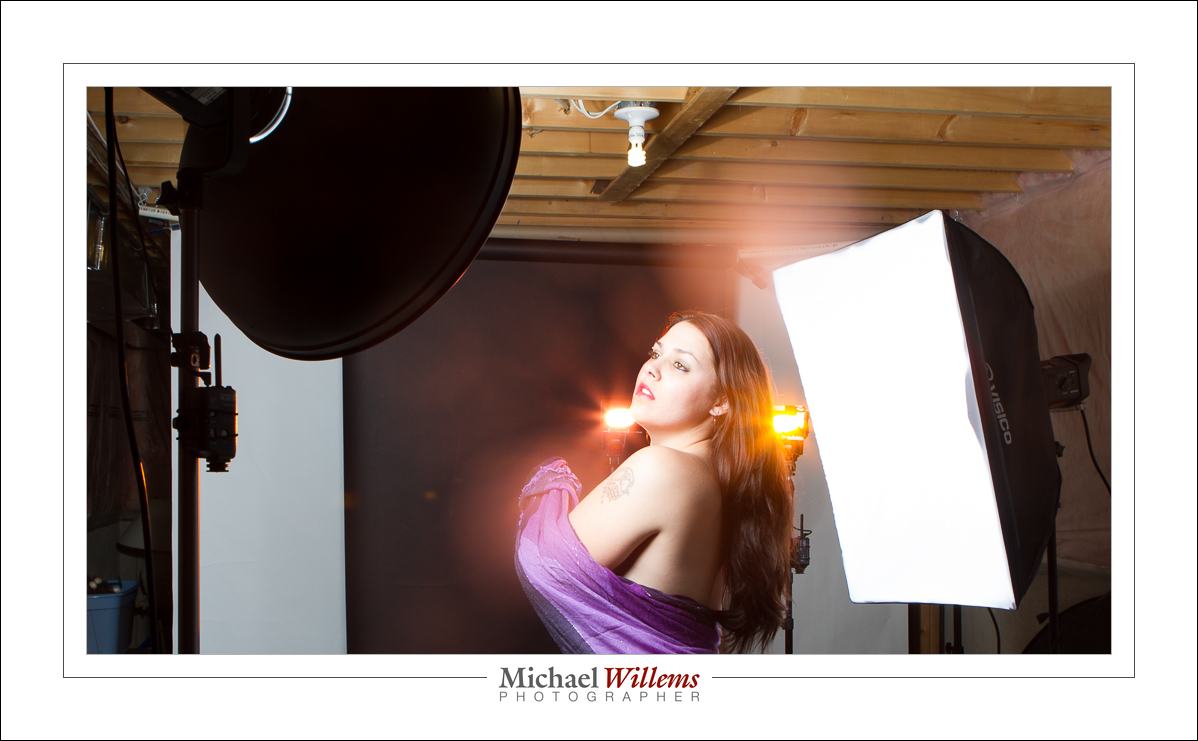
OCF = Off-Camera Flash. And OCF is the name of the game. Why? Because off camera flash gives you control over light direction. And you can have fun, like here, in today’s shoot:

(1/125 sec, 200 ISO, f/8)

The yellow flash fires into the camera, This works fine with some lenses, but not with others. If you get a  lot of flare when trying this, try another lens, use the lens hood, and remove any protective lens filters.

This yellow flash and the purple flash are speedlights fitted with Honl photo grids and gels. The main light was a beauty dish on our left; fill light was a softbox on our right, feathered forward. As hair light, a snooted light on our left behind, aimed forward (not visible). So:

The speedlights and one strobe were fired using Pocketwizards; the other two strobes with their light-sensing cells.

The moral: try and have some fun with your speedlights and strobes.


Let there be

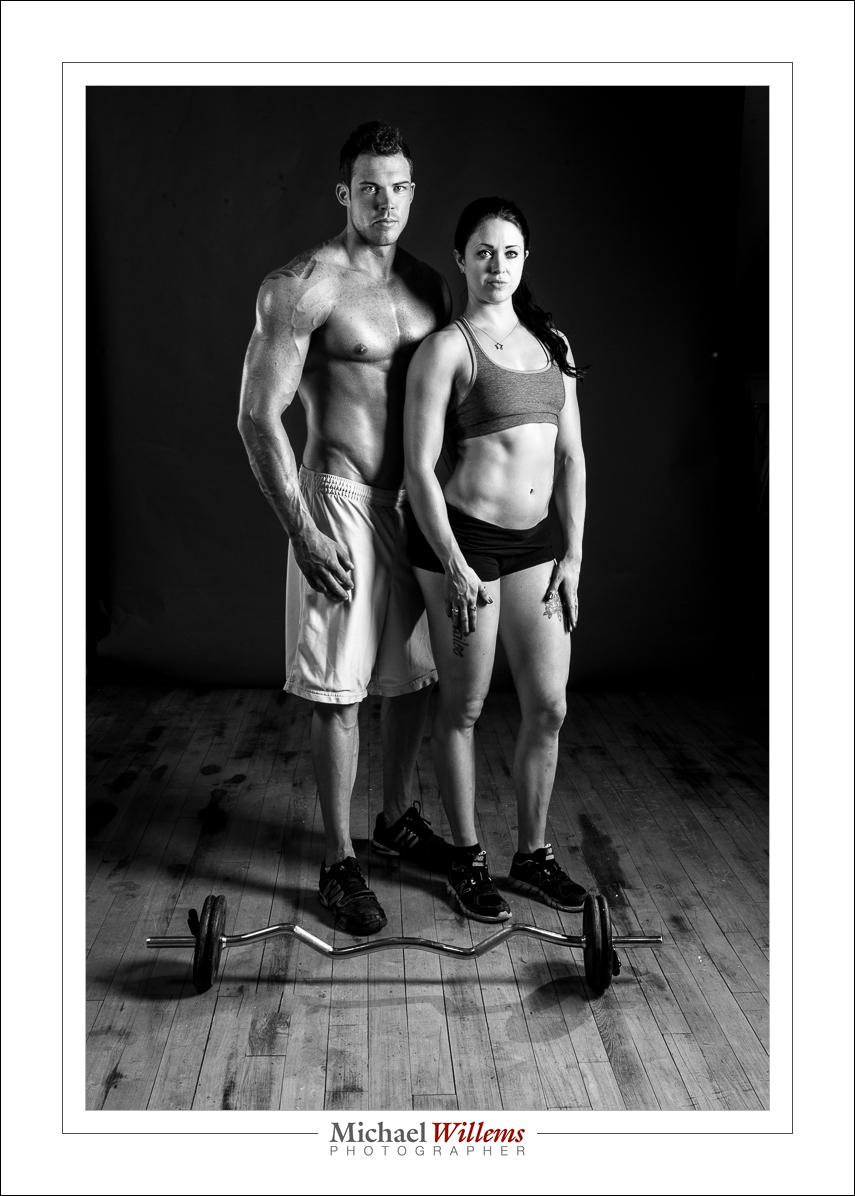
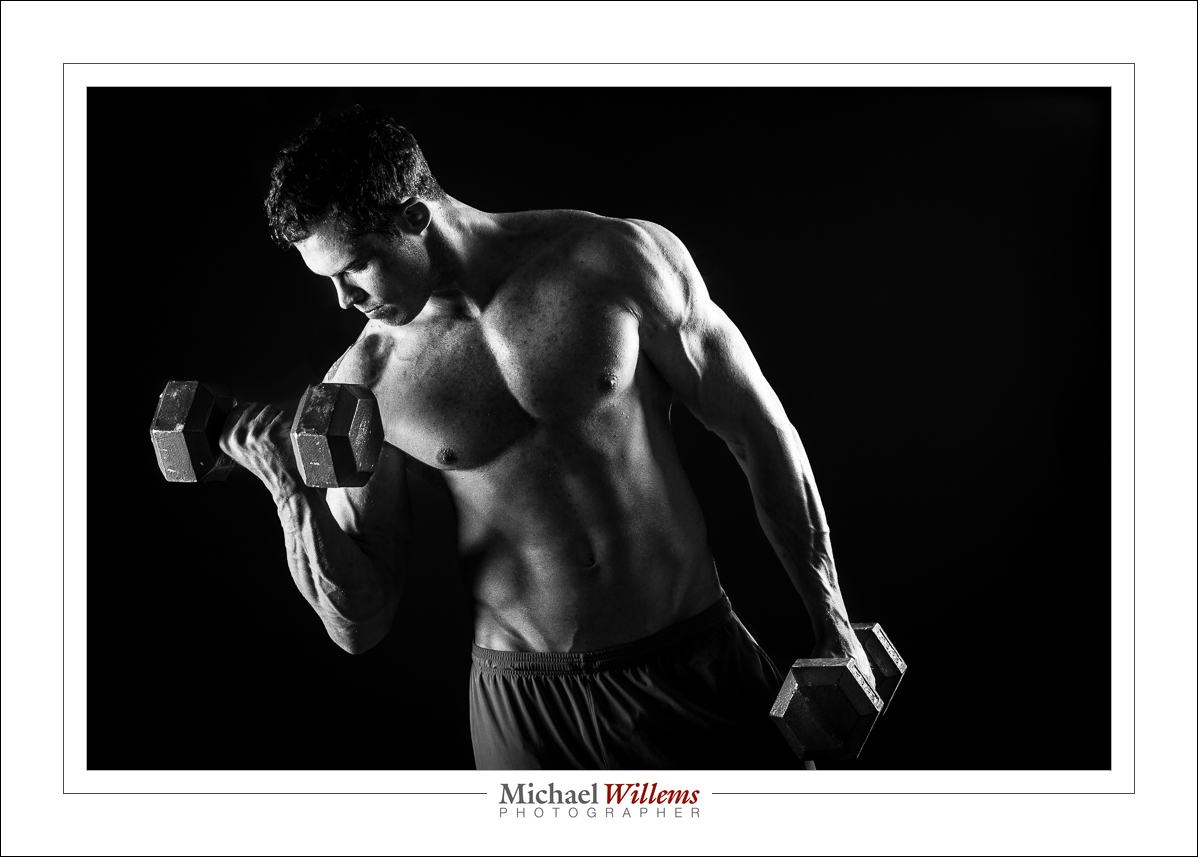
I shot a couple of bodybuilders recently: reason enough to share a few of the pictures and the settings.

I decided, for this shoot, to use pretty dramatic light, with a significant sidelight component. Why? Because sidelight shows texture, muscles, and similar detail. So I used a softbox on each side of the subject, aimed forward and positioned carefully to keep it off the background:

(100 ISO, 1/100 sec, f/13)

Post treatment is minimal: B/W setting; then in the BASIC panel, I moved the whites and highlights up a tad, and the shadows and blacks down a bit. The resulting images are dramatic and show muscle:

Do keep in mind the fact that the face should be appropriately lit. Like in the image above.

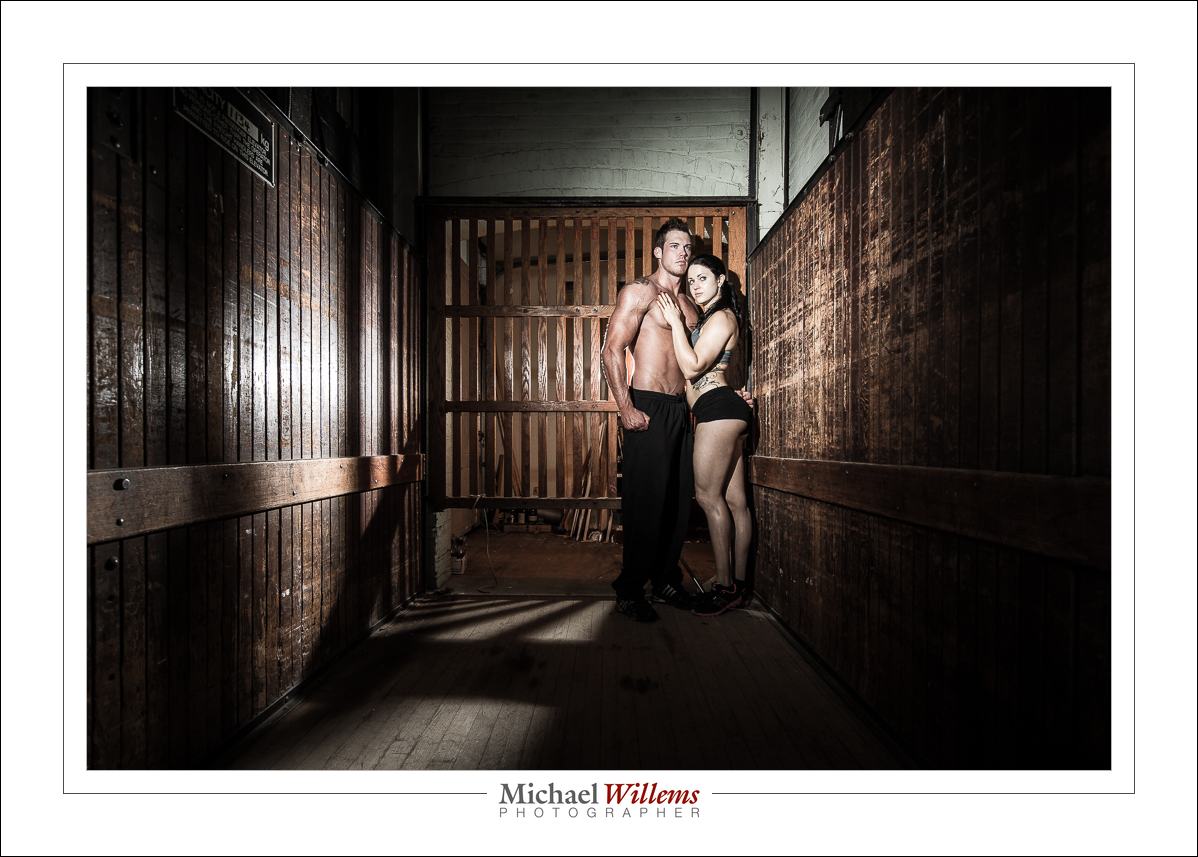
In the image below, a flash behind the subjects aiming towards me, and a flash with a grid on camera left, aimed at the subjects:

This shoot was all about light.

___

Want to shoot better portraits? Get the new e-book! Click here to buy, and immediately improve your portrait photography.