You know how in 1970 photographers always used to use light meters?
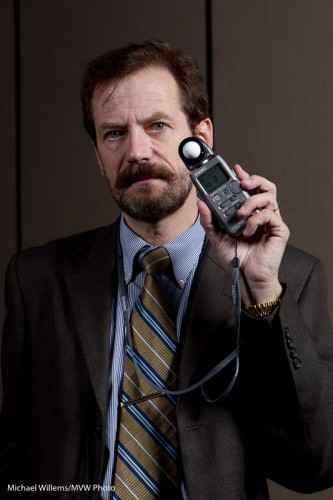
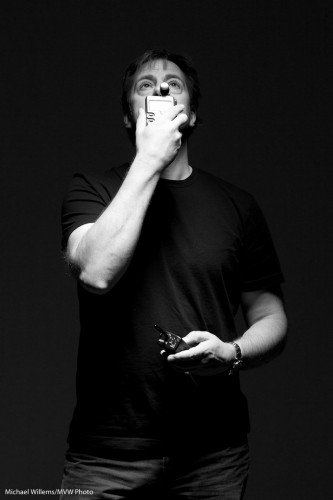
Like this one, in a pic from the recent photo show:
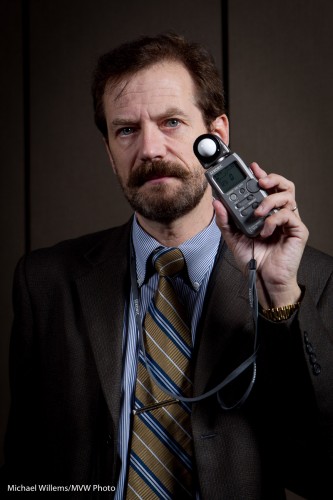
Michael Willems holding a light meter
Yes that is right: I am using a light meter. In 2010. And like most working photographers, I use one often.
Why?
Here’s why.
1. Type of meter. The light meter built into your camera is a reflective meter. It meters light that is reflected off the subject. So if the subject is dark you might get a long exposure time (little light is reflected off it, so your camera sees little light), while if the subject is bright, you might get a short exposure time (a lot of light is reflected, so your camera sees a lot of light).
This means that the subject affects the metering. This is wrong. Think of a bride or a groom in a room. The bride would cause a fast shutter speed (see above), causing the room to be too dark, while conversely the groom would cause the room too bright. Clearly the subject’s brightness is absolute and should not cause the exposure to vary.
An incident light meter, and that is what hand held light meters are, measures the light falling onto the scene. The subject’s brightness has no effect at all. Problem solved!
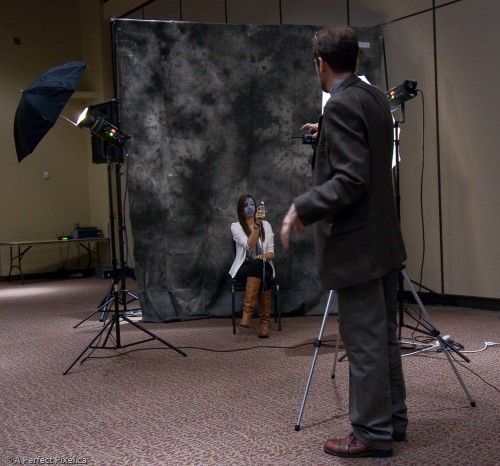
2. Flash. The only way to meter a flash of light is by using flash meter. You can use the histogram and a lot of trial and error, but that is just that: trial and error. A light meter gives you the right result.
So in a studio setting, or when using manual flash, you use a light meter. Now you turn it to “flash meter”. And again, guaranteed results.
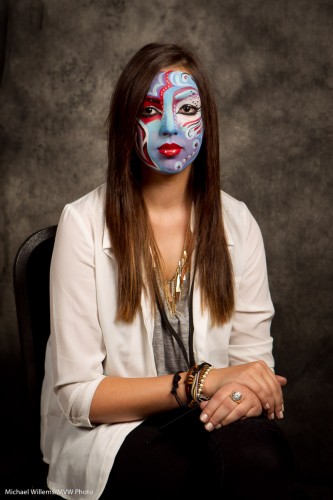
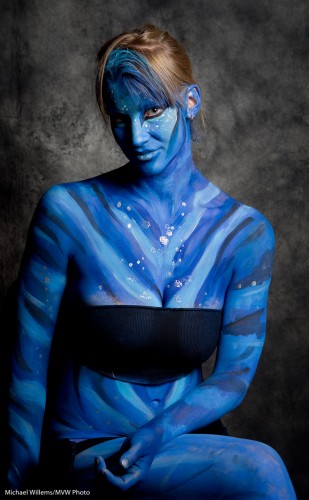
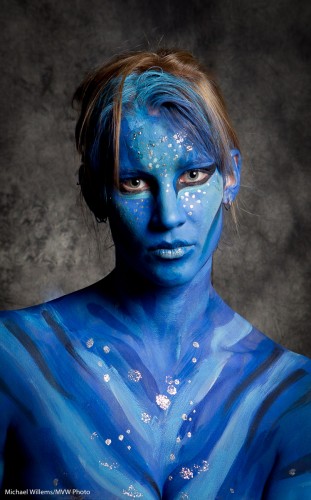
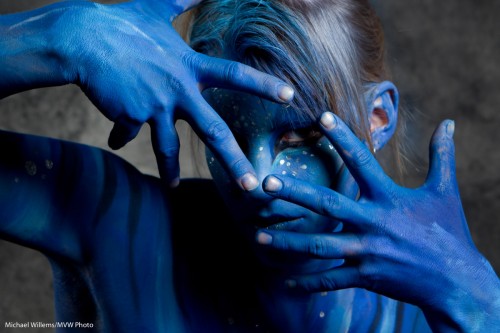
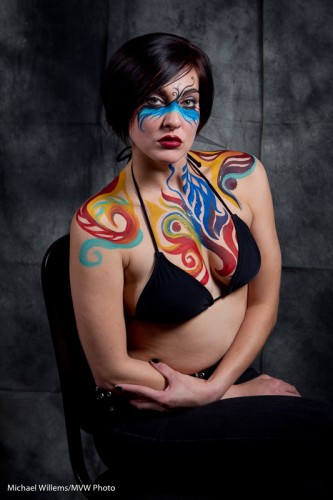
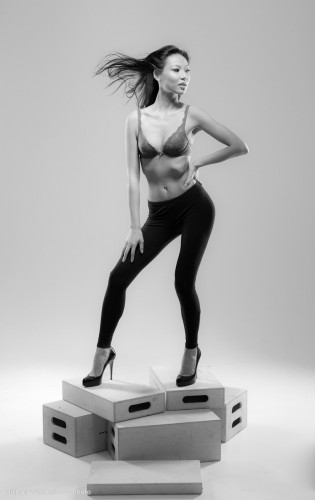
And that is why we use them still. Like in this shot from this weekend’s show:
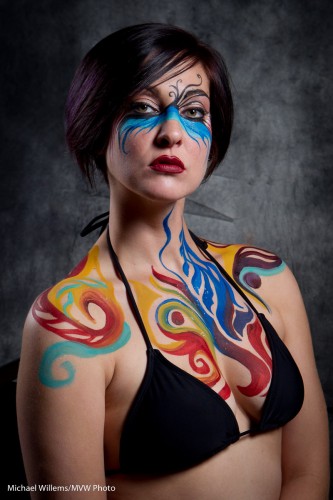
Bodypaint Model