Expose

A student told me today that she had issues with shooting in manual mode. Especially, she says, in difficult circumstances.

Well, here is my answer. Yes, it is tough. “Less than ideal circumstances” is as much of a problem for me and everyone else as it is for my student. That is why we buy expensive lenses (low F-numbers let in more light; expensive cameras allow very high ISO values, and so on). Perhaps my student found it tough because it is impossible with her equipment.

But the principle of exposing right in manual mode is still simple. If it is too dark in your photo, you can do exactly three things (apart, of course, from turning on more lights). Same for my student as it is for you and for me.

1. Increase the ISO
Drawback: more grainy pictures
Limit: your camera only goes so high
What the pros do: buy an expensive camera that works well at high values

2. Lower the F-number
Drawback: you get less depth of field, which sometimes you want.
Limit: your lens only goes so low.
What the pros do: spend lots of lenses with low f-numbers

3. Slow down the shutter
Drawback: you get motion blur in your photos.
Limit: anything slower than, say, 1/60 sec will give you motion blur.
What the pros do: not go too slow. Or use a tripod..

So if your picture is too dark, you just have not gone high enough (iso) or you just have not gone low enough (f-number) or you just have not gone slow enough (shutter). Not difficult.
And you can use a trick! Let’s start with that trick.

  1. Go to PROGRAM Mode (P)
  2. Press the shutter slightly so you see the chosen aperture, shutter speed, and ISO
  3. Write those down.
  4. Go to MANUAL mode (M)
  5. Enter those values for ISO, aperture, and shutter.
  6. Now start varying from there. See what happens when you vary each of the parameters.

It really is as simple as that to get a good starting point. And you can also get good starting points for the variables. Like ISO: 200 outdoors, 400 indoors, 800 in tough light. Or shutter: keep above 1/60. Or aperture: open up indoors (low “F”), and stop down outdoors (high “F”).

 

Burn baby burn

…it’s a disco inferno!

OK, so my cheesy headline refers to a record by the Trammps that you may remember if you’re as old as me. Disco. Watch those dance steps and those flared trousers. Yeah baby!

But it also refers to the practice of burning discs. CDs or DVDs.

And discs are going the same way as disco. My MacBook does not contain a DVD drive, and soon, no devices at all will contain one. CDs and DVDs will be as obsolete as 3.5″ floppy disks, 5 1/4″ floppy disks, 8″ floppy disks, papertape, and core memory. Remember those?

Quick. Imagine that right now, this moment, that moment has come and you can no longer read CDs and DVDs. How many photos have you lost?

I hope the answer is “zero”, but I fear that the answer is “lots”. Many of you keep photo backups on disk.

Bad idea. They will become obsolete, but they will also decay and become unreadable.

And that is just one reason you should print your work. The others are in this article [click].

My recent art photo garage sale was a case in point: prints are beautiful. But they are also a way to preserve photos that would otherwise be lost. Your CDs are decaying and are becoming obsolete. Your hard disks will break: not “if” but “when”. But your prints will adorn your wall, and your photobooks will be on your bookshelf, for as long as you are there.

So please: if your photos only live on a medium that will soon be as current as clay tablets, save them to a new medium, and make prints today. That way your selfies and your works of art will all remain at your disposal.


ISO, continued

Let’s continue with the “High ISO” talk.

First, a photo mad4 with the Canon 7D at 3200 ISO. The 7D is a crop camera which is not very good at higher ISO values. And yet, 3200 ISO looks like this:

Fo comparison, here;s the Canon 1Dx, the top of the line camera, at the same setting of 3200 ISO:

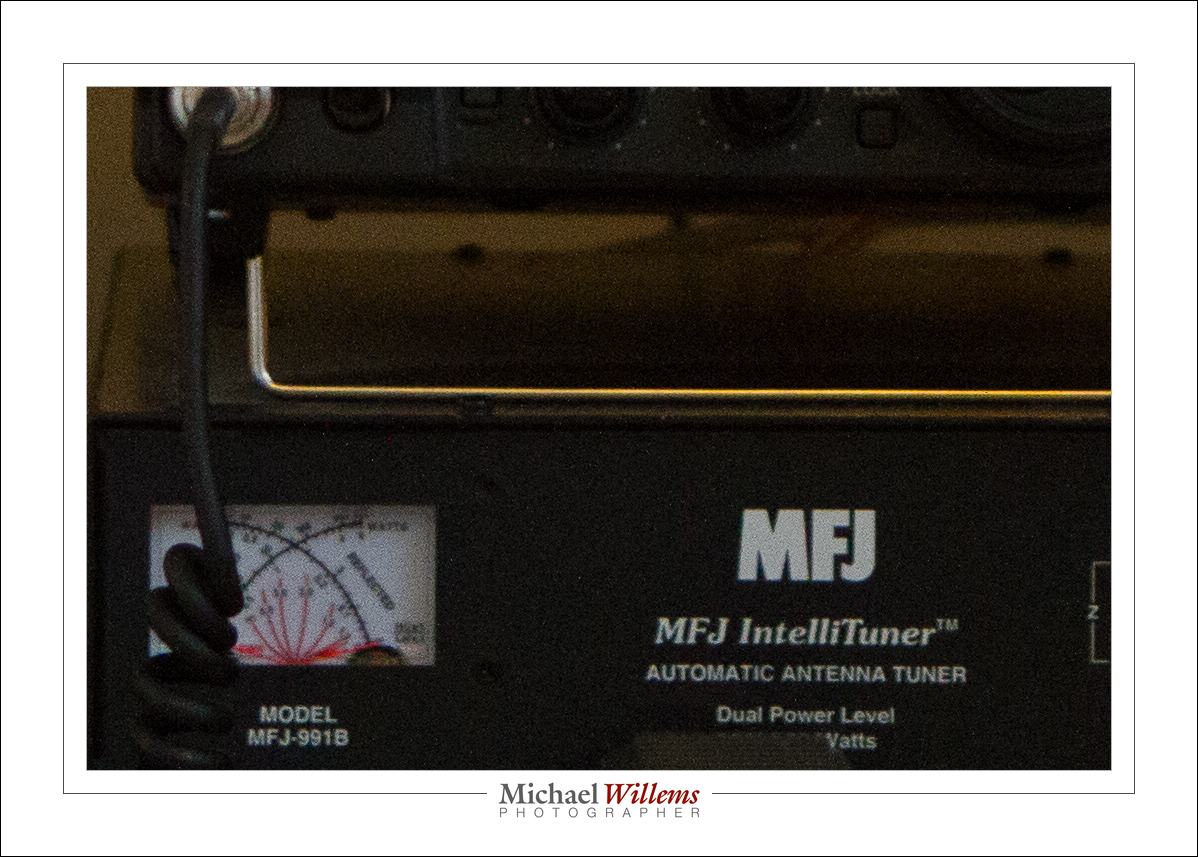
Looks about the same, eh. Now let’s look at a small part of the photo at real pixel size (once you click and view it full size):

And the 1Dx at 3200 ISO:

Look at the meter and see the difference. Considerable.

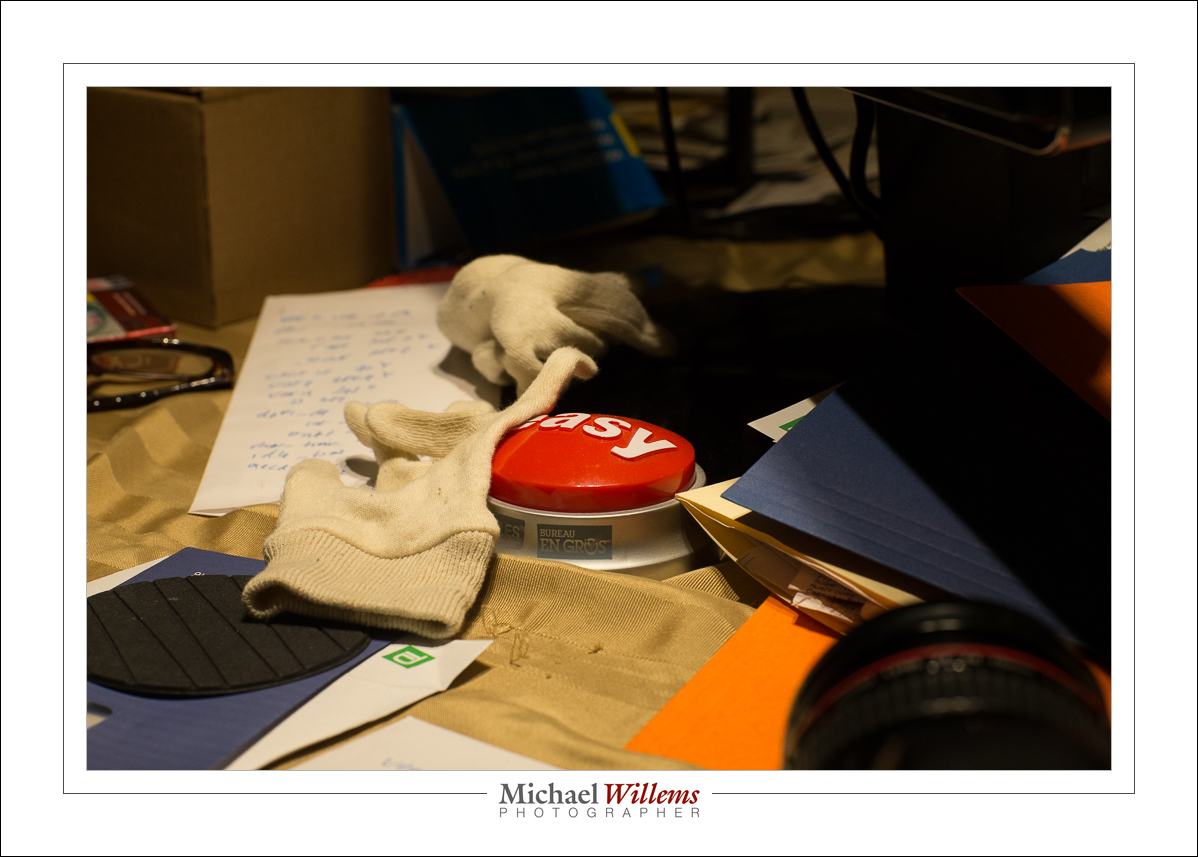
But let’s look at a photo that is well lit instead of dark. First, using the 7D:

And the 1Dx:

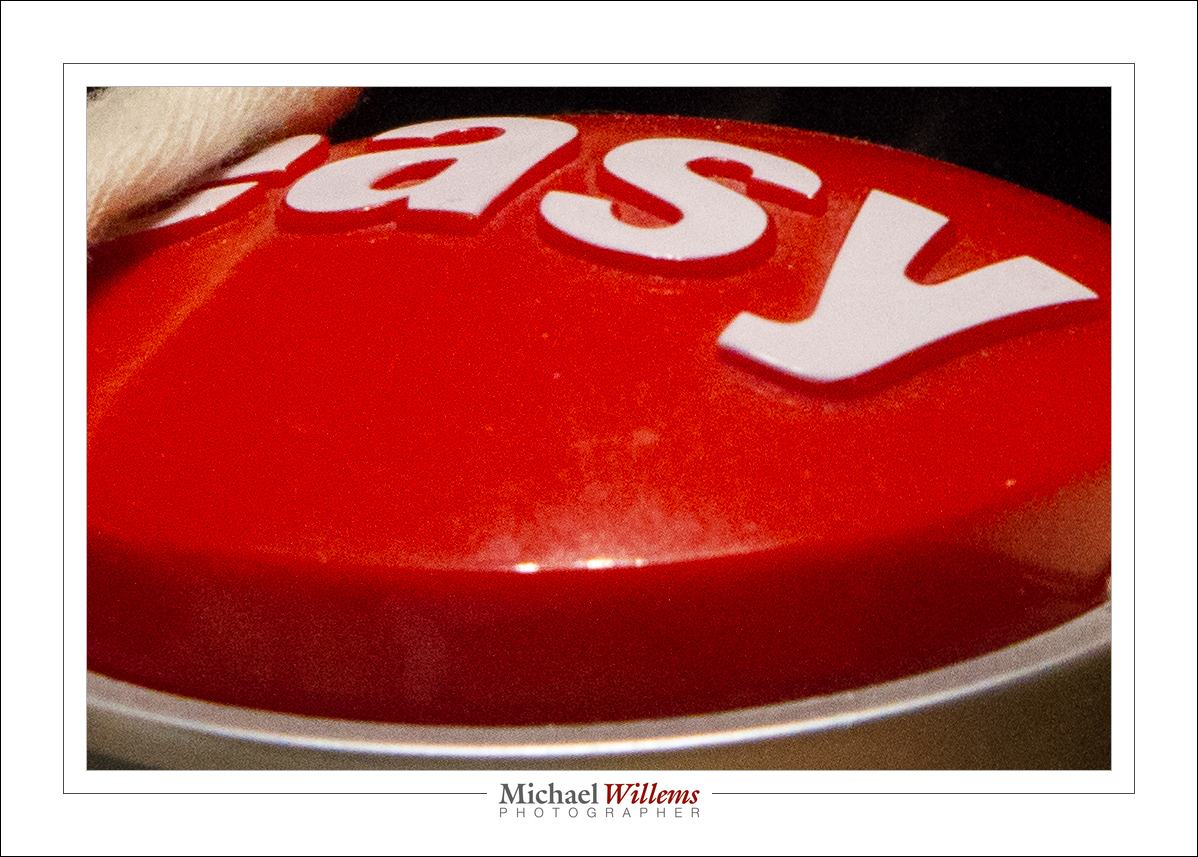
And now the same small real pixel size (again, once you view at full size):

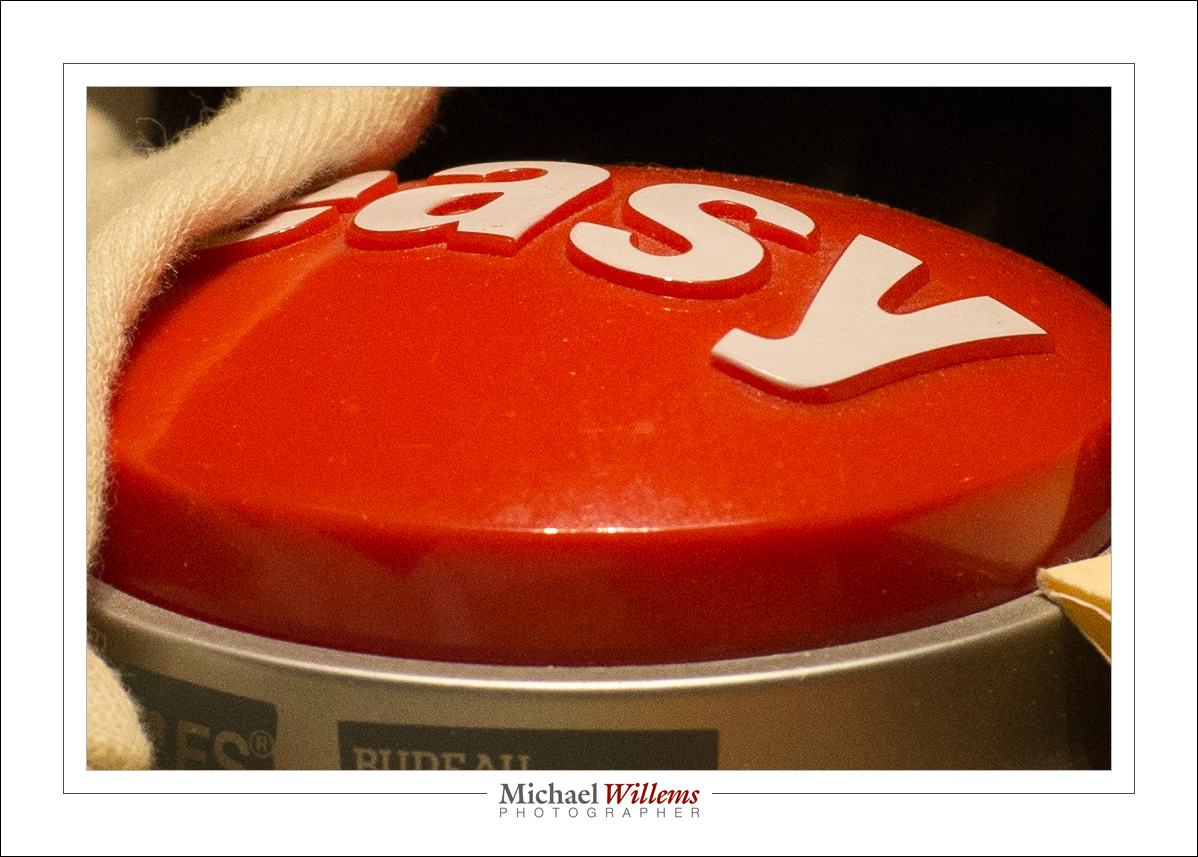
…and on the 1Dx:

As you see, a well lit picture does not show a lot of difference, or at least, not as clearly.

The moral: it’s not that big a deal: you can shoot at high ISO values and if the photo is well lit and you do not “pixel peep”, you’ll be just fine,. More so than you thought, I bet.


Macro tip

A repeat post, from a year ago: because it still matters.

Whenever you take a close-up photo – and it does not have to be one taken with a special macro lens – try to ensure that your object is clean. That saves so much work!

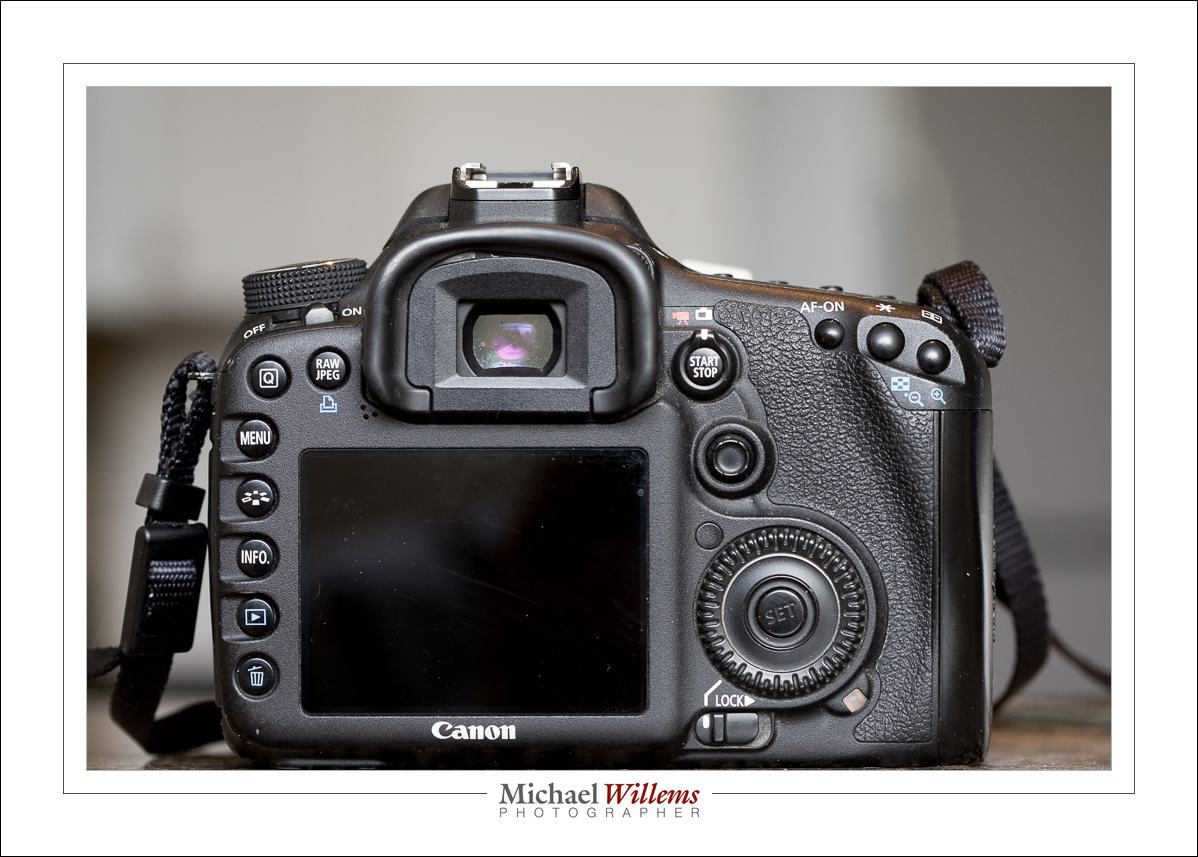
Take this image (taken for my fourth e-book):

That may look fine, but if you click and look closely, you will see there is a lot of dust, as well as some scratches, hair, etc.

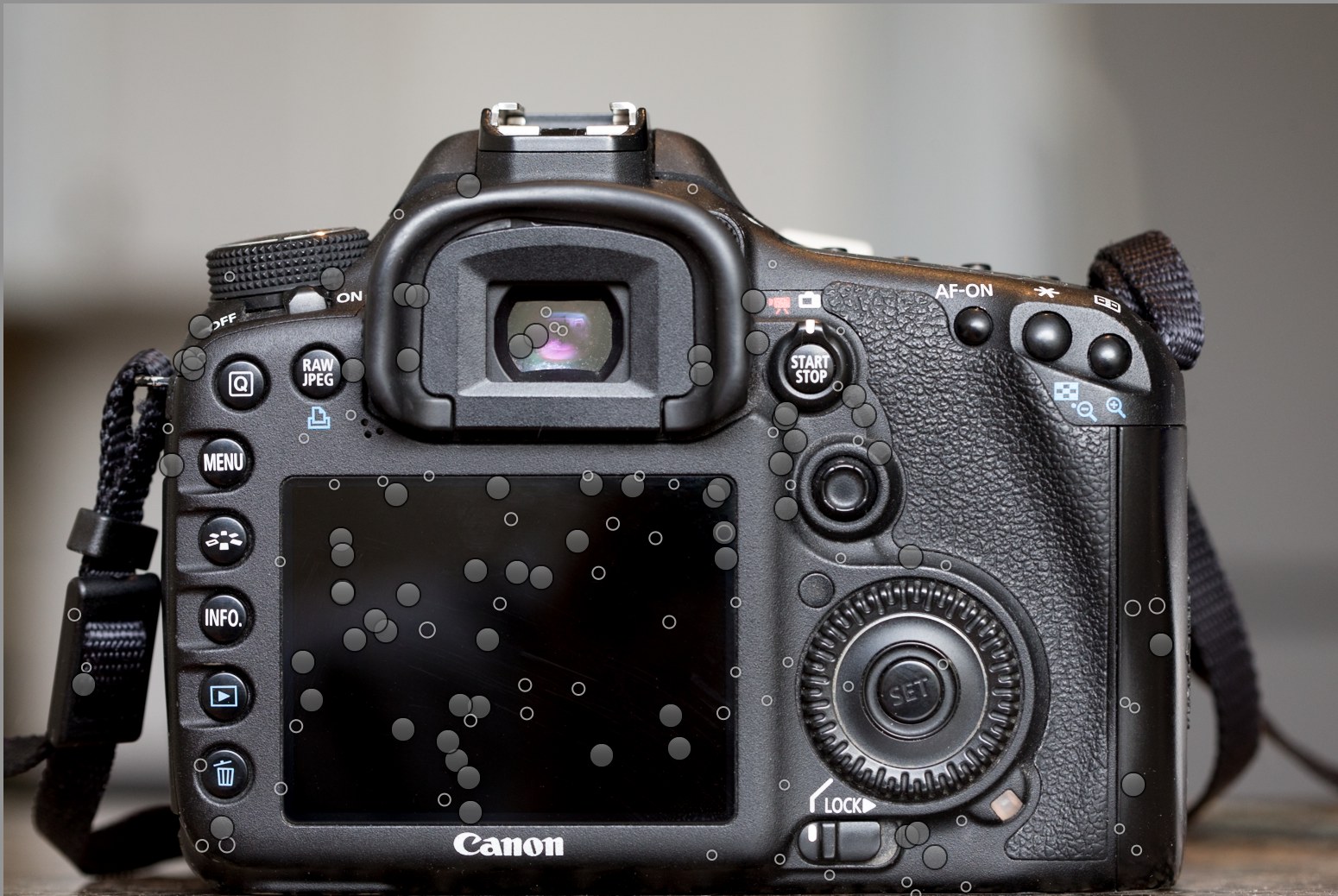
To make it usable, here’s the dust I had to “remove” in Lightroom: this work image shows one circular marker per bit of dust, etc, that I removed:

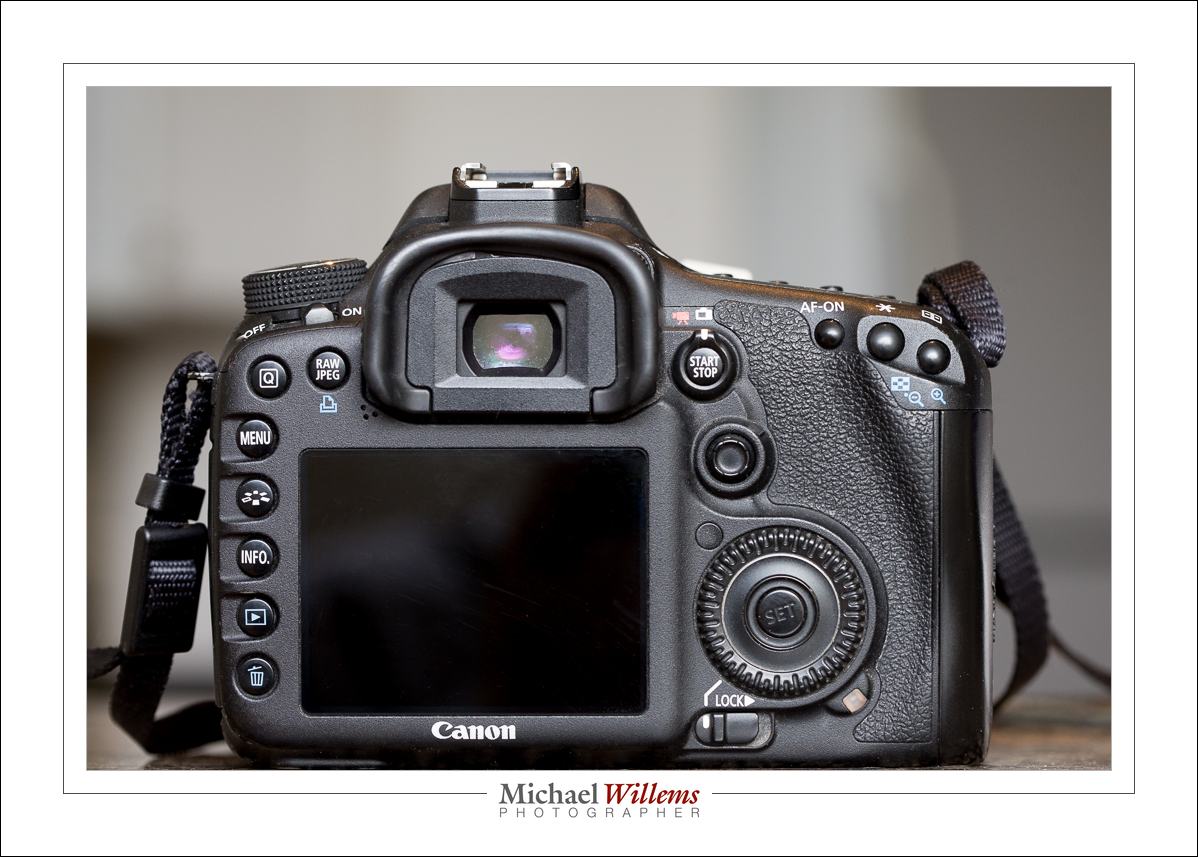
..which leads to this resulting final image:

Looks the same? Not when you zoom in. When you zoom in, you see that this one is really very much better.

I hope you take two things away from this. First, the obvious “clean things, especially black things, before you shoot them”. But second: what you see is not always what there was. A professional image often has a lot of work done on it before it is a professional image. There’s no such thing as “click and shoot”.

____

Michael Willems writes blog posts. He also shoots, writes books, and teaches. Check him out on his web site www.michaelwillems.ca, and check out the services and products on the online store, http://learning.photography. If you want to learn to shoot like a pro, or if you are already a pro, if you wish to shoot like a better pro, then you have come to the right place.


Today again repeat post, because this still happens all too often: People confuse the DPI setting in an image with something meaningful. News Flash: By itself, saying “300 dpi” or some such means nothing at all about the quality or size of the picture. So here goes, from 2010:


I keep hearing people say “I want this picture at 300 dpi”, or “send it to me low quality at 72 lpi”.

When talking about a given image, that by itself is meaningless!

Let me see if I can explain. I will simplify and assume that dpi (dots per inch), ppi (pixels per inch) and lpi (lines per inch) are the same. They are not, not exactly; but assume for a moment that they are, since it makes no difference for this explanation.

Folks, the dpi (or lpi) setting makes no difference to the quality of an image. Not by itself. It is just an instruction to the printer.

It is the number of pixels that makes the difference. Not the number of pixels per inch, which is just an instruction to the print device.

Let me try to explain.

Let’s start with the image. You have taken a picture. It is a certain number of pixels in size. Say, 640 pixels wide, or 1,200, or 4,500. That is the resolution of the picture. The more pixels, the higher the resolution. Very simple. So let’s say your camera is a 6 Megapixel camera – that means your image is 3000 pixels wide (3,000 wide x 2,000 high = 6,000,000 pixels, or 6 Megapixels).

When someone says “send your picture to me at 72 dpi” or “send it to me at 300 dpi” that means nothing by itself. Try it: export your photo from Lightroom (or whatever you use)  as 72 dpi, and then again as 300 dpi, and compare the two images. Identical number of kilobytes, and when viewed full size, identical detail.

DPI means “dots per inch”. So by saying “take this image and make it 300 dpi” that is just telling the printer “take this image and print it ten inches wide” (3000/300 = 10). Setting it to 72 dpi means “print it  42 inches wide” (3000/72 = 42). But it neither increases nor reduces the quality!

What people need to say if they are talking about image quality is:

  1. “Send it to me 10 inches wide at 72dpi”.
  2. Or “send it to me 10 inches wide at 300 dpi”.

Which just translates to:

  1. “Send it to me 10 x 72 pixels wide, i.e. I mean 720 pixels wide”
  2. or “”Send it to me 10 x 300 pixels wide, i.e. I mean 3,000 pixels wide”

So if you mean 720 pixels wide, or 3,000 pixels wide, why not just say that?

That is the essence. After all, it is easier to set one variable (pixels wide) than two (dpi and size); and pixels mean something real.

Unless we are printers, we are talking about it from this perspective, so we should use clear terms. Telling me “send it to me at 72 dpi” is only meaningful if you also add the inches. So be clear, and say “send it to me 3,000 pixels wide”.

Flash Bias

…or Flash Exposure Compensation (“FEC”), means that flash is still automatic (“TTL”), but you bias it 1-2 stops up or down. Meaning the camera meters as usual (using TTL), but it adds or subtracts a stop or two when taking the shot.

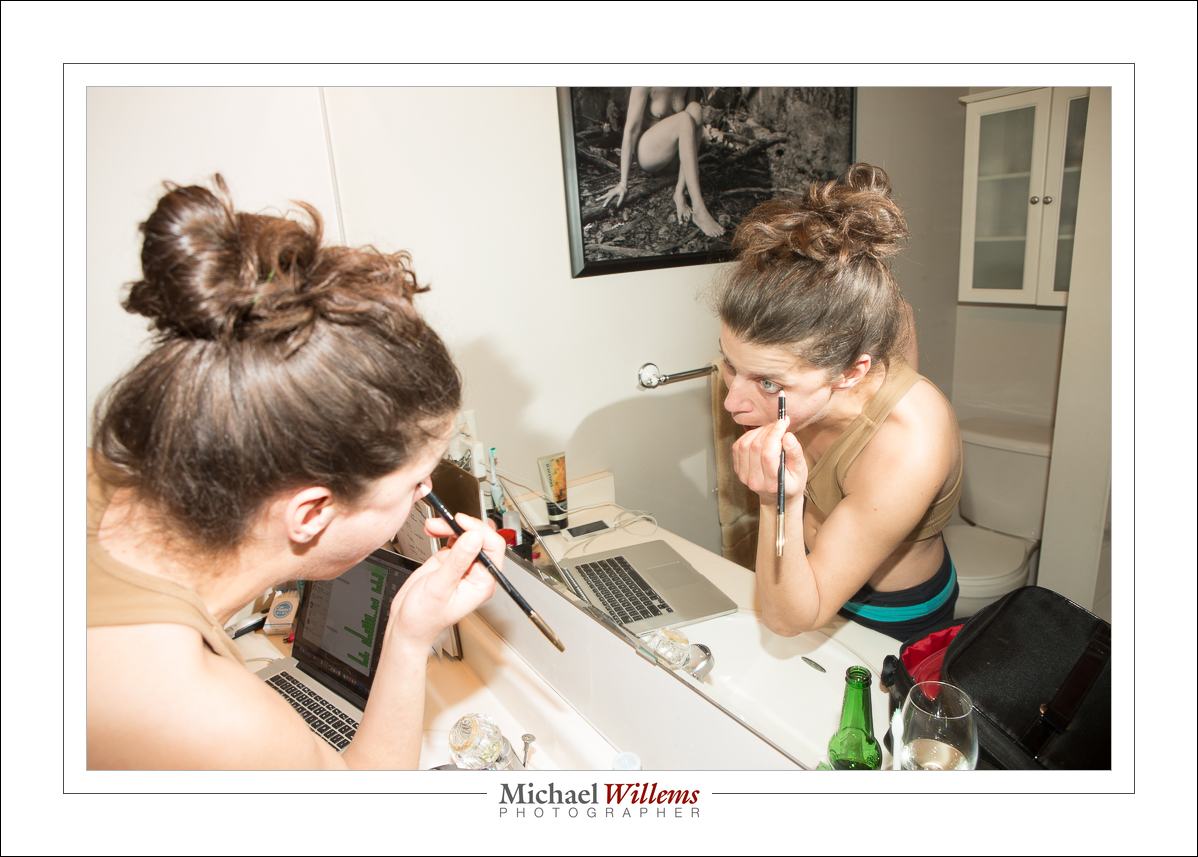
In the shot of the model applying make-up, the bias is +1.66 (+1 and 2/3) stop:

I usually shoot with a positive bias like that because I am in a white environment, and the camera, not being equipped with a brain, has no brain. Plus, I like to light skin brightly, because bright skin is skin without shadows; skin without imperfections in other words. And hands up those iof you who like to see imperfections in skin. See; I didn’t think so.

Now, be careful: FEC only works if there is enough power available. In other words, if there isn’t enough power available it does not help qat all. In tat case, open up the aperture or raise the ISO.


Aha Me A Riddle I Day

Not the Laura Love song, but a real riddle. What happened here?

My face is underexposed totally compared to the rest of the shoot, which was like this:

So there the sides of my face are well exposed. But then the photographer zoomed out, and we got the shot at the top. What gives?

If you do not know, let me give you a hint: we were using TTL.

If you still do not know, allow me to explain:

TTL is like “auto for flash”.

  • Auto flash exposure normally uses evaluative (“Matrix”) metering.
  • I.e. the screen is divided into little squares, dozens or hundreds of them, and each one is metered individually.
  • As soon as any of these little squares are overexposed, even one of them, the camera tries to fix that.
  • It does that by lowering the exposure. But you obviously cannot change just one part of the photo, so the entire exposure is lowered.
  • That’s the reason the picture at the top is underexposed: the flashes are visible, meaning a hot spot or two, and the camera “fixes” that by lowering the entire exposure (by using a lower flash power setting).

The fix: You can go to average metering. Or you can avoid hotspots like reflections or flashes.

That’s one of the little facts you learn if you take my flash course.

Are you aware that virtually all my courses are offered online as well? Live, one-on-one courses, like the one I just did today with a long-time reader from Melbourne, Australia:

If you go to this page and check the pull-down menu, you will see that you can even save money by doing it online. So wherever you are in the world, I would be delighted to do a one-on-one with you.


A new life

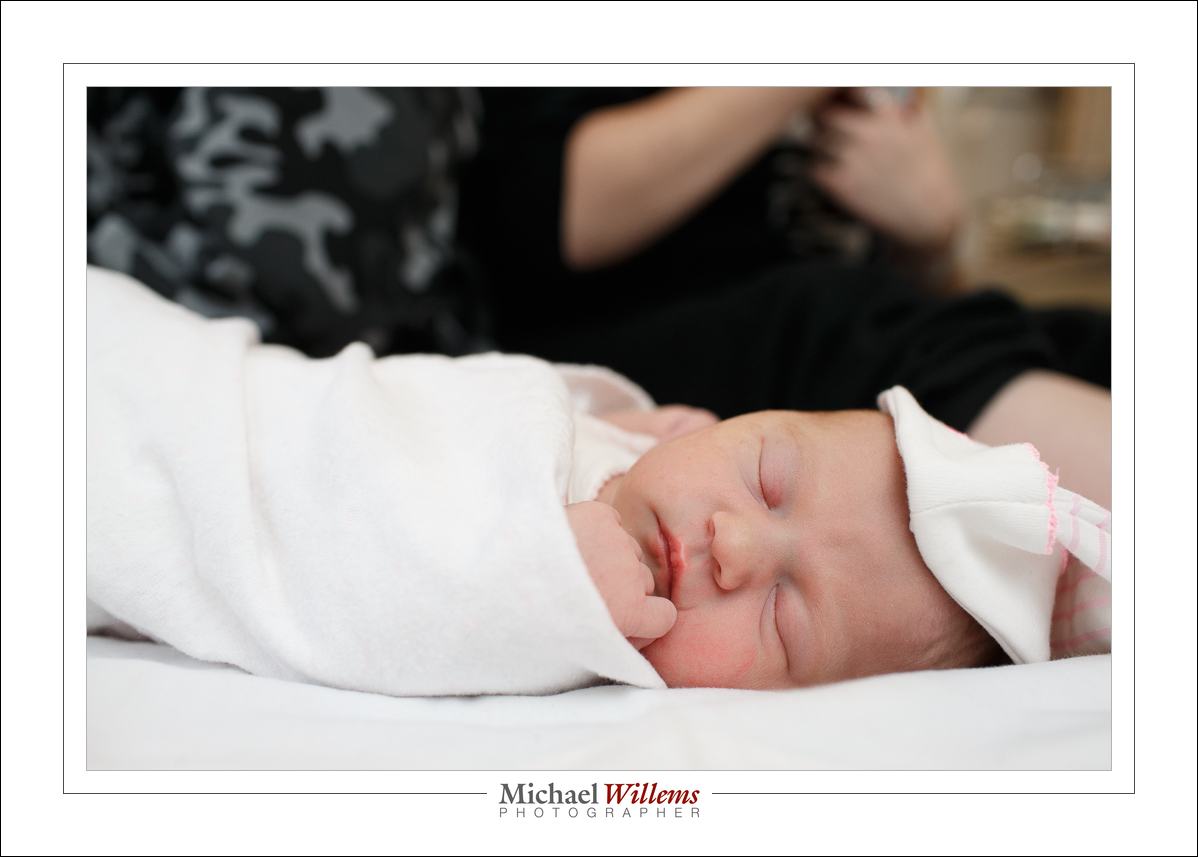
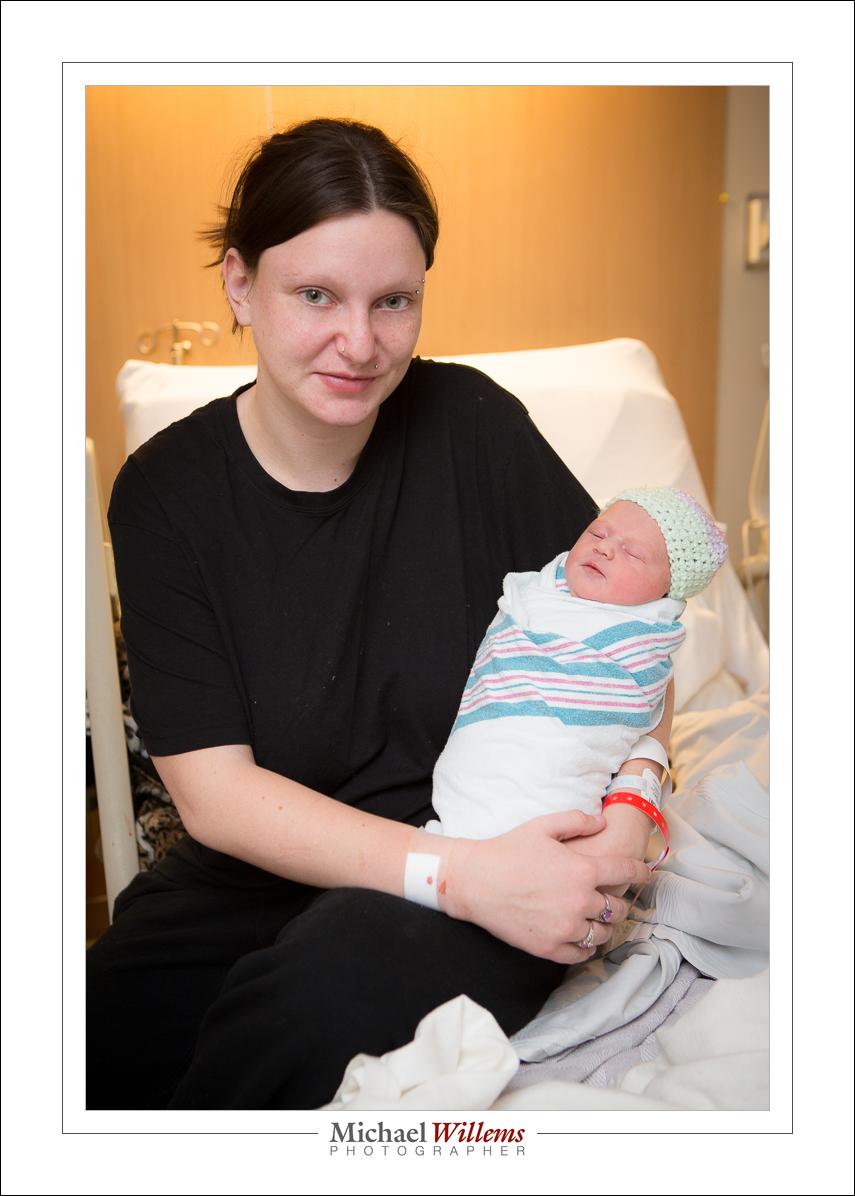
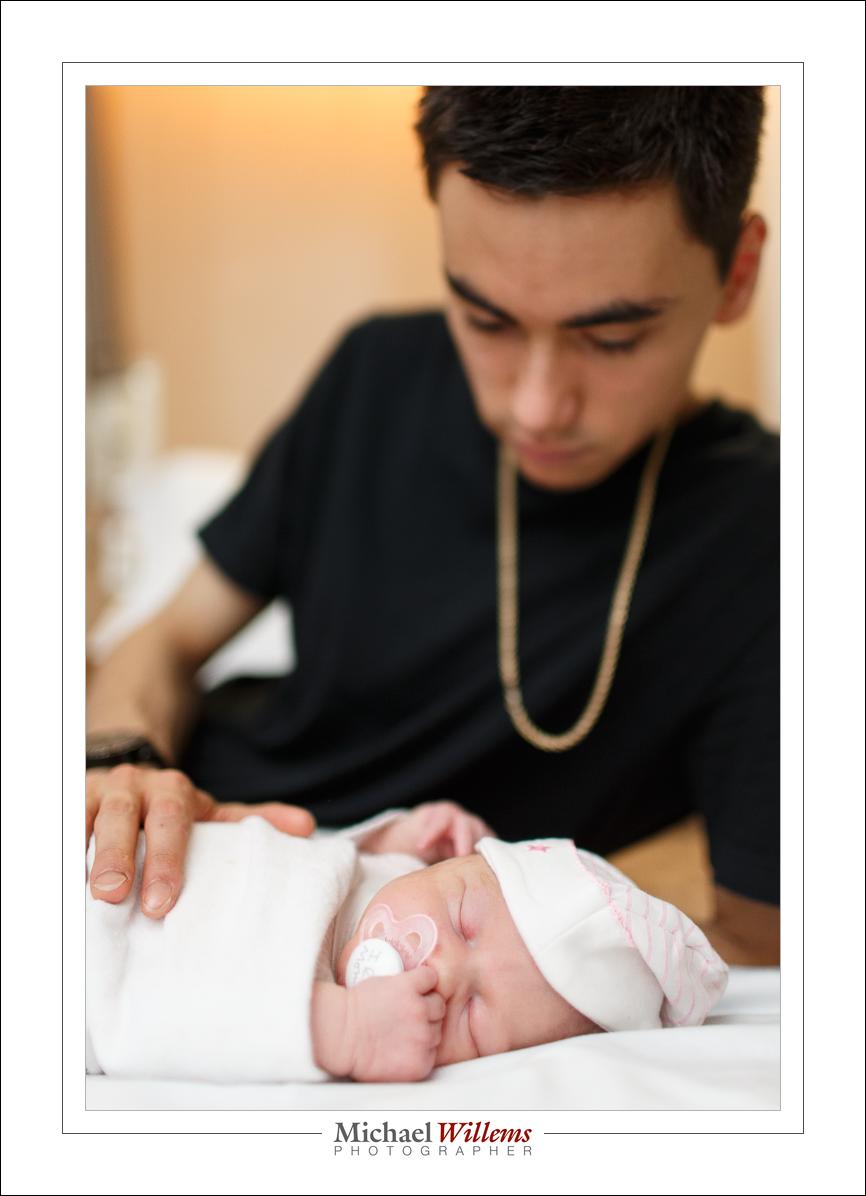
My first granddaughter was born today, at 03:22. Addison Margaret May Shepherd-Willems, weighing in at almost 7 lbs.

(1/125 sec, f/3.5, ISO1000, probably with flash assist)

I had to shoot these in a very dark hospital room. Today I used a combination of:

  • High ISO, large aperture, no flash (I had an f/1.4 lens and an f/1.2 lens, as well as an f/2.8 zoom)
  • Medium ISO, flash
  • High ISO, flash assist

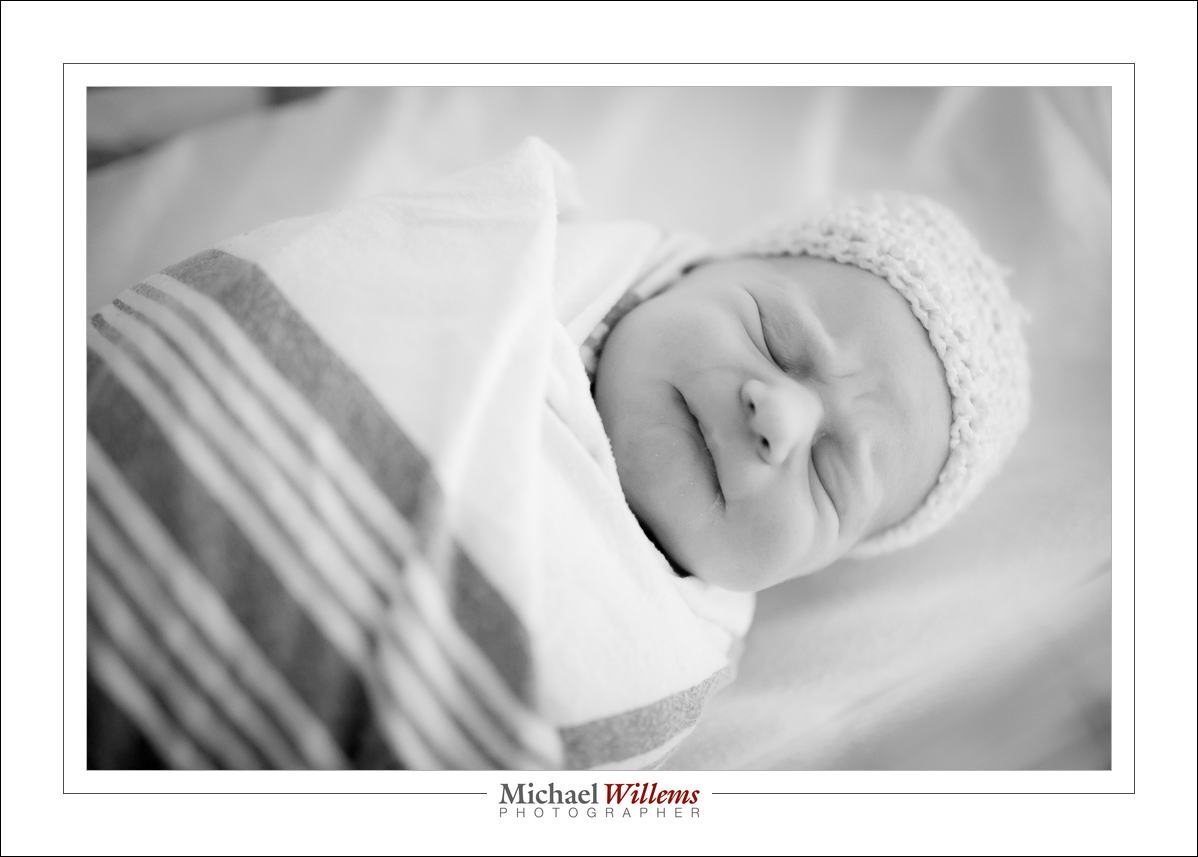
(1/100, f/1.4, ISO3200, probably without flash)

The thing is: I am not sure which ones I used flash for. And that is a key lesson to take away from this: good flash photos can often look like no flash photos.

(1/125 sec, f/4, ISO 1600, with flash assist)

Another key lesson: exposing to the right makes for low noise. I call this Willems’s Dictum: “Bright Pixels Are Sharp Pixels”. Shooting at high ISO is fine as long as you expose brightly: exposing to the right is as important as ISO.

In other words, a dark shot at 1600 ISO looks grainier than a bright shot at 3200 ISO. Noise, like cockroaches and politicians, hides in the dark. Do NOT under-expose. Even worse, of course, is under-exposing and then pulling up (thus increasing the noise). Exposing to the right *(i.e brighly) is good; exposing to the right and then darking is even better, if you have that luxury.

(1/250 sec, f/1.4, ISO 1000, flash)

A final note: of course you realize that shooting at f/1.4 means that you have to focus accurately, and that you had better be sure what is important in your picture. But clouds have silver linings: I use the shallow depth of field as a benefit. It allows you to choose one subject to emphasize and to blur out the rest.

Toronto residents: Saturday I teach at Vistek. Studio lighting and portrait lighting. Join me there, a great opportunity to get small class help from me! https://www.vistek.ca/events/ and sign up now: limited space.