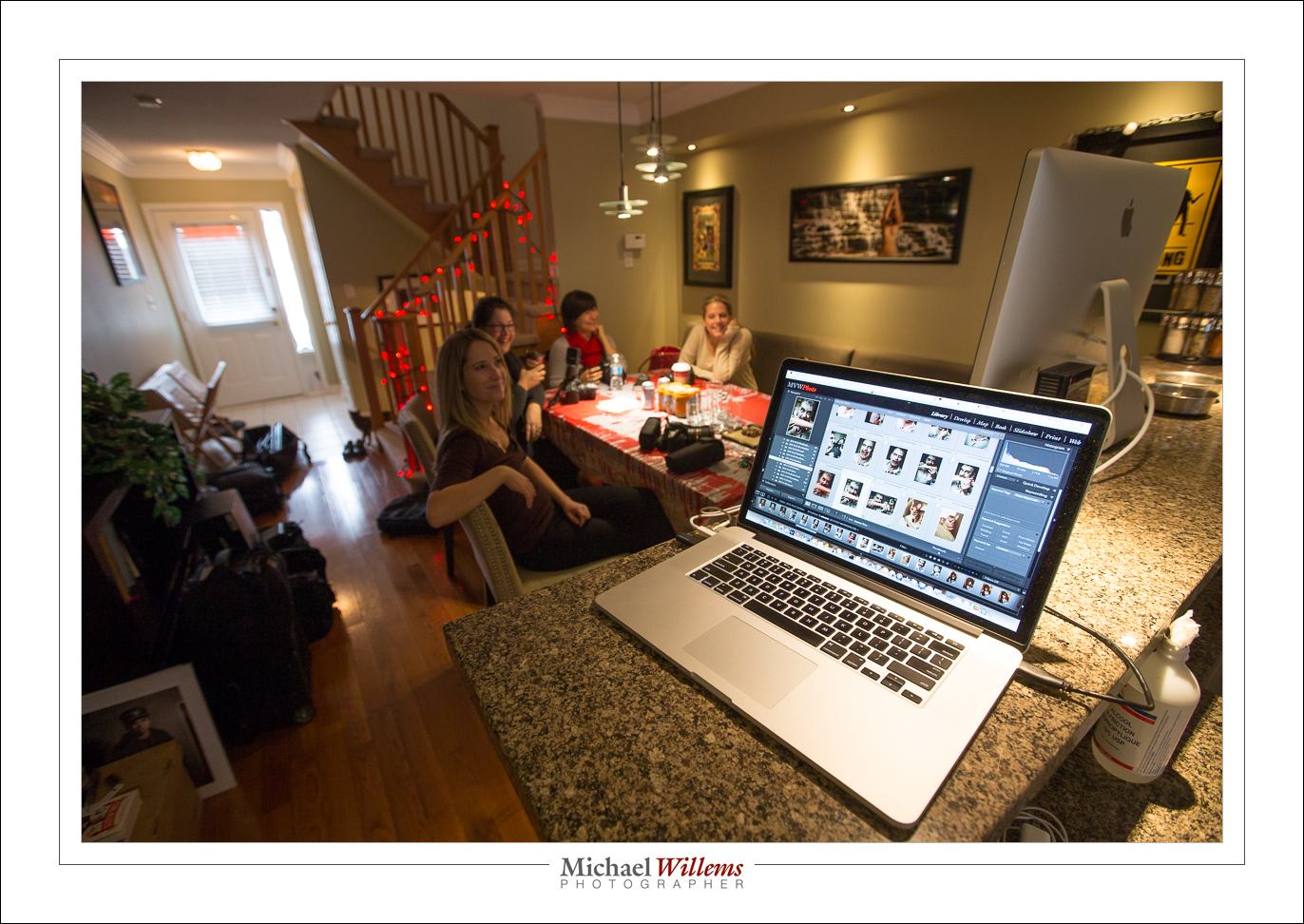
Boom!

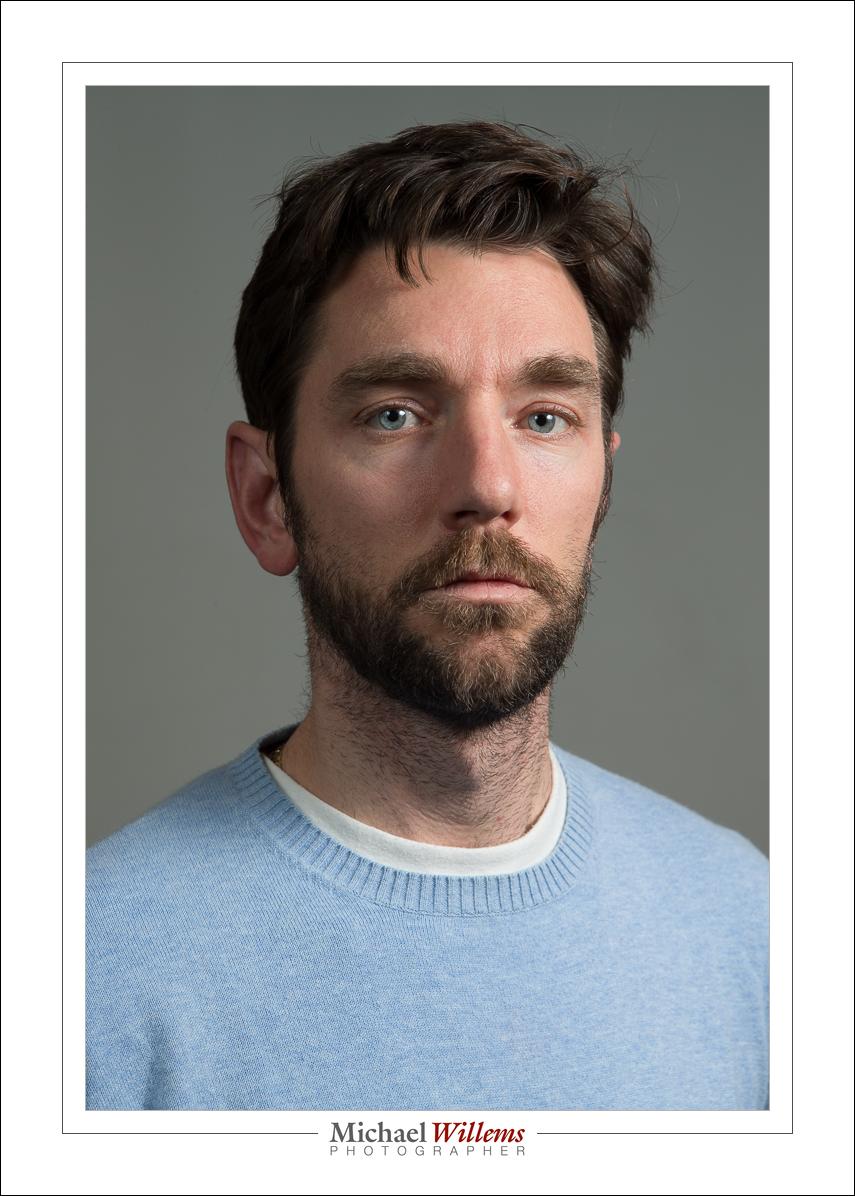
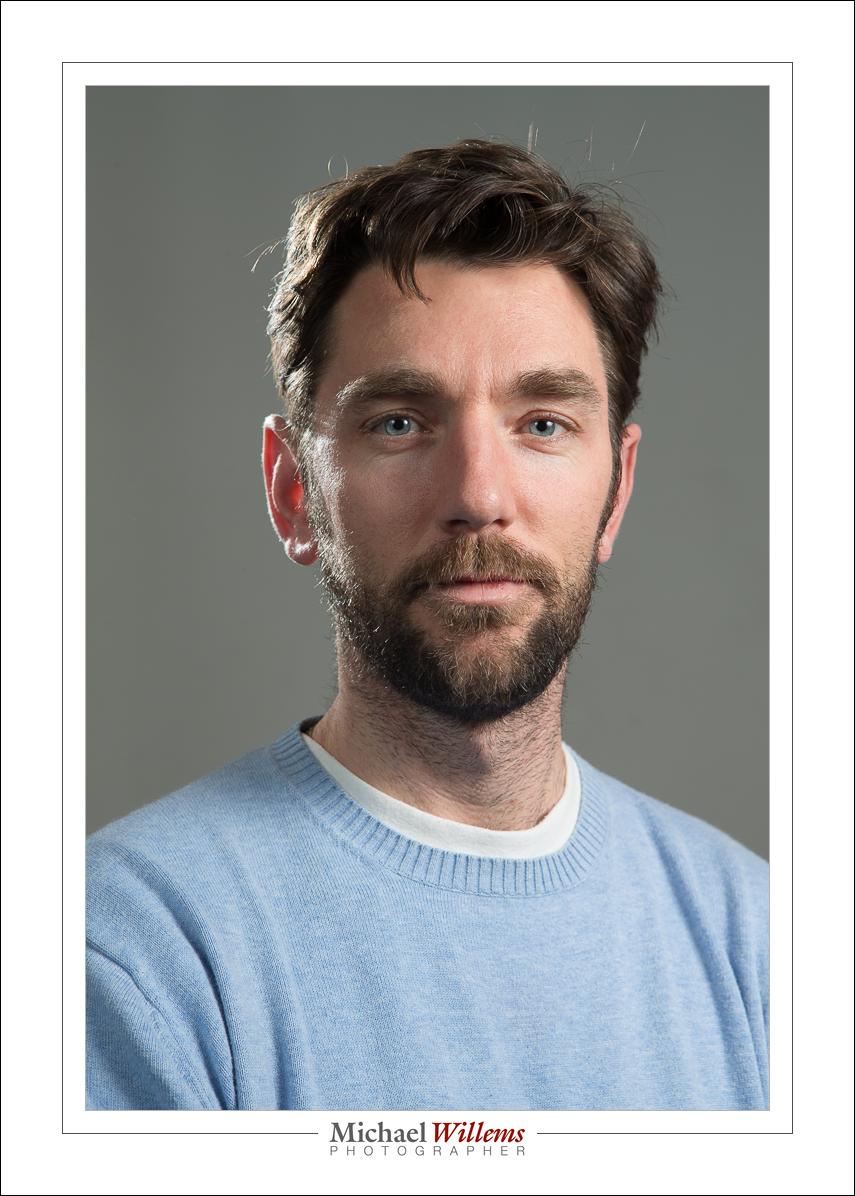
I used a simple softbox with a boom stand today for some portraits:
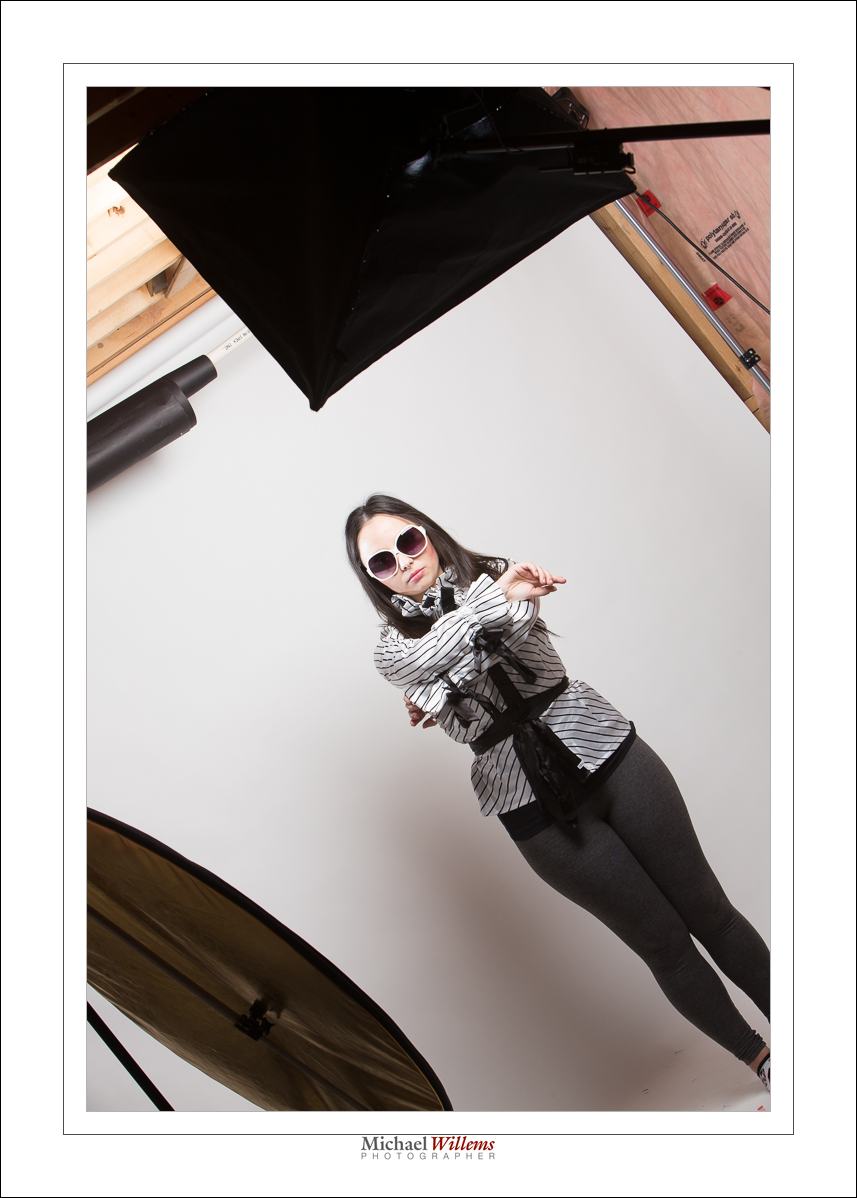
The softbox is held by the boom above the model’s head. And a reflector provides some fill light on the side I am on – I am shooting from the left, slightly. You can see it reflected here:
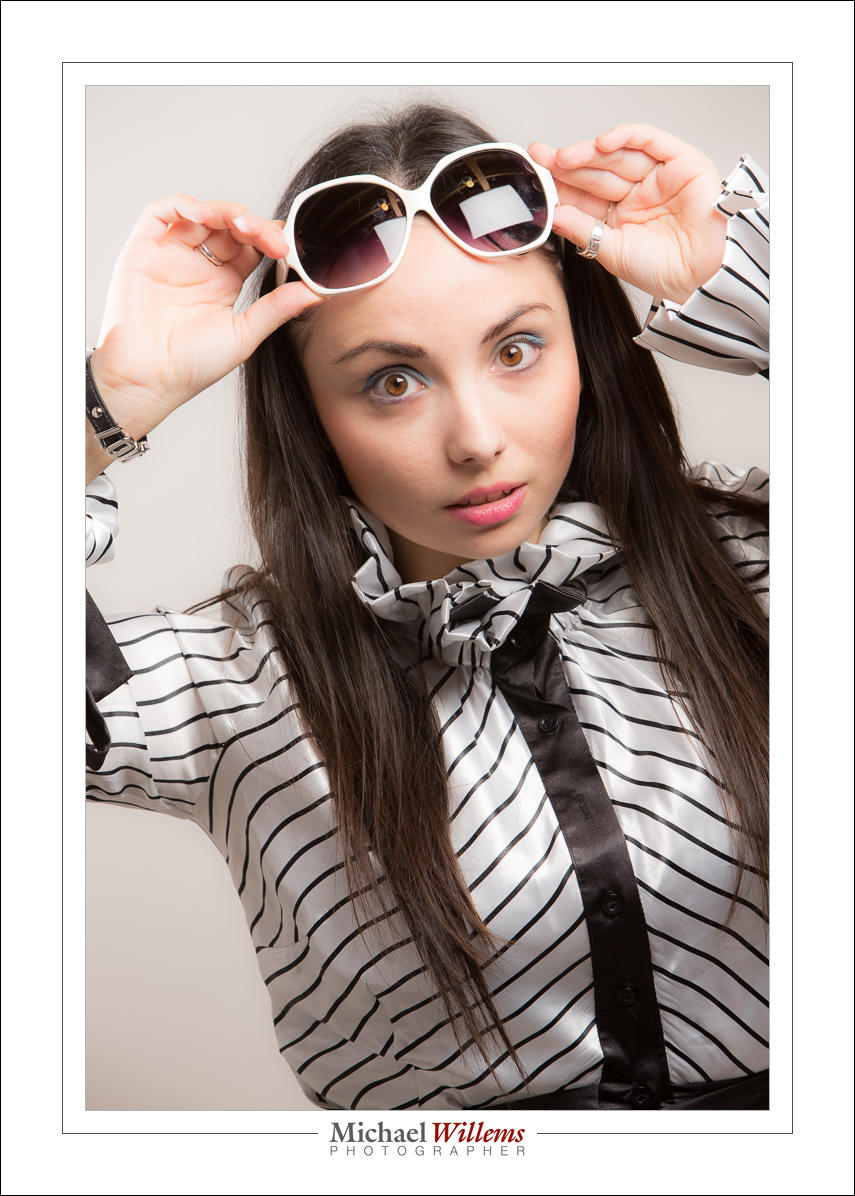
The boom means I can have the light directly above the model, in front of her, without me having to avoid the light stand.

I now get simple butterfly lighting, but I can turn into into loop lighting by slightly turning the model away from the softbox:
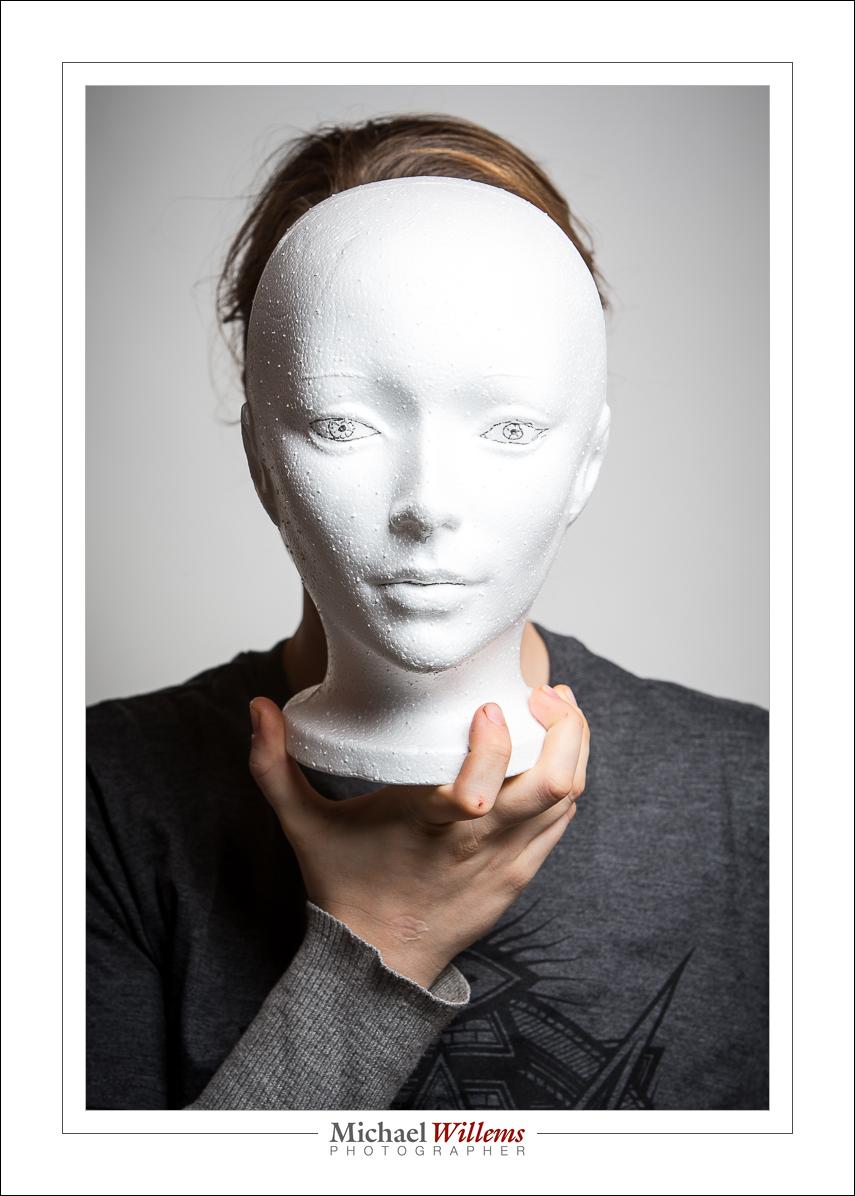
A simple light source like this, perhaps with a reflector, can do really cool professional light; that is why we use it for fashion and beauty shooting. Add a hair light and you have everything you need:
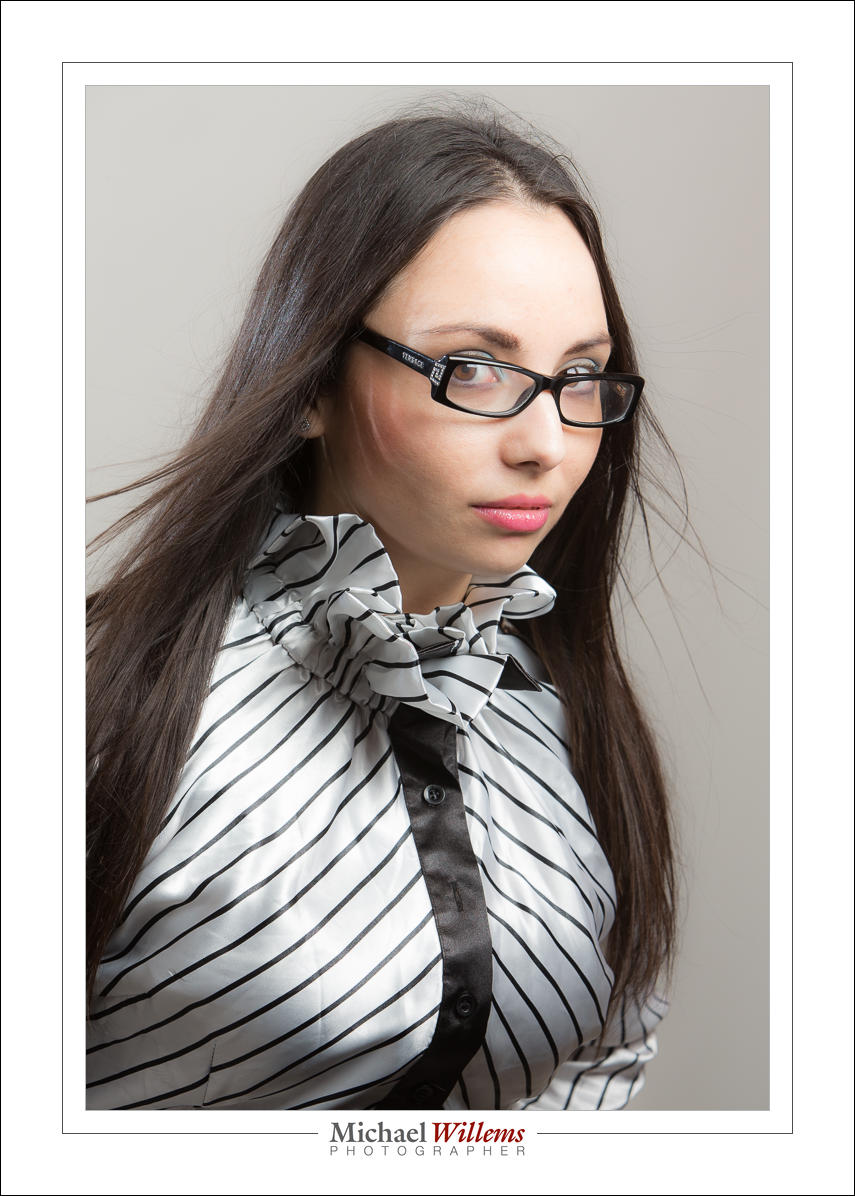
And once you gave simple light, you can now concentrate not on light only, but on expressions, positioning. and even, dare I say, it, a little fun in your shoots.
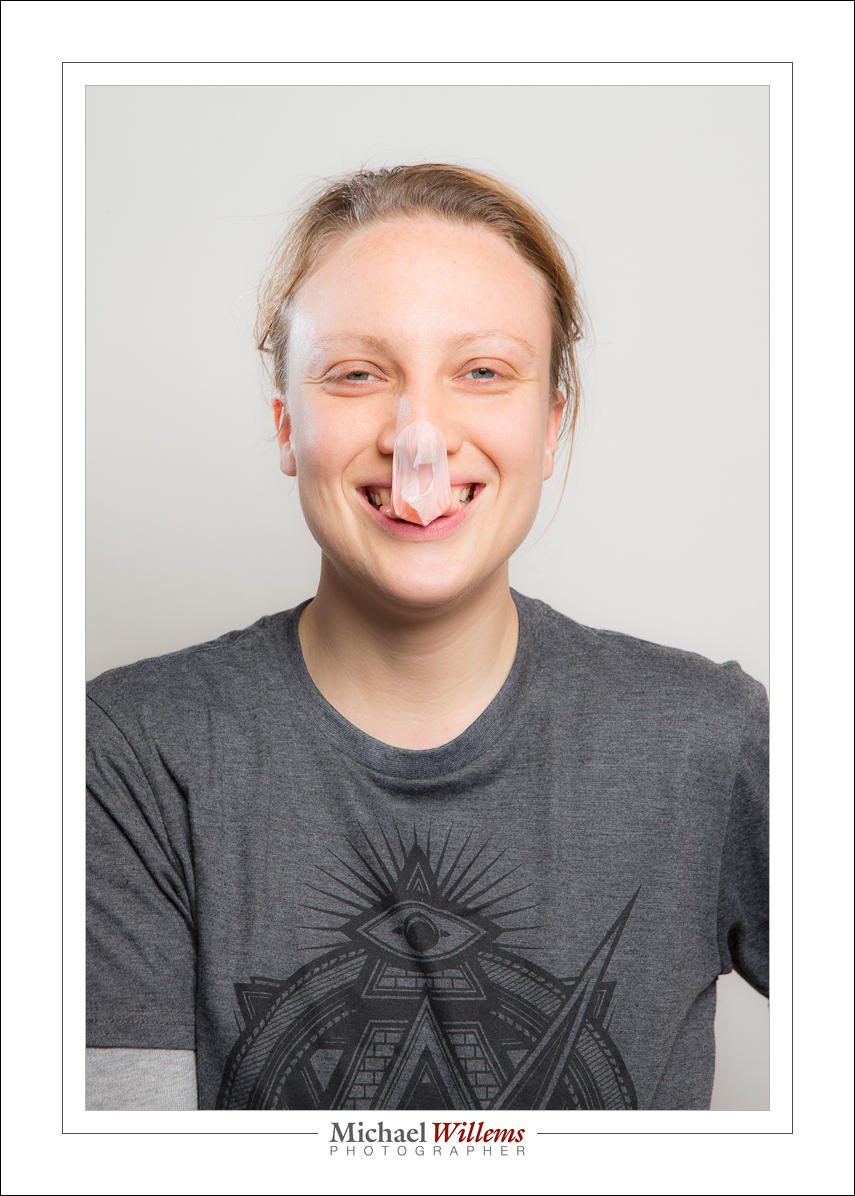
But whatever you do, always remember: in studio shooting, you always need to be aware of the light. Where is it, how is it, what is it. If you do that, you will know what to do.

And now it is almost 2:30AM: time for bed.

 

Friday the 13th.

..is not a bad day so far. I am shooting an event tonight; first, some more writing (the Travel Photography book: I am making good progress and I trust I will have it finished before Xmas), and some admin.

A quick note, today, about TTL flash. You can of course set up a studio setup with manual flash, and when you have time, you do that. But when you do not have time, use TTL for off camera flash. Remember:

  • Use flash exposure compensation when needed (when the camera decides to over- or under-expose the shot).
  • Avoid reflections.
  • Meter off something mid grey.
  • Disable your on camera flash (so that it sends commands, nothing more).
  • If you have two flashes, set them to “A” and “B”.

Now set ratios between groups (Canon) or adjust groups to taste one by one, by stops (Nikon).

I had two flashes here: main flash A on the left; hairlight B on the right.

A:B = 1:1 (Canon) or A and B both set to 0 FEC (Nikon):

A:B 8:1 (Canon) or B -3 stops FEC (Nikon)

A:B 1:8, or A -3 stops FEC (Nikon):

Although the way of setting them differs a little (ratios vs per-group adjustments), the end result is the same. And the benefit of using TTL for this is that it is very fast. TTL with some knowledge and some adjustments when needed, and Bob’s your uncle. Try it, if you have several flashes.


Filters

As you know, I am not a fan of leaving UV filters on your camera all the time – they can increase flare.

And a polarizing filter (a dar-looking filter that can turn) should definitely not be left on, because it eats several stops of light. But it does have its uses. Main among these: make a blue sky more saturated blue.

Like this “blaah” sky of last May (oh how I wish it was May again):

Put on a polarizer (“c-pol”); turn it just right; and voila:

Note that this works best at angles perpendicular to the sun. If the sun is right in front of you, or right behind you, the polarizer will not do much. This also means that very wide lenses will give you an uneven sky.

But yes, carry a polarizer for your lenses (other than the widest, perhaps). For this and other uses, too, like removing reflections off non-metallic surfaces.


Add a splash II

A repost of an article from exactly three years ago, because someone asked “Michael, what do you mean, you would have added more flashes”. Sometimes, you do this for cool colour. Here’s that previous article:


Further to Thursday’s post, I thought I would brighten your day with some more colour.

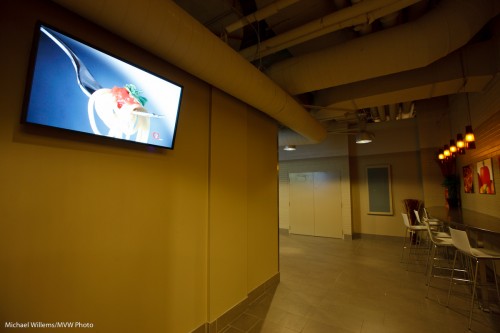
You see, sometimes you need to shoot things that are a bit, well, drab. Like this wall – the screen is great but the wall is a bit dull:

Wall with screen

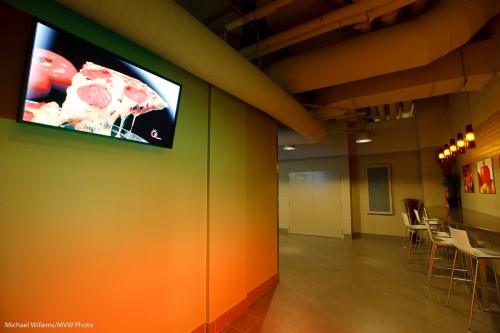
So then, as you also saw two days ago,  I shot it again, this time with two speedlites:

Wall with screen with gels

How was this rainbow effect achieved?

  • Two 430EX flashes were fired using TTL, by means of a 580EX on my 1D MkIII.
  • They were aimed at the wall, one above the other, aimed in the same direction (good idea from my assistant!).
  • They were fitted with Honl speedstraps and with a Honl gel each: red for the bottom flash, green for the top one. No other modifiers: other than the gels, they were bare.
  • The ratio between red and green was set on the back of the 580EX until I was happy.

That was simple, and I think you will agree it’s a better shot.


Shampooey Goodness

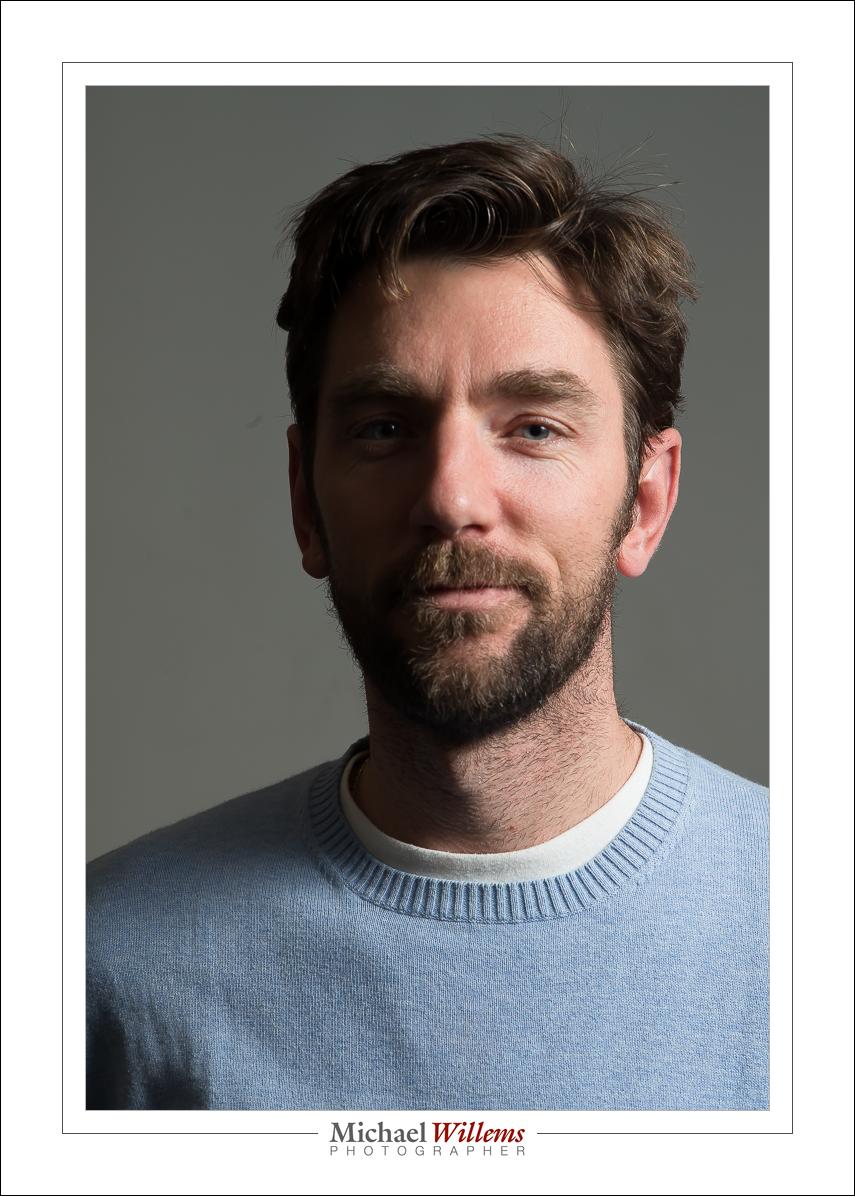
Here, from yesterday’s class at Sheridan College, is talented student Darryl. First with just one light. Then with a second light. Then with that second light brighter. Then with a hair light added. And finally, with a background light also. Four flashes. Can you see how important it is to light a portrait just right, just the way you want it? Light makes all the difference.

Now we’re talking. And that took the following:

  1. Camera with 24-70 lens.
  2. Four flashes.
  3. Five pocketwizards (one for the camera, one for each flash).
  4. Five cables between PW and flash (from Flashzebra.com).
  5. Three light stands.
  6. Two umbrella brackets and one ball head.
  7. Two umbrellas (main=shoot through; fill=reflective).
  8. A Honl photo snoot for the hair light.
  9. A flash meter.
  10. A Honl photo egg yolk yellow gel fopr the background light (this coloour complements his blue sweater).
  11. A few minutes.

And that’s all – not complicated once you know how. And that’s what I teach, and as a photographer, you should know how to do a portrait like this in a few minutes.


Light notes

Yesterday’s flash seminar at Vistek reminds me to warn you about one of TTL’s drawbacks.

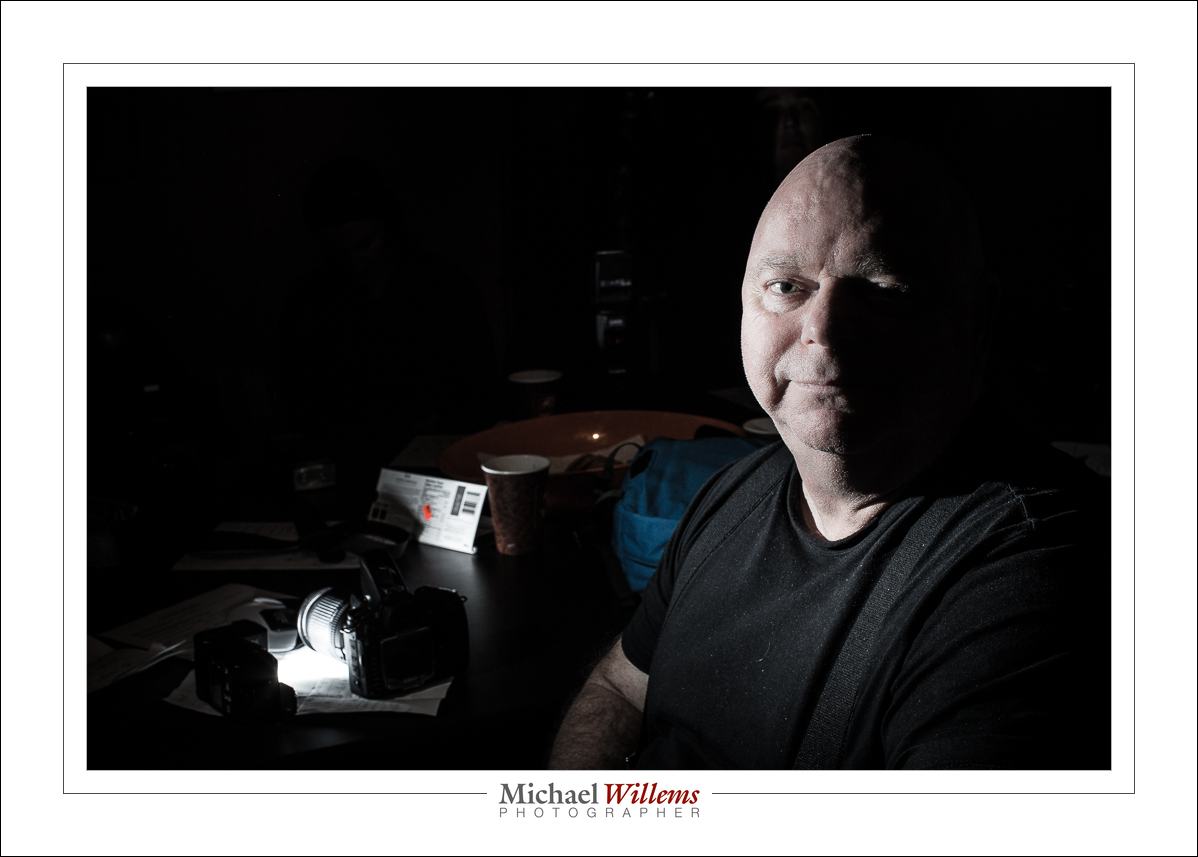
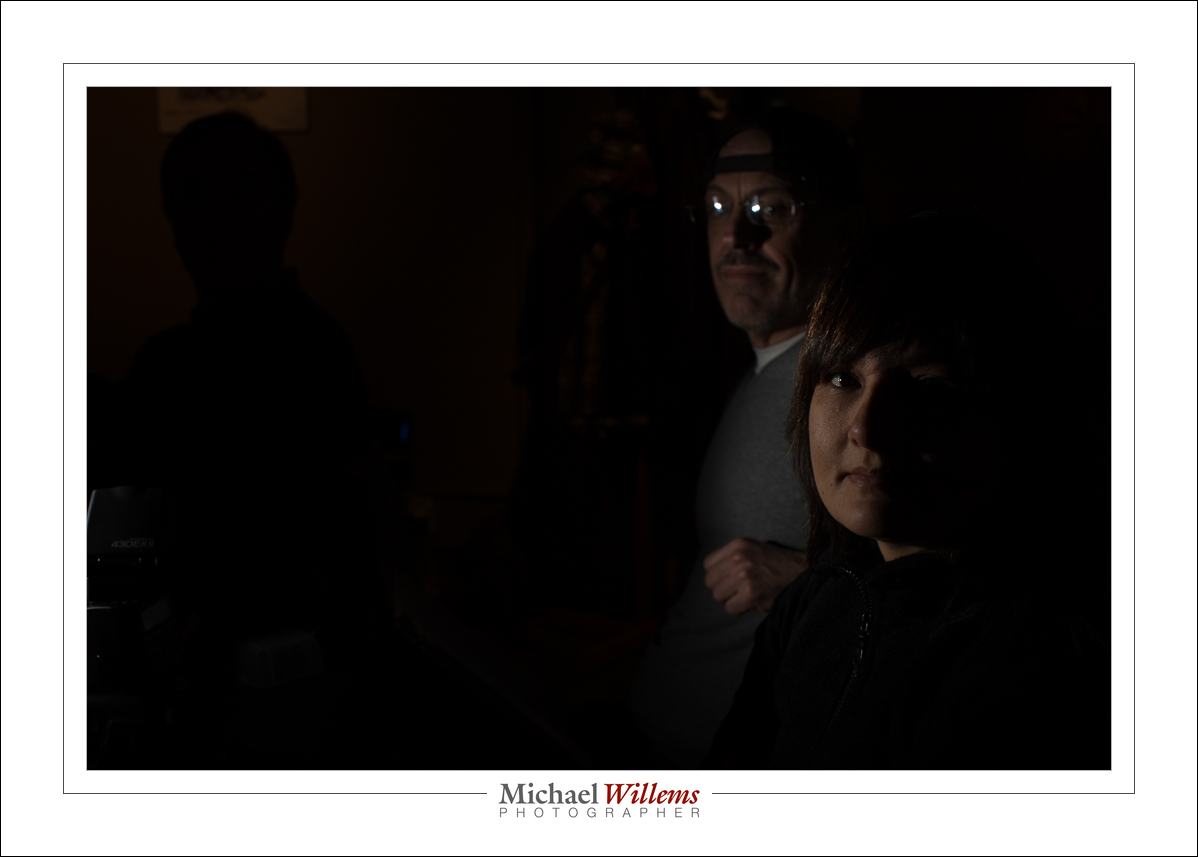
Usually, metering is “evaluative” (Nikon calls it “Matrix metering”). Good. Even good for tough chiaroscuro lighting like in these pictures from the course (one flash, off camera):

But that metering method, while generally very good for tough shots like those, has one possible drawback. Namely this: one small reflection will lead to the entire photo being underexposed, since the metering system tries to avoid overexposing that reflected area. And with evaluative/matrix metering (“smart” metering), even a tiny area can cause that problem. As in this image:

Ouch. Yeah, that got me. So then I remove the reflective object and all is well:

This happens, and you need to be aware and ready. So why not go to centre-weighted flash metering? Yes, that is an option, but then pics like these will be averaged out, which is also not what you want!

And all that is why light and metering and the other technical aspects of photography are not about to go away. A billion iPhones notwithstanding: you need to learn this stuff to be able to do any creative photography.


Zoom zoom zoom…

Your lens can zoom, perhaps – if it is a zoom lens. But so can your flash.

How so?

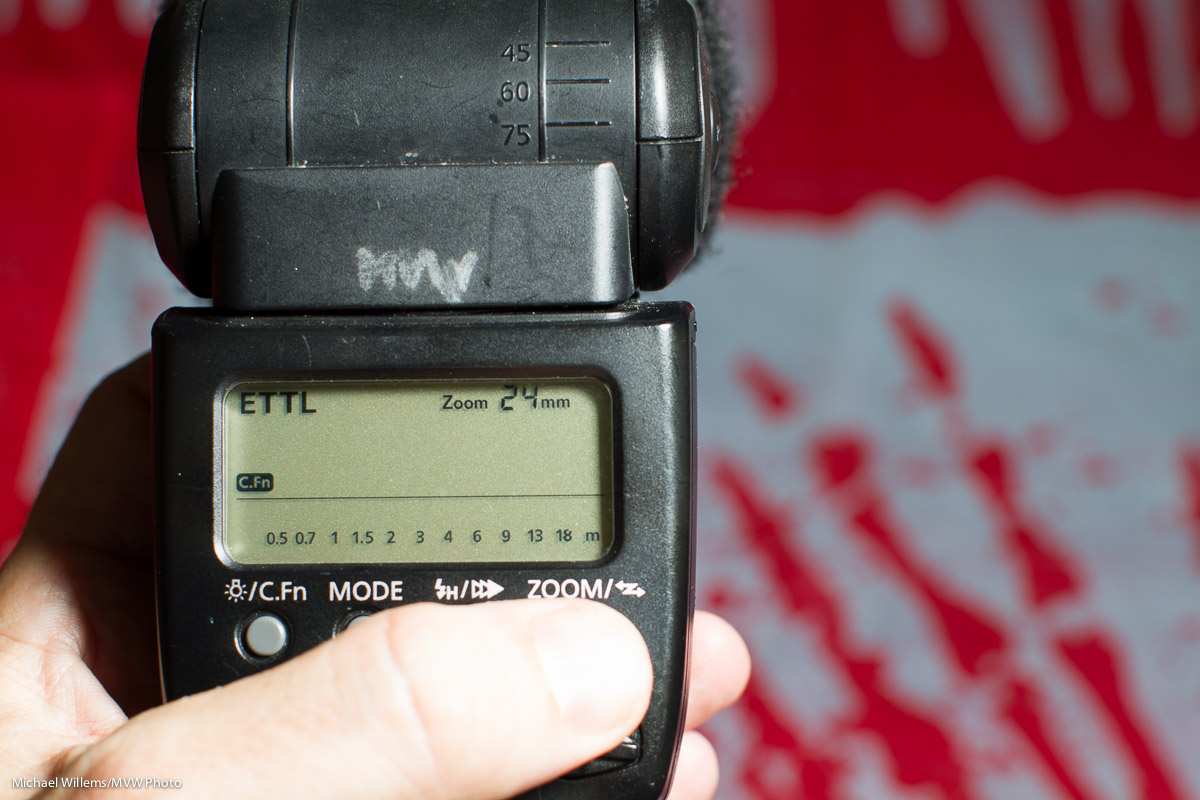
Normally, your flash zooms (an internal lens goes back and forth) to match the lens, in order to send the light to where the lens looks. Wide lens, wide beam; telephoto lens, narrow beam. On the back of your flash you see this:

“24 mm” means that a 24mm lens is connected to the camera. And the flash knows this, so it matches that.

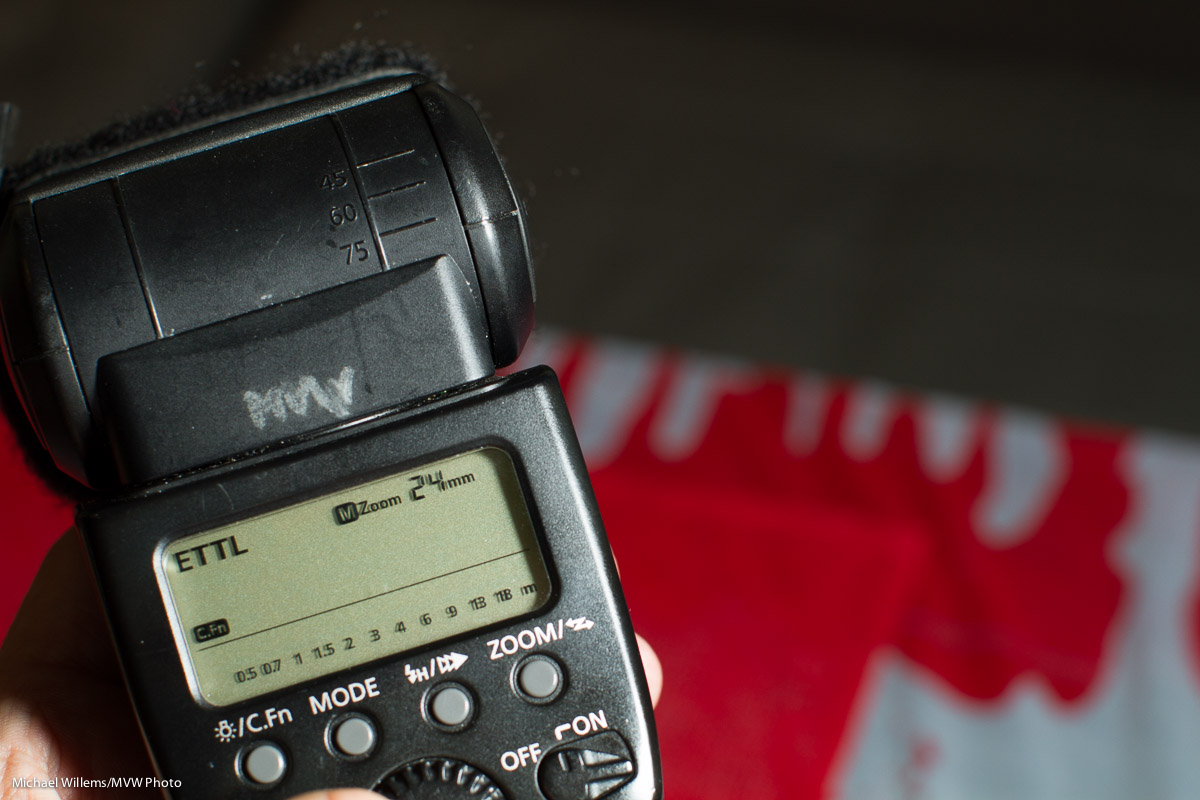
But when you press the “zoom” button at the bottom, you can manually zoom to a setting that you like. Like this:

“M zoom 24” means “manually set to a wide beam, corresponding to a 24mm lens”.

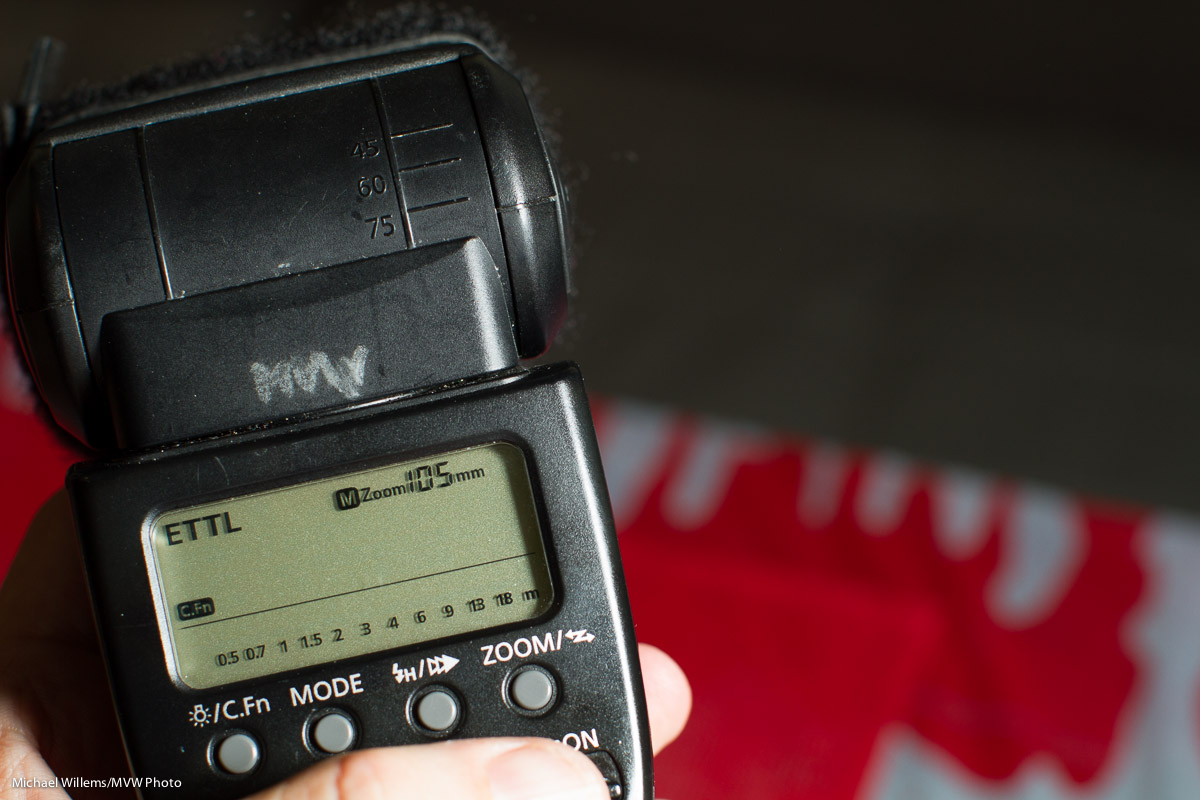
Or this:

M zoom 105 means “manually zoomed to a narrow beam, corresponding to a 105mm lens”.

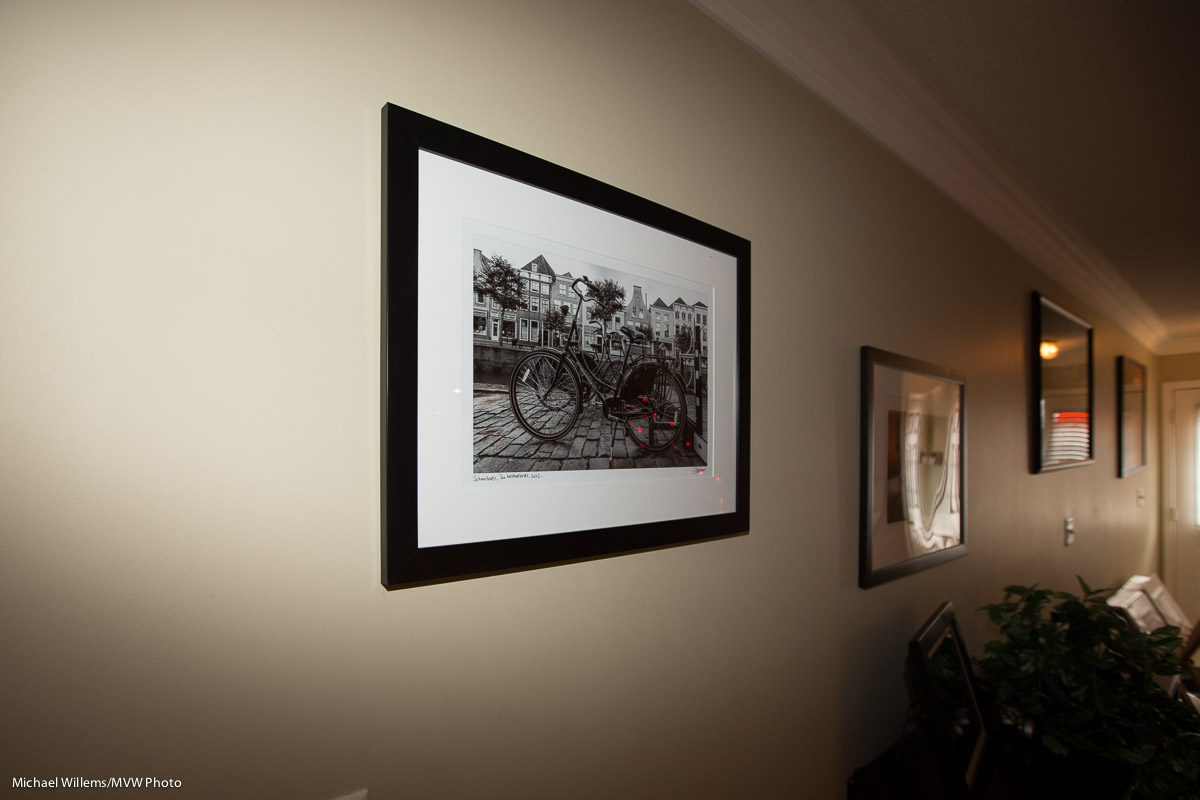
And when you zoom corresponding to the lens you may see something not unlike this:

But while you zoom “narrower than the lens”, you get a narrower beam:

So, the benefits?

One: you get vignetting, if you want it.

Two, you get a more powerful beam, so your flash will be able to reach farther.

Try it today – it’s yet one more technique you need to know to really know flash. This weekend, I taught flash courses all weekend, and this is the kind of technique I taught. Here’s part of today’s students:

More flash courses coming, including some in The Netherlands later this week. Fun!


Looks so good, but…

A reader asked me this:

Okay so the last few times I have loaded an image into lightroom, the colors changed from the initial great preview to some weird blah shit when it loads in the develop window. Grrrrr: do you know why it’s doing it?

Yes.

Many cameras by default have the “Auto Light Optimizer” (Canon) or “Active D-Lighting” (Nikon) set to “ON”, which is a mistake. If you shoot RAW (as you really ought to), turn those ALO/ADL functions OFF.

Why?

What does ALO/ADL do to your RAW image? Nothing. And you shoot RAW. So why does it matter? Here’s why.

If you set ALO/ADL to ON, your camera will, where necessary, apply “fill light” to the data that comes from the sensor, and use the result to make its little embedded JPG. That will make dark areas lighter. In other words, the camera makes your not-so-great images “look better” by, if you will, “photoshopping the preview”.

So, the RAW image is bad, but the little embedded JPG is “photoshopped”, so it looks great. And that little embedded JPG is what you see on the back of your camera. \

So when you look, you will see a well-exposed picture. Happily, you shoot more. But in fact, unbeknownst to you, the actual data is darker: you are in fact underexposing the dark areas of your picture!  And you wonder why when you import your image into Lightroom (which does not honour that same “fill light” setting) it looks so much darker than on the camera. Or rather, you wonder why the histograms are so different (you should probably not judge exposure just by the image on the LCD).

So when you turn ALO off, the camera no longer shows you an “enhanced mini JPG”; instead, it shows something closer to the real RAW image. And if that is dark, you can fix it by adding light, not by tweaking bits (which can add noise).

In other words:

Making a bad image, but using in-camera “photoshopping” functions to make it artificially look better (at the expense of quality): BAD. Making a good image: GOOD.

In addition, read this previous post. And you’re welcome.

___

I have one spot open for my Flash course on Saturday, 10AM. If you are interested, let me know now!

Persevere, and…

Good News Dept.: my 1Dx camera has a loose, wobbly flash hot shoe at the top. Clearly a simple fix, but one I needed Canon for – and that was complicated. Even though I have an extended warranty, I would have missed my main camera for around our weeks.

For a two minute fix.

And yes, that is all it was. A two minute fix, once I realized what the problem was.

I initially thought I could not do it. I had done this before, as have others: see my colleague photographer and blogger Neil van Niekerk’s post from 2007 about it. But on the 1Dx, my top plate just would not come off. And I was not about to bend or damage it trying.

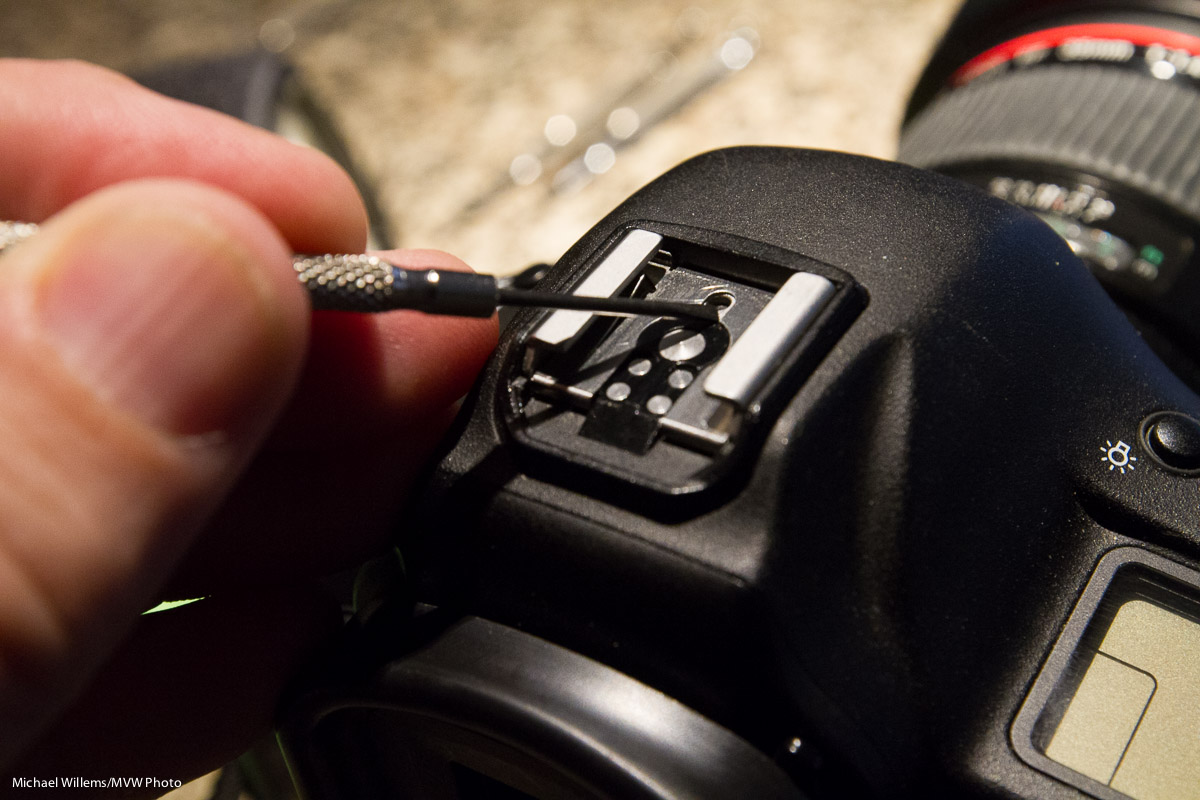
So I was contemplating next steps. Until I realized why it would not come off: Canon now uses a little glue on the top plate to hold it to the hot shoe. Which if you ask me is of questionable value if the screws right underneath it can come loose. Anyway, all I needed was a little continued gentle prying and applying pressure back and forth, and yes, the plate came off. And from there on it was the standard “repair”:

  1. Raise, at the back, the top metal plate
  2. Slide it back and remove
  3. Tighten all four Phillips screws (all four were very loose)
  4. Slide the plate back

I am feeling happy, especially because of the time difference between an official “repair” and me doing it: two minutes versus four weeks. And all I needed was a small jeweller’s screwdriver.


Upgrades, upgrades

A quick note for you this morning.

Those of you with a Fuji x100 camera: the new 2.0 firmware is out!  Faster AF and a host of other little improvements.  Go here for the download and details.

Fuji X100 (Photo: Michael Willems)

Those of you with a Mac and who also use the apps, namely Pages, Numbers and Keynote: for the love of God, do not upgrade. The apps are now dumbed down to be compatible with the iPad and iPhone. Gone is that newt inspector (it was genius). And worse: all your documents are likely to need reformatting, often expensive reformatting. I am not about to spend the next month fixing all my documents: thanks a bunch, Apple. And the apps are so dumb now, I may switch to MS apps (the horror), or just back to OpenOffice.

The moral of today’s post: be aware of all updates and upgrades to software and firmware, but apply them with some caution, perhaps after browsing for reactions. Apple ruined my work apps, the apps I use every day, and I, like many others, are far from pleased. The only reactions I have seen are entirely negative.

The Fuji upgrade, by the way, works fine. Fuji is always quietly plugging away at making things better. Take note.

Postscript: About the Apple apps: Ars Technica, for example. says: “with the Mavericks updates to the iWorks applications, Apple has gotten so aggressively user hostile that I’m rethinking some of my habits”. Read the article here.

Postscript: the good news? the new apps have an “export to v.09” option, and the old apps are still present on your Mac. There you go. Bye bye, new apps, until Apple fixes them.