The studio

A studio is all about convenience, I find. I can work without one, but in a studio I have everything set up and ready to go. This is my Brantford studio a day ago, before I had finished tidying:

Notice that a studio need not be tidy. It needs to be well organized, large, and it needs all the equipment ready to use. All the equipment being

  • Cameras and lenses
  • Backdrops,
  • Many small flashes, many strobes
  • One or two hotlights (for video)
  • A host of modifiers
  • Light stands
  • Reflectors
  • Gadgets, like brackets
  • …and so on.

In my studio, I have two stations set up permanently. One for traditional portraits like this:
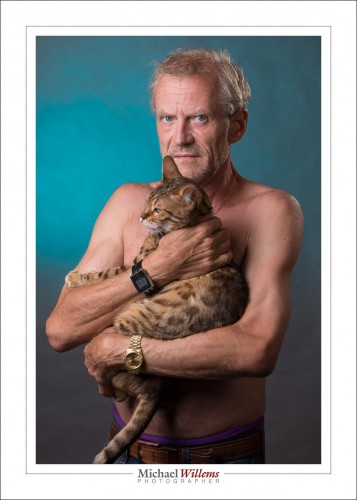
(Standard Studio Setting: 100 ISO, 1/125 sec, f/8)

And one for edgy portraits like this, of my friend Adam pretending to be a pregnant woman:
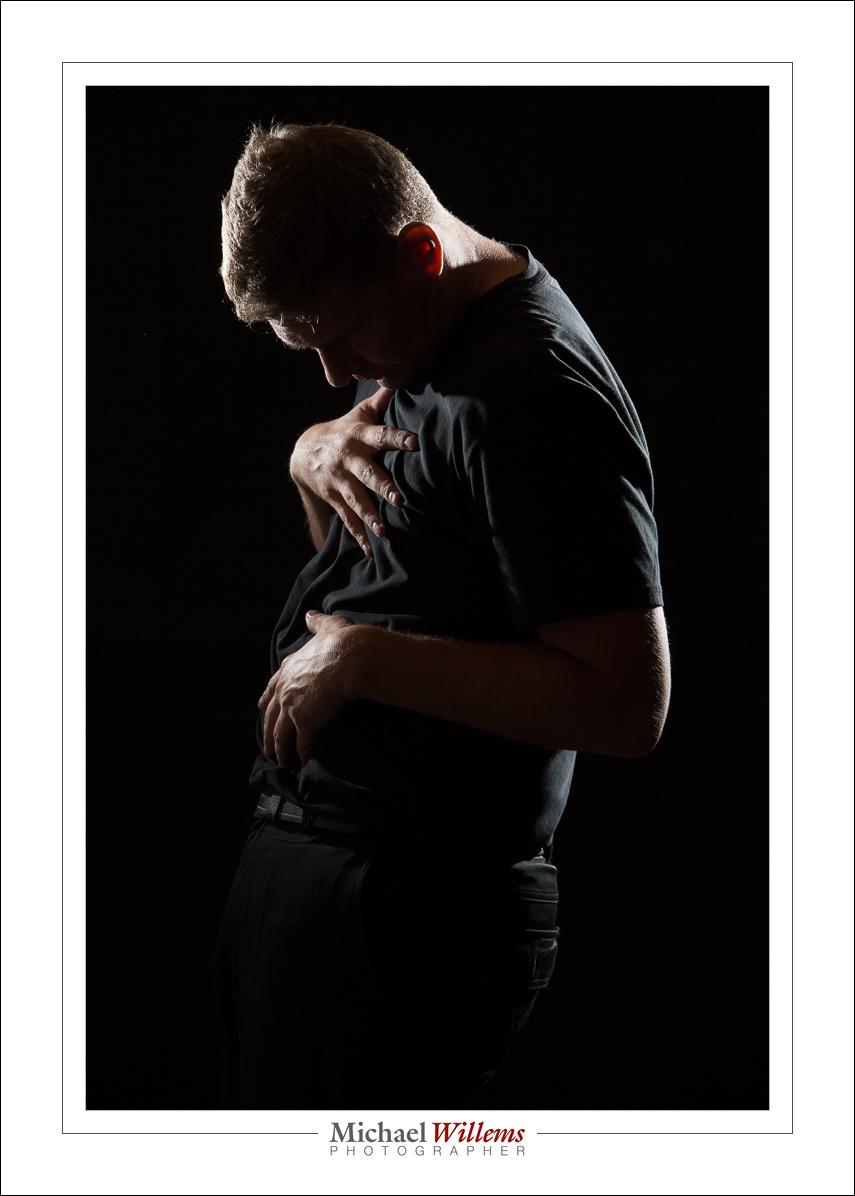
(Standard Studio Setting: 100 ISO, 1/125 sec, f/8)

So do you need a permanent studio? Of course not. But it sure makes life easier and shoots faster to carry out. And it takes the guesswork out of photography.

My Brantford studio is now open for individual and class training, and portraiture. Just 20 minutes west of Hamilton, Brantford is centrally located, between the GTA, London, and Kitchener/Waterloo/Cambridge/Guelph. Come see me if you need a portrait for LinkedIn, a family portrait, or any form of photography training.
 

Brantford

OK… I can do my job again: I have moved to Brantford, Ontario, and am open for business with a newer, larger studio. Need a portrait for LinkedIn or your company web site? Or need a family portrait? Or have a corporate or family event you would like photographed? Or a wedding? Whatever it is, I am here for you: let me quote.  Or if you want to learn: I teach privately, as well as at Sheridan College in Oakville, and I talk at photography clubs.

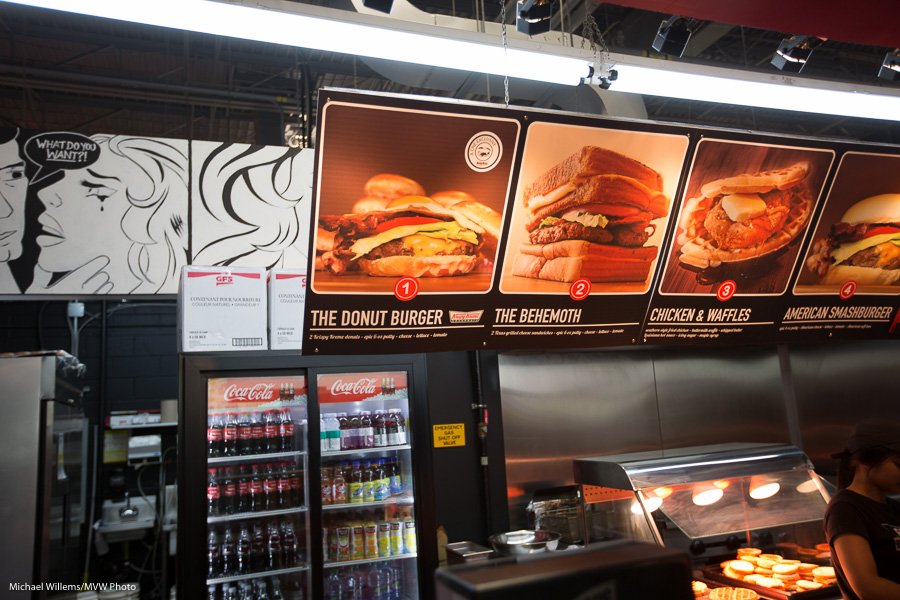
At the Ex: the Krispy Kreme Donut Burger was great

Please do photograph yourself and your events: life is short and the days pass you by and can never be replaced. The universe had 20 billion years without you; then you and your loved ones get here; then, an infinity of nothing. That blink is everything: photographing it is the way to keep your precious moments forever—and every moment is precious.

Today’s lesson is a reader question:

“Do you use TTL when shooting events? My results are inconsistent with a lot of under- and ocverexposed shots.”

Yes I use TTL, and I am very consistent. How? Read this article: “TTL: 10 problems, 20 solutions”. Practice all that and you know how to get TTL event consistency!

Give me a call: 416-875-8770 or email michael@mvwphoto.com

Where.

Travel photography is a popular reason for people to buy a camera, and to actually use it. Before you go, buy my book on travel photography and have me put on my Impactful Travel Photography seminar for you and a few friends (see http://learning.photography).  And let me give you just a couple of starting notes in this post.

Gamla Stan, Stockholm, Sweden

First: research where exactly you are going to go. I use Flickr and to a lesser extent Google image search to look for great images in the location I am going to. Then I look up where exactly they were taken, and at what time of day (Flickr usually retains the EXIF data). I look for best viewpoints and then research where they are: “where was that great photo taken from, and at what time”. I even look at what lenses were used. Not that you should copy, but you can draw conclusions from that kind of data.

View from the Hotel Chelsea, NY, NY

I also look up attractions’ GPS coordinates, since attractions do not always have a street address. You can google that: Searching for “latitude and longitude of Zabriskie Point” gives you “36.4200° N, 116.8111° W”.

I also look for shooting locations of Hollywood movies: why not let Hollywood do the heavy lifting of finding great locations?

On location, I always ask the hotel reception, the concierge; I buy postcards of locations, and I look for events, since people often do not mind being photographed at them; they expect, rather than resist, cameras.

Bring an app like Daylight to check exact sunrise and sunset times; an hour each way around sunrise and sunset , you get wonderful light.

Then check you have what you need. Camera(s); batteries; chargers; memory cards; lenses; flash(es); perhaps an ND and Polarizing filter or two; some cloths for cleaning (anything that is small, light and cheap is good!); whatever you need, think about it now, not just before traveling.

In other words: preparation does wonders when traveling.

Make it better.

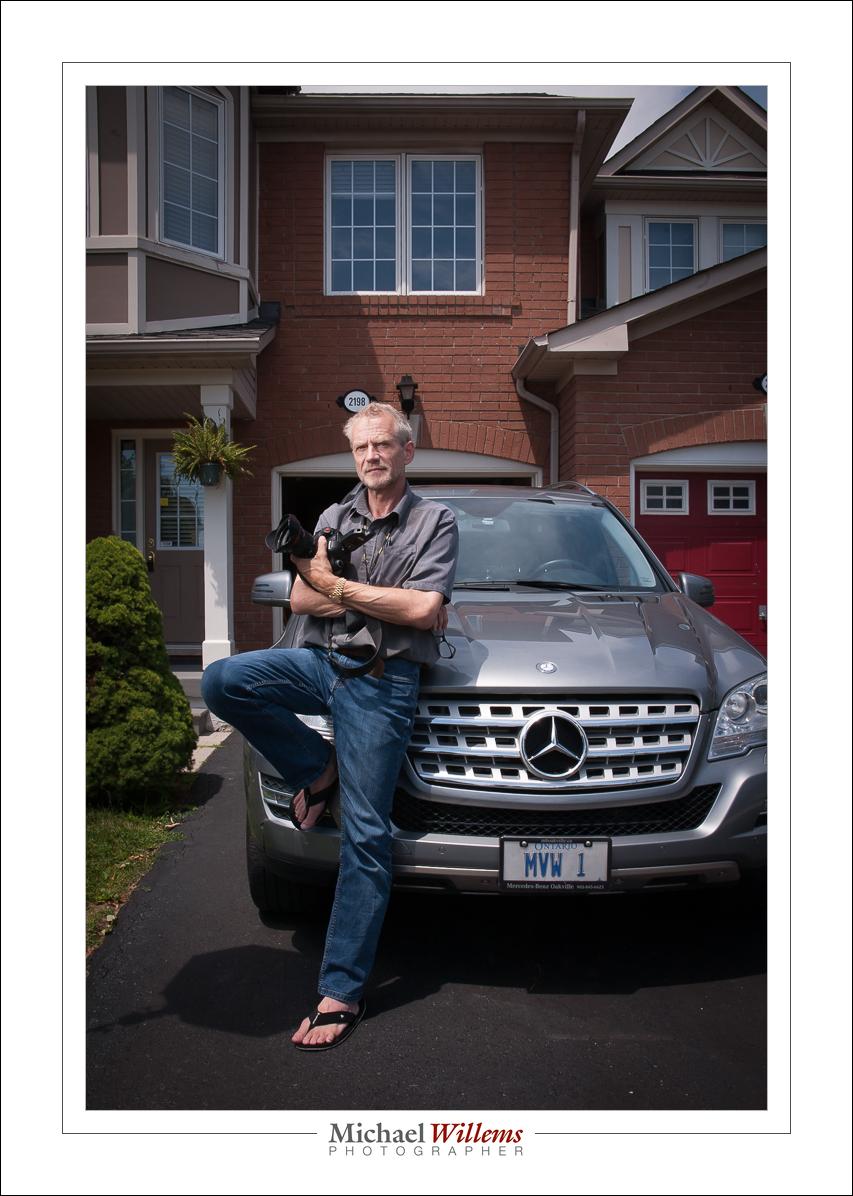
Here’s a typical outside flash shot. (Taken by the über-talented photographer Lisa Mininni while I was teaching her flash tricks yesterday):

What did we do to make this?

[A] Take the shot:

This was a flash shot, of course. So outside in bright sunlight the settings are very, very simple.

  1. Pocketwizard on camera.
  2. Second Pocketwizard connected to the flash by means of a “Pocketwizard to hotshoe”–cable from www.flashzebra.com. Modify with a softbox or umbrella (the latter is smaller but will blow over more easily in the slightest breeze).
  3. Flash set to manual, half power. (Be ready to increase to full if you need to—but the flash may overheat, and recharge time between shots will be long).
  4. White balance to “Flash”.
  5. Camera manual, 100 ISO, 1/250 sec.
  6. Then, determine the aperture you need for a good background. Start at f/8—and then vary from there. On a day like yesterday, I needed f/11 to f/16.
  7. Once your background is right, look at the flash part. If the flash is too bright, reduce its power level or move it farther away from what it is lighting. If the flash is too dark, increase its power level or move it closer to what it is lighting. Or add a second flash, Worst case, use direct, unmodified flash.

[B] Finish the shot:

That finishing (not “editing”!) is just as important as taking the photo, and it consists of:

  1. Verify exposure and tweak if necessary. (If you have taken the shot properly, this should not be needed.) Pay attention also to “highlights” and “blacks”.
  2. Set white balance to “Flash”, if it wasn’t already. (Ditto).
  3. Correct lens and “architecture”–distortion.
  4. Crop and rotate if/as needed.
  5. Sharpen if/as needed.
  6. Perhaps add a very slight post-crop vignette.

Those steps are pretty much standard, and a typical picture takes me less than 30 seconds to finish.

[C] Options

I could of course add another flash, for the background. Set that to quarter power.

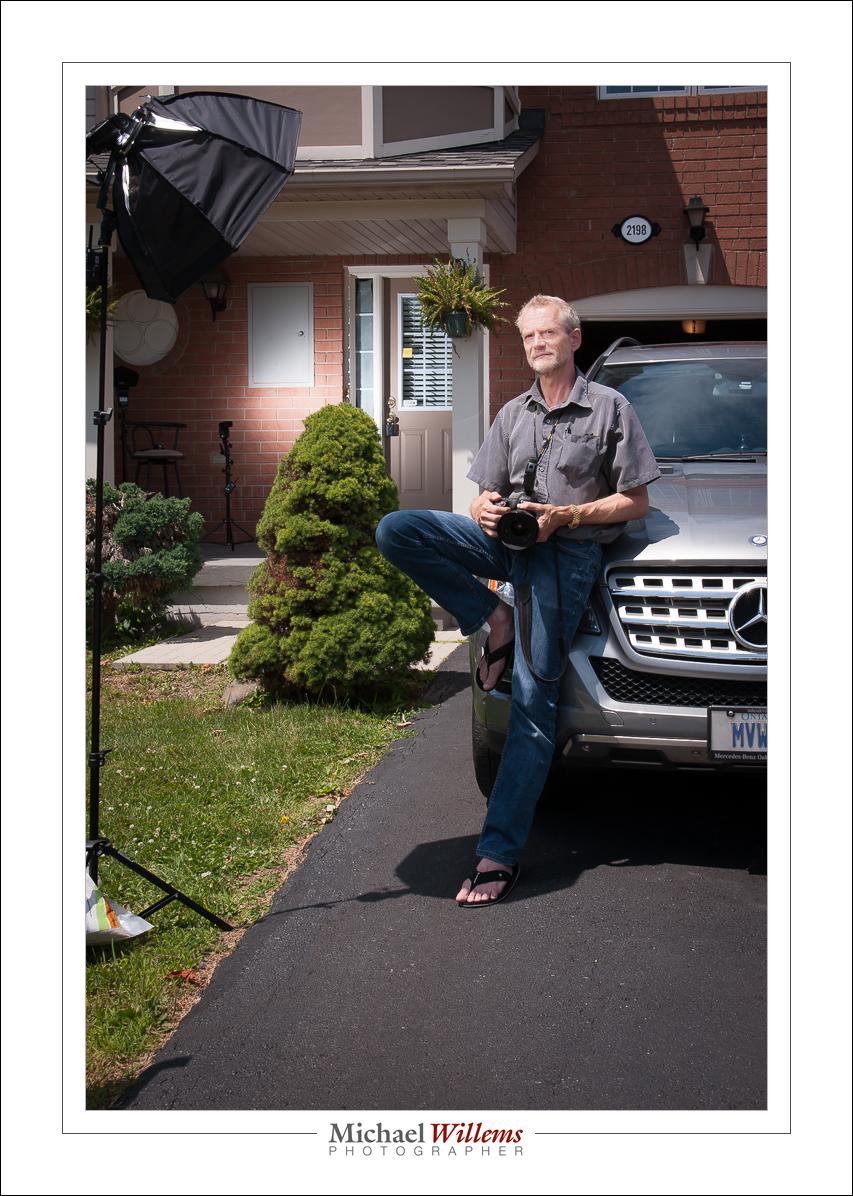
OK. How was this shot lit, then? Here’s how:

That’s right—always make a pullback shot, where you can see the lighting setup. You’ll forget. I used a third pocketwizard connected to the second flash via a second hotshoe cable.

Is this rocket science? No. But it is fun and it does open up untold creative possibilities.

___

Come to me for a private lesson and I will teach you how to do this, how to use modifiers, how to balance light sources, how to use gels, and much, much more,. You don’t need much, other than an SLR, a flash, and knowledge of the basics (“what is aperture and shutter speed and how do they work”)—but I can even teach you those if you like. See http://learning.photography or give me a call on +1 416-875-8770 and never look back. I can teach you remotely, too, using Google hangouts, too, even if you are in, say, Australia.


Improvise? Yes, improvise.

You can improvise in so many ways.

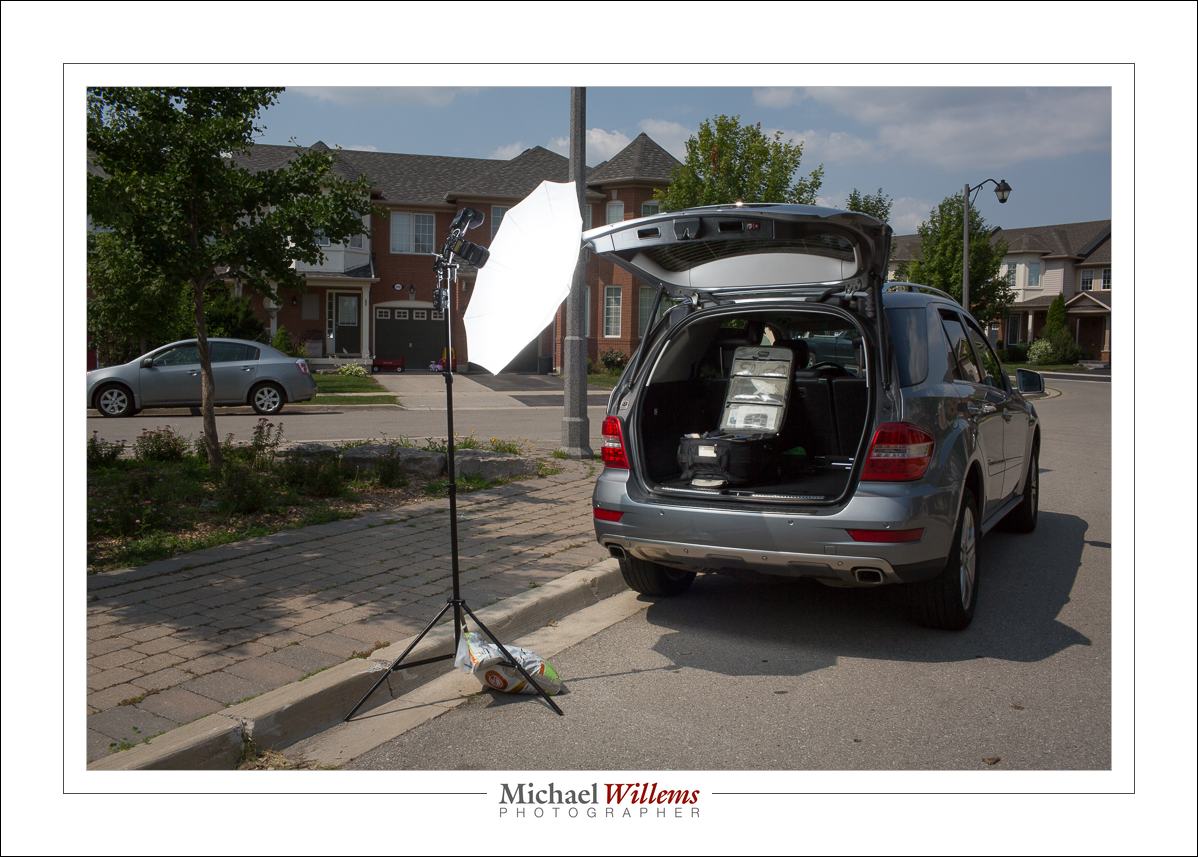
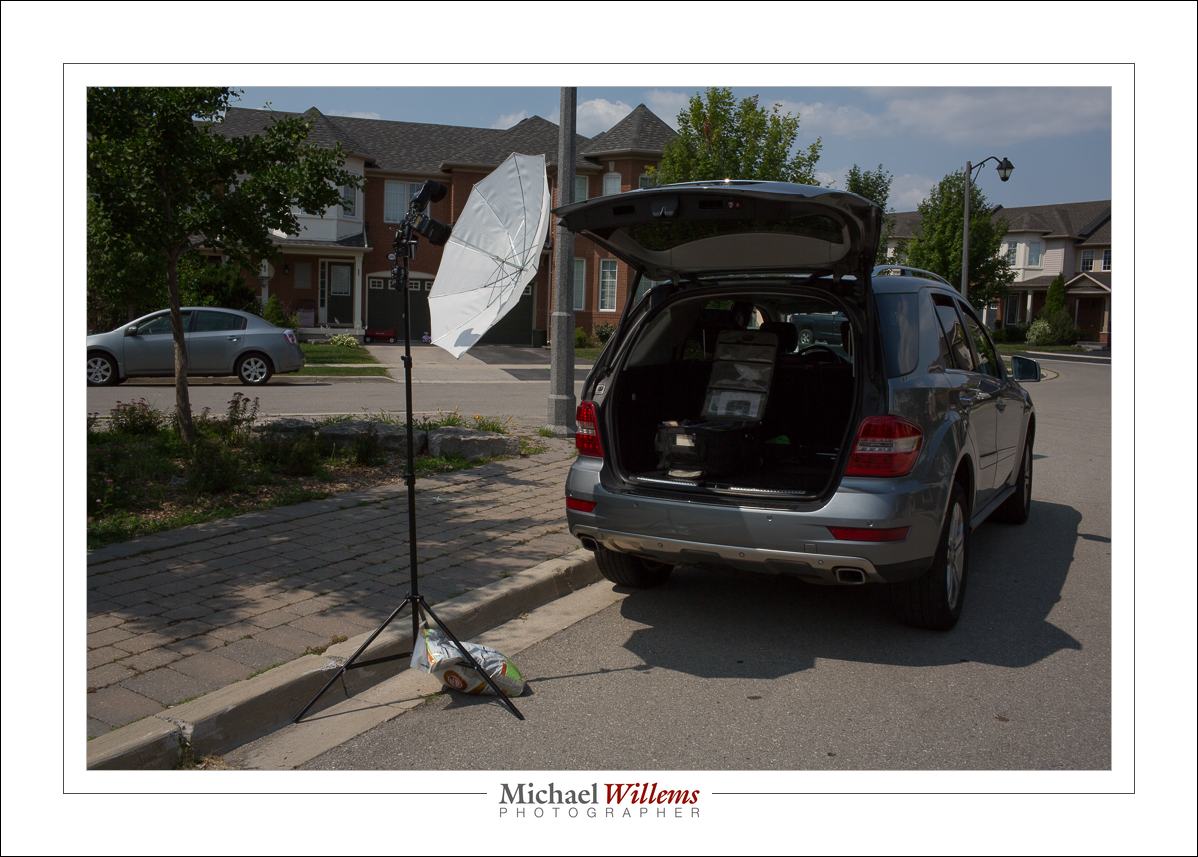
Take this image:

Just now. It’s 30C (86F). And sunny. So I need a flash, otherwise that sky would not look blue; it would look white instead. because exposing highly enough to see the inside of the car would make the sky way too bright.

Instead, I expose for the sky (the usual outdoors flash recipe: 1/200s, 100 ISO, then f/4–f/22, start at f/8). Then I add flash. Three flashes in one umbrella, fired by one Pocketwizard:

Without flash, that would look like this:

A portrait would be nice, with this light. 100 ISO, 1/200 sec, f/16.

Anyway, I said “improvise”. How so?

The sandbag, that’s how so. That umbrella would be all over the place, breaking my equipment on its way down. You need a sandbag to stabilize it and to hold it down.

And what I often use, when I don’t happen to have a sandbag available, is a 15kg bag of kitty litter. Which is what I am using here, if you look carefully. That light stand isn’t going anywhere!

___

Come meet me tomorrow at CJ’s Café in Bronte, Oakville, for the official opening of my month long exhibit of wall art. And perhaps buy a piece: tomorrow only, I have lots of extra works (over 150), at once-only prices.

Tell me you are coming: https://www.facebook.com/events/1449929615312360/

Near (East End) Toronto? Then read this!

If you are in Toronto’s East End, come to this course:

Mastering Flash All Day Special, 27 July

This will be held in Whitby and I’ll teach you everything about flash: on-camera, camera, balancing flash and ambient, modifiers, radio triggers: everything you need to know to do great flash work. You need no prior flash knowledge: all you need is a DSLR and a flash, and knowledge of the basics (aperture, shutter, ISO)—and even those will be reviewed just in case!

I am driving in from Oakville to teach it, so it’s worth you driving in from all over the province to come learn. I promise: all my courses come with a fully happy policy.

A typical flash shot, with off camera flash at 100 ISO, 1/250 sec, f/8.

You will learn recipes for studio flash, for outdoor flash, for party flash.You will learn the errors to avoid., You will learn to operate your flash. You will learn how not to carry to much. At the end of this day, you will be a flash pro!


Respect the click

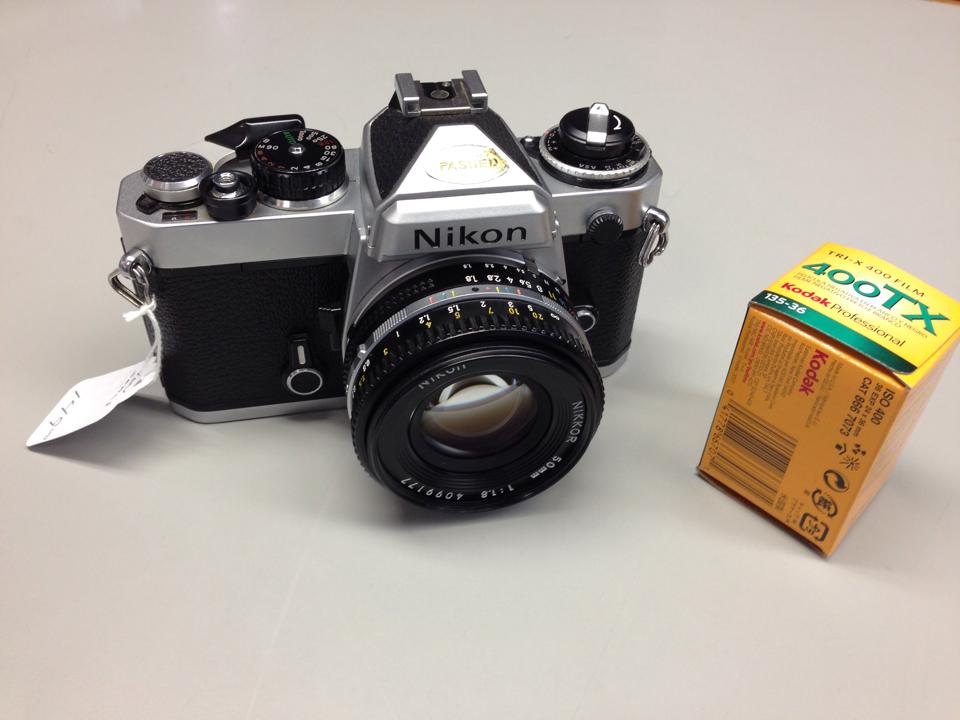
I am old enough to remember the film days. And while the digital era is better in almost every way, there were a few things that did work better in the film era. And those things were to do with what I would call “respect for the click”.

My film camera—a Nikon FE

Today, it is no longer necessary to respect the click. So instead of making a portrait, for instance, we take 100 photos and scan through them hoping to find a good one. And instead of setting white balance, we just leave it on “whatever” and sort it out later, on the computer. Instead of getting exposure right, we shoot, adjust after looking at the screen, then shoot again, and repeat until exposure is OK. In the film days, we could not do these things: each click cost a dollar, and after each click we had to wait several days to see the results.

In the broadest sense, this means that today we do not think about the photo. And that is a shame. This prevents us from becoming a better photographer, and it gives us more work to do at the other end, after shooting. It also devalues the photo.

Fortunately, there are several ways to get the old discipline back.

One way is to turn off the automatic display at the back. That way you have to click on playback specifically to see an image. If you do not, you do not see a preview. And try not to look after every photo. Finally, try to have the self-discipline to not “just” try things. By all means correct if you have to, but give it a couple of seconds of thought to get as close as you can, before you actually shoot.

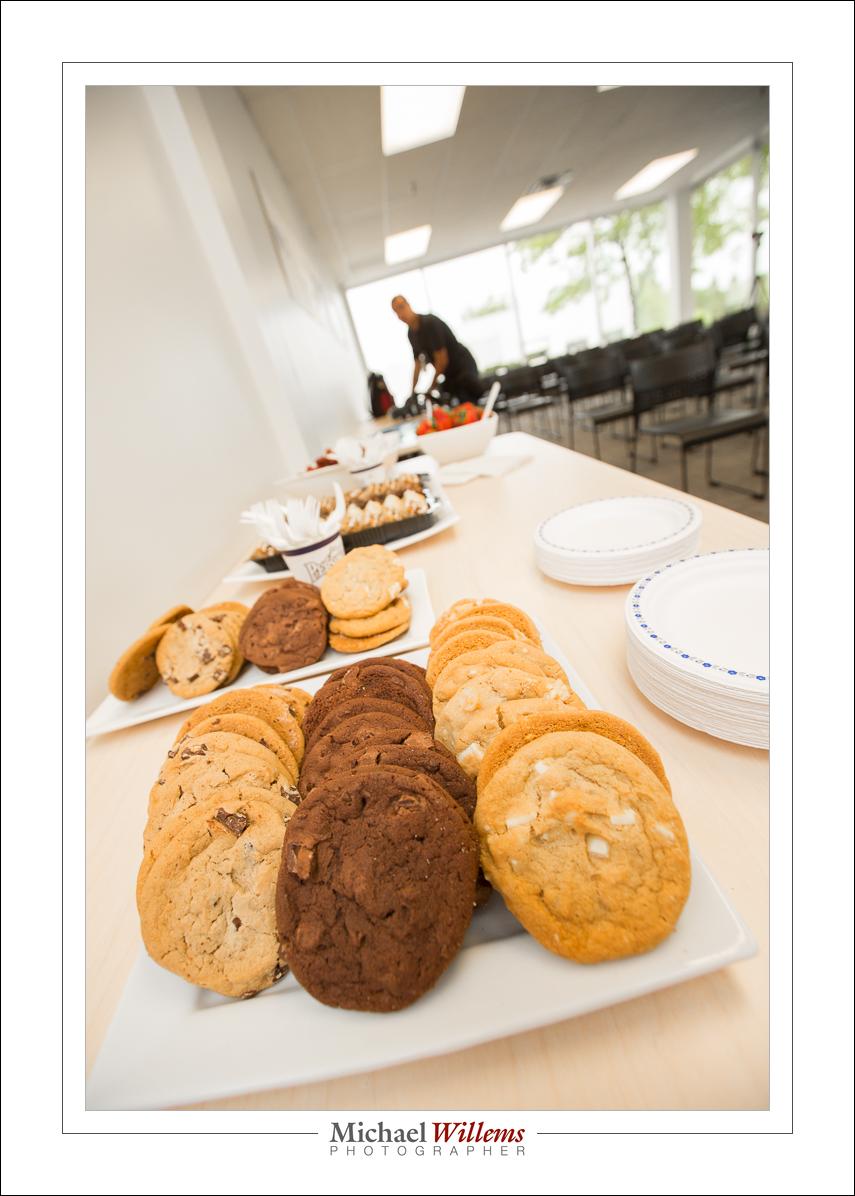
Cookies – 16mm, full frame

One great way to do that: shoot the odd roll of film. If you want to be a really good photographer, you should buy an old film camera—a good one like the one above should cost you between $100—$150. And then shoot a roll of film every month. You will be surprised how much more respect you will have for every photo.

And that is a good thing, because lack of respect for the click results in snapshots.


Wishful thinking

A quick note on learning.

The other day, I met a photographer, a nice person, who shoots things for pay all the time. He knew nothing about his camera. I mean nothing. Auto mode, auto focus, auto everything all the time. He did not know how to set aperture or shutter, or what these were. Or how to focus. Or what ISO was. And so on.

That is fine, but it will seriously limit your options. Seriously.

And I just saw an ad flash in front of me on Facebook that contained this risible claim:

No. No. No, and no. This is wishful thinking. The reason photography costs money is that it is a serious skill that takes some time to learn. Yes, you can learn it. But not in 10 minutes. Please—learn properly, and while properly does not have to mean a three year degree course, 10 minutes is obviously not enough. I mean… really.

My courses and books may help (http://learning.photography), as may be my Sheridan College courses and my Vistek Toronto workshops. As will this blog, as will the entire Internet. All this combined with lots of exercises. Trying different things. Testing. Running into problems and then solving those. All this will get you there.

But not in ten minutes.


Workflow and Lightroom

I talk about Lightroom a lot, as you will have noticed. The reason is that Adobe Lightroom is hands down the best workflow tool I know. Workflow meaning “what happens between arriving home with the camera to the finished product”.

Lightroom 6, as you will have seen, is a step forward. It has its issues—for now, the speed of the face detection module is way below par—but you can work around those, and they will be fixed.

But you do need to learn how to use it. Thank God it’s not Photoshop: it takes days to learn, not years. But it does take days.

Enter some help.

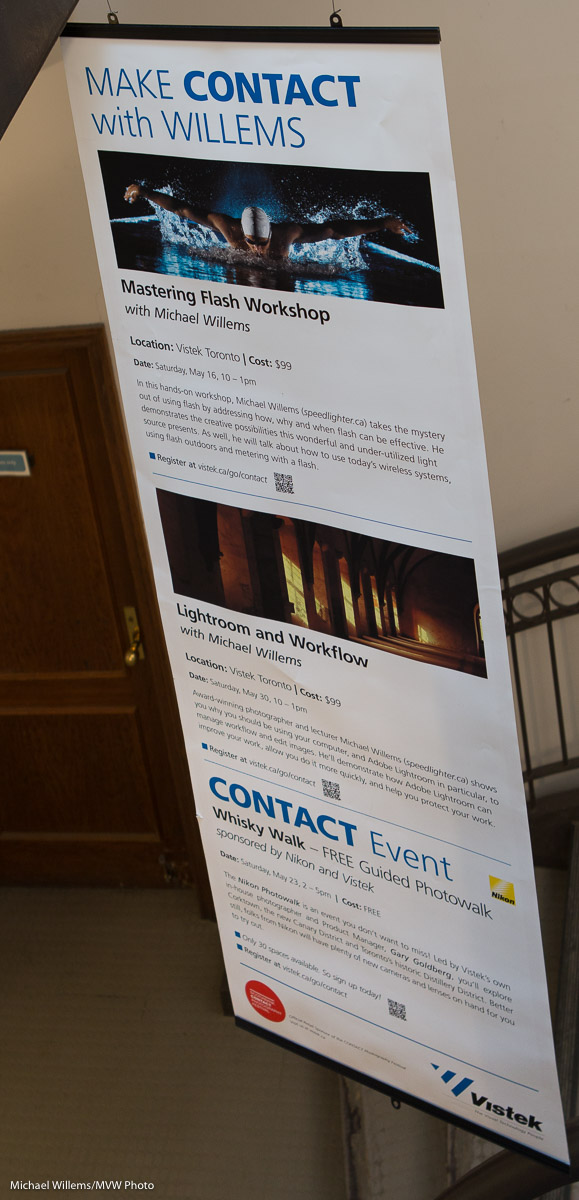
On May 30, I teach a workshop at Vistek: Lightroom and Workflow”. In it, you will learn backup strategies, computer strategies, Lightroom workflow and editing, and much more. Seating is limited, so sign up soon.

The same is true of the Flash workshop this Saturday in Oakville.If you missed the Vistek workshop, come on Saturday: 1pm, see http://learning.photography/collections/training-300-advanced/products/flash. Seating limited, so be quick if you want in.

Now, a (repeat of) a little flash tip.

If your flash looks too dark in the photo, why is it? It could have two very different reasons:

  1. Metering is wrong; the TTL circuitry decided on too low a level.
  2. With the current ISO and aperture, you simply do not have enough power (eg the ceiling you are bouncing off is too high).

To know which one: set your flash to manual mode, full power (1/1). Shoot. If the picture is overexposed, you had reason 1; if not, you had reason 2.

To solve the issue: For reason 1, go back to TTL and use flash compensation. For reason 2, go back to TTL and lower the f-number and/or increase the ISO.

That’s all – pretty simple, but often overlooked.


Setup for outdoors flash pics.

A student just asked me:

When you were at the London Camera Club, you had your usual stand/flash holder/umbrella combo on display. Unfortunately, time didn’t permit me to ask about it. Would you mind mentioning what brands the components are – I would like to have a similar set up for my Speedlight.

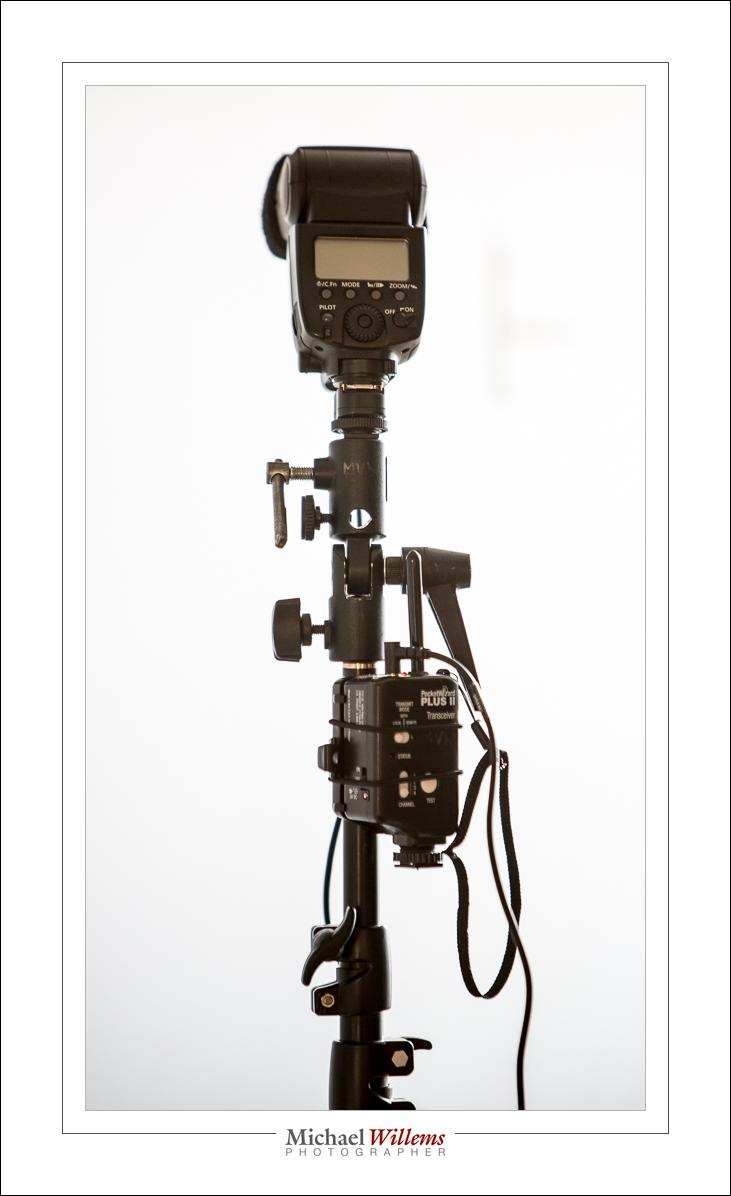
I use the following setup:

So that is:

  1. A Light stand. Any brand is OK if it is sturdy enough.
  2. A mount that sits on top of the light stand and swivels. The flash sits on top of this mount. My mount is a Manfrotto,
  3. A pocketwizard receiver. I use the simple Pocketwizard PlusX: $180 for two of them.
  4. A cable between the Pocketwizard and the flash hotshoe. This cable sits on top of the mount, and the flash on top of it.
  5. An umbrella that goes through the mount (you can see the hole in the photo). This should be an umbrella with a removable cover, so you can shoot into the umbrella as well as through the umbrella.

Because this is non-TTL, the flash can be any flash. Any make, and type, as long as it has a manual power level setting and you can disable any timeouts (otherwise it turns off every minute or two).

To a large extent, these are commodity items. There are many brands. Nikon has a kit of mount plus stand plus umbrella for just over $100, for instance, but anything that looks sturdy enough will do fine.

As for radio triggers, I use Pocketwizards because they are the industry standard and rugged, and they use AA batteries; but any other non-TTL trigger will work just as well.

The setup above serves me well: it is what I use for up to 90% of my outside pictures.

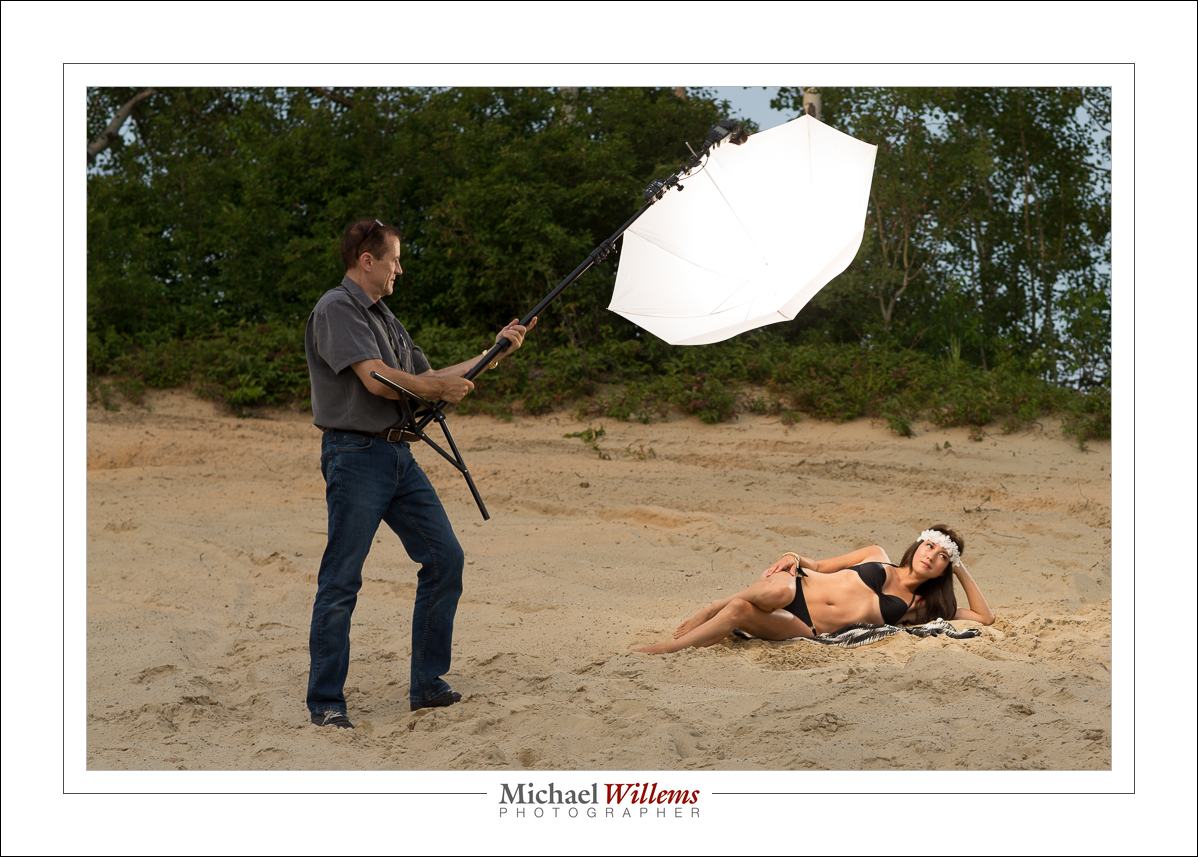
Like this scene, the way it looks to my eyes:

And here comes rescue, a.k.a. me and my umbrella:

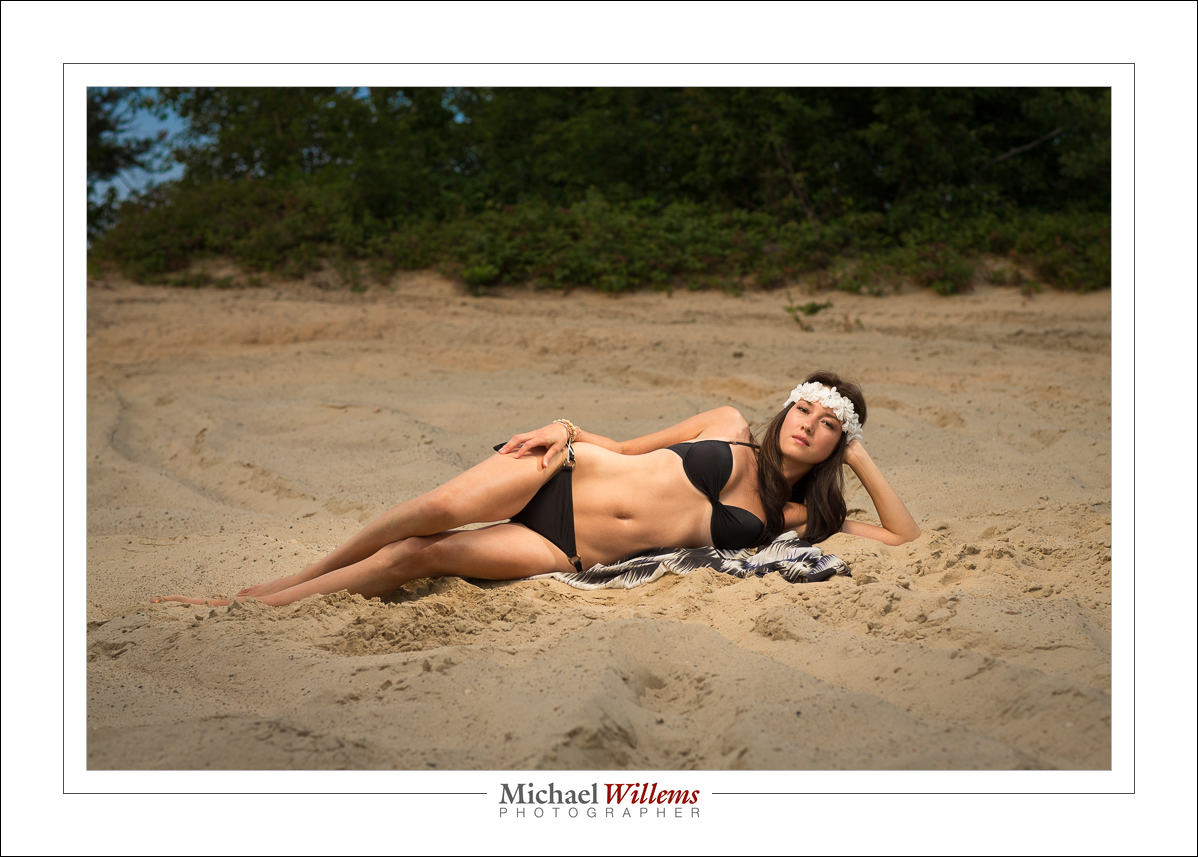
…which results in:

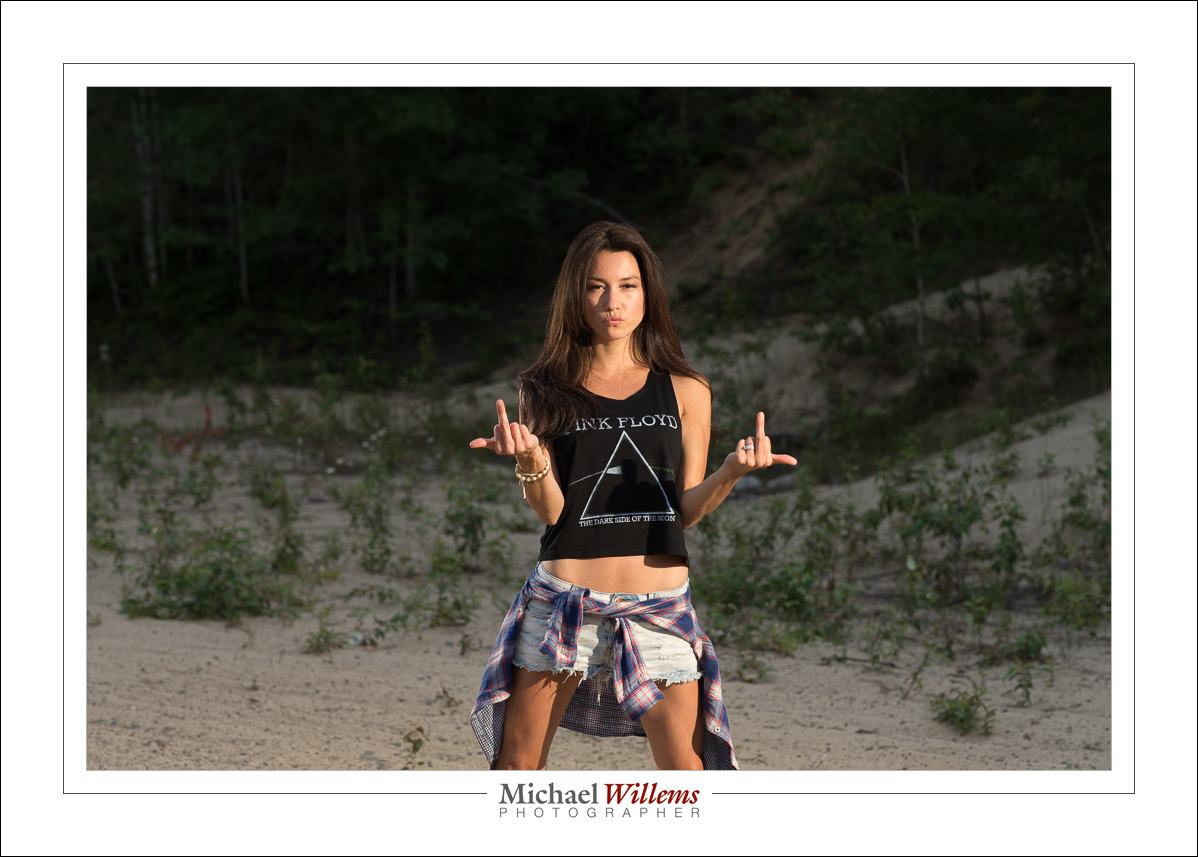
And the lovely Vanessa from Timmins has a sense of humour:

The good news: this type of dramatic lighting is simple, once you know how!

___

Want to learn how to do this? I have a couple of spots open on my “Mastering Flash” workshop in Oakville this Sat 23 May, 1pm—4:30pm. This is a very small workshop: 3-6 people maximum. If you are interested, email me: michael@mvwphoto.com. You can book on http://learning.photography.