Split

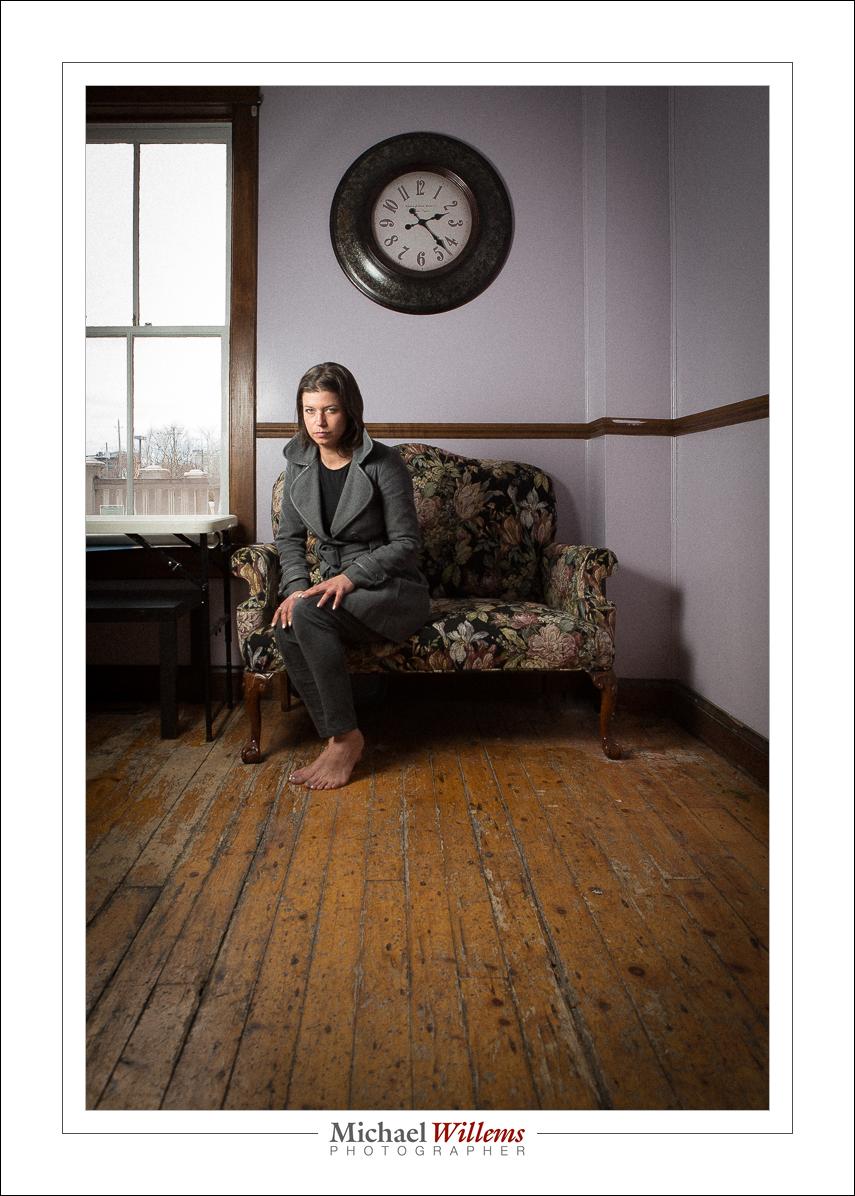
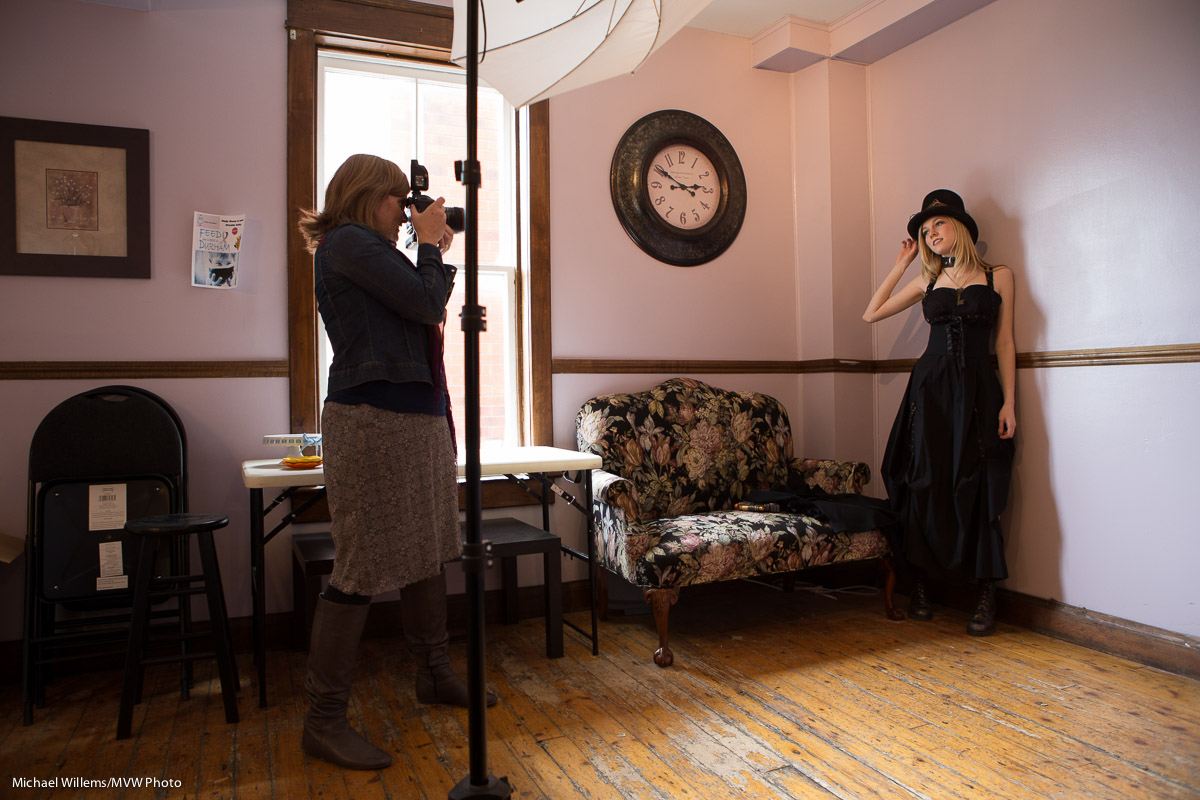
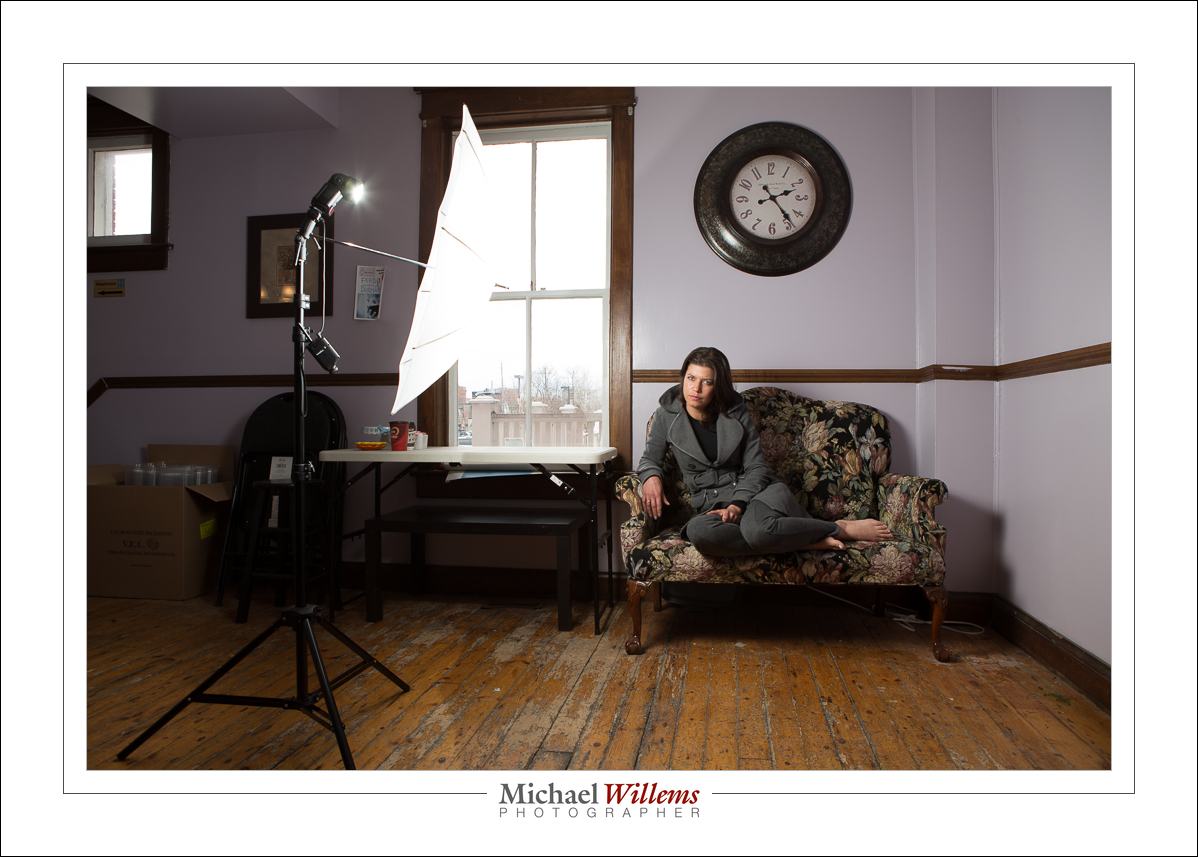
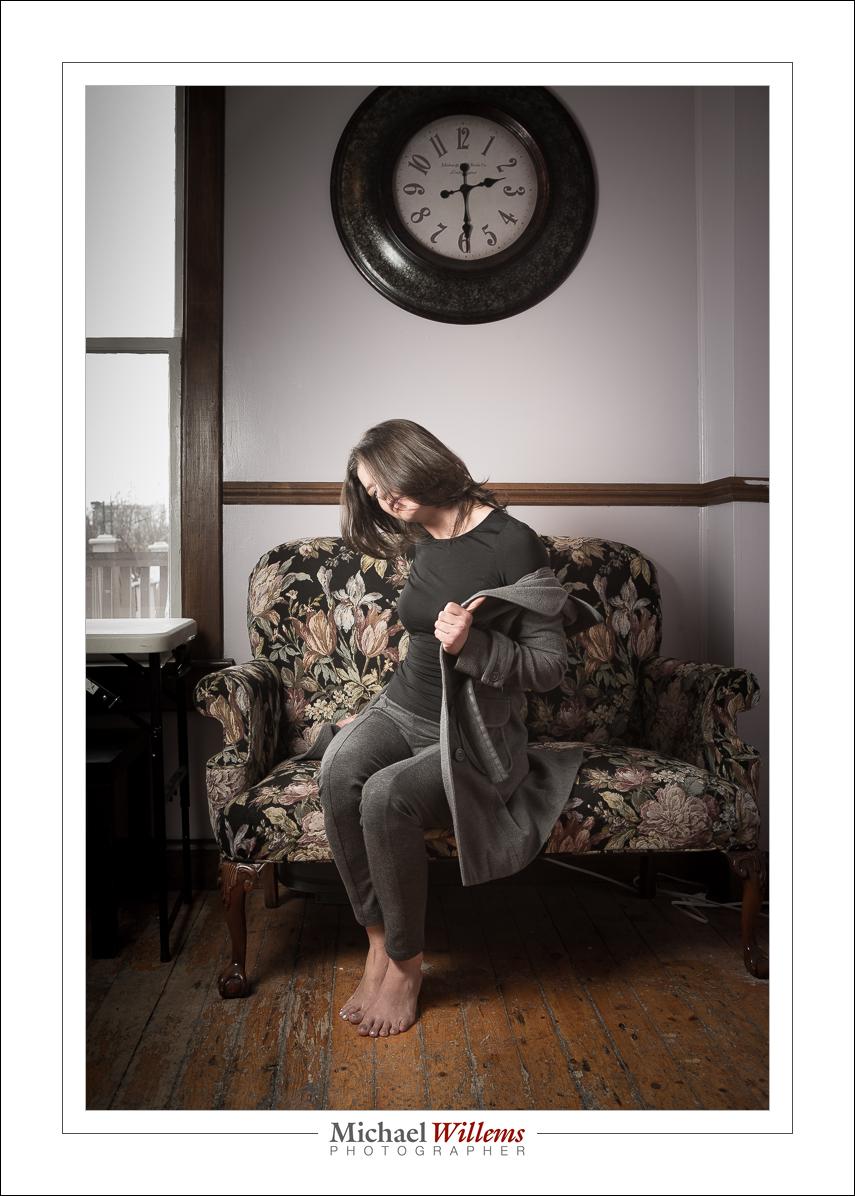
Today’s lesson is a simple “Split lighting” picture. This was one of my students in today’s Canon-sponsored class at Vistek Toronto. The danger of sitting in the front row is that you will be pictured:

Split lighting is a technique where exactly half a face is lit, and the other half is dark; the face is “split in two”, if you will.

I did this as follows:

  1. Camera on Manual
  2. Camera set to 100 ISO, 1/125 second, f/8.
  3. On–camera flash is a 600EX set as MASTER flash, and its actual flash function is OFF (i.e. it ONLY works as master flash, telling other flashes what to do).
  4. On our right, a 430EX flash set to TTL SLAVE mode. This flash needs a grid or snoot fitted in a small room; here, the room was large enough to do without (there were no close-by walls that the flash could light up).
  5. Flash Exposure Compensation set to -1.7 stops (on the camera)
  6. There is no 6: steps 1-5 were all.

Yes, this stuff is really quite simple once you know, and modern camera and flash equipment brings this in the reach of everyone. All you have to learn is some technique. And that is where I come in!

___

SPECIAL: For the next 7 days, until May 10, my readers get 15% off all orders on my new online store, http://learning.photography: use discount code speedlighter on checking out to claim your discount.
Quick Hi-Key Recipe, or “What’s The Secret?”

There are many “secrets” in photography. They’re not secret, really: they are the distilled knowledge. The simplified “start here” points.

So let me give you one now—one of many from the Flash course; this one, which by the way I am teaching on behalf of Canon Canada at Vistek in Toronto tomorrow, Saturday:

Quick High Key Portrait

  1. Get a camera with a flash mounted on the camera.
  2. Set the camera to M (manual), 800 ISO, 1/125th sec, f/5.6
  3. Ensure that the flash is set to TTL mode (Through-the-lens metering).
  4. Set Flash Compensation to +1.7 stops (“plus one and two thirds”). You can do this on the flash (or on the camera if you are using Canon. In Nikon, do it on the flash please, or you are limited to +1 stop).
  5. Point that flash upward 45 degrees, behind you.
  6. Find small room with white (or at least whiteish) ceiling/walls behind you.
  7. Dress the subject in light clothing.
  8. Put the subject in front of you, about 1-2 metres away. Focus on model. Fire.

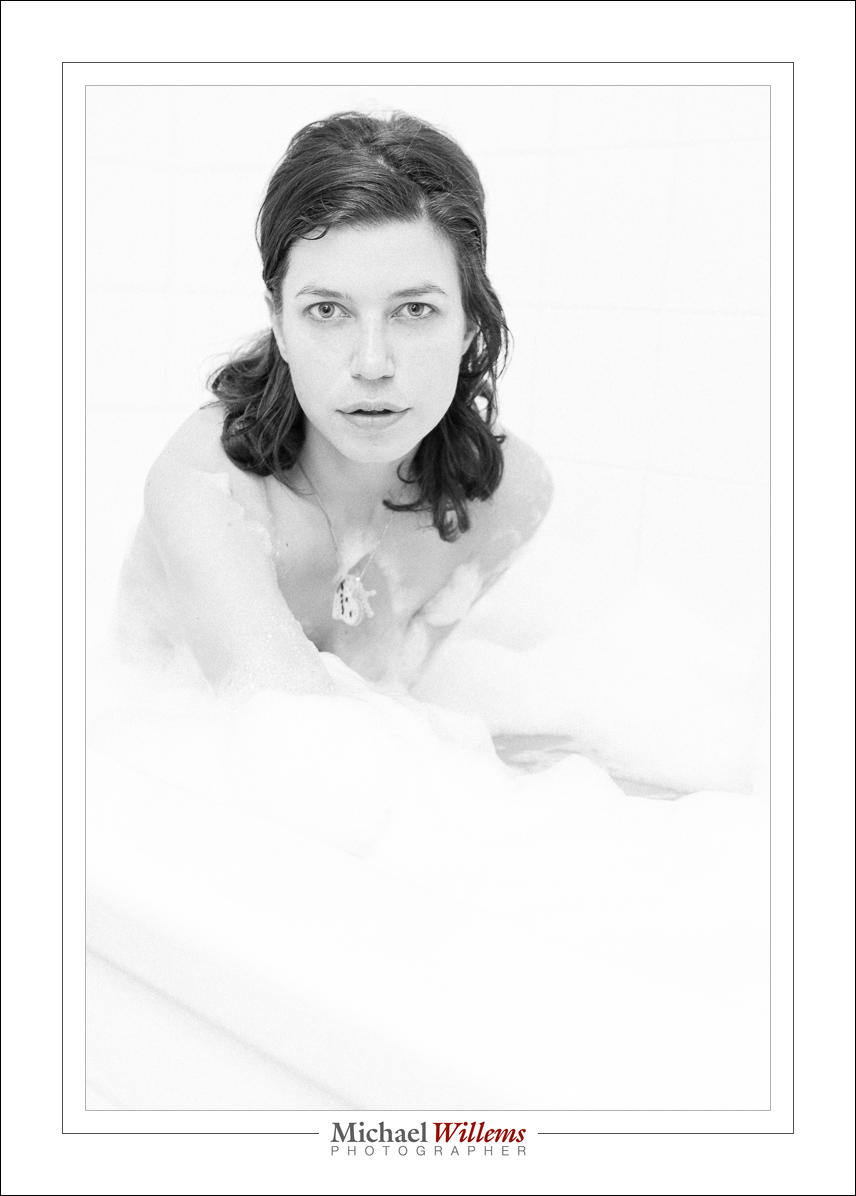
Now you will get this (I converted it to B/W and added some “film grain” for effect):

Not bad for a 30-second shot, no?

You should turn on your “blinkies”: you want the wall, but not the subject, to blink (to be overexposed, or close to it).

If the picture is too dark, increase flash compensation. If that makes no difference, then it is a lack of available power; in that case increase ISO, or decrease the “f-number” (or both).

And that’s all there is to it, really.


Let there be…

….no light. Lack of light. Because a good photo often starts by having no light. At least in your mind. And then, mentally or physically, you add light where you like.

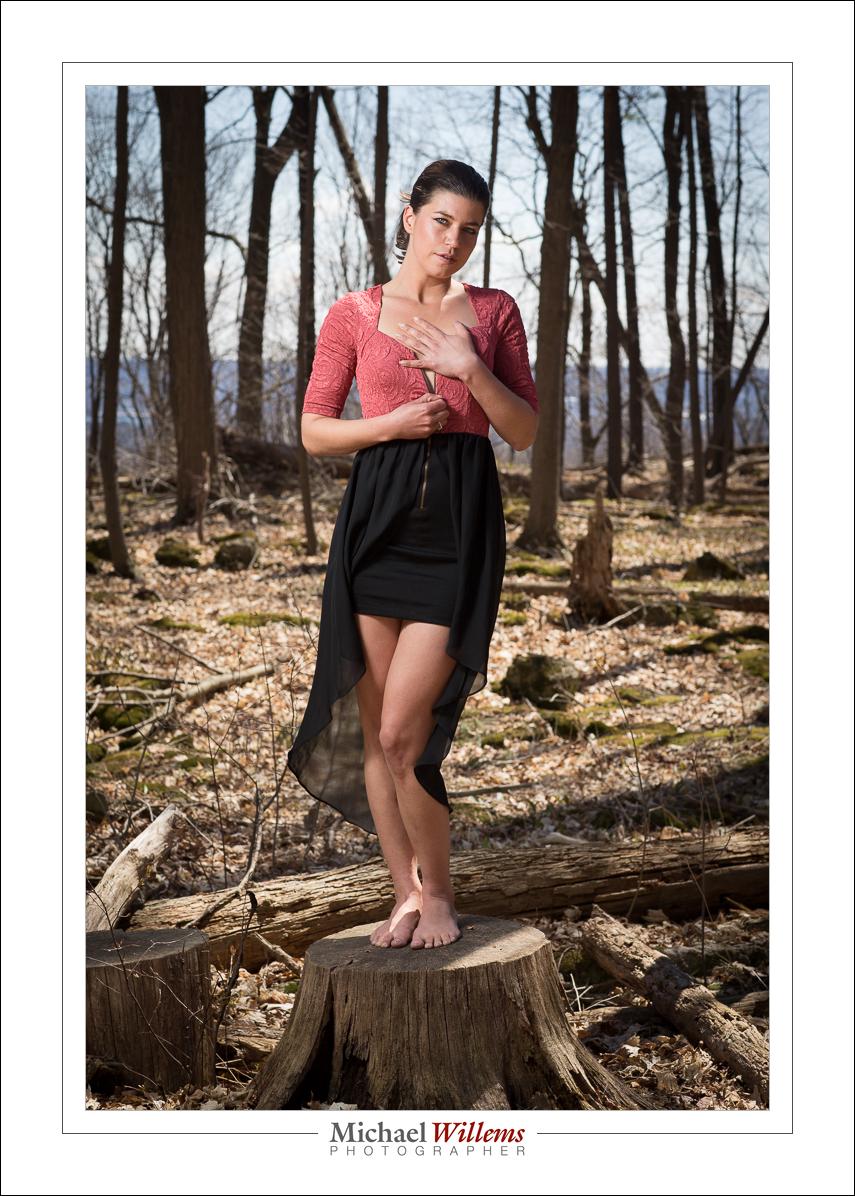
I do this to get a dramatically lit portrait like this, for instance:

In this picture I started by exposing for the bright outside. With 1/200 sec and at 200 ISO, that gave me f/5.6, which is what you see in the picture.

But now the model would be dark. So now I add my flash, operated via simple Pocketwizard radio triggers. The setup was like this:

…except the flash was a little closer to the model in my shot. Like this, in fact:

Trial and error gave me 1/4 power for the flash at those settings. And that was not really trial and error; it was an starting point from experience.

If I am a little bright on the outside, I do not mind vignetting (darkening the outsides) in post. Why? Because this increases quality (with the decrease of the bright parts, “noise” gets decreased as well).

Anyway—this post points out to you that as usual, a good photo is a photo where you have thought about the light, rather than just pressed the shutter. One more example for the road:

___
Have you checked out the e-store yet? http://learning.photography


Towards The Light.

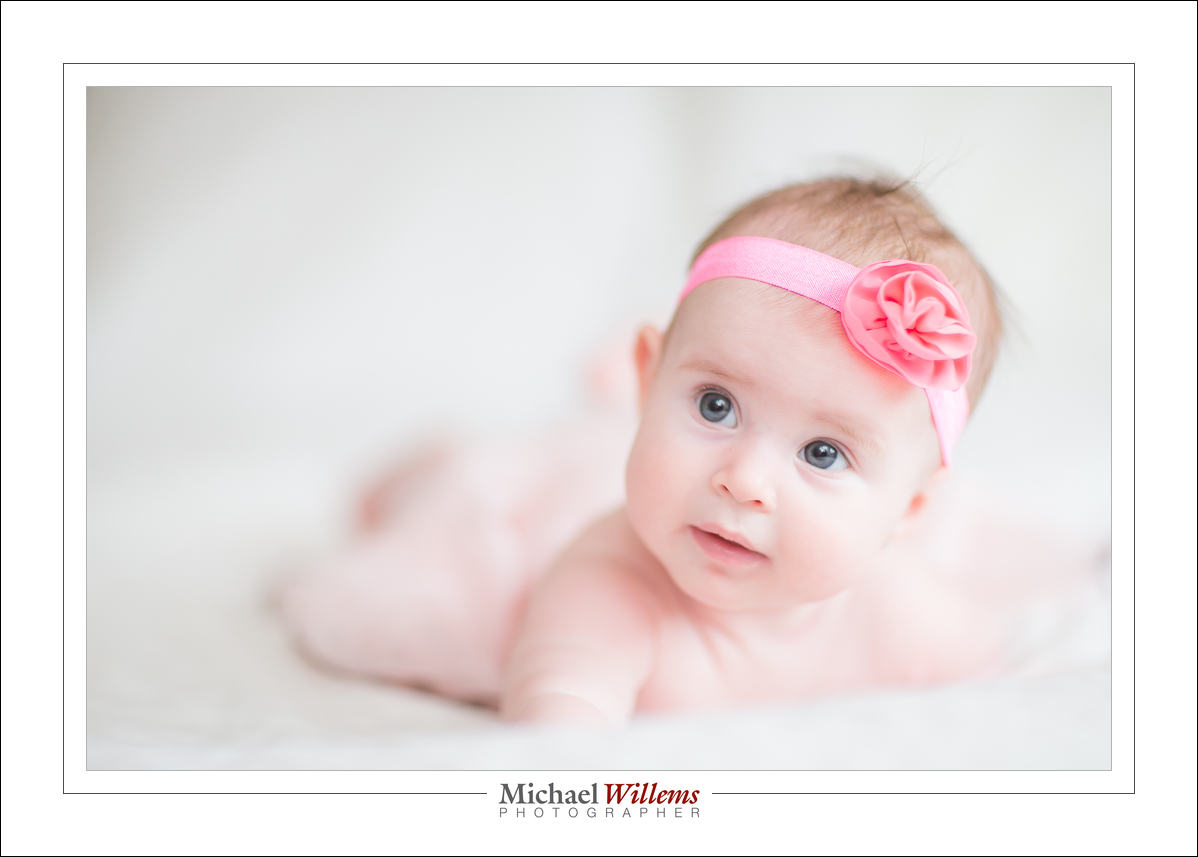
Baby pictures like this, taken just now, are nice, no?

Typical available light, right?

That’s what you might think. But no. Well, yes, but both flash and available. Bounced flash at +2 stops flash exposure compensation, while 800 ISO, f/1.4, 1/20th second also gave +1 on the meter. Without the flash, it would have been too dark on the non-lit side.

Back to my shoot!


Summer. Not quite yet.

…but enough sun to shoot outdoors. So here was the outside today, in an Ontario that is still devoid of leaves:

Exposed for the background, that is 100 ISO, 1/250 sec, f/7.1.

Uh uh: obviously that does not work. What is the solution?

There are at least two solutions I could choose.

First I could brighten it all. There are many photographers who only do this and it is not a bad solution. It leads to images like:

That is not bad, but what if I wanted to see the background darker? I like to make my subjects the bright pixels. Bright pixels is where it’s crisp and clear.

So the other solution, and you knew it: use a flash. If I shoot into an umbrella, I can get the flash close enough at half power to achieve this:

And that is how I do it.

Notes for this: I used an umbrella to shoot into. Using pocketwizards, I fired a 580EX flash at half to full power (I usually avoid going over half). I used a sandbag on the light stand, but even then it can blow over.

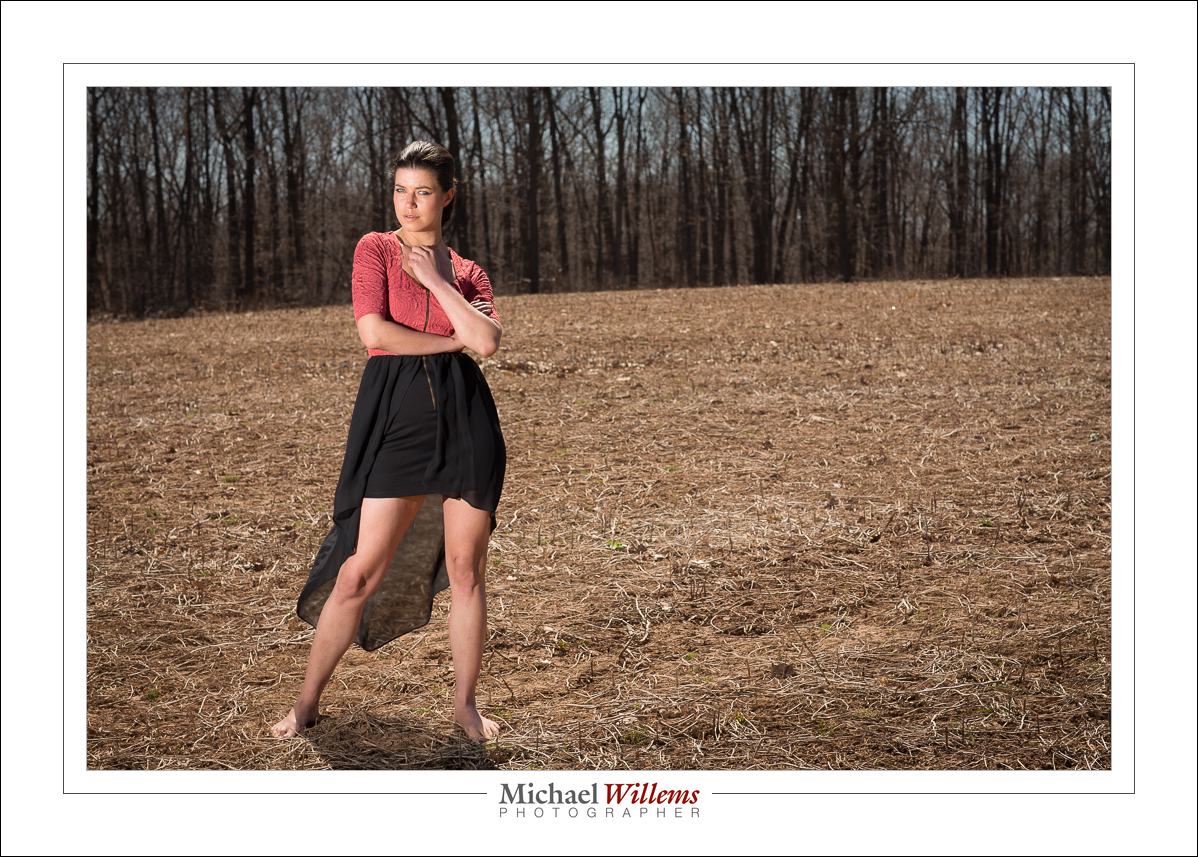
Later, I had to go direct. In this field:

100 ISO, 1/250 sec, f/8.

Why did I go direct? Because in an open field, an umbrella would be blown over even with a sandbag on the light stand. Sometimes it is that simple!

And as said here before: direct, unmodified flash is fine, as long as it is nowhere near the camera!


About exposing to the right

If you look at the ARTICLES above, you will see one about “exposing to the right”. Read it. And perhaps remember this as a “take-home” outcome:

Provided you do not actually overexpose any of the channels (Red, Green Blue), you can always reduce brightness in all or part of the image in “post”, and as a result of doing this increase the quality compared to shooting it darker in the first place.

That is why we expose to the right. I am not advocating doing this all the time, mind you: it would mean post-production work all the time, and we are photographers, not graphic artists. But sometimes you simply do not have the time to put up lights.

Like here:

When I shot that, I knew I would want the ambient light darker. But that would have meant getting out the softbox, boom, pocketwizards, and so on; and that simply was not practical at the time. So I shot like in the pic above, knowing that I could reduce—not increase— exposure in part of the image later by way of masking or vignetting.

With a little work, and I mean a little (perhaps a minute or two), that gives me something like this as an end result:

Now again, of course it is much better to actually shoot this way. But when you do not have a choicer, expose as highly as you can without overexposing either of the three primary channels; then, reduce locally later to taste.


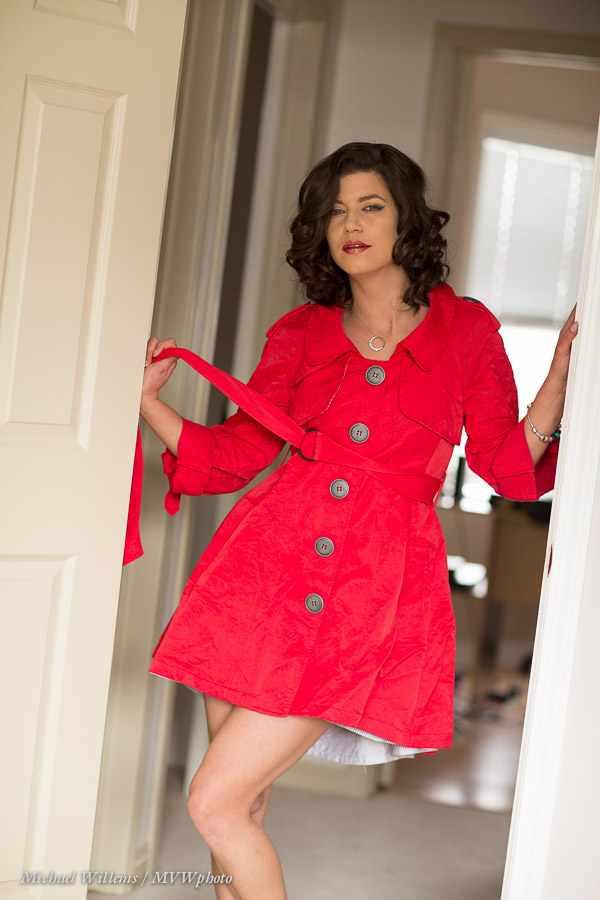
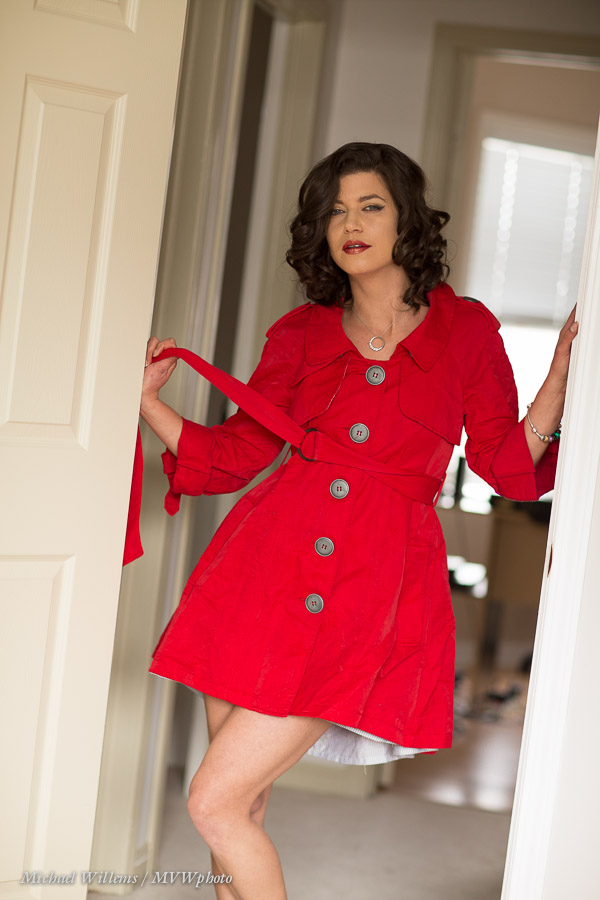
That red jacket

The reminds me. When I was shooting the red jacket, the red jacket ended up, well, not red, at the bottom. More purplish. Look:

The reason: overexposure at the bottom, specifically of the RED pixels, when I expose enough to get the top lit. The model was too far from the window, so the light hit mainly her bottom half. Hard to see in person, but easy to see in the camera.

The solution: In Lightroom, in the DEVELOP module, go to the HSL pane; select LUMINANCE, and drag the RED Luminance slider leftward (minus). Now you get this:

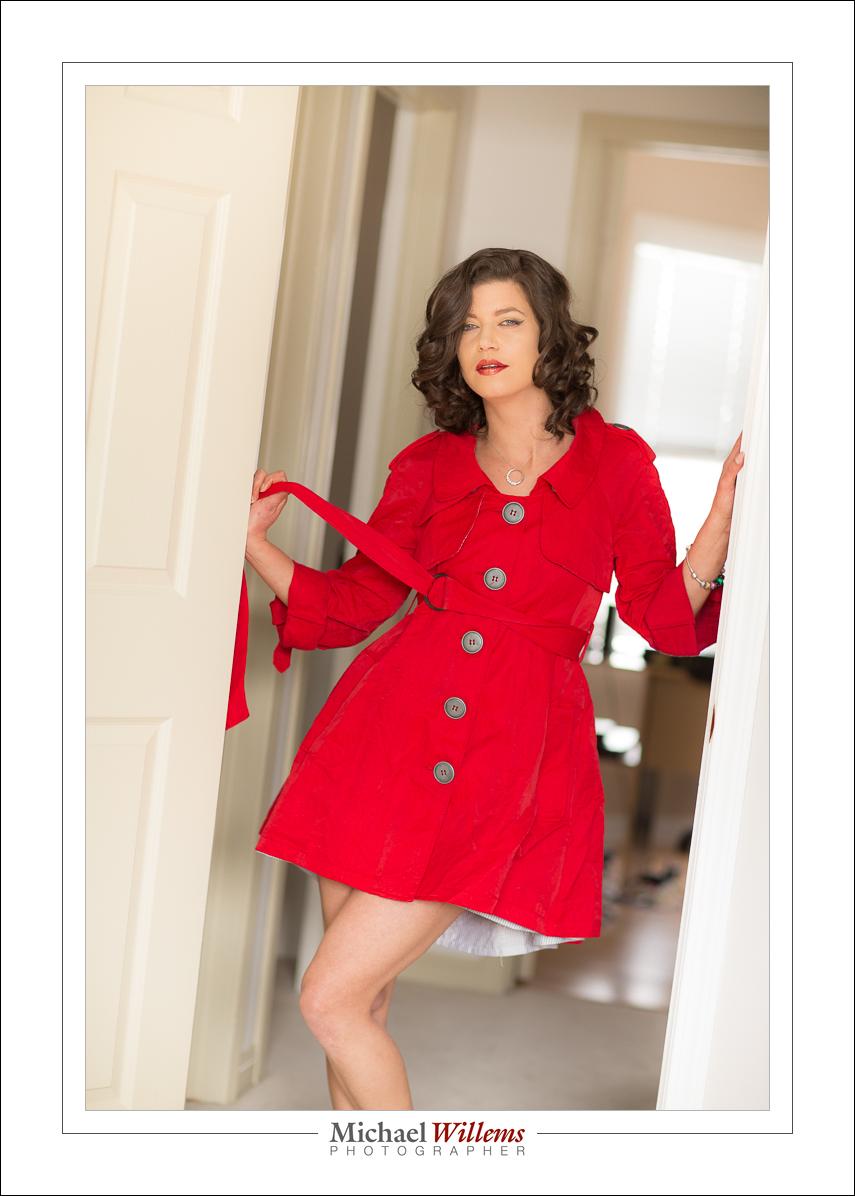
Now that I am not blowing out the reds, I get a red coat!

Then the last step: I brighten the top with a graduated filter with exposure set to +1 stop. Now I get the final result:

This is all a matter of simply recognizing what is wrong. I was not able in time to fix it on site, but I knew I had enough leeway in my RAW files to fix it later. Sometimes, that is how it works.


New Beauty Light Technique

I have illustrated many lighting techniques here, from “Terry Richardson Amateur” to “Studio traditional”. Let me add one I use. I call this “bright-bright-blur”.

What I do here is use a bright room with reflected light. I then use settings, and flash to achieve three things:

  1. Bright ambient light
  2. Bright flash light
  3. Blurred backgrounds

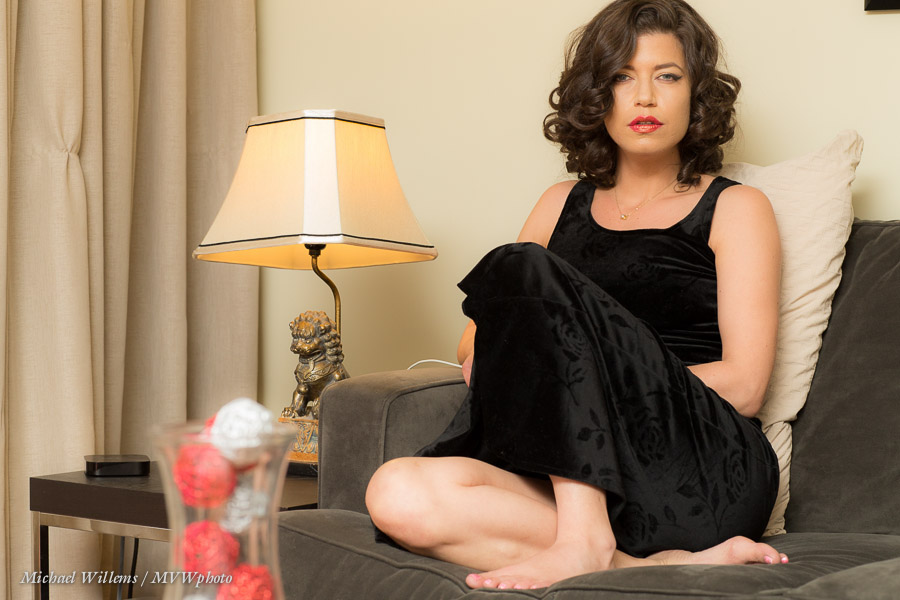
I do that by first, setting my exposure so that the meter reads +1 stop. Yesterday that meant 800 ISO, 1/125th second, f/2.0. I wanted f/2 to blur the background. I wanted 1/125th sec to reduce motion blur. That gave me the need for 800 ISO.

Then, I put on a flash, aimed it behind me 45 degrees up, and adjusted Flash Exposure Compensation (FEC) to +1.3 stops. That gave me added flash to the already bright picture. That flash fills any of the darker areas. Great skin; great beauty light!

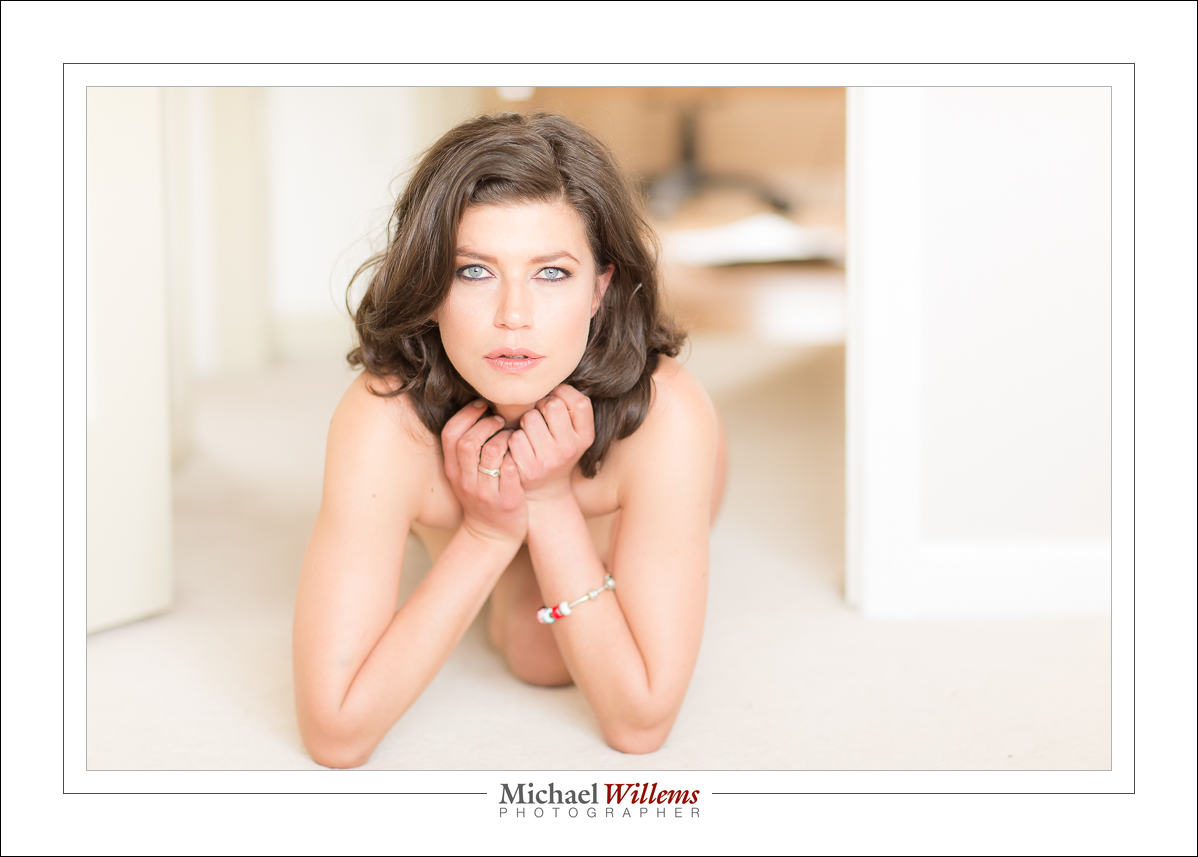
The pictures now look like this:

That is basically straight out of the camera.

Clearly, this is light suited to glamour and beauty, more than to my usual corporate headshots. The point is: it is yet another light type you can use; another tool in your creative toolbox. Master it, and then decide for each shoot what light type to use. photography is talking emotion. The more you master light, the more you can tell stories with your photos.


Activism

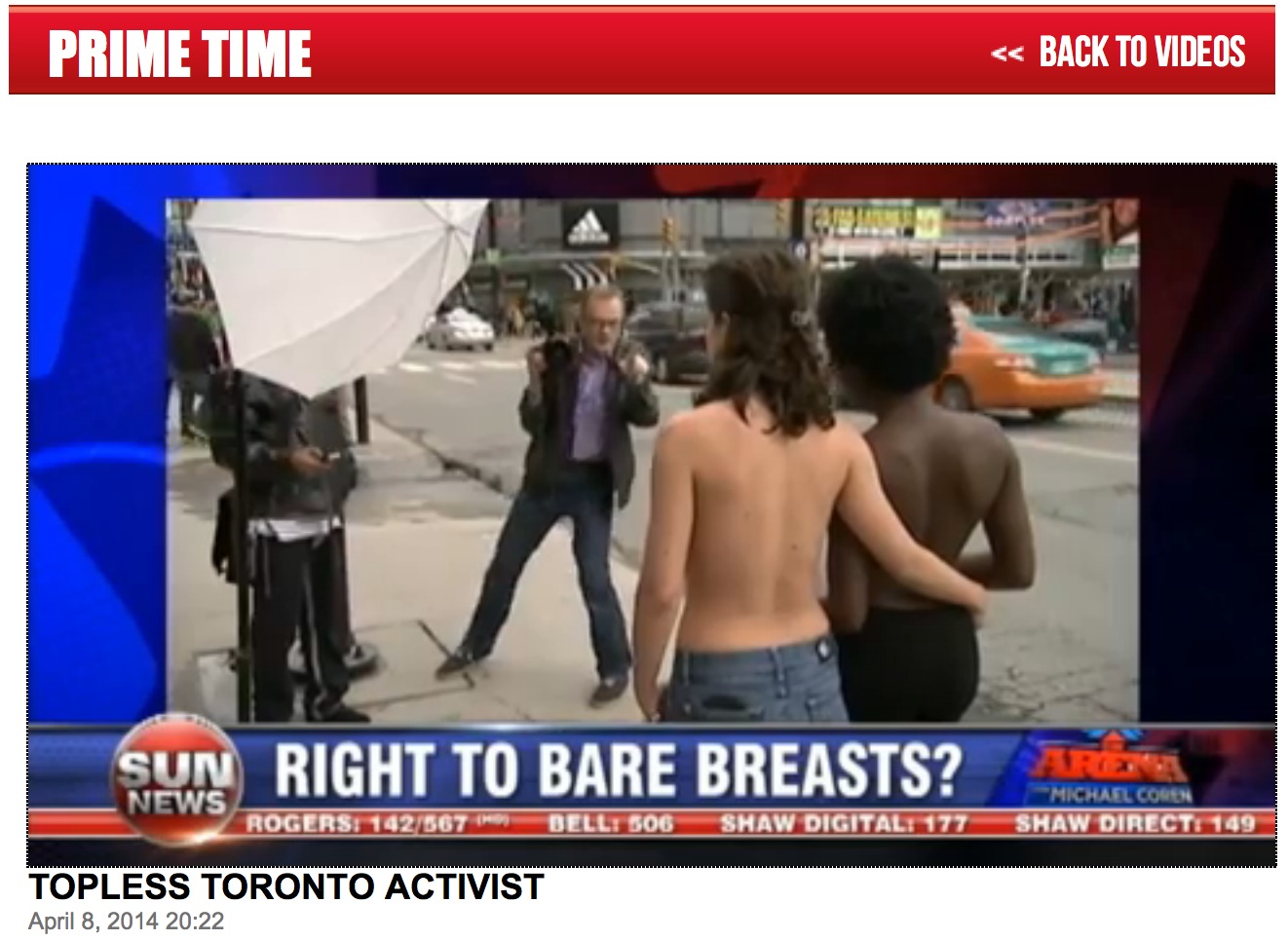
So today I shot Serenity Hart, the feminist activist who is touring Canada to emphasize women’s right to go topless. I shot her when she was being interviewed by Michael Coren on Sun News:

See here for the entire video, and see here for some still and a few portraits we took afterward (the latter contain toplessness, so if this is not your thing, do not click the link).

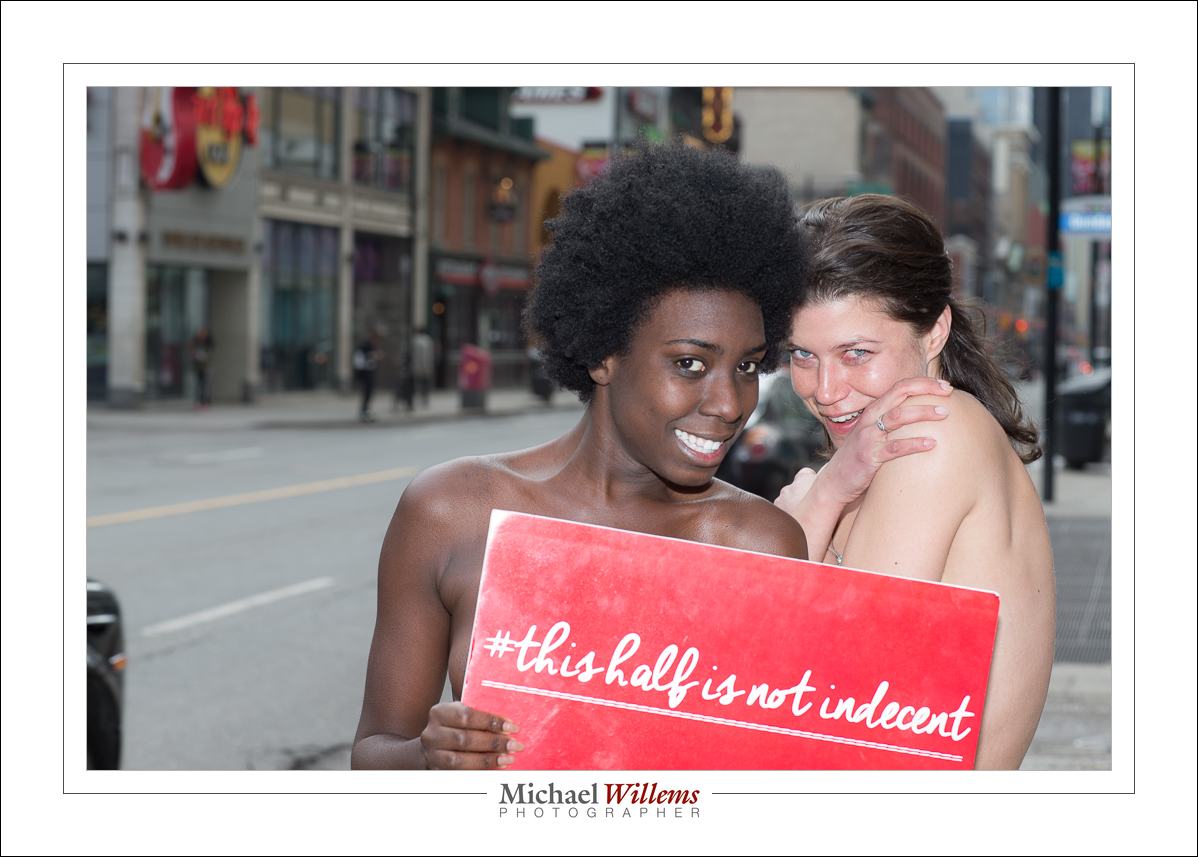
Here’s a “suitable for work” shot:

You can support Serenity’s tour via this link.

For most of today’s photos, I used a flash off-camera shooting through an umbrella.

  • No flash gives bright backgrounds and flat light.
  • Straight flash gives flat light and hard shadows.
  • Off-camera flash rocks.

To see an example or two of each of those lighting style, look at the pictures in detail: http://www.mvwphoto.com/naakt/20140408-SerenityKim/ — these contain toplessness).

More about the light:

  • For all these, I used TTL off-camera flash.
  • For the second set, by the boat, using the umbrella was impossible: too little light from a small flash. So I used the flash direct and unmodified. That gave me enough flash power. Just.

Good light is a necessity for good pictures, so when you are shooting, always think about the light. And I assure you that that is what I was thinking about today: not breasts, but light.


On A Mission

Yesterday morning I shot a mission. I shall tell you about it in a moment, but let’s start with the light.

Said light was not inspiring. Shade. Like this:

So the solution is easy: I grab an umbrella and flash. I use

  • An umbrella and light stand.
  • TTL flash, light operated. Using a 580EX on my camera and a 600EX in the umbrella
  • I set the ambient exposure to 1-2 stops below meter (the meter indicates 1-2 stops minus).
  • That gave me 1/250th, f/6.3, 800 ISO.
  • White balance is set to “Flash”.

I now get the light I want:

Now the mission.

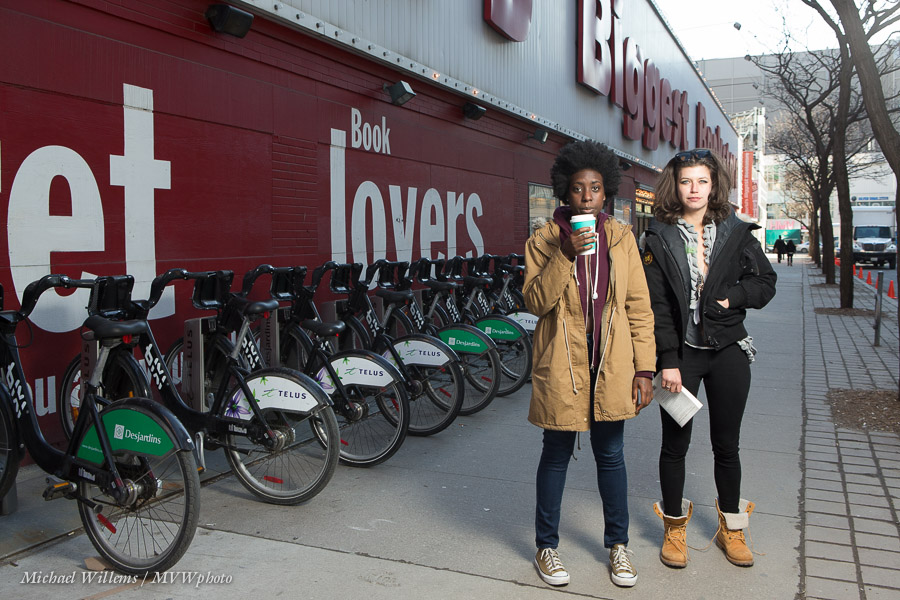
The young woman on the left is on a mission called the “Topless Tour De Canada“, and her objective is to point out that going topless is legally allowed in Canada, for women as much as for men.  Her tour starts in Toronto and will take her through the major Canadian cities, and she will be filmed and photographed in each of these cities—top free.

Here’s a Behind The Scenes shot:

See the light stand? And yes, umbrellas get blown over by wind, so hold them!

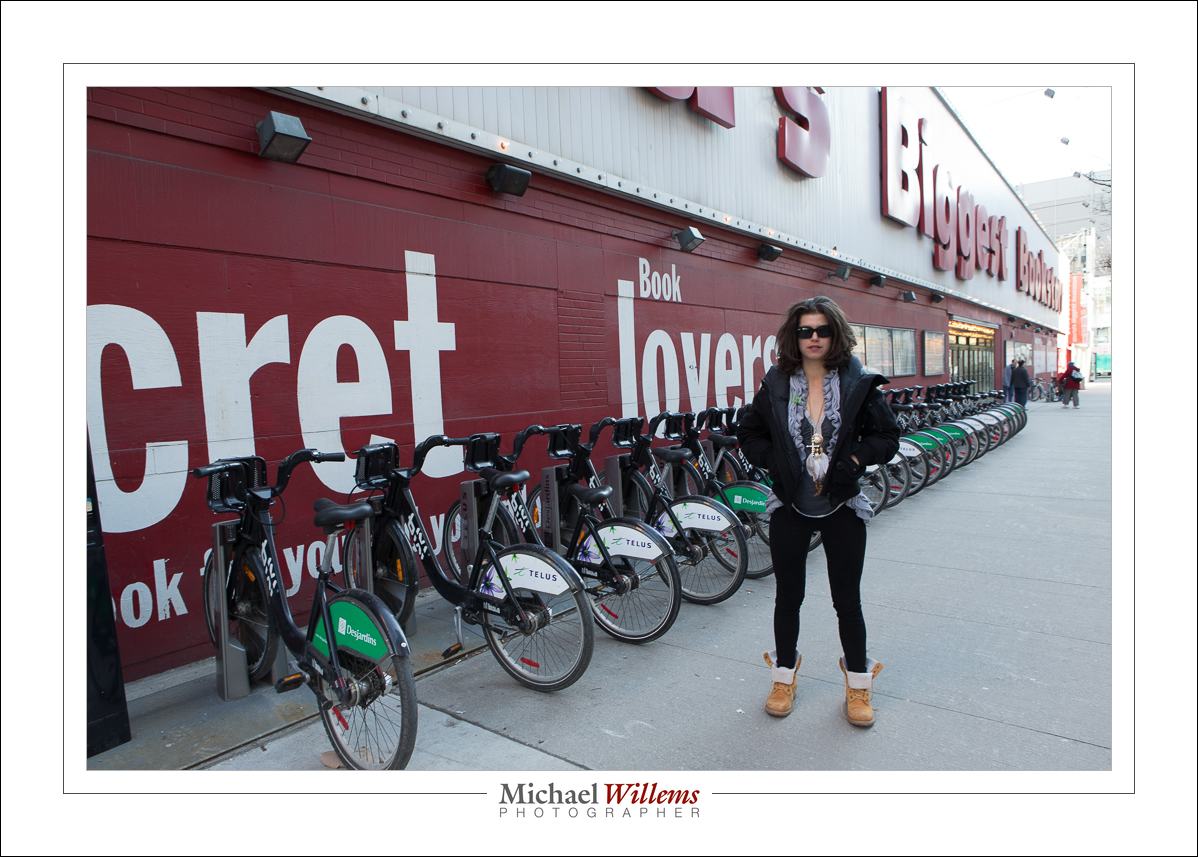
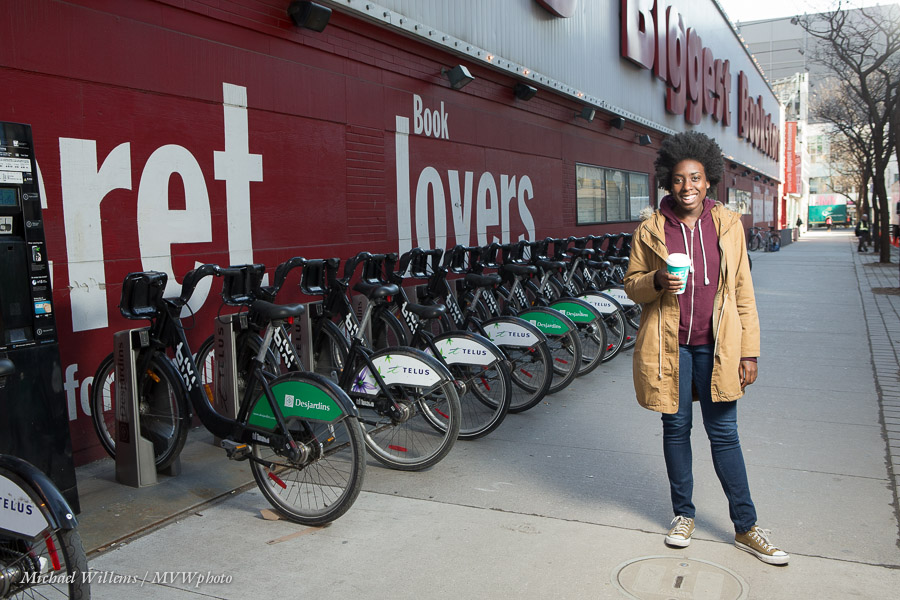
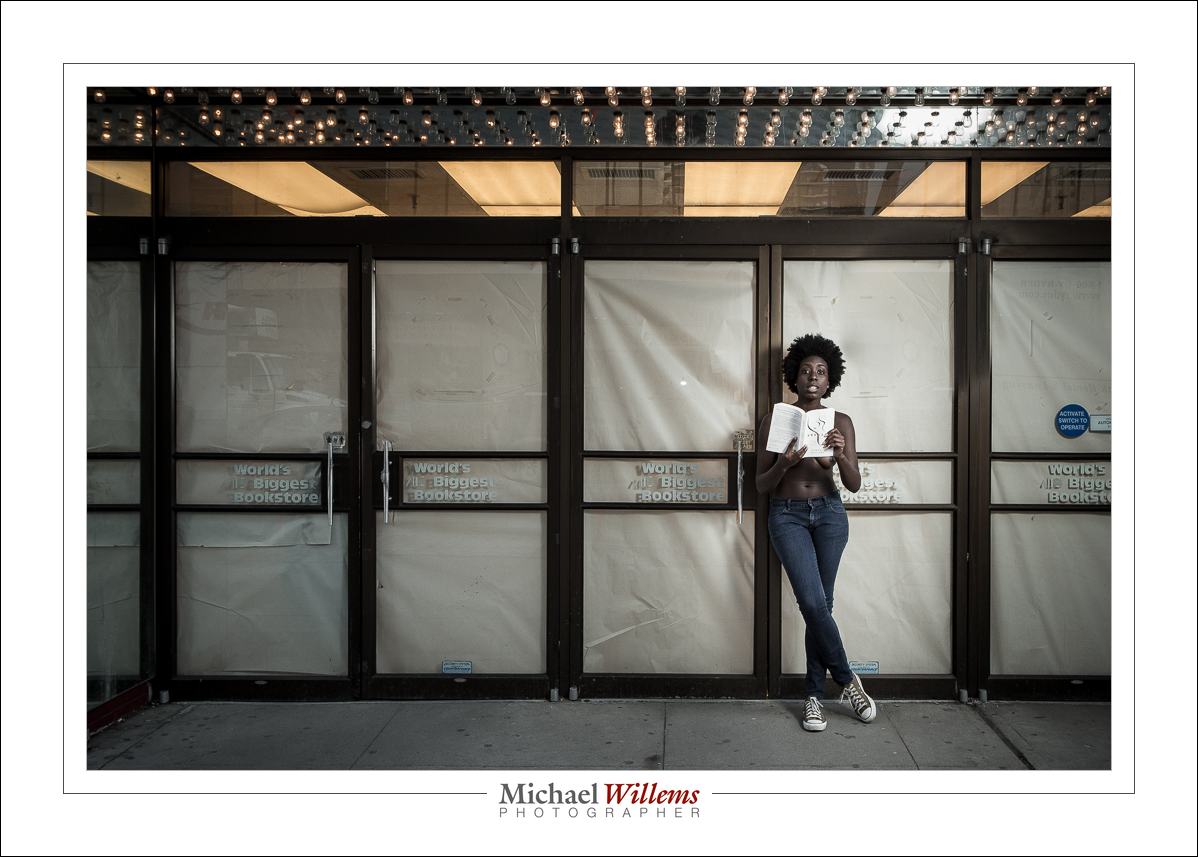
And here’s one of the finished shots, in front of The World’s Largest Bookstore in Toronto—a bookstore that, alas, has recently shut down.

There are lots more: see one here. And see another one here.