More travel tips in the next few days – as soon as I get a chance to finish some photos. Also, a review of a Tamron 18-270mm lens, and more. Here’s a starter:

Yes, I used my flash.

More travel tips in the next few days – as soon as I get a chance to finish some photos. Also, a review of a Tamron 18-270mm lens, and more. Here’s a starter:
Yes, I used my flash.
Prompted by a visit to a restaurant web site just now, a few tips for those of you who run web sites, or would like to. Perhaps to create a photo business, or to grow an existing one? Here’s Michael’s Top Four Tips.
TIP ONE: No Adobe Flash. For four reasons:
TIP TWO: No music. Sound distracts. And the song you choose will annoy half your viewers. And slow the site on its initial load. Yes, you can turn sound off, but why make your client jump through hoops? Unless you are Air Canada, you cannot get away with that.
TIP THREE: No tumbleweed-blogs. If your site gives the viewer the impression it is being updated regularly, update it regularly. A blog that is updated every now and then is deadly. Set an expectation – then exceed it. I promise to blog daily – for now- and I achieve or exceed that. If forced by time constraints I go to a lower frequency that would be fine – in that case I would say “at least twice weekly” and then ensure I do three or four times weekly. Under-promise, over-deliver.
TIP FOUR: Keep it simple. Simplicity rules! Simple font choices. White space. Simple design. Complexity is bad. Your client is not there for you – it is the other way around, and simplicity keeps the client on your site.
Tell stories when making travel snaps – and that includes “background” shots. Shot sthat put the rest of your images into context.
These are often close-up, “fill the frame”, even macto-type shots. Background. The “B-roll”.
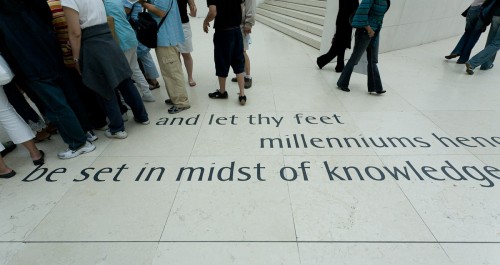
Tennyson's Advice being put into practice (London)
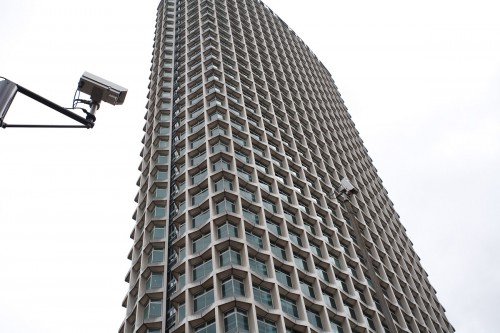
Big Brother is Watching You (London)

Chelsea Hotel, NYC
You’ll be amazed at how much more eagerly your neighbours look at your pictures after your return. Not that your kids aren’t cute and the hotel wasn’t good, but after three or four images you get that point!
Another travel tip:
Fill the frame.
Get close to your subjects – it is not necessary to show the whole subject with all its distractions surrounding it. Get close, as in this image from a while back at the British Museum:

Too many other tourists? Then filling the frame is a great way to eliminate them!

You do this in two ways: get close, and zoom in. And don’t be afraid to go vertical, or even tilt, if you feel it helps fill the frame.
Want a dramatic sky?
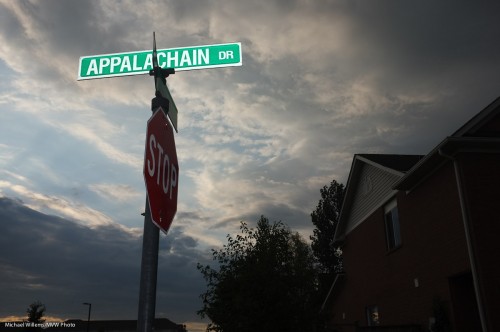
The simply do the following:
Simple, innit?
And there are two ways to do this:
You’re the boss- which is what photography is all about!
I am in the Caribbean, on the island of St Maarten, for a few hours. INcluding the pool bar, of course:
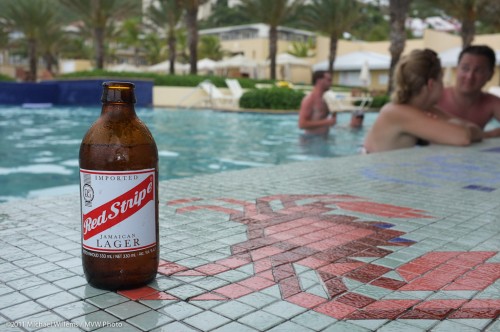
But also including camera care. The moment you walk out of the hotel – bang, the camera mists up. This is due to the difference in temperature and the humidity.
Solution for tropical camera use: Before using, wait until the camera warms up.
And a very good way to do that is with the camera in a closed (tightly wrapped) plastic bag. That way, the misting up, which is bad for cameras, is minimized.
10-20 minutes and you can take as many pics as you like. Or put bag and camera on your balcony before you go out!
When shooting outdoors in sunlight, it is better to turn people away from the sun, so they do not squint.
So you do it as in this recent shot (with the Hon. Minister Harinder Takhar of Ontario in the centre):

As you see, you now need a flash to light up the subjects. Else, they would become silhouettes.
And the constraining factors are:
In this image I used 1/250th second (the fastest I could do with the 1Ds) and f/11 at 200 ISO. Why?
That last part is important: raising ISO is not a solution to the need to “nuke the sun”. Only more flash power is.
One more travel photography tip: include culture.
And you do that though people, very often.
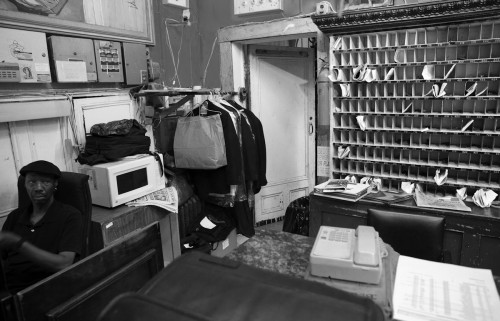
Chelsea Hotel Lobby, NYC

Swedish guards (Stockholm)

Shanghai
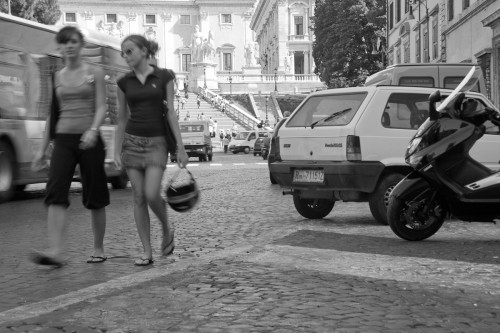
Roman Chicks
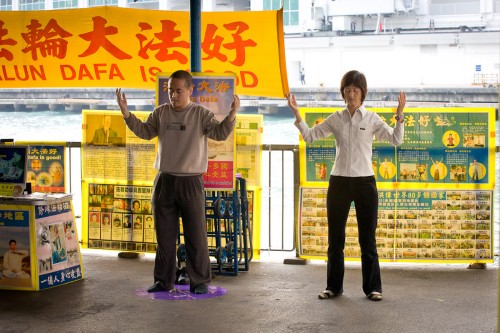
Falun Gong, Hong Kong
Get the picture?
A reader asked me this in an email, the other day:
hello , i was wondering how can you know how to get the right filter for your camera ?!
So that is an interesting question.
First, it is for the lens, not the camera. Each lens takes different filters.
There are two types of filters:
But if you do not know what filter you need.. perhaps you do not need one at all. I don’t usually use any filters except a protection filter when I am in bad weather, as said above. Or a polarizer when I am shooting at mid day and want the skies to turn blue, or when I want water reflections to minimise.
As for how expensive a filter should be: Between $50 and $150, generally. Thin filters, used for wide angle lenses, cost more.
As of today, I plan to be traveling for a week, so if posts are repeats, or delayed, you will know why.
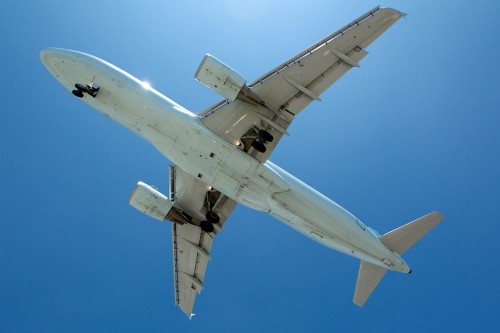
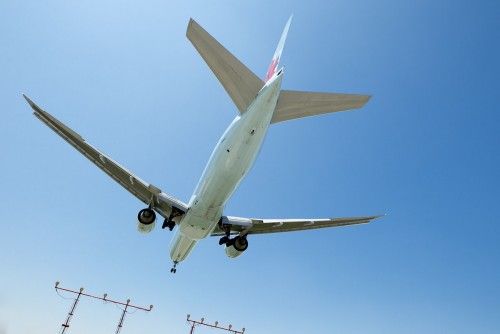
Of course upon my return I hope to be able to show you some nice pictures.
In the mean time, a travel tip – and there will be a few more I should think.
TIP: when skies are blue, and you want contrast, use a polarizer. This is a filter that, when you turn it just the right way, removes non-metallic reflections and does this to the sky (especially at right angles to the sun):
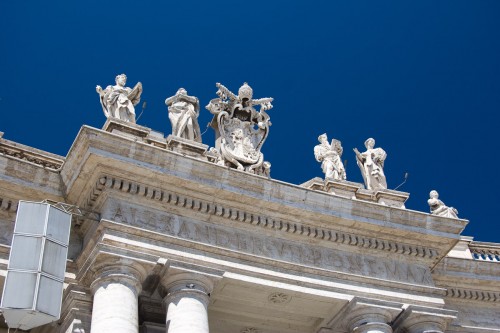
Meaning a super-contrasty look between sky and clouds (even when shooting B&W).