State Of The Art

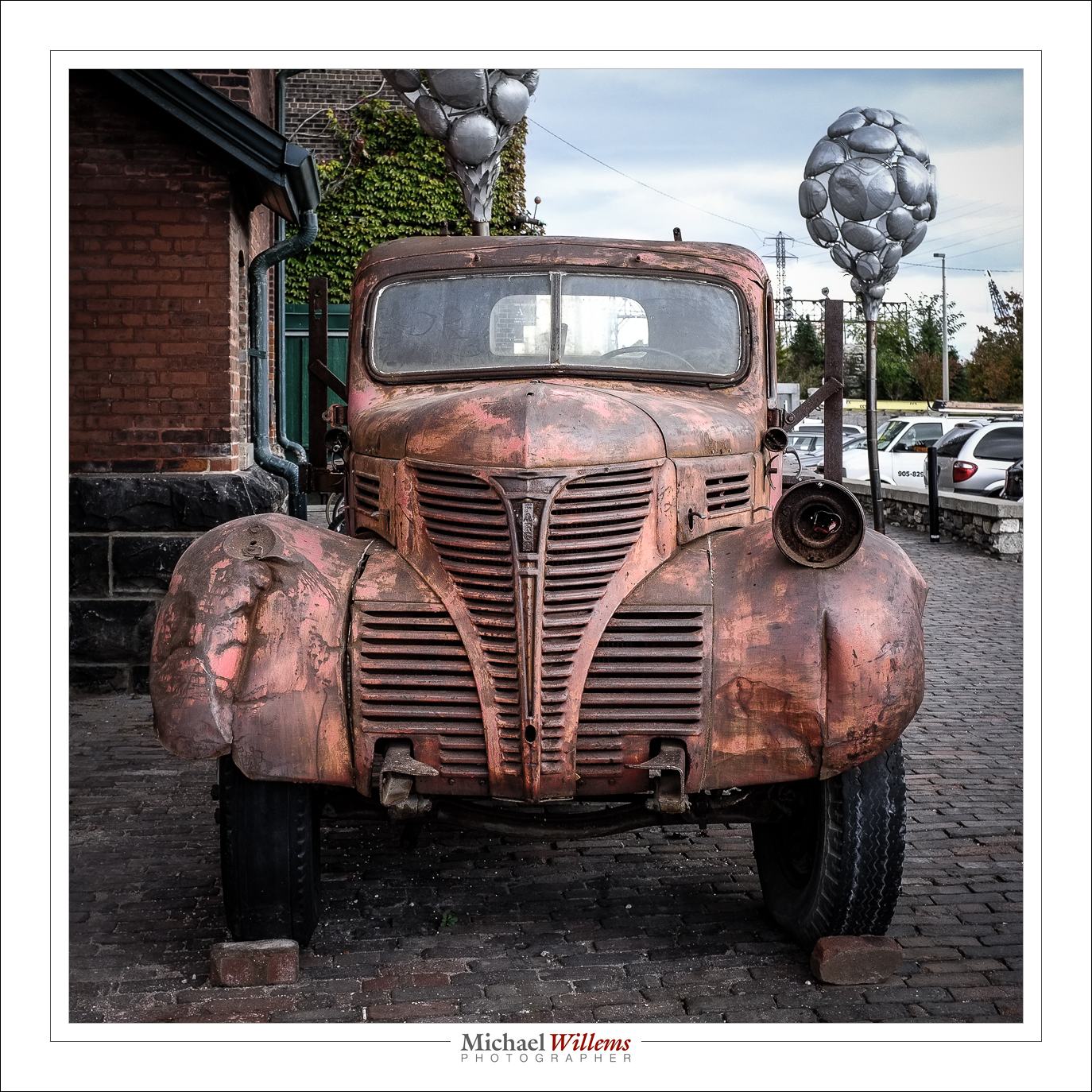
I was at Toronto’s Historic Distillery District yesterday, to pick up a large print from The Kodiak Gallery, where I had it framed. The Distillery is, of course, the home of Canada’s most photographed truck.

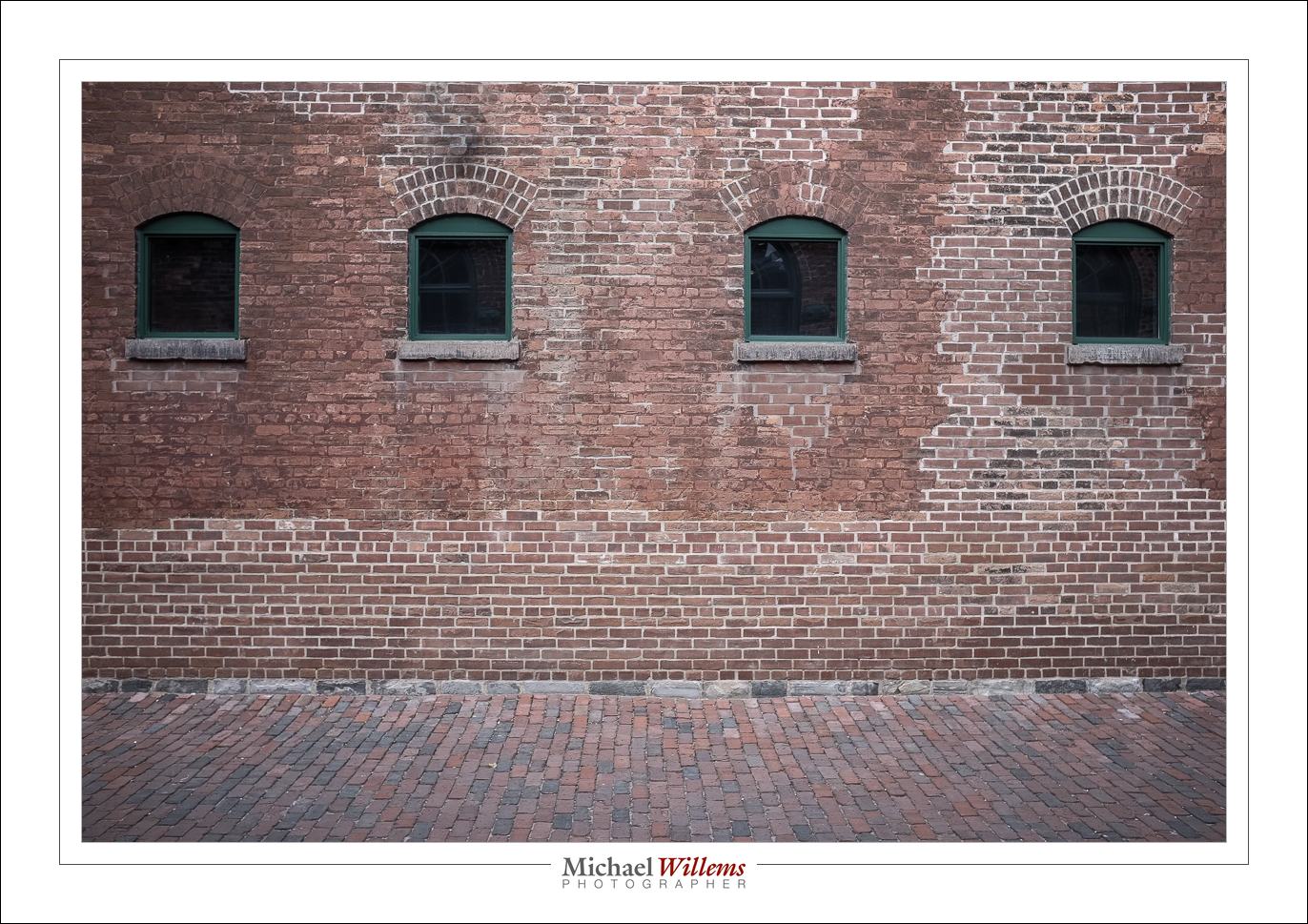
Yeah, I know… guilty as charged. I could not resist snapping it again, with my renewed-with-firmware-2 Fuji x100 camera. Nor could I resist the bricks:

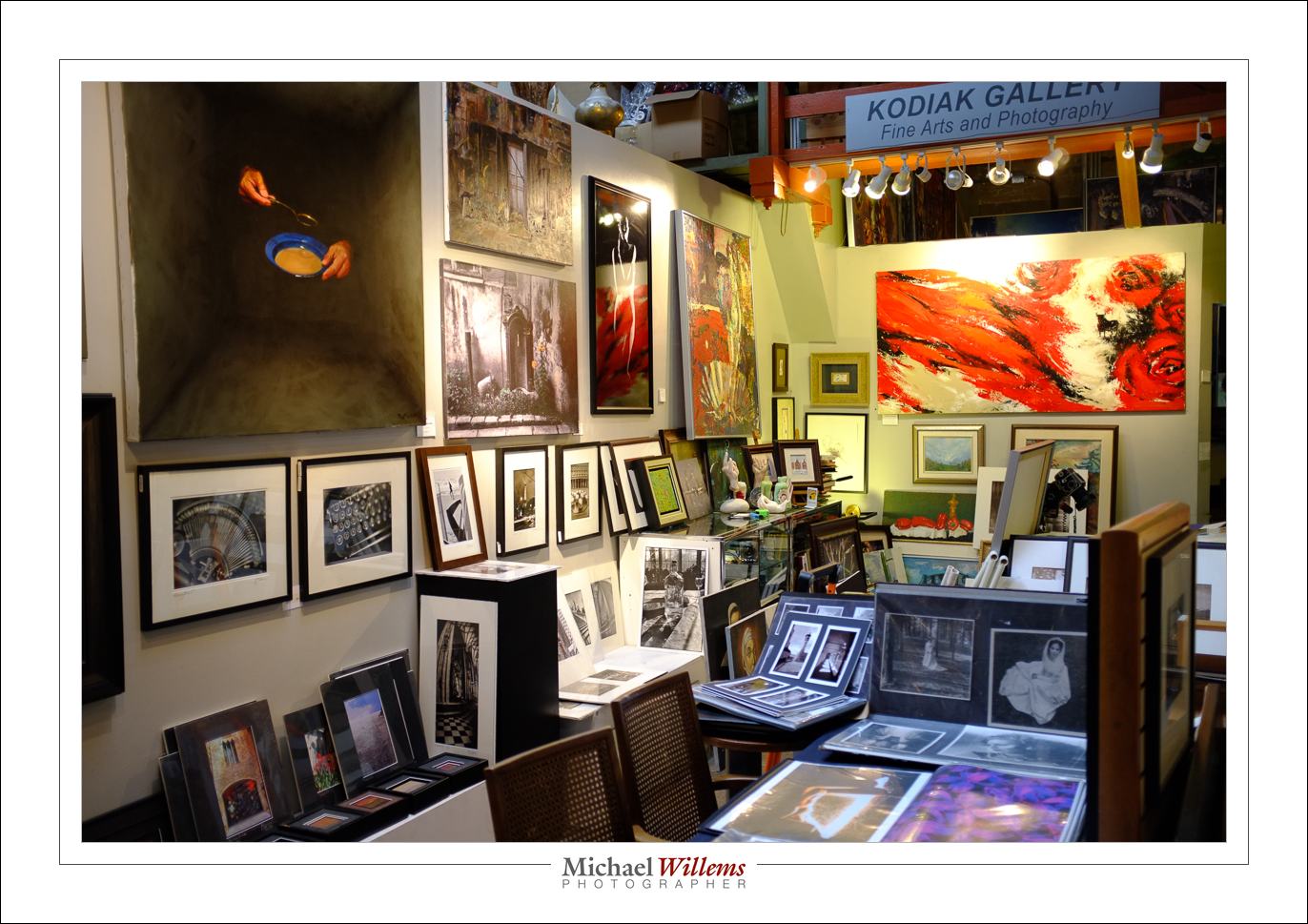
Or indeed the Kodiak Gallery itself:

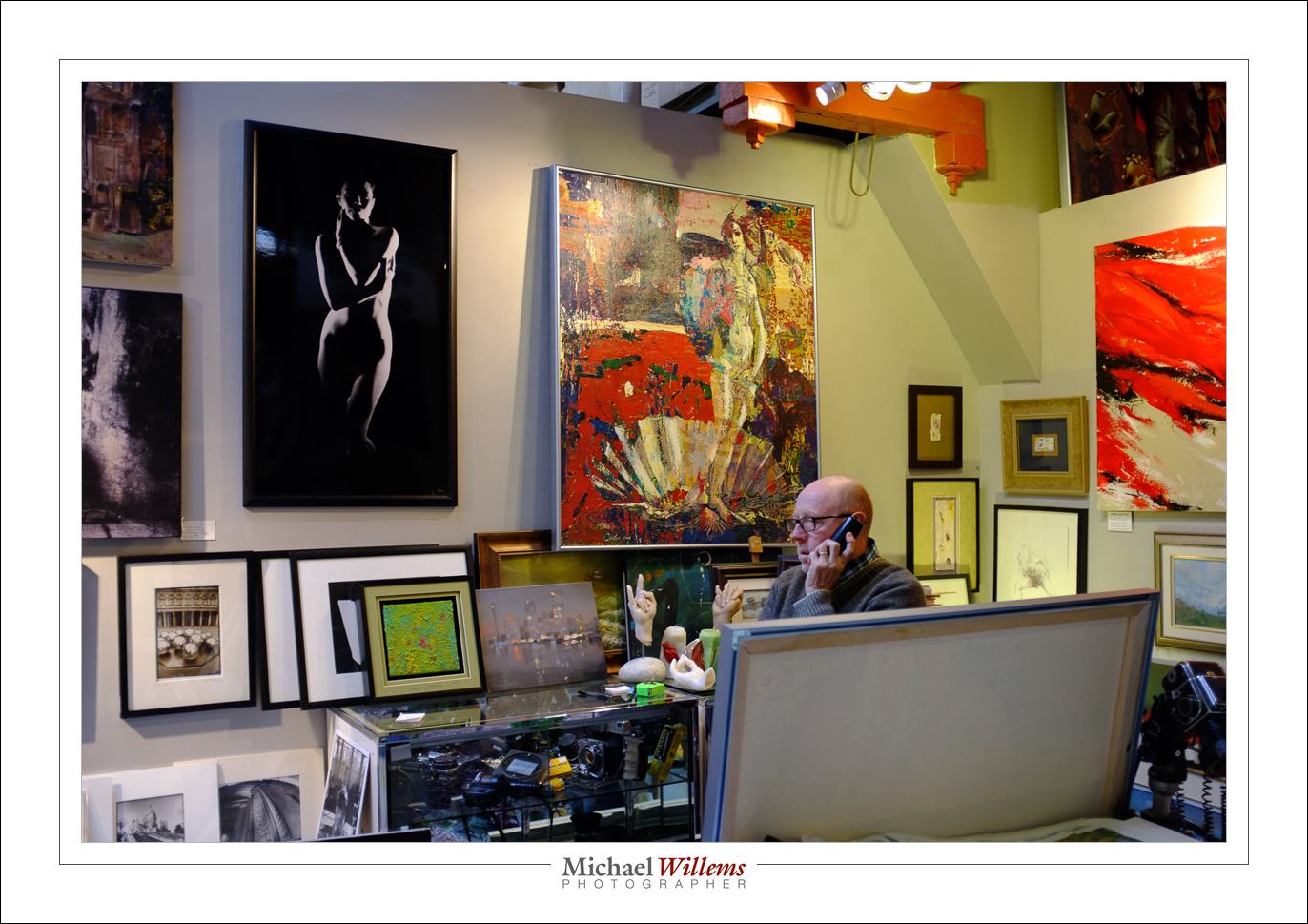
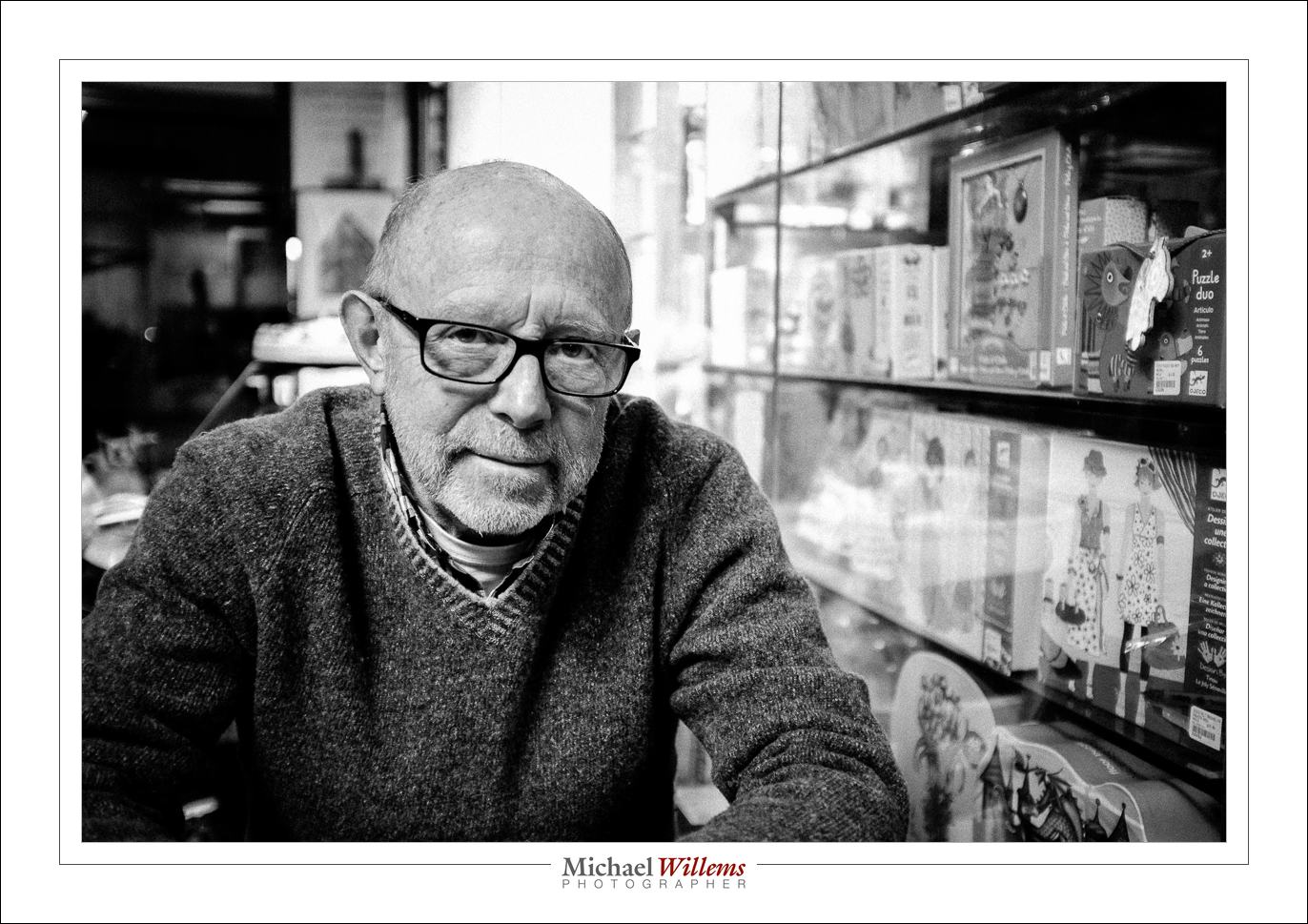
Or Gregory Talas, the gallery owner, at work:

This is a gallery I have had several exhibits at, by the way (and still have work at: that large black print on the wall there is one of mine, for instance).

And there, over a coffee, Gregory told me he is moving.

Moving from The Distillery, after years there. It appears that the last few years, people come in, look, admire, praise, admire again – and then leave. Unlike in Europe, most Canadians do not buy art, certainly not in today’s economy; or they expect a painting to cost $99 instead of $5,999 (or a print $30 instead of $300). Why stay at The Distillery if people stop buying? Gregory, and with him The Kodiak Gallery, is moving, and my work goes with him too, of course. Shame: I liked The Distillery; but sure, if the buying public is there, go elsewhere.

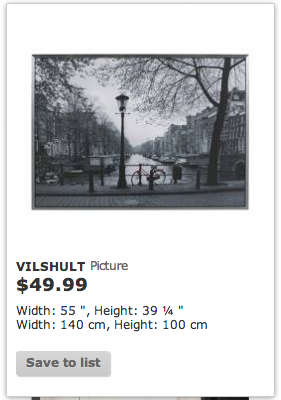
One reason for this, I think, is that beginning photographers undersell themselves. When you work out what it costs you to create, say, a framed print, from beginning to end, factoring in the time and equipment, the material cost of art printers, paper, and inks, the framing, it is impossible to seek a print for $80, say. Or rather: it is possible, but you are making a loss. And the same applies in wedding photography, family photography, or any other type of photography. The local newspapers employ people who do it for free, or for little money. If that means a lowering of quality, so be it. If most people want the distorted, not well printed, same-as-everyone-else Ikea bicycle for $49…

…instead of a unique one that only you will have, autographed and printed in permanent pigments in limited editions, at $400…

…then so be it. But just like in food, where most like McDonalds, there will always be people who do want quality and uniqueness – just not at The Distillery. And not quickly, either: a painting, a print, can take years to sell, but if it is good, it will sell in the end.

You set prices according to the market, but also according to what you put into the work; and also according to the “can I live off this” spreadsheet. All three need to meet.


Flash x2!

OK, here’s what we do. I am now offering TWO Oakville “Advanced Flash” Courses: on Saturday, November 9; and again on Sunday, November 10. Both in Oakville, Ontario. This course is for everyone from amateur to pro: I expect you to know basic camera operation including the use of aperture and shutter, but you need know nothing at all about flash.

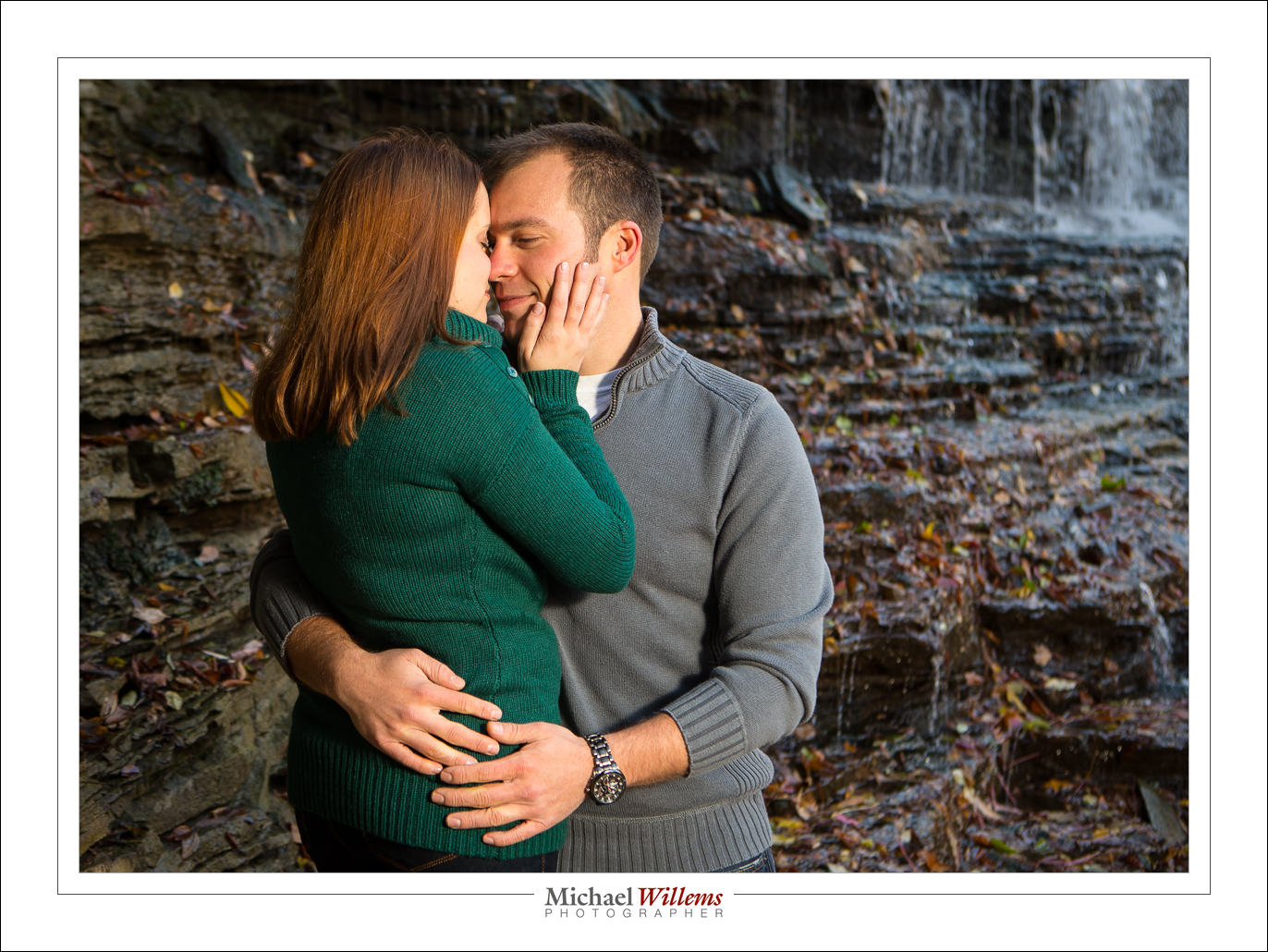
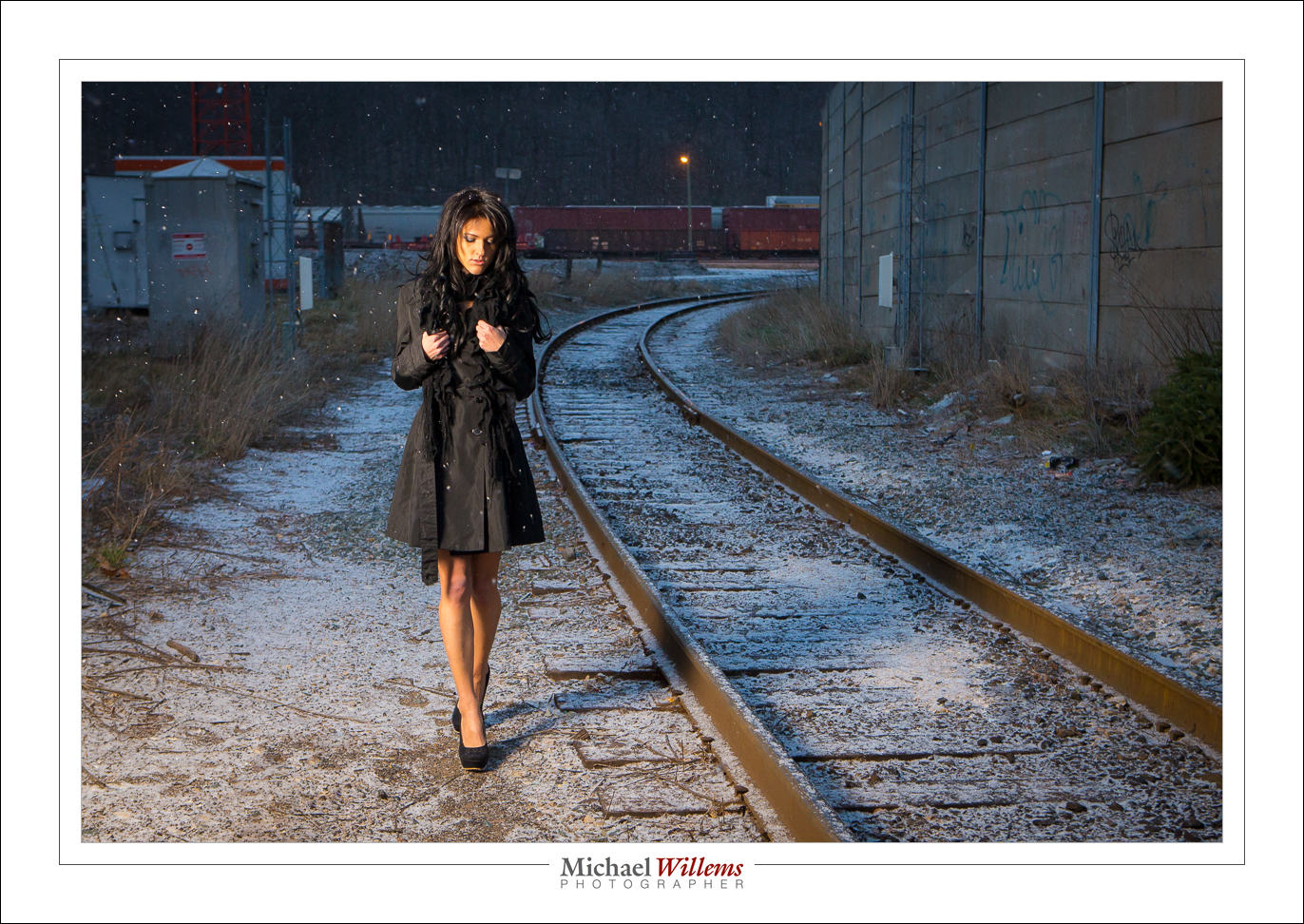
Why flash? So that you can make pictures like this, straight out of your camera:

As mentioned yesterday, I am limiting the number of students in each class to no more than 4-5, so do get there first.  See the syllabus here, and book via the link at the bottom of that page – indicate your desired date!

Your flash tip for the day: when using your flash outside, keep your shutter speed at 1/200th second or below. Else, your flash would have to go into high-speed/FP mode, which drastically reduces the range. Use manual or shutter-speed priority mode to be sure!


Evening worthwhile

So… the art award evening, held in the Grand Ballroom of the local conference centre just now, just now went well:

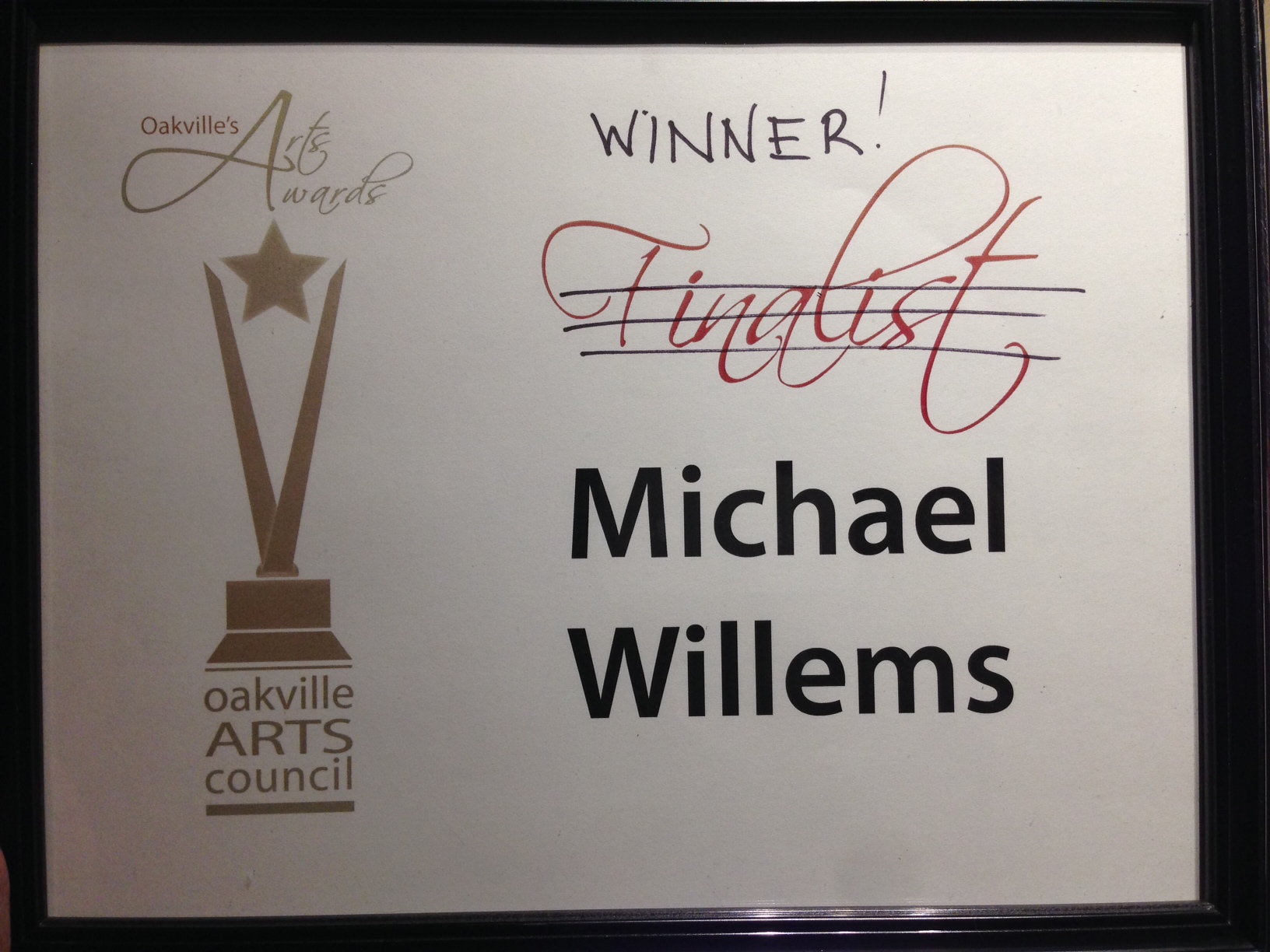
Yes, I won the 2013 Cogeco “Stars Among Us” Digital Art Award.

I am hugely honoured for several reasons. First, I am humbled by the company I am in: other finalists in the various categories included renowned authors, university professors, poets, and great creative artists. And the other two finalists in my category (“digital arts”, meaning photography and video) were very, very good: I was surprised to be chosen over them.

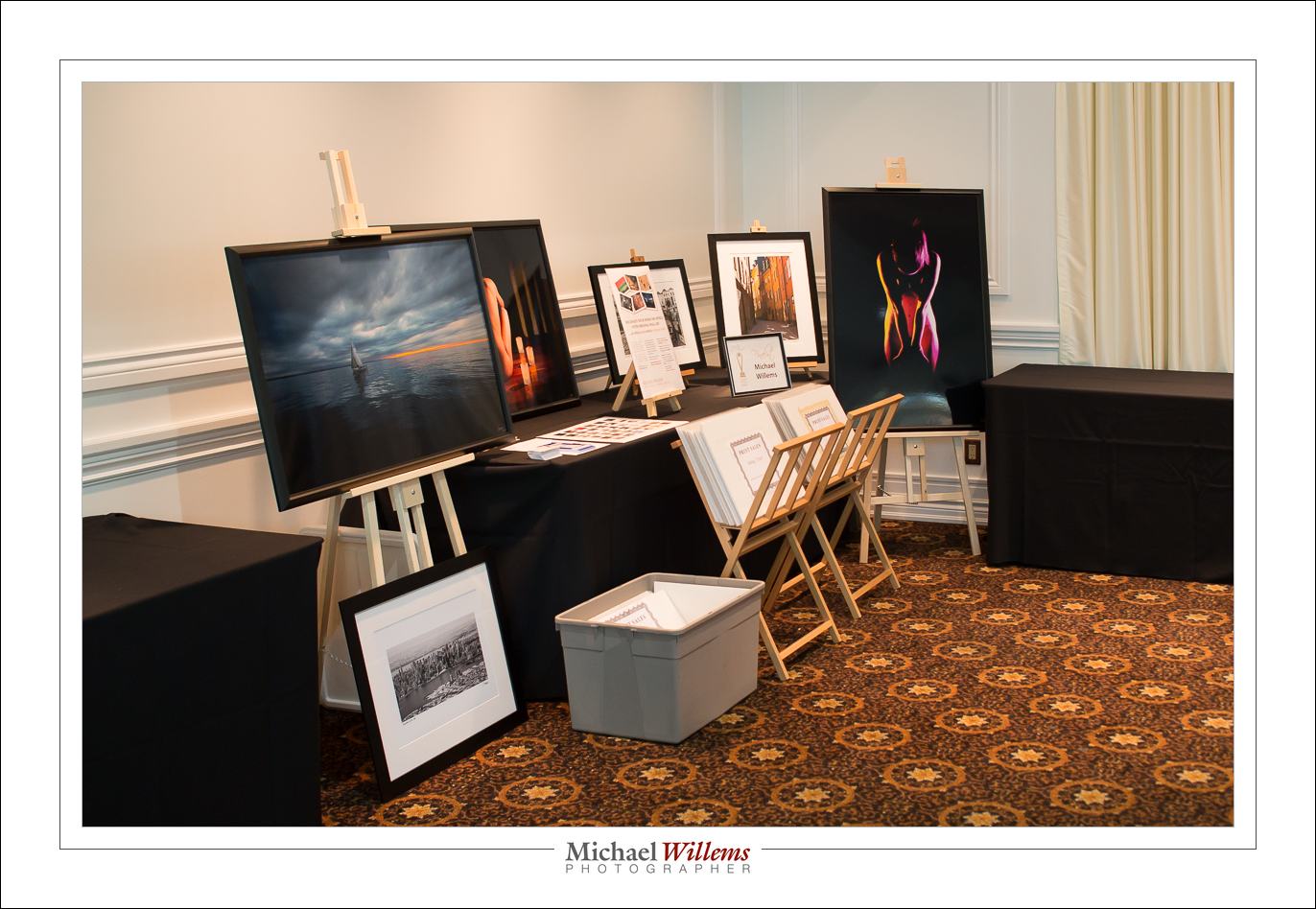
The work I submitted consisted of nudes, and a few sailing and other recent images: wall art, ready to hang. I had a bunch, as you see:

As a creative artist, I know my work is good, or I would give up. And yet, knowing that others also value it is great validation. And the cash prize helps. And the publicity will help. And business will result from this. But above all, knowing that my work pleases others is reward in itself. That’s why you do it – right?

See some of my prints on www.michaelsmuse.com


Print pricing

Following up from the “printing” post, I want to give you a little perspective on print pricing. Both for the buyers (companies and individuals) and for the sellers (the photographers and artists).

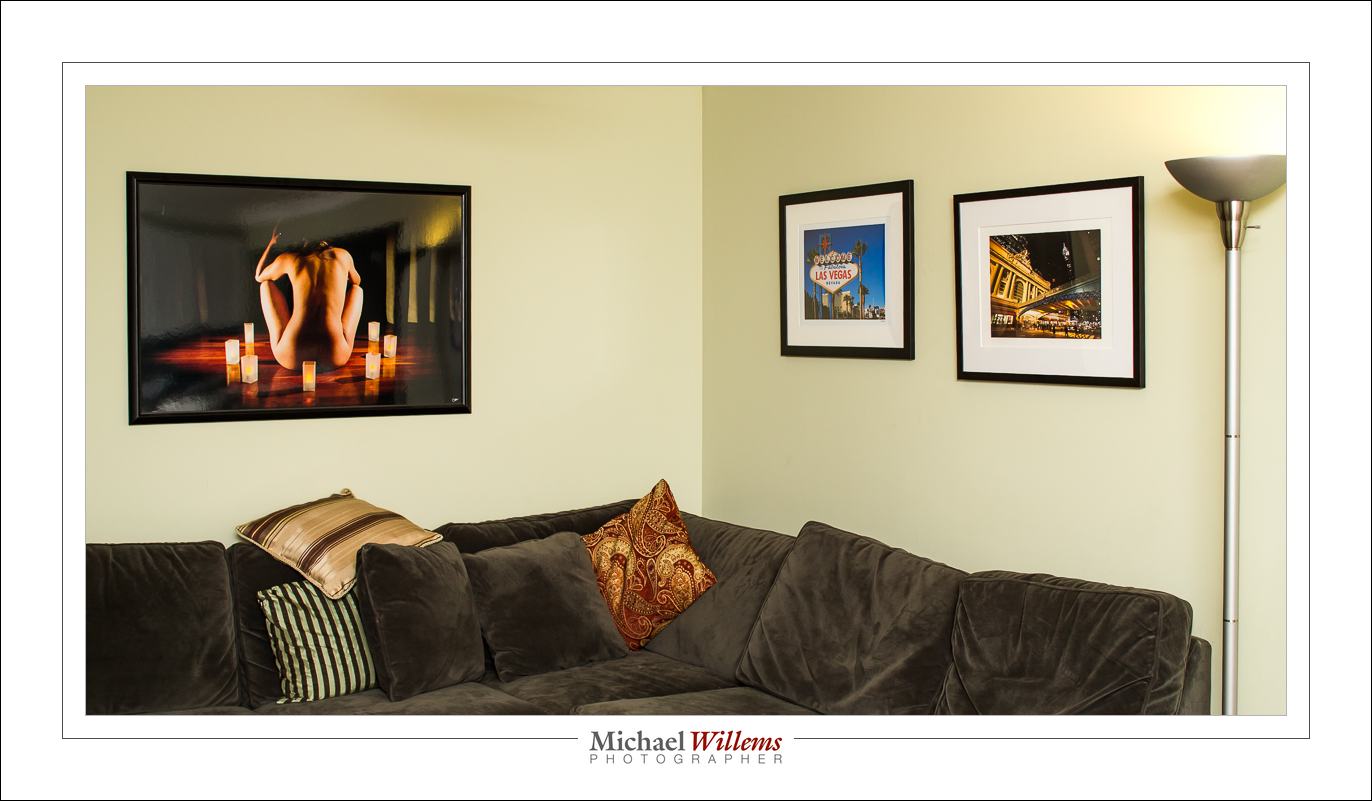
Professional art prints cost money. To give you an idea, a professionally made image printed on 13×19” paper, ready to frame, will cost $249. A 13×19” print framed ia $536 (you see two in the picture below). And a 40”x24” (approx.) metallic print, framed: $1435. (that’s the one on the left).
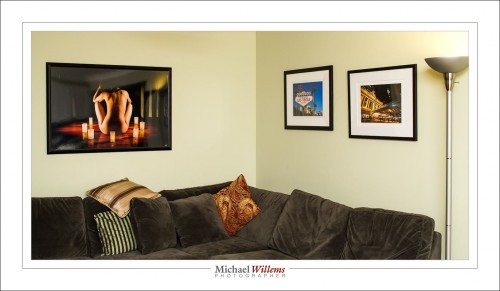
“Why? I can make a print for $20, surely?”, is an objection I have heard many times.

Well, no – that is not the way to look at this. And there are three ways to understand this. I thought it might be useful to go over those, today.

One way is by analogy. Sure, the print may not cost the sale price. But that is like saying “I went to the law office and I got my will done. I’ve got it here: it’s a piece of paper made by an HP printer, typed by a secretary. The paper and the typist time are no more than $15, so why should I pay more?”. Or perhaps it is like saying “Rembrandt’s brushes, canvas and paints cost him 2 florins, so that is what I’ll pay for that Rembrandt painting over there”. You see the silliness of those ways of looking at it, presumably. Printed photographs are the same. They are, in a term I have heard recently, “high-end wall furniture”. Any furniture designed for you and sold in limited numbers (“we’ll only make 20 of these couches”) will be worth money. And more than the cost of wood and cloth, of course, if we stay with the analogies.

The other way to understand is by looking what goes into a print. A framed art photograph for your wall contains, of course, a lot more than the paper and ink (just as the will contains more than just the paper and ink):

First, it contains, if you will, “intellectual property”:

  • Most importantly, the artistic taste, vision and ability that led to the image.
  • The photographic expertise. It takes 10,000 hours to become an expert at anything, and that is certainly true for artistic photography. You pay the lawyer for his experience and ability to deliver; same for the artist.
  • The printing expertise. Any idea how long it takes to become good at printing with the right colours, contracts, and so on, and to create prints on the right kind of paper, and prints that last?

A story, probably apocryphal, has it that Pablo Picasso was sketching in the park when a woman approached him. “It’s you — Picasso, the great artist! Oh, you must sketch my portrait! I insist.” So Picasso agreed to sketch her. After studying her for a moment, he used a single pencil stroke to create her portrait. He handed the woman his work of art. “It’s perfect!” she gushed. “You managed to capture my essence with one stroke, in one moment. Thank you! How much do I owe you?” “Five thousand dollars,” the artist replied. “But, what?” the woman sputtered. “How could you want so much money for this picture? It only took you a second to draw it!” To which Picasso responded, “Madame, it took me my entire life.”

Second, the photograph contains “real cost”. That is, of course, not your problem if you are buying, but it is nevertheless perhaps illuminating to see that there’s a lot that goes into a wall photo:

  1. Proper photographic equipment – at last $20,000 is needed to have a proper photographic setup. And that’s really just the cameras and lenses. Yes, proper equipment is important. When you blow up that image, imperfections due to cheap cameras and lenses will be noticed.
  2. Printer and computer equipment. Again, this is not cheap. You cannot expect permanent prints from a cheap inkjet printer or from a Costco machine. Proper printers have ten inks, not just one or two; and they are pigments, not dyes.  The computer equipment, software, disk space, etc also cost money, and proper high-end calibrated screens are essential.
  3. Supplies. Proper art paper and pigment inks are not cheap. My printer has 10 cartridges for the different colours, and it seems that every three minutes one of them is out. And they cost $22 each. And the paper: $50 will buy you a small box – and again, they’re constantly out.
  4. Time. The time to make the photo in the first place. But also, the time to finish that photo. And then the time to print. It takes two minutes to even feed a sheet of paper into a pro printer, and that’s without the printing having started yet!
  5. The frame. Handmade frames and custom-cut mats are a real cost. Go to an art supply store and ask to have something framed and you will see.
  6. Time to put it all together. By the time you see a work of wall art, the artist has made the photo, set up the equipment, finished the photo, made the print, driven back and forth to buy inks and paper, driven back and forth to have the photo framed or wrapped, and so on.

So buyer: while it may not be your problem that a lot of real cost goes into wall art, I think it may be enlightening to realize exactly how much. Your artist is not getting rich over your back. And seller:  when you do the math, on a simple spreadsheet, you see it is not viable to sell for less than “standard pricing”, unless you want to work for less than minimum wage, of course. Importantly, both buyer and seller should realize there is real, true, value in a piece of wall art.

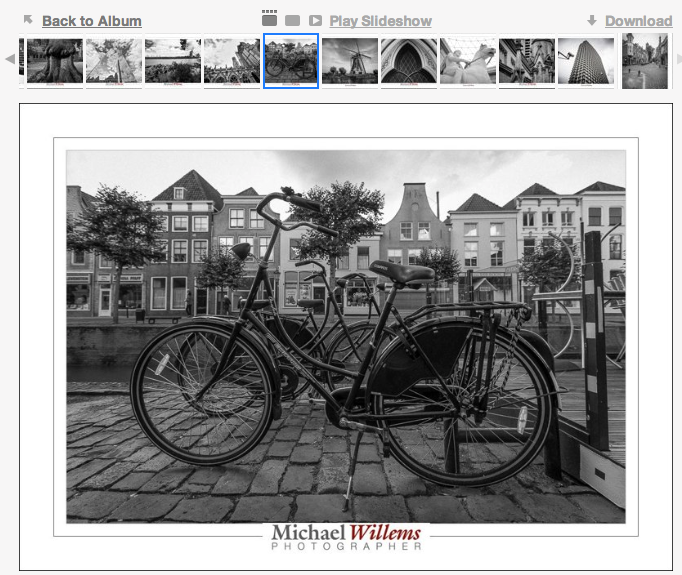
And finally, the third way to understand print pricing: a product’s value is defined by its scarcity. This is, presumably, interesting to any buyer! And this is why we tend to print in limited editions. You can go pick up a piece of wall art at Ikea, but apart from the cheap printing and eventual fading, more importantly, approximately 8 million other homes or offices will have the exact same print. And that’s just in your town.

So yeah, you want the same Amsterdam canal pic that families from Toronto to Trondheim, from Stockholm to Singapore, from Israel to India have in their living room? Go ahead, here it is:
But if you want something unique, that not everyone else has, that is handmade, autographed, and produced in limited editions, then you may want to come to me and other wall art makers. That’s real value added to your environment.
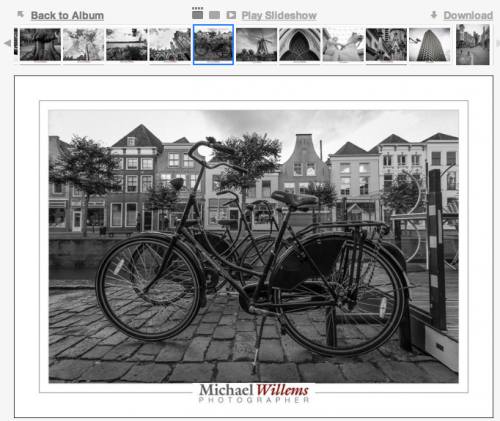
What’s more: I can produce this image at any size you like, on any paper you like, with any frame you like. To fit you, instead of you having to fit the print.

So – head on over to www.michaelsmuse.com and similar sites, or go visit a gallery, and buy your own unique wall art.  Now you know it’s worth it!

 

Photographers: 16 web mistakes to avoid

Those of you who want to make a living as photographers, I have some advice.

Apart from the obvious “Don’t!” or its opposite “Follow your dreams!”, I am going to give you some very simple practical advice. About your web site.

This is prompted by me addressing interior decorators and home stagers in my town, and in doing so, seeing their web presence. And it is very clear to me which ones I would never hire. Ever. In 100 years.

A common but fatal web site mistake...

And that is the ones that:

  1. Have an overall amateurish web site. A starting page with just a “Click to enter site…” button is dumb. Seven fonts on one page is dumb. Spelling mistakes on a web site are dumb.
  2. Have a Flash web site, i.e. one that you cannot copy/paste from. That is not searchable by Google. That takes time to load.
  3. Have a web site like “www.wonderfulphotos.com” but that then have an email address like “jenny.wonderfulphotos@hotmail.com”. Come on… get an address at your own site already!
  4. Have a bad snapshot portrait. Whoosh, there goes the illusion of professionalism.
  5. Use bad photography in general. Your front page had better have a perfect photo.
  6. Have no email address that you can copy/paste (i.e. it is a picture).
  7. Have no email address at all, but a “contact” page. You should not inconvenience your potential clients for your benefit. They will not have a record of what they asked you; they need to do extra work; and it shows that you do not respect them.
  8. Even worse, have a contact page form submission that does not work – that is a totally deadly sin.
  9. Have only an “info@” email address. As a photographer, you probably want to be known by name, yes?
  10. A domain web site. “My site is www.blogspot.ca/jennysinteriors”. That sort of thing.
  11. have other pages that do not work. A contact page that gives you a 404 error – “page not found”. Yes, I have seen that several times in the last few hours.
  12. Have an anonymous site that has your photo. but not your name, only a company name. What, you’re afraid of your clients finding out who you are?
  13. Music. Puh-leeze… need I say more, as I am suddenly startled by whatever you think is cool blasting out of my speakers?
  14. Having NO web site, just a phone number. God help me, there are people like that out there trying to build businesses. Trying being the key word.
  15. Having your web site die. Ouch.
  16. That use amateurs to design their site, to save money. Many, many of these mistakes are due to such amateurs. Just like in photography, it pays to hire a pro.

Expired five days ago, and no-one noticed?

And there’s more – I am stopping here, at 16 mistakes, because it is depressing enough. I need to see no more. And these are basic mistakes. I have not talked about the marketing. Marketing is tough. But the stuff in my list above is dead simple.

Dead, which is exactly what your business will be if you make those mistakes. Just saying.


A Reminder to Newcomers

A lot of new readers here on Speedlighter.ca, so I thought time for a few reminders.

My name is Willems. Michael Willems.

That didn’t sound quite as cool as when James Bond says it. But anyway, I am a photographer, and I teach photography – at Ontario’s Sheridan college, in schools, to groups large and small; in my own school; privately; at Vistek; at shows, and internationally. See www.michaelwillems.ca. This blog supports that teaching. It is my gift to you all. I want the world to know photography, so I share here.

I aim at everyone, from beginners to pros. Every day, I write what I feel like writing about. By reading all articles, you will get the idea and learn. You can also search. Or read categories (scroll to the bottom for this).

I have been doing this daily for four years. Yes, four years of daily posts. I occasionally miss a day, but then I do two posts the next day.

This blog may not always stay daily, but it will always stay free. All I ask in return is for you to:

  • Tell all your friends about it, if you like what you read!
  • “Like” the posts on Facebook and other social media (use the little icons at the top and bottom of each article).
  • Add your voice to the discussions (comment by using the link at the bottom of each article).
  • Consider buying my photography e-books. See the link above. I promise you will like them and learn  – a lot. They cost $19.95 each and are in PDF format, at least 100 pages each, and not addled with DRM protection. I trust you.
  • Consider additional training.

So… for newcomers, a quick tip: learn to focus your camera.

Quick advice of the day:

  • Where: select one focus point. Aim that at what should be in the centre of the sharp range. Focus by pressing half way down. Hold. Recompose if necessary. Press all the way down.
  • How: normally use lock focus (“One Shot”/AF-S). When shooting moving objects, consider continuous focus (“AI Servo”/AF-C).

Now go practice that. We’ll talk again tomorrow!


I’ll Just Do It Myself!

I tend not to worry about, or comment on, the photography market, but sometimes I shake my head and say “what?”.

One of those times is today. A friend asked me to help her shoot small high-end product for a retailer who sells… small, high-end products. Think thousands, and very small. So we quoted for this – the images to be used for a full-page advertisement.

Example of small product, shot with tilt-shift lens


This kind of shooting is not simple. It involves such things as:

  • Camera – a good one.
  • Macro lens
  • Tilt-shift lens
  • Tripod
  • Lights – at least three or four available flashes, preferably
  • Modifiers: Reflectors, softboxes, umbrellas, lightboxes
  • A light table
  • Time

Oh, and knowledge.

And post-processing software, expertise, and time.

So what did the retailer do? He posted this:

So I’ve decided to just buy a camera, seeing what the costs of a shoot are. Any cameras or lenses that are best for close up macro?”

He later asked:

What is a good DSLR to buy?

And when asked whether he knows how to shoot in manual mode, he replied:

No. How hard can it be?

So there is the market problem in a nutshell. Everyone thinks they can do it. I am not sure how to break it to this retailer, but in fact it is not simple, and it involves a lot more than just buying a camera.  “Every professional skill takes 10,000 hours to master”, it is often said. By whom, you ask? By me, and by many others. Because it is true.

I think this retailer may be better off just having us shoot his products, and making it a lesson at the same time. And I do hope he decides to do that, rather than trying it himself.


Primes

As I so often say, prime lenses are fun. They are often better than zooms, lighter, and faster. And they enforce compositional discipline.

Like the 85mm f/1.2 lens that I rented it from www.gtalensrentals.com (because when I can not afford a piece of equipment, or when I want to try it out, or when it’s something I would use only a few times a year, I rent.)

All shot handheld with the Canon 85mm f/1.2L prime lens.

What I love about this lens: The quality. It is ridiculously sharp. Its focus mechanism, whether engaged (manual focus) or not is ridiculously smooth, a real pleasure to use. No scratchy scrapy movement: smooth effortless “air hockey” gliding instead.

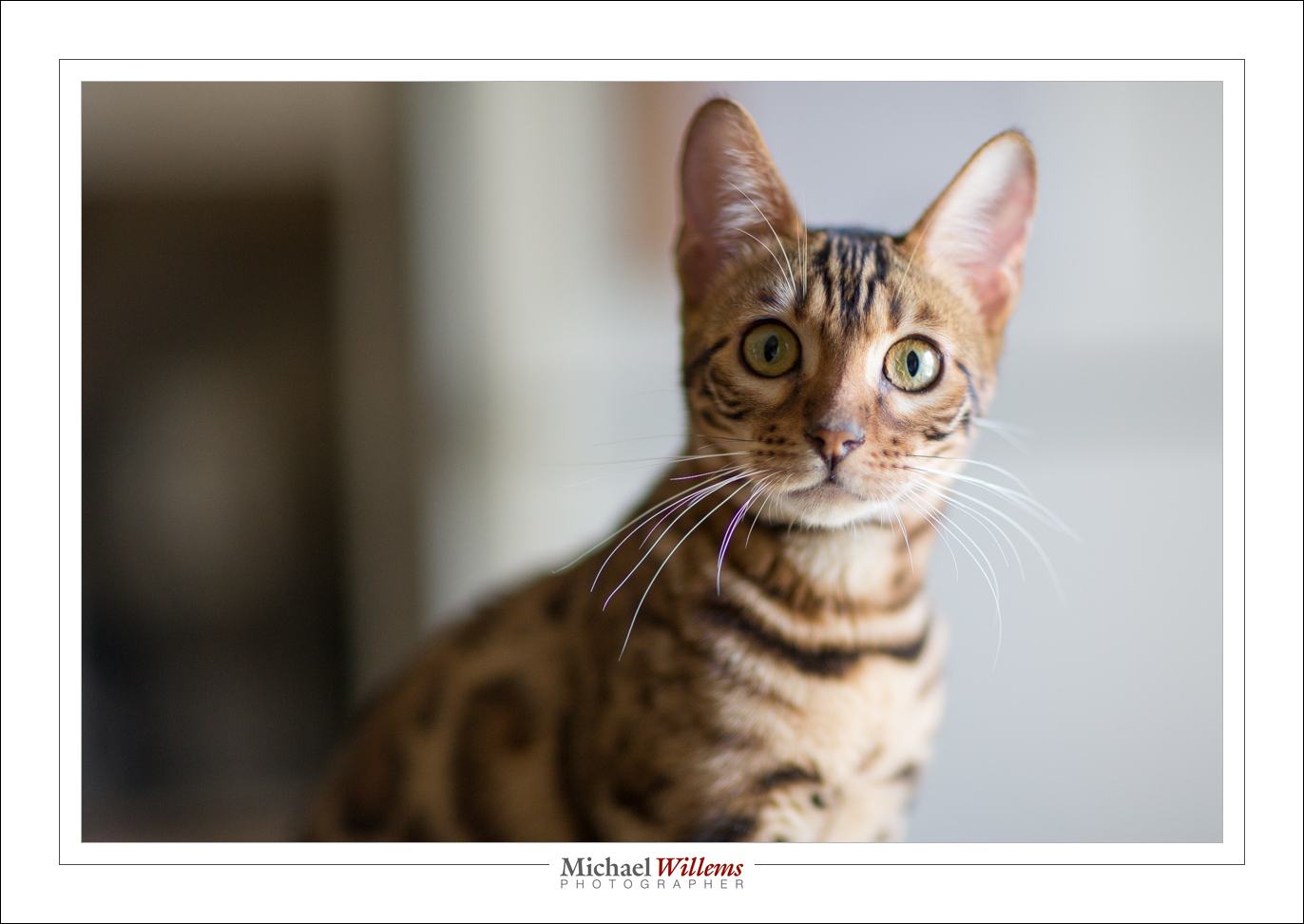
This lens is razor-sharp wide open, too, and has beautiful bokeh (the “creamy” nature of the blurry background):

f/1.2, 1/50th sec, 3200 ISO

What I like less: if his lens had IS (stabilization), that would be great. And if it could only focus a little closer… its closest distance is almost one metre/3ft.

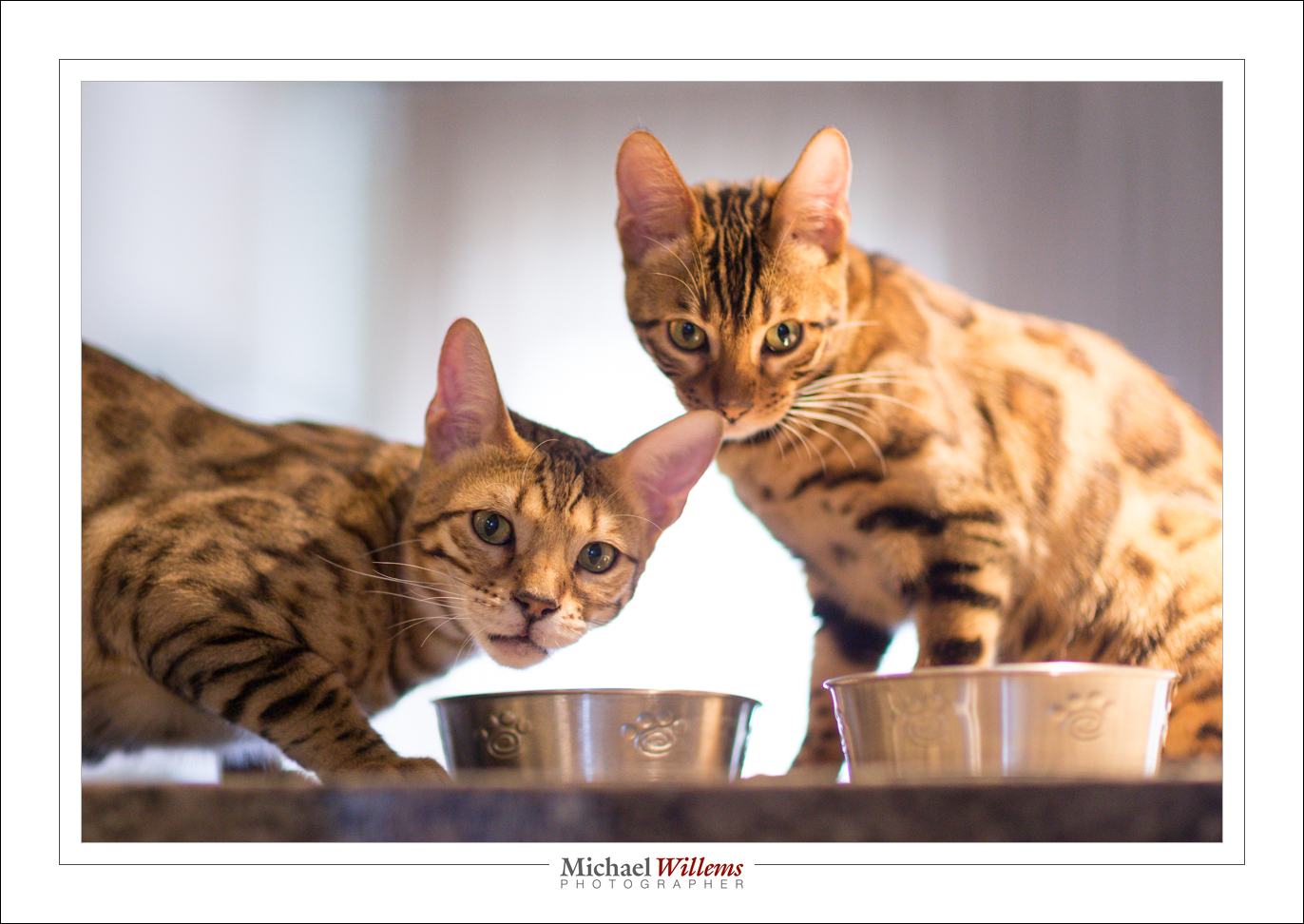
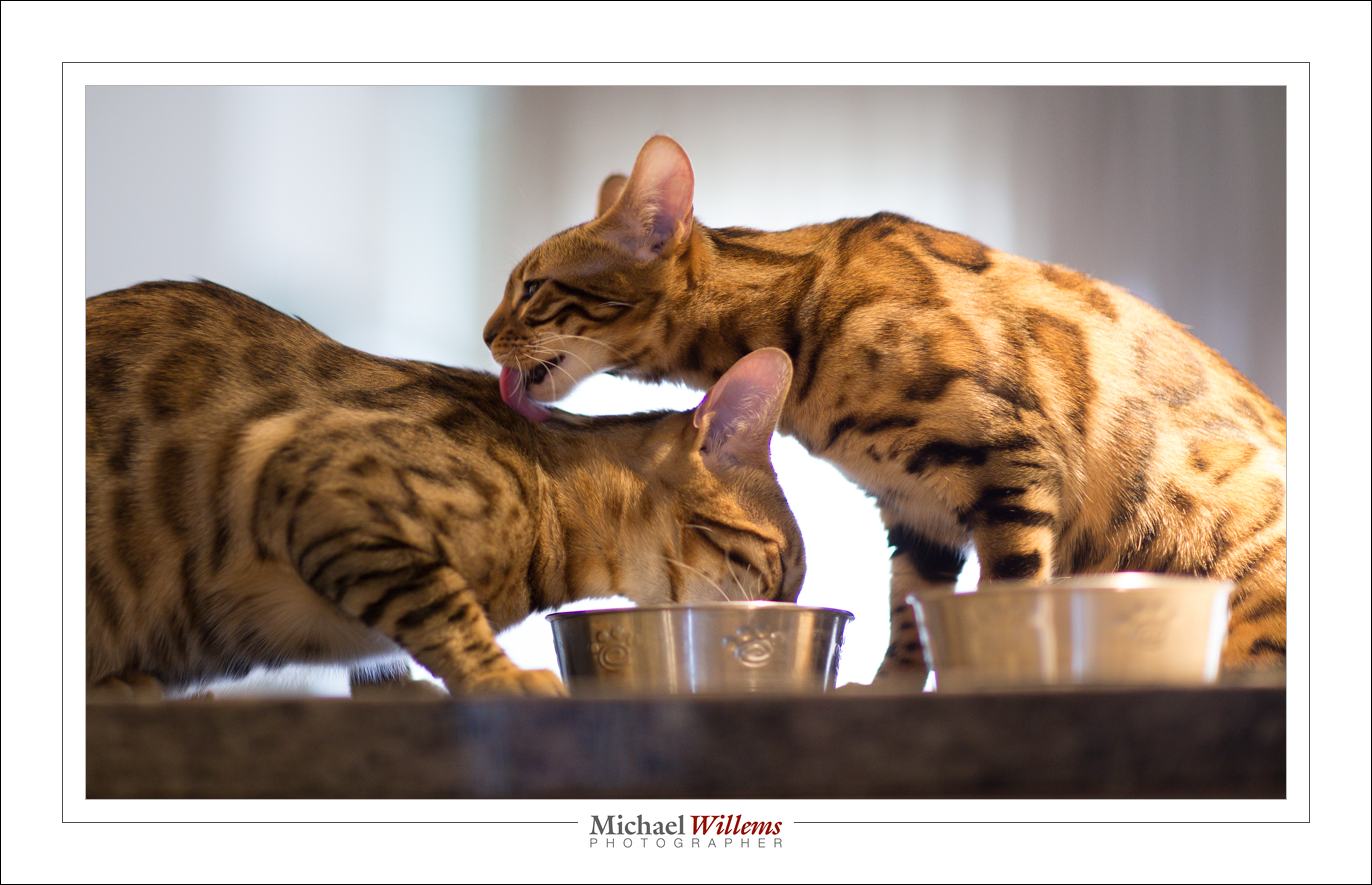
You see, that startles Mau as well:

These shots were made at 1/200th sec, f/1.4, 3200 ISO in a pretty dark room. The kind of thing you can do with a prime.

Go rent this lens: since I returned it, it’s available. Warning, though, I plan to get it again for Tuesday’s corporate portrait shoot!


Make it all work for you!

One piece of advice I give all photographers is: make it all work for you; in particular, spend a little time making things efficient. And spend up to a day doing it every month.

That means things like:

  1. Packing your bags the best way (hint: I have no camera bag. Camera on one shoulder; bag with lenses etc on the other. Camera in bag = unready camera.
  2. Carry a little checklist or drawing that tells you what goes where in the bag(s). Enormous time-saver!
  3. Have at least one camera that is charged and set up, ready to go. Perhaps read settings from a memory card, if your camera allows that, or have a user preset ready to go. That way you can start shooting immediately.
  4. Finding a good camera strap: all my cameras have Domke straps, because they have a rotating joint at each end that avoid tangled straps.
  5. No lens caps on the camera you are using. Filters are your option, but I do not use them unless it’s snowing or I am at a beach or in a sandstorm.
  6. Always carry a flash and some modifiers (I really like the Honl photo range and always carry a reflector and a softbox and some gels.)
  7. Use Lightroom to asset-manage and edit your images. Only go into Photoshop when you need to (and do that from within Lightroom).
  8. Get a Mac – yes, I’ll say it. The productivity gain is so great, I am no longer OS-agnostic: I recommend the Mac with OS X. Yes, I know Windows and I love Linux, but the Mac just gets on with it, its interface is consistent, and especially when it gets to things like networking, it’s just so much more reliable than Windows. (*)
  9. Mark your equipment. Personalize all your gear. label things.


And find the right apps for your devices. To get you started, I have some recommendations.

This month’s app winner: One little gem I recently discovered is an app for Mac OS X (i.e. for the Macbook or iMac) called Keyclick from Sustworks (click here for the app’s page). It features selectable sounds and many more options:

This app makes my Mac’s keyboard sound like an electric typewriter, and I totally love that adjustable sound: it even has a carriage return sound with a bell. At $9.99, it has made typing an activity that I once again enjoy. At the risk of annoying young people like my young engineer son: 1-0 for skeuomorphism. I find that the discrete and heavy click auditory feedback makes me a much faster and better typist. I have been using it for over a month now and it’s proven reliable and useful. And it’s fun to watch people turn their heads looking for the typewriter. Get the 30-day tryout version now, or just get it: it’s not exactly expensive.

The iPad is a great business tool too. Honourable iPad app mentions go to:

  • OmniFocus for to-dos and project planning,
  • HP15C for a calculator with RPN notation,
  • Exifwizard to tell me the EXIF data embedded in photos I have on my iPad,
  • for credit card payments,
  • Portable Numbers for spreadsheets,
  • Easy Release for releases.

On the iPad, set up your screens in a way that works for you!

My rule of thumb: I find that if I spend roughly a day per month setting things up to be optimal for me, I gain at least several days per month forever.

Rent!

I am often asked “what lens to buy”. One answer: rent. Renting a lens for a few days allows you to try it out risk-free and pressure-free.

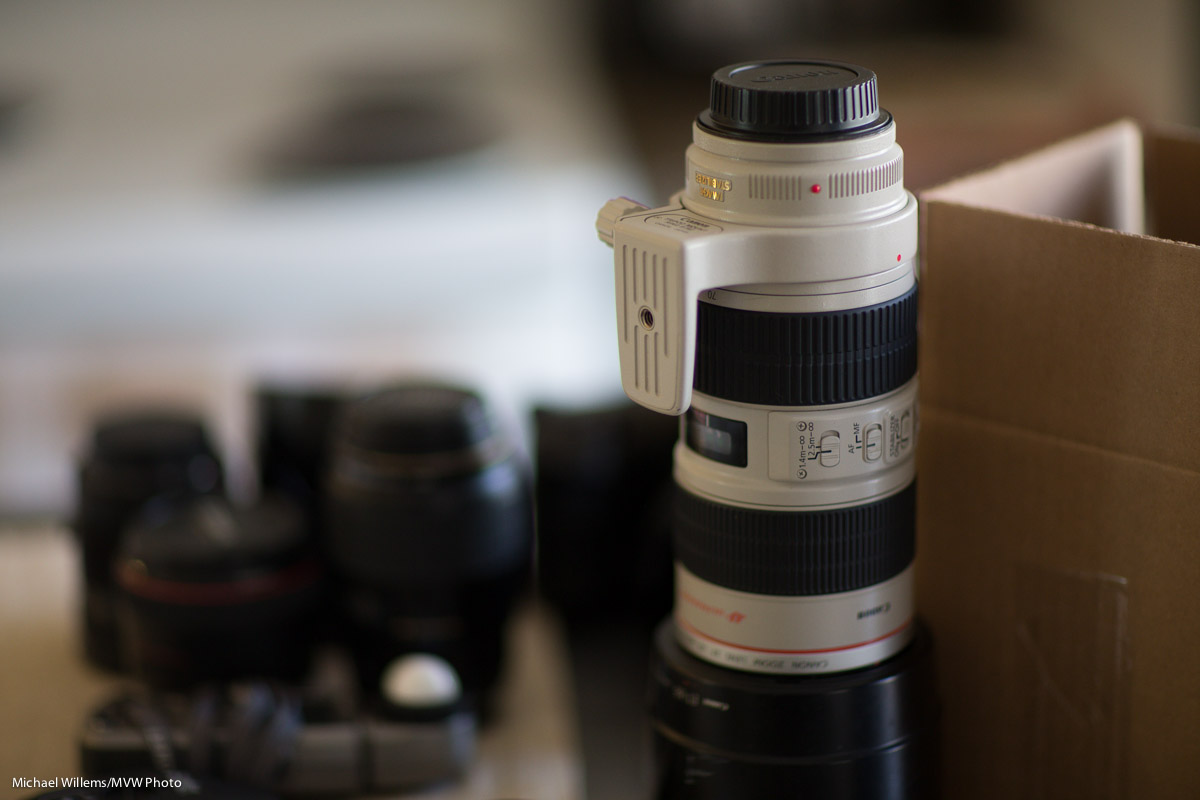
Typical long lens photo (70-200mm f/2.8 lens)


And renting is possible almost everywhere, especially in North America. In Ontario, for instance, you have Henrys/Headshots and Vistek as two good options.

But a new third option also sounds interesting: GTA Lens rentals. Interesting especially because prices are lower, and they stock exactly the Canon (and Nikon) lenses (and a few third party lenses) that you are most likely to want to try out – all the pro lenses I own in fact, and then some. Worth a try, and I am going to rent the 85mm f/1.2 every now and then  -my favourite Canon lens, and the one I do not own yet!