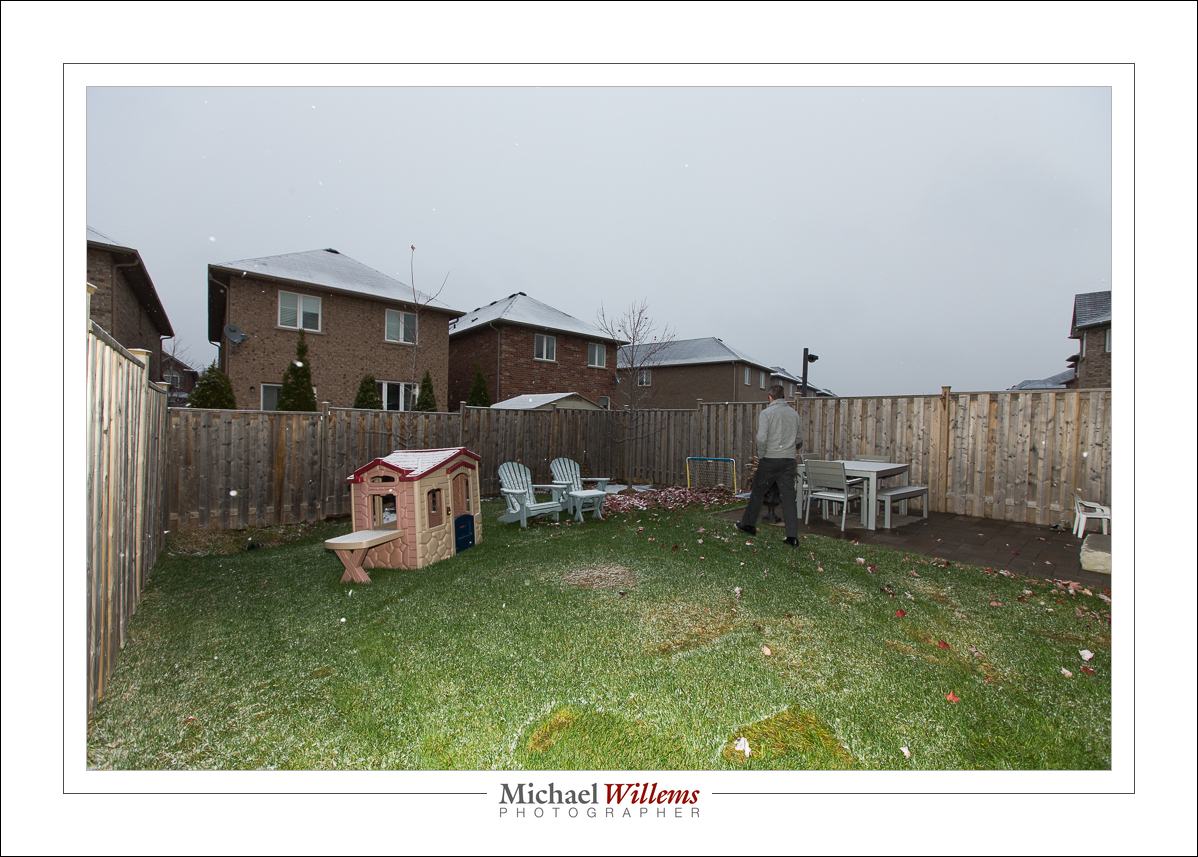
Exposing to the right

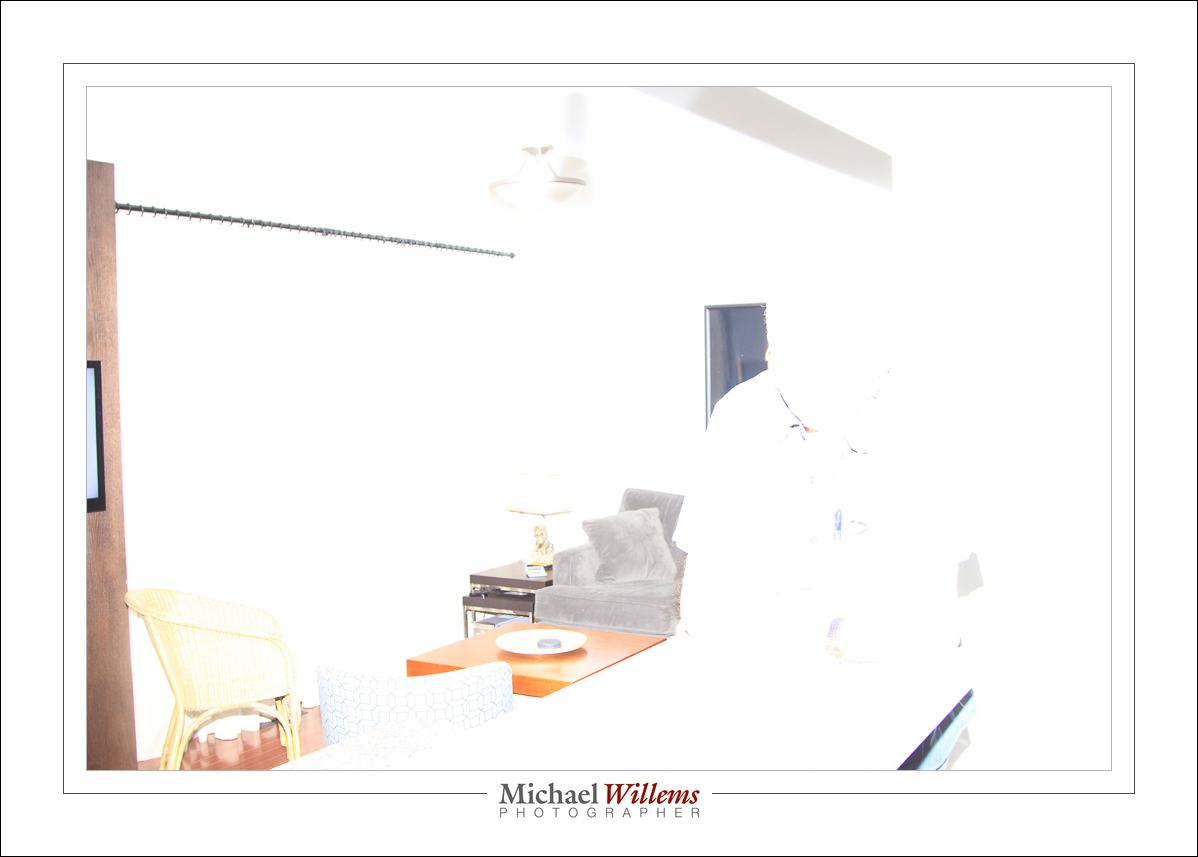
I am studio shooting, and I like to get my exposure right. And there’s one things that always occurs to me: the difference between camera and Lightroom. The camera says this image is overexposed:
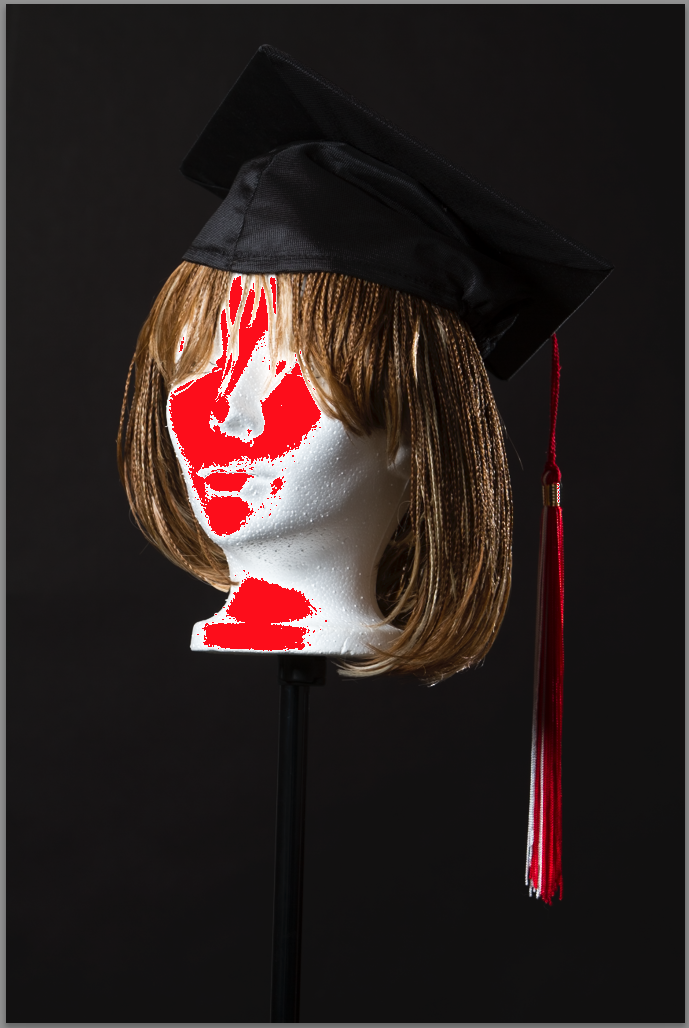
That’s what it looks like on the camera. But in Lightroom, that same image looks like this:

Looks pretty perfect, and that is confirmed by the histogram:
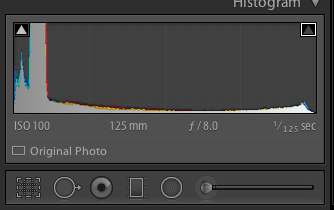
There are several reasons for this.

  1. The camera shows me the JPG that is built into the RAW as a preview. But in Lightroom, I have the actual RAW. Which has more exposure space due to its having more bits per colour channel.
  2. Lightroom prevents overexposure when importing, as part of its current develop profile (so if you like overexposed backgrounds, tough—I have commented on this before).
  3. Cameras and Lightroom are not calibrated the same. There’s always some difference.

So here’s my studio tip for the day: know your camera, and know how to expose on your specific camera to get an image that is exposed to the right (i.e. bright white areas appear at the very end on the right in the histogram, without actually touching the right side). Every camera is different. On my 1Dx, for instance, I need to see overexposure by about 2/3 of a stop, in order to get a Lightroom image that is just shy of being overexposed. As long as you know, this does not matter.

1/1/2015: you have a few hours left to buy three of my e-books at a 50% discount. Only today!
 

f/4 and sharp

I often hear students say “but I had to go to f/16, because at f/4, it would not be all sharp from foreground to background”.

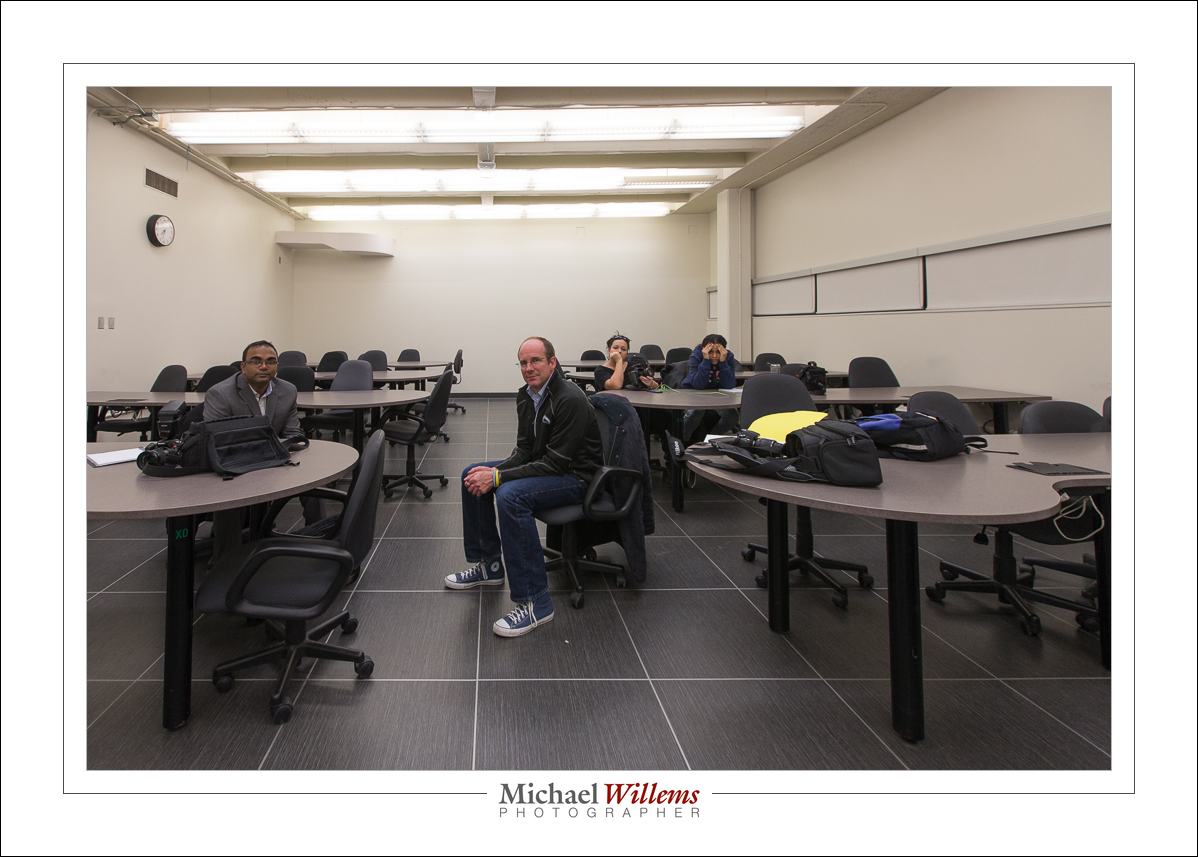
False. Or rather, “it depends”. Depth of field depends on lens focal length, and distance to close object, and aperture. So at f/4, if you are not close and use a 16mm (wide angle, on a full frame camera) lens, you get:

Yeah, at f/4 you can have everything sharp, from close to far. Check the tables, etc. All sharp.

But get close, and with the very same settings, now the background is blurry:

Now, at the same settings, the background is blurry.

So keep that in mind, And also, always distinguish focus blur (above) from motion blur:

That’s because I shook the camera, and that has nothing whatsoever to do with focus or with depth of field!

I wish all my readers a very happy 2015. Love, health, happiness: everything else is secondary or can be bought. And keep shooting. And reading. See http://learning.photography for the e-books: if you have a new camera or new gear, this is the time to start using it to its full potential. Go for it. You live only once.


Miss Info

A friend and student, the other day, would not let me format her memory card. “Nooo”, she almost shouted. The reason? Some Internet-famous wedding/family/baby photographer said, on her blog, that formatting is harmful for memory cards.

That is spectacularly bad advice. Let me assure you that not only is formatting a card not harmful, it is beneficial for you. Without formatting each time, eventually, memory errors such as lost clusters, excessive fragmentation, and so on will creep in and destroy your content. natural degradation will not result in areas being mapped out, as would happen if you formatted. Of course data loss can happen anyway (see yesterday’s post), but the chances are greater if all you do is delete rather than format. Bad, bad idea.

Where did this photographer get the idea that formatting is bad? What qualifies her to give opinions on technical issues like this? Now, I do not know this photographer; I do not even know her name,. What I do know is that her advice is bad. Perhaps she has an electrical engineering degree, like me, but that does not mean she cannot be wrong. And here, she is.

Which brings me to today’s subject: the Internet is a dangerous place, full of misinformation. Read, but read more, and read counter-opinions, and check out the writer’s qualifications. I would ask Sandisk and Lexar, or canon and other camera makers. And I am pretty sure they’ll recommend that you format a memory card after, or rather before, each use.

Yes, formatting wears out a drive, as does every type of writing to it. But only after many write cycles—think millions. If you format a card hourly for half a century, you may perhaps see degradation. But that is hardly likely, is it?

My moral: careful whom you believe. Hesitate before you take legal advice from me, dental hygiene advice from an obstetrician, or electronics advice from a baby photographer of some repute. Just sayin’.

Oh yes, and format those cards. Frequently. Every time.


Remember: Ten Memory Card Tips

A word, and a few tips, about memory cards. And how today, another CF card lost its content during—in the middle of—a shoot.

My CF card failed with “error reading contents” while importing into Lightroom, during a commercial shoot today. This was a CF card, connected to my Macbook Pro through a card reader, on location. Embarrassing to say the least.

I suspect the card reader is the issue, since this is the second card in a month, same way. Regardless, I lost the contents and had to reshoot a part of my shoot. Ironically, this happened after I had, just moments earlier, remarked to my assistant that I was taking a risk, shooting part of this shoot on a Canon 7D, which does not allow saving the same issue to two cards simultaneously. And sure enough. Note to self: use the 1Dx every time, not almost every time.

Ten Tips for memory cards:

  1. After use, format your memory cards; do not “delete all images”.
  2. Do this formatting every time—after you make and verify a backup of the photos, of course.
  3. Do it in the camera, never on the computer.
  4. If a piece of equipment fails, discard it. Take no chances.
  5. Use cards that are as fast as you need—no faster or slower.
  6. Use cards that are as large as you need—no larger or smaller. I recommend that you use multiple smaller cards, not one large one. I use 16 GB cards and 8 GB cards.
  7. Push cards in, and pull them out, gently and slowly. And preferably after you turn off the equipment’s power.
  8. Unmount the cards before removing them from the computer.
  9. Deleting is never permanent; formatting may or may not be.
  10. You can often recover bad images. Both Lexar and Sandisk offer utilities that help recover images from “bad” cards.

My assistant today was Maged:

As always, he offered good advice; he was a “second pair of eyes”, which is what a good assistant should be.

Here’s that group shot with a little post-crop vignetting:

But we could go the other way for effect, and vignette positively:

I have never done that, but one day I will.

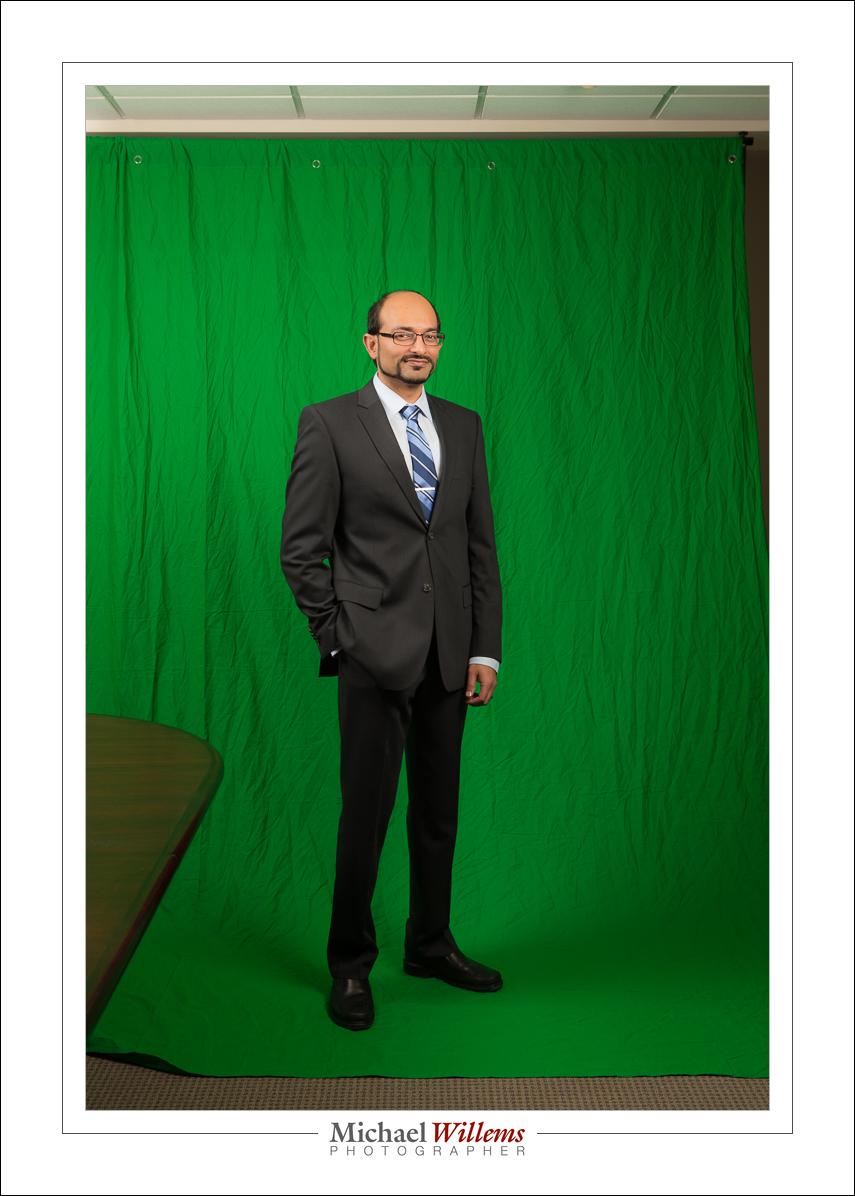
Part of today was a “green screen” shoot:

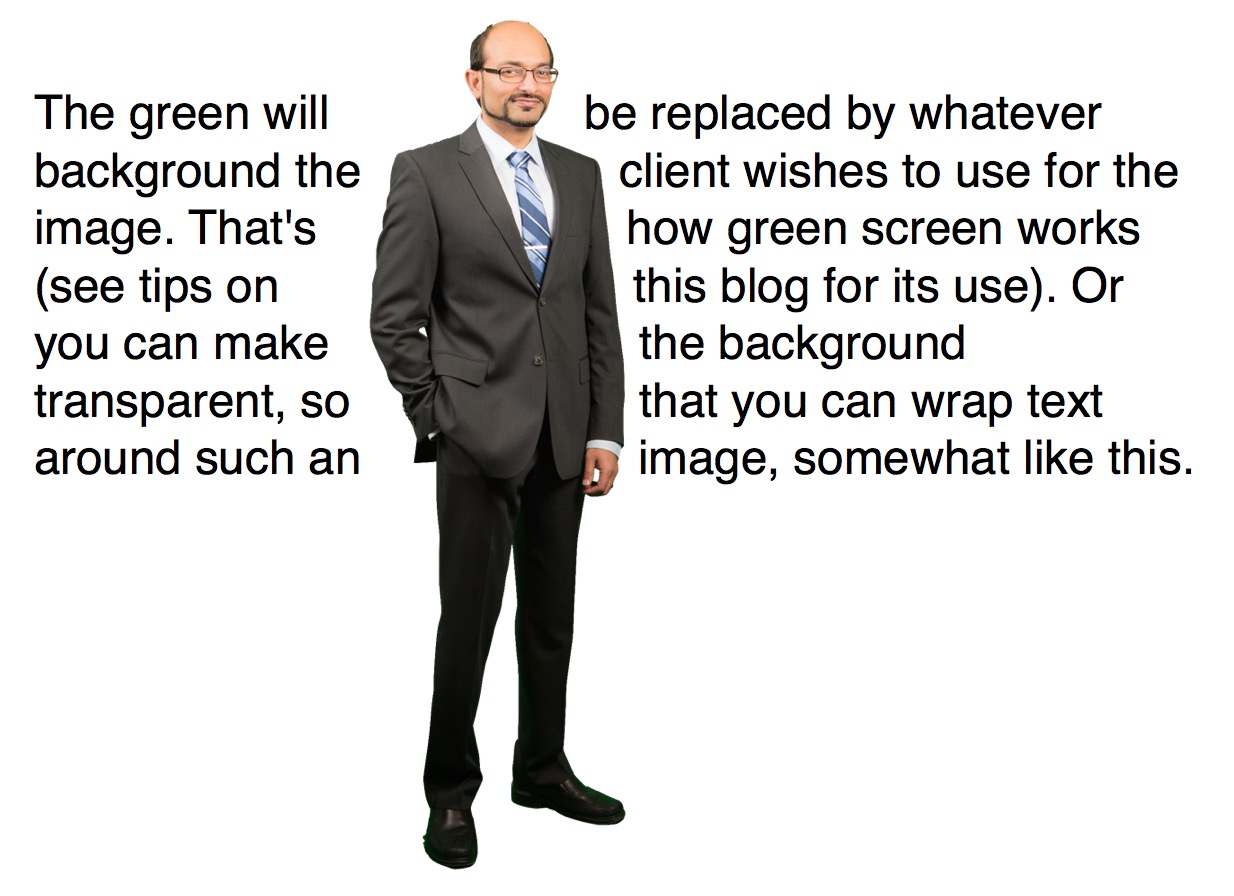
The green will be replaced by whatever background the client wishes to use for the image. That’s how green screen works (see tips on this blog for its use). Somewhat like this, where I made the background transparent:

And now, back to finishing my images. After I unpack the truck, that is. Photography keeps me fit.


Deterministic flash

Flash phenomena may seem stochastic, but they are deterministic. Look those words up if you like; what I mean is that whatever happens, it’s predictable, not random. When something goes wrong, look for, and find, the reason. If it seems weird, you just haven’t found the reason.

Yesterday, I ran into three curious flash phenomena in one day.  And just for fun, I’ll run them by you. So you’ll learn to solve these things by yourself.

*** 1. THE CASE OF THE MISSING TTL. You turn on your Canon 580EX flash, and instead of the MODE button toggling it between “ETTL” and “M”, it toggles between “e” and “M”. What gives?

Solution: you set something weird in the custom settings, and TTL has been disabled. Solution: set the custom settings back to default. Use a connected camera to do this, or read the manual for instructions for doing it manually.

*** 2. THE MYSTERY OF THE FIVE EXTRA STOPS. This is a common one. We set up everything properly, but the photo looks like this, at least five stops overexposed:

Solution: this is due to the flash firing at full power, instead of at the correct  lower power as calculated by TTL. The reason for this is almost always the same: a bad contact. For the TTL mechanism to work properly, all five contacts need to be good. And millivolts are easily lost if a contact is dirty, say. So sure enough, after cleaning the contacts, all went well:

*** 3. THE CONUNDRUM OF THE “A” THAT SHOULD BE AN “E”. The flash toggles between M and TTL, but instead of the usual “ETTL”, I see “ATTL”. ATTL was an earlier iteration of Canon’s TTL mechanism, while ETTL is the most recent version. Mysterious!

Solution: Here too, the reason was a bad contact. The phenomena that can result from bad contacts are legion. Cleaning the contacts worked: now I got normal ETTL again.

In my years as a photographer, I have seen many things go wrong with speedlites. I have found that although many things can be the cause of the malfunction, it’s usually settings or contacts. Check those before you do much else.


High speed flash.

High Speed Flash. Also known as High Speed Sync, or HSS, or “Auto FP” flash. Your camera/speedlight combination probably has it. Let me explain what it is, why it’s good, and why it’s nevertheless seldom useful.

First, the term “High Speed” is a misnomer, since it is actually slow speed flash. Let me explain.

Normally, a flash lasts 1/1000 sec or less. At 1/32 power, it’s only about 1/30,000 second. Very, very fast.

But there’s a problem: the shutter cannot keep up. You see, the shutter needs to be fully open for that quick flash to be able to illuminate the whole sensor, but at speeds above 1/250 second, the camera makers use a trick to get faster shutter speeds: instead of opening fully, an ever narrowing slit of light travels down the sensor, so the shutter is never actually fully open.If you try to use flash, only part of your picture will be illuminated.

But there is a trick: HSS, or “Auto FP” flash. When using HSS, instead of flashing once, the flash goes FlashFlashFlashFlashFlashFlashFlashFlash very rapidly (at a rate of 30,000 times a second).  This makes it into what is effectively a continuous light. As the narrow shutter slit travels down, the FlashFlashFlash keeps going on and hence the flash illuminates the sensor gradually.

So, set your camera (Nikon: camera menu, select “Auto FP” flash sync) or flash (Canon: set flash to HSS symbol) to high speed and you are set to go. You can now use any shutter speed, up to whatever. 1/4000? Sure. Go for it.

The problem? HSS loses most of your power (you are illuminating the closed part of the shutter, after all), so your flash range is reduced. At 400 ISO and f/8, my flash has the following maximum range:

  • 1/30 sec:     9m
  • 1/60 sec:     9m
  • 1/125 sec:   9m
  • 1/250 sec:   9m
  • 1/500 sec:   3m
  • 1/1000 sec: 2m
  • 1/2000 sec: 1.5m
  • 1/4000 sec: 1m
  • 1/8000 sec: 0.7

So up to 1/250, varying the shutter speed, as you would expect, has no effect. But then HSS kicks in, and the range starts to drop dramatically. At 1/8000 sec, my flash, at full power, only reaches 70cm (about 2 ft). And if you are using a modifier, like an umbrella, forget that: you would be lucky to get a few inches.

So while HSS is a great idea, it is not very useful in most practical situations. Because you are most likely to need to need it when it is bright outside, but that’s also when you need most power and cannot afford to lose any. Catch-22, since HSS steals from Peter to pay Paul. Now you know.

Math buff note: can you see any math logic in the numbers above? Yes, every stop faster shutter speed loses you the square root of 2 (roughly 1.4)  in available range. So, two stops faster shutter means half the range.


Post

I shoot RAW always. But today I shot JPG, in a corporate annual report shoot.

One of those started off as a JPG; one as a RAW. Can you tell the difference?

No. And that is the point: if you expose well, and need no changes, JPG is fine. It is because we don’t always shoot well and get all settings right, and because we sometimes want changes, that we shoot RAW.

So why did I shoot JPG?

Because my main memory card went south in the middle of a this all day corporate shoot. I lost the RAW pictures. Yes, cards go bad randomly sometimes.

So I used the backup pics, the JPGs I wrote onto card 2 in my 1Dx. Thank God for the dual card system.

Fun shoot, and the day was saved thanks to this camera feature.

I am so tired at 2:15Am that I cannot type. But I want ed to share this, one more time: Please, please, please make backups of everything, always. Please, please, please make backups of everything, always.Please, please, please make backups of everything, always.


My must-have. My preciousssss….

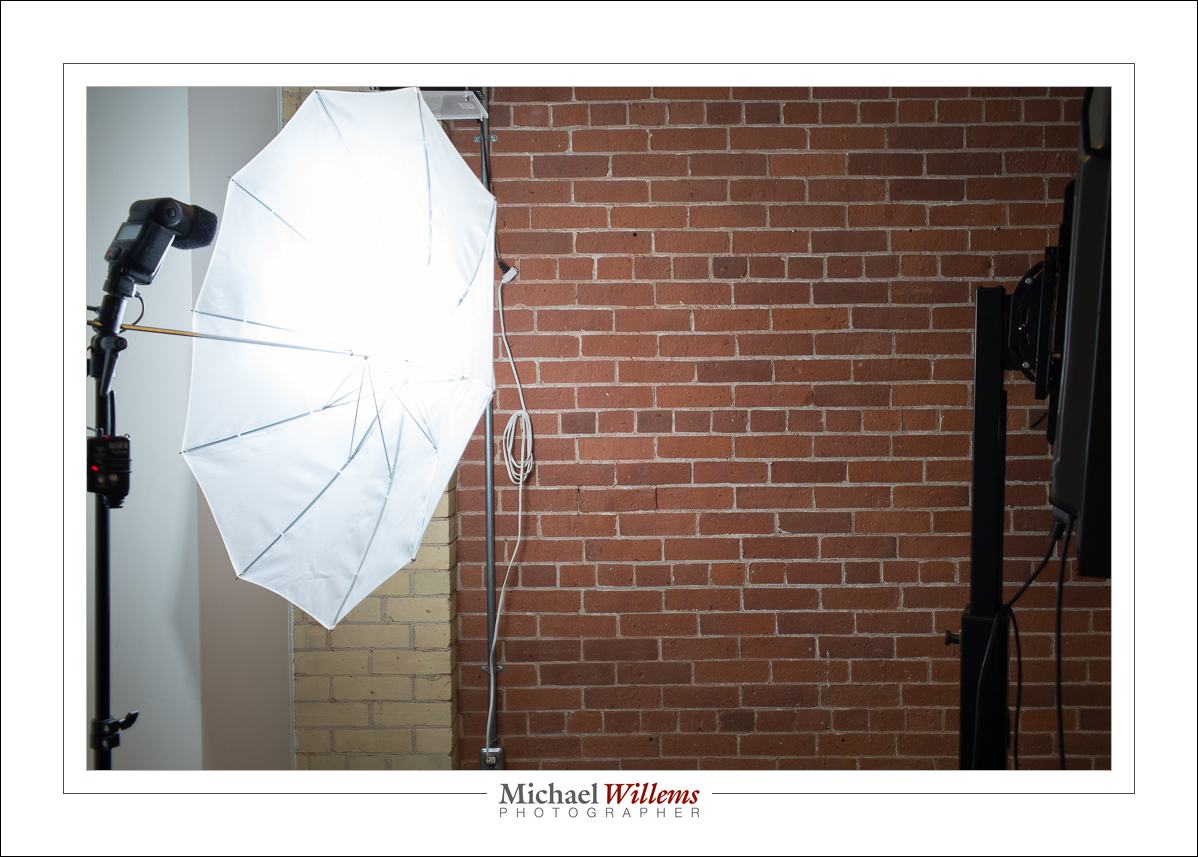
I actually have many “preciousssses”. But this one is among the most precious. My lightstand/bracket/umbrella combo. This here:

This kit, which is just about glued to me, consists of:

  • A light stand.
  • On it, a bracket for mounting flash and umbrella.
  • A pocketwizard. (Plus one on the camera).
  • Cable from pocketwizard to flash (from Pocketwizard or from flashzebra.com).
  • A small flash, e.g. a 430EX/SB710, or any other flash. Any brand will do if I use “manual”. As long as you cam disable the timeout and set the power level manually.
  • Umbrella. Shoot through as well as shoot into (i.e. removable cover).

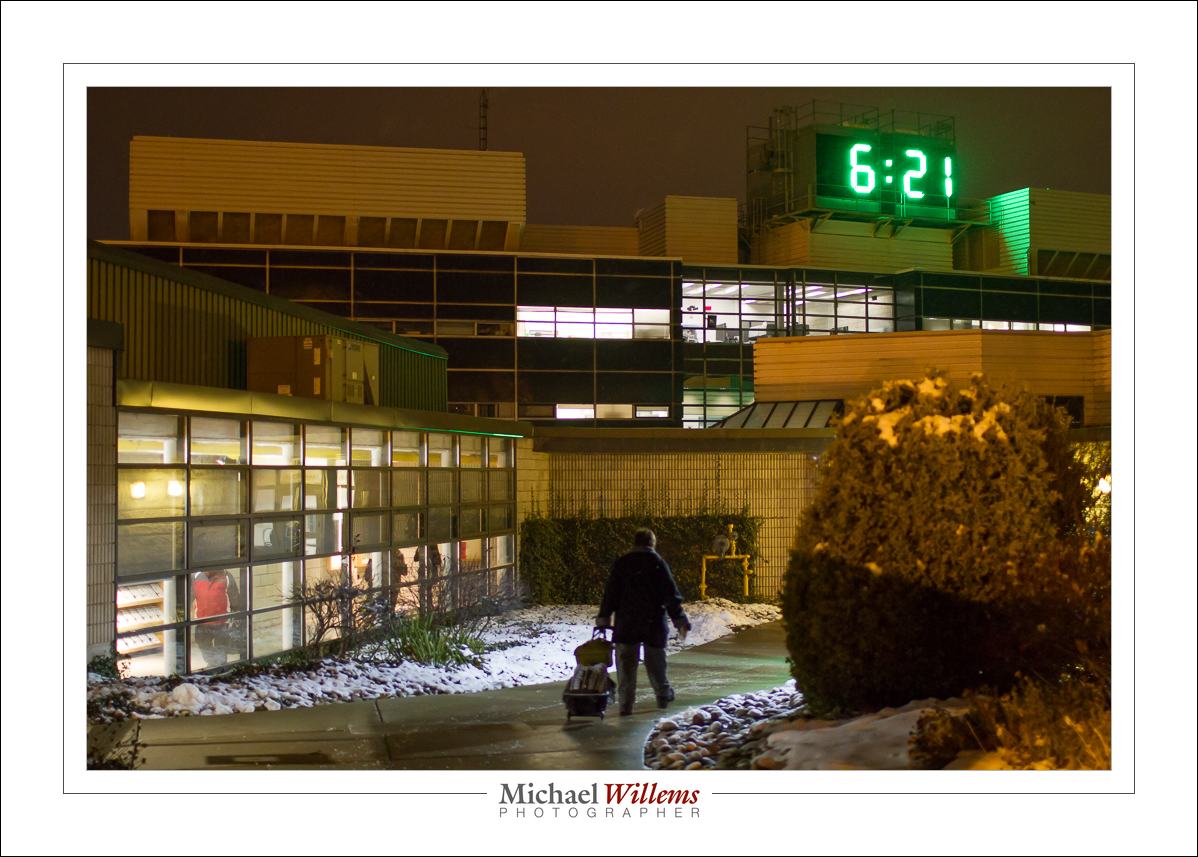
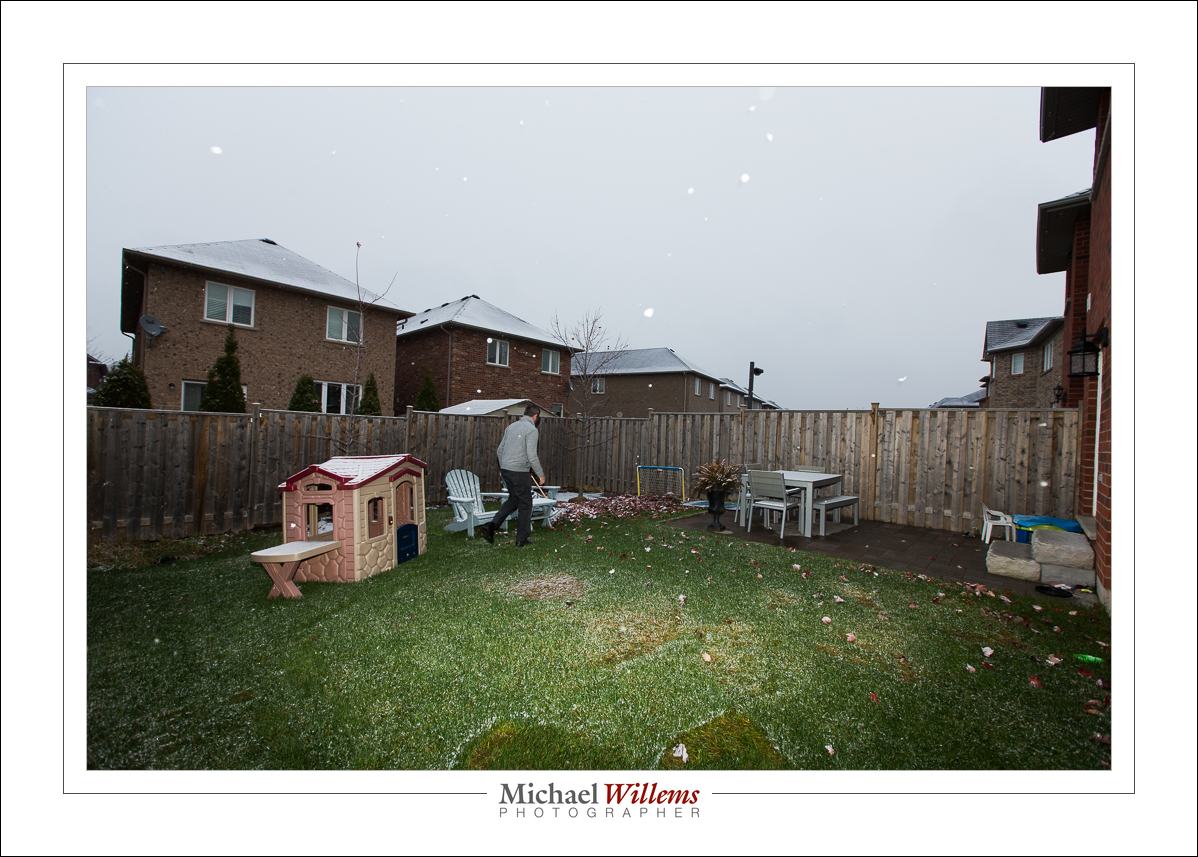
It folds into a very small package, and often, it’s all I need. Since I know how to mix ambient and flash, that umbrella allows me to do so much. Including this:

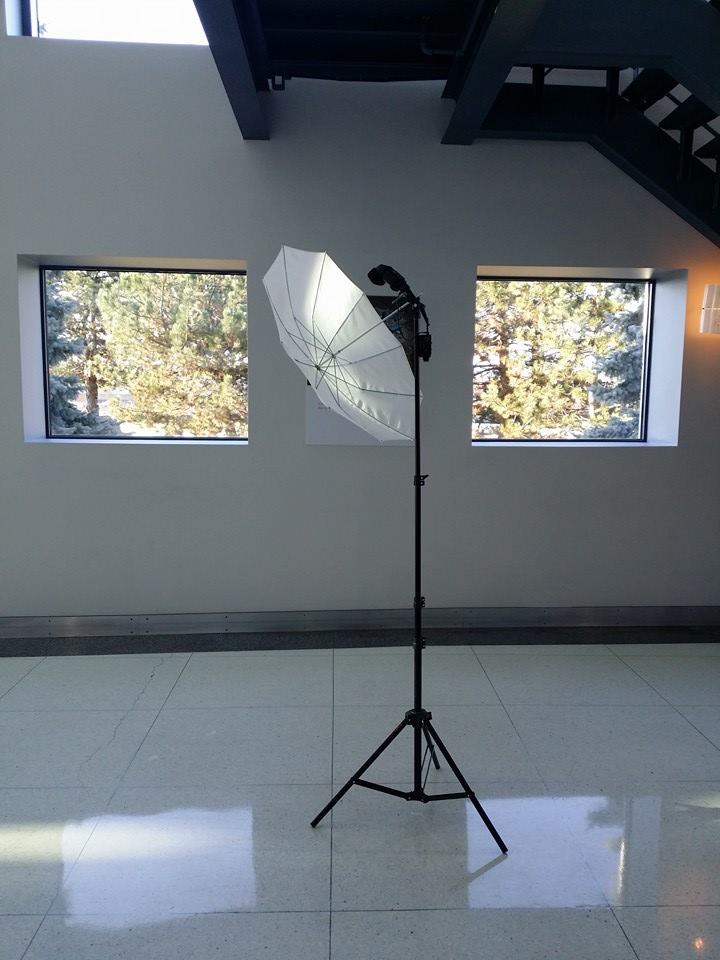
Oh, and a student spotted me and took this photo, of the exact flash stand used for that shot:


___

Want to learn? I do remote training over the Internet, using Google Hangouts, so you can now do my courses wherever you are in the world. Better still, for a limited time, it’s cheaper than here, in person. See learning.photography to order now.


Aperture

Aperture (the “f-number”) controls several things in a photo. One is light (the lower the “f-number”, the more light), and the other is depth of field (“DOF”). Low f-numbers mean shallow DOF.

But DOF is also determined by proximity (the closer you are, the shallower); and lens focal length (the longer the lens, the shallower).

So this is f/1.4:

I was walking to my class last week at Sheridan College Oakville.

f/1.4 and sharp? Huh??

Well… read above. I am not close. I am using a 35mm lens. I am printing a small image, not a large image where every detail is visible. So while I have a low f-number, I am doing everything else to get enough DOF.

So yes, you can get enough DOF even at a large aperture (low f-number). Which I wanted to avoid high ISOs.  This was 1600 ISO at 1/60 sec. Handheld.


The difference is…

Question: What is the difference between two photos? Why?

Hint: I used a 16mm lens.

Answer:

Can you see that the flash is concentrated in a small circle in photo 1?

Well… you know that when you zoom, or change lenses, the flash changes its zoom, right?  But the widest zoom is 24mm, and I shot at 16mm. That is the top picture. The zoom circle is too small for the picture.

In the bottom picture, I pulled out the plastic “wide angle adapter”, the transparent plastic square you can pull out to cover the front (not the white sheet). This is not a softener; it is merely the 14mm adapter”. The zoom device for wider than 24mm. It makes the beam wider, see picture 2.

That’s all: when you zoom wider than 24mm, pull out the wide angle adapter.