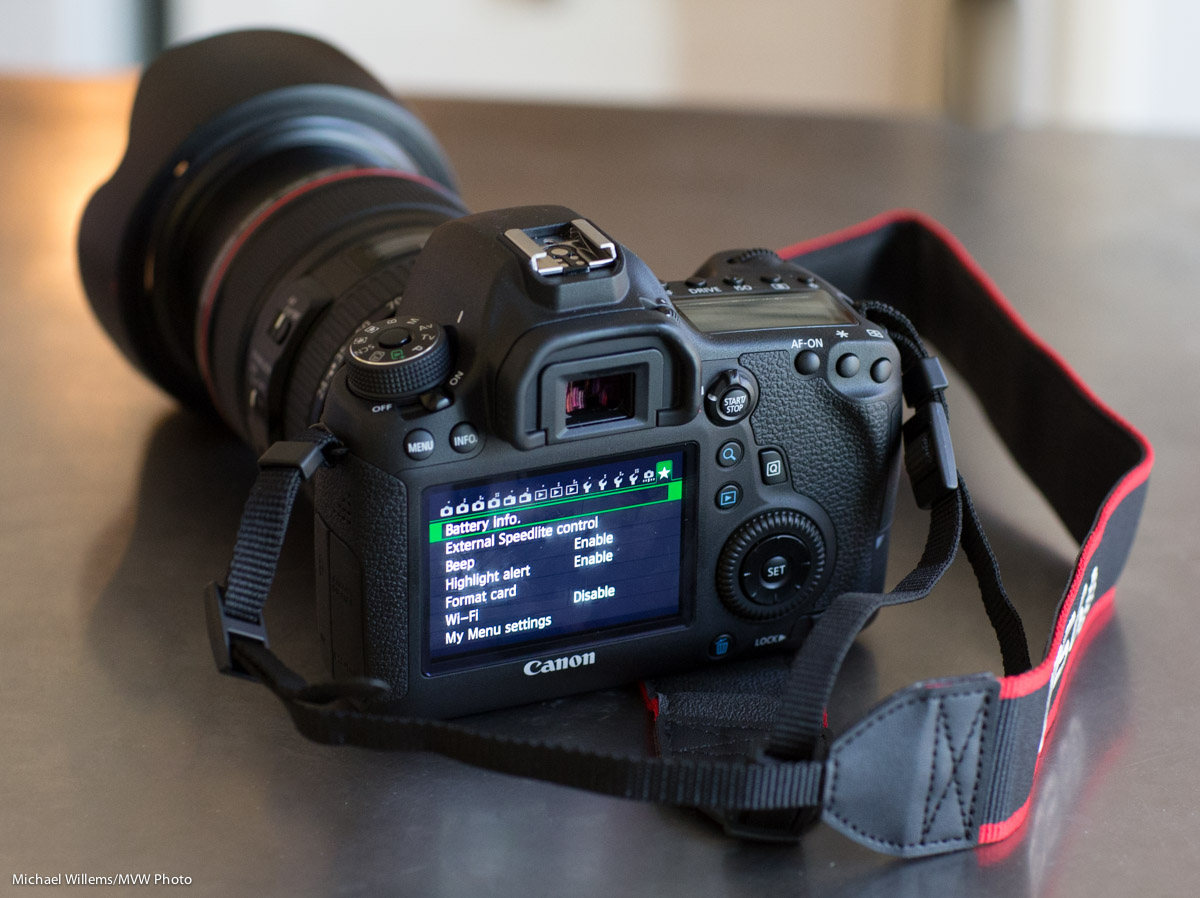
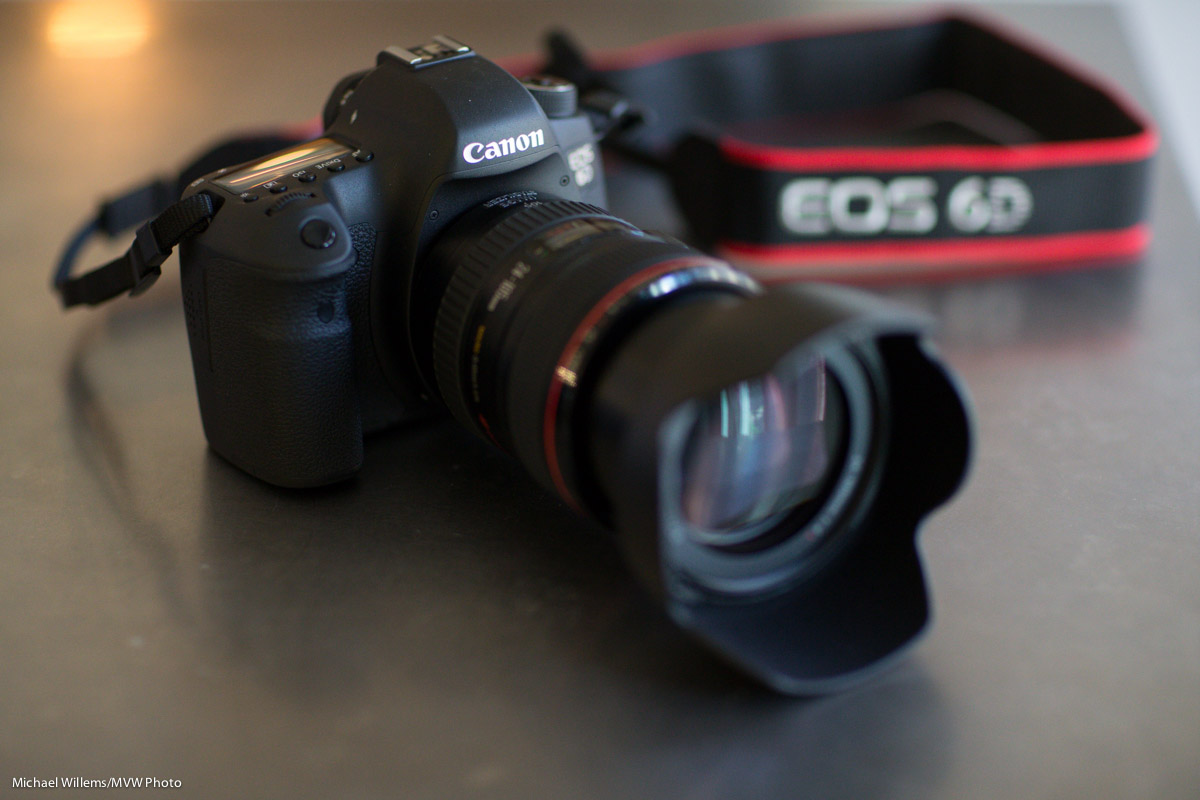
6D

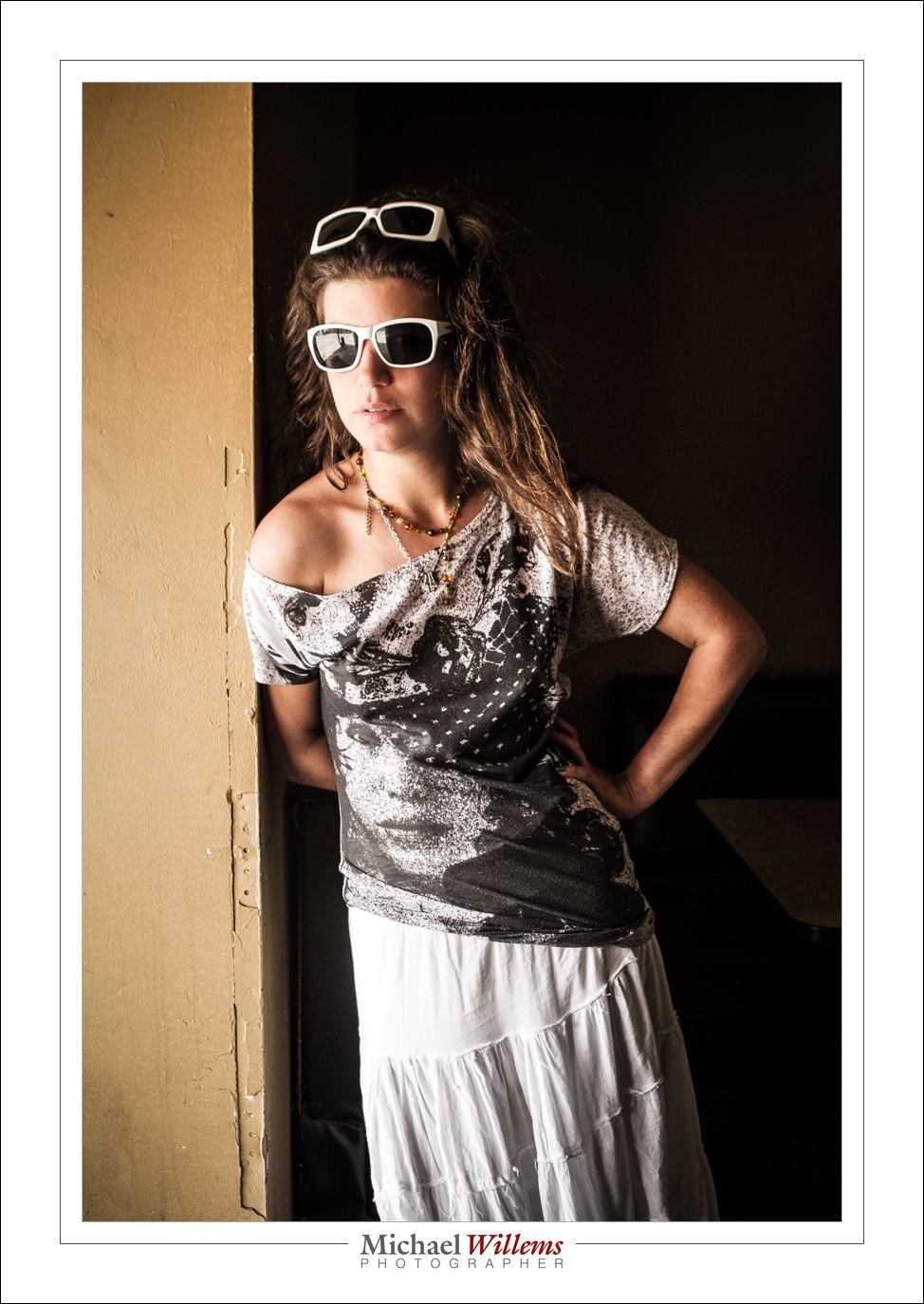
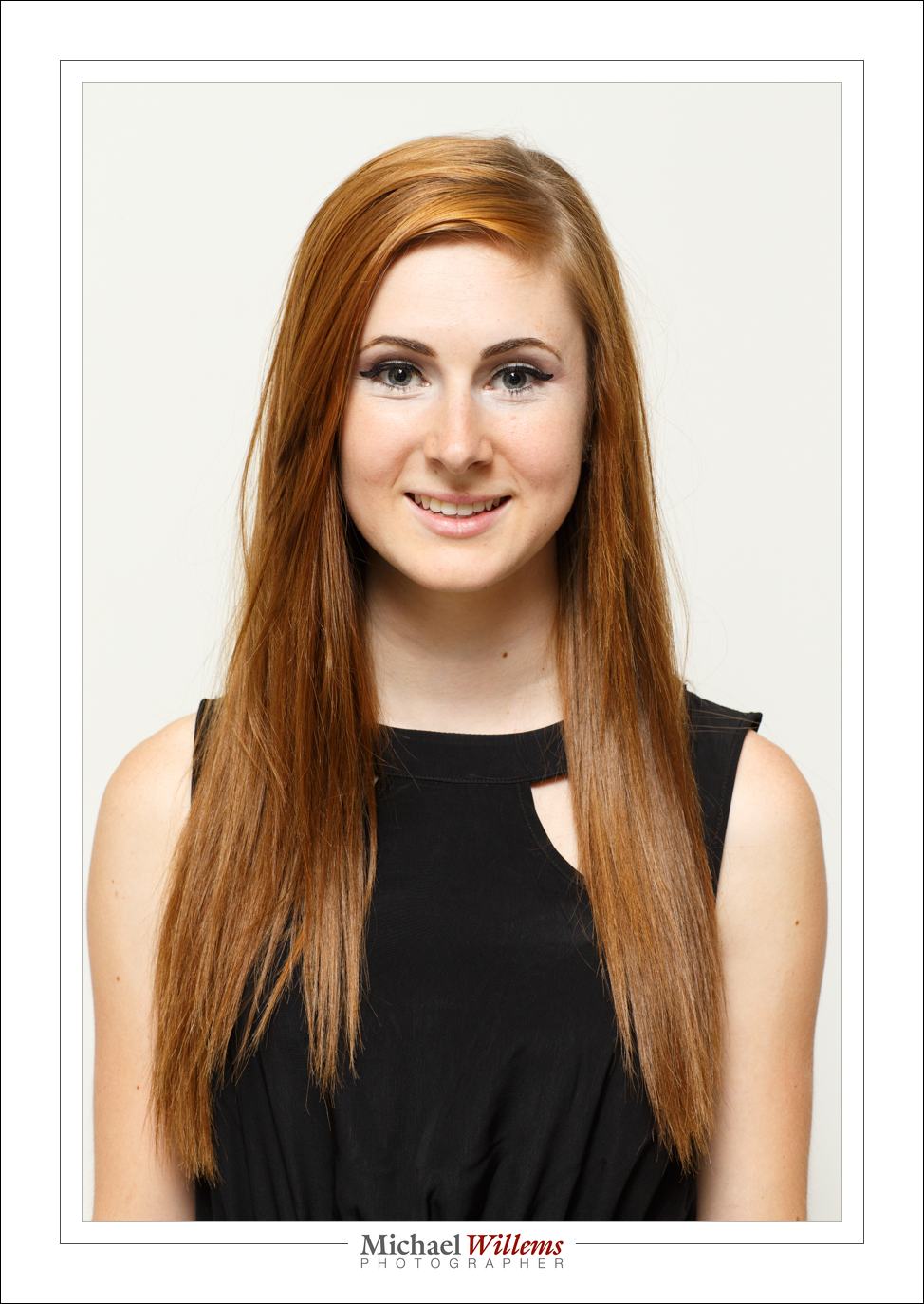
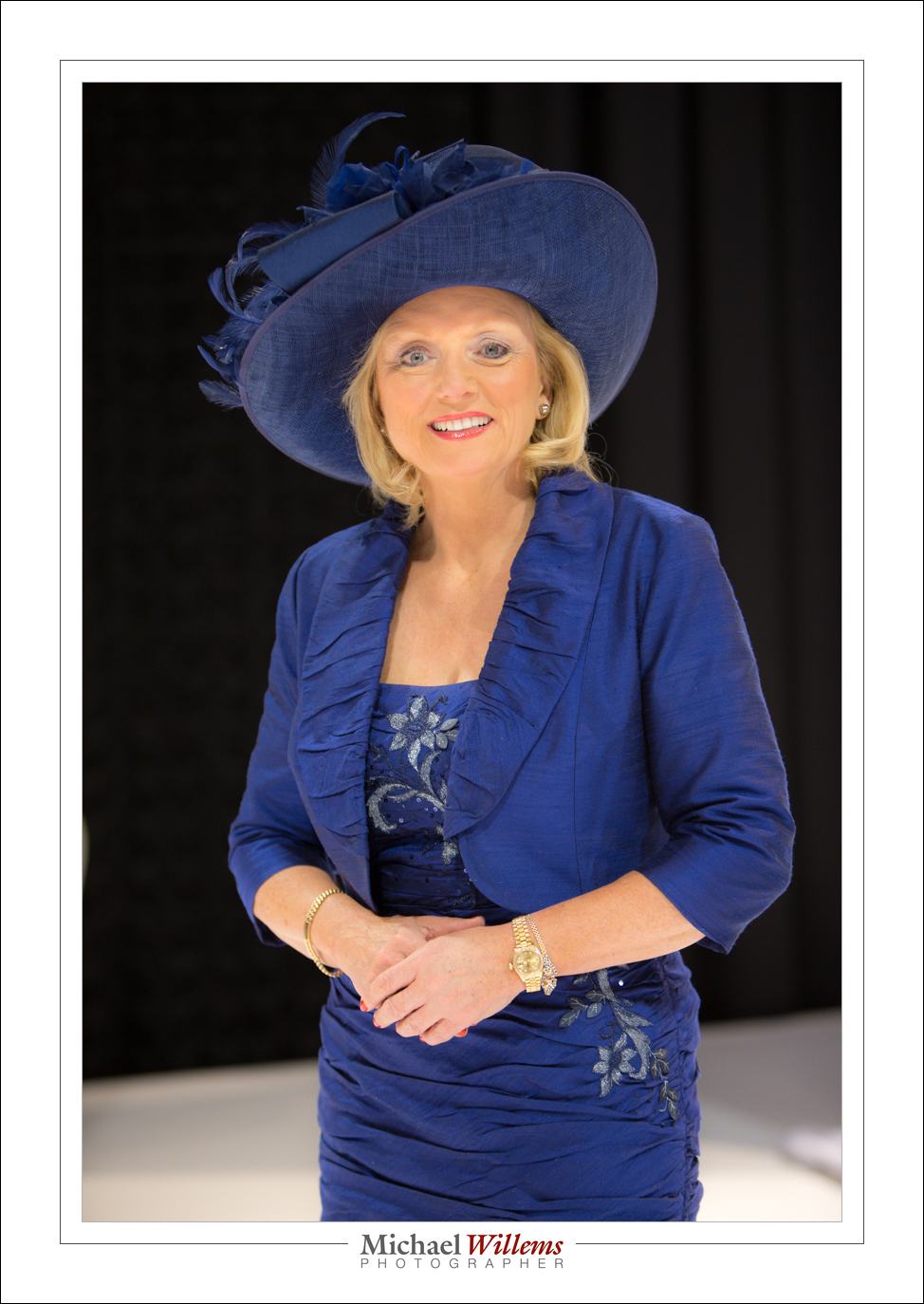
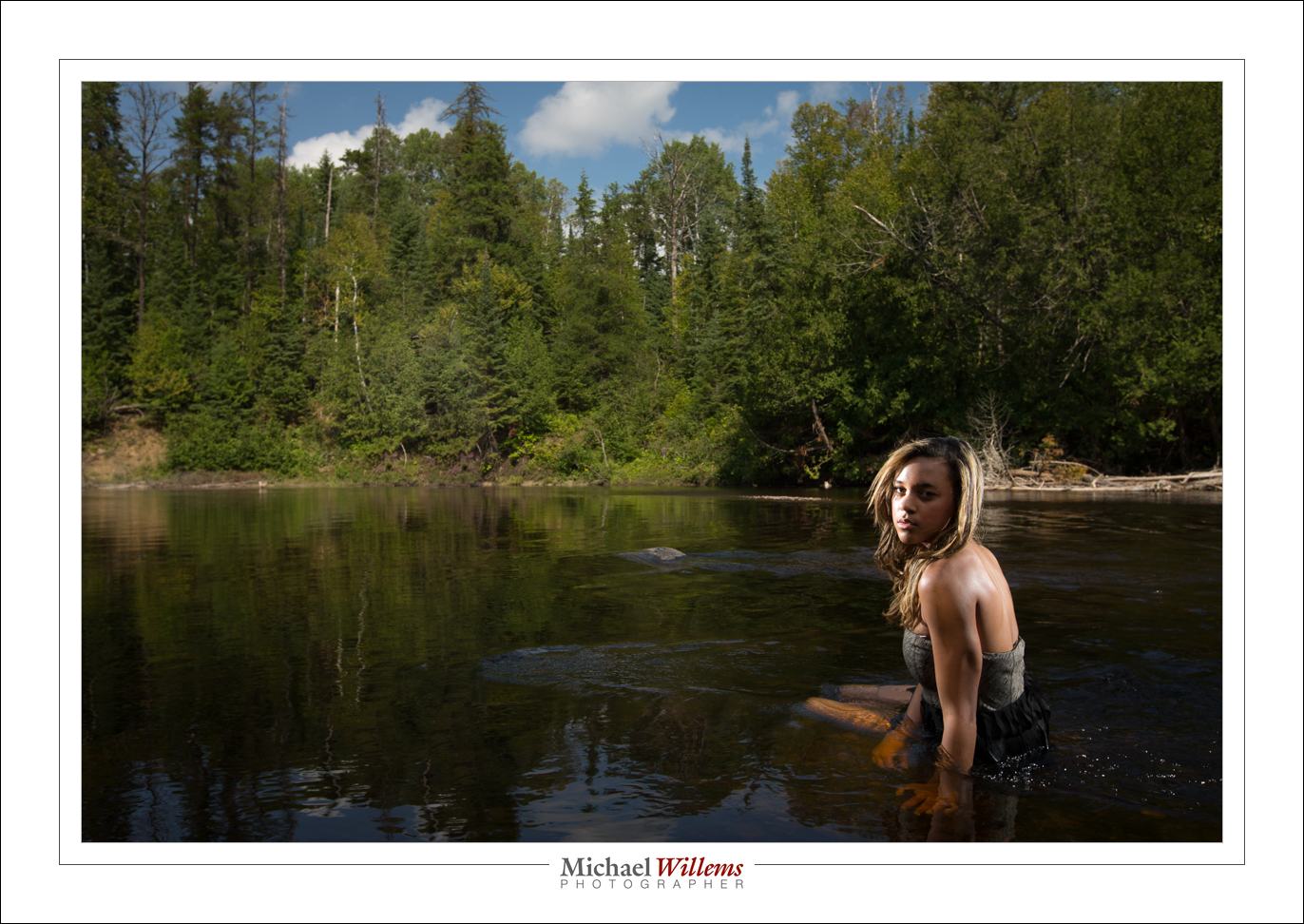
My oldest son Jason uses a Canon 6D with 24-104 f/4L lens, and I had the chance this weekend to play with it a little. Here’s a portrait I just made, of Jason, with the 6D and that lens:
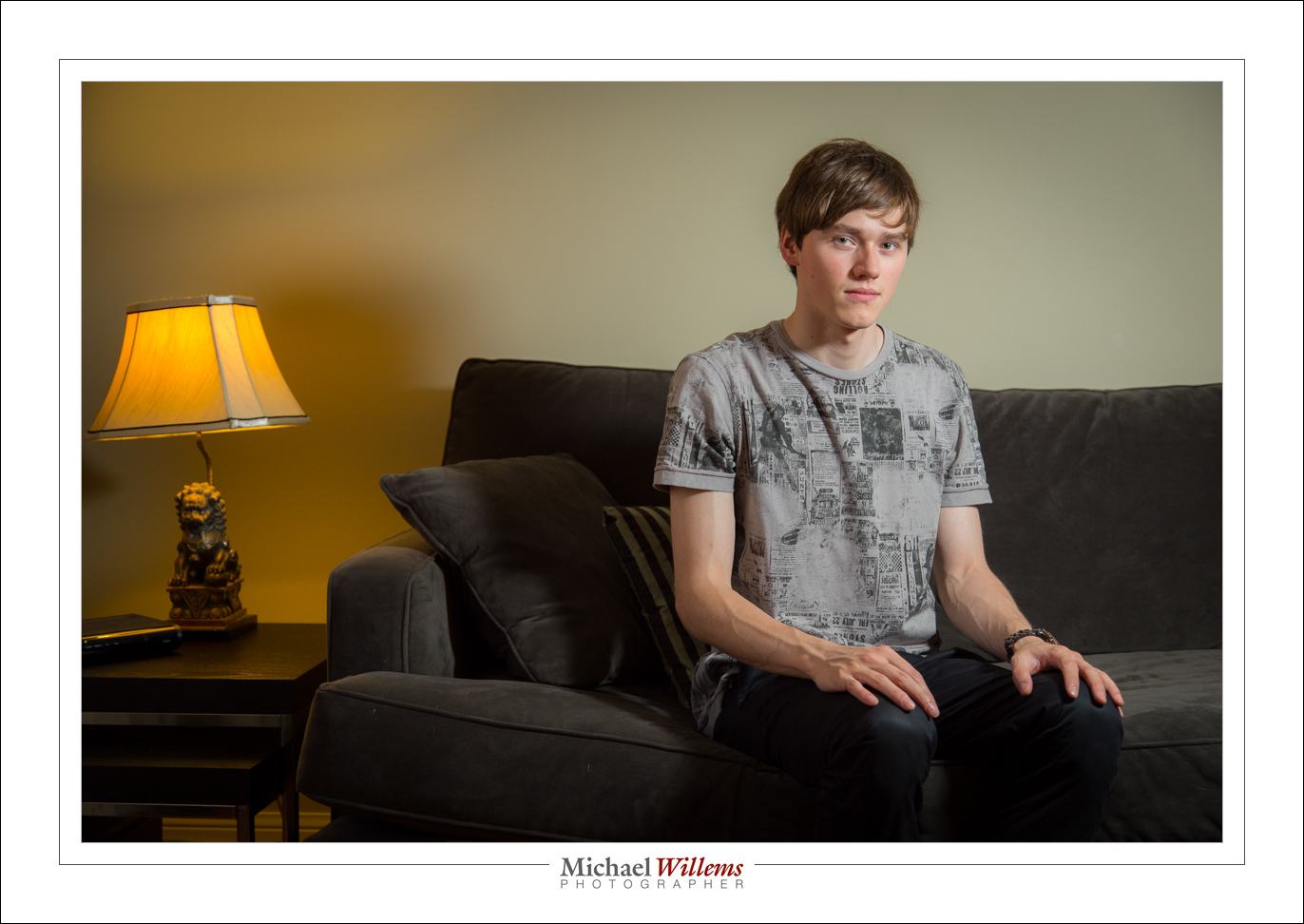
Here my first impressions: Love it!

OK, that’s that.

But wait.. there’s more!

The 6D is basically a low-end full-frame camera. I have always said that full frame will prevail (the sensor is the same size as 35mm film, meaning bright, large, viewfinders, great high ISO performance, and very shallow DOF (“blurry backgrounds”) when you need. Full frame is the way to go, and the 6D does not disappoint.

So why is it “low end”? It isn’t, really. Of course in order to not cannibalize the 5D and 7D sales, Canon left off some things that the 7D, 5D, and so on do have. For instance, there are fewer functions available via buttons (White Balance and Flash Exposure Compensation are two notable missing functions that now need menu or quick menu access).  The frame rate is lower. There are no dual cards slots. The focus system has fewer spots than the 5D, 7D or 1D series.

Do these matter? Not really. I could live without them. This camera looks and feels great; the shutter is quiet even without the “quiet mode” engaged; build quality and sealing are good: I would be delighted with this camera.
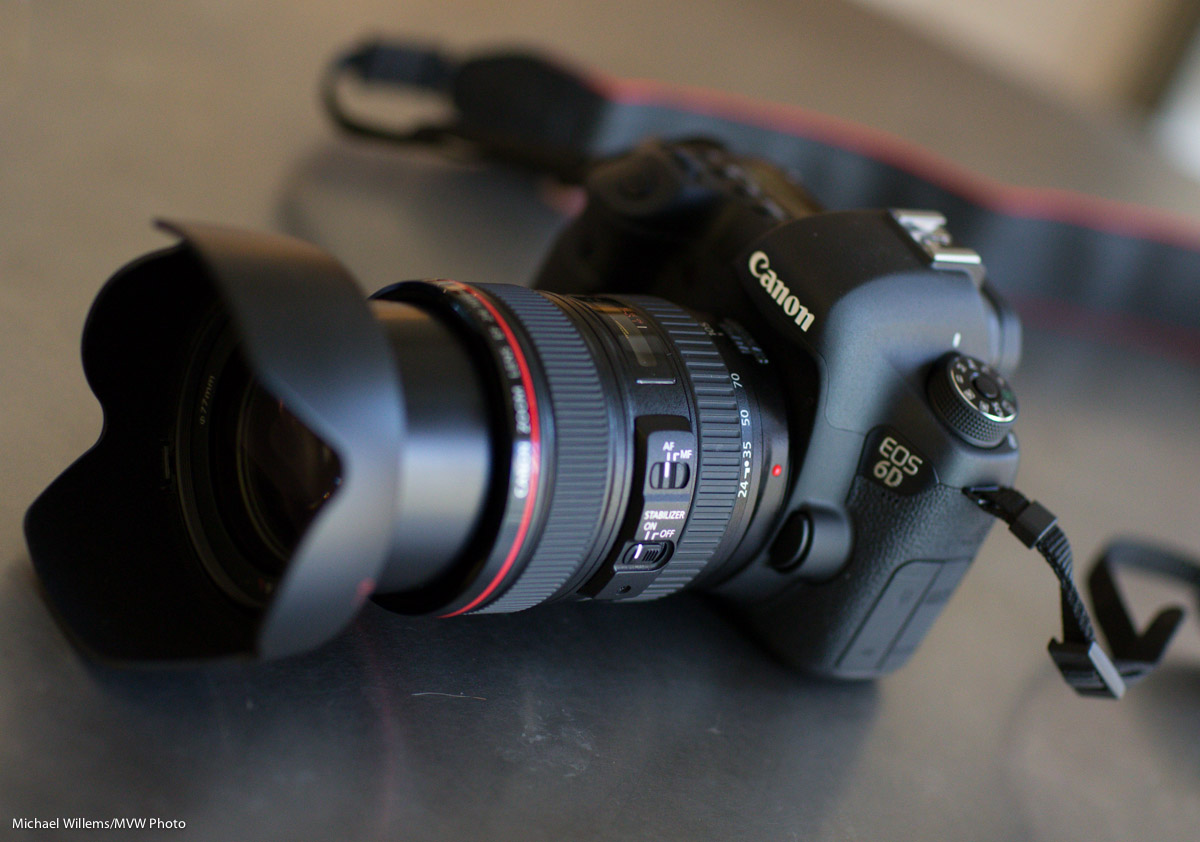
There are many pro features included that I had expected Canon to leave out. Lens adjustment, copyright info;  all these are there. There are even all-new functions like built-in GPS and a pretty good working WiFi mode. The mode button locks. The Quick menu is the same as on the 7D, 5D3, and 1-series. (TIP: in this quick menu, set the joystick to move focus point without further button presses, and invert Av/Tv wheels in M mode).

Minuses? Well, for me these are minor:

  • The menus are not getting clearer (getting rid of the colours is not very clever).
  • The language in some of the new menus is atrocious (after setting copyright info, for instance, instead of a simple “OK”, I need to press MENU, whereupon I see “[OK] has been selected. The settings screen will close after saving the text entered”, then a choice of  “Cancel” or “OK”.  Huh?
  • White balance and Flash Exposure Compensation (“FEC”) are only available via the quick menu. Of course for FEC you can use the flash itself.
  • The viewfinder is, I think, a 97% viewfinder, not a 100% viewfinder
  • We have the traditional 9 AF points in a diamond, rather than the 7D or 1D’s excellent AF system.

But as said, these are minor, and the pluses mentioned outweigh them easily.  Amazing camera – don’t we love the free market? Thank you, Nikon and Canon, for engaging in this eternal great arms race. I would be delighted to have a 6D as a second camera when shooting anything; or as my only camera if I were on a budget and could not afford a 5D3 or 1Dx. Great camera, right at the right time.
 

Dreams

We all have dreams – right? Mine is to buy the only “main” lens I do not have yet: the Canon 85mm f/1.2L. A dream of a lens – the sharpest I have ever used, and the way it focuses manually is like angels are gently licking the internals as you turn the focus rings.

OK – so that is perhaps an exaggeration, the bit about the angels. But I do love this lens, and I just rented it from www.gtalensrentals.com until Thursday. Because when I can not afford a piece of equipment, or when I want to try it out, or when it’s something I would use only a few times a year, I rent.

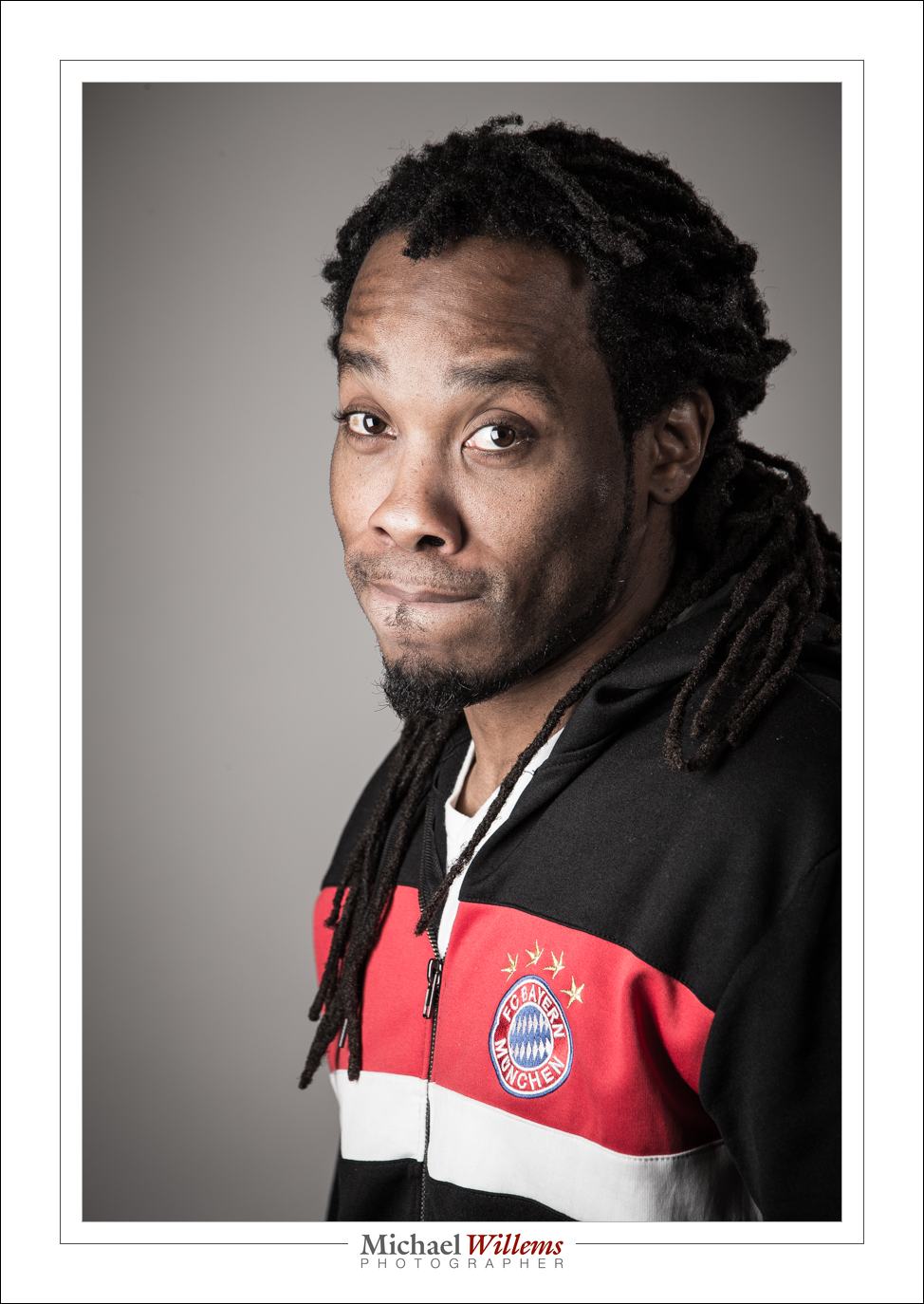
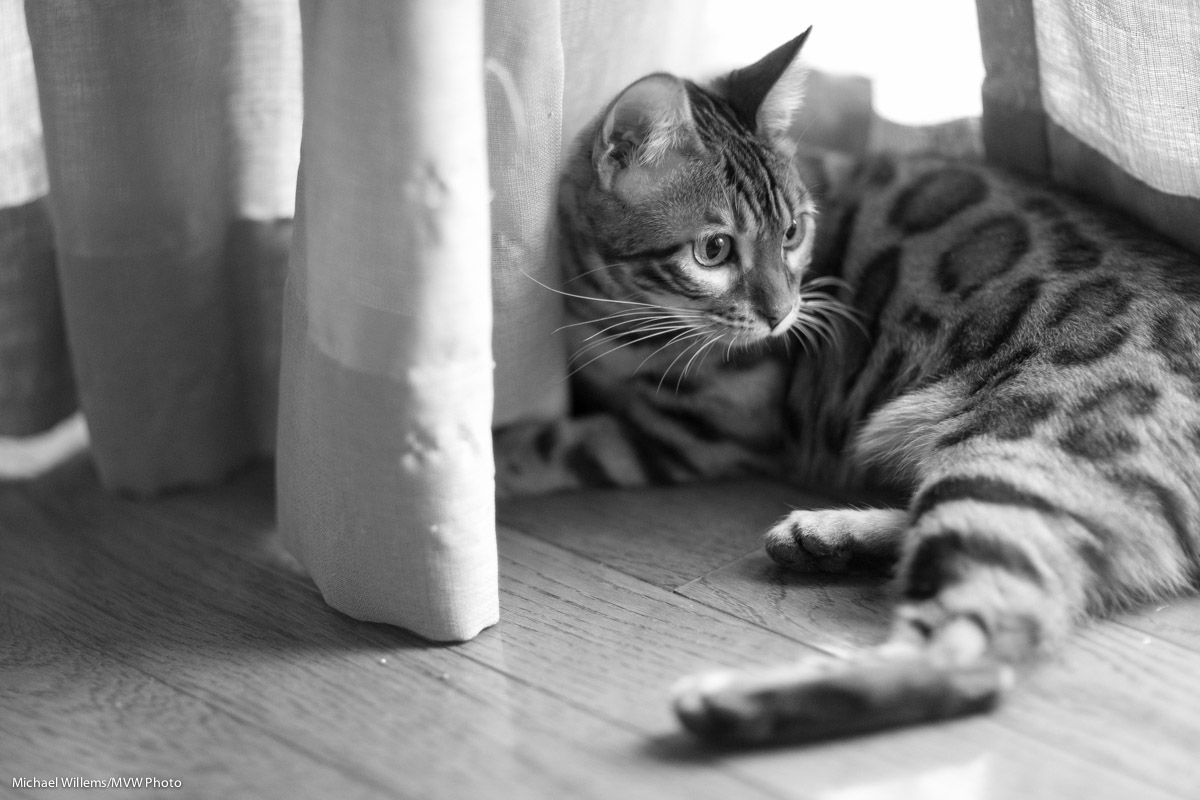
So this lens: until I can afford, I rent. Here’s a snap of Mau, just now, at 2500 ISO, f/1.4:

This lens is ridiculously sharp, as well as being fast and a pleasure to hold.

Look for some more images made with this lens, in the next few days. And if you have dream equipment too, go rent it for a few days, right now!


Pocketwizardry

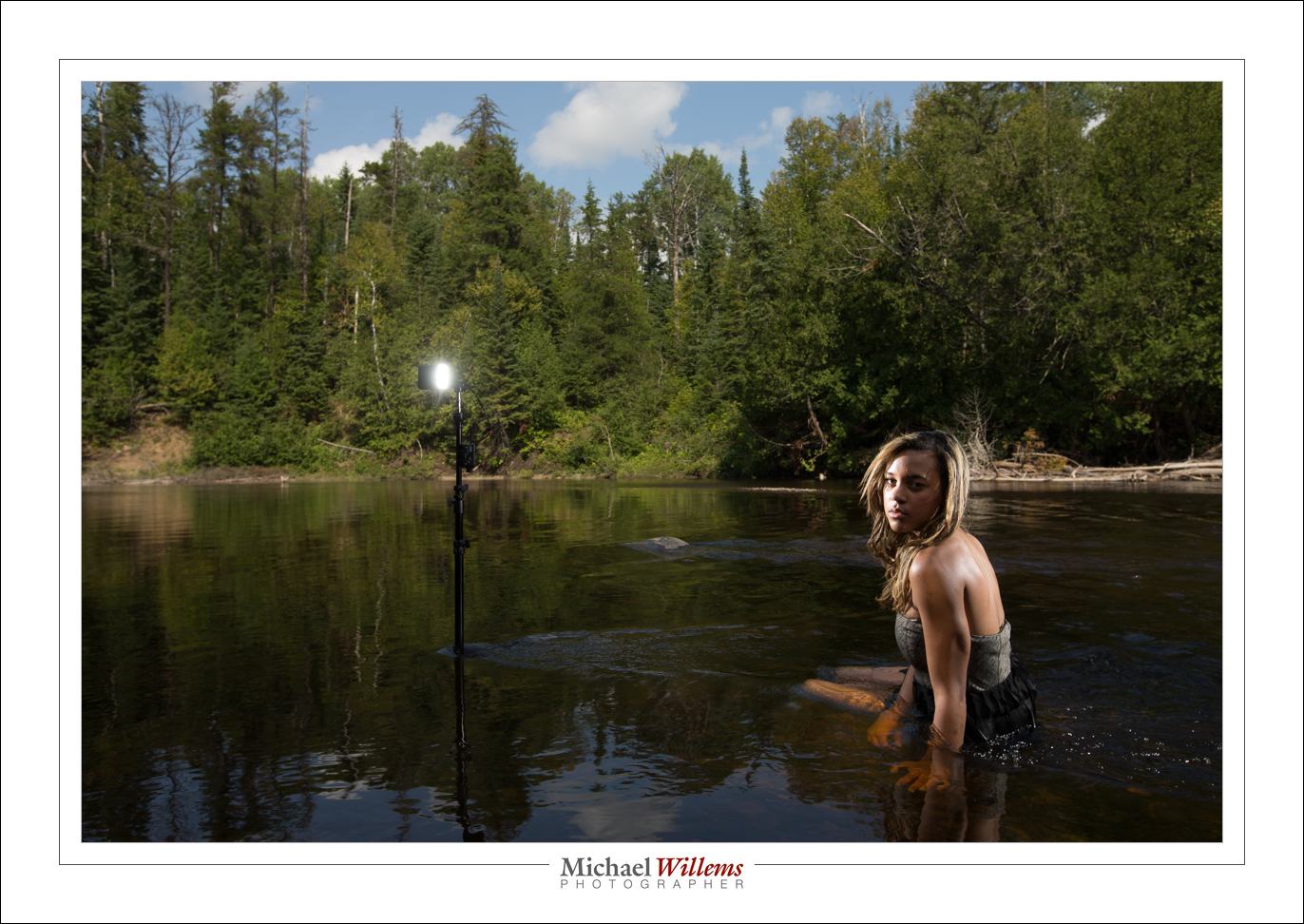
As those of you who read this DAILY teaching blog all know, I use both TTL flash (fired by “morse code” flashes of light) and manual flash – and in the latter case, I usually use Pocketwizards.

Like in this shot:

Where are they? Ah. Here:

You see: I “Lightroomed” them out in post. Sometimes that is the only way – and it is simple here.

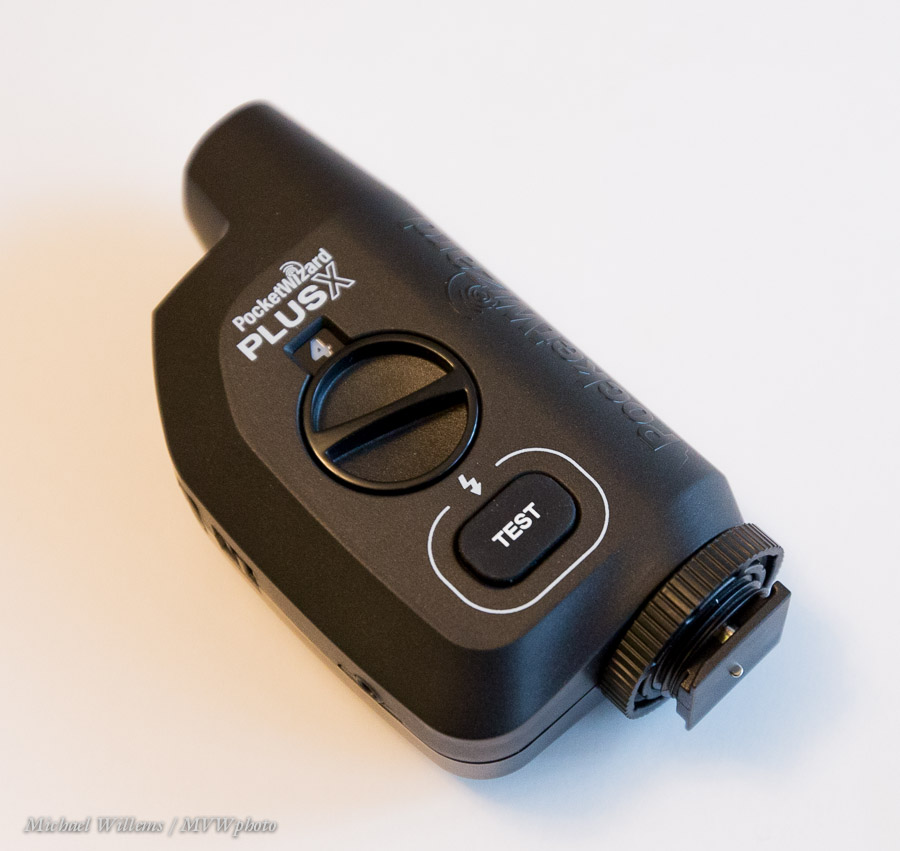
I had six Pocketwizards. I just bought one more, bringing my total to seven. The new one is a PlusX, the new “low end model”:

I shall use this on the camera, leaving the six others free for use on lights.

Why simple?

The higher-end models have zones. And they do more stuff, in particular the TTL models. But more stuff means more things to go wrong, and TTL means reverse engineered TTL, and hence possibly even more things to go wrong; and funny little batteries are expensive and hard to find. So I am happy with simple pocketwizards.

And yes, these are compatible with -among others!- the old Plus II models. The first 4 channels of the ten equate to the four channels on the Plus IIs.

I am often asked “do you use Canon’s built-in TTL wireless?” No, I do not. I have a 600EX, but I would have to replace my 580EX and four 430EX flashes as well – a $1500 investment. No, thanks.

The best news? These new Pocketwizards cost less than half what the Plus II cost, and are more robust. So far: wholeheartedly recommended. (But, Pocketwizard, please include a hotshoe cable…)

TIP: if you use, or would like to use, flash creatively and well, buy my NEW e-book. Click on PRO FLASH MANUAL above: the world’s best full flash course in 123 pages for just $19.95!


Zoom zoom zoom

Zoom in your flash when you need more power!

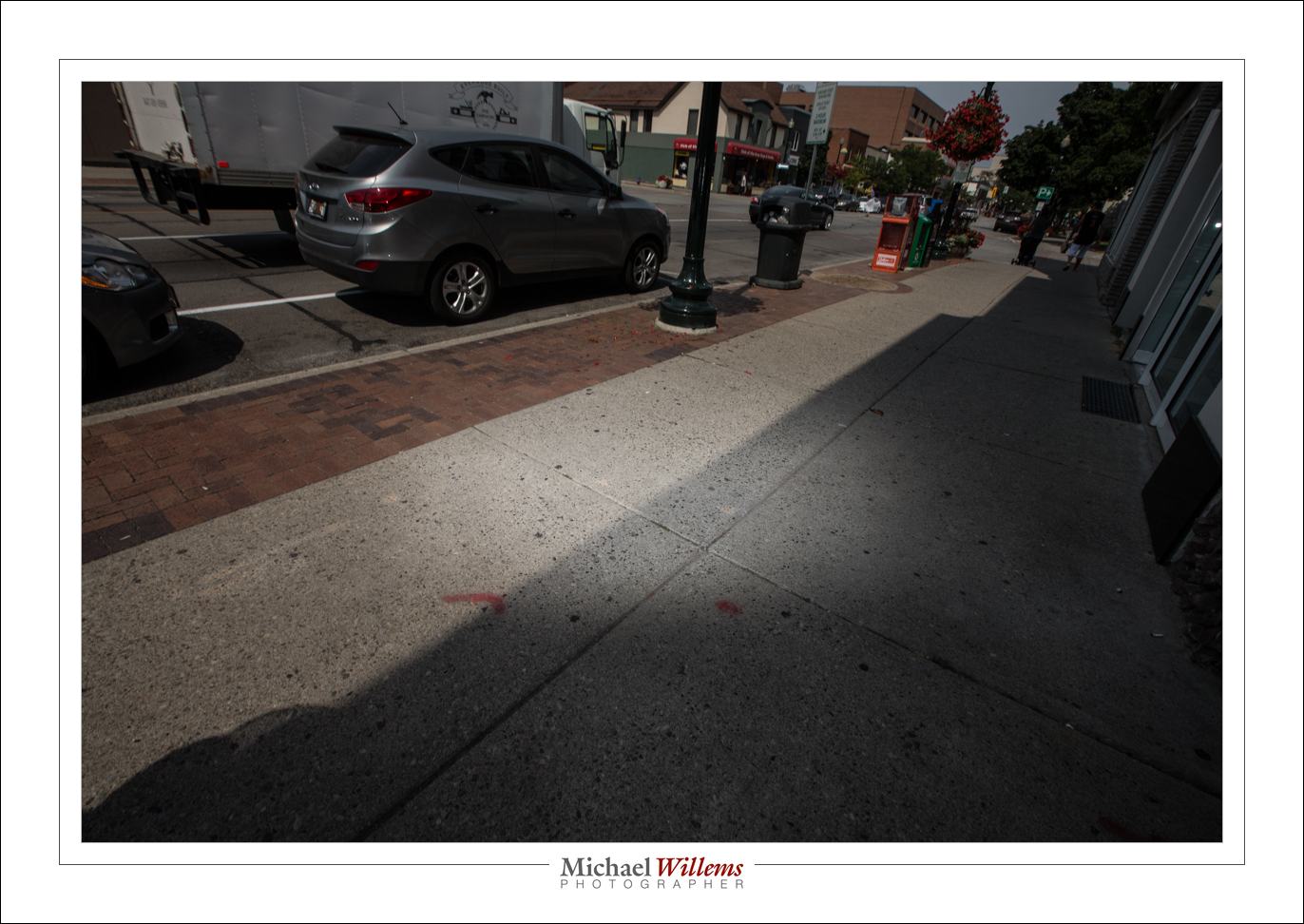
When, for instance, I use a 35m lens and I leave the flash alone, it would light up the entire pictrure.

But if I am short of power? Then I might zoom in the flash manually, to get a more concentrated beam. If I set my flash to 105mm, while leaving the lens at 35mm, it sends the light only to the centre:

And that gives me more light. Which I needed Sunday on the photo walk. Example:

Of course I aimed it down a little, too, there.

So I can use this “extra zoom” setting for two reasons:

  1. To get vignetting
  2. To get more power

Simple, really, innit?


Reader Question

A reader asks:

Hi Michael. I attended your photography talk at Bare Oaks during the FCN festival, and read both of your books. Now I want to get some flash equipment.

I went to [large photo retailer in Ottawa] looking for a good deal. But they said if I wanted a flash I could trigger wirelessly with my Canon T4i, I had to get at least a CANON SPEEDLITE 600EX-RT, currently selling for $499. That’s considerably more than I was expecting to pay, and at odds with your statement that this equipment was inexpensive. Is there something more affordable I can get? Can you recommend a good starting flash kit?

Sure! Yes, I held a talk about photography, and yes I said that, and yes I was right.

The 600EX flash can be a “sender” (telling other flashes what to do, the “master flash”) and a “receiver”: the flash, off-camera, that does what it is told (the “slave flash”).

The cheaper 430EX can be only a slave. There is an even cheaper flash that can also be a slave, the 320EX. Both of these can be used because the T4i can use its pop-up flash as the “master flash”. Problem solved!

One thing to keep in mind: there should be an optical path between the pop-up flash on the camera and the slave flash or flashes. And outdoors, you may find the pop-up is not always powerful enough, But it saves you hundreds of dollars, so you may want to live with that!

Photo retailers do not always know, or they may want to just sell you the higher priced item. My friends at Vistek and in Henry’s Oakville and Mississauga stores do not do this, but elsewhere – well, be prepared with knowledge (and feel free to ask me).


Learn Focal Lengths

One thing that good photographers know is  “what focal lengths do”. There is such as thing as “the right focal length for a picture”, or perhaps better, “the right types of picture for a given focal length”. And a good photographer knows these. The pictures tend to then fall into place.

We all know – I hope – that you do not do a headshot with a 16mm lens. And we all know that landscapes and travel do like that focal length.

But in general, what is appropriate?

It depends. On you and your taste. But there’s often a good range. Look at the following examples – and keep in mind, the lengths I mention are for a full frame camera. If you have a crop camera, divide by 1.5/1.6. So a 35mm lens in my examples would need you to use a 24mm lens on a crop camera.

With that in mind, let’s look at some portraits.

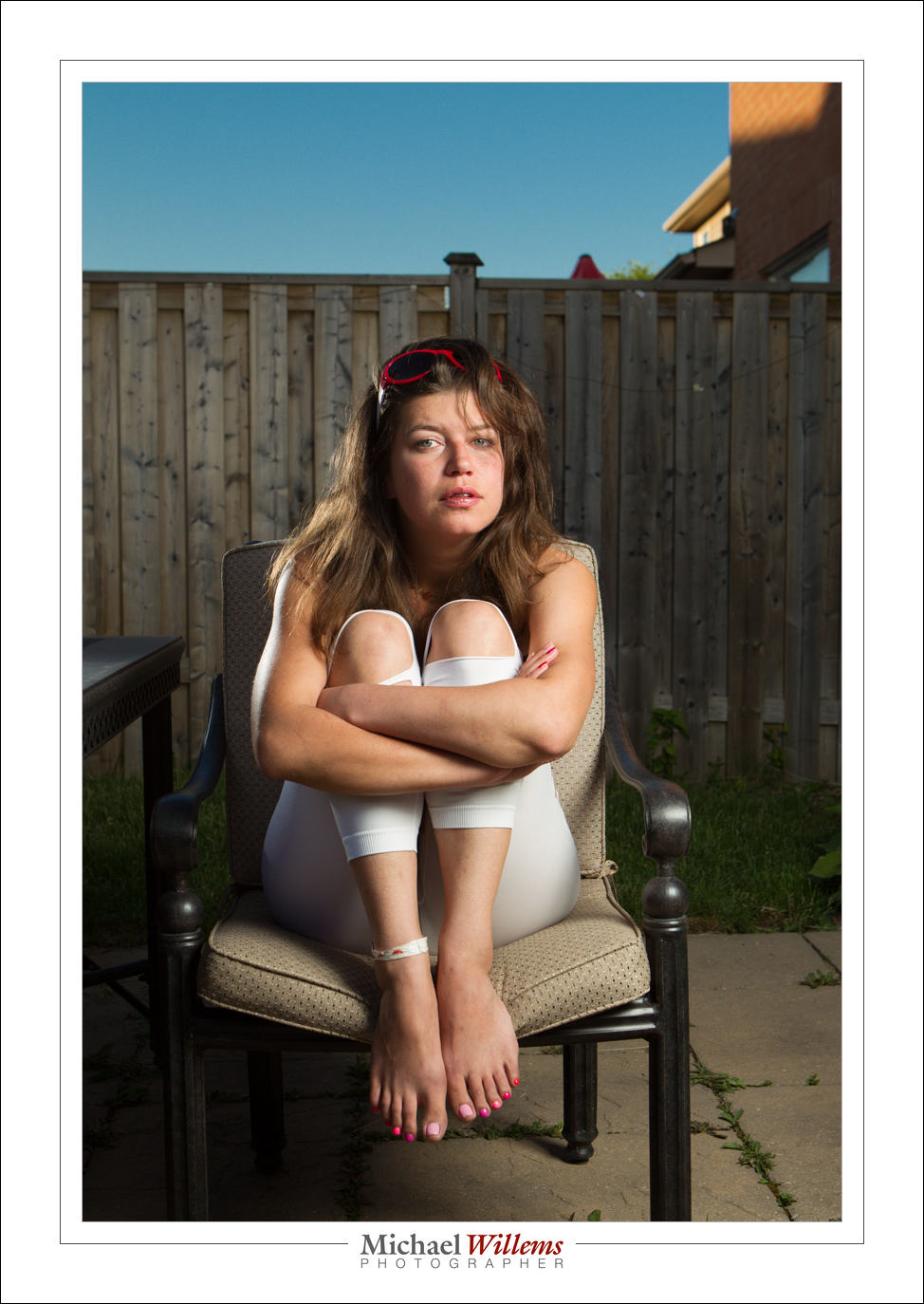
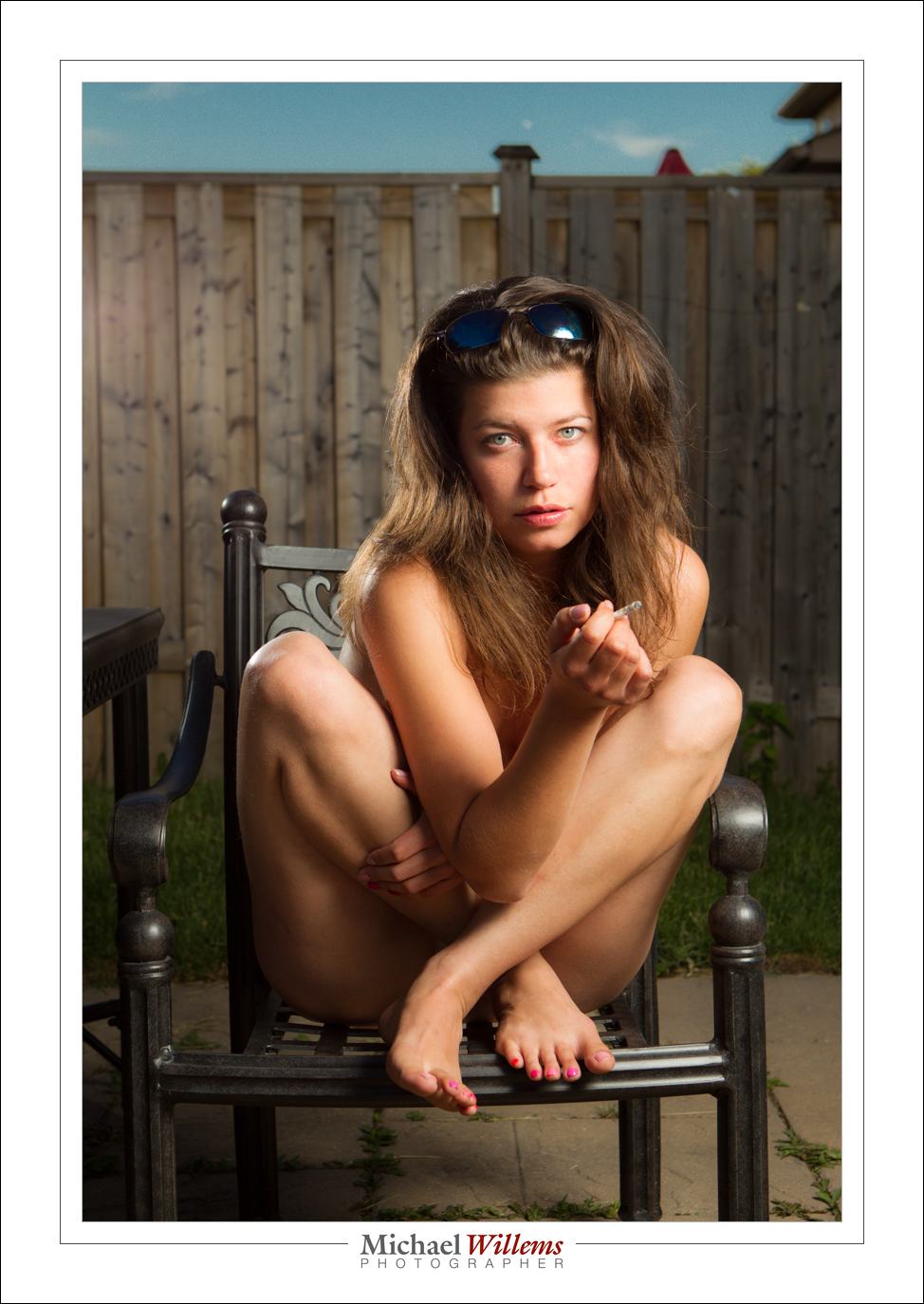
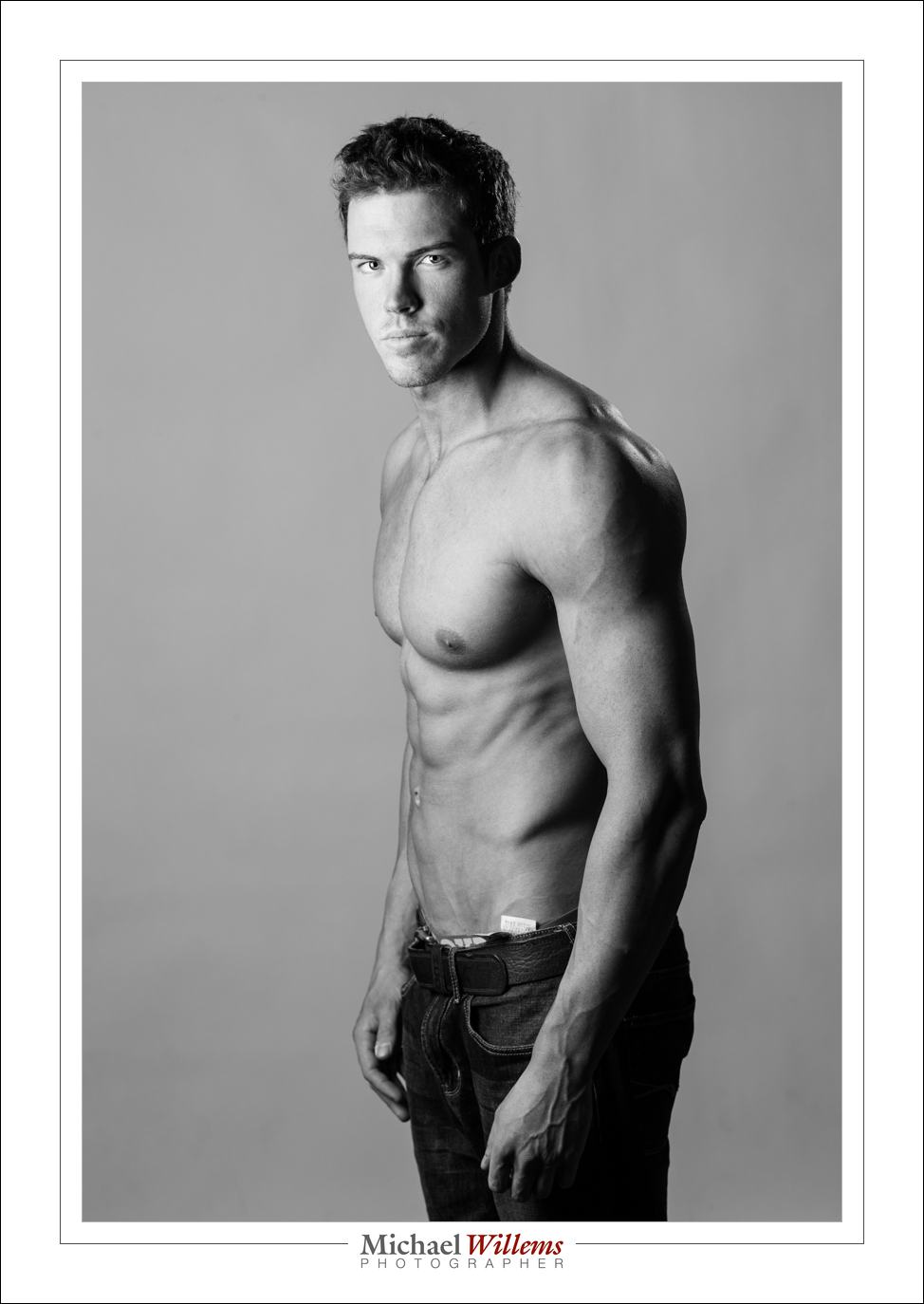
35mm:

50mm:

65mm:

85mm:

200mm:

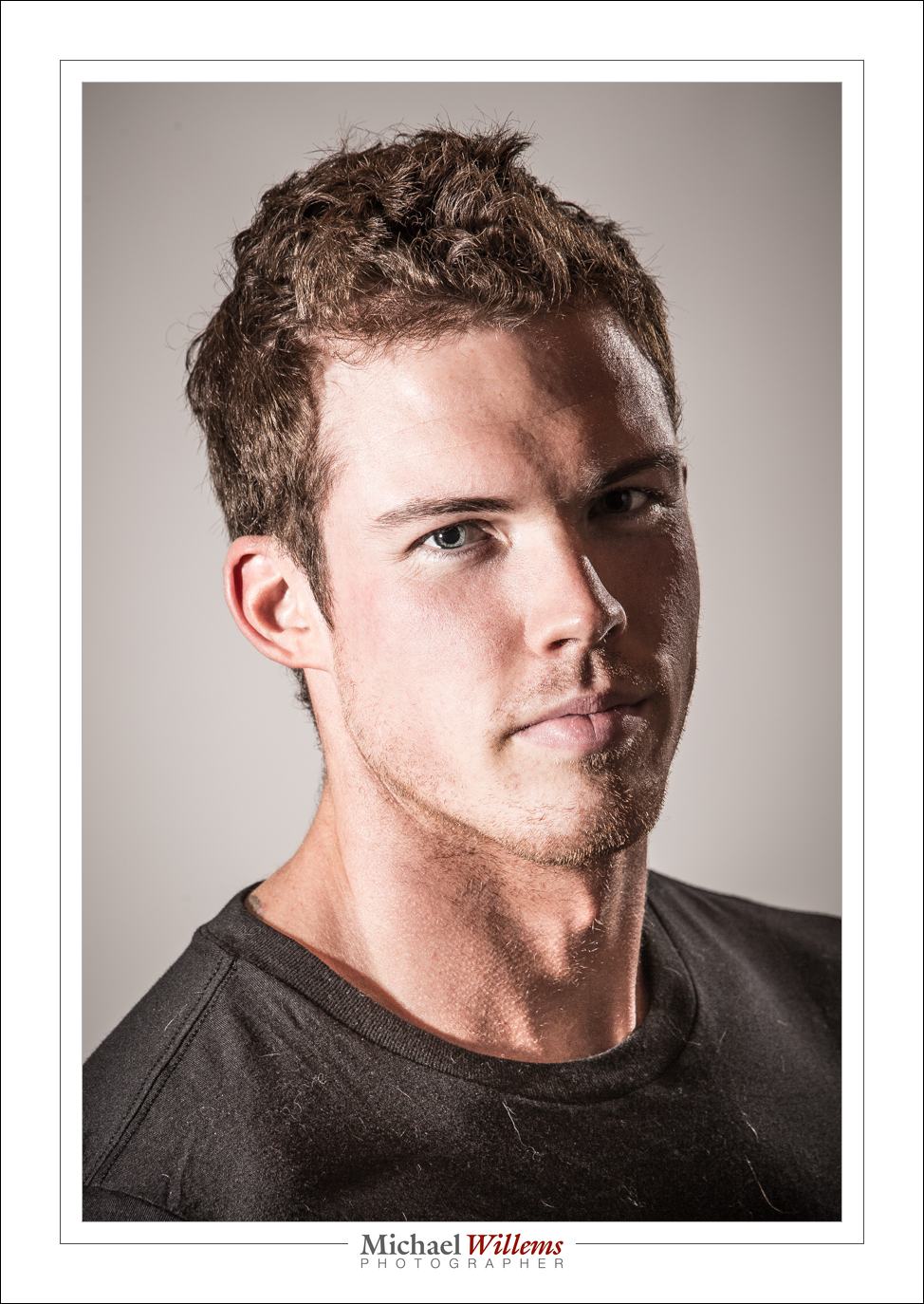
Are you beginning to see patterns? Develop your own preferences and “usual lenses” – they probably will not vary much from mine – and you will be much quicker deciding how to shoot what. A prime lens is a great way to learn, by the way. It’s why we love primes.


Pullback

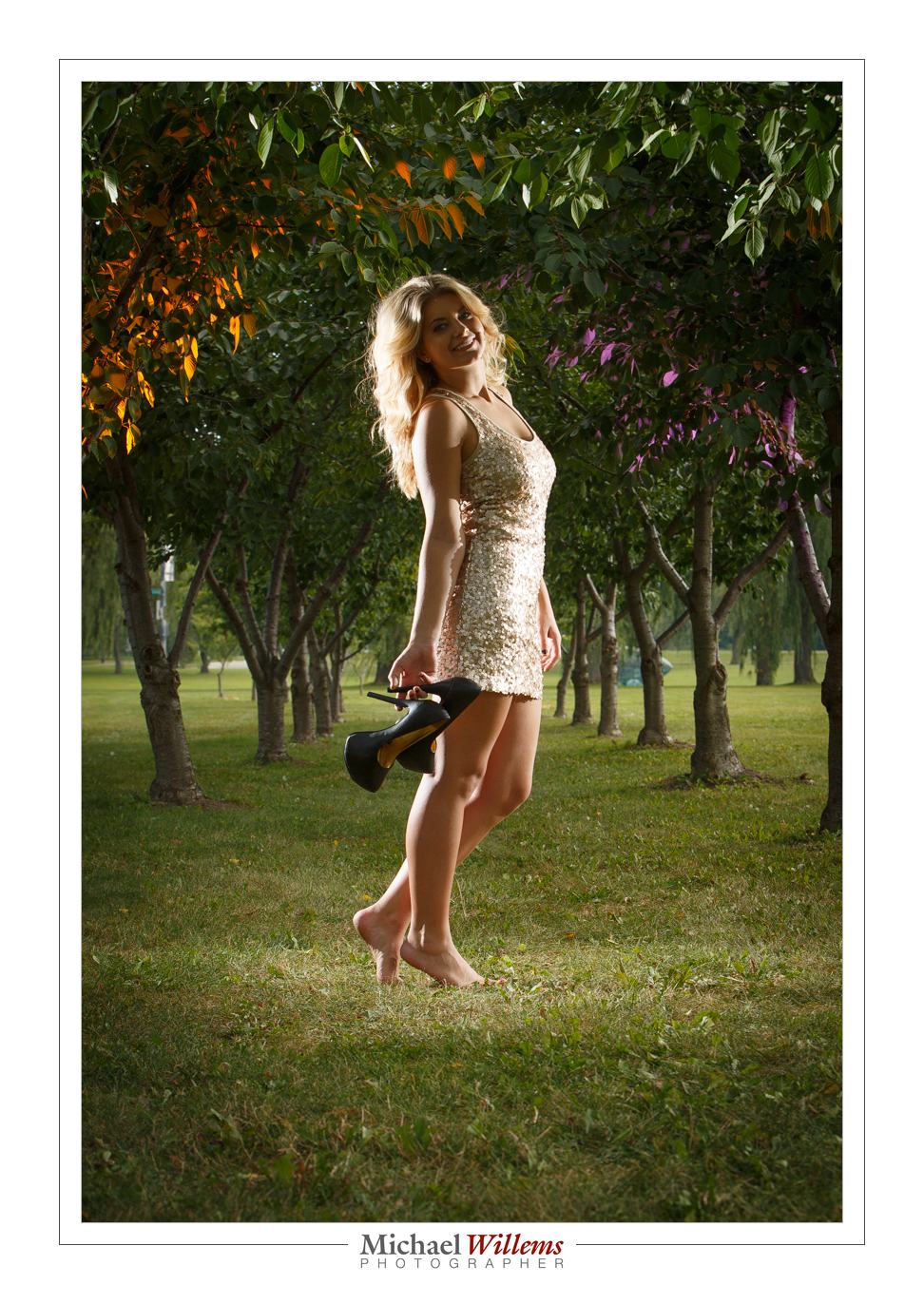
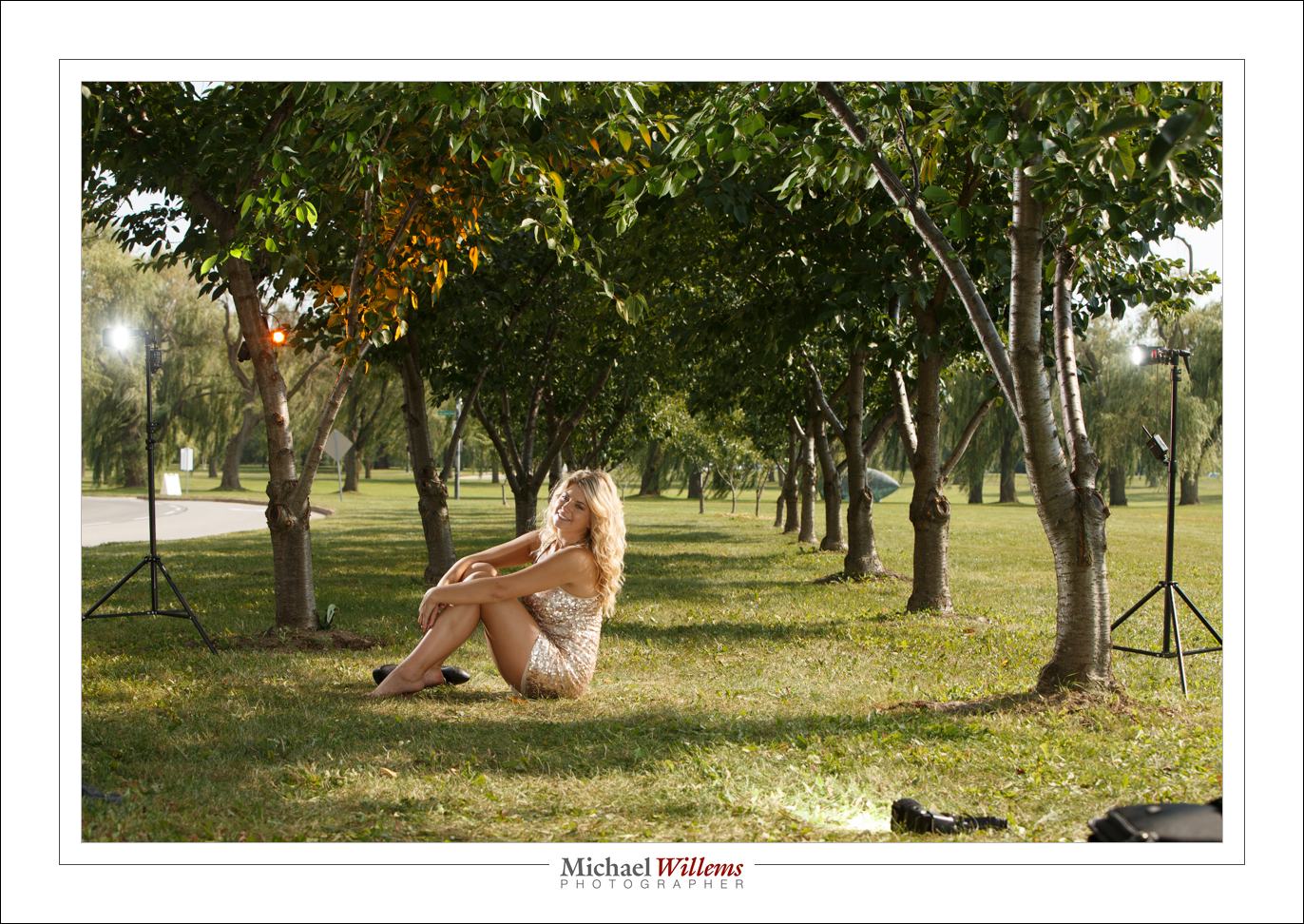
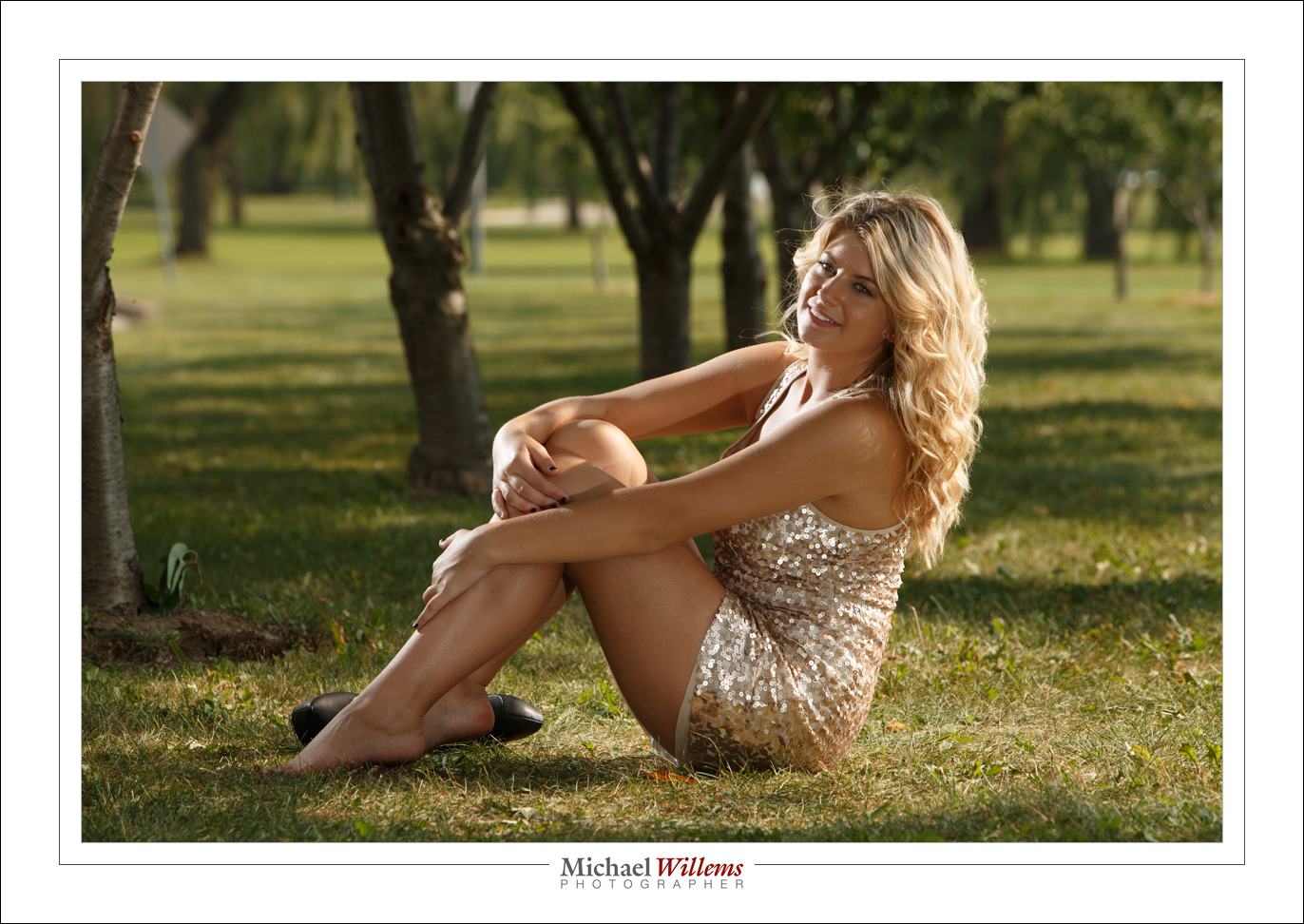
I have advised you here again and again to do a pullback shot every time you shoot. Like for yesterday’s picture:

Here’s how I set it up:

As follows:

  1. One flash direct, on a light stand camera left, just behind model aiming at her.
  2. One flash direct, on a light stand camera right, just behind model aiming at her.
  3. One flash direct by my legs, on the ground, aiming at model
  4. One flash in tree left, clamped, with Egg Yolk Yellow Honl Photo gel
  5. One flash in tree right, clamped, with purple Honl Photo gel

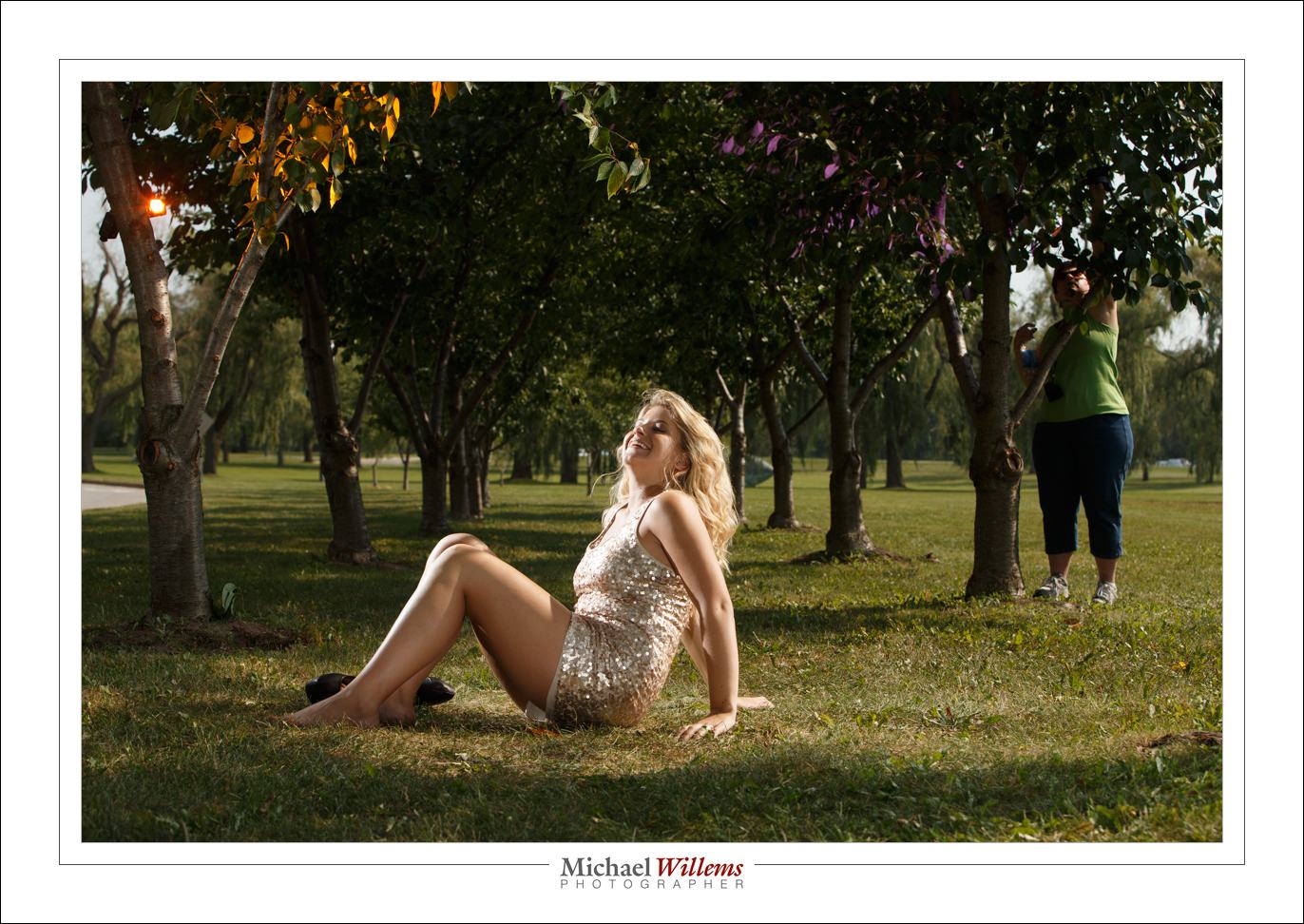
Yes, that purple flash is there – here’s Lori fixing it:

The point is that I would have forgotten the setup quickly if I had not had this pullback shot. With five speedlights, forgetting what was where is easy!


That long look

As you all know, there are three ways to get “blurry backgrounds”:

  1. Large aperture (“low f-number”).
  2. Get close.
  3. Use a long lens focal length (“zoom in”).

The first one is the one everyone thinks about – but the last one has a very recognizable look. Like this, yesterday, at 190mm at f/8:

Compare that look and that background blur with this, taken at 70mm:

Both nice, but the first one (viewed full size) has that distinct “long look”, and the background is blurrier. Reason I like the 70-200mm lens for fashion shoots if I have enough space!

___

Want to learn this? There are a couple of spots still open on my Oakville Photo walk, this coming Sunday from 1-5pm. Go to www.cameratraining.ca/Schedule.html and follow the BOOK link.

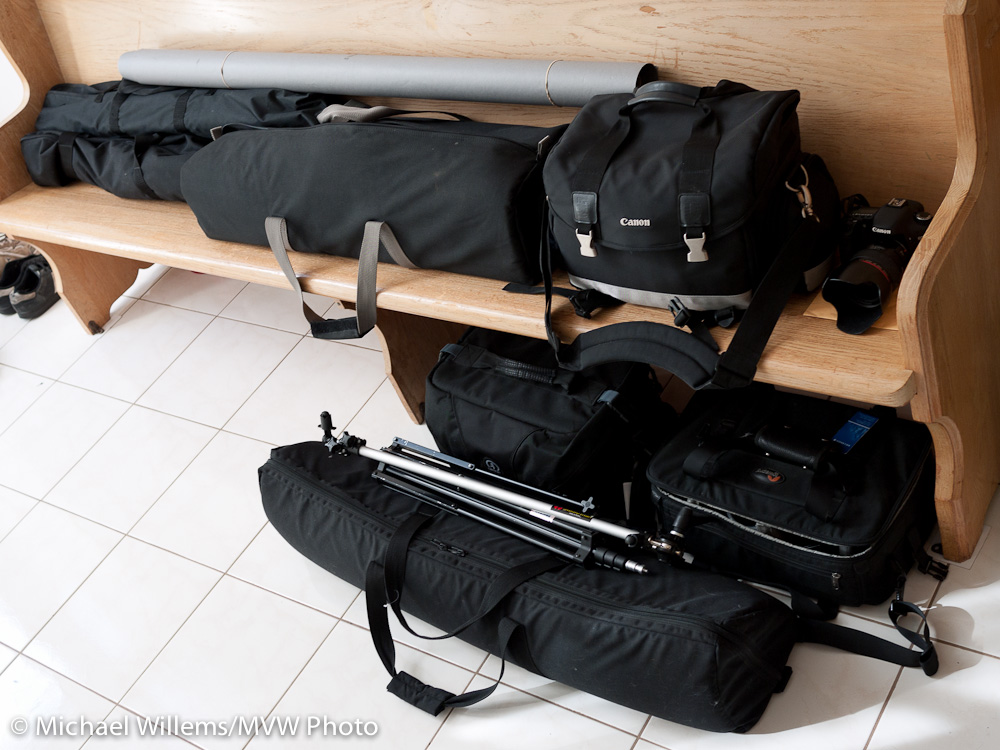
Old pic, same stuff

Michael's Gear - part of it

Michael's Gear - part of it

I am packing my car for a wedding I am shooting. I am bringing basically the same gear as here – a car full. Some shots later tonight, I imagine. But meanwhile remember: there’s no substitute for having the right gear, and bringing it.


Using Your Screen

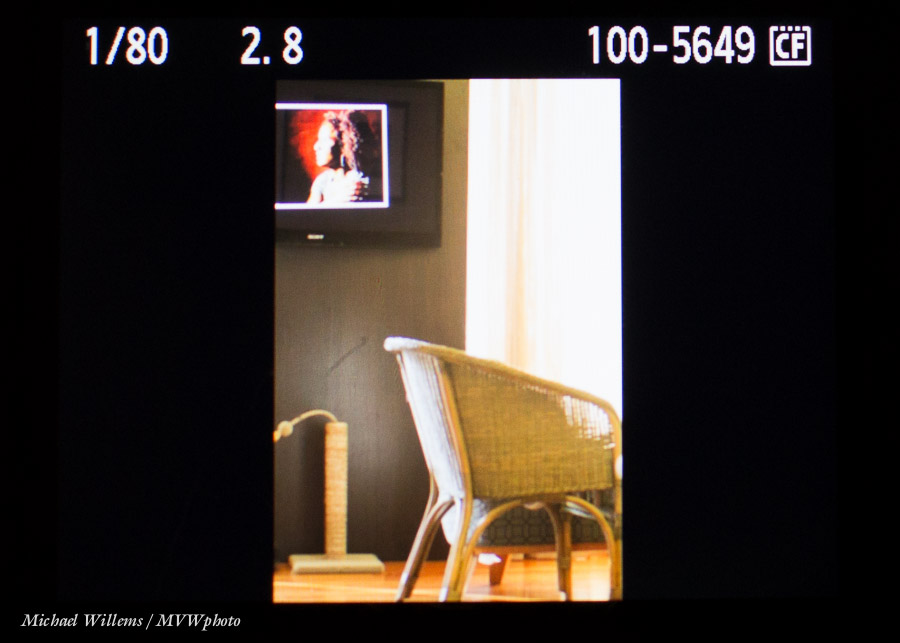
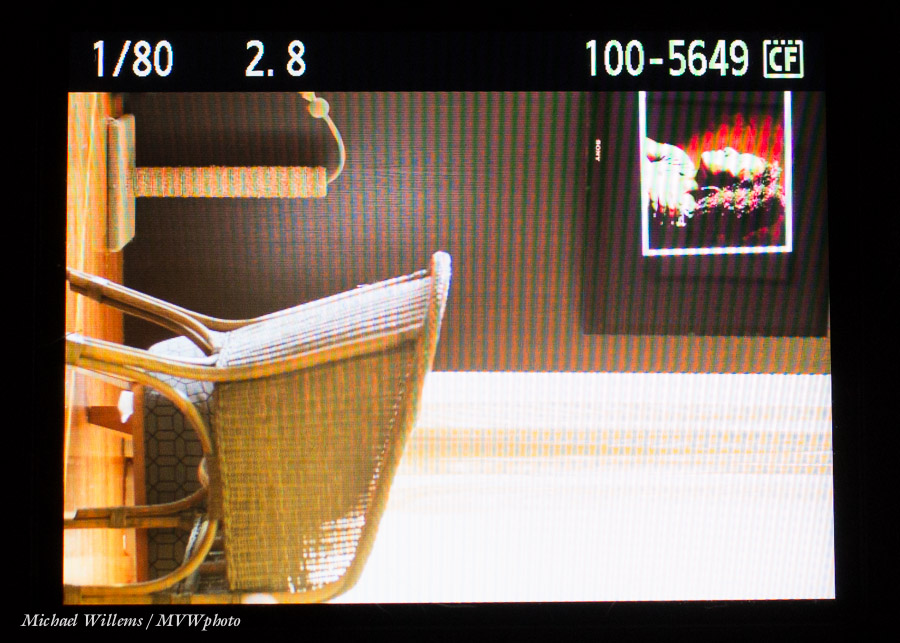
When you use the screen at the back of the camera for playback, you may have noticed that for portrait-orientated pictures, you get just a small “letterboxed” view:

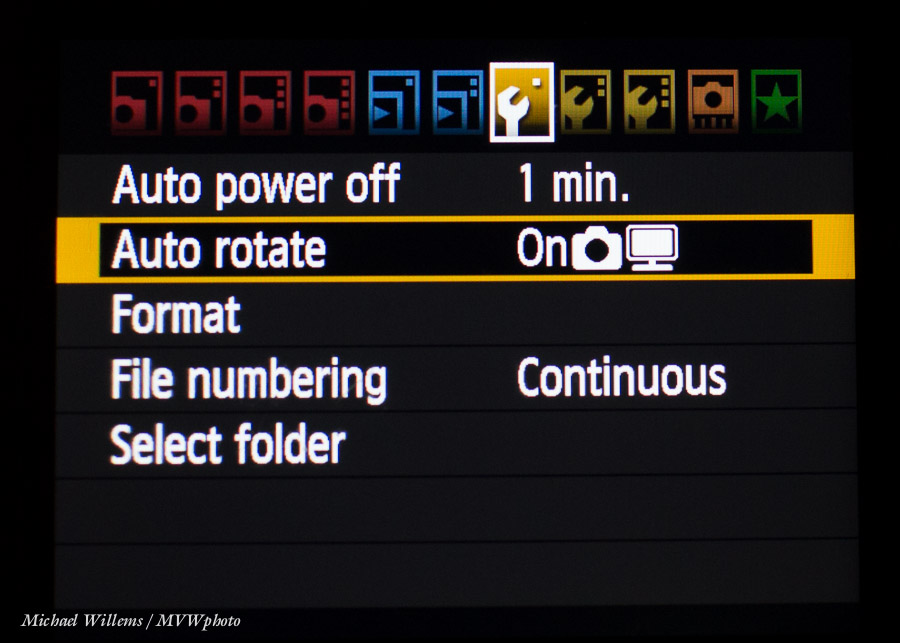
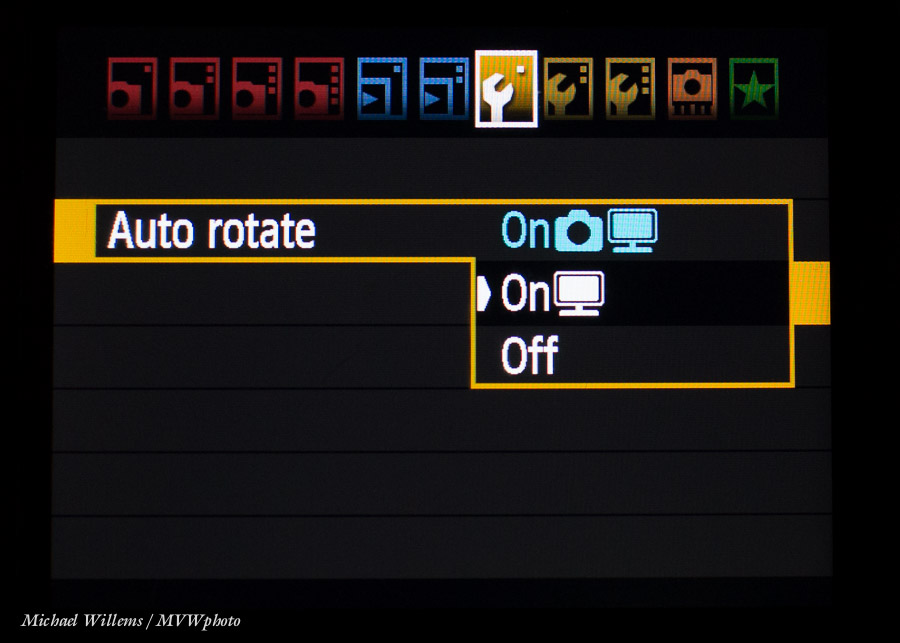
The solution is simple on most cameras. Go to the menu and find the display rotation function. On Canon, you can choose “what happens in the picture” and “what happens on the back of the camera”.

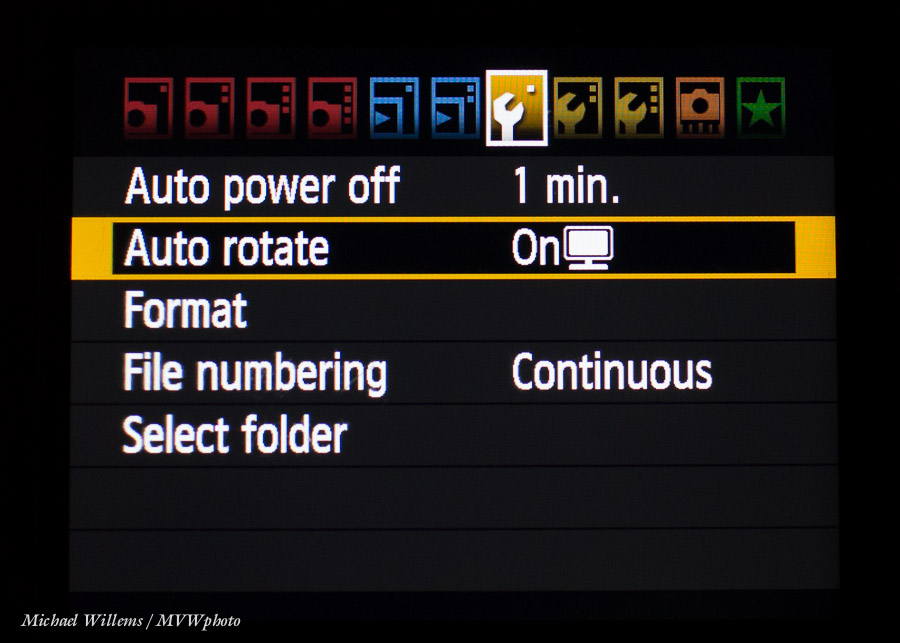
I set my Canon cameras, that have this ability, to rotaing in the image, but not on the camera screen:

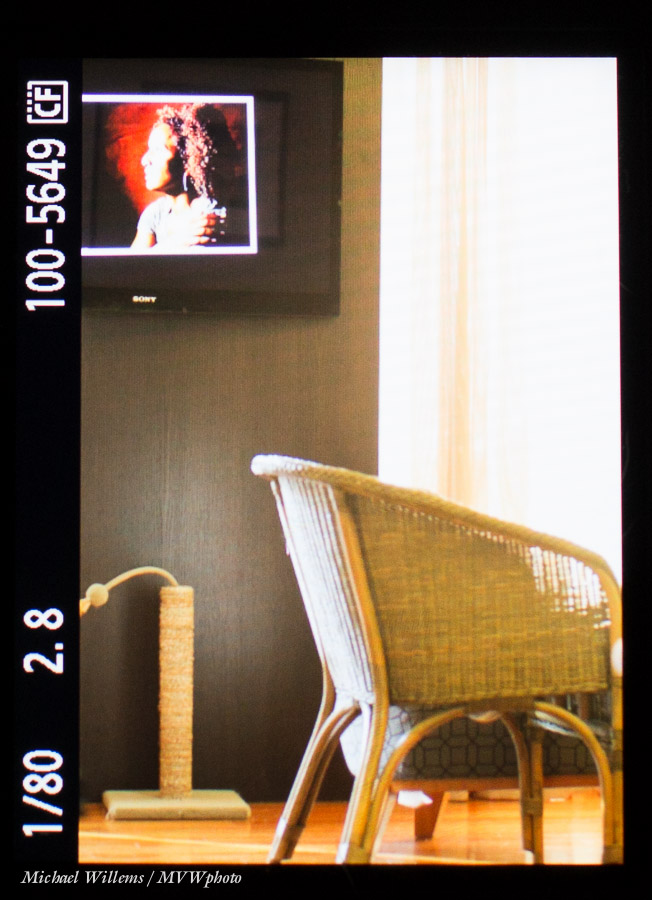
So now while the image is unchanged, I see this:

Now when reviewing just turn the camera 90 degrees:

..and now you are using the entire screen real estate, not just a part of it.