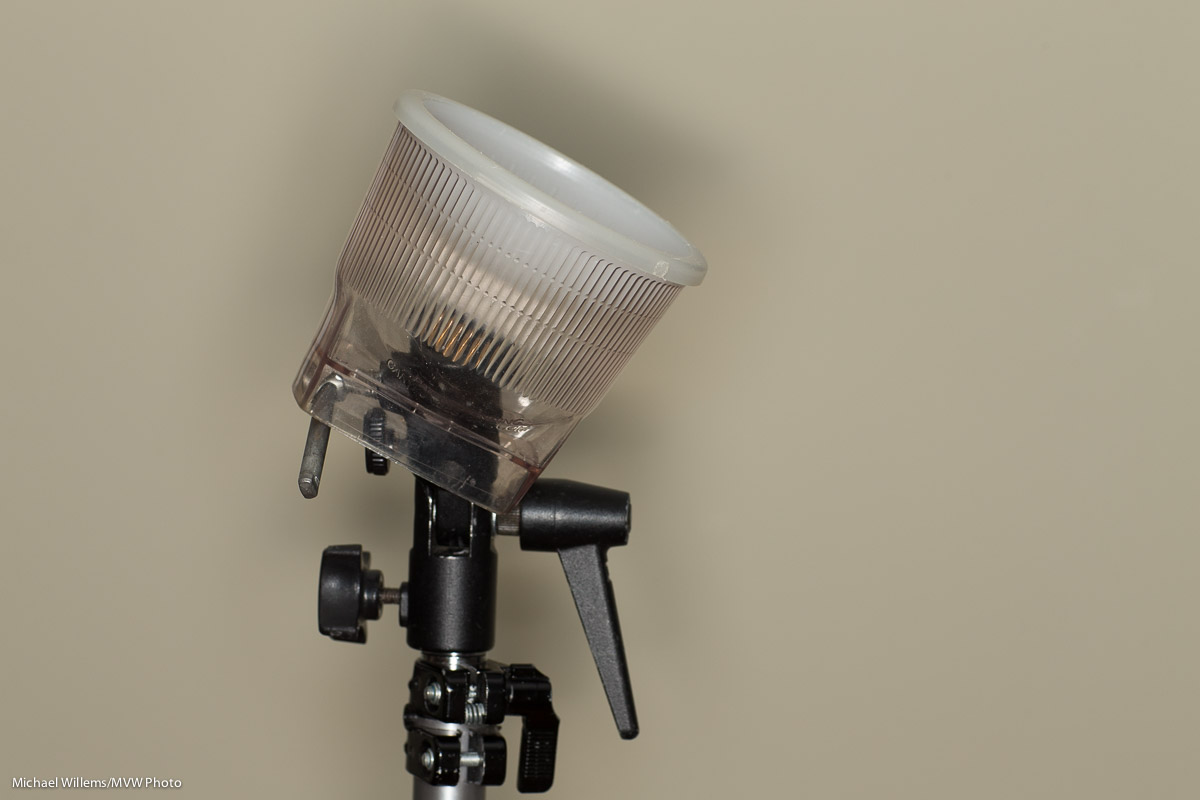
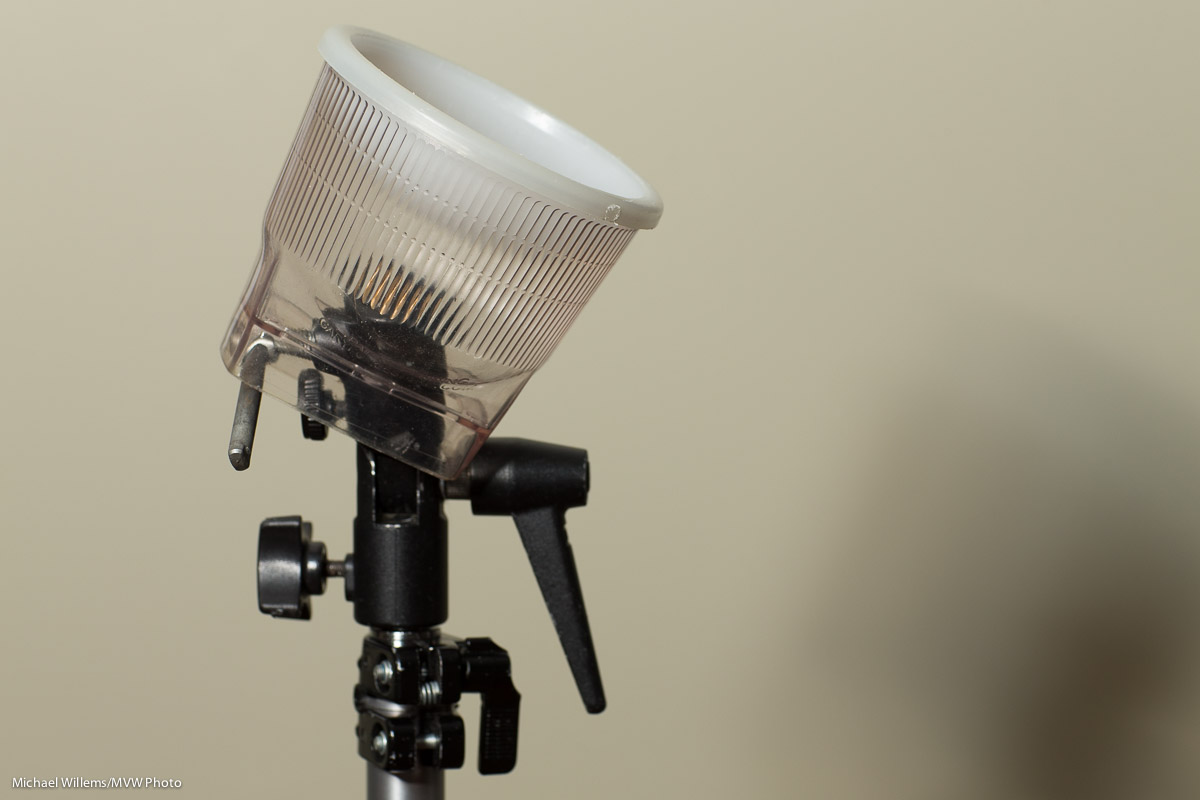
You don’t need flash.

A photographer told me that the other day. “You don’t Need Flash. If it’s not night, you do not need flash”.

And here’s why he is so very misguided; even plain wrong.

You don’t always need flash, sure. But sometimes you do, if you want creative options. Like yesterday, during a sunflower field with model shoot. I could have shot the models the traditional no flash way, i.e. a small enough aperture, or high enough ISO, or slow enough shutter, to get:

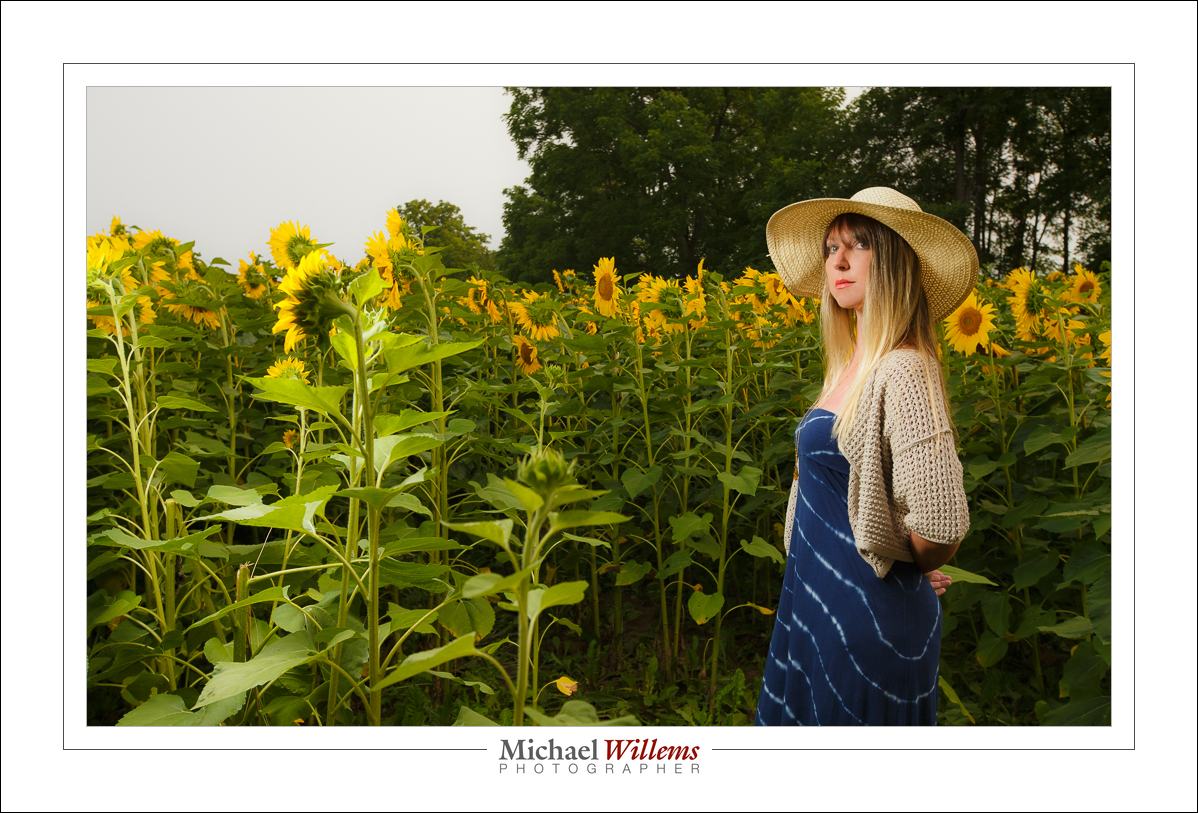
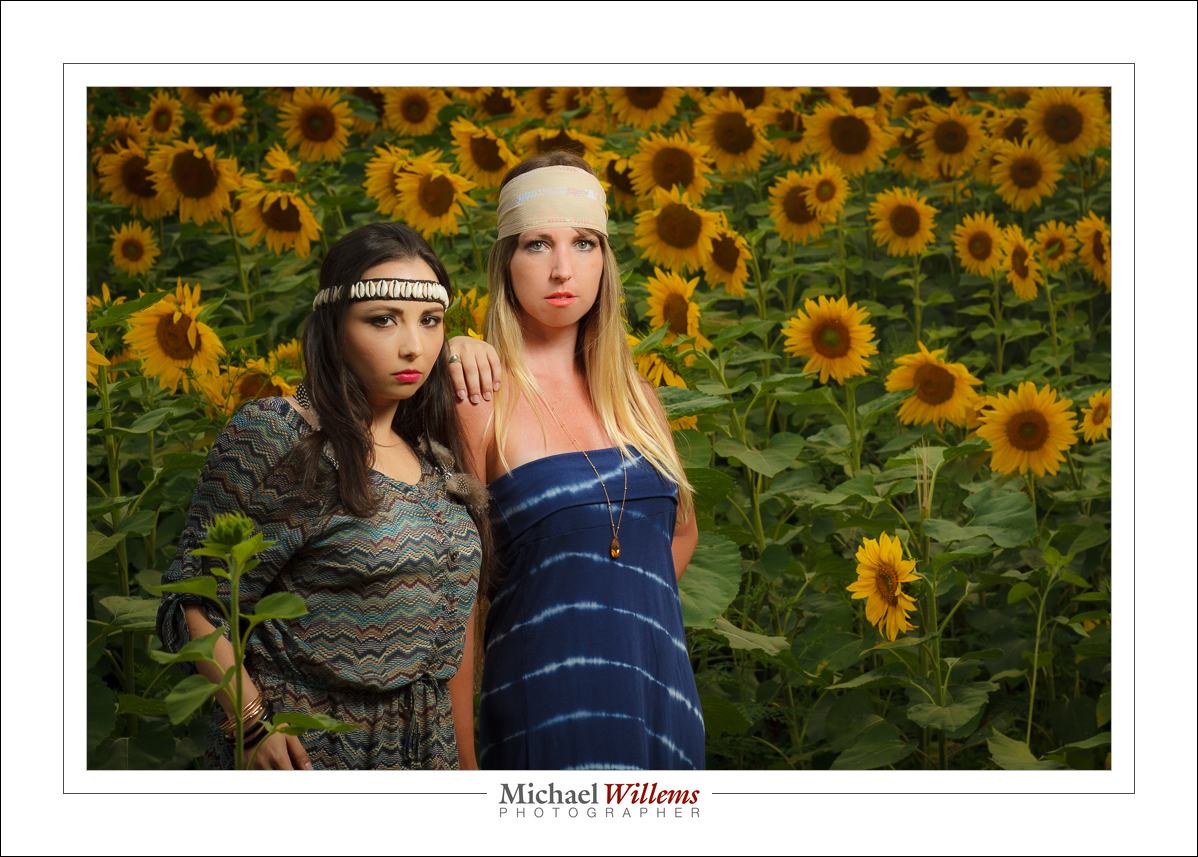
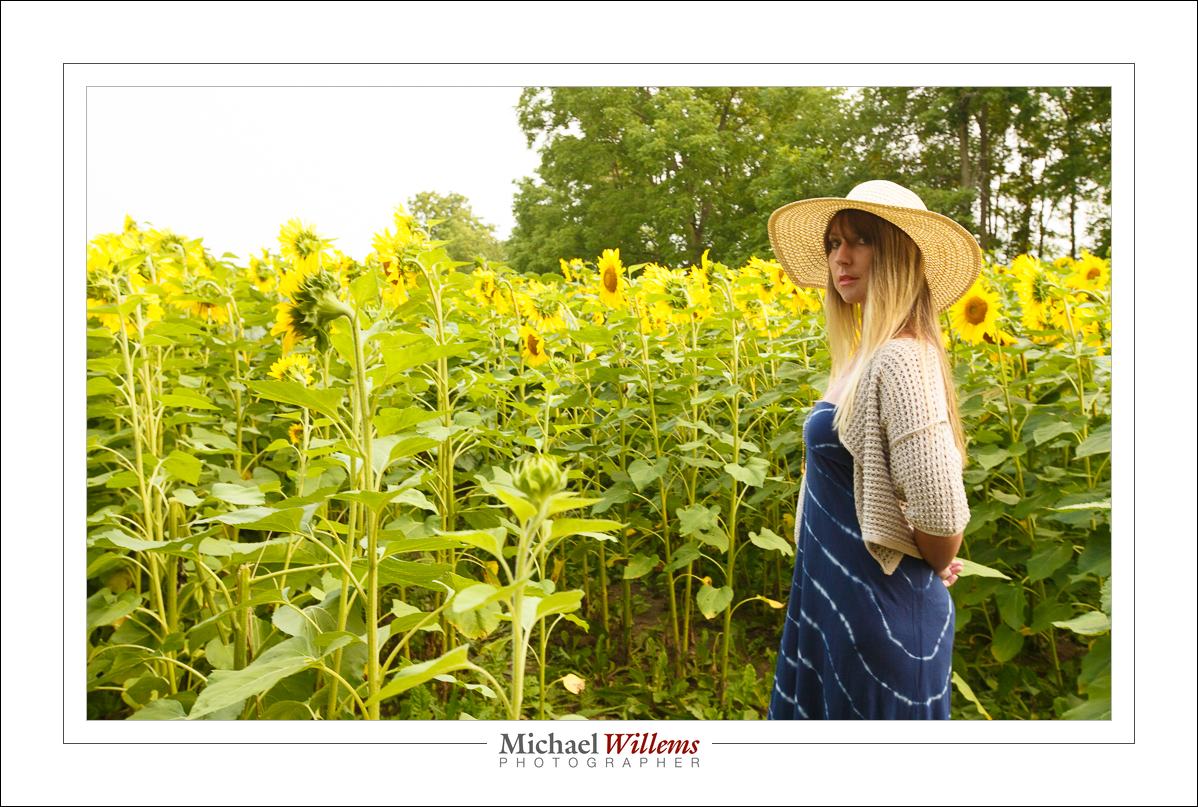
But instead I preferred this:

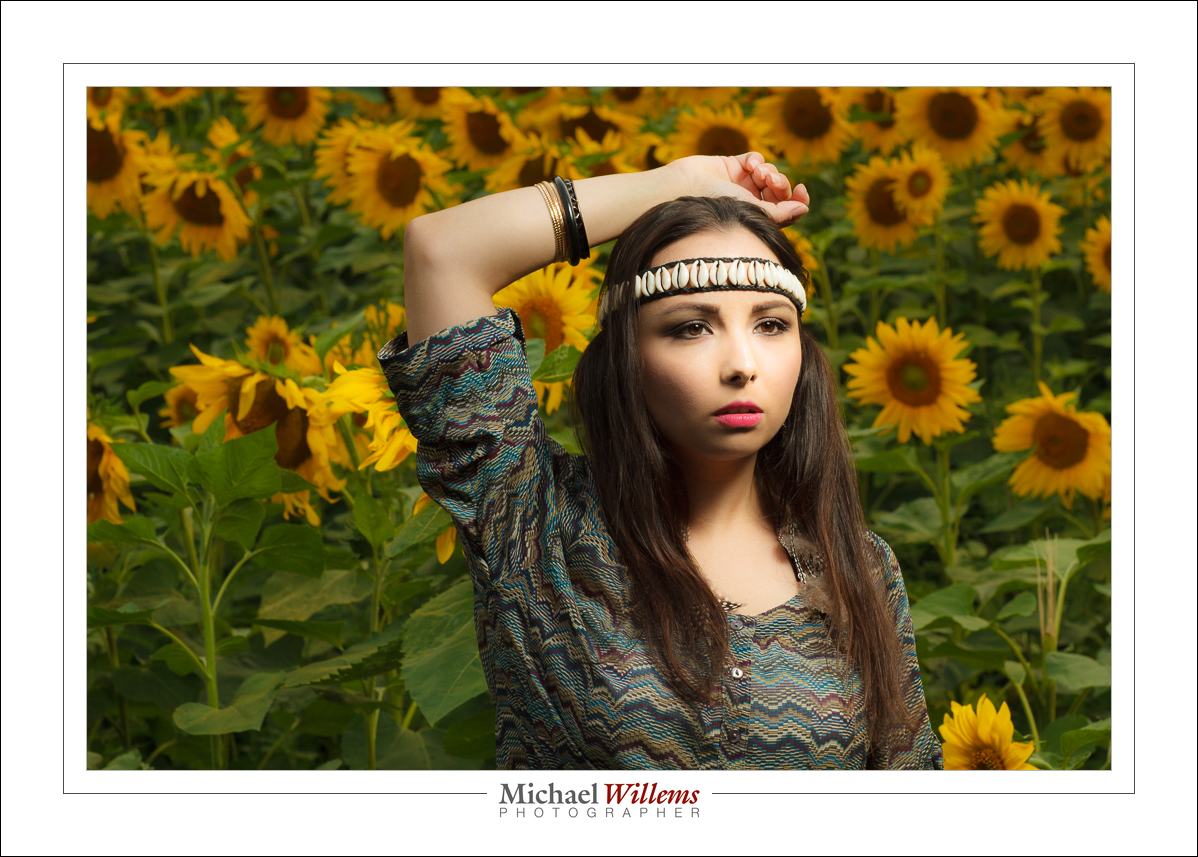
For that, I exposed the background to about –2 stops (meter displays –2, or if in an auto mode, you use exposure compensation to –2). (In fact I was in manual mode: 1/250th sec, 400 ISO, f/8. That showed as –2 stops on the meter.) Then I used an off camera flash with an umbrella to light the subject. I got the image above. Look at the model’s face: she is the “bright pixels”, and she is lit from where I want.

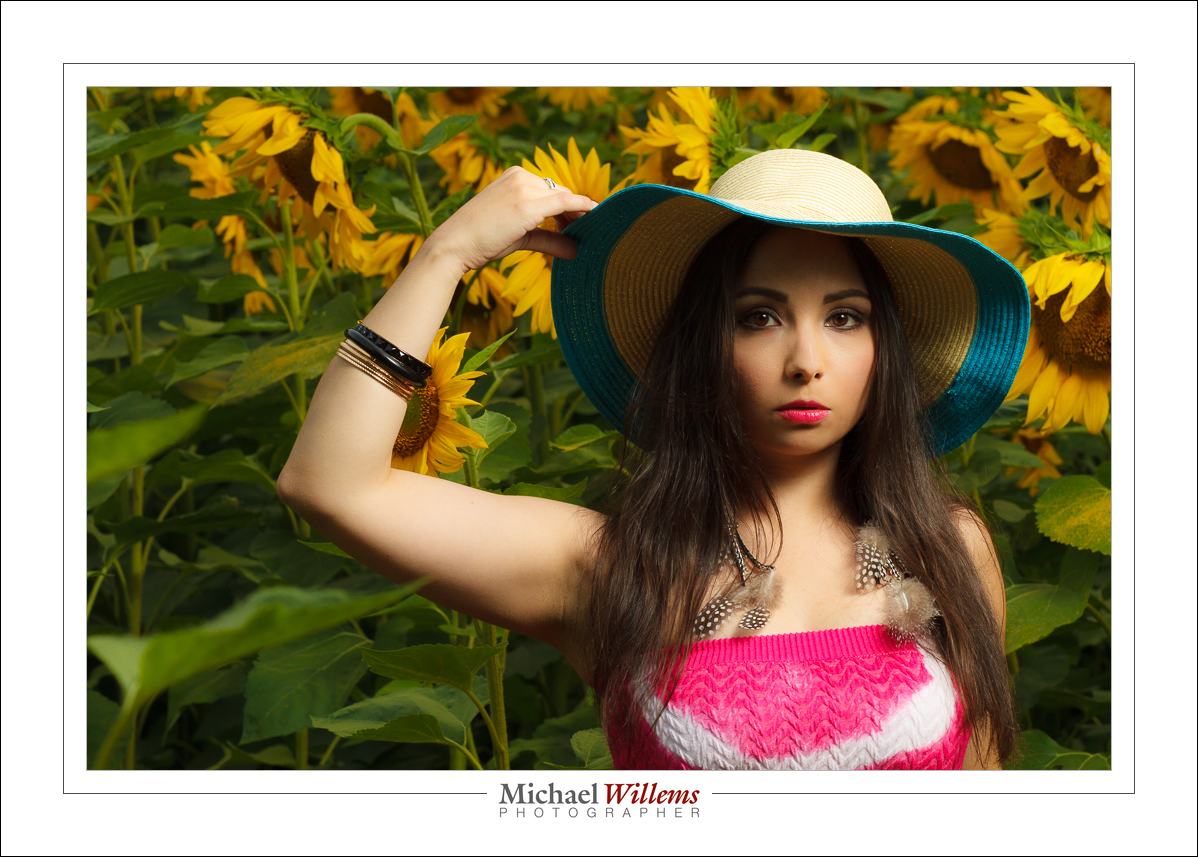
A couple more examples of photos from yesterday, also done with flash:

And all this was only possible because of flash. I set up the single flash as follows, firing through an umbrella:

QED.


Action…

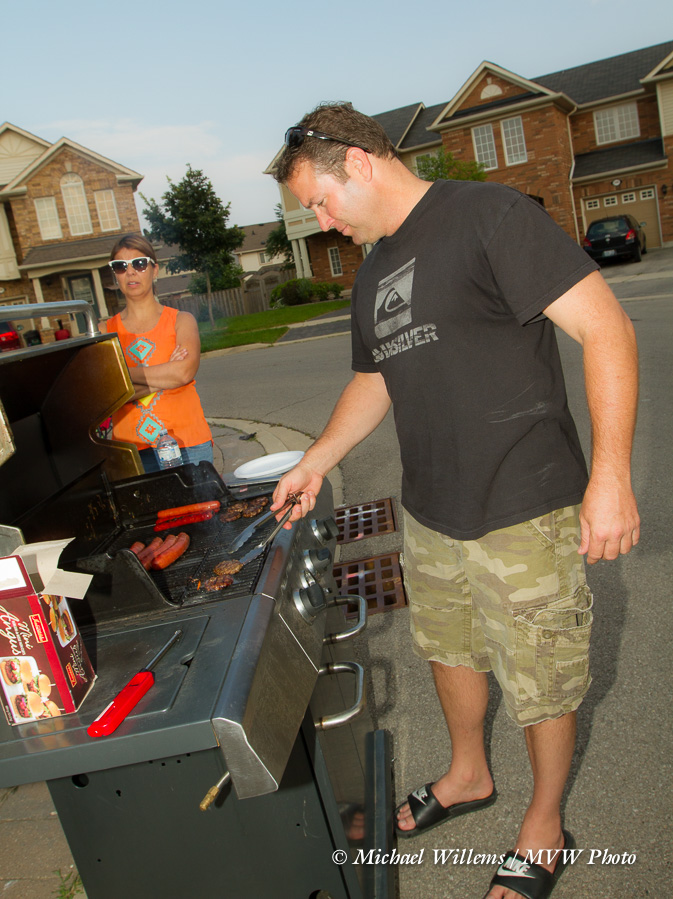
I shot some photos at a block party yesterday. A block BBQ, to be precise. And I would like to share a few of those here, in order to convey a few points you may find useful.

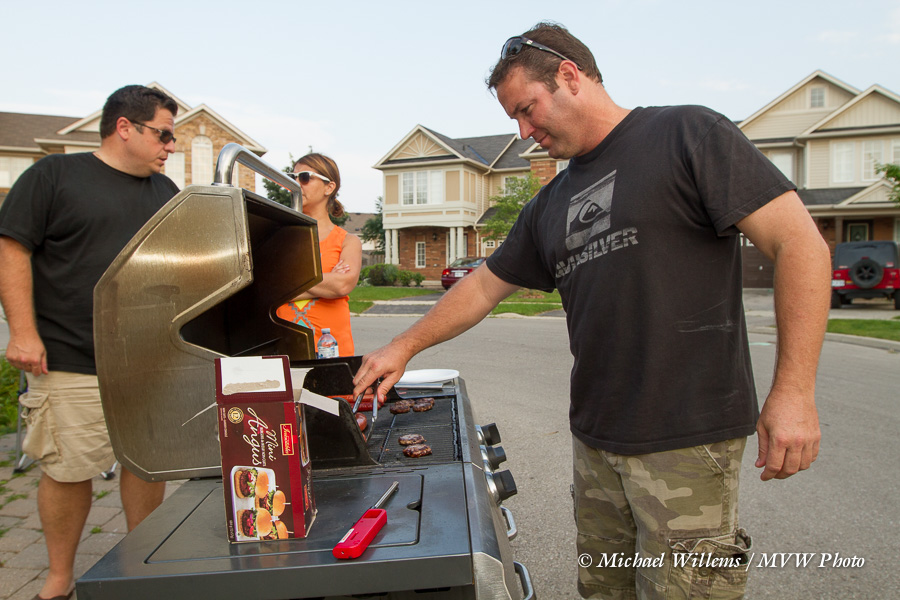
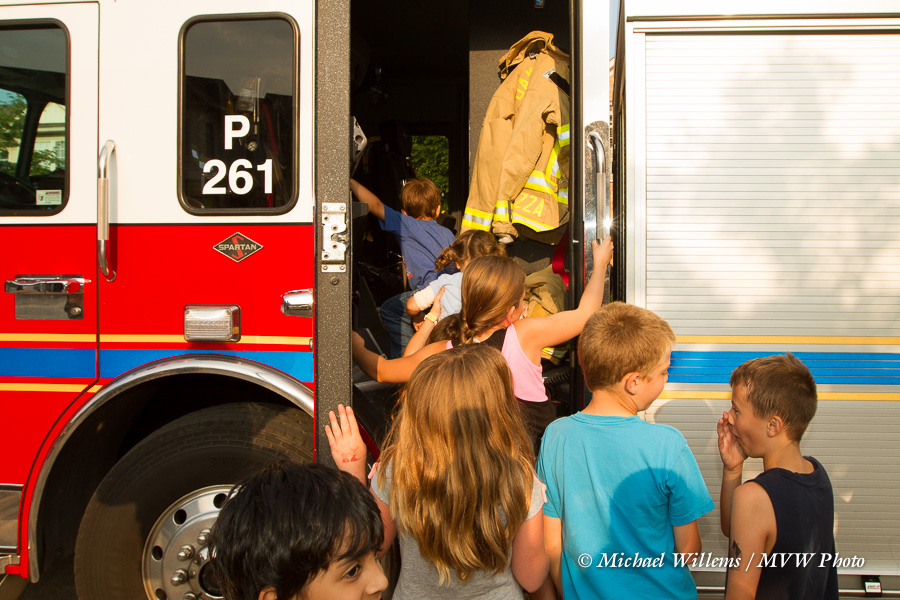
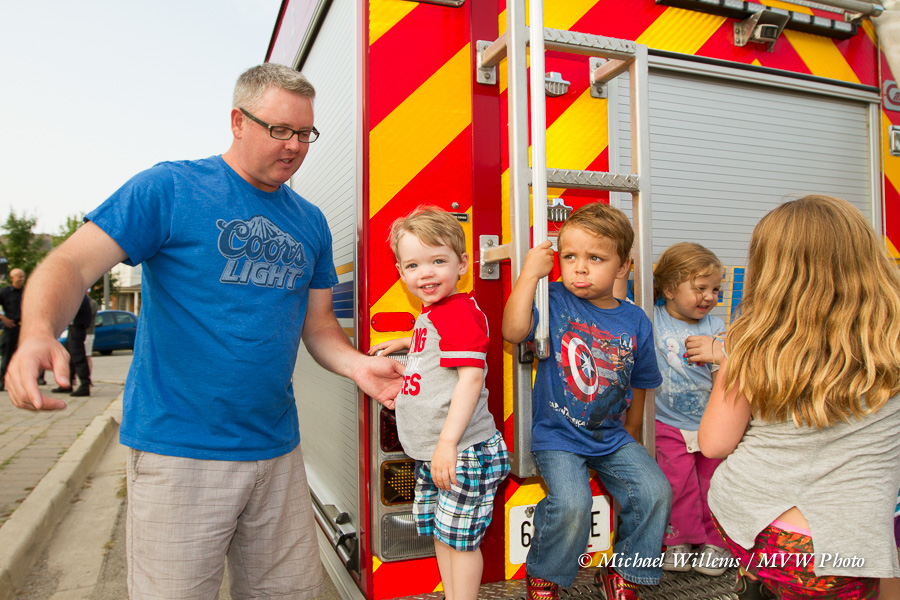
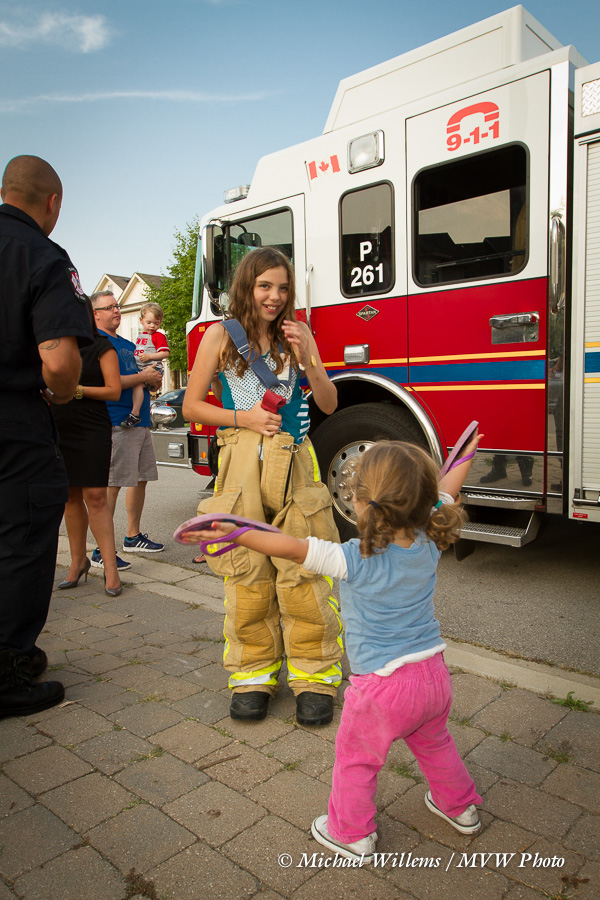
First, the colours. As you see, they are vivid. Did I pop them up in “post”? No. I used a flash. Using a flash allowed me to slightly decrease background exposure, which makes colours saturated. The foreground is lit by my flash. If you go two stops darker, or more, for the background, you really ought to use off camera flash. But up to about a stop and a half you can get away with on camera flash. (Manual mode, 1/250 sec, f/8, 250 ISO; TTL Flash). Yes, all 8 of these images involve flash.

It is for this reason that I am sad when I hear “I am a natural light photographer”, as I so often do. Many photographers say that—some, famous and experienced. In my view, at worst, saying this means “I do not understand flash”. And it always means “I am deliberately and knowingly depriving myself of half the creative options out there”. I can do available light or flash light. An “available light only” photographer can only use, well, available light on;y. That seems a shame, to deprive yourself of creative techniques you may in fact want, or even need, to use on occasion.

A few more examples:

You see the same here. All pictures in this post involved the flash.

You also see also that I made it easy on myself by using a fairly wide angle lens (mainly the 16-35, but on a 7D, so that means 24-50 in “real” numbers).

You will also notice that as much as possible, I shot with late afternoon sun (the “golden hour”). Not always possible, but when it is available, use it.

And above all, you will start to notice that the best shot are moments. Moments where something specific happens. Not just dead-looking poses.

The next time you shoot an event, try to use these techniques. You may not like them; you may say “that is so not my style”. Fine—but you do need to know them.  You owe it to your family, customers, whoever you are photographing.

___

Let me photograph you; your kids; your family. See http://www.tolivetolove.com and http://learning.photography for samples, prices, and more. Special offer this week for headshots: but with or without special offers, go for it and have your family captured forever in beautiful photos. Please do it… it is the only time travel you will ever do.


Through The Eye Of A Woman

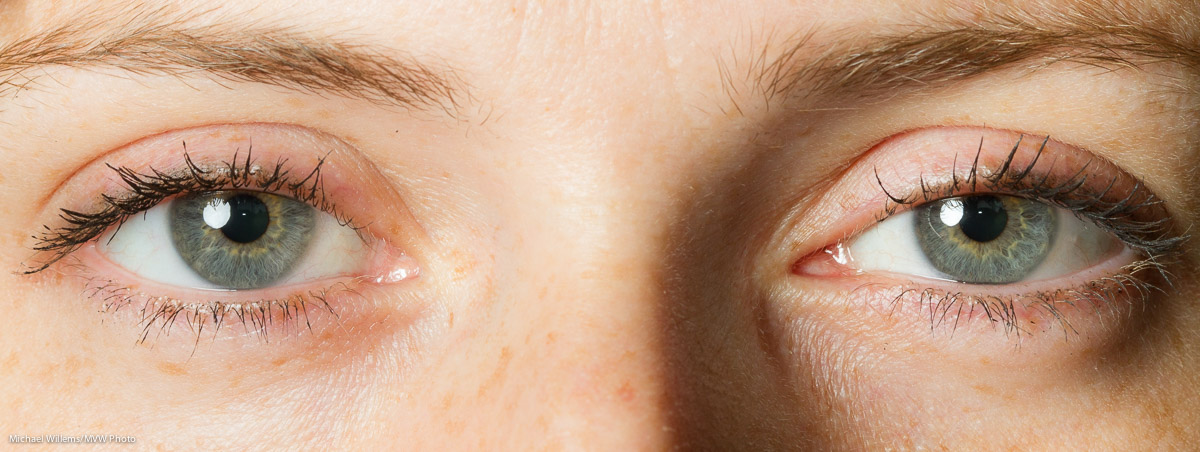
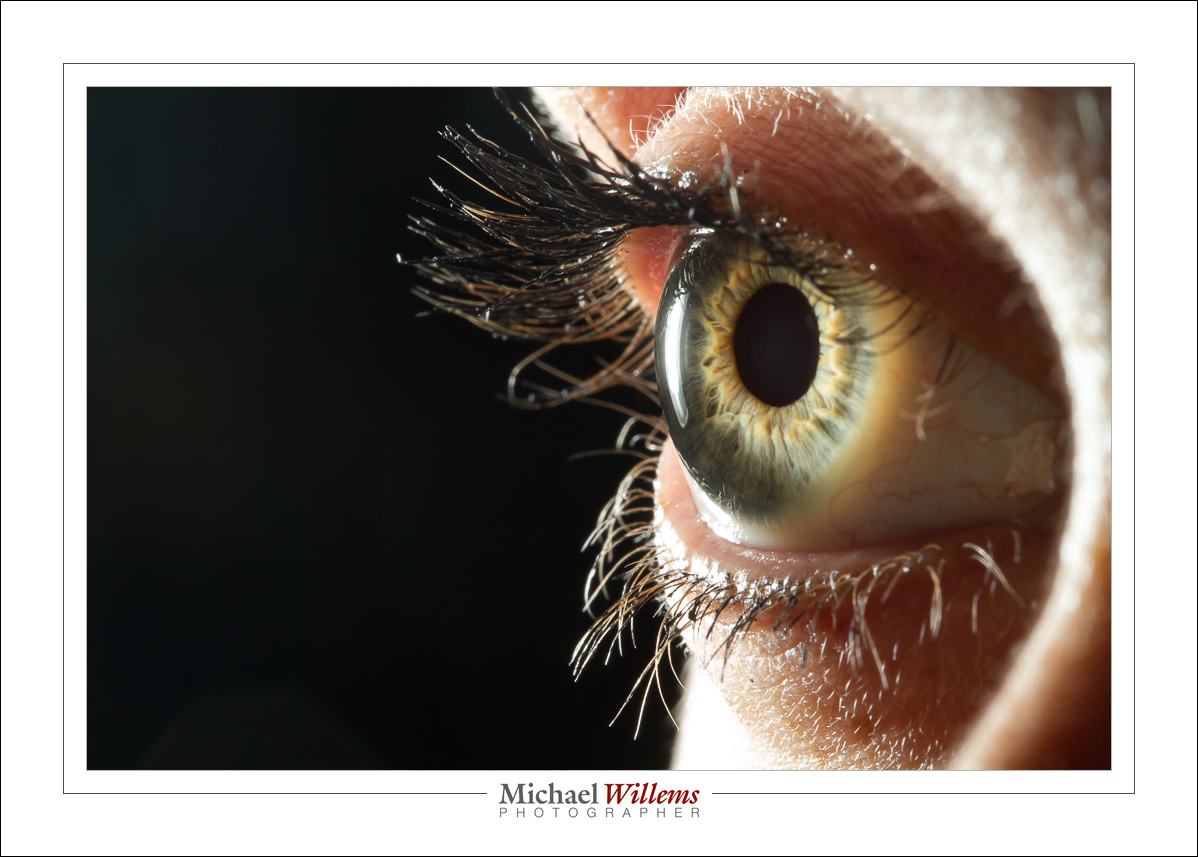
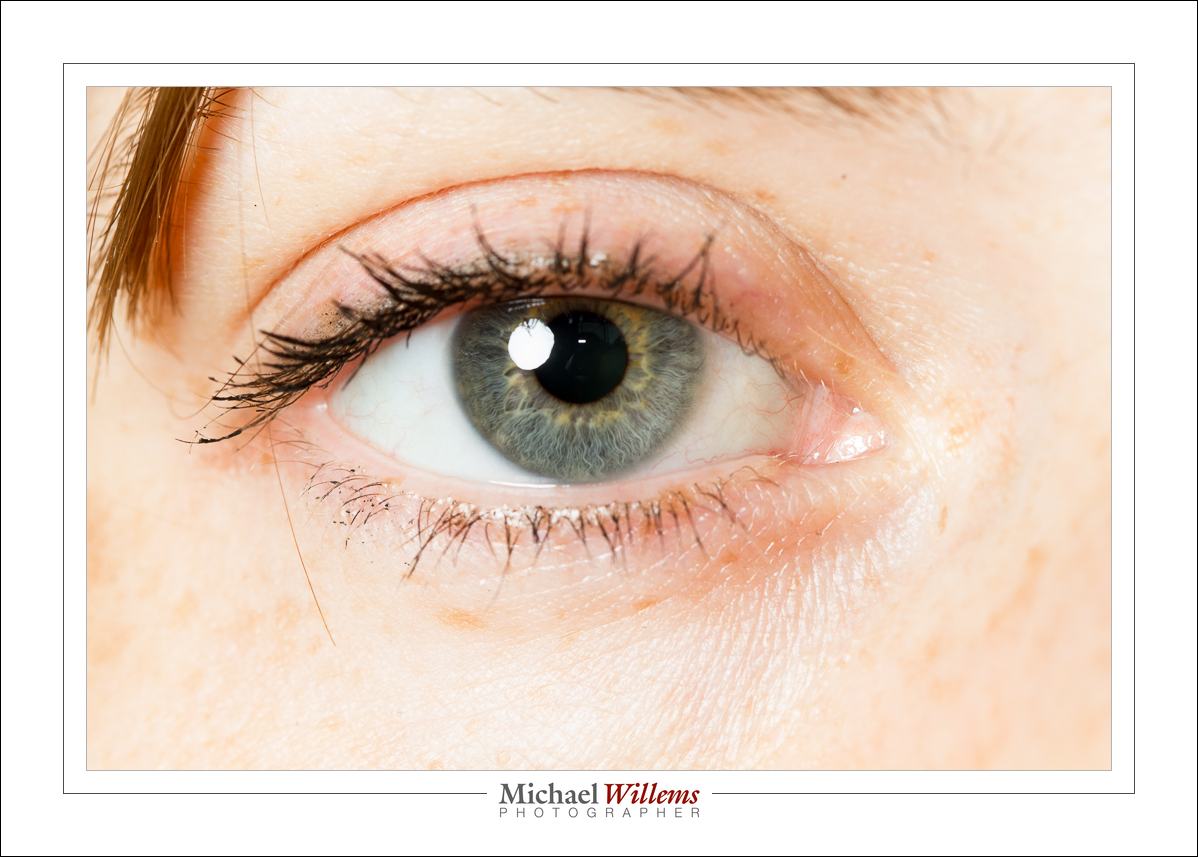
OK, maybe that title is a little silly. But it IS through the eye of a woman that I shone my flash

And here, lit from the back:

Macro lens, 1/80 sec, f/16, 100 ISO, hand held.

The flash was shining from the back. This can give you pretty weird effects:

My eye here looks light green, while in fact it is light blue. Back lighting can do that.

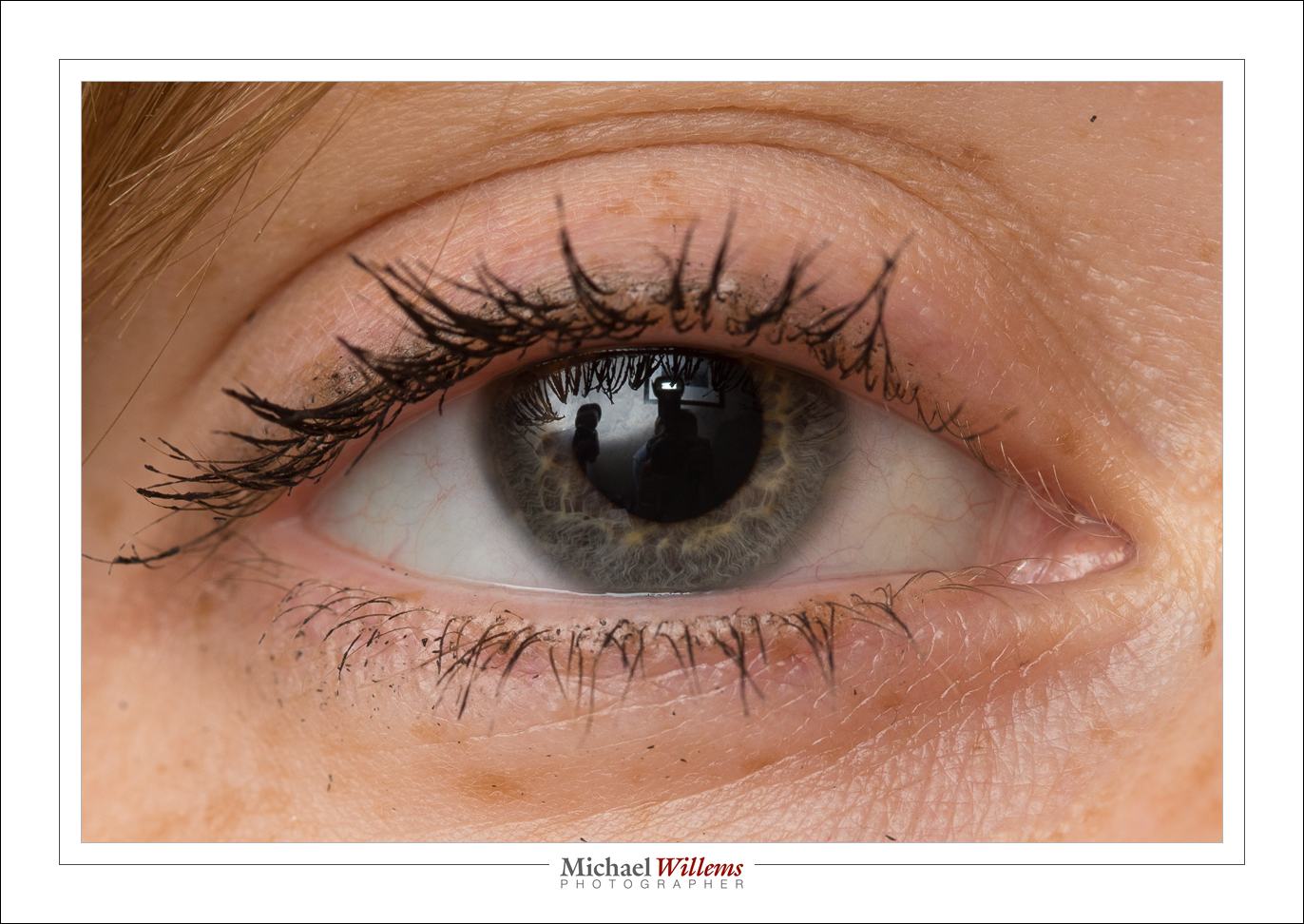
But go back to the first shot. See that? Look carefully. A little white point, in the centre of the pupil,next to the actual catch light.

This is mysterious, because I was using an off-camera flash. The on-camera flash only sends “morse code”, as it were, to the other flashes, before the shot is made.

And yet, that pin light is from the on camera flash.

Simple, actually: it is its afterglow. The flash is off, but it takes a fraction of a second to completely go out, and it is during that fraction of a second that the shot is made. Here, the proof:

See, the main flash on our left, bounced against the wall; and me and the camera including its popup flash afterglow in the centre:

And that is why you get a little pin of extra catchlight in some wireless TTL photos, even though your on camera flash is turned off.

(Thanks to Becky for the loan of an eye!)


A New Modifier!

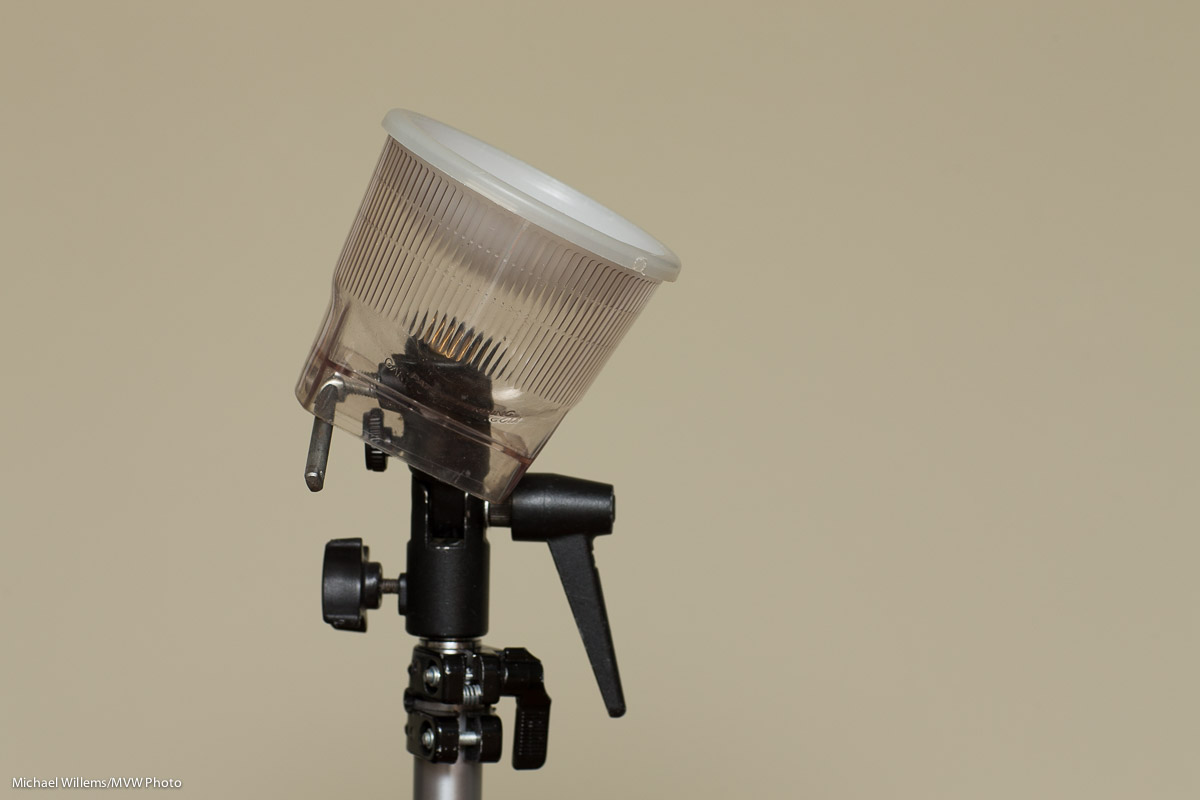
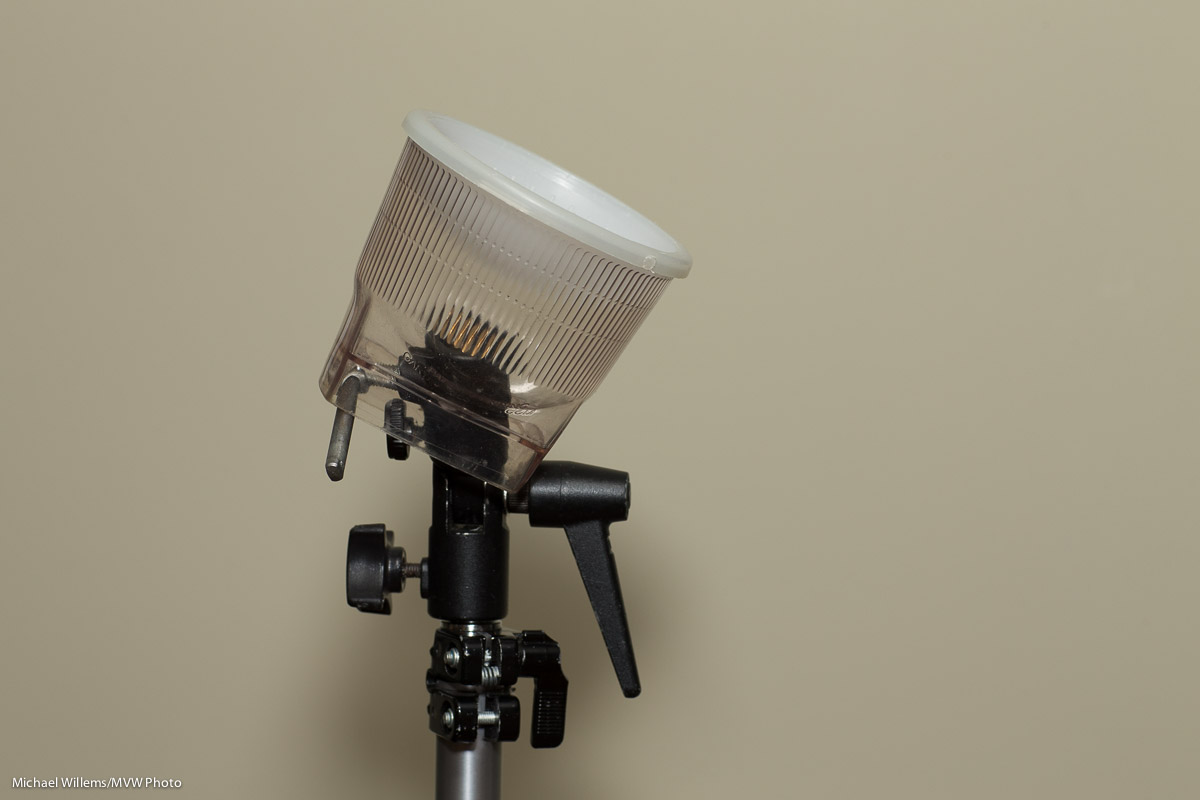
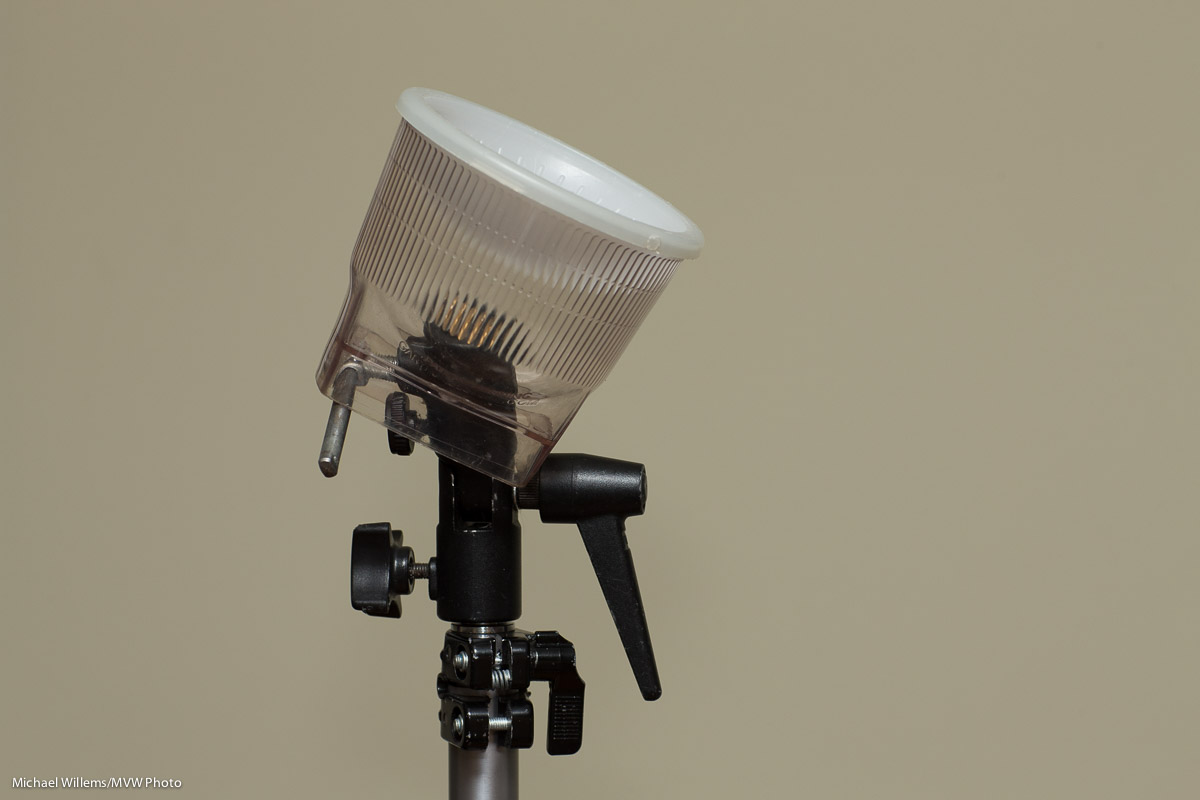
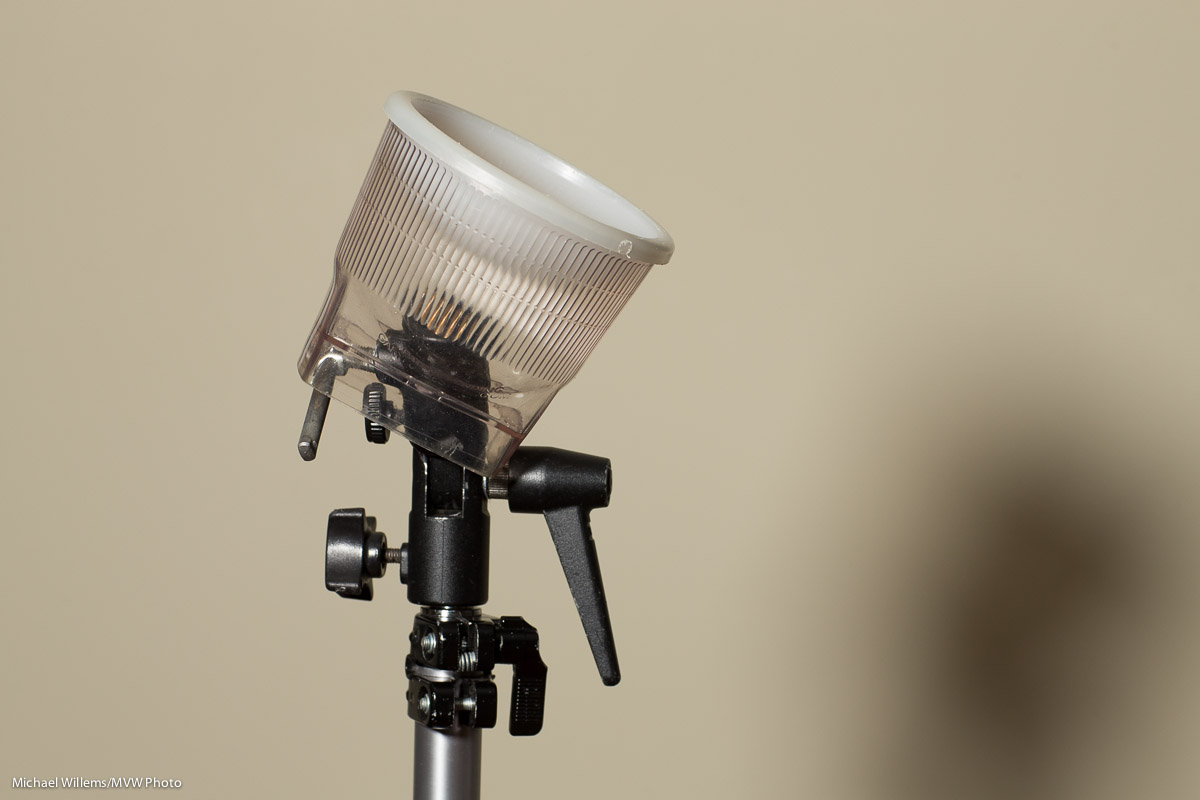
You know how I like the Honlphoto range of small flash modifiers, and I use them all the time. Small, light, sturdy and affordable is a great combination of properties for travelling photographers. Right now David is just outside Mosul in Iraq. This brings back memories: I was in Mosul in 1982 (see me next to Nineveh’s City Gates), and I stayed at the Railway Hotel. Small world.

(Full disclosure: David is a friend of mine: but that is not why I recommend his stuff. The reverse, rather: I like his flash stuff so much that I contacted him and we became friends.)

Broadly speaking, there are three types of small flash modifier:

  • Modifiers that change a flash’s direction, like snoots, grids, gobos.;
  • Modifiers that change the flash’s colour (gels, coloured reflectors);
  • Modifiers that change the nature of the light, usually by softening, such as softboxes, reflectors, and bounce cards.

So you modify where the light goes, in what colour it goes there, and how it goes there. And now there is a new modifier in the latter category.

To place this new modifier, let’s start with the existing ones.

First, we have “no modifier”: aimed straight at the subject from atop the camera. When I use that, I get cold, harsh light. Look at this object in front of a wall:
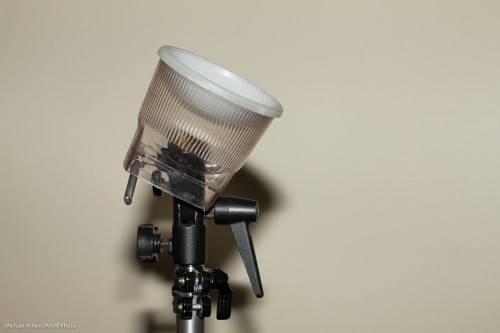
Then I bounce the flash behind me, up at 45 degrees, to get a much better result:
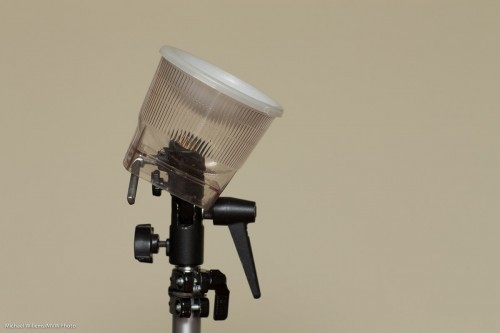
Much better, but I cannot always do this. The ceiling is sometimes too high, or it is a bright colour, or there are objects in the way that stop the light from my flash from reflecting back; or there simply is no ceiling.

In those cases, I can use a reflector on the back of the flash. The Honl Speedsnoot doubles very nicely as a reflector. While this is not perfect, the shadows are a lot less hard than they would be from direct flash, and the light comes from a higher position.
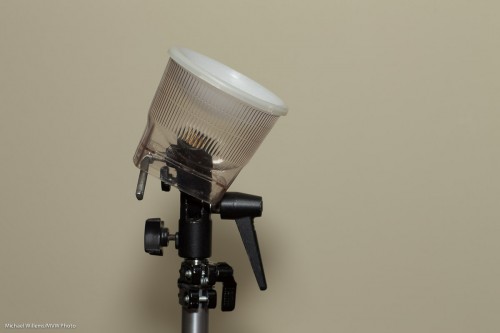
This solution is not always easy: the reflector takes a little manual dexterity to tie to the speedstrap on the flash, and it can flop down all too easily.

I can also put a hard reflector card (bounce card/gobo) behind the flash. This is hard when there is no bounce at all, but it works very well when combined with ceiling flash:
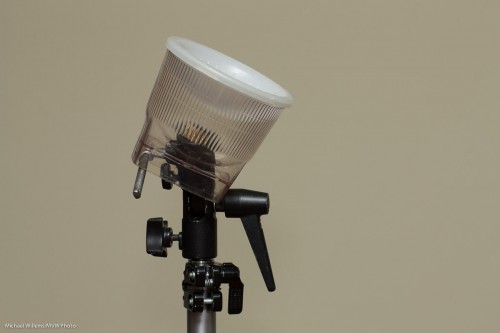
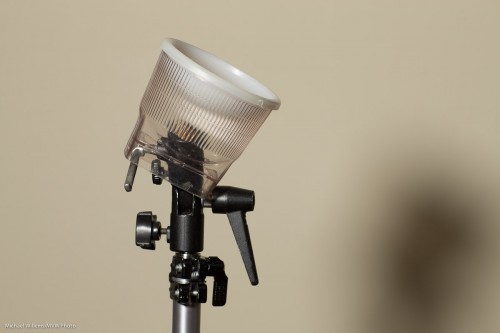
Next: a great modifier is the softbox. In the next photo, I used a Honlphoto 8″ Traveller8 portable softbox off camera. The shadow is under my control: bring the flash closer and it softens, and the flash’s position determines where the shadow goes. Now that nasty shadow becomes a creative tool under your control.
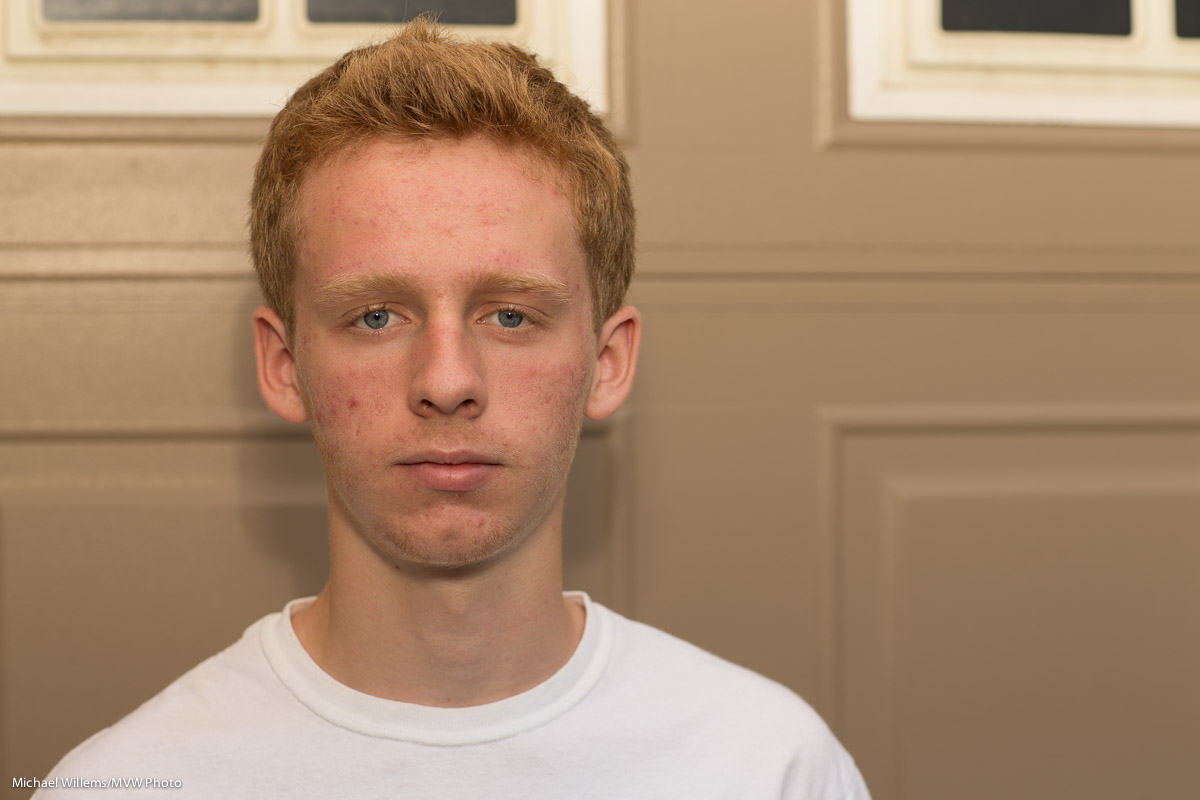
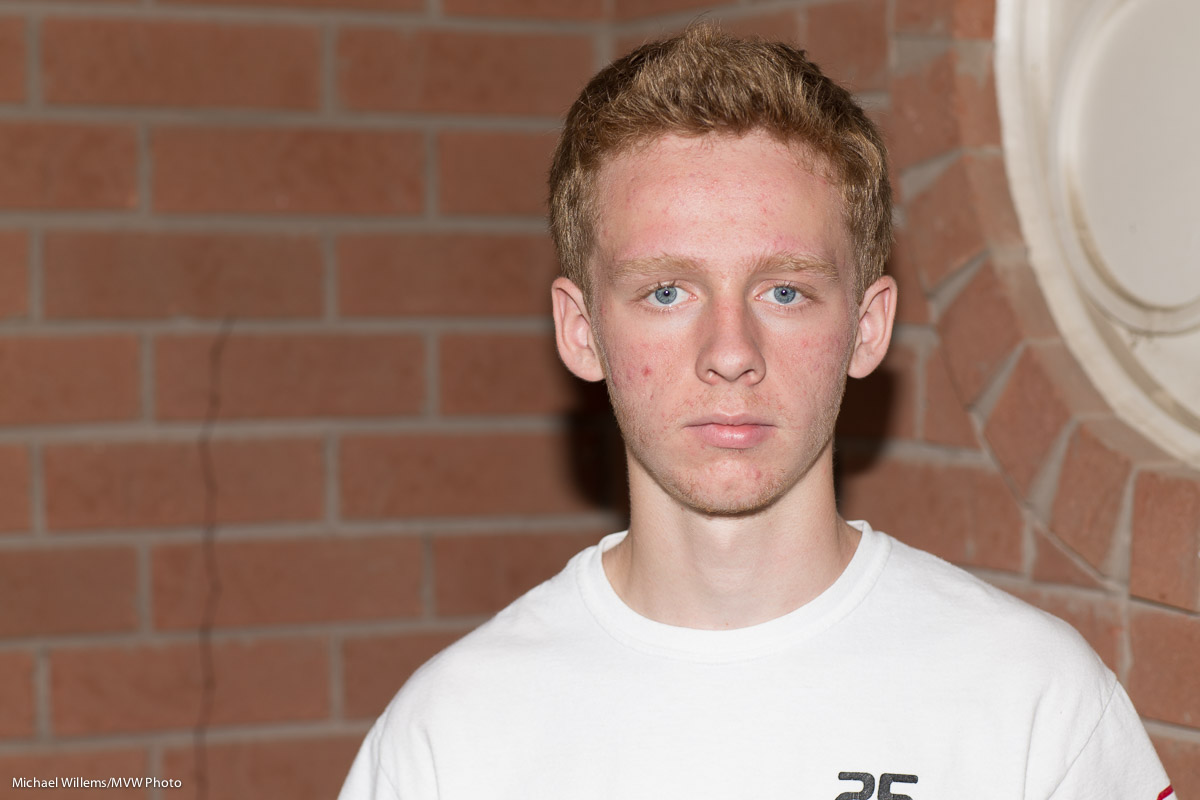
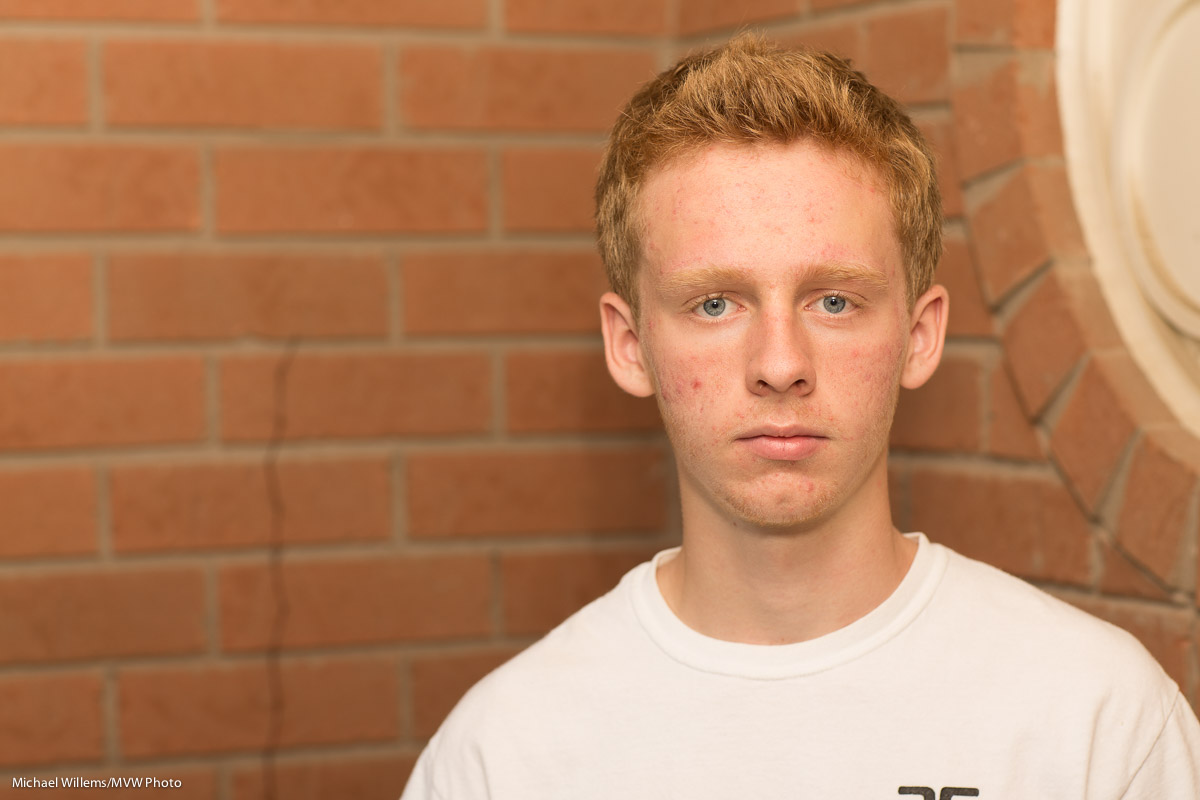
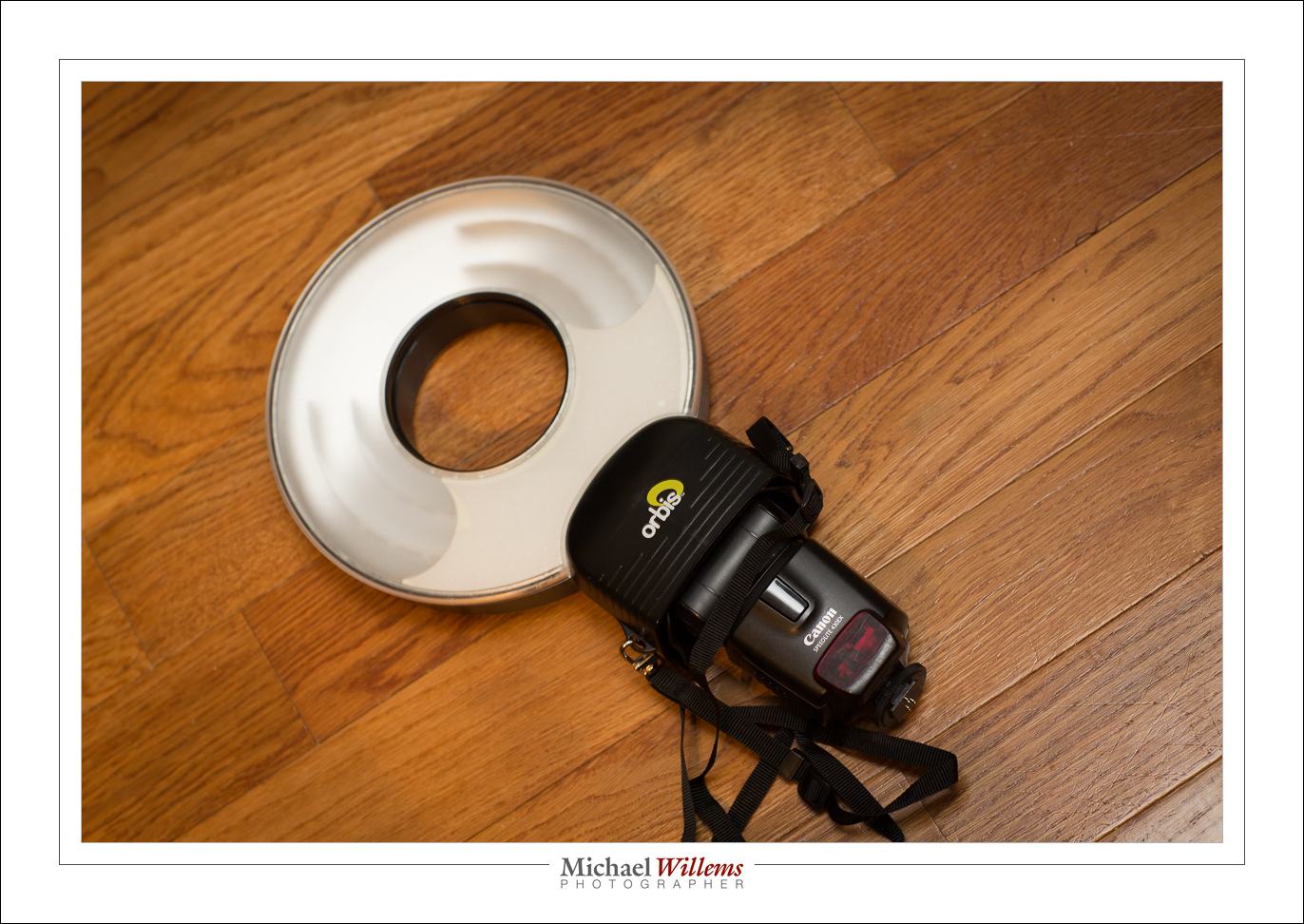
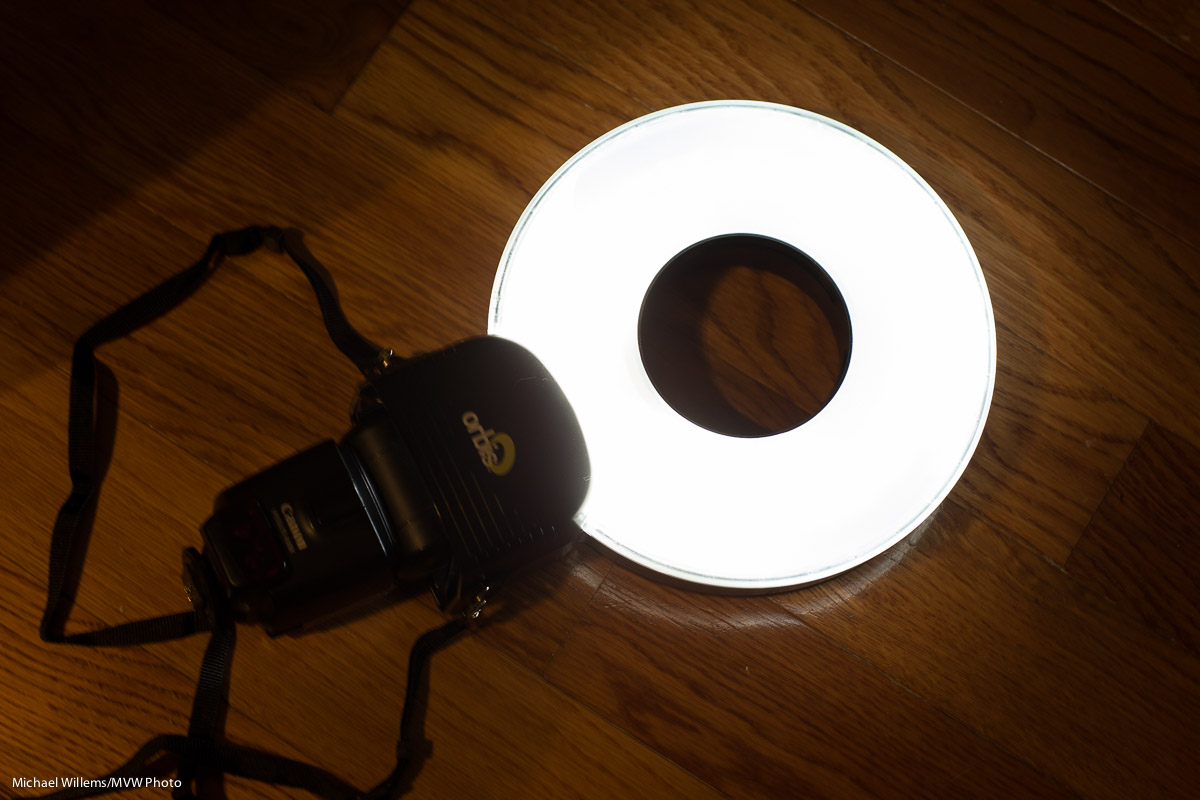
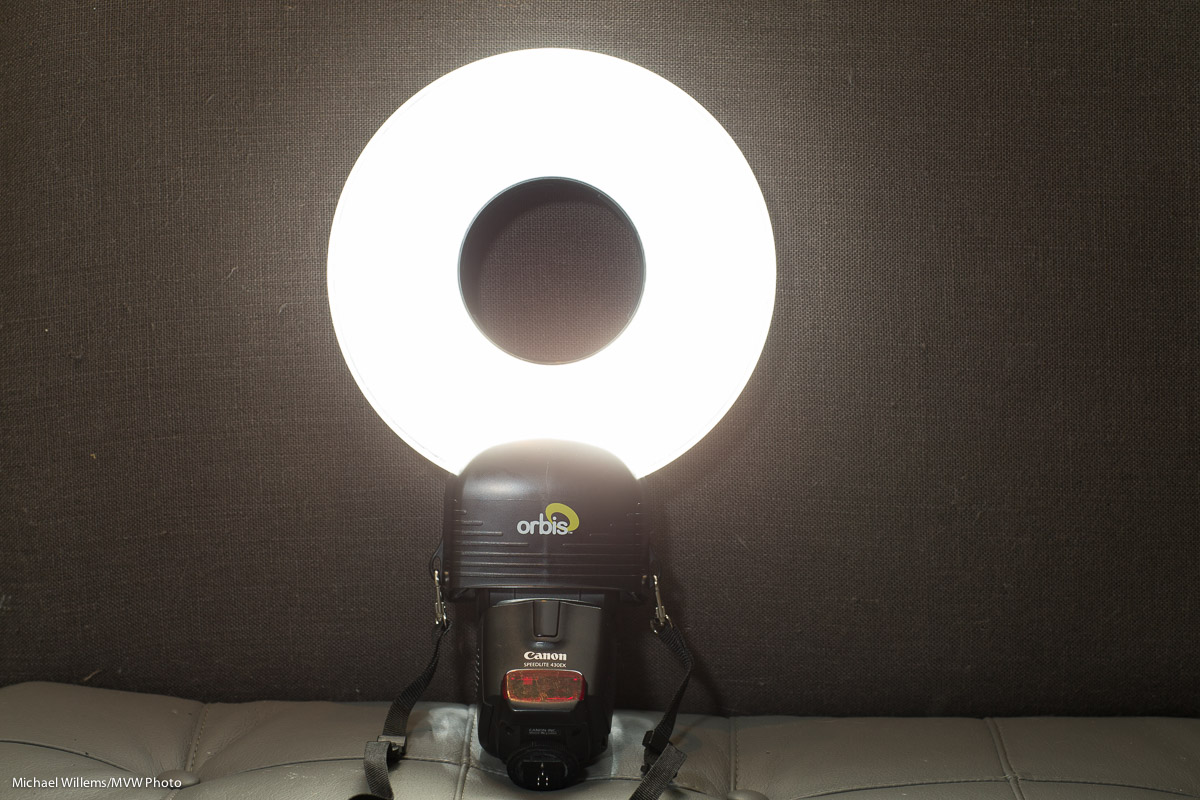
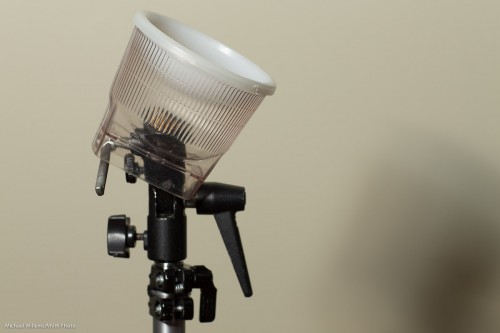
Another great option is the ring flash. Rather than buying one, you can go with the Orbis ring flash attachment for your speedlights. I will talk more extensively about this in a next post, but for now, just look at the light with its distinctive halo, a halo that shouts “Ring Flash!”:
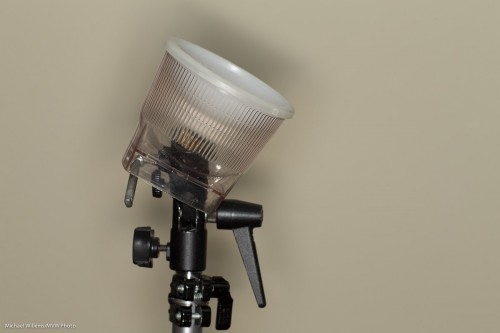
And if I take it off camera it’s still great:
 

NEW: THE LIGHT PADDLE; A MINI REVIEW

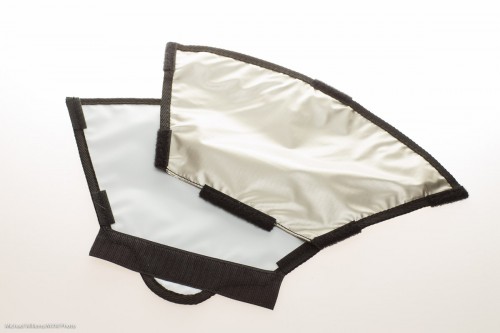
There is an all new small flash modifier to add. Dave just sent me one, a hands-on mini review of which I am hereby delighted to bring to you as a Speedlighter Exclusive… the Honl Photo Light Paddle.

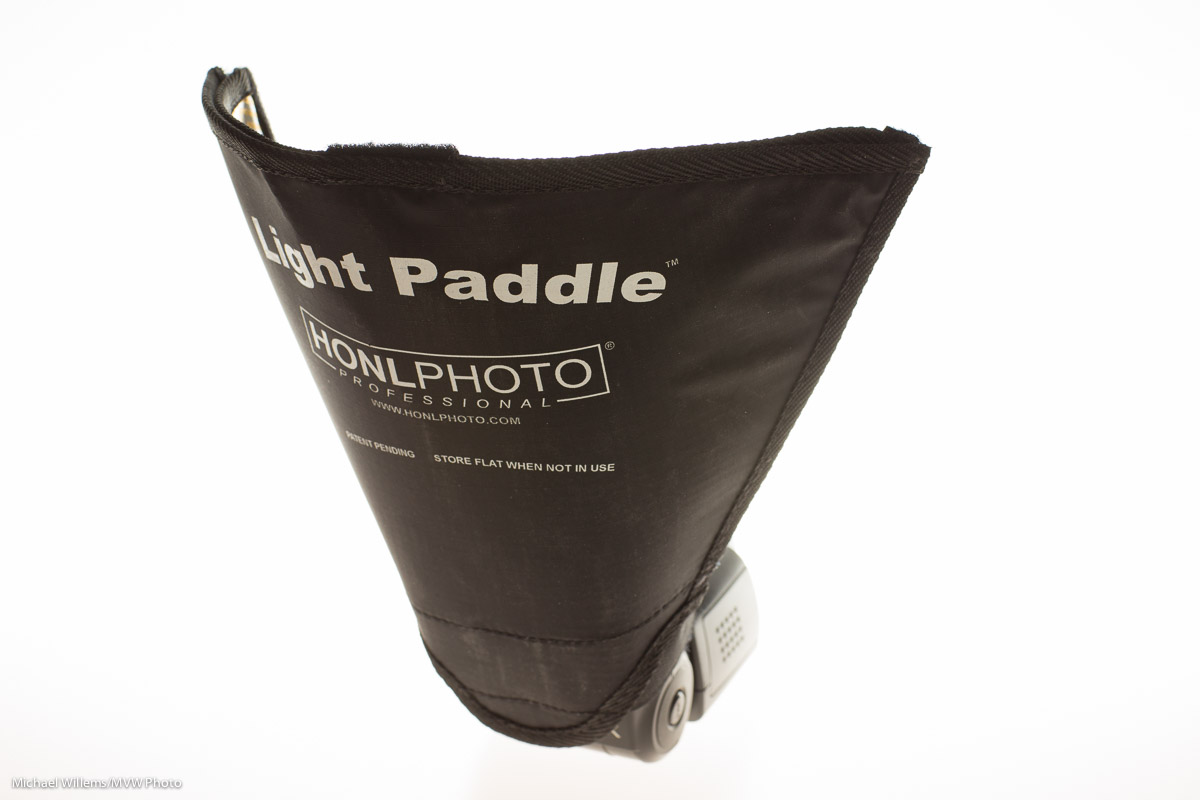
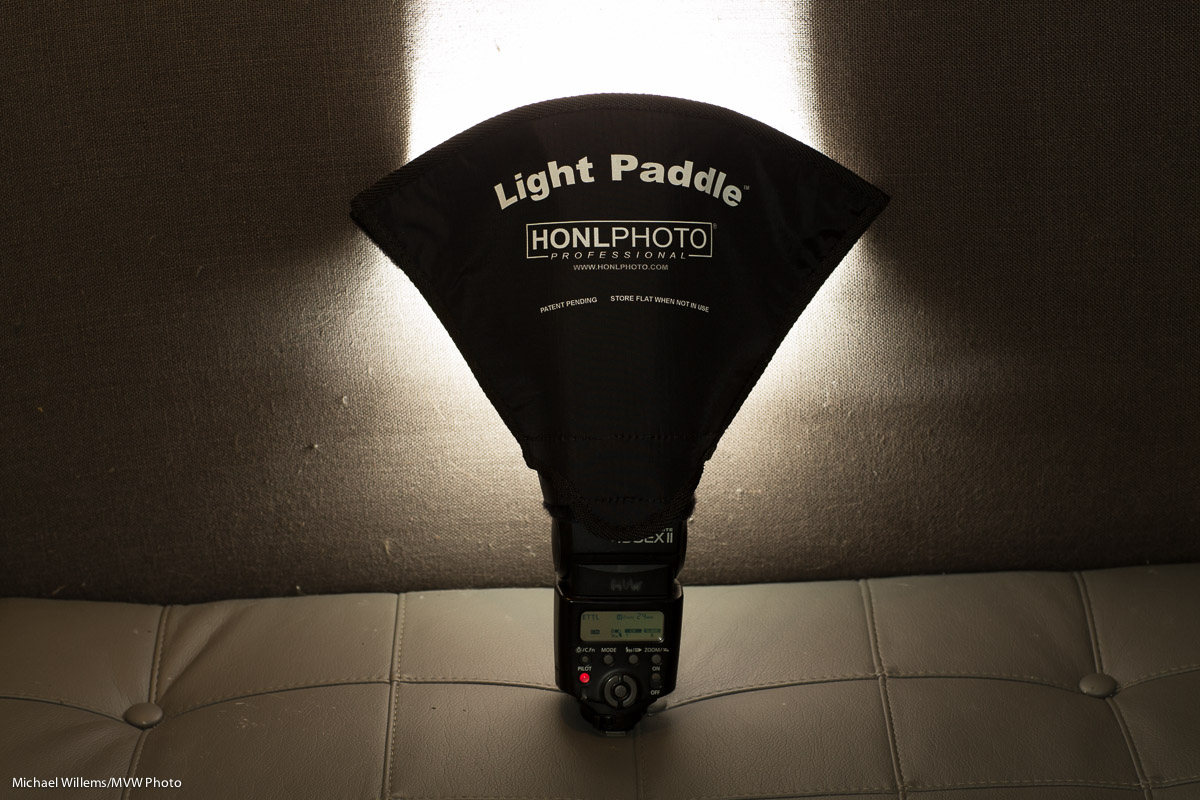
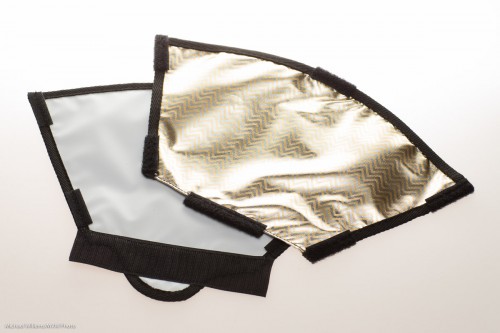
When you take it out of the package, the light paddle is a flat modifier, and in fact the package says “store flat when not in use”:
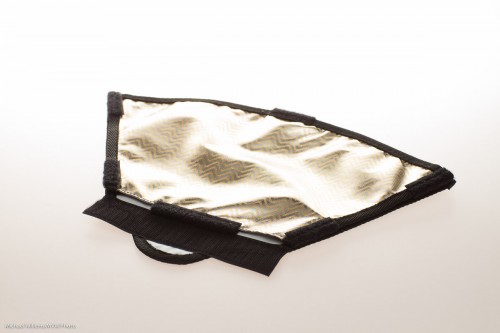
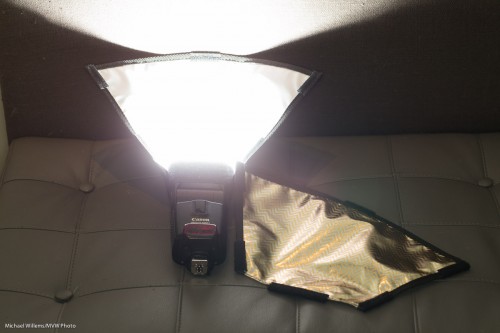
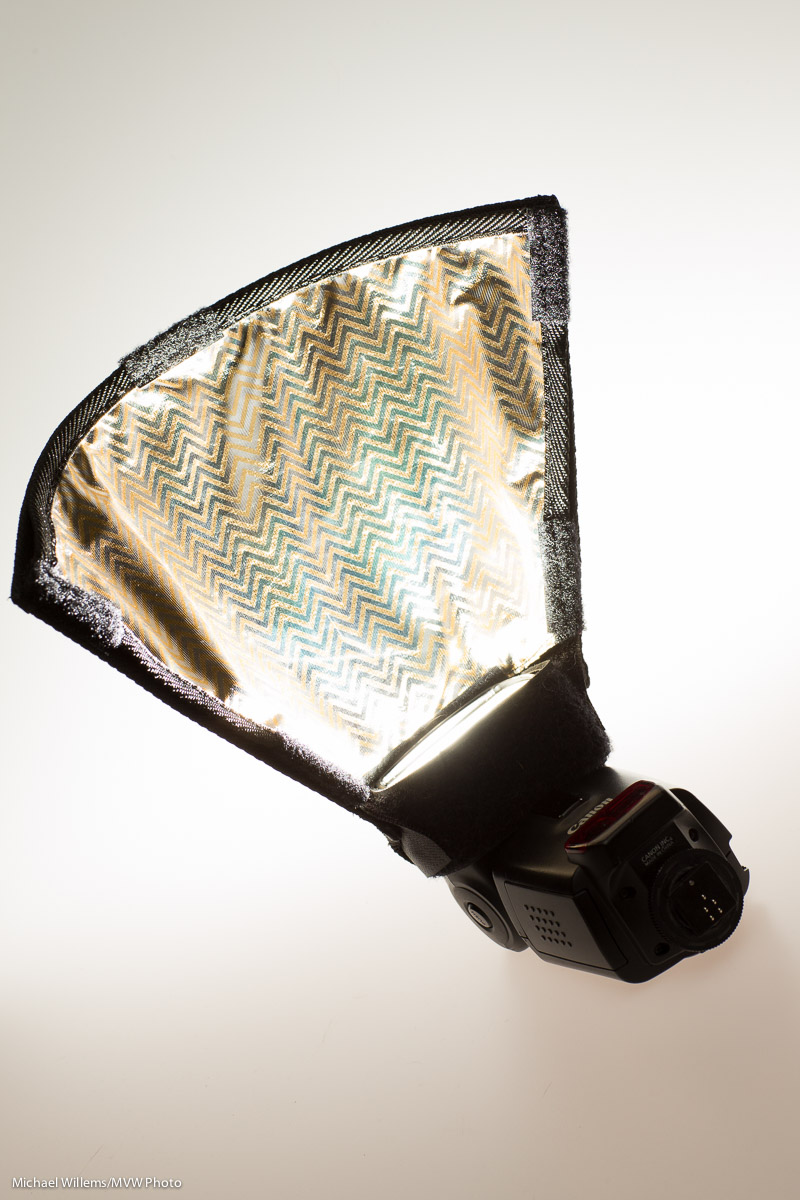
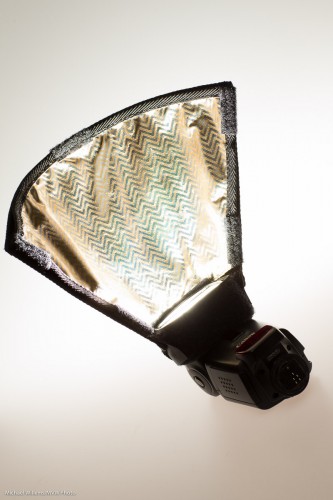
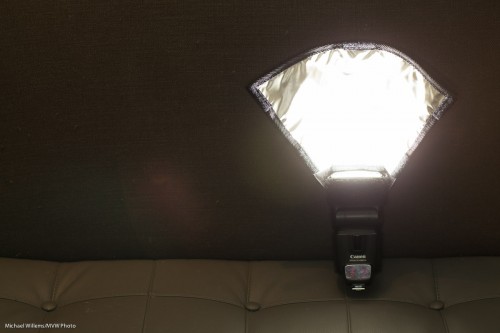
But attach its Velcro to a speedlight’s Speedstrap, and it becomes a convenient paddle that grabs the light, and nothing more or less, from the f;lash and bounces it forward.:
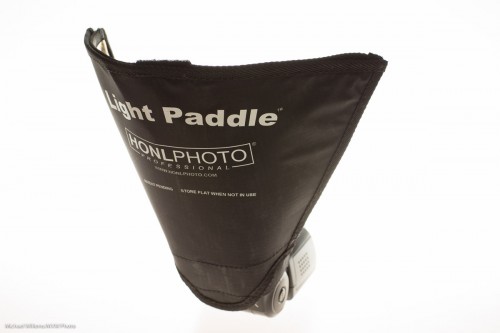
The Light Paddle is like the reflector, but having used both, I find that the Light Paddle has some big advantages over that and other modifiers.

  • It takes the right shape immediately. No guessing, adjusting, re-adjusting: it is the perfect shape each time.
  • It reflects the optimum amount of light from the flash, i.e. it catches the light, no more and no less, so it takes that worry off my hands.
  • It is sturdy: unlike a “free form” reflector, it holds its shape. I only used this sample for a few days but it looks and feels just as sturdy as the other Honl Photo flash accessories. And as said, light, sturdy and small, when combined with affordable, is a great combination for flash aficionados like me.
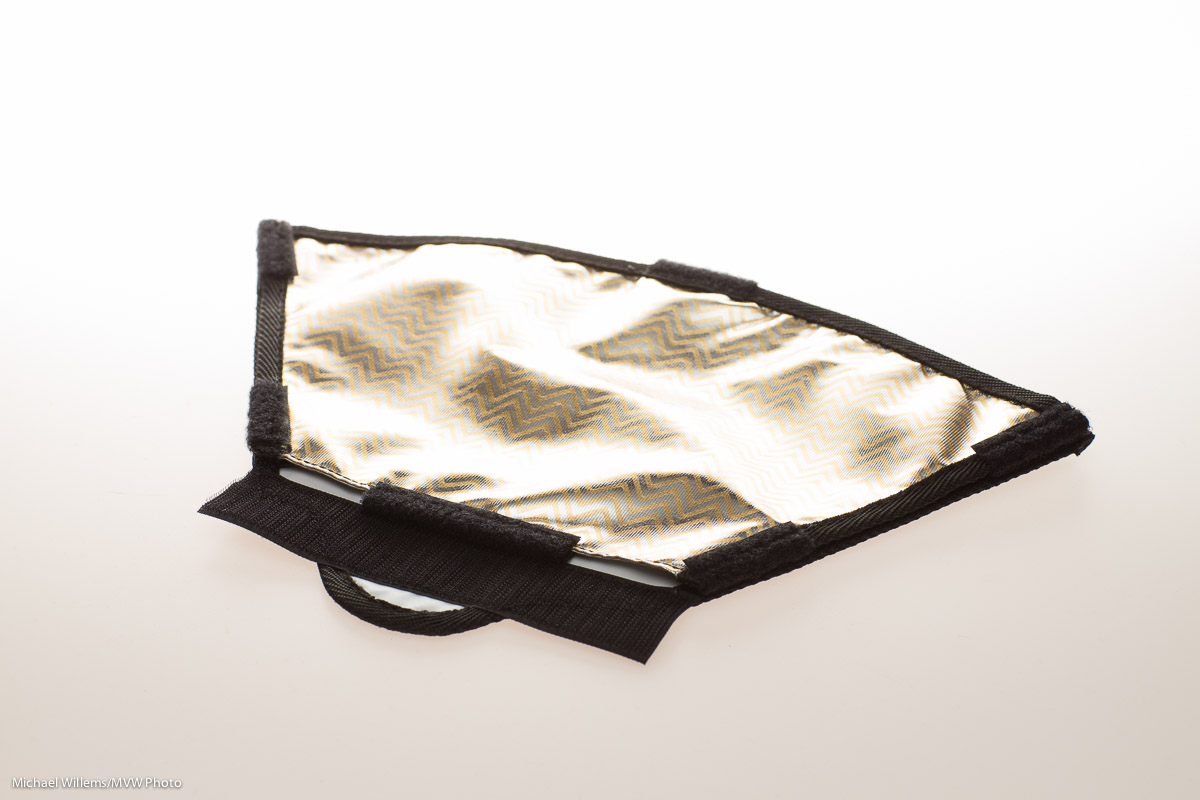
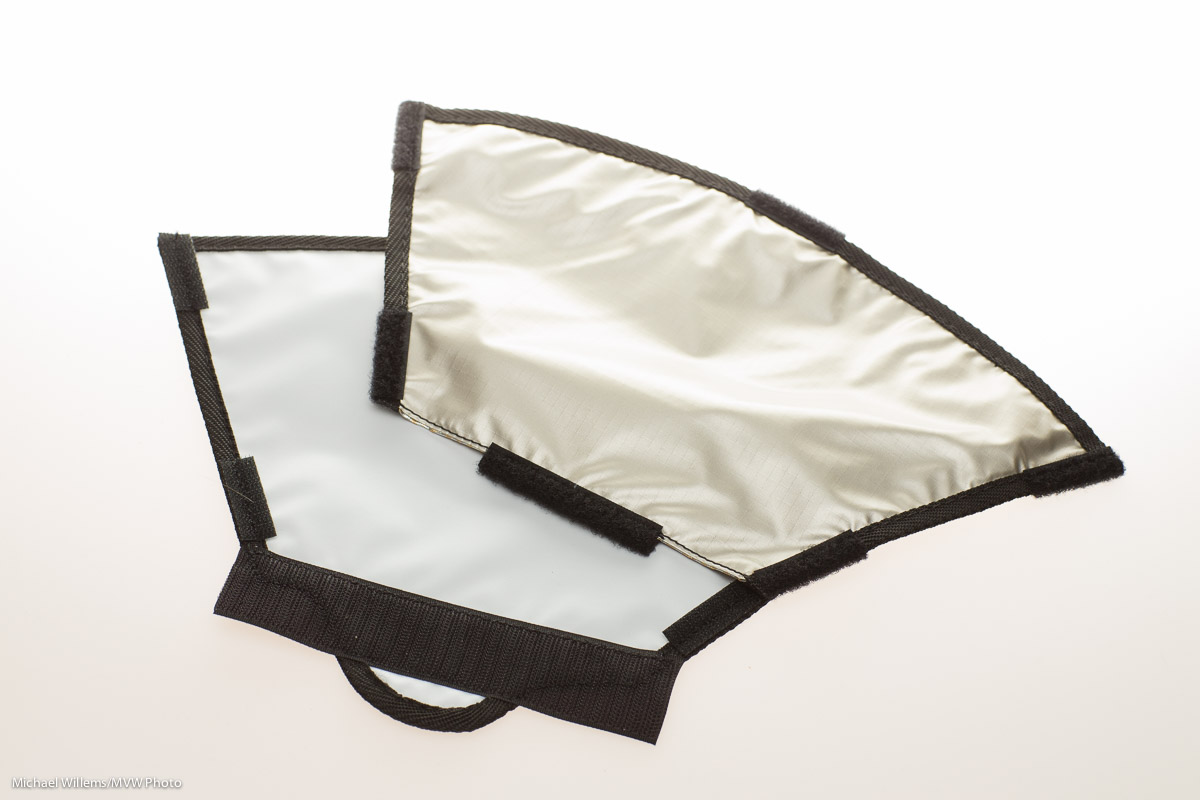
  • It has not one, but three bounce surfaces. As you see in the image below: peel off the reflective surface. which is initially CTO (Colour Temperature Orange, i.e. tungsten/warmer light), and you get white; reverse it and you get a lighter slightly warm orange.

Here’s what it looks like with its three bounce surfaces:
I found the Light Paddle to be directional where you would want it to be.
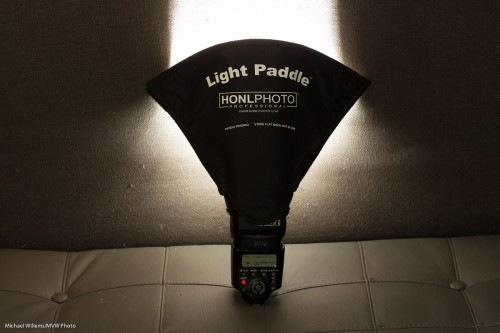
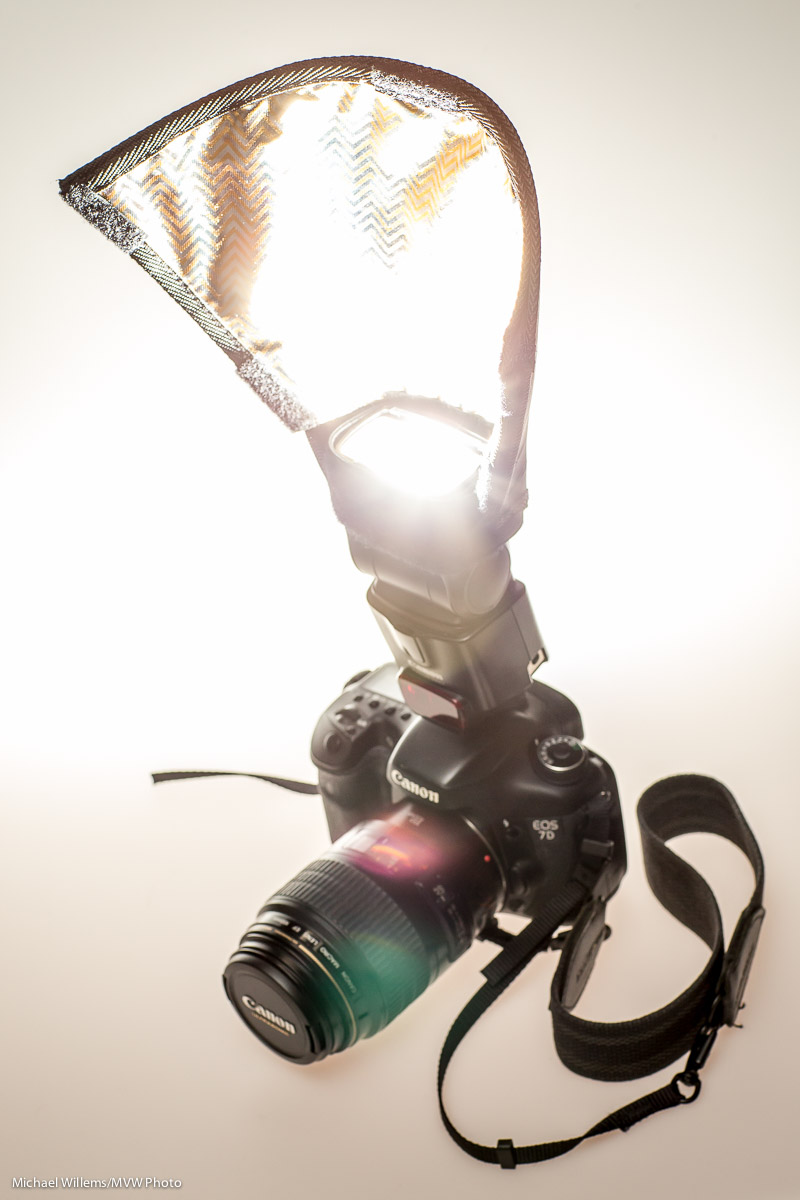
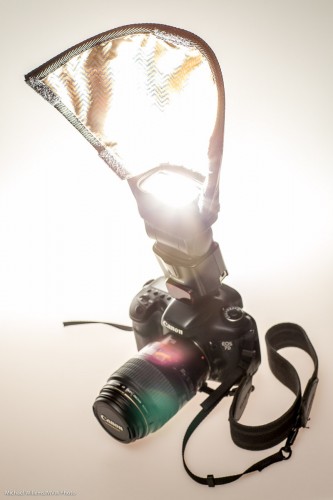
You can use the Light Paddle on an on-camera flash or on an off–camera flash. In either case, I found that it provided a surprising amount of directional control and consistency. Here it is again, and as you see it reflects the flash fully, and makes its surface much larger and higher:
The Light Paddle in Practice

Let’s look at the Light Paddle in practice. Here is a usual operating mode:
First, straight flash, in a situation where there’s no bouncing (and thank you, kind July Intern Daniel H., for your volunteering):

Now in the same no-bounce situation, the Light Paddle:

But it is outside that this really shines. Another before and after:
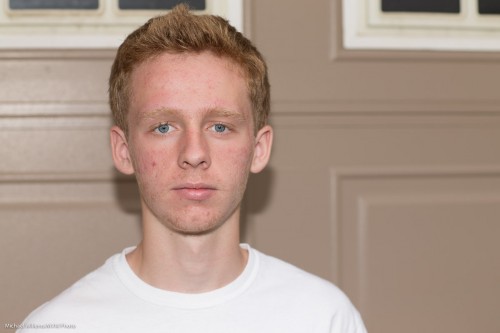
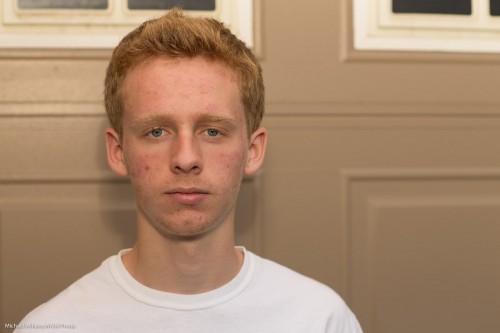
Another outdoors example, once more with the CTO (warming) side reflector: again, straight flash, then flash with Light Paddle. The difference is very clear.
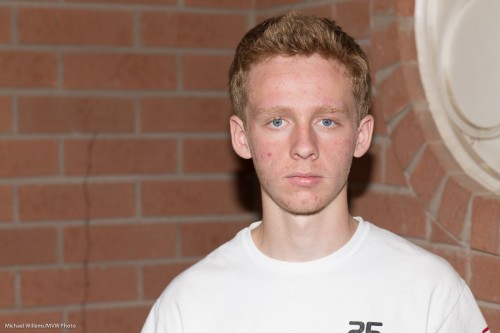
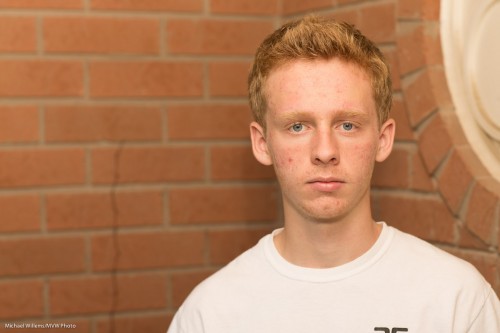
Based on all this,. the Light Paddle is certainly going to be a staple part of my flash bag for events and creative use. It is not the only flash accessory, but it fills in the gap between bounce card, reflector, and softbox ever so nicely. Thanks, Dave.

If you want one, go  to Honl Photo for orders as soon as it will be available—I am sure that will be soon, both there and at your favourite local retailer.

 

Ring a Ring o’ Roses

I talked about ring flashes recently, if you recall. This time, a few notes about the Orbis Ring Flash—a flash that is not a flash.

It is a flash modifier. An attachment with clever light guides, that makes your speedlight into a ring flash. In order to achieve this, your flash fits into the bottom:
Result: a ring flash. And a remarkably good one, with amazingly even light all around the circle:

This needs you to insert your flash into the unit’s base, then set it off using light- or radio-driven TTL, or some other way. You hold the flash in your left hand, while you hold the camera in your right hand, with the ring around the lens.

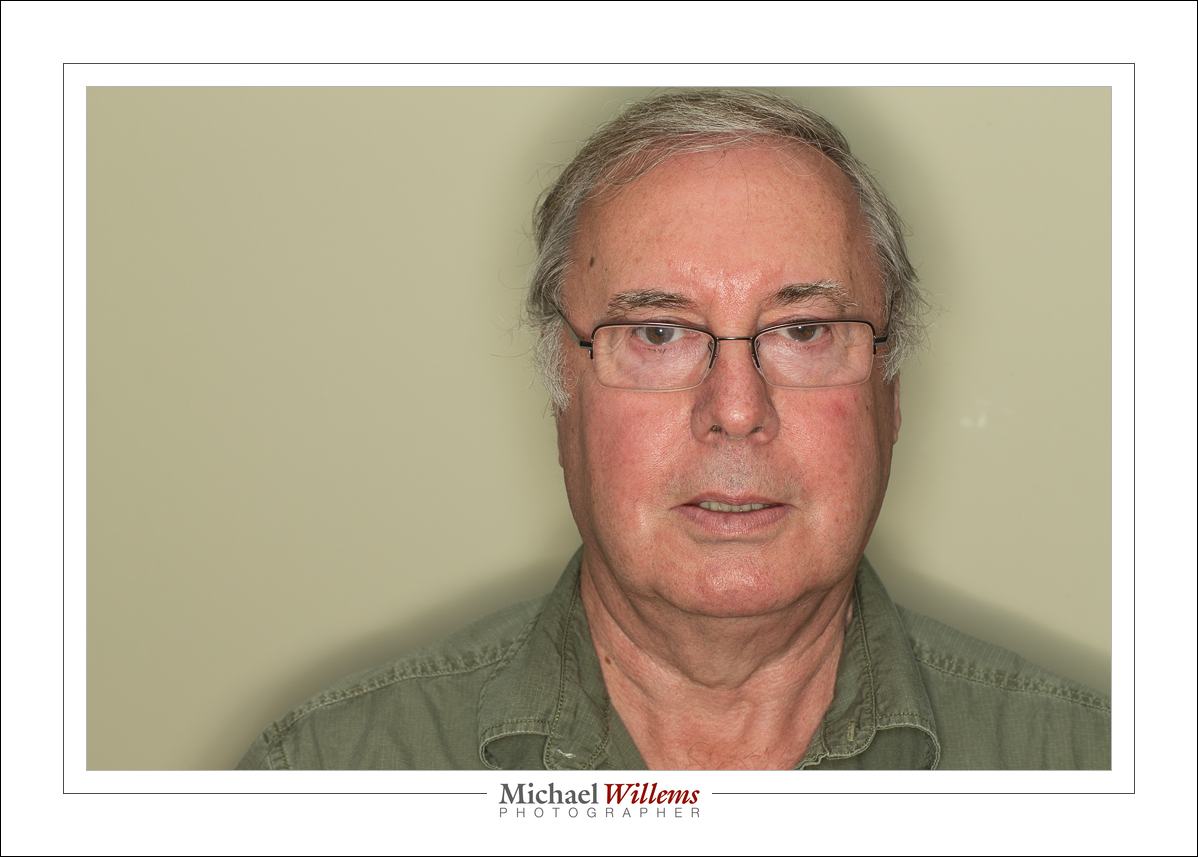
And this works remarkably well. See the characteristic halo, and the very recognizable ring flash light, shown by student Tony:

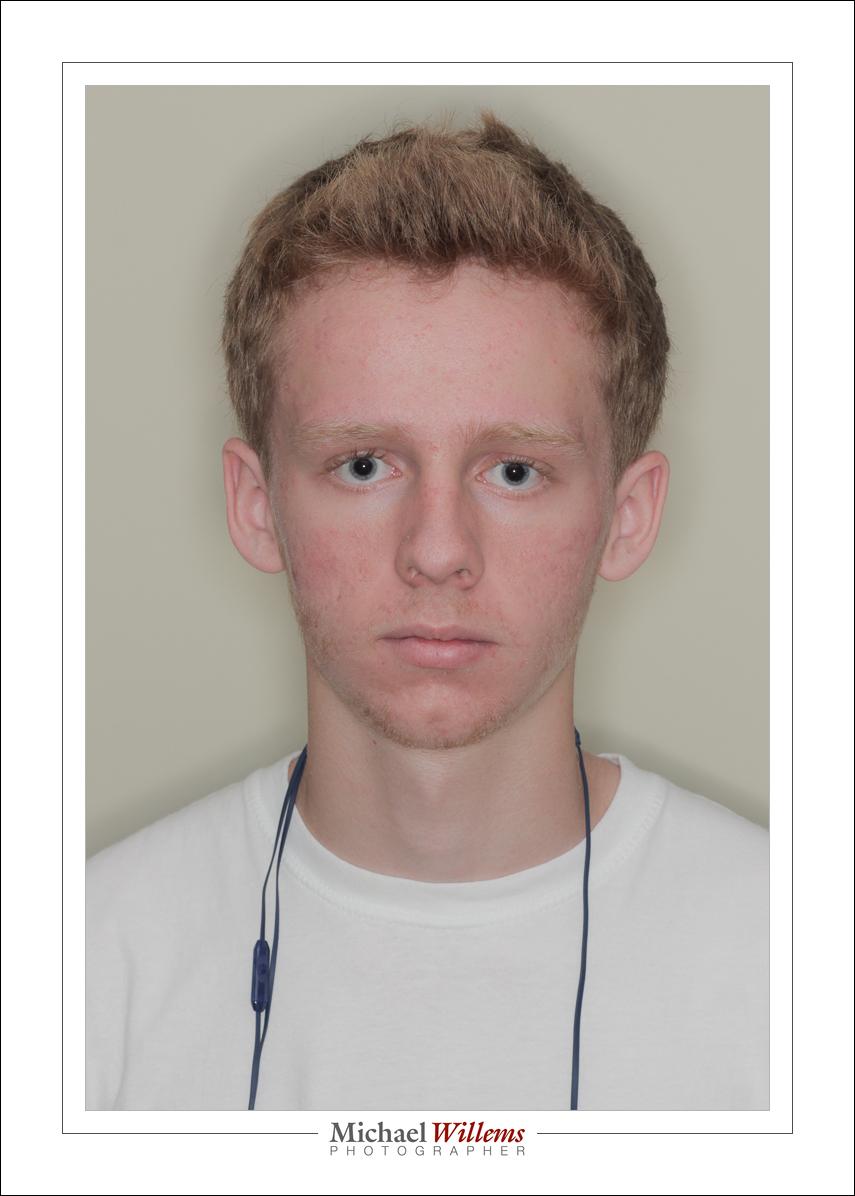
And again, as shown on my intern Daniel:

As said, this device contains incredibly clever engineering. To make it this even, the light paths have to be very cleverly engineered. And they are: whatever I tried, the ring always lit evenly.

From prior experience, I am sure the cheap knockoffs that seem to be around do not work nearly as well.

You can, of course, also use it off camera, rather than around the ring. It also works well when you do that, still providing better light than a straight flash. Like here:

I can see that this device is going to be a fixed part of my flash gadget bag. Thanks to David Honl of Honlphoto.com for sending this to me.

And, um, yeah… it is even good for shooting cats.

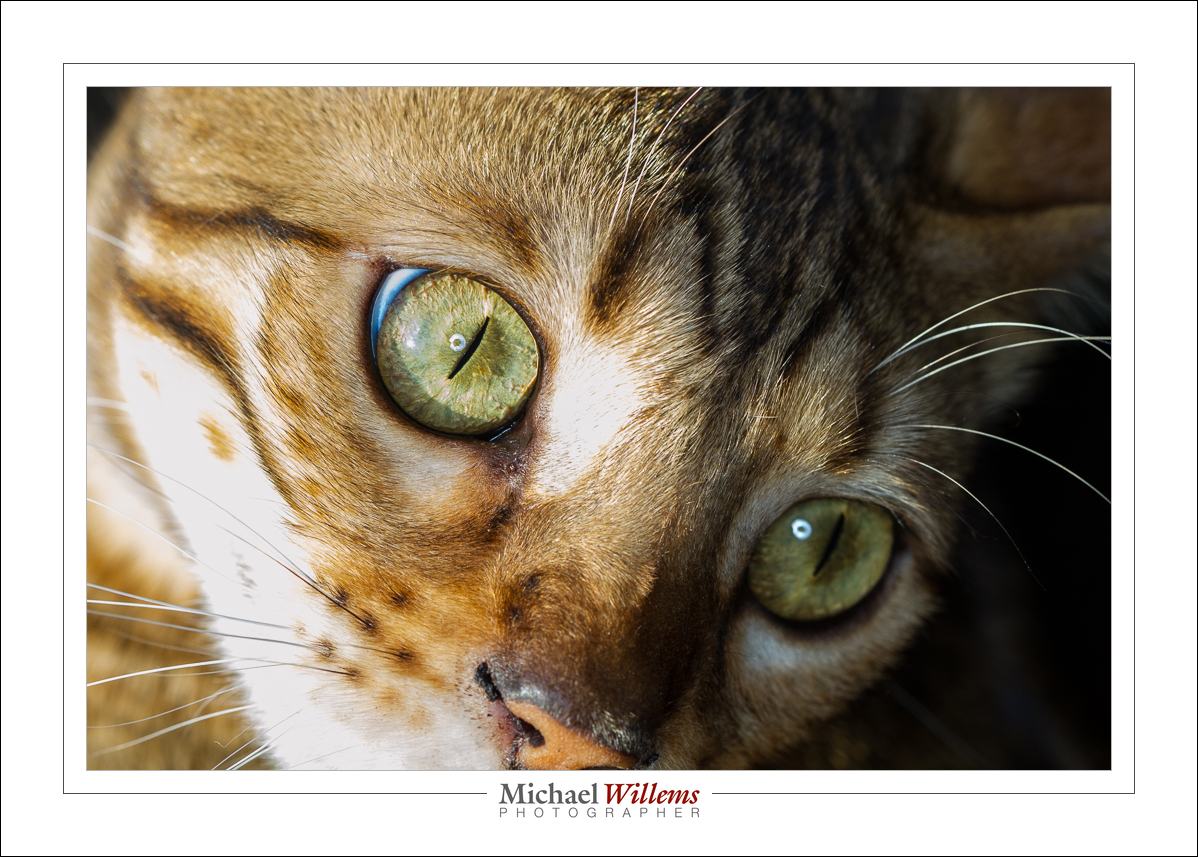
…including the donut shaped catch light that tells you immediately that this is a ring flash photo:

And I can tell you that this is a remarkably good device for shooting…

….you guessed it:

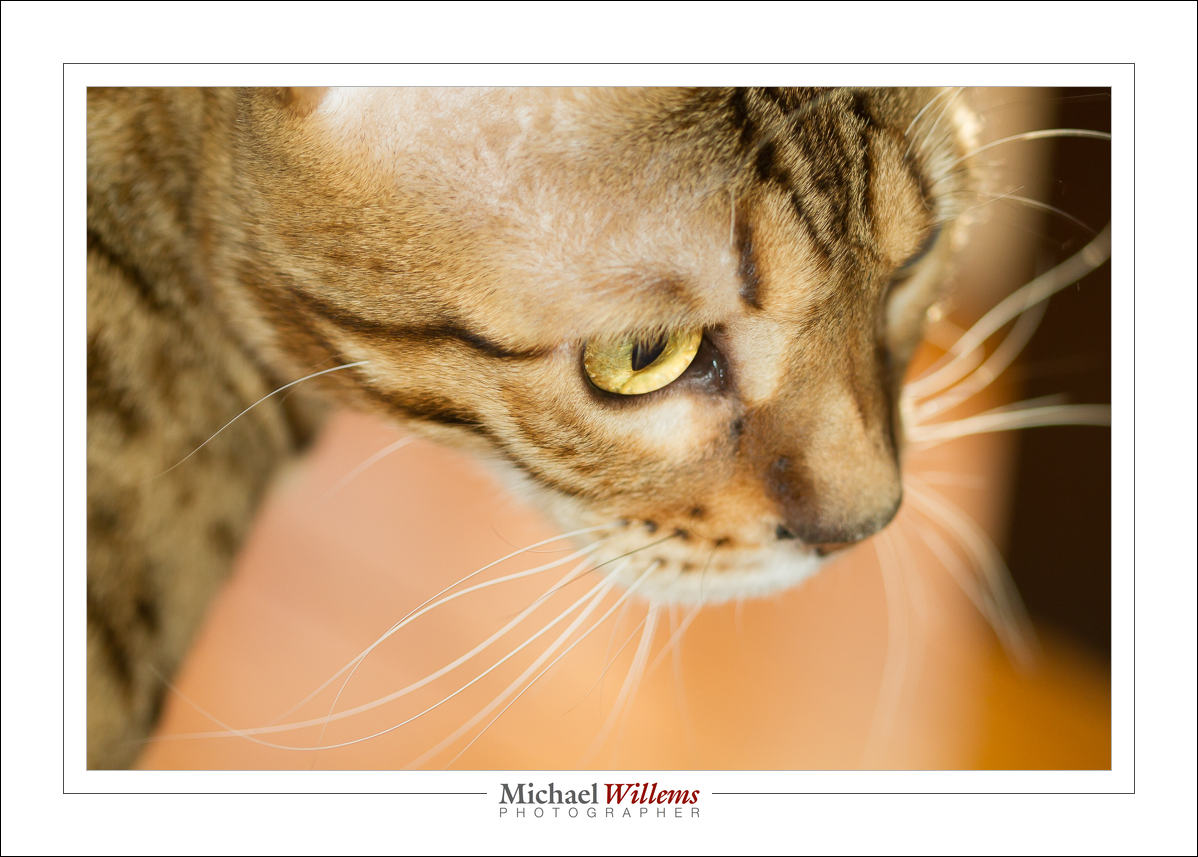
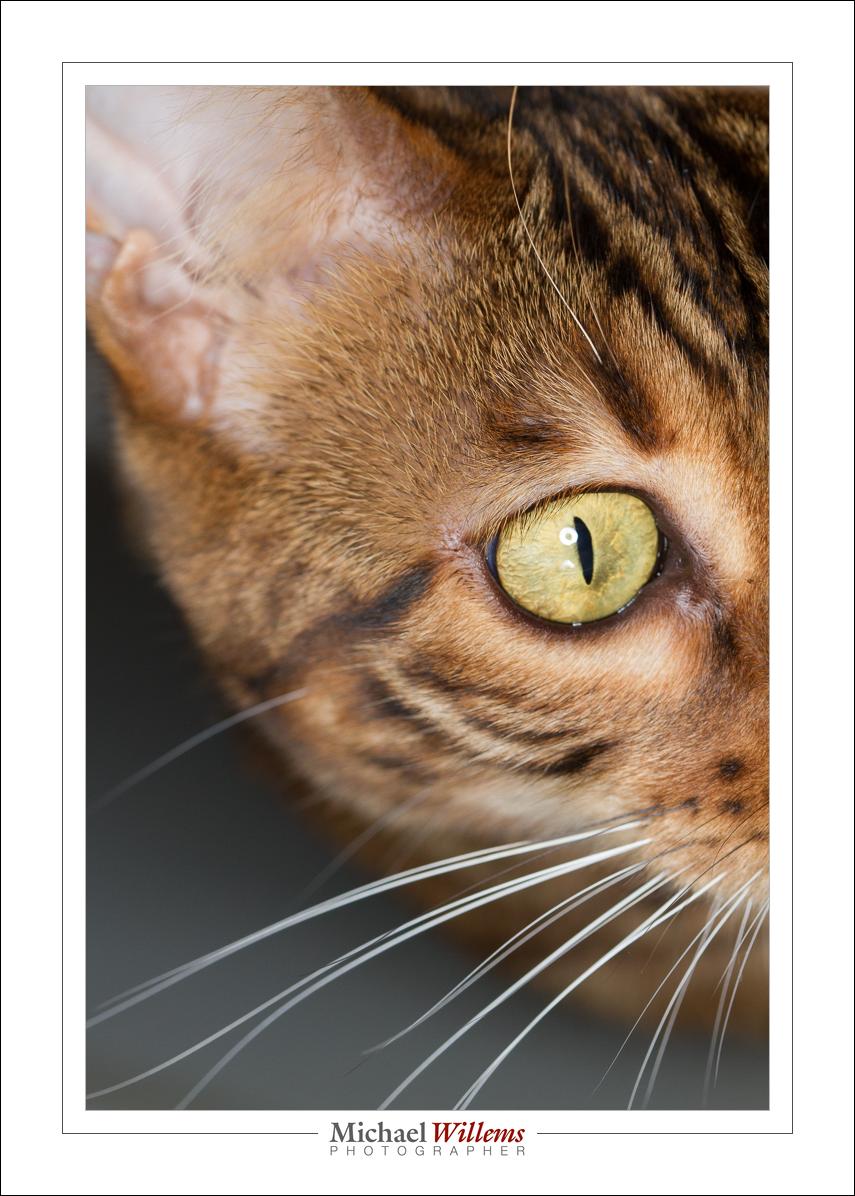
…cats! (Canon 7D with 100mm macro lens, f/5.6, 800 ISO, 1/125th, ring flash).


Before you know it.

I remember when my children were babies. Like yesterday. One day they arrive (and having put them in there in the first place, I watched them pop out too, and yes, I am sure the term “pop” is making it sound waaaay too easy); a few days later you are holding them on your shoulder while they struggle to lift their little heads. Everyone who has children will remember this. And everyone who has children will also share this experience: about three days later you blink and they have graduated university and have jobs and cars and cameras, and they help you do complicated things.

Time moves quickly. And you cannot get it back. Our time on this planet, in one of billions of solar systems in our galaxy, which itself is one galaxy among billions, is limited. We came from stars, and we shall all return to stardust very soon.

And alas, we cannot travel in time, except to “where the casement slowly grows a glimmering square” (that’s Alfred, Lord Tennyson for you, yes, he battled depression for most of his life).

We cannot travel in time… except through photography.

Which is why you should photograph your kids. Or better still, have a pro do it. Properly, artistically, in a way you can’t, unless you have read this blog and bought my e-books and practiced for 10,000 hours and bought cases full of equipment.

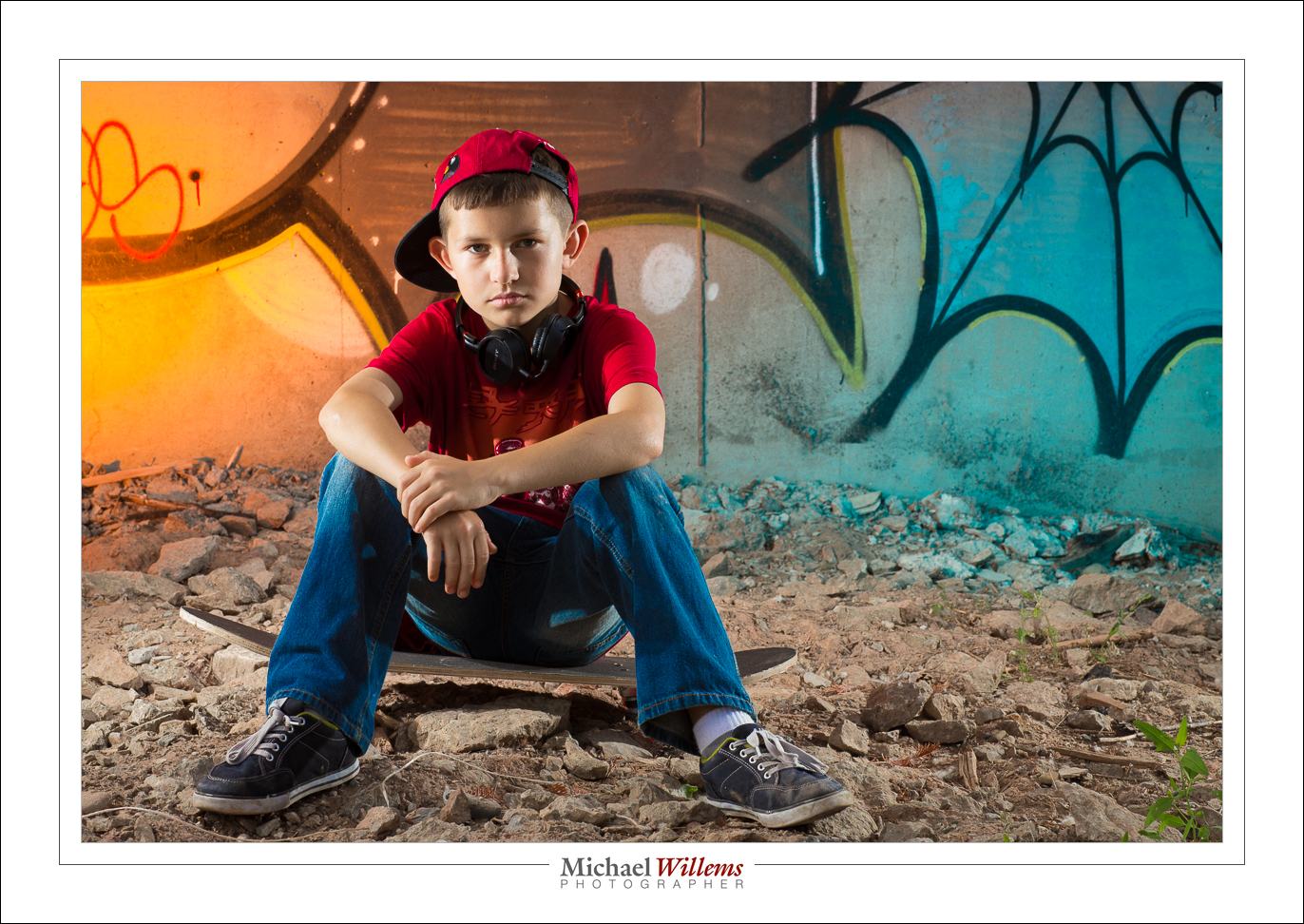
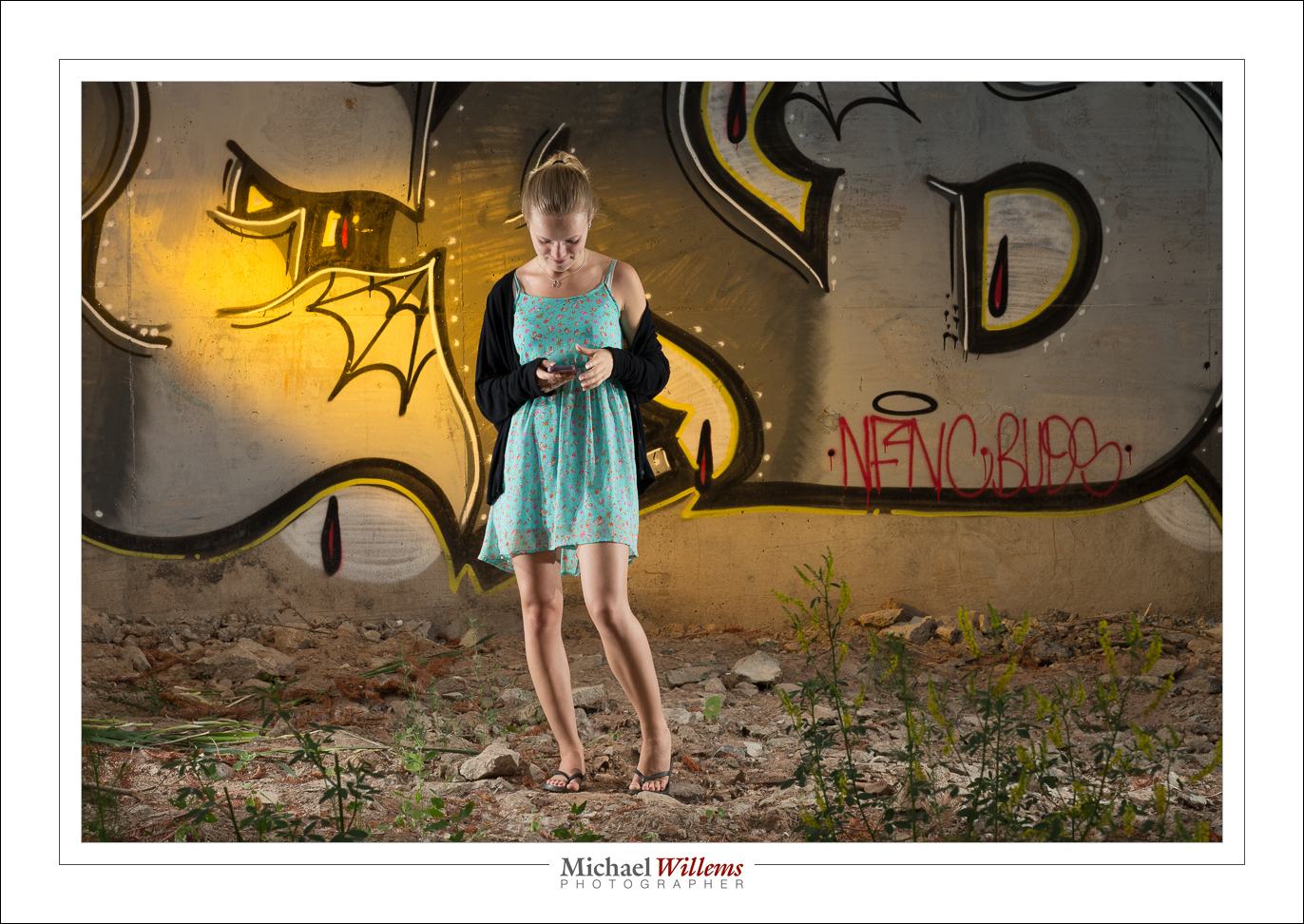
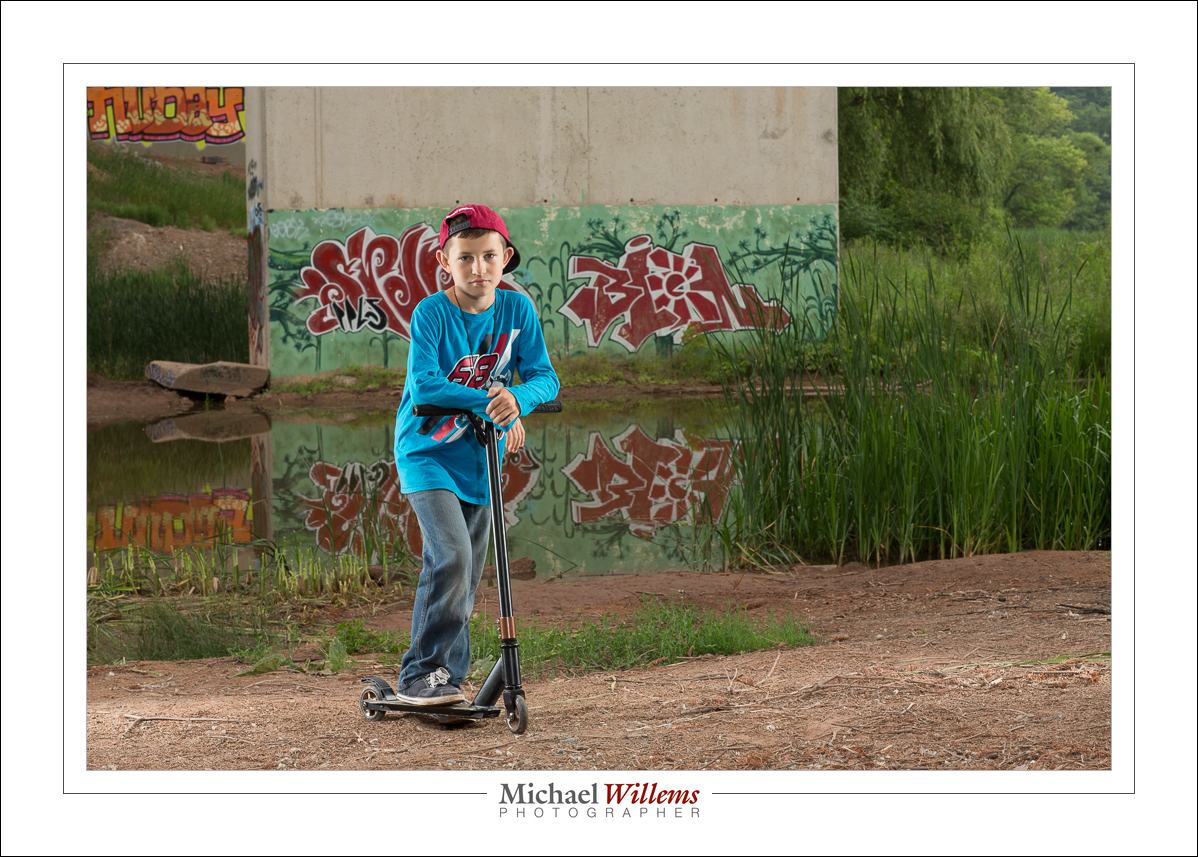
So photographing kids is what I did for a friend today. Together, we photographed her kids. One is 12, the other almost 20. And we did this in style. Outdoors, by a bridge with graffiti. Using six flashes and countless speedlights—well, six speedlights to be precise.

We pictured them doing what kids do:

(400 ISO, 1/125 sec, f/11)

(400 ISO, 1/125 sec, f/11)

Those pictures are basically straight out of the camera (“SOOC”). And I am sure mom will like them on the wall. And later, the kids, who soon will have their own kids, will love them too. Time travel: accomplished.

I only used my 85mm f/1.2 lens (my friend used her 85mm lens too); on a full-frame camera. The shots were taken outside, during the day, under a graffiti-loaded bridge.

This is a case of “light from behind, fill from the front”, but the fill was ambient light.

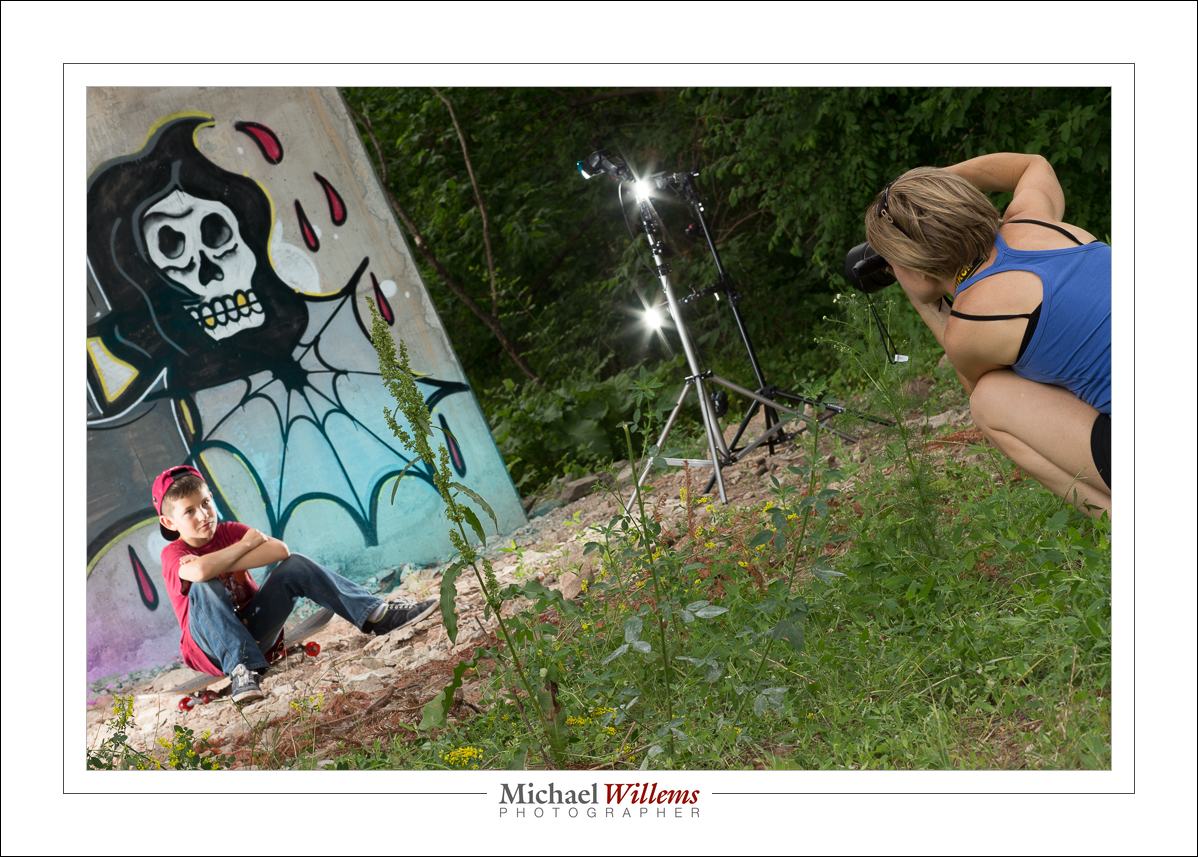
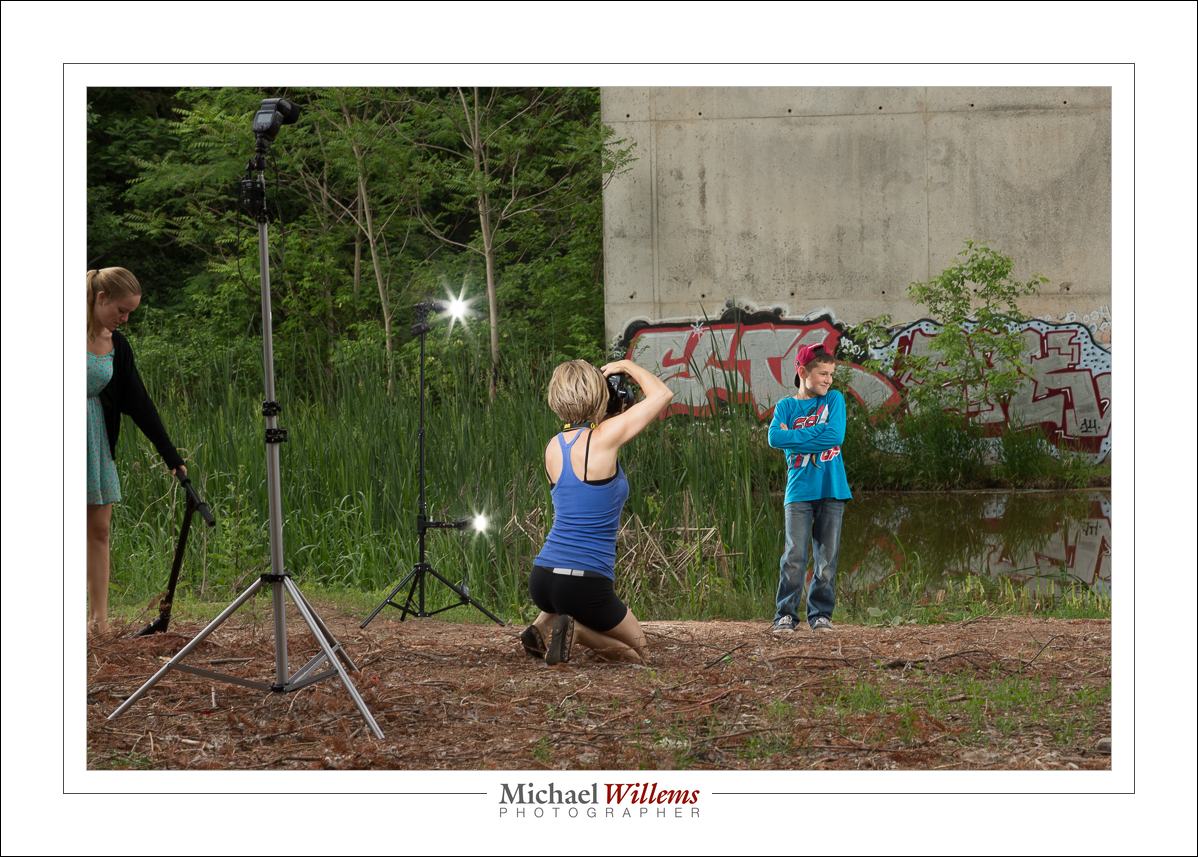
The subjects were lit with four flashes driven by Pocketwizard radio triggers. Four speedlights: two on each side, in each case on a lightstand. One high on the light stand, one lower; thus providing a vertical band of light. (One light would lead to the head being brighter than the legs, or vice versa).

The background was lit too: we used two flashes aimed at the background graffiti, each fitted with a gel for colour. We switched up the colours regularly.
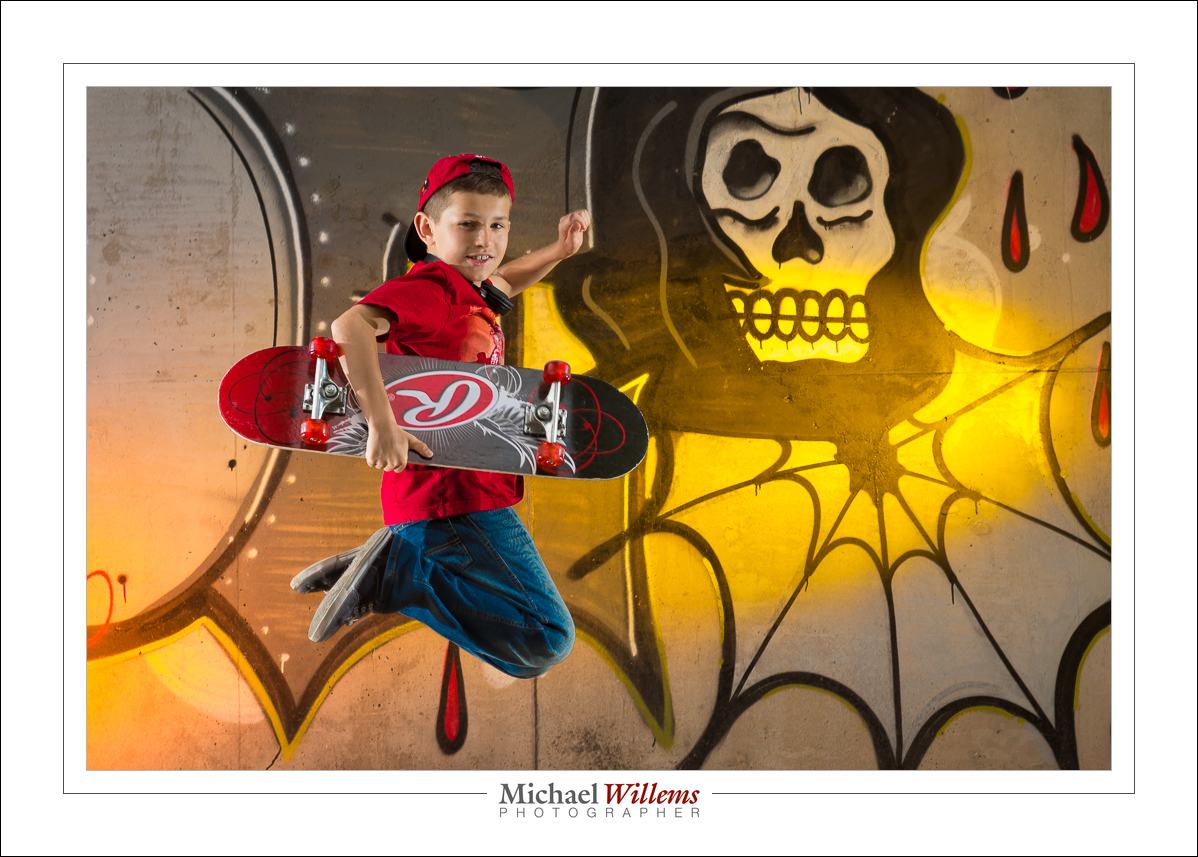
I set all flashes to manual mode, 1/4 power. 1/4 is a great starting point. At that power, f/8 should get you close. And indeed, little tuning was needed. I used the histogram to ascertain that the settings worked. I want to fill the histogram with light; I can reduce exposure later on the computer, if I choose. Also, 1/4 power means the flash can fire again rapidly and does not readily overheat.

Jumps are cool:

Getting close is cool, too:

Here, we did not use a light aimed straight from the camera onto the kids, because of the close wall: a nasty drop shadow would result. But aimed the other way, across the river, the wall was far, so there is no shadow problem:

(You see the reflections? If you have bought my last two books—see http://learning.photography—you will know that you always look for reflections).

And again, side lit from behind; this time with a fill light where we were. The fill light was set to 1/8 power, plus it was moved 40% further back than the other lights were (i.e., it was two stops darker: can you work out why?)

Here’s the pullback shot:

The technique described here works well, and if you master it, you will need to do very little “post” work. The images shown here are basically straight out of the camera—I took them just a few hours ago.

Last note. Why 400 ISO and 1/125 second? Because I also took some shots with my Nikon FE film camera and that has a flash sync speed on 1/125 sec and it is loaded with 400 ASA film. 🙂

_____

Now get some flashes and go wild. If you do not know how to do this, take some private training and I can teach you this stuff in a few hours. Go to http://learning.photography and book a one-on-one or small-group course now.

Alternately, just hire me to do your kids’ photos. You’ll have great pictures to remember today: once you have a photo, no-one can take today away from you. And, bonus: if you hire me, you will see how I do it and get what amounts to a free lesson along the way. Win-win.

It is truly worth doing: please, however you do it, do it and beat time at its own game.

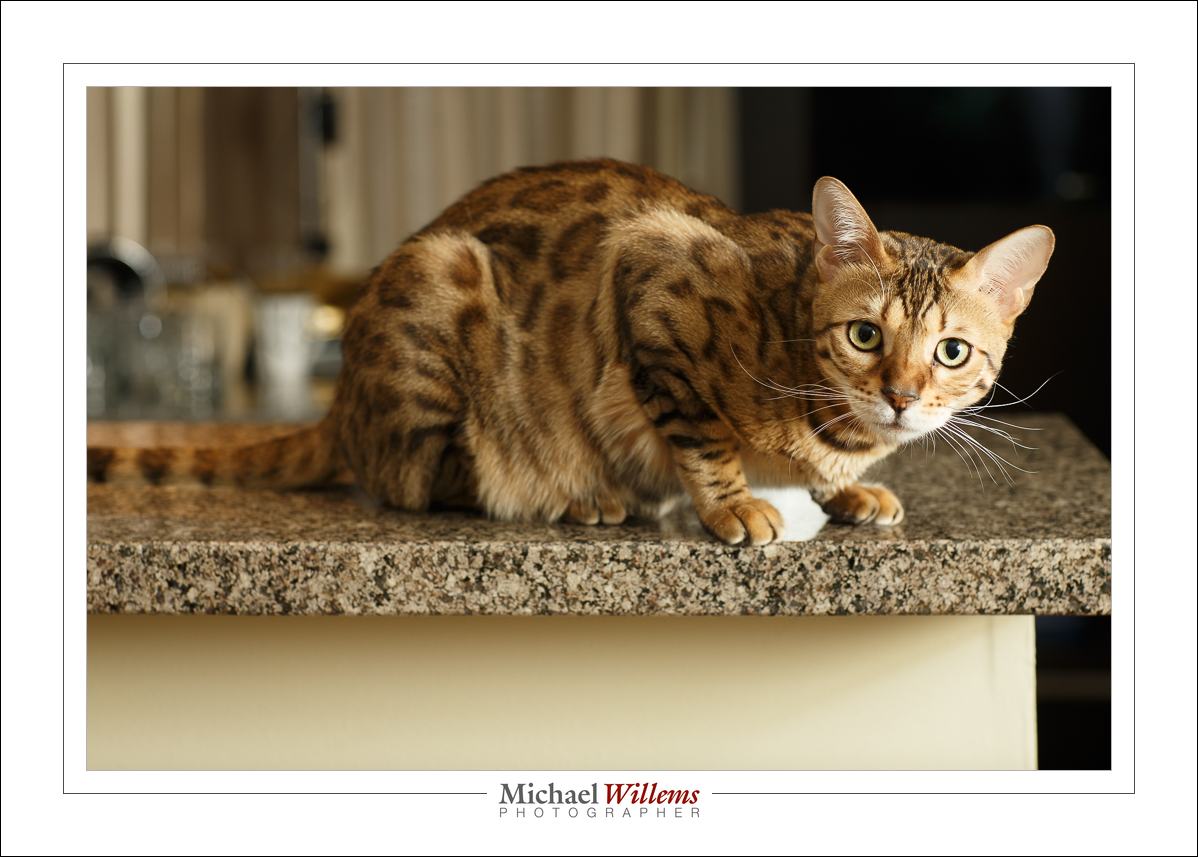
Sharp and crisp

Repeat after me: “Bright Pixels Are Sharp Pixels” (Willems’s Dictum).

And that is one reason Shiva is sharp here (see original size to really tell):

A major additional reason, which is touched upon in this article also, is the use of the flash: a flash gives us great light and high contrast; and it fires at 1/1000 sec at full power, so at quarter power, which is what my flash was set to, it takes just 1/4000 sec to light up the subject. That leaves little room for motion.

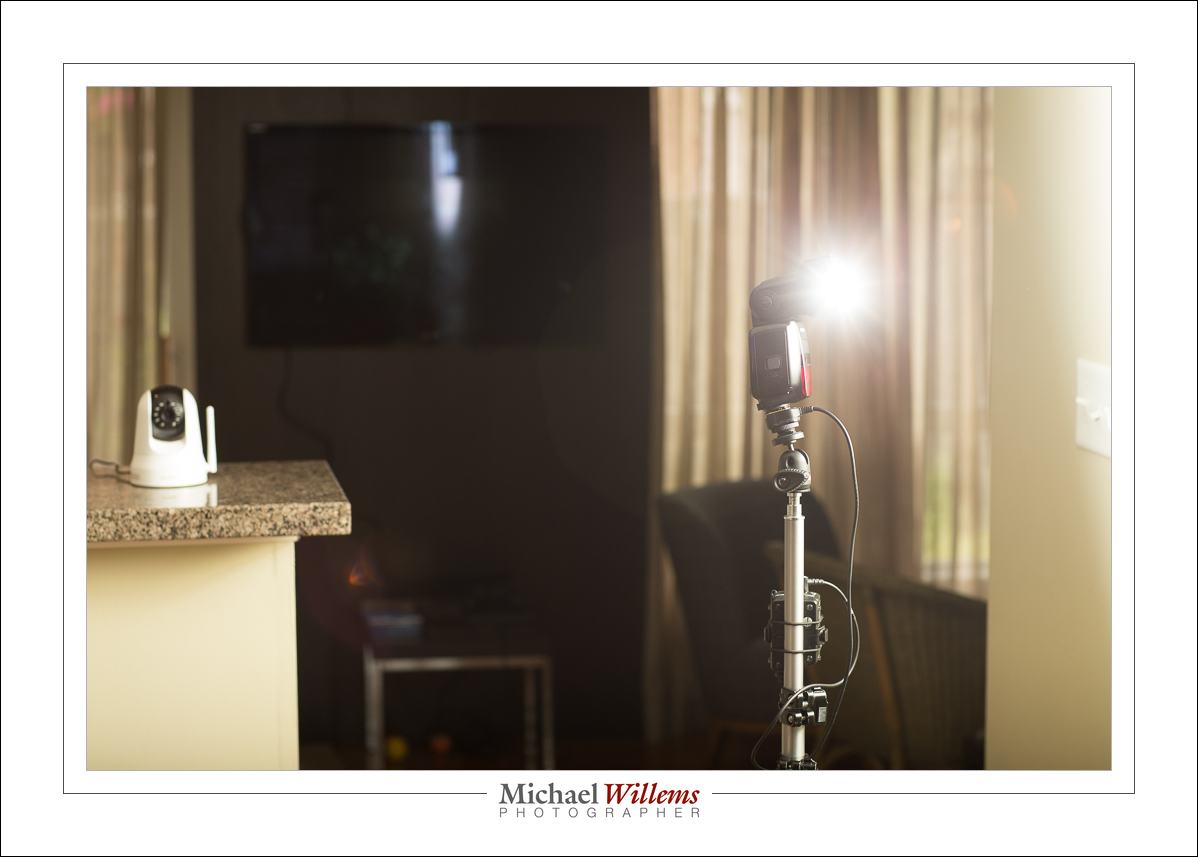
So I used a flash on a light stand:

As you see I bounced the flash off the wall. Flash fired via Pocketwizards, set to manual at 1/4 power, which on the camera needed f/4 at 1/250 sec, ISO 400 to light Shiva the cat properly. I used no light meter; just trial and error.

And that, as they say, is that.


Cast of thousands

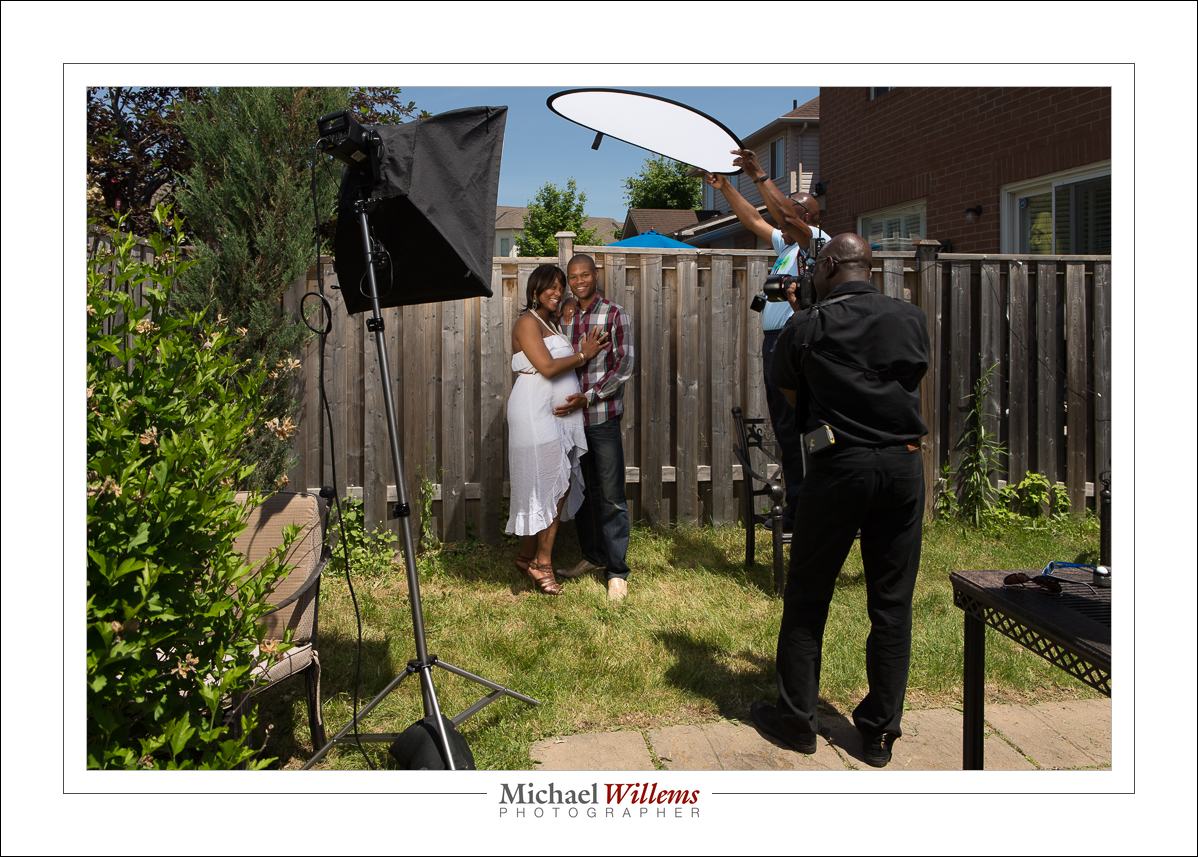
OK… cast of three. Three photographers, namely my friend Howard, his friend and fellow photographer, and myself, is what it takes to quickly do portraits in the sun. As we did today.

Here’s the setup:

Camera Settings—The camera is set to Manual mode, as follows:

  • ISO 100. Always use this value, in bright sunlight.
  • 1/250 sec. Always use this value, in bright sunlight. (Or whatever fastest shutter speed your camera can handle when using flash)
  • And the adjustable value is the aperture… to get the right saturated (i.e. darker) sky etc I set it to f/10.

The flash is a studio strobe with a battery kit; fitted with a softbox. It is 45 degrees above the subject, off to one side. It is fired via Pocketwizards and adjusted manually to match the f/10 value. A sandbag stops it from toppling over, which otherwise it would, in the slightest breeze.

Using A Scrim—A scrim (a reflector without the cover, making it a translucent area that lets through light but softens it) is used to stop direct light falling onto the subject. Look at these two: first without scrim, then with.

Look at the face and neck, and now look at face and neck in the “with scrim” sample:

Need I say more?

Why I Used Flash—if I had not used a flash, I would have needed three stops more light, and the picture would have looked washed out—the snapshot aesthetic:

It’s not bad, but it’s not great. My style is very different:

With a few minor adjustments to the flash direction:

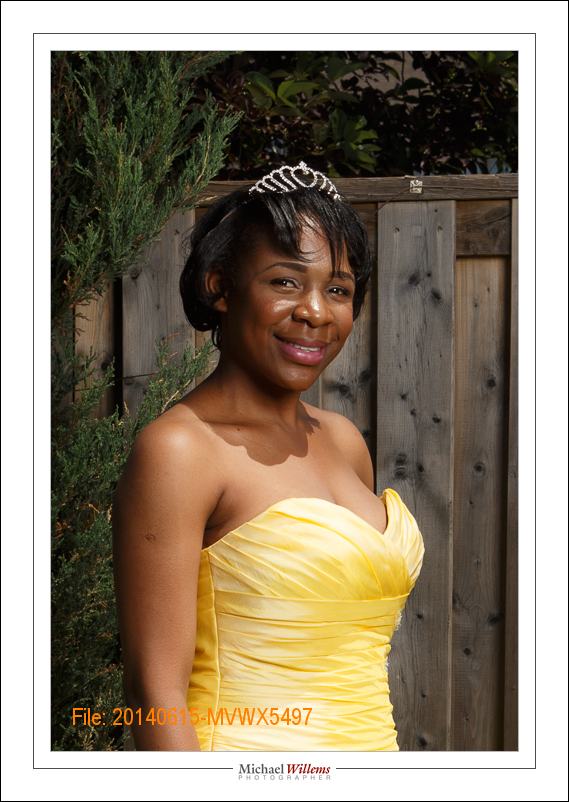
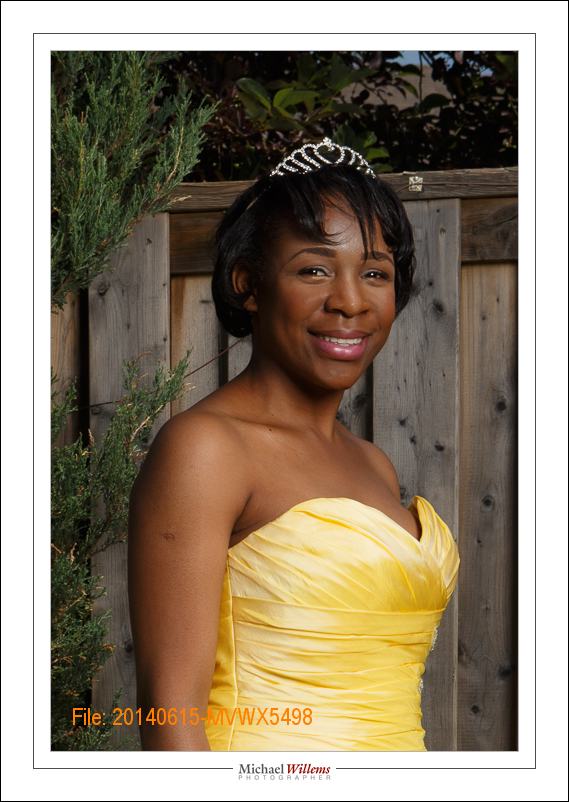
And there you have it. Straight out of camera, a nice portrait. And one more for good measure:

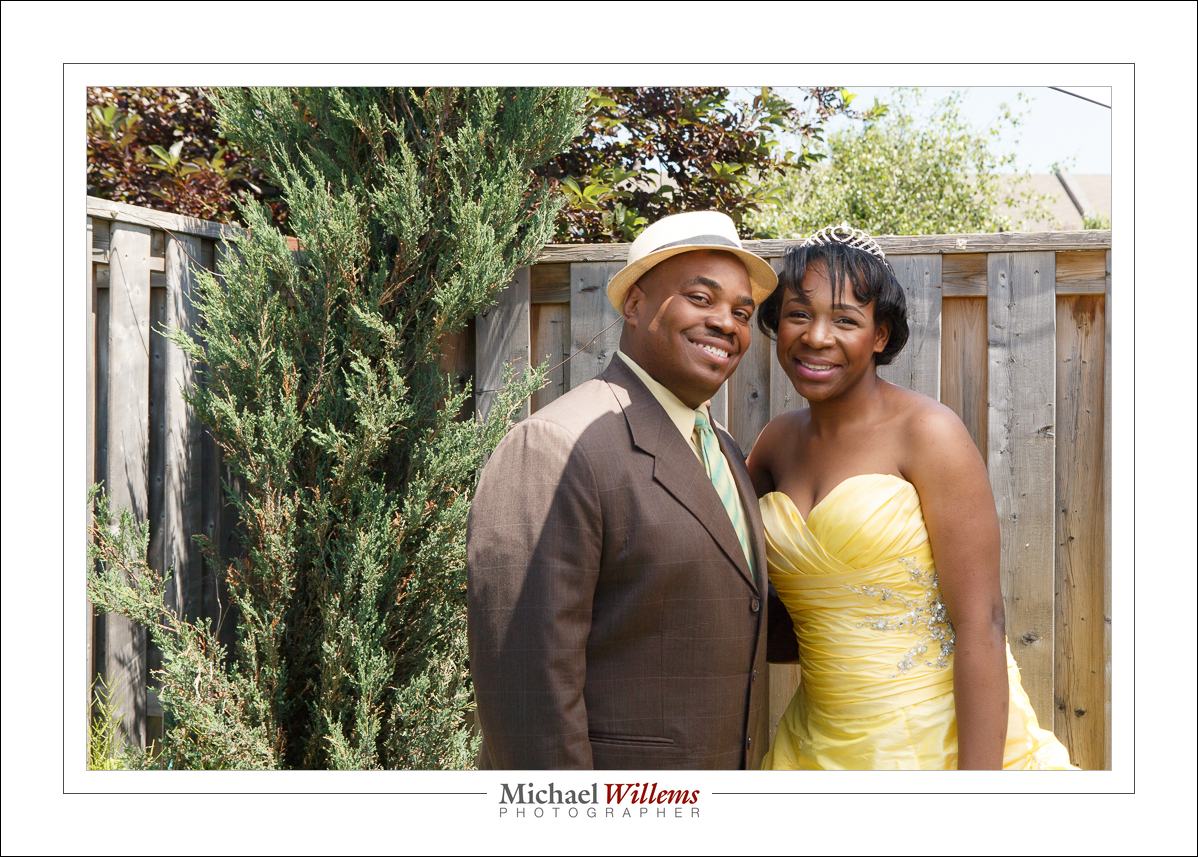
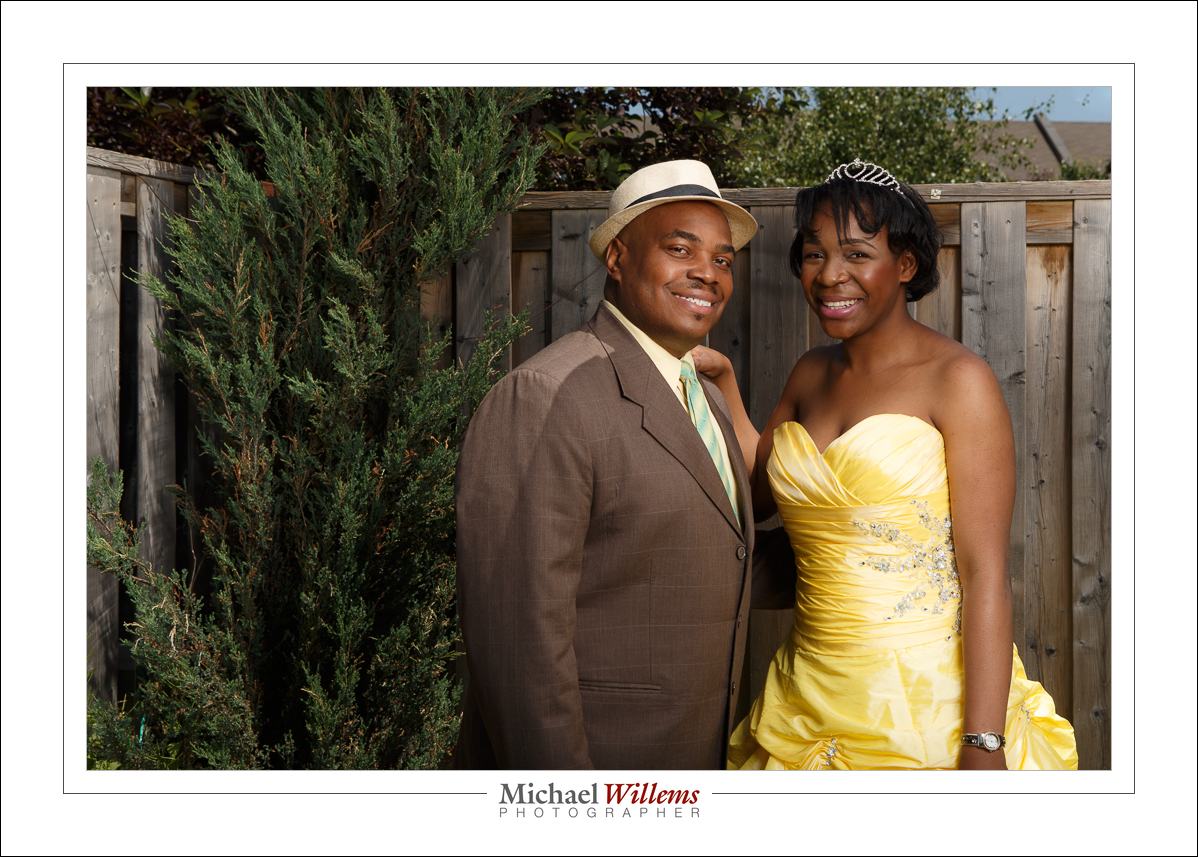
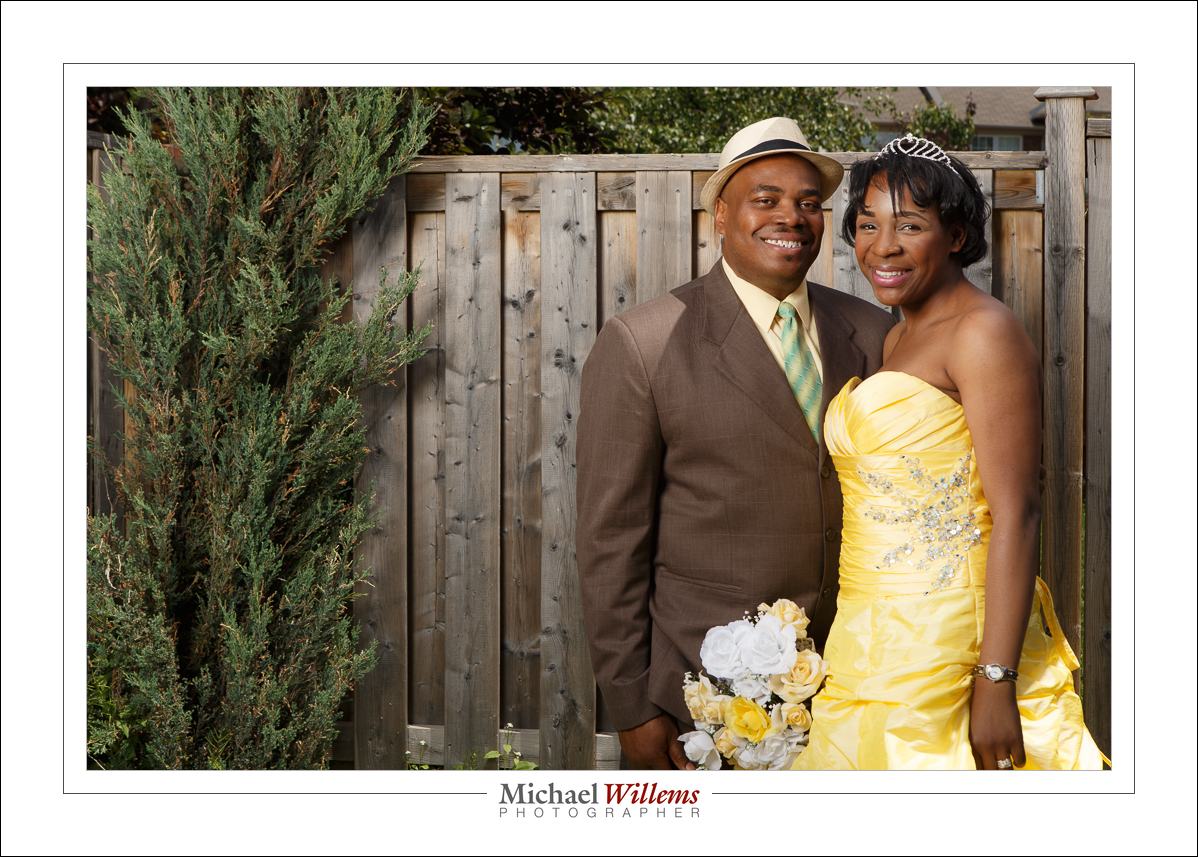
Mission accomplished: nice portraits made, portraits that reflect the subjects’ great, happy personality and as an extra, their excellent dress– and colour–sense. And portraits that elicit a “wow”, and that do not look like Uncle Fred’s work. And it’s all done in camera, not in Photoshop/Lightroom.

__________

You can learn this stuff too—see www.learning.photography and contact me to set up a training date.


Keeping it simple

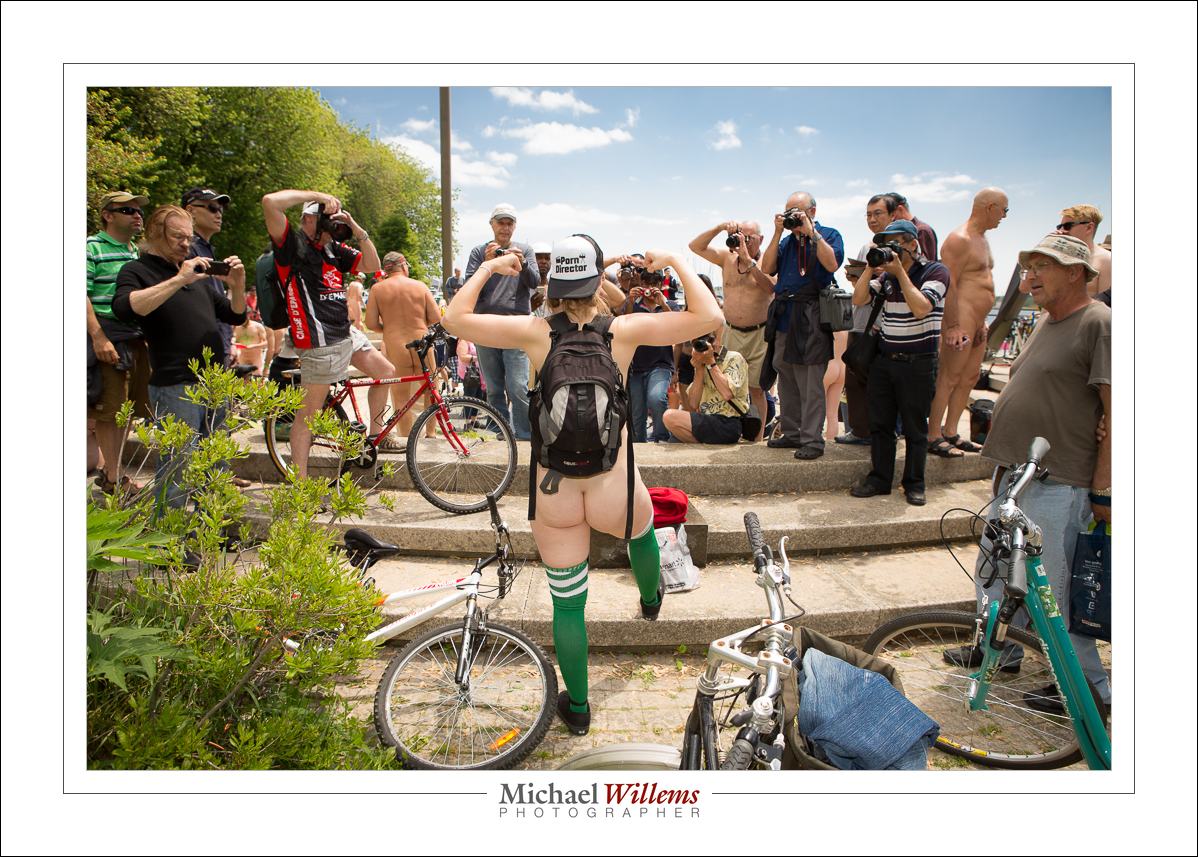
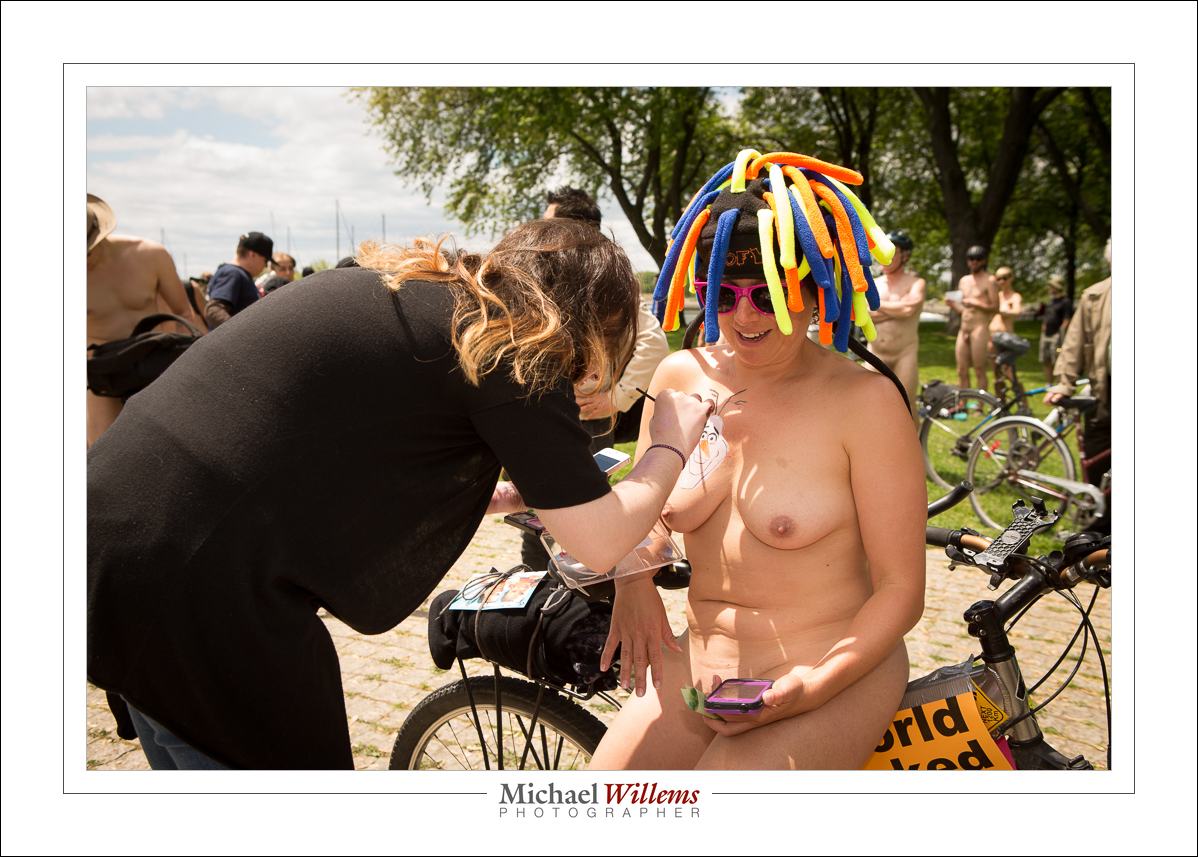
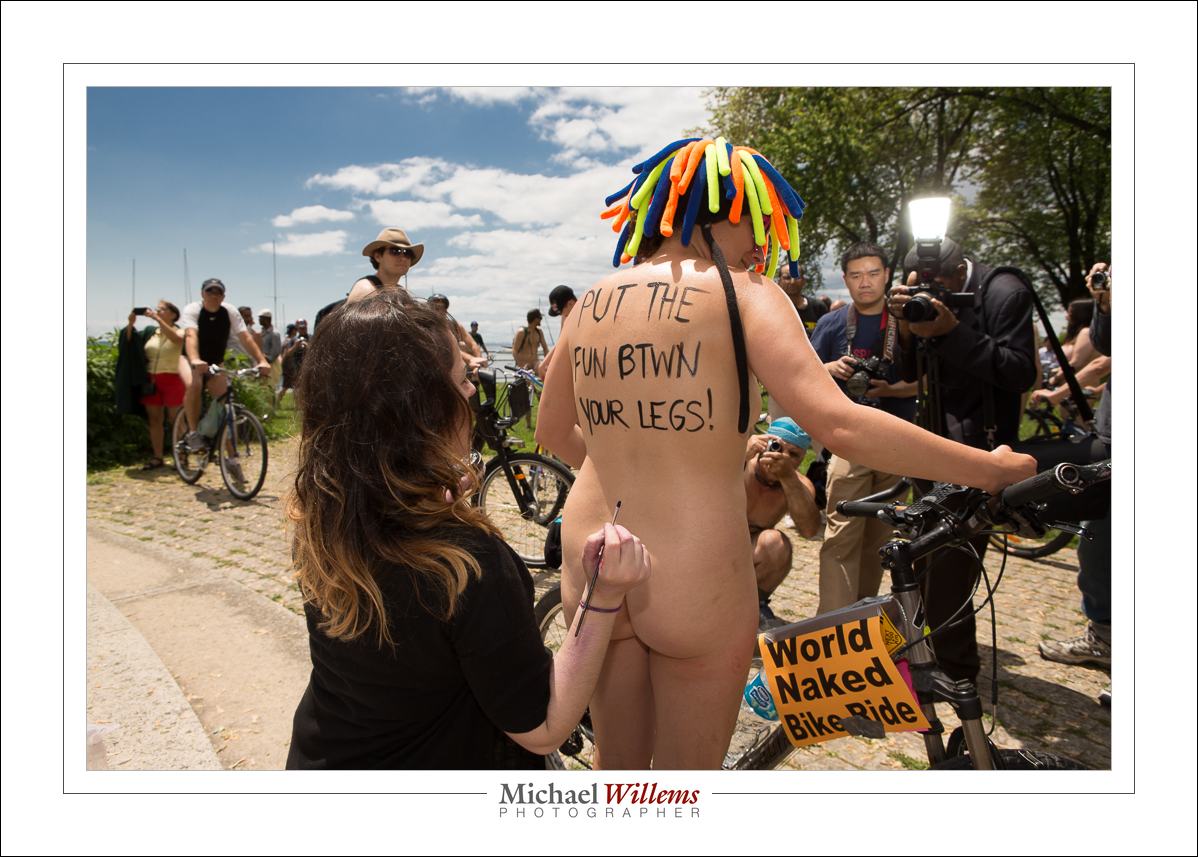
Today I shot some photos of the tenth Toronto Annual World Naked Bike Ride. So if nude human bodies offend you (and I truly hope they do not: I cannot see why they should), you do not need to read on.

If, however, you want to learn a little sunny day snap technique, read on.

Above: the snappers snapped. I photographed the “getting ready” part, in Coronation Park, right at the lakeshore in downtown Toronto. There are always curious people at an event like this who come out with their DSLRs to snap something that apparently they have never seen: “nude!!! women!!!”. My advice to those people: grow up, or at at least gather up some courage and get naked yourselves, too.

As a lens, I chose the 24-70 f/2.8 zoom. A zoom for convenience, and that one because it is razor sharp. Camera was the 1Dx.

And it was a mainly sunny day. Easy, therefore. Right?

No. Sunny days give contrasty light, ugly hard shadows, and washed out colours.  I want the opposite.

And to get that I want to use, you guessed it, my flash. That enables me to make the background a little darker, meaning saturated colours; and it fills in the shadows. Even a bare on-camera flash. So that is what I used. Without a flash I would have had to expose faces etc with ambient light, and the backgrounds would have had to be very bright. And washed out.

I want to not have too dark a background when I am using an unmodified on camera flash. So my technique is:

  • Camera on manual.
  • Flash in TTL mode, aimed straight ahead. I used a 600EX flash.
  • 100 ISO
  • 1/250th sec (synch speed)
  • Now choose an aperture that gives you a slightly dark background. Depending on cloud cover, this can be between f/5.6 and f/16. If your subject is not in direct sunlight, i.e. if you manage to find a little shade, you may well get away with f/5.6.
  • Constantly watch the light. If clouds cover the sun, be ready to go down in aperture number.

My aperture was between 5.6 and 11 for most of the day.

And as you see, the pictures have a nice vivid look. Without flash, I could not have done that. Take this:

1/250 sec, 100 ISO and f/6.3. If she had been entirely in the sun, I would have needed a higher f-number.

One more, and again you see the vividness, and the nice saturated colours, that only flash can help you achieve on a sunny day:

That was 1/250th, ISO100, f/9. So again, I watch the light constantly and adjust the f-number only.

Here, I am using f/5.6:

I.e. here I have a little more ambient light, for a lighter look. Each picture can be different; you need to get a feel for the light.

So in conclusion: for sunny day snaps, you’ll do better if you have a flash available. And in that case use ISO 100, 1/250th sec (or 1/200, if that is the maximum your camera handles with flash), and then just vary aperture from 5.6 up. Flash on TTL, perhaps dialled down a little (note: I say may because a Canon camera does this anyway if you have bright ambient conditions: it assumes that you want simple fill flash.)

Enjoy. (And I hope Naked News TV uses the interview they did with me!)

FOOTNOTE: last day for the Father’s Day Specials. Please check http://learning.photography for them. Portrait, lesson and book discounts for dad. Got to buy by tomorrow!


400-40-4 reminder

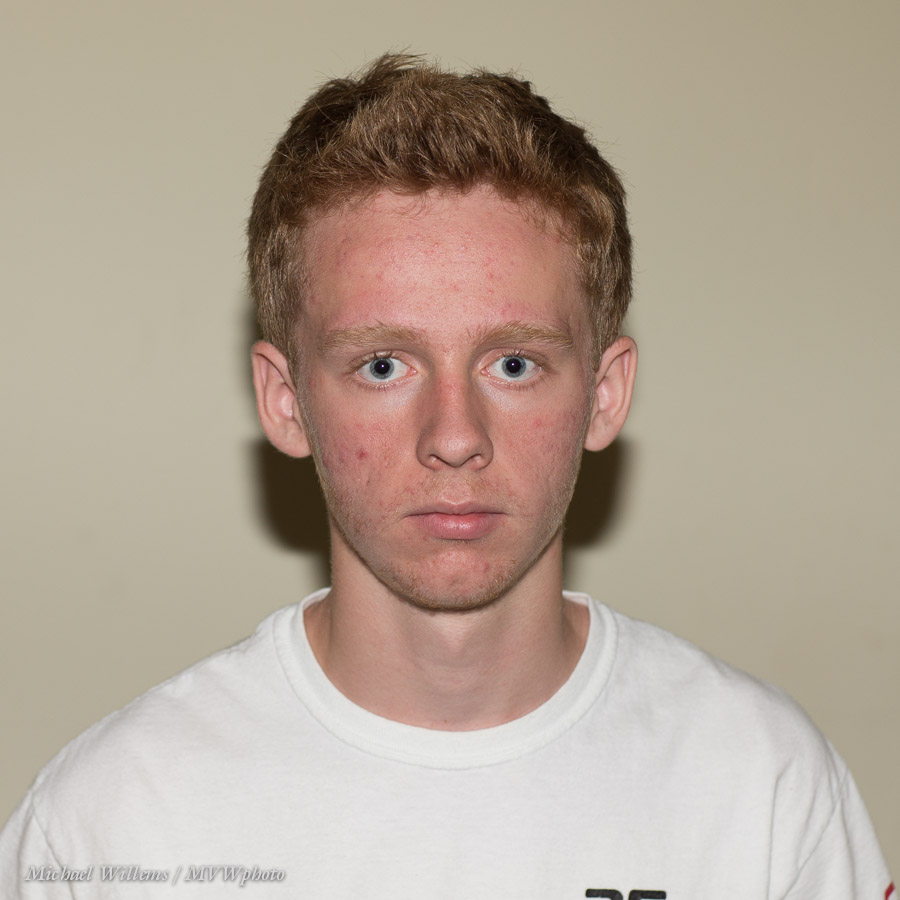
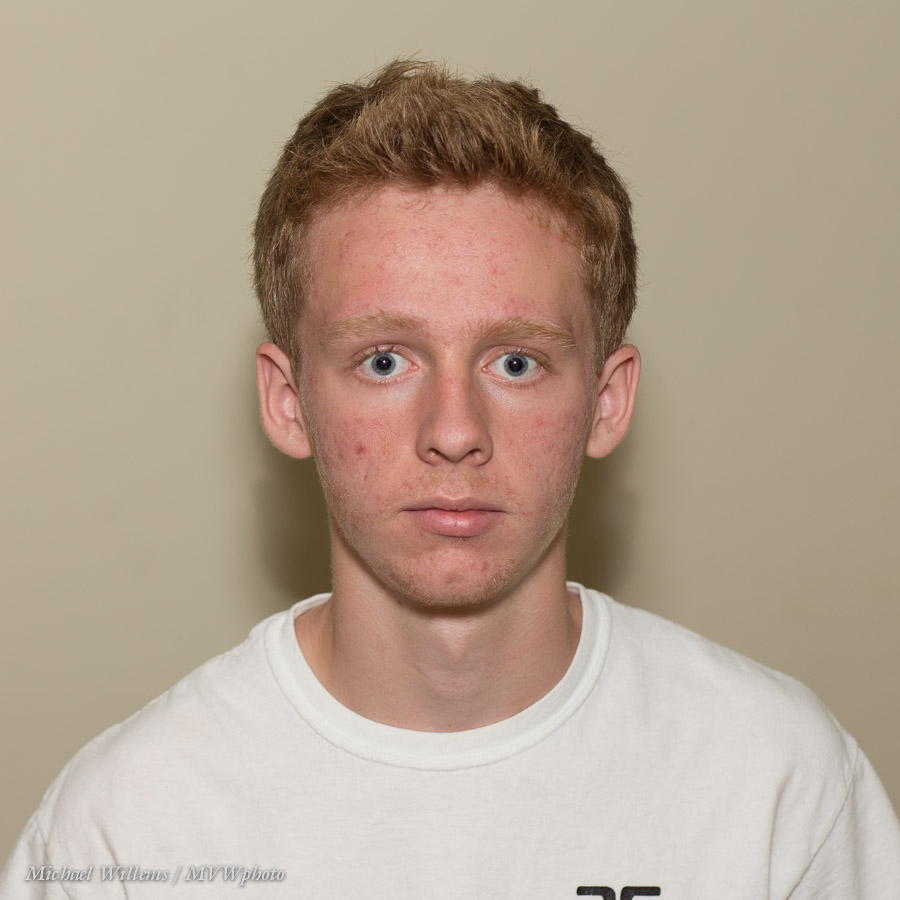
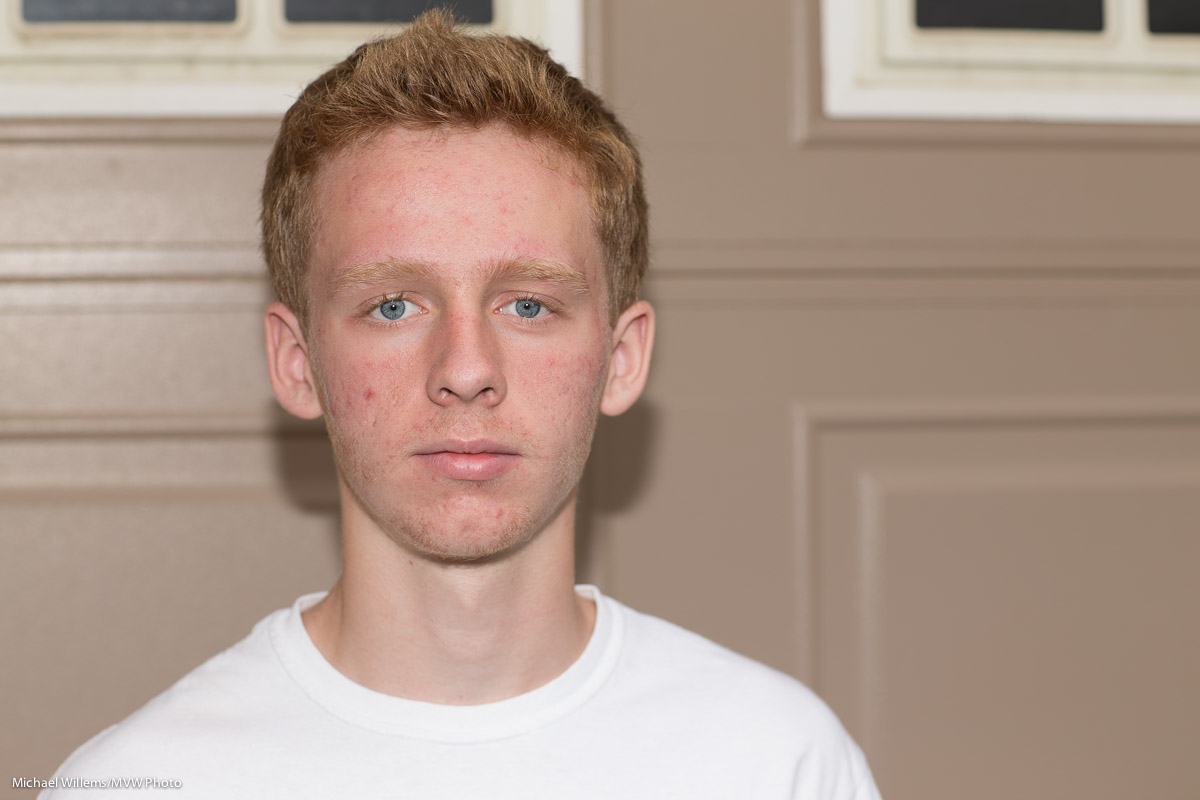
You remember the student I shot yesterday with split lighting? Well, here he is again, in the same classroom, a few minutes earlier, with the exact same conditions:

Compare the two.

Yesterday’s photo was made with the camera in “studio settings”, which makes indoors ambient go away. This one was shot using the well-known “400-40-4” settings of 400 ISO, 1/40 sec, f/4. The “indoors flash starting point“, if you will.

That makes ordinary indoors light a little brighter than it is (the room was fairly dark), but still about two stops below ordinary lighting; the subject is lit with my flash bounced behind me.

These two settings should be ingrained in your flash brain as good starting points for very different requirements. Study the two and associate each one with a setting.

___

Need to learn basic camera stuff? Do get my e-book “Mastering your DSLR”, which is available from http://learning.photography — and use the limited time discount code speedlighter on checkout for a 15% discount. Act now, temporary discount!