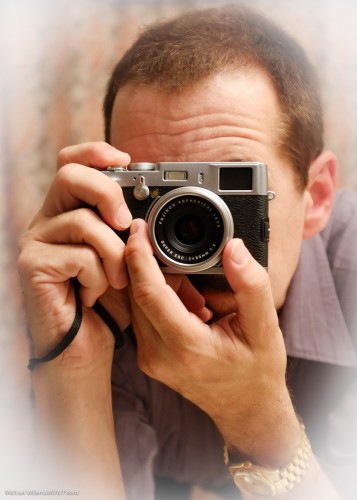
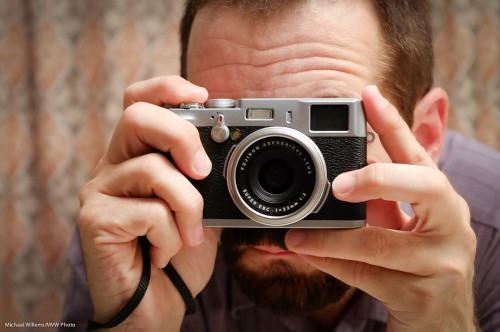
A few first impressions of the Fuji X100 camera:
This, like all my reviews, is a “first impressions from the field”. Not a full review: for those you can read dpreview.com and other sites.
These sites are great. But 23 pages of review are all very well: what do they really mean? I mean – to a user, a photographer, not someone who sits in his loft obsessing?
I have had my X100 for a day so I think I am qualified.
First, I upgraded the X100. And rather than by following the two-page instructions from Fuji that involve at least two files, I did it the simple way:
- Download firmware file (.DAT).
- Copy this to a freshly formatted card.
- Start camera with RAW pressed while powering on.
- Say YES to the upgrade dialog.
Done.
Why on earth Fuji needs to include an “upgrader app” file and spend two pages of convoluted instructions making it so complicated I would hesitate to do it, I will not understand. Engineers making it complicated again. I am an engineer so I can comment: KISS. Keep It Simple, Stupid.
On to the camera. I am not worried if the review (of the original, not upgraded) software says bad things about the firmware. I want to know what it means to me, not to a theoretical user. So “Auto ISO is hidden” does not bother me – I do not use auto ISO (or if I do, it’ll be all day, so I will find it). And interface stuff you can learn is not a serious drawback.
In a few words:
The camera is a delight. The hybrid electronic/optical viewfinder is a. ma. zing. The camera is well built. Retro looking. Solid. Offers excellent image quality. Has a JPG conversion engine that does a great job: this camera may be the first one in many years that I actually use in JPG mode. Great 23mm lens (equivalent to 35mm “real” lens).
So this is basically a Leica M9 at a fraction of the price?
Sure. But since there are no free lunches, what are the drawbacks?
That is what I am talking about because this camera is so good. Get one, unless one of the issues below is a showstopper for you. I am skipping through the trivial ones (“auto ISO is hidden”, “The ISO dial turns the wrong way”, and so on.). These, while true, are unimportant. But there are some real ones – “issues that could get in the way”, rather than “issues I’d rather see done some other way”. My main ones among these are:
- The focus points are hard to shift. I want a quick way to shift my focus point. I do this in every image. So it must be quick. Instead, I need to use both hands in unusual positions. I can never find the button without looking at the back, necessitating me moving the camera away from my face.
- Focusing in low light often fails.The battery/memory card door opens way too easily. Happens regularly.
- The central “Menu/OK” button is very hard to press, unless you have the fingers of a six month old embryo. You will inevitably press the other, surrounding, buttons instead.
- Battery life is not great if the “quick start” option (which is needed!) reduces it by half.
- Focusing is impossible at less than 80cm (ca 2.5 ft) unless you use the electronic viewfinder.
- Even with new firmware, startup time is slow.
- Not enough buttons are customizable.
- The maximum speed goes down with large ISO and aperture settings. At 400 ISO and f/2, the camera cannot shoot above 1/500th second, for instance. And the ND filter which was designed to handle this is many key-presses away.
These are not fatal, but they are the ones I really notice as a photographer. Many of them (though not point 3) will be solved in upcoming firmware, I imagine.
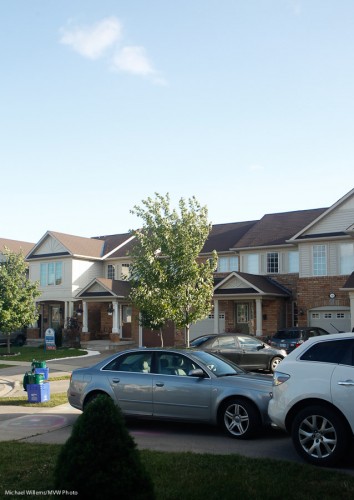
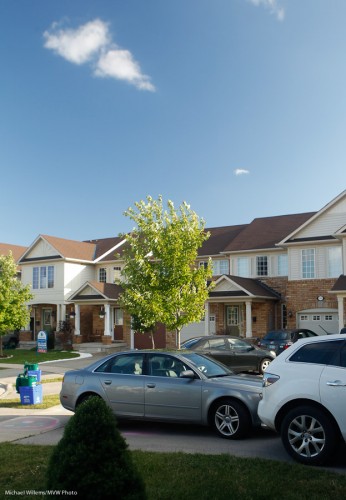
A few snaps (where as per previous posts, I make the viewer tell his or her own story):

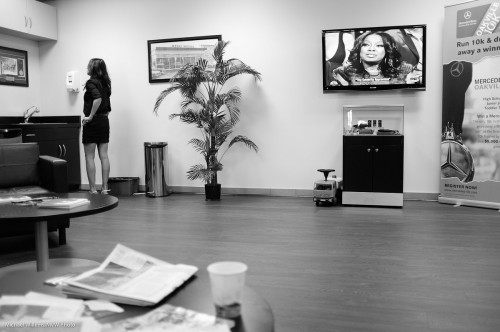


I think “street”… I cannot wait to get to Toronto to do some street photography with this wonderful camera. It’s winning – and not in the Charlie Sheen way.
Canadians: Happy Canada Day. More tomorrow.
Post Note: As reader Duke S. points out: I could well refer to this camera as “Preciousssss…”
Post post note: Second impressions and third impressions now also online here.